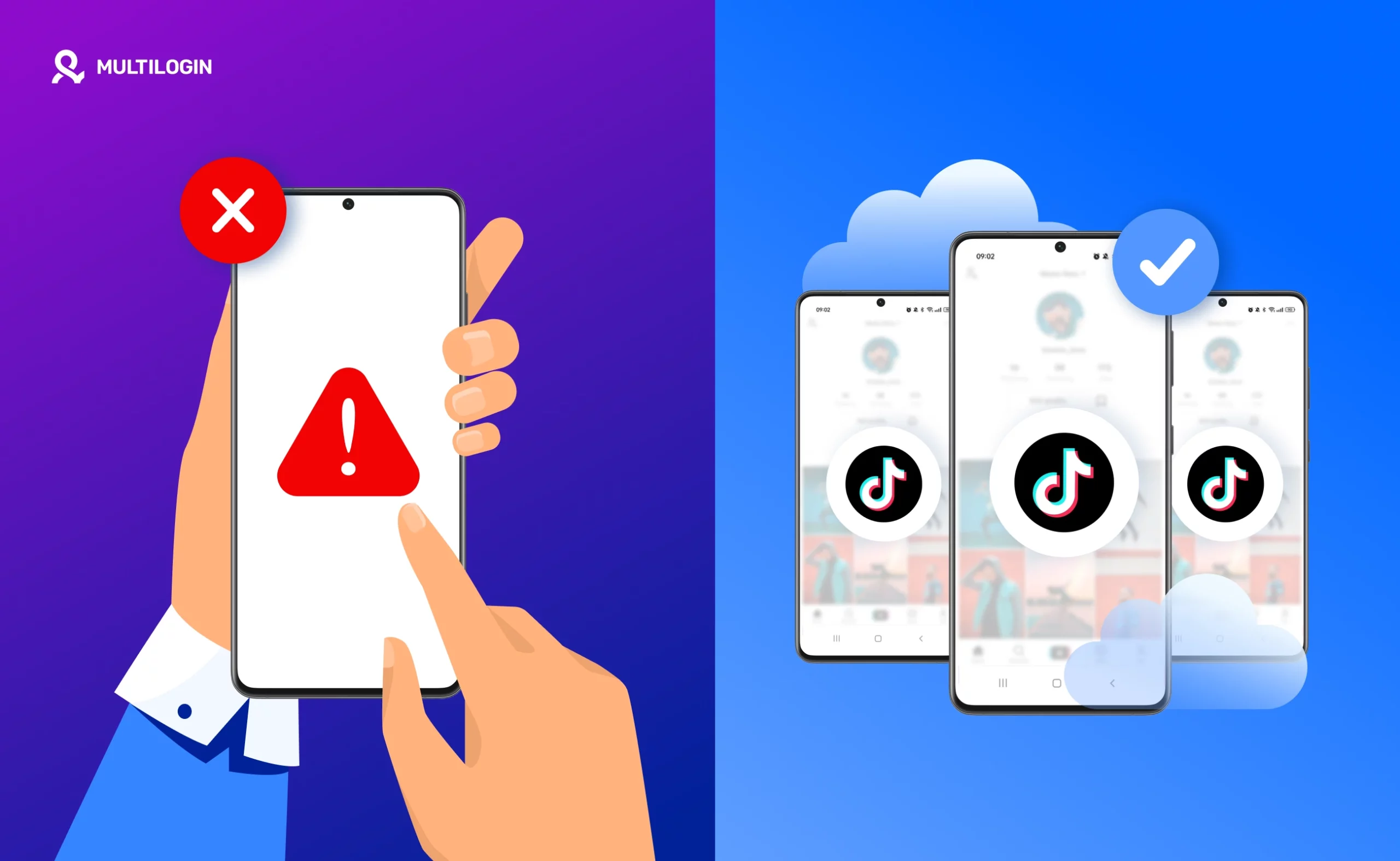



TL;DR
- An Android emulator is software that simulates Android on your computer. It was built for app testing, and it works fine for using one TikTok account from your PC.
- A cloud phone is a real Android environment hosted on servers and accessed remotely. Each one works as an independent device, with its own device signals, storage, and connection.
- For multiple accounts, the difference is in the signals. Emulator instances share the same computer and, without a proxy, the same IP. Cloud phones separate the device and network for each account.
- Neither one receives SMS. If TikTok asks for phone verification, you’ll need an outside number, such as your own or a separate SIM card.
- Rule of thumb: use a TikTok emulator for testing and occasional use. Use a cloud phone for accounts you need to keep running for months, with a team, and without surprises.
Why your environment matters as much as your content on TikTok
TikTok is a mobile-first app, and almost everything on the platform happens inside it. That’s why TikTok’s security systems are built around mobile signals: device model, OS version, sensors, app behavior, session continuity, and network patterns.
When an account runs in an environment that doesn’t behave like a real phone, the platform notices. Many account problems, like reach that suddenly drops, repeated verification checks, or restrictions with no obvious cause, don’t come from content or actions. They come from an environment that looks artificial.
This gets more serious once you run several accounts from the same phone or the same computer. TikTok’s Community Guidelines say you “can set up multiple accounts on TikTok to create different channels for authentic creative expression,” but they don’t allow using multiple accounts to get around the platform’s rules. In practice, the technical risk is in how accounts get linked. If they all share the same device and the same IP, TikTok can treat them as a group. If one gets restricted, the others can be affected.
Choosing between a TikTok emulator and a cloud phone comes down to how real you want your presence in the app to look.
What is a TikTok emulator?
An Android emulator is software that imitates the Android operating system on a computer. According to the official Android documentation, the emulator “simulates Android devices on your computer” so developers can test apps on many devices without owning each one.
That’s the starting point: emulators were made for testing. When people use an Android emulator for TikTok, it’s usually to:
- Open the app from a computer
- Access features that only exist in the mobile version
- Manage a small number of accounts by hand
It’s easy to install and usually free, which is why running TikTok on an emulator looks so appealing at first. But an emulator is still a simulation. It relies on virtualized hardware, shared system components, and your machine’s resources. That’s where the limits start.
What is a cloud phone?
A cloud phone is a real Android environment hosted on cloud infrastructure and accessed remotely.
Instead of simulating Android on your computer, you connect to a dedicated mobile environment that behaves like an actual device, with its own OS, storage, device signals, and network setup. From the platform’s point of view, a cloud phone looks much closer to a physical smartphone than an emulator does.
Cloud phones are built for:
- Using accounts over the long term
- Keeping each account clearly separated from the others
- Stable day-to-day management
- Team access without anyone sharing a physical device
How TikTok sees each environment, signal by signal
Android apps can check whether they’re running on a trustworthy device. Google’s Play Integrity API is one example: it helps apps detect “untrustworthy devices, or emulated environments” using hardware-backed security signals. TikTok doesn’t publish which checks it uses, but the logic holds for any app with strong security: the more an environment looks like a real phone, the less attention it draws.
Signal | Android emulator | Cloud phone |
Device model | Virtual profile, set up in software | Real smartphone model |
Hardware identifiers | Virtual components that can repeat across instances | Its own identifiers for each device |
Android integrity checks | Emulated environments are one of the things these checks look for | Runs in a real Android environment |
Network and IP | Your local connection’s IP, unless you set up a proxy for each instance | Its own connection for each phone |
Session continuity | Depends on your computer staying on and stable | Runs on servers built for continuous use |
Account separation | Instances share the same computer underneath | Each phone is an independent environment |
5 differences you’ll notice in practice
- Environment realism. An emulator reuses virtual components that platforms can recognize. A cloud phone works as an independent mobile environment that behaves like a real device.
- Day-to-day stability. An emulator runs on your computer’s CPU, RAM, and graphics card. Android’s own documentation recommends 16 GB of RAM for a smooth emulator experience. As you add more accounts and apps, crashes and slowdowns become routine. A cloud phone runs on server infrastructure built for continuous use.
- Account isolation. Multiple emulator instances often share system traits underneath. Cloud phones are separated from the start: each one works as its own device.
- Scale. Managing two or three accounts on an emulator can work. Managing dozens gets fragile. Cloud phones are built to grow without losing performance, because they don’t rely on your machine.
- Detection risk. From the platform’s point of view, an emulator’s fingerprint is easier to classify as synthetic. A cloud phone produces mobile signals much closer to a regular user’s behavior.
Side-by-side comparison by criteria
These are the criteria that matter most to anyone running multiple accounts. Multilogin data checked against its official pricing page in October 2026.
Criteria | Android emulator | Multilogin cloud phone |
Cost per account | Software is usually free; the real cost is a powerful computer and separately purchased proxies | Free plan with 5 profiles; paid plans from $7.08/month for 10 profiles (about $0.71 per profile), proxy included |
Separate device | No; every instance runs on the same computer | Yes; each account has its own phone |
Separate IP | Only if you set up a proxy for each instance | Yes; residential proxy per phone, included in the plan |
Team access | Tied to one machine; needs remote access | Through the dashboard, with permissions and no password sharing |
Setup time | Minutes per instance, plus setting up each proxy | 1 to 2 minutes to start each phone |
Stability with many accounts | Drops as instances compete for your PC’s resources | Doesn’t use your computer’s resources |
Receives SMS | No | No |
Signs your environment is hurting your accounts
Problems from an artificial environment rarely show up on day one. They appear gradually, and a lot of people blame their content when the cause is the setup. Watch out if:
- Reach drops on several accounts at once, with no change in the type of content
- TikTok keeps asking for identity or phone verification
- Accounts get logged out on their own or lose their session after crashes
- A restriction on one account is followed by problems on the others
- The app freezes or crashes when you open more than two or three accounts on your computer
If you see two or more of these signs, it’s worth reviewing your environment before you change your content strategy.
Where Multilogin cloud phones go further
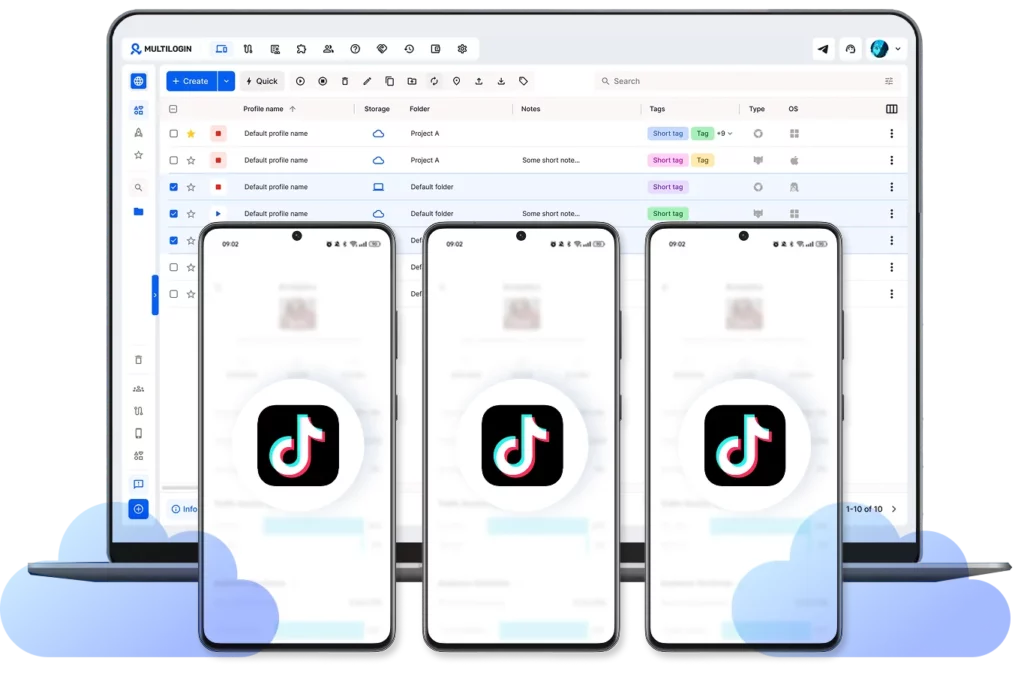
Most cloud phone tools just give you access to a remote Android device. Multilogin is built for something broader: managing social media accounts at scale on one platform. Instead of treating cloud phones as a standalone feature, it brings two environments together:
- Cloud phones for the TikTok app and other mobile-first platforms
- Browser profiles for web-based work, like TikTok Studio and TikTok Shop
That way, your team manages app and browser accounts side by side, with the same permissions and the same structure, without switching tools.
Real device models. Multilogin cloud phones aren’t generic Android setups. You can choose from about 30 real models across 12 brands, such as Samsung, Google Pixel, and Xiaomi, running Android 10 to 15. Device identifiers match the model, so the account meets what the platform expects from a phone, instead of you working around technical limits.
A network that behaves like a real user’s. Each phone connects through its own residential proxy, included in the plan, and keeps the same location over time. That avoids sudden signal changes, which often trigger extra checks.
Built for teams. Each person gets access to the phones they need, with set permissions, and no one has to send account passwords over chat. Sessions stay stable even when more than one person works on the same account.
Limits to keep in mind:
- Cloud phones can’t receive SMS or calls. If TikTok asks for phone verification, use your own number or a separate SIM card.
- The Pro 10 plan includes 60 mobile minutes per month. If your phones stay on for long stretches, you’ll need extra minutes. Measure your usage on the free plan before choosing.
- On the free plan, minutes and proxy traffic don’t renew, team access isn’t included, and profiles are deleted after 7 days of inactivity.
- A separate environment doesn’t fix content problems. Posting the same video across all your accounts at once is still risky.
Plans: free, with no time limit and no credit card. Paid plans start at $7.08 per month for Pro 10, with Pro 20 and Pro 50 options, and Business plans starting at 100 profiles.
Which should you use: TikTok emulator or cloud phone?
Your situation | Best option | Why |
Testing the app or an Android feature on your PC | Android emulator | It’s what emulators are built for |
One personal account, occasional use | Emulator or your own phone | No other accounts to protect |
Multiple client or brand accounts | Cloud phone | Its own device and network for each account |
A team working on the same accounts | Cloud phone | Dashboard access with permissions |
Affiliate marketing or TikTok Shop | Cloud phone + browser profiles | App and TikTok Studio on the same platform |
Checklist: moving from an emulator to a cloud phone
- List the accounts running on your emulator and note the phone number or email used to verify each one.
- Create a free Multilogin account and set up your first cloud phone, choosing the device model, Android version, and location.
- Install TikTok from the Play Store and log in. Keep the account’s phone number handy in case TikTok sends an SMS code.
- Move one account at a time, starting with the least important ones.
- Keep each account on the same cloud phone every time, so the device and location stay consistent.
- For the first few days, use the account naturally before going back to your normal posting schedule.
Choosing the safer path
Managing TikTok accounts today isn’t just about content and campaigns. It’s also about the environment behind each account.
A TikTok emulator works for testing and occasional use. But once account management becomes ongoing, with multiple accounts or a team, its limits are hard to ignore: shared components, unstable sessions, and artificial device signals all add risk over time.
Cloud phones give you a more realistic and stable foundation, because they work as independent mobile environments, closer to what TikTok expects from a real user. The more realism and control you have, the lower the risk.
Start with Multilogin’s free plan to try cloud phones and browser profiles with no commitment, and move to a paid plan when your operation needs it.