Discord Proxies FAQ
What is a Discord proxy?
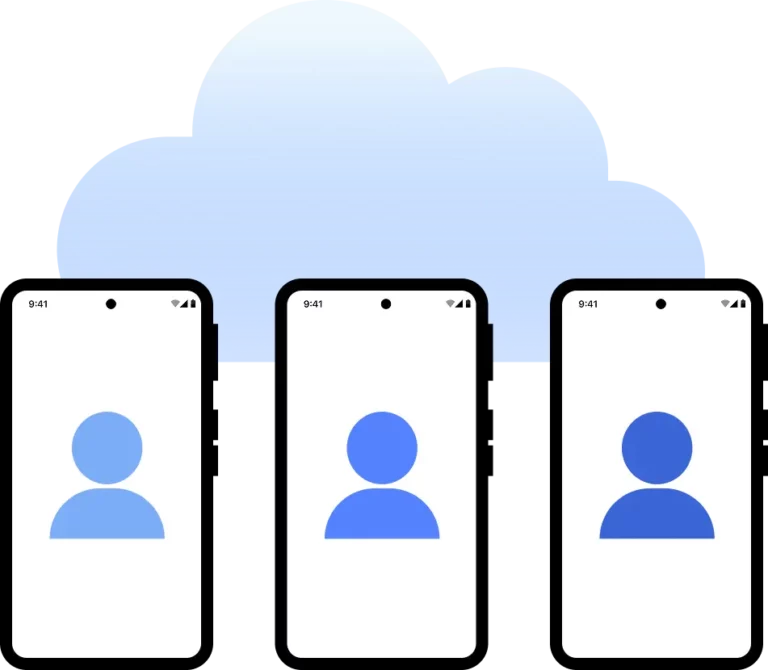
A Discord proxy works as an intermediary server, letting you connect to Discord using a different IP address. This method enhances your privacy and reduces the likelihood of your accounts facing bans. With it, you can easily handle multiple accounts and avoid detection.
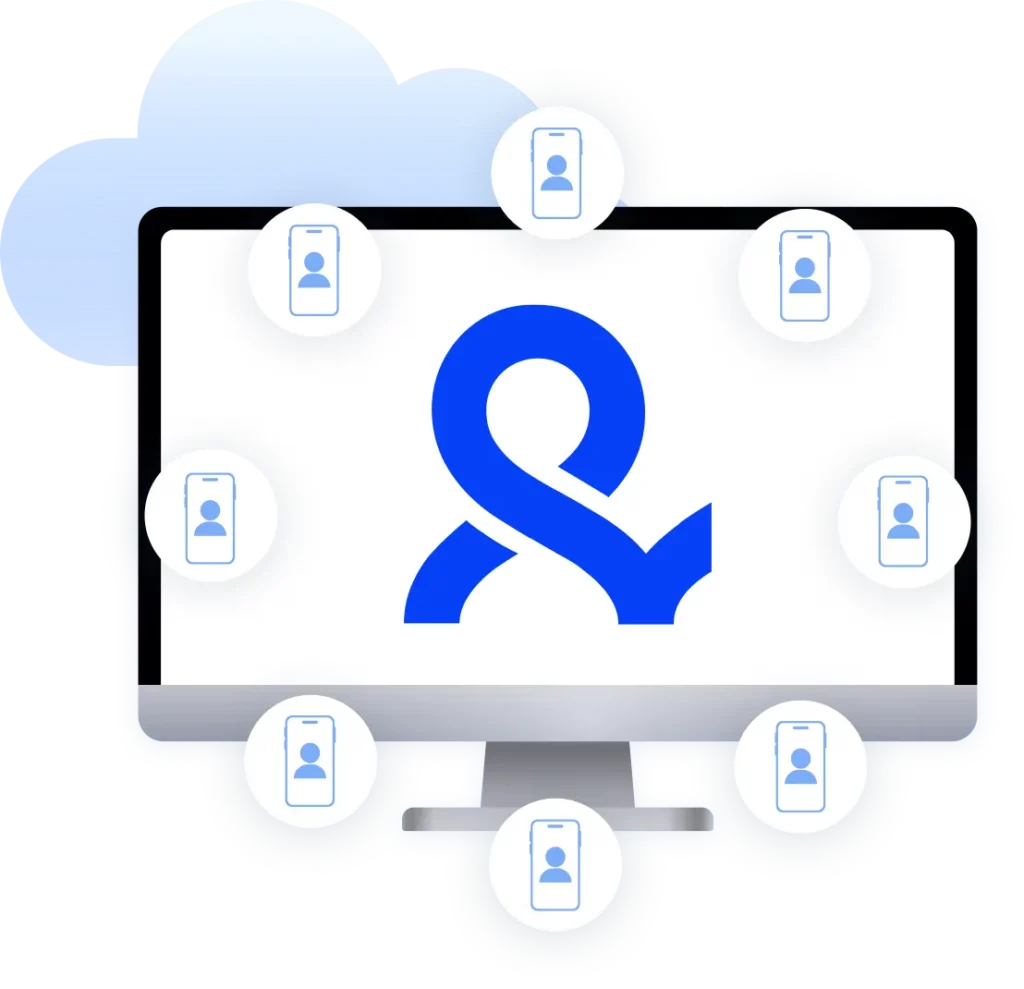
With Multilogin’s built-in residential proxies, you can confidently manage several Discord accounts, each with its own IP address, significantly reducing the likelihood of facing flags or restrictions.
Why use Discord proxies?
For anyone who needs several Discord accounts—whether for managing bots, gathering data, or keeping personal and work accounts separate—Discord proxies are invaluable. These proxies hide your actual IP address, enabling each account to operate easily without triggering Discord’s security warnings.
With Multilogin, you get reliable residential proxies right within the platform. These high-quality IPs reflect typical user activity, making them a great choice for safely managing multiple accounts.
Are free proxies for Discord safe to use?
Free proxies often come with reliability and security issues—they can expose your data or lead to unexpected disconnections. Such disruptions may catch the attention of Discord’s security, raising the risk of account bans.
Multilogin’s built-in proxies, on the other hand, provide stable, secure, high-quality IPs that integrate easily with Discord, letting you operate safely without the typical concerns linked to free proxies.
Can I use third-party Discord proxies with Multilogin?
Yes, Multilogin allows you to use third-party proxies to connect to Discord, giving you the flexibility to choose proxies that best fit your needs.
With support for a variety of proxy types, Multilogin makes it easy to import and manage your own proxies within the platform, making it an adaptable platform for any task you need to handle on Discord.
How does a proxy for Discord help avoid account bans?
A proxy helps avoid account bans on Discord by rotating IP addresses, masking your actual location, and preventing suspicious activity patterns. Proxies play a key role in simulating a regular user profile.
Multilogin antidetect browser optimizes for Discord, with advanced fingerprinting that complements the proxy’s settings. This guarantees that each account works like a unique user, lowering the risk of bans.
Is it easy to set up a Discord proxy on Multilogin?
Setting up a proxy for Discord on Multilogin is straightforward. The platform simplifies proxy configuration, allowing you to set up proxies with minimal effort and start managing multiple Discord accounts right away.
Multilogin provides an intuitive setup process, and you can easily assign different proxies to each profile, making it easy to run multiple Discord accounts safely.
How can Discord proxies improve account security?
Discord proxies boost account security by concealing your real IP address, helping prevent bans or suspensions linked to multiple logins from the same location. This is particularly useful for users handling several accounts from various regions or those involved in automation activities.
Multilogin’s built-in proxies offer advanced IP masking techniques to help you secure your Discord accounts, providing safer access without the risk of detection. Each session functions as a unique profile, guaranteeing account activity stays separated and secure.
Are Discord proxies and VPNs the same?
No, proxies and VPNs serve different purposes. They mask your IP for specific apps, like Discord, while VPNs route all internet traffic through an encrypted server. Proxies generally offer better control over IP allocation and provide a preferred solution for managing multiple accounts
Multilogin’s bundled proxies work specifically for Discord, unlike VPNs, offering precise control over each account’s IP address and reducing detection risks. This makes them a superior choice for handling multiple accounts without interruption.
How do I set proxy on Discord?
Setting a proxy on Discord involves configuring your network settings to route through a proxy server. This allows you to change your IP address and access region-restricted content or avoid detection by Discord’s security systems. With Multilogin, you can easily set a proxy on Discord by integrating our antidetect browser and proxies. This guarantees that your connection remains secure, anonymous, and free from disruptions, while enabling you to manage multiple Discord accounts without triggering security alerts.