


Twitter proxy & cloud phone
Use your Twitter accounts safely with the help of Multilogin built-in proxies and gain access to over 30 million IPs in more than 150+ countries, with a 95%+ clean IP rate for effective and reliable account management.


Run multiple Twitter accounts without bans or selfie checks
Log into multiple Twitter accounts with no risk of bans or selfie verification checks. Thanks to our unique proxies with genuine IPs, each of your accounts functions as a real user.

Keep your Twitter accounts secure and running
Take control of your multiple Twitter accounts with our 24-hour sticky sessions and premium proxies. Multilogin ensures your accounts remain unlinked and undetected.

Save time with pre-configured Twitter proxies
Using Twitter proxies has never been easier: simply set them up and start using them with Multilogin. Our proxies will help to bypass anti-bot checks and ensure a reliable experience from the start.

Manage your Twitter accounts from anywhere
Access over 30 million IPs across 150+ countries. Manage Twitter accounts from anywhere in the world and easily target specific cities and regions.

Optimize Twitter Ads manager performance with premium proxies
Enhance your workflow with our proxies. Efficiently manage multiple accounts and scale your ad campaigns on Twitter, all while reducing the risk of bans and restrictions.

Import third-party proxies
Multilogin fully supports external proxy integration, offering you control and flexibility to customize your setup for a smooth, effortless experience.
Grow your social media accounts with Multilogin cloud phones
-
Unlimited time
-
Mobile and browser profiles included
-
Free built-in proxies & mobile minutes
-
Unlimited time
-
Mobile and browser profiles included
-
Free built-in proxies & mobile minutes
What is a cloud phone?
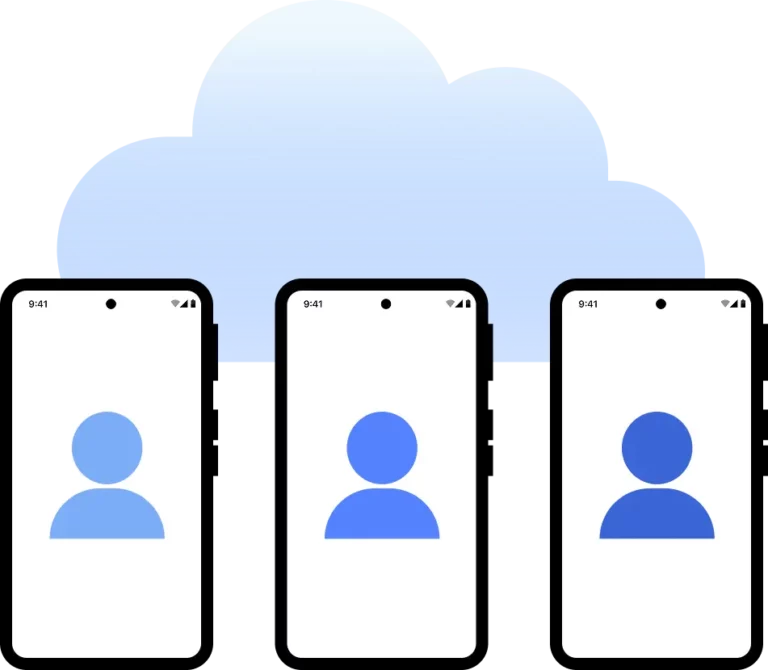
A cloud phone is a real Android device hosted in the cloud. Each cloud phone runs as an independent device, with its own operating system, hardware parameters, storage, and network signals. It also allows you to install and run mobile apps just like on any physical Android device.
Why use proxies and a cloud phone from the same provider?
Multilogin provides all the tools you need for data scraping: cloud phones that look like real users, high-quality residential proxies that avoid anti-scraping bots, and support for browser automation tools like Puppeteer, Playwright, and Selenium.

How to get started and grow your Twitter/X
Time is money. Start in minutes

Sign up
Choose a plan and download the app

Create mobile profile
Customize the device model and choose location
Run your accounts
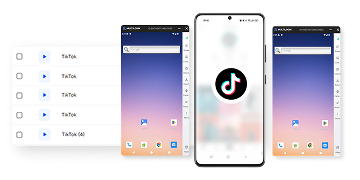
Use mobile profiles for social media
Sign up
Choose a plan and download the app
Create mobile profile
Customize the device model and choose location
Run your accounts
Use separated browser profile to earn
Watch the Multilogin Demo
What is Multilogin?
Trusted by thousands of creators, sellers & online earners

Ha D.
Social Media Marketing Retail

Nino Latif

Stanislav K.
Marketing Manager

Elen S.
Marketing Manager

Hamza Arif
E-commerce Manager


Nick Horvath
Marketing agency
Connect your first cloud phone today
Get started with Multilogin to manage any number of social profiles
The most awarded multi accounting platform















Explore more solutions for any platform you need
Twitter proxies FAQ
What is a Twitter proxy?
Firstly, Twitter proxies conceal your IP address, thereby giving you a new virtual identity to access the platform. Consequently, you can bypass restrictions, overcome IP blocks, and carry out various activities on Twitter without detections or restrictions.
How do I set up a proxy on Twitter using Multilogin?
- Create a browser profile for each Twitter account in Multilogin.
- Enter your proxy details: IP address, port, and login credentials
- Launch the profile to manage your Twitter accounts through the proxy.
Can I use a free proxy for Twitter?
Free proxies for Twitter may expose your accounts to slow connection speeds, shared IP addresses, and a higher chance of detection and bans. For safer, more reliable account management, use premium proxies that provide unique, clean IPs. With Multilogin, you can rely on built-in proxies at no additional cost, saving time spent searching for third-party proxies and ensuring a secure, seamless experience.
How do I adjust Twitter proxy settings in Multilogin?
Open the profile’s network section in Multilogin to adjust Twitter proxy settings. Start with the following: Enter your proxy details such as IP, port, and authentication information. Then Multilogin handles the rest, properly configuring your proxies for a smooth experience.
What is the best proxy for Twitter?
The best proxy for Twitter is a premium residential or dedicated proxy. That means that these types of proxies provide clean IPs that appear legitimate to Twitter, minimizing the risk of bans. This why Multilogin’s built-in proxies offer high-quality options for multiple Twitter account management.
Can I use Twitter proxies to manage accounts from different locations?
Yes, using Twitter proxies with Multilogin allows you to manage accounts from different locations by selecting proxies from specific cities or regions. This helps simulate location-based activity and prevents Twitter from linking your accounts.
Can I use Twitter proxies to scale my ad campaigns?
Twitter proxies can help you scale your ad campaigns by allowing you to manage multiple accounts securely. As a result, you will reduce the risk of bans and can run ads from various profiles without interference with the use of unique proxies for each account.
Is it legal to use proxies for Twitter?
You can legally use proxies for Twitter, but always follow Twitter’s guidelines and terms of service. In the other hand, proxies help you manage multiple accounts efficiently, but use them responsibly and do not violoate Twitter’s policies.
Twitter proxy for enhanced account management
A Twitter proxy offers businesses and individuals an ideal solution to manage multiple accounts safely without facing restrictions or bans. By using a proxy on Twitter, users can mask their real IP address, preventing the platform from detecting unusual activity. This feature is especially useful for digital marketers, e-commerce professionals, and social media managers who need to scale their operations while keeping their accounts safe from detection.
Proxy on Twitter for safe multi-account operations
Managing multiple Twitter accounts requires strong tools to avoid detection and prevent account bans. A proxy for Twitter guarantees that each account operates under its own unique identity, eliminating the risk of linking accounts to the same user or device. This separation is crucial for social media managers handling various client accounts, as well as for marketers running multiple campaigns on different profiles. By configuring the appropriate Twitter proxy settings, users can easily manage different accounts with ease.
Optimized Twitter proxy website for businesses
The choice of Twitter proxy website has everything to do with securing your digital footprint. A good service should provide unlimited bandwidth, IP addresses, and different configurations for each account, hence giving them everything needed to operate. The Twitter proxy not only guarantees privacy but also enhances the efficiency of operations, ensuring your campaigns run without a hitch.
Customizing your Twitter proxy settings for maximum efficiency
Understanding and configuring your Twitter proxy settings is key to optimizing performance. Fine-tuning these settings allows you to control aspects such as IP rotation, geolocation, and session management. For example, businesses can set up proxies that match the location of their target audience or implement rotating IPs to avoid detection when managing multiple accounts. Custom settings also help prevent overuse of a single IP, which could lead to account bans or restrictions.
Twitter proxies empower digital marketing
Therefore, digital marketers and social media professionals will realize the powerful advantage of Twitter proxies. With a dedicated proxy, you can watch ad campaigns, track keyword performance, and scrape data from your competitors without your real identity getting exposed. Multiple Twitter accounts managed across different campaigns are easier to handle when each account is attached to its Twitter proxy. The level of operational efficiency this assures not only makes the campaigns effective but also safeguards your accounts against unwanted bans and restrictions.
Choose a Twitter proxy for safe access
Whether running campaigns for a global brand or just engaging customers on social media, the requirement for a good proxy on Twitter is there. This means using a proxy website for Twitter ensures that your business is better in terms of security since it will not get detected, and thus bans can be evaded. A Twitter proxy is useful in several ways, for both increasing security and unblocking geo-restricted content, operating accounts without raising flags, and providing smooth access to the website from any place around the world.
Investing in a Twitter proxy is crucial for businesses looking to operate multiple Twitter accounts securely and efficiently. With tailored Twitter proxy settings and the right proxy solution, you can scale your operations, protect your data, and achieve uninterrupted access to Twitter, all while maintaining anonymity.
