


OnlyFans proxy & cloud phone
Manage multiple OnlyFans accounts with isolated browser profiles, persistent sessions, and built-in residential proxies. Multilogin gives you access to 30 million residential IPs across 150+ countries, so each account runs from a consistent environment, helping protect your income from bans, blocks, and account linking without extra proxy costs.


Avoid bans with OnlyFans proxies
OnlyFans accounts get flagged when logins, locations, or device signals don’t line up. Using dedicated OnlyFans proxies keeps each account tied to a consistent IP, reduces CAPTCHA checks, and lowers the chance of accounts being linked or restricted over time.

Scrape OnlyFans data safely with dedicated proxies
Scrape OnlyFans data reliably by running each task through a dedicated proxy and isolated browser profile. This keeps sessions consistent and prevents accounts from being linked while collecting posts, media, and profile data using tools like Postman, Puppeteer, Selenium, Playwright, or the Multilogin CLI.

Bypass geo-blocks with proxy for OnlyFans
Bypass geo-blocks on OnlyFans by routing traffic through residential proxies that match the required location. Pages load as they do for local users, sessions stay consistent, and access issues tied to region checks are reduced. With 99.99% proxy stability uptime, connections remain reliable while each account runs in its own isolated browser profile.

Import third-party proxies for OnlyFans
Using third-party proxies? No worries about integration! Multilogin supports all proxy types, including OnlyFans proxies. Easily import your third-party proxies and adjust the configuration for a smooth, seamless browsing experience.
Grow your social media accounts with Multilogin cloud phones
-
Unlimited time
-
Mobile and browser profiles included
-
Free built-in proxies & mobile minutes
-
Unlimited time
-
Mobile and browser profiles included
-
Free built-in proxies & mobile minutes
What is a cloud phone?
A cloud phone is a real Android device hosted in the cloud. Each cloud phone operates as an independent device, with its own operating system, hardware configuration, storage, and network identity. You can install and run mobile apps on it just as you would on a physical Android device.
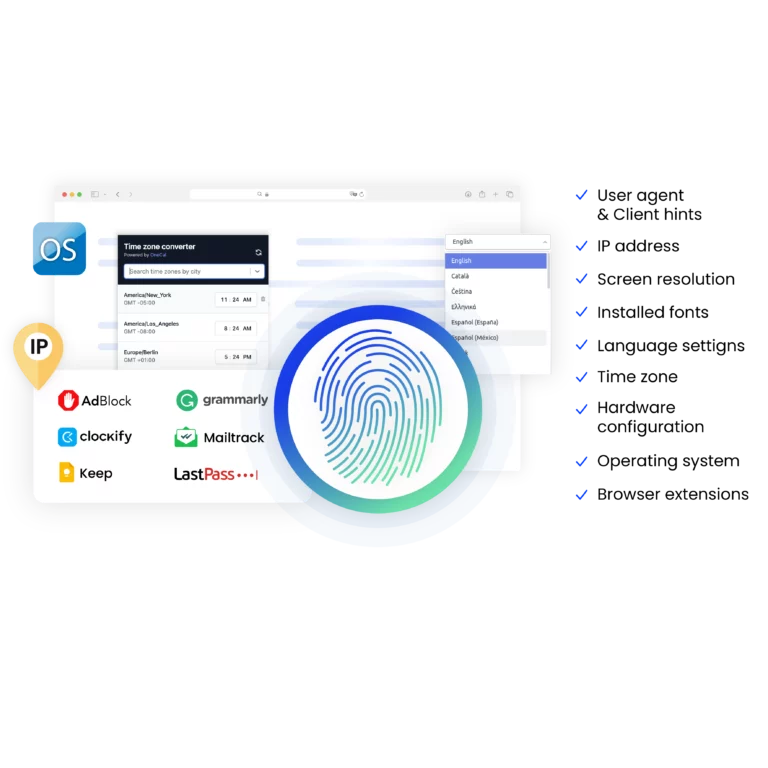
Why use proxies and cloud phone from the same provider?
Choosing proxies and a cloud phone from the same provider is a smart choice. They work well together, giving you better privacy and reducing the chance of account bans while you browse. Plus, it’s easy to set up, and if you need help, you can get everything sorted out in one place.
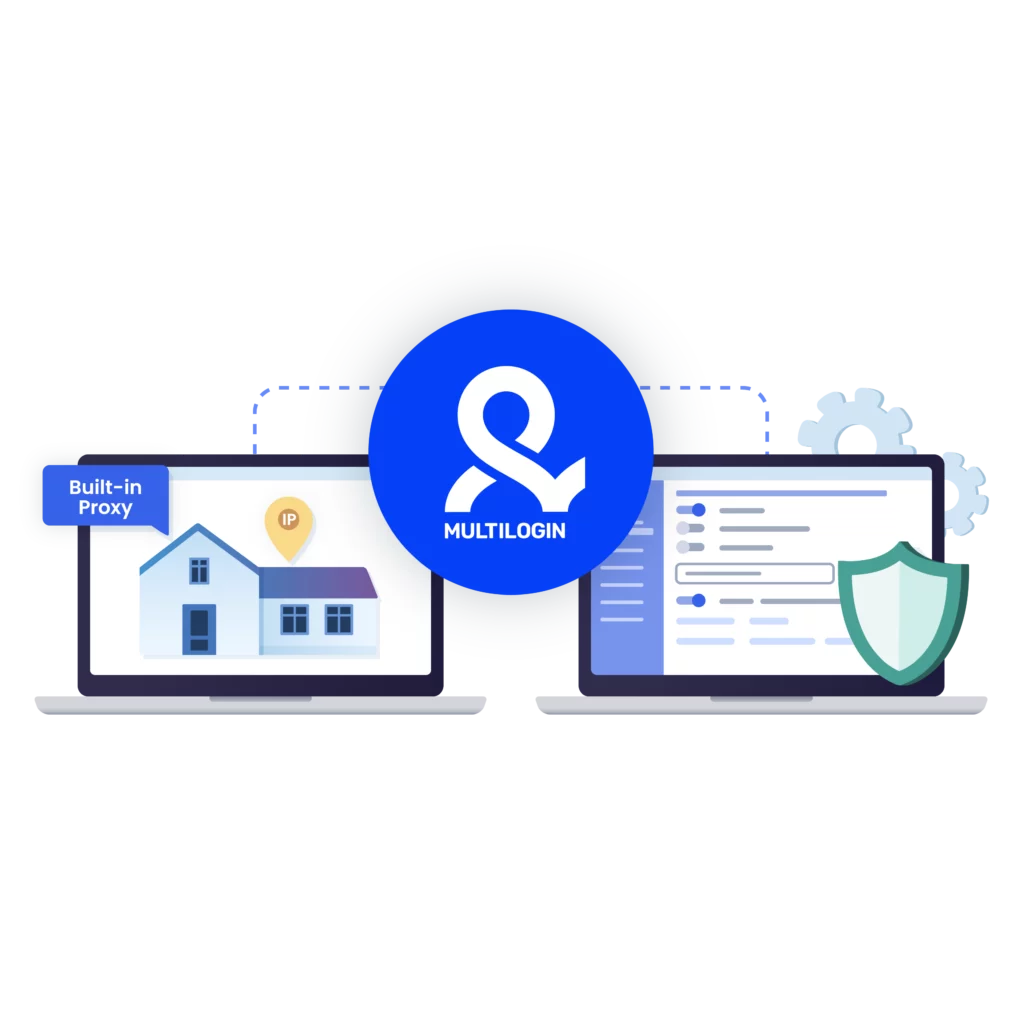
What Multilogin offers that other cloud phones don't
Free residential proxies in each subscription plan
Daily testing on 50+ websites
Passes all browser fingerprint checkers
Profile warmup with pre-farmed cookies
AI-powered automation
Super sticky sessions last up to 24 hours
Related solutions you might like
The most awarded multi accounting platform















How to start using Multilogin
Start collecting data effortlessly with the industry-leading cloud phone.

Sign up
Register using a verified email address.

Choose your plan
Select from various subscription plans tailored to your business needs.

Download Multilogin agent
Available for Windows, Mac, and Linux.

Access the Multilogin dashboard
Start creating and managing cloud phone profiles.

Manage your accounts using OnlyFans proxies
Set up multiple accounts while using OnlyFans proxies, ensuring secure browsing with distinct profiles.
Watch the Multilogin Demo
OnlyFans proxy: how creators and agencies protect accounts and stay online
OnlyFans accounts don’t disappear overnight by accident. Most bans, blocks, and silent restrictions happen after small signals stack up over time. A login from the wrong country. Multiple accounts touching the same browser. Sessions that reset too often. At first, everything works. Then access becomes unstable. Then one account goes down. Sometimes the rest follow.
This is where OnlyFans proxies stop being optional and become part of a serious setup—especially if you manage multiple OnlyFans accounts over time.
An OnlyFans proxy routes your traffic through a different IP address so the platform sees a consistent location instead of your real one. That matters because OnlyFans tracks location behavior closely, particularly for accounts tied to content, payments, and multiple profiles. When the IP behavior doesn’t match expectations, restrictions start quietly and spread before there’s a clear warning.
What an OnlyFans proxy actually does
An OnlyFans proxy changes where your connection appears to come from. To the platform, you look like a user browsing from a specific country or region instead of switching locations or sharing IPs with other accounts.
That single change affects several things at once:
How long sessions stay active
How often logins get challenged
Whether multiple accounts appear connected
Whether content loads fully or partially
Most creators and agencies use residential OnlyFans proxies, not datacenter IPs. Residential IPs come from real user networks and blend in better with normal traffic. Datacenter IPs are faster on paper but easier to flag, especially on platforms tied to payments and subscriptions.
Benefits of using an OnlyFans proxy
Using an OnlyFans proxy isn’t about tricks. It’s about control. When accounts start getting limited, logged out, or quietly flagged, the cause is usually predictable signals stacking up behind the scenes. A proxy helps break those patterns.
Key reasons people use OnlyFans proxies:
Keep account activity separated
When several accounts share the same IP, linkage happens fast. A proxy gives each account its own connection so activity doesn’t bleed across profiles.Match location expectations
OnlyFans reacts to location changes more than most users realize. Proxies let accounts stay tied to one region instead of jumping between countries.Reduce silent restrictions
Many limits don’t show up as warnings. Engagement drops, pages load inconsistently, or actions fail. Proxies lower the chance of hitting those invisible limits.Handle multiple logins safely
If you manage multiple OnlyFans accounts, logging them all in from one place is one of the fastest ways to lose them. Proxies spread that risk instead of concentrating it.Avoid IP-based blocks over time
Reusing the same IP for logins, uploads, and messages eventually gets noticed. Proxies prevent one IP from carrying all that history.
In practice, OnlyFans proxies don’t “boost” accounts. They stop unnecessary damage. They give accounts room to operate without inheriting problems from shared connections or unstable locations.
Why OnlyFans accounts get blocked even with a proxy
A proxy alone does not fix everything. Many people already use an OnlyFans proxy and still lose accounts. The reason is almost never the country of the IP. It’s the environment around it.
OnlyFans also evaluates:
Cookies and local storage
Device consistency
Session history over time
If several accounts run inside the same browser, those signals overlap. Once accounts are linked, restrictions spread. Logging out does not reset that history.
This is why experienced operators treat proxies as one layer, not the whole solution.
Using OnlyFans proxies with isolated browser profiles
When an OnlyFans proxy is paired with browser-level isolation, results change. Each account runs as its own identity instead of sharing hidden data with others.
This is where tools like Multilogin Cloud Phone are commonly used. Multilogin places every account inside its own browser profile, with separate fingerprints, cookies, storage, and proxy settings. When you assign an OnlyFans proxy to a profile, it stays tied to that identity long-term.
If one account gets reviewed or restricted, others remain unaffected because there is no shared browser data behind the scenes.
This setup is often used by:
Creators managing multiple niche accounts
Agencies running pages for different models
Teams handling posting, messaging, or payouts
Operators who already lost accounts due to linkage
OnlyFans proxies for scraping and content workflows
OnlyFans proxies are also used for data collection and content monitoring. Scraping without the right setup usually fails fast. IPs get limited, sessions reset, and requests stop working.
With a proper OnlyFans proxy setup, scraping becomes predictable:
Traffic comes from a consistent location
Sessions last longer
Requests look closer to real browsing behavior
When scraping runs inside isolated browser profiles, tools like Postman, Puppeteer, Selenium, Playwright, or the Multilogin CLI can operate without burning IPs or affecting logged-in accounts. The key is not speed. It’s repetition control and environment consistency.
When OnlyFans proxies are not enough
Even the best OnlyFans proxies fail when behavior is rushed. Accounts created too fast. Automation pushed too hard. Multiple logins jumping between devices.
If bans keep happening, the solution is rarely “buy more proxies.” It’s rebuilding the setup so accounts stop sharing signals.
This is why many long-term operators combine OnlyFans proxies with tools like Multilogin, where:
Each account has a dedicated browser profile
Sessions persist across restarts
Proxies are assigned once and reused safely
Teams can access accounts without breaking history
Final thoughts
OnlyFans proxies are not shortcuts. They are infrastructure. Used correctly, they keep accounts stable, sessions consistent, and access predictable. Used alone, they delay problems rather than solve them.
If you’ve already lost accounts, the fix isn’t luck. It’s separation. Proxies handle location. Browser isolation handles identity. When those two layers work together, accounts stop inheriting each other’s risks.
For creators and teams who rely on OnlyFans as real income, that difference matters more than anything else.
OnlyFans proxies FAQ
What is an OnlyFans proxy?
An OnlyFans proxy helps users to manage multiple accounts effortlessly. It allows them to overcome geo-restrictions and account blocks. OnlyFans proxies enhance online privacy and ensures anonymity.
Multilogin’s high-quality OnlyFans proxy gives you the ability to bypass restrictions and access specific content. It provides the opportunity to avoid common issues like account bans and CAPTCHA triggers.
Why you should use proxies for OnlyFans?
Here are some of the key reasons why you should use OnlyFans proxies:
- Bypass regional restrictions
- Prevent detection
- Improve anonymity and privacy
- Manage multiple accounts effortlessly
Multilogin’s built-in residential proxies for OnlyFans help users to bypass geo-restrictions. It allows them to manage multiple accounts without worrying about detection. Multilogin’s OnlyFans proxy reduces the risks of IP bans and ensures uninterrupted browsing experience.
What are the benefits of OnlyFans proxy?
Onlyfans proxy can carry several benefits, including:
- Avoiding detection
- Overcoming geographical restrictions
- Boosting engagement
- Protecting your personal information
With Multilogin’s OnlyFans proxy, you can get an access to top quality IPs that maintain an excellent clean record. It masks your real IP address and keeps your browsing activity anonymous.
How to bypass OnlyFans IP bans with an OnlyFans proxy?
You can bypass OnlyFans IP bans with an OnlyFans proxy, simply find a proxy server online and configure it based on your preferences. The OnlyFans proxy that you choose must be reputable to ensure efficient browsing.
Multilogin’s reliable built-in proxies offer improved privacy. Customizable location settings allow you to simply access various content and overcome restrictions. With Multilogin’s OnlyFans proxy, you can target specific regions and increase engagement.
What kind of proxies are the best for OnlyFans?
There are several kinds of proxies for OnlyFans. Each type of them has its own strength. However, residential OnlyFans proxy stands out as an excellent option for enhanced anonymity.
Multilogin’s built-in residential proxies for OnlyFans help users to avoid detection. These proxies are acting as a real user which reduces the chances of account bans.
How to use OnlyFans proxies with a cloud phone??
Using OnlyFans proxies with a cloud phone can be essential for enhancing your online performance. A cloud phone reduces the risks of bans and adds a higher level of privacy. Multilogin cloud phone offers users built-in OnlyFans proxies. Here is how you can use Multilogin’s proxy for OnlyFans:
- Click “New Profile” and select an operating system
- Choose the storage type and the browser profile type
- Go to the ”Proxy” section
- Import your own proxies or easily use Multilogin’s high-quality OnlyFans proxy
- Click “Check Proxy” to ensure that Multilogin successfully connected to the proxy
- Click “Create Profile” and then “Launch” it to start browsing
Are OnlyFans proxies useful for scraping?
People often use OnlyFans proxies for scraping. They mask your IP address to avoid detection and IP bans. Activity like Onlyfans scraping requires proxies to overcome rate-limiting.
Multilogin’s built-in proxies ensure that your activities remain anonymous. It guarantees efficient and uninterrupted data collection. OnlyFans proxies are essential to bypass restrictions and improve the scraping process.
What are the advantages of using premium OnlyFans proxy?
Using free OnlyFans proxies is a great option in terms of the budget. However, premium OnlyFans proxy offers better anonymity. It ensures faster speeds and more reliable connections.
With Multilogin’s premium OnlyFans proxy, your activities become harder to detect. Masking your real IP address reduces the chances of being flagged. These built-in OnlyFans proxies provide users with a stable connections to ensure browsing without delays.
Why is an OnlyFans proxy important?
Using an OnlyFans proxy is essential if you’re running multiple accounts or managing talent through an agency. Without proper IP and browser separation, OnlyFans may detect suspicious behavior, such as multiple logins from the same device or location, and could suspend or terminate accounts. This can result in lost revenue, subscribers, and damaged reputations. Losing access to even one high-performing account can instantly mean hundreds or even thousands of dollars in recurring income lost. Multilogin prevents this by letting you run each account in an isolated environment while assigning a unique proxy to each session. This keeps your accounts safe, ensures compliance with platform rules, and helps you avoid costly downtime, bans, and income loss.
