


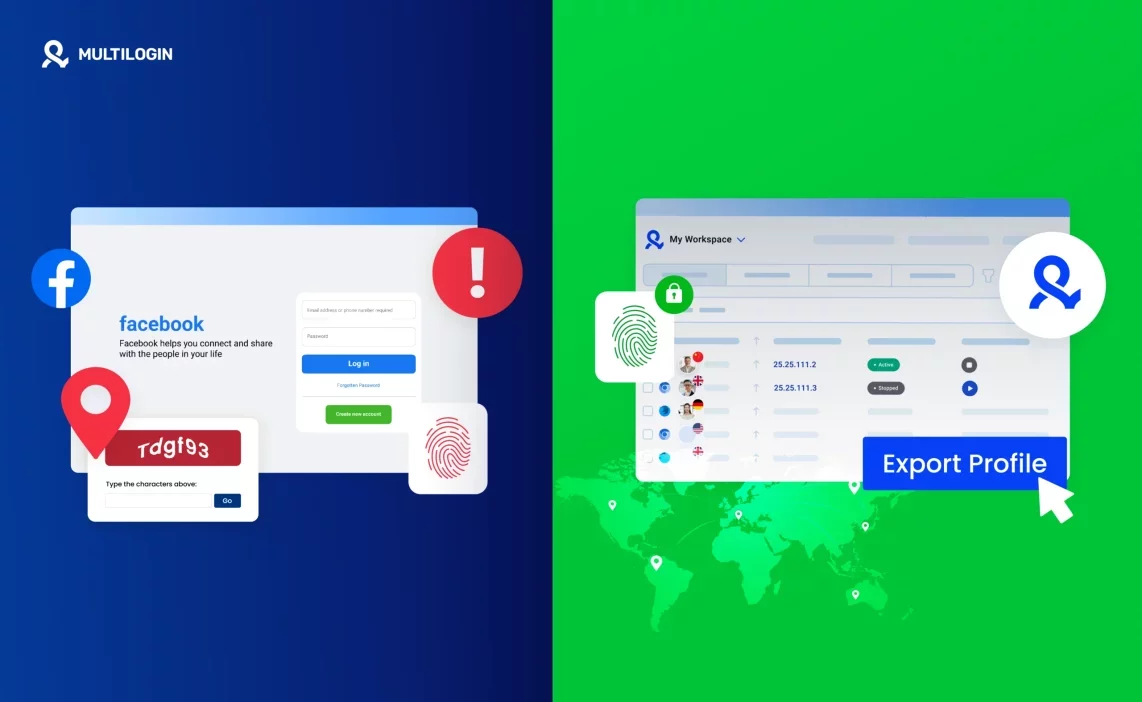

A Facebook suspension usually feels sudden, but it rarely happens out of nowhere. The platform sees patterns you don’t notice in the moment — the same IP touching too many accounts, fingerprints that look identical, login timing that doesn’t add up. One day everything works, and the next you’re staring at a warning you can’t reverse.
If your work depends on Facebook, losing an account isn’t just an inconvenience. It stops campaigns, freezes sales, and forces you into recovery mode when you don’t have the time for it. The good news is that most suspensions happen because of small signals that stack up, not because you did something intentionally risky. And those signals can be controlled with the right setup.
This guide shows how suspensions actually happen, why running multiple Facebook accounts becomes risky without isolation, and how Multilogin’s anti-detection environment keeps profiles steady so you can focus on the work instead of the warnings.
Why Facebook suspended your accounts
Suspensions usually start long before the warning appears. Facebook tracks every signal your setup leaves behind — the network you log in from, the device you use, the fingerprints attached to your browser, the cookies stored on your machine, and the way each account behaves over time. When these signals overlap, Facebook connects the dots and treats the accounts as one cluster. That’s the moment the suspension hits, even if each profile was meant to be separate.
IP overlap and repeated login patterns
Facebook pays close attention to where each login comes from. If multiple accounts keep appearing from the same IP, or you jump between similar IP ranges too often, the platform connects them.
Even a good proxy won’t help if the pattern repeats across your profiles. Once Facebook sees that overlap, the accounts stop looking independent.
Fingerprints that look identical to the system
Every device carries a fingerprint: screen size, fonts, timezone, hardware, browser version, GPU, audio stack, and more. If two accounts load with the same combination of traits, Facebook treats them as the same device. Most people never notice these similarities, but the platform does — instantly. When fingerprints match, the trust score drops.
Cookie mixing from shared browsers or devices
Cookies are the quiet signals that expose relationships between accounts. If you open profiles in the same browser or use tools that don’t isolate sessions, cookies blend together. This creates a shared history that links accounts behind the scenes, even if you log in at different times or with different proxies. Once the data merges, the system sees the connection.
Behavior that doesn’t match real user activity
Facebook watches how an account moves, not just where it logs in from.
New accounts that start creating assets too quickly, send messages in bursts, or switch tasks at a pace no real person would follow get noticed fast.
Timing matters too; constant logins, sudden IP changes, or actions done in perfect repetition all stand out.Once the activity stops looking like a human routine, the system treats the account as risky.
Scaling too fast without proper isolation
Growth is where most people get caught. Five accounts may survive for months, but the moment you expand to twenty or fifty without true isolation, the signals start stacking.
Shared fingerprints, overlapping IP ranges, mixed cookies, repetitive behavior — the cluster becomes obvious. A single flagged account can pull the rest into the same investigation, creating a chain reaction that ends in a Facebook suspended account.
Why Facebook links your accounts even when you’re careful
Facebook doesn’t rely on one signal to connect your accounts — it reads the entire environment behind them. Even if you switch IPs or move to a new browser, the deeper traits stay the same: fingerprints, cookies, device outputs, history, timing. These signals repeat without you noticing, and that repetition is what ties your accounts together. Once Facebook detects that pattern, the system treats your profiles as one cluster, and a single issue can spread through all of them. The only way to break this link is to run each account in a fully separate environment, which is exactly what Multilogin antidetect browser is built for.
What creates the link
- Hidden fingerprint traits stay the same across accounts when you don’t isolate them.
- Cookies blend together when profiles share a browser or device.
- Repeated IP behavior reveals the same user behind multiple logins.
- Small overlaps — fonts, timezones, hardware signals — form a clear pattern.
- When one account gets reviewed, every linked profile gets pulled into the same check.
Why quick fixes fail
- A VPN changes the IP, not the fingerprint.
- Incognito clears cookies but keeps the same device signals.
- Manual resets don’t stop Facebook from reading the same environment underneath.
- Proxies alone can’t make two accounts look unrelated.
The only setup that breaks the pattern
- Multilogin gives each account its own fingerprint, cookies, session, and device identity.
- Nothing overlaps, nothing leaks, and Facebook has no signals to connect.
Key Points That Reveal the Link
- Each login exposes device traits, browser details, and hidden technical signals.
- Tiny overlaps — timezones, fonts, hardware output — create a pattern Facebook trusts more than behavior.
- Quick fixes like VPNs, incognito windows, and cookie clearing don’t reset your real environment.
- Once one account is flagged, the system checks all profiles tied to the same signals.
- Suspensions spread because the environment connects accounts, not because of one action inside the profile.
How Multilogin creates the safe environment Facebook needs to see
Most people run into a Facebook suspended account because their profiles share signals they didn’t realize were visible. Multilogin removes those overlaps completely. Each profile opens with its own fingerprint, its own cookies, its own device identity, and its own IP reputation. Nothing connects one account to another. And whether you use the web version or the Multilogin X app (desktop), both create the same isolated, reliable environment Facebook needs to see before it trusts an identity.
Each account gets a unique fingerprint Facebook treats as a real user
Problem: When two accounts share the same fingerprint, Facebook assumes they’re coming from the same device. Even small overlaps — canvas output, timezone, fonts — are enough to trigger a link.
Multilogin’s solution: Multilogin builds a one-of-a-kind fingerprint for every profile using 55+ browser and hardware parameters. The identity is stable and doesn’t shift between sessions, which is what Facebook looks for in real users.
Result: Each profile feels like a genuine person using their own device. No shared signals. No accidental connections. This alone removes one of the biggest causes of multi-account bans.

Cookie and session data completely isolated
Problem: If accounts share cookies, Facebook knows they’ve touched the same browser. Once that link is made, risk spreads across the entire group.
Multilogin’s solution: Each profile stores its own cookies, storage, and sessions in a sealed environment. Nothing leaks, nothing blends, nothing passes between accounts — even if you run 100 profiles.
Result: Your accounts carry clean, separate histories. Facebook sees them as unrelated users instead of a connected cluster.
Clean residential proxies built into every plan
Problem: Many bans start with IP issues. Cheap or recycled proxies carry a bad reputation, and multiple accounts landing on the same IP fingerprints them instantly.
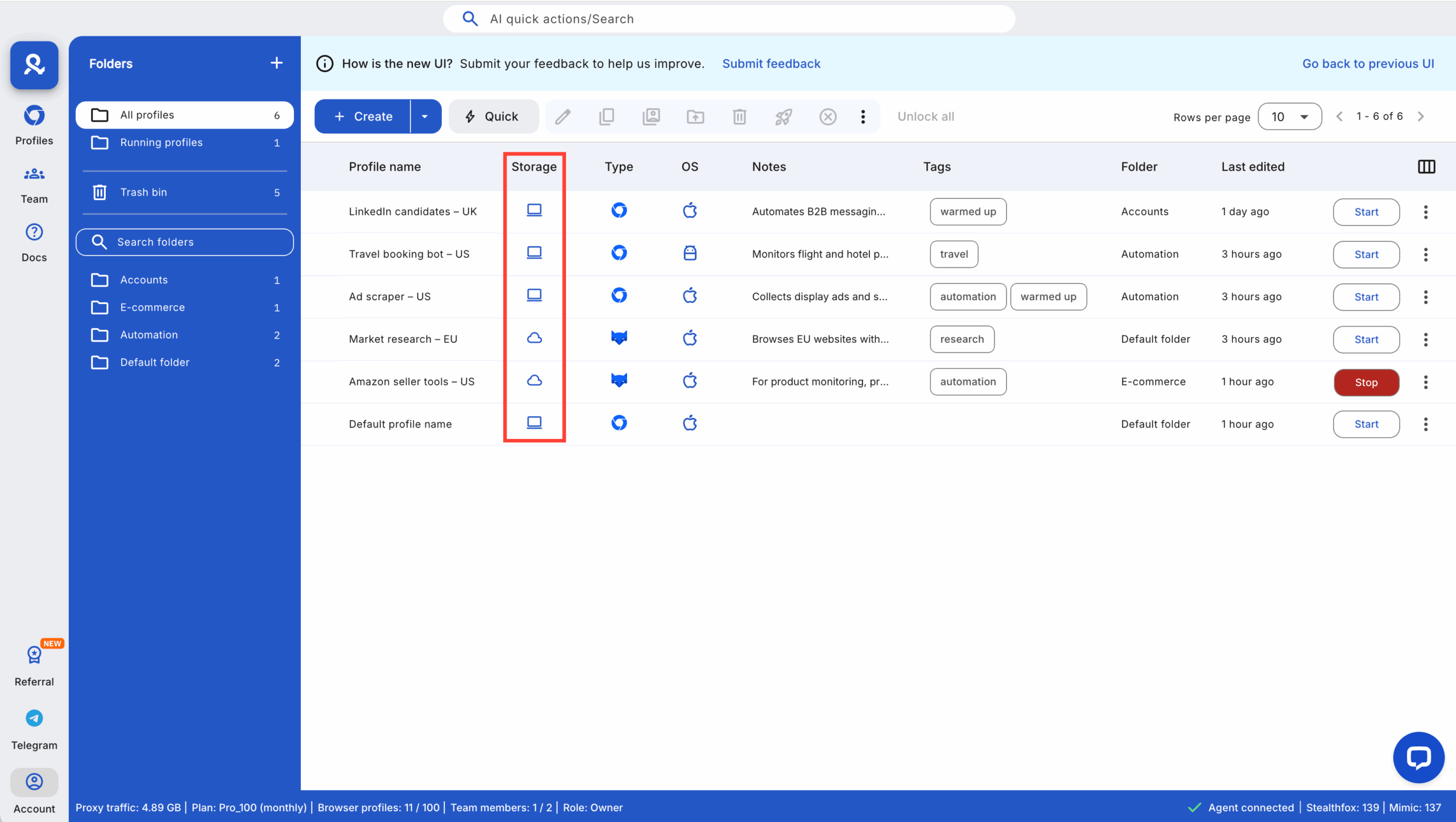
Multilogin’s solution: You get built-in residential proxy traffic with every plan — IPs that behave like real households. They’re more stable, less suspicious, and don’t expose your accounts to the bad history of other users.
Result: Profiles load from IPs that make sense to Facebook. You avoid sudden trust drops and early security checks that usually come from low-quality proxies.
Mobile profile emulation for better trust signals
Problem: New accounts often look suspicious on desktop fingerprints, especially when their behavior matches a mobile user. This mismatch creates unnecessary friction during warm-up.
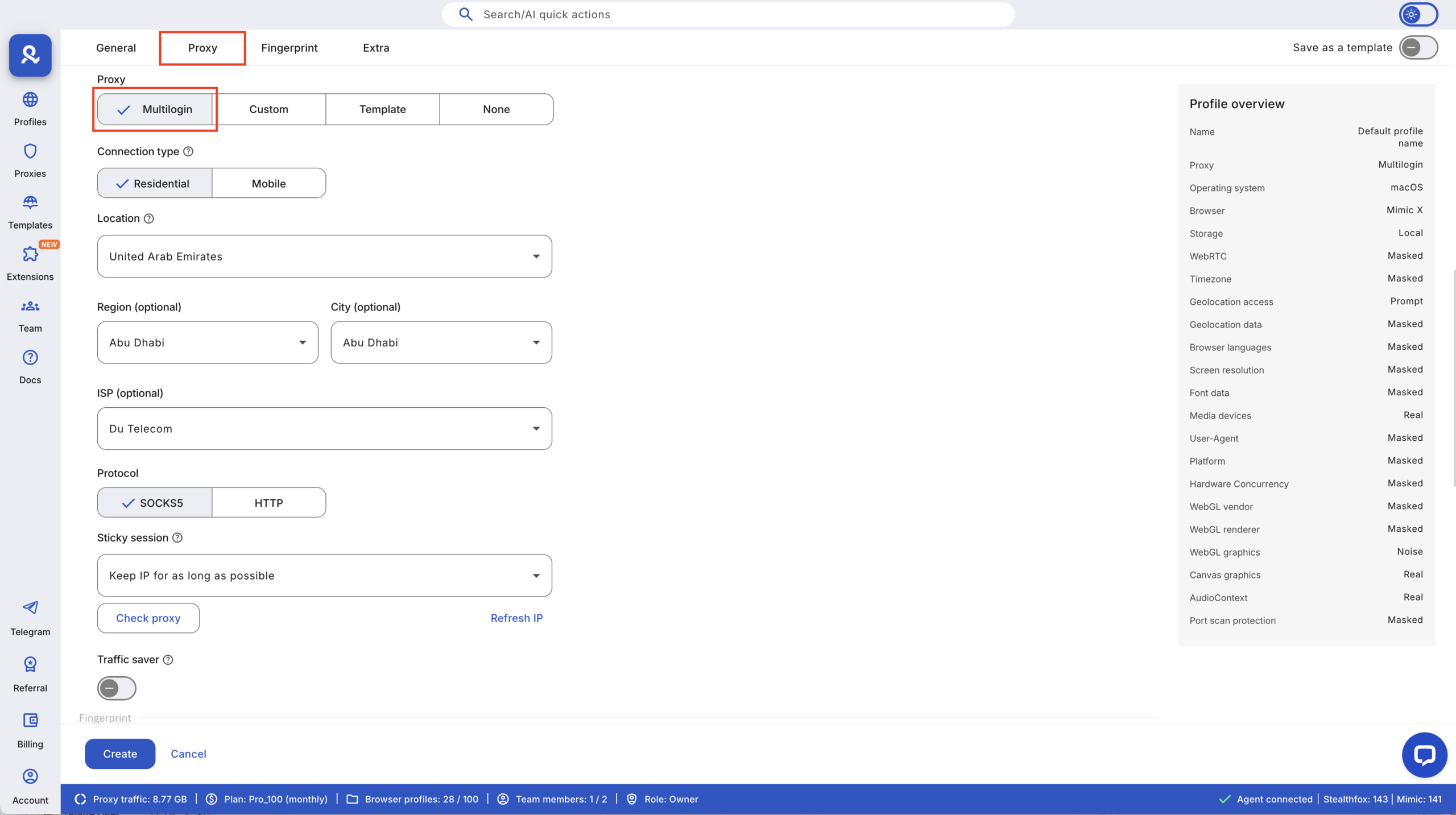
Multilogin’s solution: Android mobile emulation lets each profile behave like a real Android device. The signals look natural, and the environment matches the activity Facebook expects.
Result: New accounts settle in with fewer checks. You avoid the early verification loops that slow down growth and drain time.
A setup that stays consistent even as you scale
Problem Scaling is where most setups fall apart. The more accounts you add, the more overlap appears: repeated fingerprints, unstable IPs, cookie mixing, and inconsistent behavior.
Multilogin’s solution: Each new profile is isolated from the moment it’s created: its own fingerprint, its own cookies, its own IP, its own device traits. Nothing depends on your real machine, so nothing collides.
Result: You can grow from 5 to 50 to 500 profiles without breaking the environment. Trust stays consistent, and mass suspensions stop happening because your accounts never blend together.
Automation-ready without exposing your real device
Problem: Running automation from your actual machine leaks real hardware signals.
One mistake can expose the entire account cluster and trigger bans.
Multilogin’s solution: Automation tools; Selenium, Puppeteer, Playwright, Postman, CLI, API; run inside the isolated Multilogin profile instead of your device. Your real machine stays invisible.
Result: Your workflows scale safely, the environment stays clean, and automation never puts your accounts at risk. This is the difference between losing accounts during a script run and running operations all day with zero flags.
Learn more about how to create unlimited Facebook accounts!


