





Managing several accounts gets messy when the network setup keeps changing underneath them. One account logs in from one location, another session suddenly gets a different IP, or multiple profiles end up using the same connection.
For multi-account work, that consistency matters.
Residential proxies route traffic through IP addresses associated with Internet Service Providers rather than typical datacenter infrastructure. They can give each account or social profile a more consistent network location while still letting teams work across different regions.
But choosing residential proxies for multiple accounts is not simply a matter of finding the biggest IP pool.
You need to think about IP quality, location targeting, session duration, rotation control and, most importantly, whether the proxy configuration actually fits the way the account is used.
A social profile that stays logged in every day needs a different setup from a scraper sending thousands of requests.
That distinction is where many multi-account setups go wrong.
If you are managing multiple accounts, this guide compares six residential proxy options and explains where static, sticky and rotating residential IPs actually make sense.
Static or rotating residential proxies for multiple accounts?
For most long-term account management, static residential proxies or long sticky residential sessions are usually the better fit.
A static residential proxy keeps the same residential or ISP-associated IP for an extended period. That makes it useful when an account regularly logs in from the same region and needs network consistency.
A rotating proxy changes IP addresses based on requests, time intervals or session rules. Rotation is far more useful for web scraping, price monitoring, SERP collection and other workflows where many requests need to be distributed across a larger pool.
For account management, aggressive rotation can create the opposite of what you want. If the same Instagram, marketplace or e-commerce account repeatedly appears from unrelated IPs or locations, the network history becomes less consistent.
Think one persistent account, one stable network identity. Use rotation where the workload actually benefits from changing IPs.
What’s the best proxy configuration for managing multiple accounts in the United States?
For U.S.-based multi-account workflows, start with a dedicated static residential IP or a long sticky residential session for each important account, then keep its geographic settings consistent.
If an account normally operates from New York, for example, choose a U.S. endpoint in or near that region rather than switching between New York, California and Texas every few sessions.
Your location signals should tell one story.
That means matching the proxy location as closely as practical with the profile’s timezone, language, account history and expected operating region.
For social media, there is another layer. A proxy controls the network connection, but mobile-first platforms also interact with the device environment and app data. That is why Multilogin now combines residential proxies with dedicated Android cloud phones for mobile workflows and isolated browser profiles for web workflows.
If you want the practical setup process, see how to set up a proxy in Multilogin for managing multiple accounts.
Multilogin: Residential proxies with cloud phones and browser profiles for multiple accounts
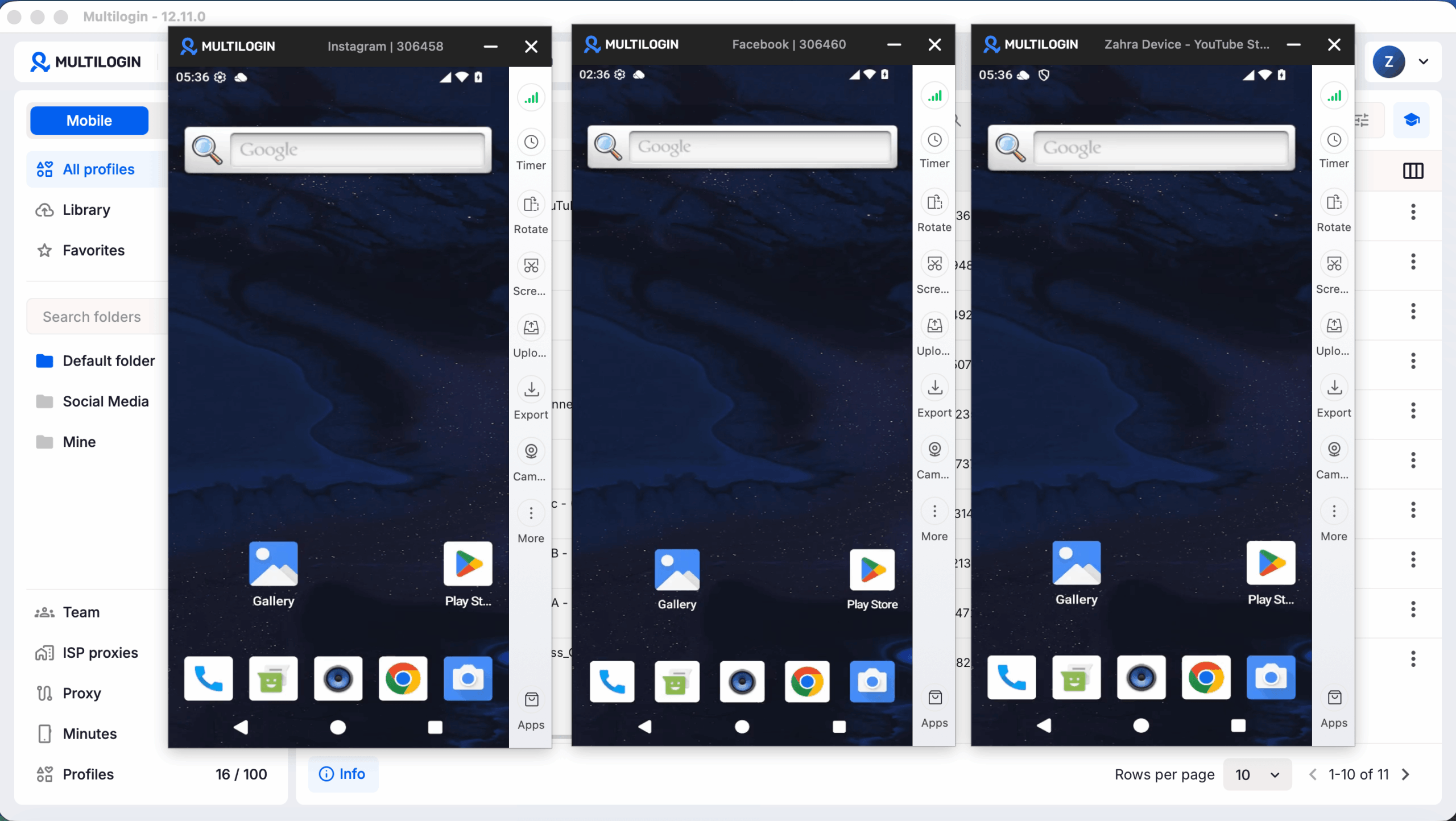
A proxy solves the network side of an account setup. It does not, by itself, create a separate environment for every account.
That distinction matters much more for social media.
Multilogin is a cloud phone platform for social media marketers managing multiple social profiles. Mobile-first accounts can run inside dedicated Android cloud phones, while web-based workflows can run inside separate browser profiles with their own cookies, sessions and IP configuration.
Built-in residential proxies sit inside the same system.
So instead of separately buying a proxy, configuring it in another tool and then trying to keep every profile aligned, you can manage the environment and network connection from one dashboard.
For agencies or marketers managing multiple social media accounts, that removes a surprisingly annoying part of the workflow.
Here’s why Multilogin’s residential proxies stand out:
- Built-in residential proxy access is available across Multilogin plans.
- The network covers more than 150 countries and 1,400+ cities for location-specific workflows.
- Proxy settings can be paired directly with browser profiles and Android cloud phones.
- Location-related browser settings can be aligned with the selected proxy.
- HTTP, HTTPS and SOCKS5 proxies are supported if you prefer bringing your own provider.
- Additional proxy traffic starts at $3.50/GB, and unused purchased traffic rolls over.
There is also a Free plan with no time limit and no credit card required. It includes five profiles, 200 MB of one-time premium proxy traffic and 30 one-time mobile minutes.
Paid plans start from $7.08/month.
That makes the Free plan useful for testing the complete workflow before deciding how much proxy traffic, browser profile capacity or mobile usage you actually need.
Key Multilogin features for managing multiple accounts
Android cloud phones for social media
TikTok, Instagram and Facebook are mobile-first platforms. Multilogin lets each mobile social profile run on its own Android cloud phone with persistent app data and its own environment rather than forcing mobile workflows into a browser.
Browser profiles for web accounts
For Reddit, YouTube, seller dashboards, marketplaces and other web workflows, each browser profile keeps its own cookies, session and browser configuration.
Built-in residential proxies
Residential proxy access is integrated into Multilogin. You can assign connections directly to profiles instead of maintaining another proxy dashboard and manually matching credentials.
Persistent account environments
Closing a profile does not mean rebuilding it on the next login. Cookies, sessions and profile data stay separate, helping you maintain consistent workflows over time.
Automation-ready workflows
Multilogin supports API access and integrations with Selenium, Puppeteer, Playwright and Postman. Android cloud phone workflows can also be controlled through ADB.
Built-in proxy management
Proxy configuration, traffic usage and profile assignments can be managed alongside your profiles instead of in a separate tool.
Team collaboration
Profiles can be organized and shared with team members while maintaining separate environments for individual clients, campaigns or social profiles.
For Instagram-specific workflows, you can also compare the considerations covered in our guide to Instagram proxies.
2. ProxyEmpire
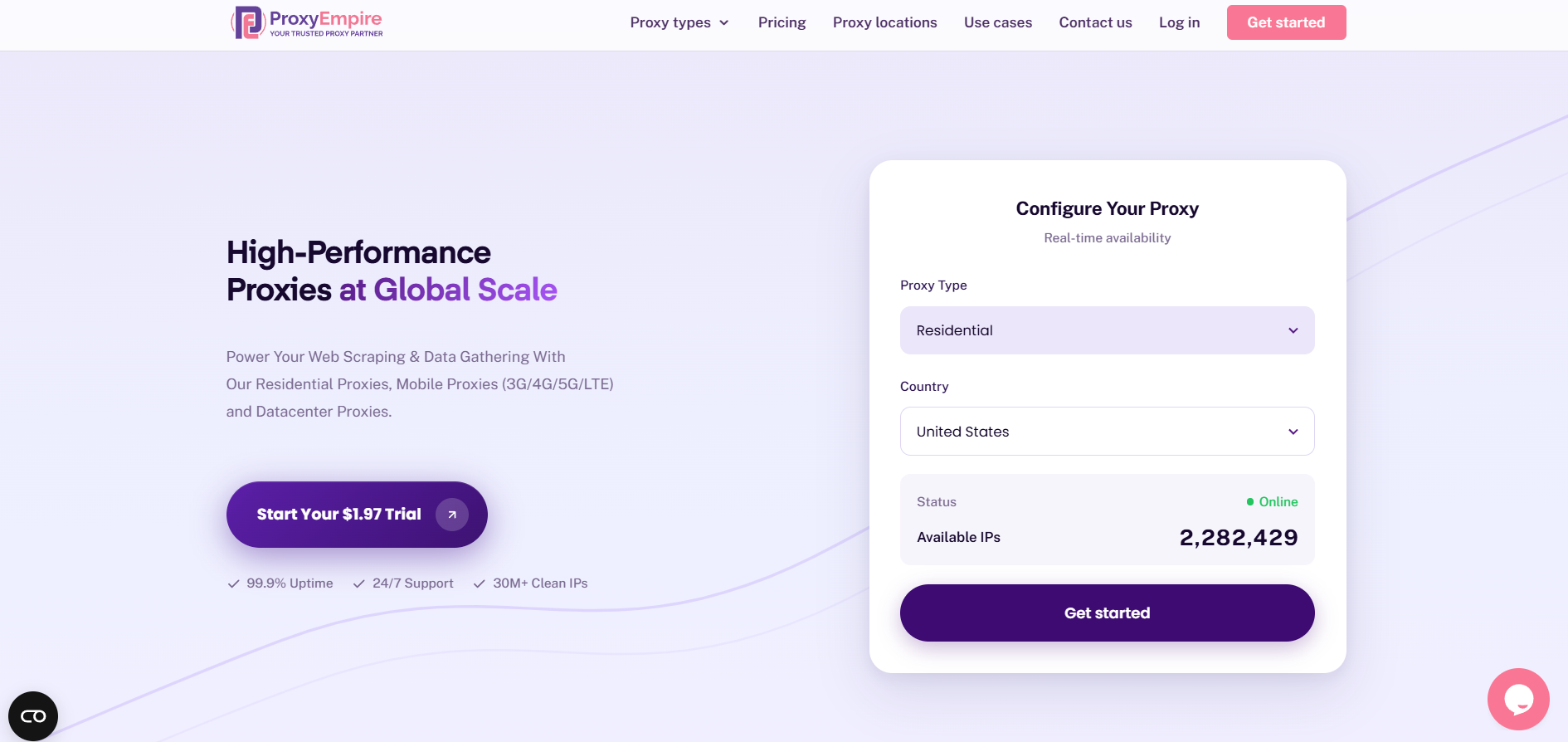
ProxyEmpire provides rotating residential, static residential, mobile and datacenter proxies.
Its main advantage for multi-account users is choice. If your accounts need a long-term IP, static residential proxies are available. If you also run scraping, monitoring or research workflows, rotating residential proxies can cover the higher-volume side without forcing both jobs through the same proxy configuration.
ProxyEmpire also supports geographic targeting by country, region, city and ISP, which is useful when accounts need to remain associated with a particular U.S. city or other market.
Features:
- Static and rotating residential proxy options
- Residential, mobile and datacenter networks
- Country, region, city and ISP targeting
- HTTP, HTTPS and SOCKS5 support
- Session controls for different workflows
- Traffic rollover on supported plans
For multi-account management, the important part is choosing the right product rather than simply enabling the fastest rotation available. Static residential IPs make more sense for long-running account sessions. Rotating residential IPs are better reserved for scraping and data-heavy workloads.
3. NodeMaven
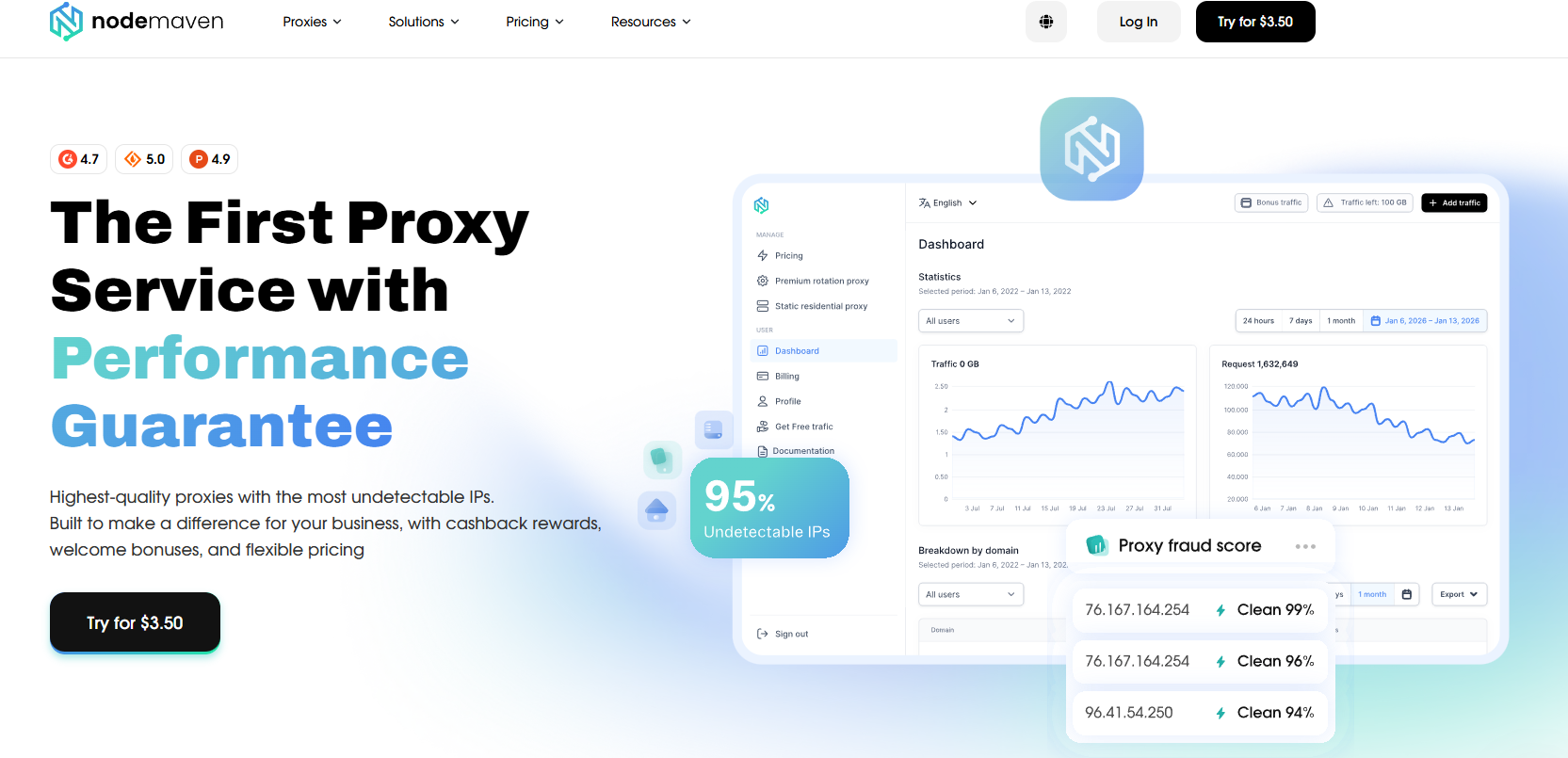
NodeMaven focuses on residential, mobile and ISP proxy infrastructure with an emphasis on filtering IP quality.
For multi-account workflows, its sticky-session support is particularly relevant. Sessions can remain on one IP for extended periods, making it possible to keep an account connected without requesting a completely different residential address every few minutes.
That makes NodeMaven more suitable for persistent logins than proxy networks designed primarily around per-request rotation.
Features:
- Residential, mobile and ISP proxies
- IP quality filtering
- Long sticky sessions
- Geographic targeting
- Traffic rollover options
- Integration with browser automation and profile-management tools
If account consistency is the goal, configure the session around the account rather than rotating simply because rotation is available.
3. Decodo
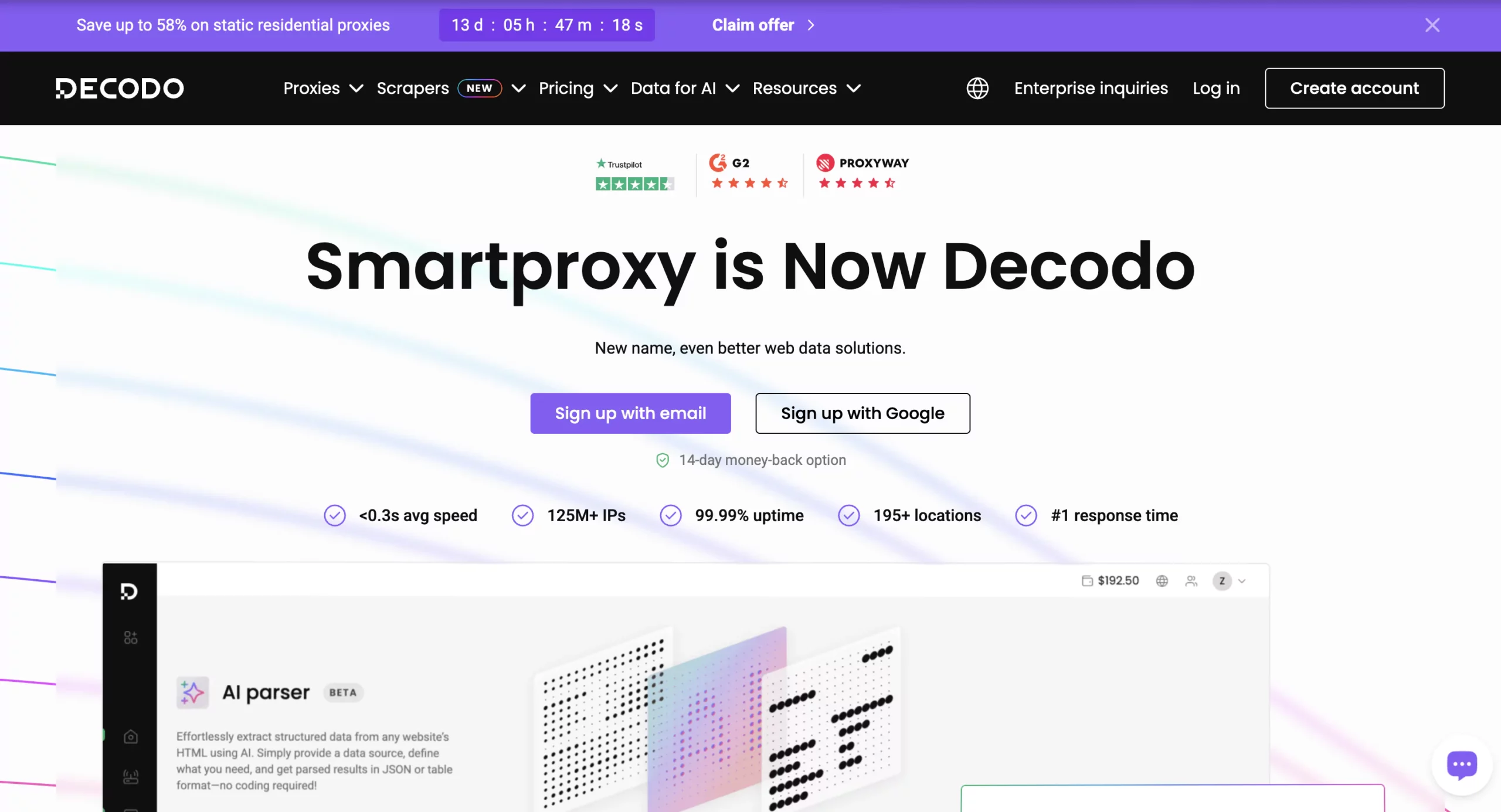
Decodo, formerly Smartproxy, offers a large residential proxy network with both rotating and sticky session controls.
Its flexibility is useful for teams doing more than one type of work. A social media or e-commerce team might use sticky or static connections for account sessions while using rotating residential proxies for price monitoring, public web data or market research.
Decodo also offers static residential proxies separately, which can be useful when a specific account needs to retain the same IP instead of relying on a rotating residential pool.
Features:
- Residential and static residential proxy options
- Rotating and sticky sessions
- Country, state, city, ZIP code and ASN targeting
- HTTP(S) and SOCKS5 support
- Pay-as-you-go and subscription options
- High-concurrency support for data workflows
For users running several U.S. e-commerce accounts, the ability to choose more granular locations is more useful than simply having access to millions of IPs. Assign a suitable location per account and keep that choice consistent.
4. Oxylab
Oxylabs is geared toward larger teams and data-heavy operations.
Its residential infrastructure offers broad geographic coverage and advanced targeting, while its ISP proxy products provide a more static option where long-lived IP consistency matters.
That combination makes Oxylabs more relevant to businesses that need both persistent account infrastructure and high-volume proxy operations rather than users looking for a lightweight setup.
Key Oxylabs features:
- Large residential proxy network
- ISP proxy options for more persistent connections
- Country, state, city, ZIP and ASN targeting on supported products
- Rotation and session controls
- HTTP(S) and SOCKS5 support
- APIs and infrastructure designed for larger data workloads
For pure account management, an ISP or persistent-session setup is generally more relevant than high-frequency residential rotation. For scraping or research, the opposite may be true.
5. IPRoyal
IPRoyal provides both rotating residential proxies and static residential ISP proxies.
Its static residential product is particularly relevant to this article because those addresses can remain assigned for much longer periods and come with unlimited bandwidth on supported plans.
For someone managing several persistent accounts, paying per static IP can also be easier to budget than paying for a large rotating residential pool that the workflow barely uses.
Features:
- Rotating residential proxies
- Static residential ISP proxies
- Country, state and city-level targeting on supported products
- HTTP(S) and SOCKS5 support
- Flexible residential rotation
- Subscription and pay-as-you-go residential traffic
IPRoyal itself recommends static residential proxies when maintaining the same identity for long-running account workflows, while its rotating residential network is positioned more broadly for scraping, research and automation.
Residential proxy pricing: what should you actually compare?
Do not compare proxy services only by their headline cost per GB.
Two $3/GB products can be completely different if one provides rotating residential traffic while the other gives you access to a fixed ISP address.
For multi-account work, compare the actual unit you need:
| Pricing model | Usually better for | What to check |
|---|---|---|
| Per GB residential traffic | Scraping, monitoring, variable usage | Rotation rules, sticky-session duration, traffic rollover |
| Per static/ISP IP | Persistent accounts and repeated logins | Dedicated vs shared IP, location, bandwidth limits |
| Monthly traffic bundle | Predictable medium/high usage | Included GB, overage price, expiry |
| Unlimited bandwidth | Very heavy recurring workloads | Fair-use limits, pool quality, concurrency |
| Integrated platform pricing | Teams needing proxies plus account environments | What proxy traffic, profiles and mobile usage are already included |
A cheaper rotating proxy is not automatically a cheaper account-management setup if you still need another tool for browser profiles, cloud phones or session management.
Likewise, unlimited bandwidth is only valuable if your accounts actually use enough traffic to justify the fixed monthly cost.

