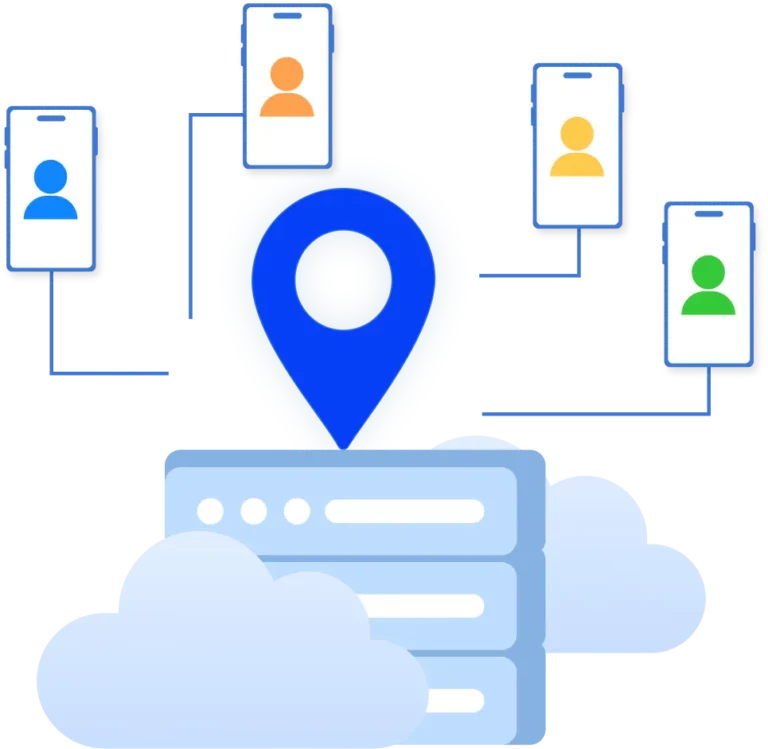




























Cloud Android Emulator

Run Android in the cloud without complex setup or the limitations of traditional emulators.

Work with mobile apps as if on a real device and scale securely.

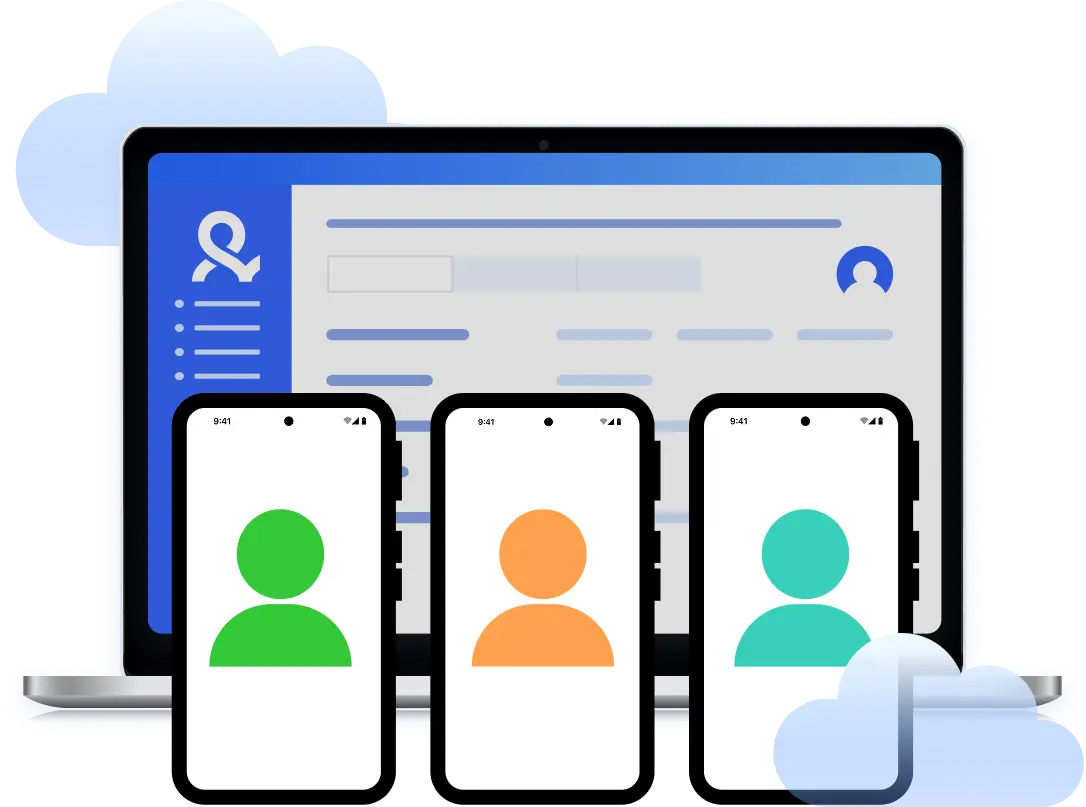
Cloud android emulator interface with multiple android devices managed from one dashboard
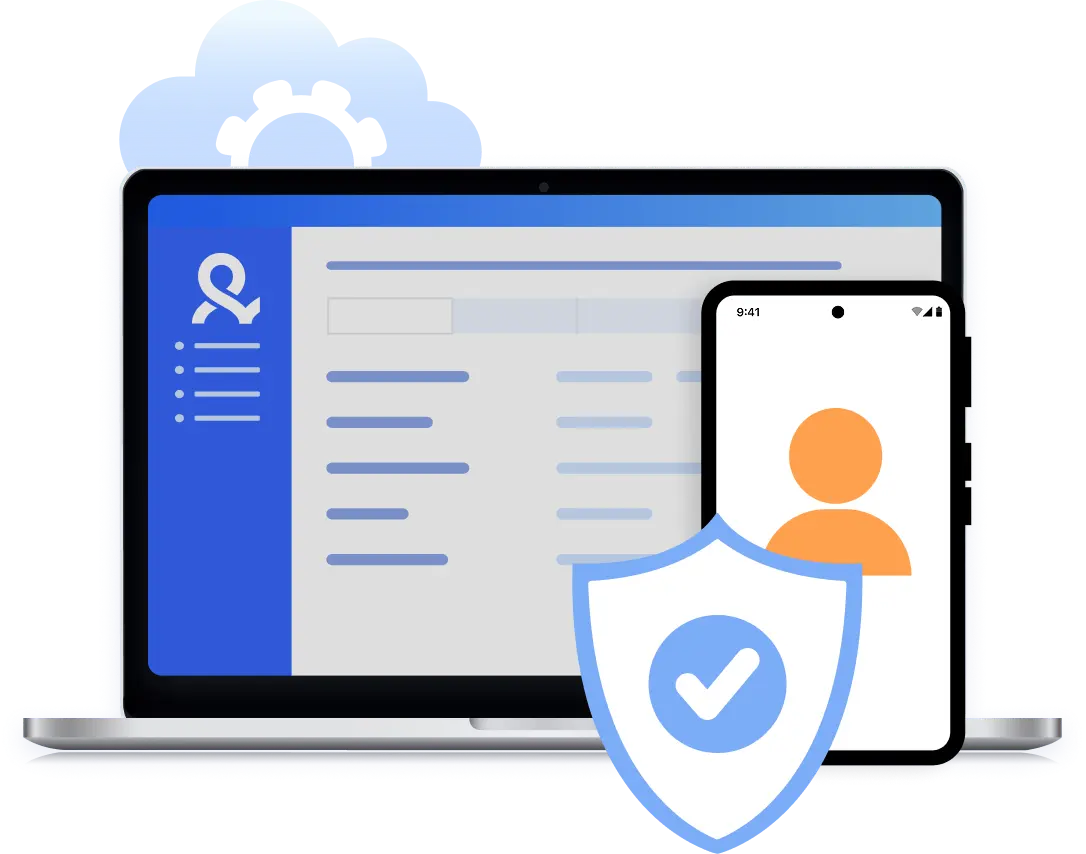
Secure cloud android management with protected mobile account access

Centralized control of Cloud Android

Use cloud Android emulation instead of installing local software.

All sessions run remotely, stay stable, and are always accessible from a single interface.

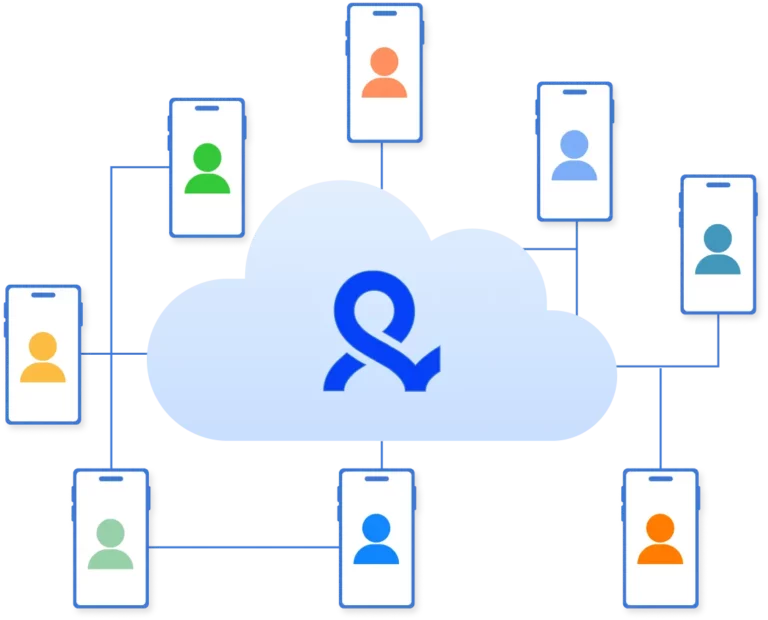
Cloud android devices with isolated sessions connected through a centralized management platform

Stable mobile app performance

Run Android apps without crashes or forced logouts that slow down work and scaling.

The cloud environment is built for continuous operation and supports long-running sessions.

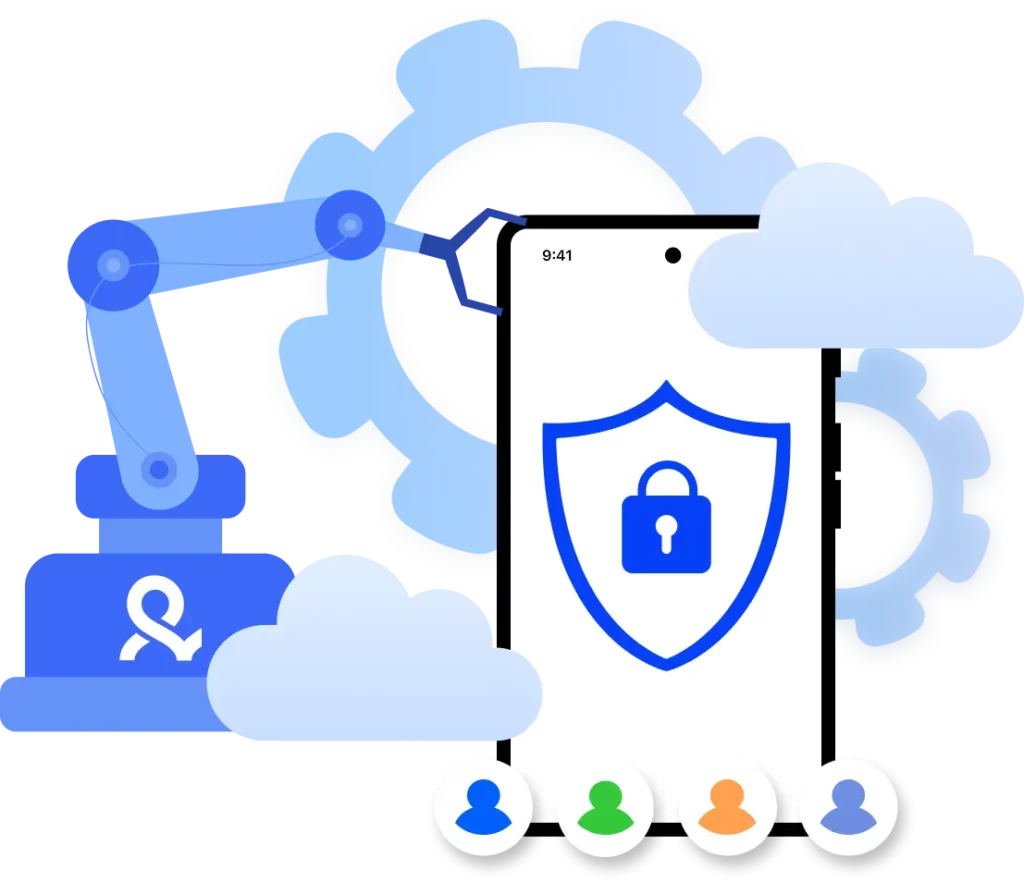
Secure cloud android device with fixed parameters and isolated mobile sessions

Realistic Android environment

Each device runs with a defined model, android version, and a fixed set of hardware parameters.

These characteristics do not change between sessions and are preserved for every account.

Cloud android devices connected through built-in proxies with selectable geolocation

Built-in proxies for Android devices

Each cloud Android device connects through proxies with access to 150+ countries and 1,400+ cities.

Geolocation is configured automatically and does not require third-party services or manual setup.

Try Multilogin Risk-Free — Just €1.99!

Run multiple accounts with zero bans or blocks. Start your 3-day trial and test everything for less than a coffee.
  • 3-day access to Multilogin

  • 5 cloud or local profiles

  • 200 MB proxy traffic included

  • 3-day access to Multilogin

  • 5 cloud or local profiles

  • 200 MB proxy traffic included

What is a Cloud Phone?

A cloud phone is a real Android mobile phone hosted in the cloud. Each cloud phone runs as an independent device, with its own operating system, hardware identifiers, storage, and network signals.

Multiple cloud phone devices running in parallel for mobile account management

Why choose Multilogin for Cloud Phones?

Multilogin cloud phones are fully isolated at the digital environment level, ensuring clean and independent sessions.

Work and scale securely with predictable results.

Cloud phone management platform with multiple cloud phone devices controlled from one interface

Multilogin features for creating cloud phone profiles

Icon representing Multilogin's feature to bypass bot protection.

Real Android cloud phones

Each profile is a fully isolated Android cloud phone running in the cloud. No local emulation – behave like real devices.

An icon representing Team Collaboration with Multilogin.

Android 10–15 support

Work with up-to-date Android versions, including the latest releases. Suitable for modern mobile apps and platforms.

Icon representing residential rotating IPs in Multilogin.

30+ device models, all major brands

Samsung, Vivo, Google, Xiaomi, Redmi, OnePlus, OPPO, and more. Every cloud phone has real-like parameters and a unique IMEI.

An icon representing fingerprint adjustment to match proxy feature of Multilogin.

Built-in proxy management

No need for external proxy services. Mobile-grade residential proxies included. Global coverage across 150+ countries and 1,400+ cities.

Icon representing Multilogin's support for all proxy types, including HTTP, HTTPS, and SOCKS5.

Multilogin 2-in-1, natively integrated

Antidetect profiles and Cloud Phones in a single ecosystem. All in one place — one app, one dashboard.

Icon representing data sync over the cloud with Multilogin.

Bulk profile operations

Create, clone, import, export, and transfer mobile profiles in bulk. Save time when managing large profile volumes.

Icon representing the Android Chrome browser in Multilogin.

Folders, tags, and access control

Organize mobile profiles using folders and tags. Control access and permissions across team members.

An icon representing High Load Supported feature of Multilogin.

Install any app you need – no limits

Install required apps in one click and test flows in a real mobile environment or upload your own APKs directly.

Most Awarded Antidetect Browser

Kinza awards for Multilogin.
Conversion club badge for Multilogin.
Mask group badge for Multilogin
Startup 2019 awards badge for Multilogin
badge for Multilogin
Best Value Software 2022 badge for Multilogin
Best support
Momentum leader
High Performer
High Performer Small Business
SourceForge top performer 2023 badge
GetApp user reviews badge

Watch a Multilogin Android demo

Get a short demo video showing how Multilogin helps you work with mobile accounts on Android.
Leave your name and email below, and we’ll send the video right away.

Name
Last Name
Email *
Image of locked video for Multilogin demo preview

How to run cloud Android with Multilogin

Launch cloud Android emulators and manage them from a single interface.

Step 1 of how to use Multilogin

Sign up

Register using a verified email address. 

Step 2 of how to use Multilogin

Choose your plan

Select from various subscription plans tailored to your business needs.

Step 3 of how to use Multilogin

Download Multilogin X app

Install the Multilogin desktop app to manage mobile sessions securely.

Step 4 of how to use Multilogin

Access the Multilogin dashboard

Launch cloud phone, assign proxies, configure fingerprints, and manage mobile environments from one place.

Step 5 of how to use Multilogin

Manage multiple cloud phone profiles

Set up and manage multiple cloud phone profiles using separate browser profiles with consistent identities.

Work with mobile accounts without bans

Use android emulation with built-in proxies

Cloud Android emulation for professional tasks

Cloud android emulation is used to run apps, manage mobile accounts, and scale workflows without physical devices, including scenarios such as multiple accounting in Instagram and TikTok.

It allows you to work with Android as a full-featured mobile device, without being tied to a specific phone or computer.

This approach fits both daily operational tasks and systematic work with multiple accounts.

Limitations of traditional Android emulators

Most traditional android emulators are installed locally and fully depend on computer performance.

During long-running sessions, they can overload the system, freeze, and behave unstably when multiple profiles are launched. In addition, many mobile applications recognize standard emulators.

This often results in feature restrictions, additional verification steps, and account bans, especially during regular and repeated use.

Cloud-based Android as a modern alternative

Cloud Android emulation runs remotely and does not consume local system resources.

Android devices operate in the cloud and remain accessible from anywhere through a single interface.

This model simplifies scaling, reduces technical risks, and allows teams to focus on working with applications rather than maintaining the environment. All sessions remain stable and independent of local conditions.

Basic Android emulators vs Multilogin Cloud Phones

Parameter

Traditional Android emulators

Multilogin Cloud Phones

Android type

Software-based emulation

Dedicated Android devices in the cloud

Stability

Depends on local hardware

Stable cloud performance

App detection

Often detected as emulators

Appears as a real device

Multiple accounts

Limited

Full account isolation

Device parameters

May change between sessions

Fixed and persistent

Geolocation

Manual configuration

Built-in proxies

Scaling

Limited

Designed for large-scale workflows

Management

Local setup

Single centralized interface

When traditional emulators are enough — and when cloud phones are required

Traditional Android emulators are suitable for simple tasks, short-term use, or basic testing without strict stability requirements.

For ongoing operations, scaling, and long-running sessions, this approach often becomes inefficient.

In such cases, Cloud Phones provide greater control, predictability, and operational stability.

Multilogin Cloud Phones for stable growth

Multilogin delivers cloud-based android emulation with fixed device parameters and built-in proxies.

Each cloud Android device operates fully isolated and preserves its configuration across sessions.

This solution is built for stable performance, scalable workflows, and secure management of mobile accounts — without unnecessary technical complexity.

Frequently Asked Questions

Android mobile emulation allows you to run mobile apps and work with android without a physical smartphone. It is used for testing, account management, and scaling mobile workflows through cloud-based or local environments.

Traditional android emulators run locally on a computer and depend on hardware performance.

Cloud-based mobile emulation runs remotely, offers higher stability, and is better suited for long-running sessions and multiple accounts.

Yes, Android mobile emulation supports working with multiple accounts at the same time. Each session runs independently, reducing the risk of restrictions and account blocks.

No, Cloud Android emulation does not require installing emulators on your computer. All devices run remotely and are accessible through a single centralized interface.

Yes, Cloud Phone allows you to choose the country and city of connection. Geolocation is set automatically via built-in proxies and does not require manual configuration.

Multilogin Cloud Phones are designed for mobile app usage, account management, and scaling mobile operations. The solution is built for stable, long-term work without technical limitations.

Watch the Multilogin Demo for web scraping

Get a 10-minute demo video on how Multilogin can help you easily scrape websites. Just fill in your name, last name and email below, and we’ll deliver the demo video directly to your inbox.

Name
Last Name
Email *
Image of locked video for Multilogin demo preview
Thank you! We’ve received your request.
Please check your email for the results.
We’re checking this platform.
Please fill your email to see the result.

Multilogin works with amazon.com















