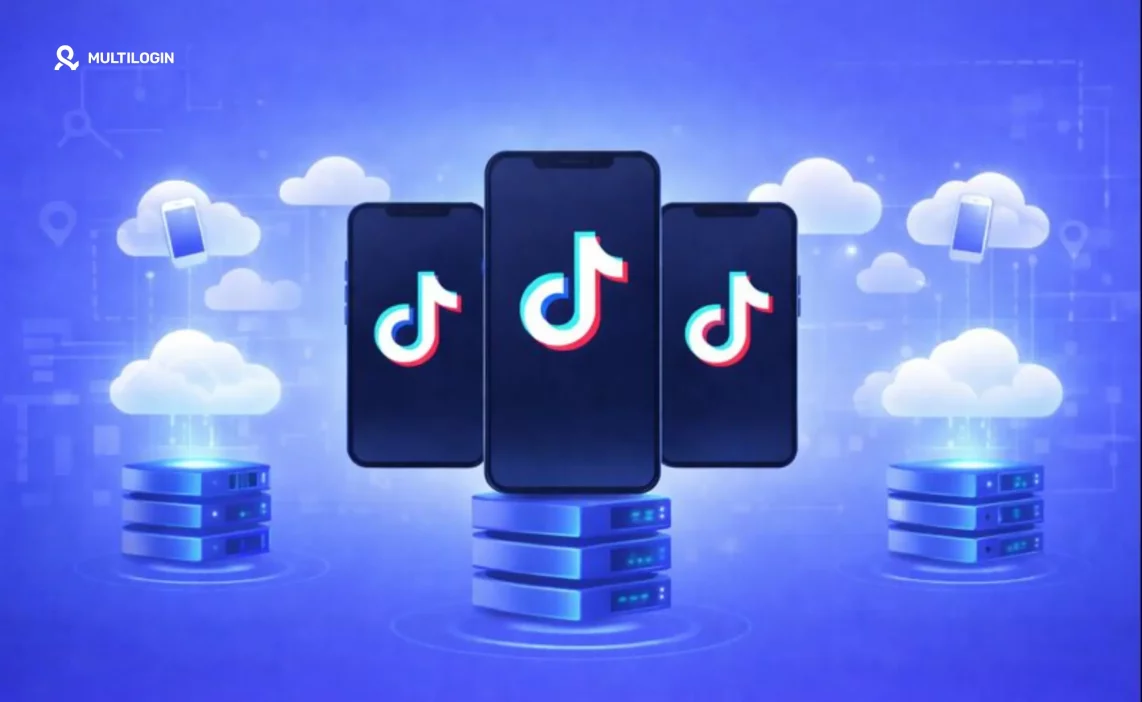

Let’s be honest: you can’t scale TikTok on a single phone. The platform’s detection is too sophisticated, and managing multiple accounts on one device is basically asking for a ban wave.
But here’s the thing—with the right cloud phone setup, you can run dozens of accounts from one dashboard without TikTok ever linking them together. No more juggling physical devices. No more overheating phones. No more getting locked out because the algorithm figured out what you’re doing.
This guide breaks down the best cloud phones for TikTok in 2026, explains why they work when physical phones don’t, and helps you figure out which solution actually fits your situation.
Check out Multilogin pricing to see what professional TikTok management costs.
Why cloud phones work better than physical phones for TikTok
TikTok doesn’t want you running multiple accounts. The platform uses some seriously advanced detection to find and link accounts together. We’re talking device fingerprinting, IMEI tracking, IP monitoring, and behavioral pattern analysis.
When you run multiple accounts on the same physical phone—even if you log out and log back in—TikTok sees the same device fingerprint every time. Same IMEI. Same hardware characteristics. It knows those accounts are connected.
Cloud phones flip this completely. Each cloud phone is a separate virtual device with its own fingerprint, its own device identifiers, and its own IP address. To TikTok, each one looks like a completely different person on a completely different phone.
The economics are pretty compelling too. A hundred physical phones would cost you €20,000-€50,000 upfront, plus chargers, SIM cards, physical space, and constant maintenance. A hundred cloud phone instances? €500-€2,000 per month, all managed from your laptop.
What is a cloud phone Android?
A cloud phone is basically a real Android device that lives in a data center instead of your pocket. You control it remotely through your computer or another phone.
The key difference from emulators is that good cloud phones run on actual ARM-based hardware—the same chips that power real smartphones. This matters because TikTok and other apps can detect when they’re running in emulated environments. Cloud phones on real hardware pass these checks.
Think of it like renting a phone that someone else stores and maintains, but you have complete control over what it does. You can install apps, create accounts, post content, engage with followers—everything you’d do on a physical device, just without the physical device.
Which phone works best with TikTok?
For TikTok specifically, you want a cloud phone solution that nails three things:
- Real device fingerprints. TikTok’s detection looks for signs of virtual environments. The best cloud phones generate fingerprints that match actual Android devices—real hardware identifiers, real system characteristics, real behavioral patterns.
- Persistent sessions. Your accounts need to stay logged in. Cloud phones with 24/7 uptime mean you’re not constantly re-authenticating, which itself can trigger suspicion.
- Location consistency. If your account claims to be in Chicago but your IP says Singapore, TikTok notices. Good cloud phones match your IP address to your stated location.
For professional use—agencies, content creators running multiple brands, serious farmers—Multilogin Cloud Phones consistently deliver on all three.
What is the best cloud phone system?
It depends on what you’re actually trying to do. Here’s how the major options stack up:
1. Multilogin Cloud Phones
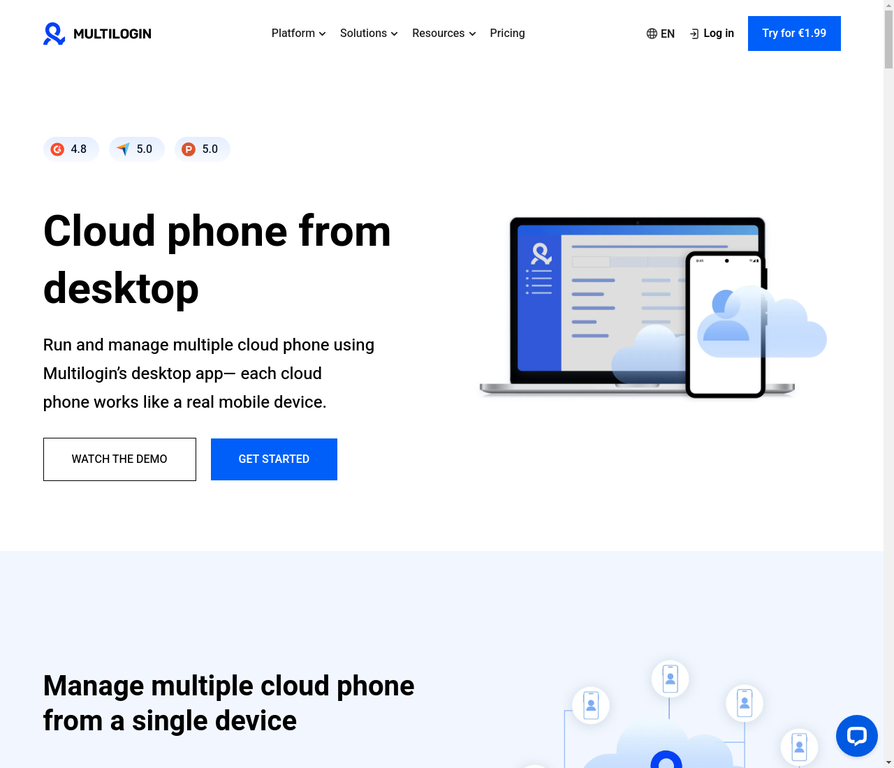
Multilogin is built for people who need to manage a lot of accounts professionally. The platform runs real ARM-based Android devices, not emulators, which means TikTok sees genuine hardware.
What makes it different: team collaboration features let multiple people manage accounts without sharing passwords. Built-in residential proxies mean you don’t need separate proxy subscriptions. Sessions persist 24/7, so accounts stay logged in.
Best for: Agencies, professional farmers, teams managing 50+ accounts
Pricing: Starting at €5.85/month for the Pro 10 plan
Learn more about how Multilogin cloud phones work.
2. DuoPlus
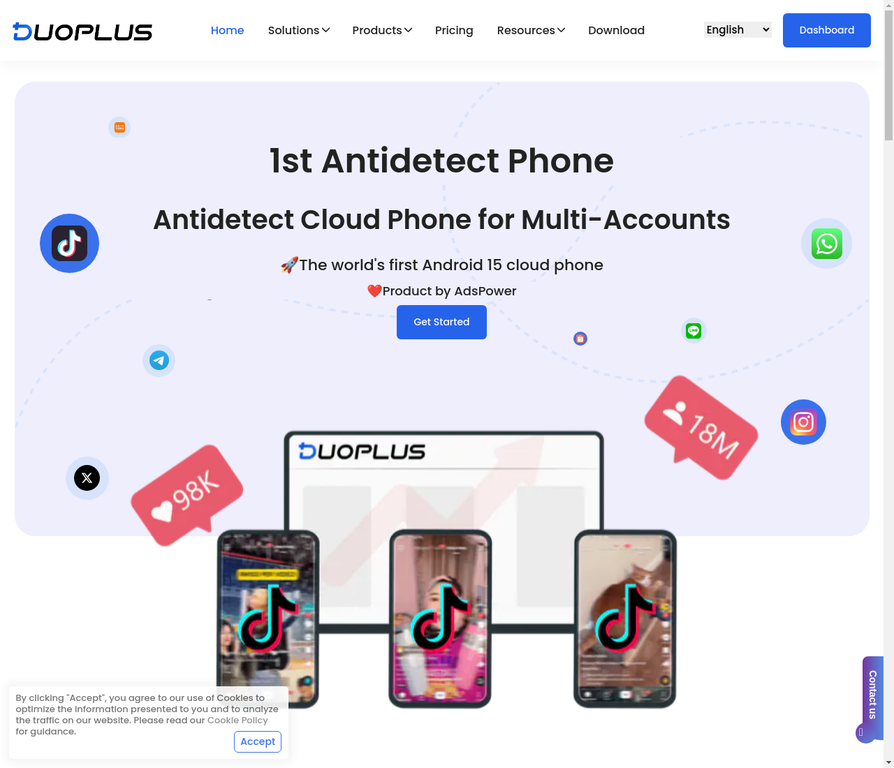
DuoPlus has built a reputation specifically around anti-detection technology. They support Android 15 and focus heavily on making sure platforms can’t identify their cloud phones as virtual devices.
Best for: Technical users who prioritize detection prevention above everything else
Pricing: Starting at €10/month
3. VMOS Cloud
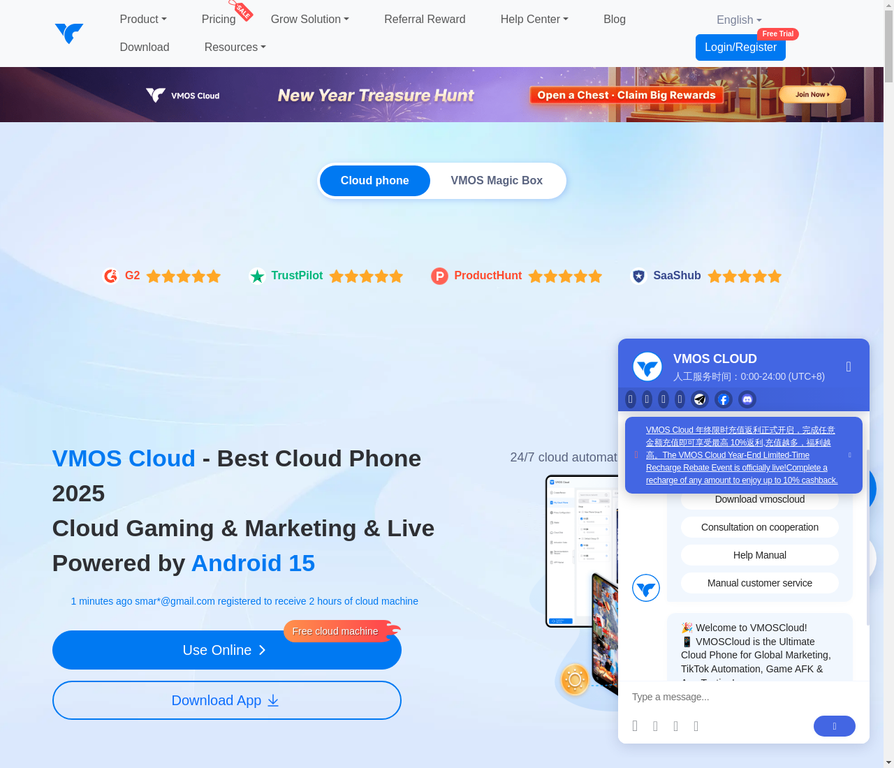
VMOS is more accessible for individual creators who aren’t running massive operations. They were early to Android 14 support and offer a free tier to get started.
Best for: Individual influencers, casual multi-account users, budget-conscious creators
Pricing: Starting at €5/month, free options available
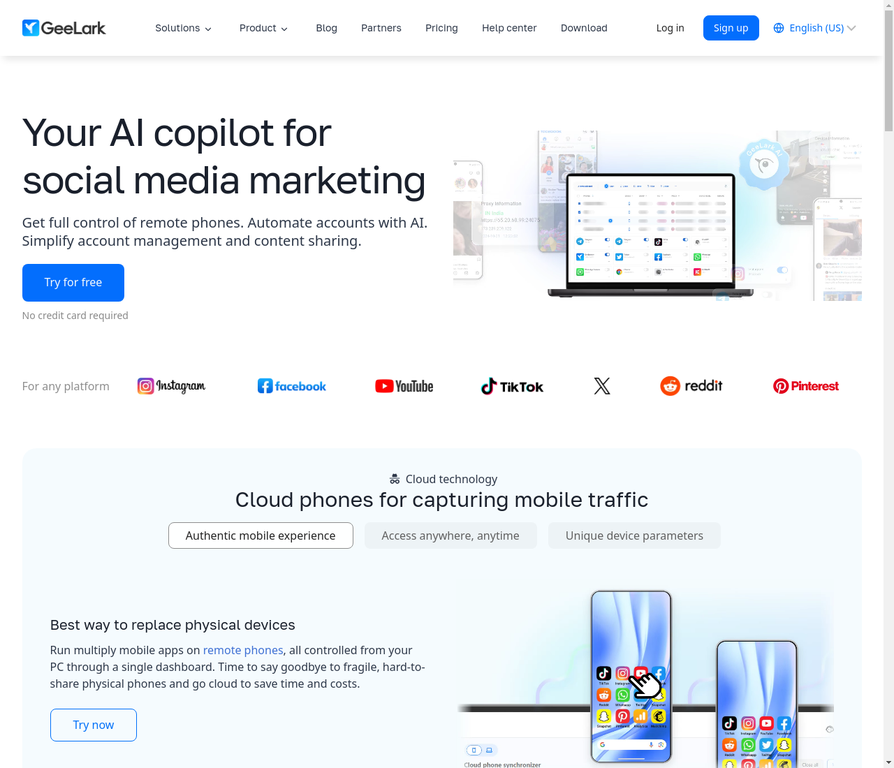
4. GeeLark
GeeLark focuses on social media marketing workflows. If you’re managing accounts across TikTok, Instagram, and other platforms, their tools are built for that use case.
Best for: Social media marketers, agencies managing multiple platforms
Pricing: Starting at €8/month
See how Multilogin compares to GeeLark for a detailed breakdown.
5. OgPhone
OgPhone specializes in precise GPS and location management. If you’re running regional TikTok campaigns that need to look authentically local, their location features are strong.
Best for: Regional campaigns, geo-targeted content, location-specific operations
Pricing: Starting at €12/month
6. LDCloud
LDCloud offers the lowest prices and includes free options. The tradeoff is less sophisticated anti-detection and limited team features.
Best for: Testing, casual use, very tight budgets
Pricing: Starting at €2/month, free tier available
Which phone is best for influencers?
If you’re an influencer or content creator, your needs are a bit different from a pure farming operation. You probably care about:
- Easy content management across multiple brand accounts
- Good performance for recording and uploading
- Reliable uptime (you can’t miss posting schedules)
- Reasonable cost since you’re likely managing 5-20 accounts, not 500
For most influencers, VMOS Cloud hits the sweet spot. It’s affordable, creator-focused, and doesn’t require technical expertise to set up. The free tier lets you test before committing.
If you’re managing accounts for multiple clients or brands professionally, Multilogin makes more sense. The team collaboration features mean you can give client access without sharing credentials, and the fingerprinting is more robust for long-term account safety.
Which phone is best for video content creation?
Cloud phones handle content creation differently than physical phones. You’re not shooting video directly on the cloud phone—you’re uploading content you’ve already created.
The workflow looks like this: create your content on your actual phone or camera, transfer files to your cloud phone, then post from there. This keeps your content creation device completely separate from your posting device, which is actually more secure.
What matters for content creation:
- File upload speed: How quickly can you get content onto the cloud phone?
- Storage: Do you have enough space for your video files?
- Processing: Can the cloud phone handle editing apps if you need to make quick tweaks?
Multilogin and DuoPlus both handle video uploads smoothly. VMOS Cloud is adequate for basic posting but can struggle with larger files.
What is the best device for TikTok?
For pure TikTok performance, you want:
- Android 13 or newer (TikTok’s latest features work best)
- Strong network connection (cloud phones rely on data center infrastructure, which is usually excellent)
- Fingerprints that match popular real devices (Samsung, Xiaomi, OPPO models that TikTok sees millions of times)
Multilogin Cloud Phones let you choose from approximately 30 real device types, including models from Samsung, Google, OPPO, vivo, Redmi, and OnePlus. This means your cloud phone doesn’t just claim to be a certain device—it actually behaves like one.
Does TikTok overheat your phone?
If you’ve ever spent hours on TikTok, you know physical phones get hot. The app is demanding—constant video playback, background processing, data streaming.
With cloud phones, overheating isn’t your problem. The devices run in data centers with industrial cooling systems. Your cloud phone could run TikTok 24/7 without ever throttling due to heat.
This matters more than you might think. Overheating causes:
- Slower performance and app crashes
- Battery degradation
- Automatic shutdowns
- Reduced phone lifespan
If you’re running multiple accounts on physical phones, you’re dealing with this constantly. Cloud phones eliminate it entirely.
Which phone camera is best for TikTok?
Here’s the thing about cloud phones and cameras: they don’t have physical cameras. They use virtual camera systems that accept uploaded content.
This is actually a feature, not a bug. For multi-account management, you don’t want to shoot directly on the device anyway. You want to:
- Create content on your best camera (DSLR, mirrorless, your primary phone)
- Edit on your preferred software
- Upload to each cloud phone
- Post from separate, isolated devices
This workflow gives you professional content quality while maintaining complete account isolation. Each account appears to be posting from a different device in a different location.
Some cloud phones do support virtual cameras for live streaming. If live TikTok is part of your strategy, check this feature specifically—Multilogin offers live stream support.
Why is TikTok not working on some phones?
TikTok can stop working on devices for several reasons:
- Outdated Android versions. TikTok drops support for older Android versions periodically. If your cloud phone is running Android 10 or earlier, you might hit compatibility issues.
- Detected emulation. If TikTok identifies a device as an emulator rather than a real phone, it may block the app entirely. This is why free cloud phone emulators often don’t work—TikTok can tell they’re not genuine devices.
- IP blocks. If your IP address has been flagged (too many accounts, suspicious activity), TikTok may block connections from it.
- Geographical restrictions. TikTok availability varies by country. If your cloud phone’s location doesn’t match where TikTok thinks you are, you might have issues.
Premium cloud phones like Multilogin solve these problems by running current Android versions on real hardware with clean residential IPs. Learn more about preventing TikTok shadow bans with proper setup.
Free cloud phone options: what actually works?
Let’s be real about free cloud phones for TikTok.
VMOS Cloud offers a free tier that lets you test the basics. It works for a single account or two, but you’ll hit limitations quickly—fewer features, slower performance, and basic fingerprinting.
LDCloud has free options as well, but the anti-detection isn’t sophisticated enough for serious TikTok work. Good for experimenting, risky for accounts you care about.
The problem with free cloud phone emulators generally is that they cut corners on the expensive parts: real device hardware, quality IP addresses, and fingerprint technology. TikTok’s detection specifically targets these weaknesses.
If you’re testing whether cloud phones work for your use case, free options are fine. If you’re managing accounts that matter—accounts with followers, monetization, or client relationships—budget for a paid solution.
How to set up your first cloud phone for TikTok
Getting started is simpler than you might expect:
- Choose your Mulilogin plan
- Create an account and verify your email
- Configure your first cloud phone—select Android version, device type, and location
- Launch the instance and wait for it to boot (usually 1-2 minutes)
- Install TikTok from the Play Store (or APK if needed)
- Create your first account using a unique email and phone number
- Warm up the account with normal-looking activity before posting
- Repeat for additional accounts, each on its own cloud phone
The key is patience. Don’t create 50 accounts on day one. Build gradually, let each account establish normal behavior patterns, and scale over time.
No more juggling physical devices or risking account links. Try Multilogin's cloud phones now.
Frequently Asked Questions About Best cloud phones for TikTok
For multi-account management, cloud phones work better than physical phones because each instance has its own isolated fingerprint and IP address. Among cloud phone providers, Multilogin offers the most reliable fingerprinting for TikTok specifically, while VMOS Cloud is the most accessible for individual creators. The “best” choice depends on whether you’re running 5 accounts or 500.
The best cloud phone system depends on your scale and use case. Multilogin is best for agencies and teams who need collaboration features and advanced anti-detection. DuoPlus excels at pure anti-detection technology. VMOS Cloud is best for solo creators on a budget. GeeLark works well for social media marketers managing multiple platforms. For most professional TikTok operations, Multilogin’s combination of reliability, support, and features makes it the top choice.
For creating TikTok content, you actually want to shoot on your best physical camera or phone, then upload to cloud phones for posting. This gives you professional content quality while maintaining account isolation. Cloud phones aren’t designed for shooting video—they’re designed for managing and posting to multiple accounts safely. The best workflow separates content creation from content distribution.
Influencers managing multiple brand accounts should consider VMOS Cloud for affordability and ease of use, or Multilogin if they need team collaboration features for working with managers or agencies. The key factors are reliable uptime (you can’t miss posting schedules), good enough performance for content uploads, and strong enough fingerprinting to protect your accounts long-term.
For running TikTok at scale, cloud phones on real ARM hardware outperform both physical phones and emulators. Physical phones are expensive and hard to manage in quantity. Emulators get detected. Cloud phones with real hardware identifiers give you the best combination of scalability, detectability, and cost-effectiveness. Specifically, look for providers offering device types that match popular real smartphones.
Yes, TikTok is resource-intensive and will overheat physical phones during extended use. Cloud phones don’t have this problem because they run in climate-controlled data centers. This means better performance, no throttling, and you can run accounts 24/7 without hardware degradation. For high-volume operations, eliminating overheating alone is worth switching to cloud phones.
The bottom line: choosing the right cloud phone for TikTok
Cloud phones have become essential for anyone serious about TikTok at scale. They solve the fundamental problem of device fingerprinting while eliminating the logistics nightmare of managing physical phones.
For agencies and professional operations, Multilogin Cloud Phones offer the best combination of reliability, team features, and anti-detection technology. The investment pays off in accounts that stay alive.
Whatever you choose, the key is matching the solution to your actual needs. Start smaller than you think you need, validate the workflow works for your situation, then scale up.
Ready to scale your TikTok operations? Start with Multilogin and manage your accounts from one dashboard.

