





Running multiple Instagram accounts from one phone is basically asking for trouble. Instagram’s detection is sophisticated enough to link your accounts through device fingerprints, and when one account gets flagged, they all go down together.
But here’s what’s changed: cloud phones now let you manage dozens—even hundreds—of Instagram accounts from a single dashboard, each one appearing to run on a completely different device. No more physical phone farms. No more charging stations. No more accounts getting linked because they share the same hardware.
This guide breaks down which cloud phones actually work for Instagram in 2026, what to look for, and how to pick the right solution for your situation—whether you’re a content creator, an agency, or running a serious growth operation. Check out Multilogin plans to see what professional Instagram management costs.
Why cloud phones beat physical phones for Instagram
Instagram really doesn’t want you running multiple accounts. The platform uses device fingerprinting, IMEI tracking, IP monitoring, and behavioral analysis to detect and link accounts together.
When you run multiple accounts on the same physical phone, Instagram sees the same device fingerprint every time you switch accounts. Same hardware ID. Same screen characteristics. Same everything. It knows those accounts are connected, even if you’re logging out between sessions.
Cloud phones change the equation completely. Each cloud phone instance is a separate virtual device with its own unique fingerprint, its own IMEI, its own device identifiers. To Instagram, each one looks like a completely different person on a completely different phone in a completely different location.
The economics work out too. A hundred physical phones would run you €20,000-€50,000 upfront, plus SIM cards, chargers, physical space, and constant maintenance headaches. A hundred cloud phone instances? €500-€2,000 per month, managed entirely from your laptop.
Which phone is best for Instagram?
For multi-account Instagram management, cloud phones outperform physical phones in almost every way that matters. Here’s why:
- Complete device isolation. Each cloud phone has its own fingerprint, its own IP, its own identity. Instagram can’t link accounts running on different cloud phones.
- No hardware limitations. Physical phones overheat, batteries degrade, storage fills up. Cloud phones run in data centers with industrial cooling and unlimited resources.
- Central management. Instead of physically handling dozens of devices, you control everything from one dashboard on your computer.
- Scalability. Going from 10 accounts to 100 accounts means clicking a few buttons, not buying 90 more phones.
For solo creators running 3-5 accounts, a good cloud phone setup provides peace of mind that your accounts won’t get linked. For agencies managing client accounts, it’s basically the only viable approach.
Which phone is best for making Instagram Reels?
Here’s something people get confused about: you don’t actually shoot Reels directly on a cloud phone. The workflow is different—and actually better.
You create your content on your best equipment (your primary phone’s camera, a DSLR, whatever gives you the best quality), edit it with your preferred tools, then upload to your cloud phones for posting. Each account posts from what appears to be a different device in a different location.
What matters for Reels is:
- Upload speed: How quickly can you get video files onto the cloud phone?
- Processing power: Can it handle Instagram’s Reels editor for quick tweaks?
- Storage: Do you have room for your video files?
- App performance: Does Instagram run smoothly without lag?
Multilogin Cloud Phones handle Reels uploads smoothly with good processing speed and storage. VMOS Cloud works fine for basic Reels posting. The cheaper options like Redfinger can struggle with larger video files.
For professional content creators, the key is separating content creation (use your best gear) from content distribution (use cloud phones for safe multi-account posting).
What phones are compatible with Instagram?
Instagram runs on any Android device running Android 8.0 or later. All the major cloud phone providers—Multilogin, GeeLark, VMOS Cloud, DuoPlus, BitCloudPhone, Redfinger—run Android versions that support Instagram without issues.
The real compatibility question isn’t whether Instagram will install—it will. The question is whether Instagram can detect that it’s running on a virtual device.
This is where cloud phone providers differ significantly. The best ones run on real ARM-based hardware (the same chips in actual smartphones) and generate fingerprints that match real devices. Cheaper options use emulation, which Instagram’s detection can sometimes identify.
If you’re seeing accounts get flagged despite using cloud phones, the provider’s fingerprinting technology probably isn’t sophisticated enough. Multilogin and BitCloudPhone have the most reliable fingerprinting for Instagram specifically.
How much does a cloud phone cost?
Cloud phone pricing varies widely based on features, quality, and scale:
Budget tier (€2-6/month per instance):
- Redfinger, LDCloud
- Basic isolation, limited features
- Good for testing, risky for accounts you care about
Mid-range (€5-10/month per instance):
- VMOS Cloud, DuoPlus
- Better fingerprinting, more features
- Suitable for small-scale operations
Professional tier:
- Multilogin, BitCloudPhone
- Advanced fingerprinting, team collaboration, 24/7 support
- Best for agencies and serious operations
The real cost calculation isn’t just the per-phone price—it’s the cost of lost accounts. If cheap cloud phones get your accounts banned, you’ve lost followers, content, and potentially income. Premium providers cost more but protect accounts better.
For reference: Multilogin starts at $7.08/ month for their Pro 10 plan (10 cloud phones), with enterprise pricing for larger operations.
What phones do Instagram influencers use?
Smart influencers managing multiple accounts use cloud phones to keep their brand accounts, personal accounts, and client accounts completely separate.
The most common setups:
- Solo influencers (3-10 accounts): VMOS Cloud or GeeLark for affordability and ease of use.
- Professional influencers with management teams: Multilogin for team collaboration features—managers can access accounts without sharing passwords.
- Agencies managing influencer accounts: Multilogin or BitCloudPhone for scale, team permissions, and reliable fingerprinting.
The workflow typically involves creating content on high-quality camera equipment, then distributing through cloud phones. This gives influencers professional content quality while maintaining complete separation between accounts.
Learn more about best antidetect browsers for Instagram and how influencers protect their accounts.
Is iPhone or Android better for vlogging?
For pure vlogging and content creation, iPhones have excellent cameras. But for multi-account Instagram management, Android cloud phones win.
Here’s why:
- Customization. Android offers more flexibility for automation and account management workflows.
- Cloud phone availability. Cloud phones run Android, not iOS. Apple doesn’t license iOS for cloud deployment.
- App sideloading. Android lets you install apps outside the Play Store if needed.
- Automation. Android supports more automation tools for scheduled posting and engagement.
The ideal setup for serious vloggers: shoot on whatever gives you the best video (iPhone, DSLR, mirrorless camera), then manage your Instagram presence through Android cloud phones.
Which phone has the best camera for Instagram?
Cloud phones don’t have physical cameras. They use virtual camera systems that accept uploaded content.
This is actually an advantage for multi-account management. You want your content quality to come from professional equipment, not from phone cameras. The cloud phone’s job is to post that content safely from an isolated device—not to shoot it.
For content that looks like it was shot on a phone (Stories, casual Reels), you can:
- Shoot on your primary device
- Transfer to cloud phones
- Post from there
Some cloud phones support virtual cameras for live streaming. If Instagram Lives are part of your strategy, check this feature specifically—Multilogin and GeeLark both support live streaming through their virtual camera systems.
Which Android phone is best for social media?
For social media management across multiple platforms—Instagram, TikTok, Facebook, Twitter—Android cloud phones are the clear winner over physical Android devices.
The best options by use case:
- For agencies and teams: Multilogin Cloud Phones. Team collaboration, role-based permissions, shared account access without password sharing. Manages Instagram alongside other platforms from one dashboard.
- For automation-focused users: GeeLark. Built specifically for social media automation with scheduling and engagement tools.
- For budget-conscious social media managers: VMOS Cloud. Affordable multi-instance support across platforms.
- For high-volume operations: BitCloudPhone. Designed to handle large-scale operations across multiple social platforms.
The key advantage of cloud phones for social media is central management. Instead of juggling physical devices, you control everything from your computer.
Best Android cloud phone: the top options compared
Let’s break down the actual providers:
Multilogin Cloud Phones (best for professional operations)
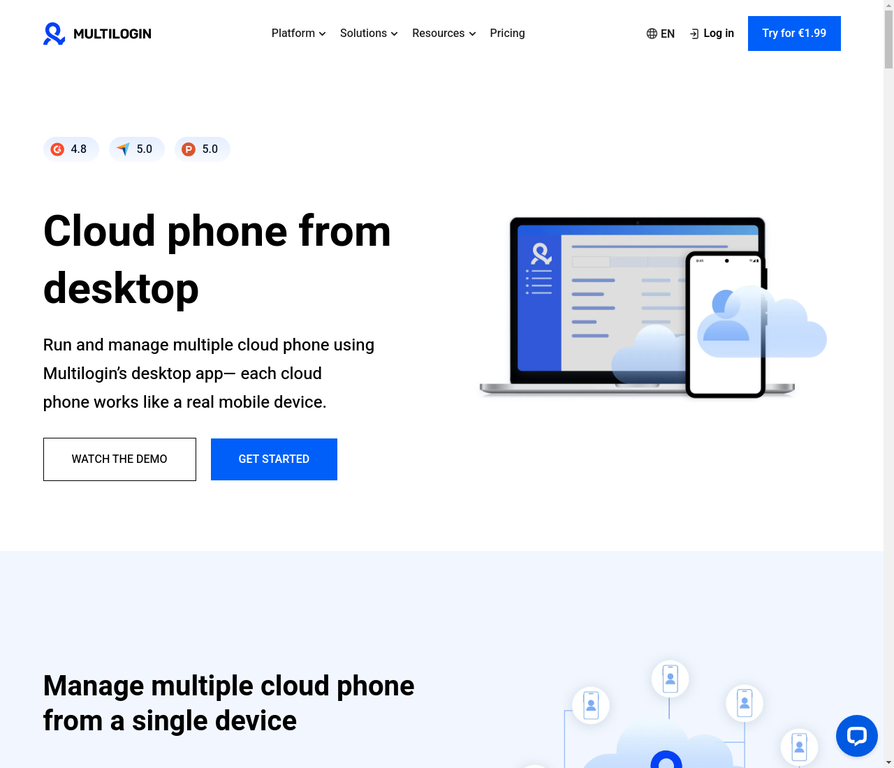
Multilogin is built for people who manage accounts professionally. Real ARM-based Android devices (not emulators), team collaboration features, built-in residential proxies, and 24/7 persistent sessions.
Best for: Agencies, professional farmers, teams, anyone managing 20+ accounts
Pricing: Starting at $7.08/month (Pro 10 plan)
Instagram-specific: Excellent fingerprinting that passes Instagram’s detection, good Reels support, team account sharing
Learn how Multilogin cloud phones work.
GeeLark Cloud Phone
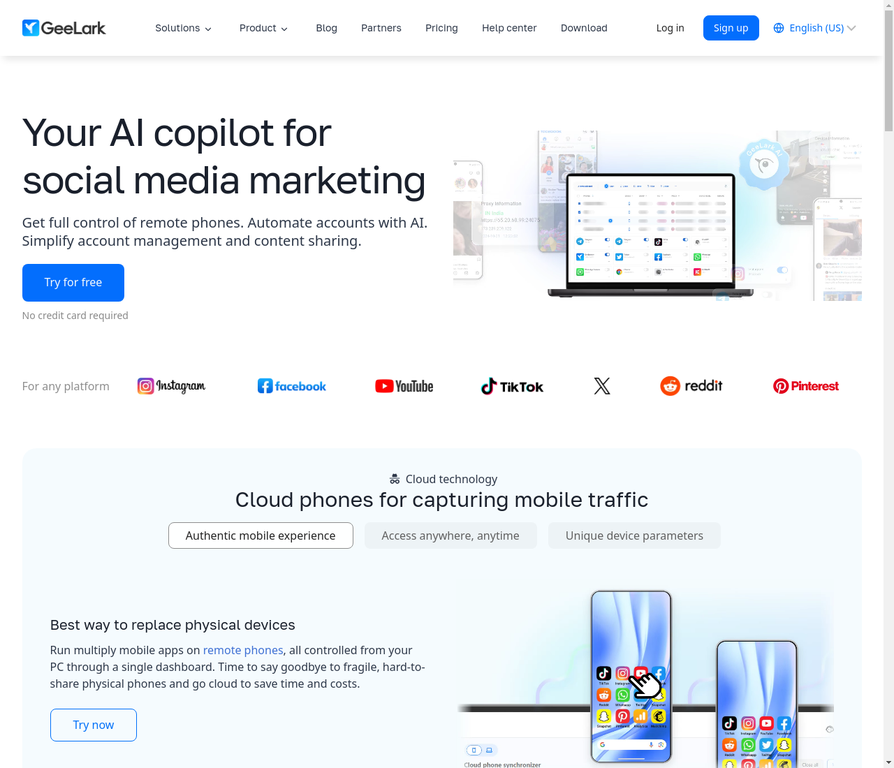
GeeLark focuses on automation and social media marketing workflows. Good fingerprint isolation, automation capabilities, and affordable pricing.
Best for: Marketers, automation users, scheduled posting operations
Pricing: Free plan available; paid plans start at $8.45/month (Base)
Instagram-specific: Good automation tools, supports scheduled posting
See how Multilogin compares to GeeLark.
VMOS Cloud
VMOS Cloud offers good multi-instance support at affordable prices, with a free tier for testing.
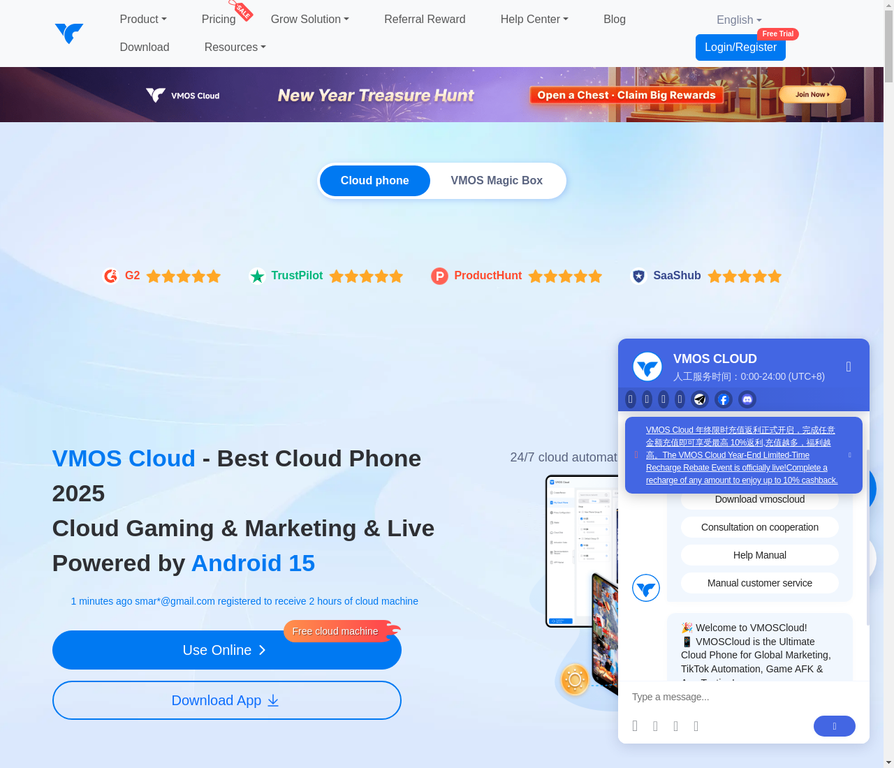
Best for: Budget users, solo operators, testing cloud phones before committing
Pricing: Starting at €5/month, free tier available
Instagram-specific: Basic isolation, good for casual multi-account use
BitCloudPhone
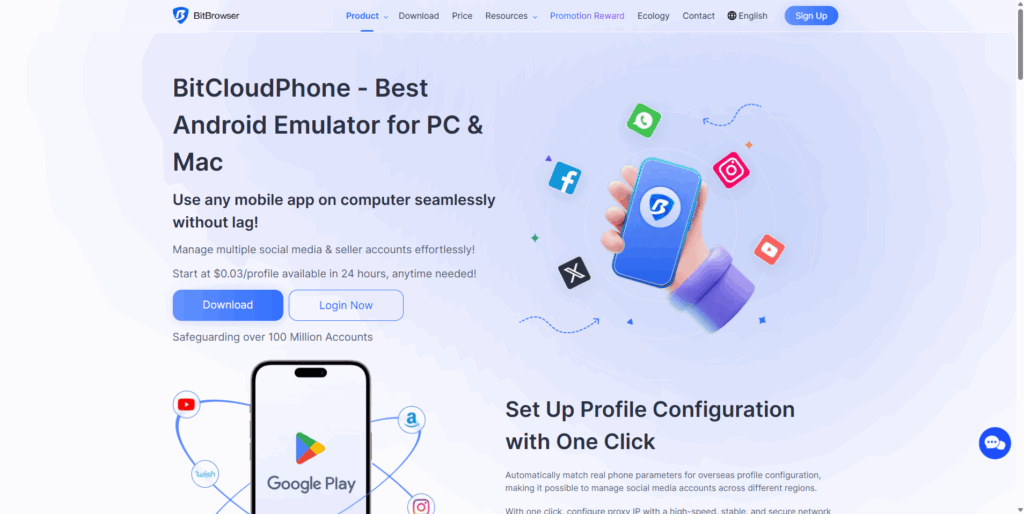
BitCloudPhone handles high-volume operations with advanced isolation technology.
Best for: Large-scale operations, professional farmers
Pricing: Starting at €8/month
Instagram-specific: Strong isolation, designed for volume
DuoPlus
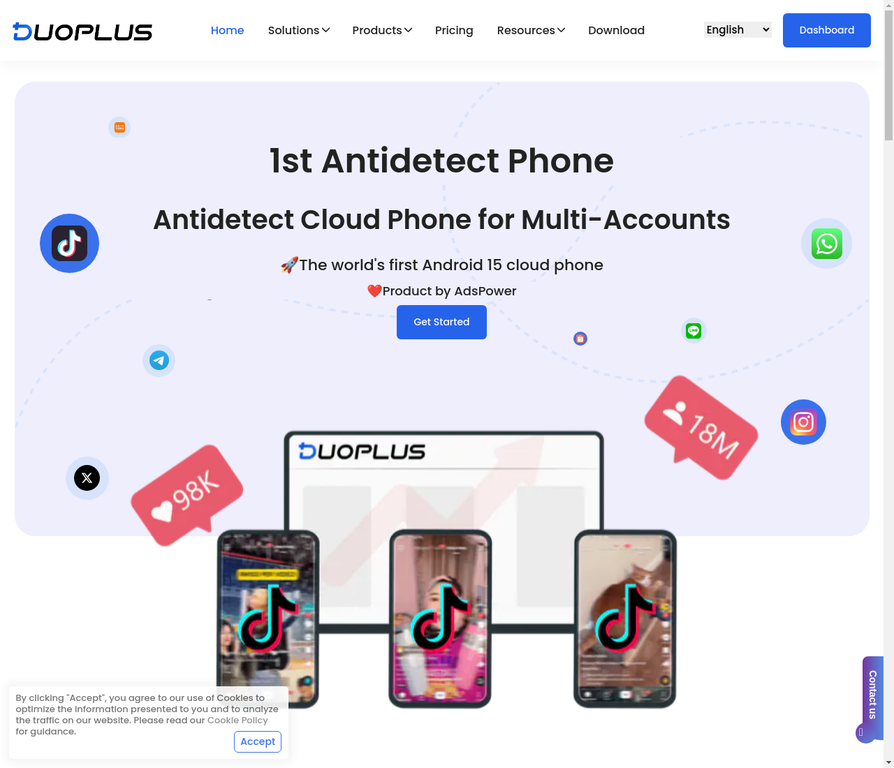
DuoPlus has the most user-friendly setup process with good documentation.
Best for: Beginners, those who want quick setup
Pricing: Starting at €10/month
Instagram-specific: Easy onboarding, decent fingerprinting
Check out DuoPlus alternatives if you want to compare options.
Redfinger
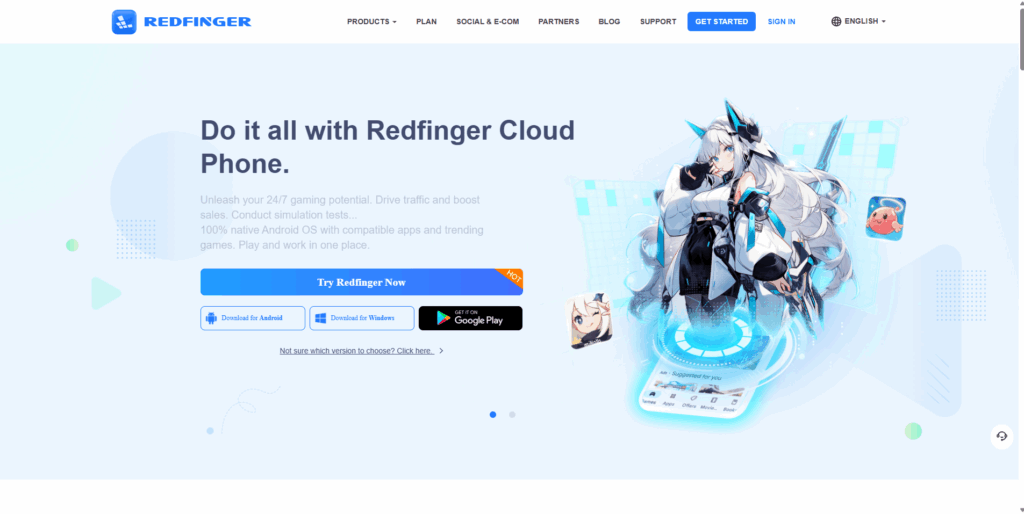
Redfinger gets you started fast with minimal configuration.
Best for: Quick testing, casual users
Pricing: Starting at €6/month
Instagram-specific: Basic features, quick onboarding
Best cloud phone for gaming and AFK
If you’re using cloud phones for mobile games that require AFK (away from keyboard) farming—Clash of Clans, Raid Shadow Legends, idle games—your priorities are different from Instagram management.
Gaming cloud phones prioritize raw performance over fingerprinting sophistication. For Instagram, it’s the opposite—fingerprinting matters more than gaming benchmarks.
If you need cloud phones for both gaming and Instagram, you’ll probably want separate providers optimized for each use case, or accept tradeoffs with a general-purpose option.
Cloud mobile: understanding the landscape
“Cloud mobile” or “mobile cloud” refers broadly to mobile device functionality delivered through cloud infrastructure. For Instagram management, this means:
- Cloud phones: Virtual Android devices you control remotely (what this article focuses on)
- Mobile emulators: Software that simulates mobile devices on your computer (detectable by Instagram)
- Phone farms: Physical phones running in data centers (expensive, complex)
Cloud phones on real ARM hardware offer the best balance of cost, scalability, and detection prevention. Emulators are cheaper but get detected. Physical phone farms work but cost significantly more.
For Instagram specifically, cloud phones from providers like Multilogin, GeeLark, or BitCloudPhone give you real device characteristics without the overhead of physical hardware.
How to set up your first cloud phone for Instagram
Getting started is straightforward:
- Choose your Multilogin plan based on your needs
- Create an account and verify your email
- Configure your cloud phone (Android version, device type, location)
- Launch the instance and wait for it to boot (usually 1-2 minutes)
- Install Instagram from the Play Store
- Create your first account with a unique email and phone number
- Warm up the account with normal activity before posting
- Test isolation by creating a second cloud phone and checking that accounts aren’t linked
- Scale gradually once you’ve confirmed everything works
The key is patience. Don’t create 50 accounts on day one. Let each account establish normal behavior patterns before scaling up.
No more juggling physical devices or risking account links. Try Multilogin's cloud phones now.
Frequently Asked Questions About Best cloud phones for Instagram
For managing multiple Instagram accounts, cloud phones outperform physical phones because each instance has complete device isolation. Among cloud phone providers, Multilogin offers the most reliable fingerprinting for Instagram specifically, while VMOS Cloud provides the best budget option. Physical phones work fine for single accounts, but linking risk makes them problematic for multi-account operations.
For shooting Reels, use whatever camera gives you the best quality—your primary phone, a DSLR, or a mirrorless camera. For posting Reels to multiple accounts safely, cloud phones are ideal. The workflow separates content creation (best equipment) from content distribution (isolated cloud phones). Multilogin and BitCloudPhone handle Reels uploads smoothly with good processing speed.
Any Android device running Android 8.0+ is compatible with Instagram. All major cloud phones—Multilogin, GeeLark, VMOS, DuoPlus, BitCloudPhone, Redfinger—run supported Android versions. The real question is whether Instagram can detect virtual device characteristics. Premium providers with real ARM hardware and sophisticated fingerprinting have the best compatibility for long-term account health.
For shooting video content, both platforms have excellent cameras. But for multi-account Instagram management, Android wins because cloud phones run Android. The optimal setup: shoot on whatever gives you the best video quality, then manage your Instagram presence through Android cloud phones.
The bottom line: choosing the right cloud phone for Instagram
Instagram’s device fingerprinting is the real obstacle here, not the number of accounts you’re trying to run. A cloud phone solves that by giving every account its own device identity, so the platform never connects them in the first place.
The right pick depends on how much your accounts are actually worth to you. Agencies and professional operations get the most protection from Multilogin Cloud Phones, since fingerprinting reliability, team access, and support matter more at scale than shaving a few dollars off the monthly cost. Solo creators running a handful of accounts can start with a cheaper option like VMOS Cloud and upgrade once the operation grows. If scheduled posting and engagement automation are the priority, GeeLark is built around that workflow specifically.
Start with fewer accounts than you think you need, confirm the isolation actually holds, then scale. A cloud phone only protects you if it’s set up and warmed up correctly, the tool doesn’t do that part for you.
Ready to manage your Instagram accounts without the risk? Start with Multilogin and run your first cloud phone today.


