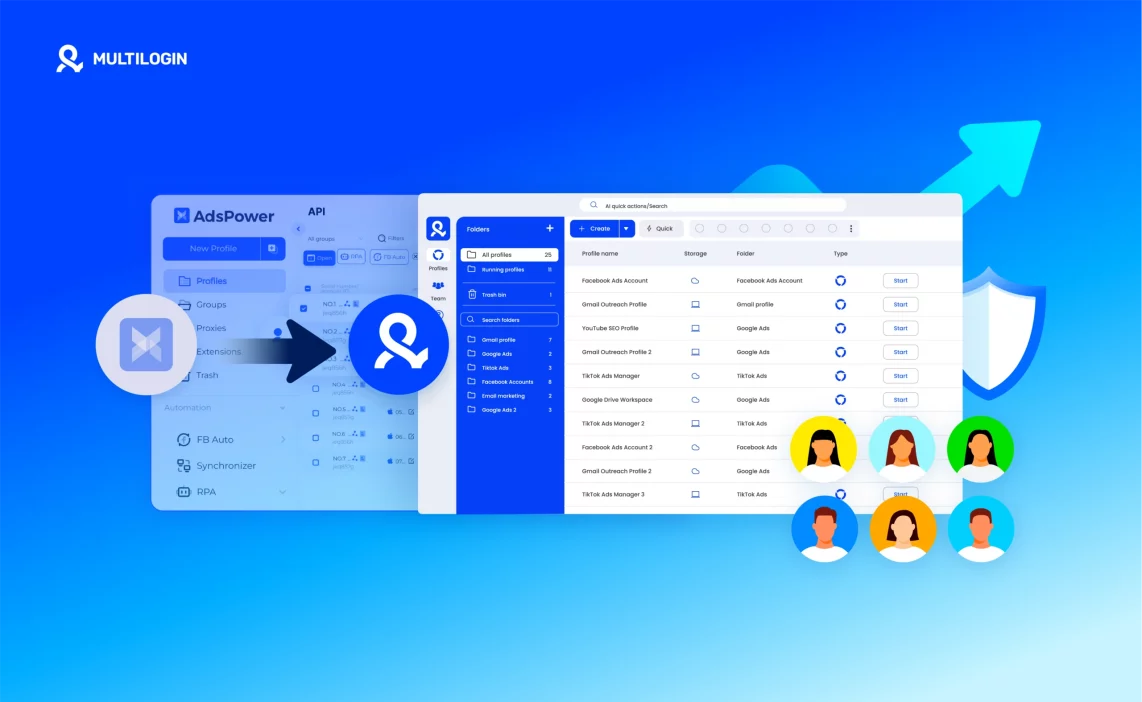
Switching from Adspower to Multilogin can feel like a big move, especially if you’ve built dozens of browser profiles and want to keep everything intact. In practice, the process is much simpler than it seems.
Whether you’re changing tools for more stability, improved browser fingerprint control, or smoother automation, this guide explains every step — from exporting data in Adspower to importing it safely into Multilogin.
Instead of getting lost in technical terms, this walkthrough keeps things practical. You’ll see what to do, what to avoid, and how to move everything without losing your sessions or breaking your workflow.
Why users migrate from Adspower to Multilogin
Moving hundreds of browser profiles is stressful when accounts start failing. A single reused fingerprint or a weak proxy can turn a steady campaign into a scramble. That frustration is the first reason teams look for a different tool.
Unstable sessions and random account bans
Adspower users often report sessions dropping or accounts getting flagged on strict platforms. Part of the problem is proxy churn and shallow fingerprint settings that detectors catch. Multilogin reduces that risk with long-lasting, “super-sticky” IP sessions (up to 24 hours) and deeper anti-fingerprinting across canvas, WebGL, geolocation, timezone and language. The result: fewer surprise bans and fewer emergency restores.
The need for built-in proxy management
With Adspower you must buy and manage proxies separately, and proxy quality can vary widely. That gap creates mismatches between profile fingerprints and IP behaviour. Multilogin includes access to 30+ million residential IPs in 150+ countries, plus an IP quality filter, bandwidth rollover and per-session controls. Having proxies and profiles in the same system cuts a common source of errors during heavy runs.
Limited fingerprint accuracy
Adspower covers basic fingerprint elements and offers a single template for new profiles. That approach is fine for simple tests, but not for platforms that compare dozens of device signals. Multilogin provides advanced anti-fingerprinting and unique browser engines (Mimic, Stealthfox), giving profiles more realistic and varied fingerprints. That depth helps accounts look like real users instead of automated sessions.
Higher setup time and maintenance for larger teams
When operations grow, small inefficiencies compound. Adspower’s external proxy setup, single profile template, and lightweight automation make scaling a maintenance task. Multilogin, on the other hand, is built for high-demand automation. Its AI Quick Actions let you launch profiles, reassign proxies, and move profiles between groups in seconds. It also supports full integration with Selenium, Puppeteer, Playwright, and Postman, as well as the Multilogin CLI for automating various tasks. You can build complete automation flows using your favorite frameworks or command-line tools, powered by Multilogin’s robust API. These features reduce manual steps and keep daily operations running smoothly, even for large teams.
A unified environment for profiles, proxies and automation
Many teams migrate because they want fewer moving parts. Multilogin puts profiles, proxies, cookies and automation tools under one roof. That lowers the chance of configuration mismatches and makes troubleshooting faster. It also helps small businesses: the platform scales down cleanly — a 3-day trial starts at €1.99, regular plans begin from €9/month, and plans include 1 GB of premium proxy traffic monthly and API access (50 RPM). For small teams that need reliable multi-account work without juggling vendors, Multilogin is a practical fit.
Trust, updates and security
Adspower encrypts passwords but lacks the same regulatory footing and data controls. Multilogin is GDPR-compliant, hashes passwords, uses AES encryption for account data, and deletes data three months after subscription ends. Multilogin also follows a regular update cadence (every 2–4 weeks after release) with a focus on core browser and antidetect improvements — an important signal for teams that depend on stability and long-term compatibility.
Read the full AdsPower review!
How to migrate from Adspower to Multilogin (full walkthrough + tips)
Making the switch from AdsPower to Multilogin X? This guide walks you through transferring your browser profiles safely. Follow these simple steps for a quick, stress-free transition.
Step 1: Export your cookies
First, export cookies from AdsPower. These cookies store your session data and let you keep accounts logged in without starting from scratch.
Step 2: Get a Multilogin X subscription
If you’re not subscribed yet, check out the Multilogin X Quick Start Guide to get set up. You’ll need an active subscription to create and run browser profiles.
Step 3: Create a Multilogin browser profile
Rebuild your setup inside Multilogin X as closely as possible to your old AdsPower environment:
Although the fingerprint won’t be 100 % identical (Multilogin uses its own parameters), matching these basics ensures consistent behavior across accounts.
👉 For more details, visit the articles in the Fingerprints section on our Tech page.
Step 4: Import your cookies
Now import the cookies you exported earlier. This restores your session data and keeps your logins active.
That’s it — your profile has been transferred! Repeat these steps if you need to migrate additional profiles.
Need help with migration or cookie imports?
Contact [email protected] — our team will guide you through the process.
Benefits after migration
Migrating from Adspower to Multilogin gives you a simpler, more stable environment for managing multiple accounts. Everything — fingerprints, proxies, cookies, and automation — runs in one place, which means fewer technical issues and more consistent results across your workflows.
- Sessions stay stable and secure, reducing bans on strict platforms like Facebook or Amazon.
- Built-in residential proxies remove the need to buy or rotate third-party IPs.
- Profile data, proxies, and automation tools all live under one dashboard for easier management.
- Team members can work together safely with shared cloud storage and access controls.
- Automation flows run reliably through Selenium, Puppeteer, Playwright, and Postman, or via Multilogin CLI.
- Regular updates and AES-encrypted storage keep data protected and performance consistent.
- The platform scales naturally from a few profiles to thousands, making it a long-term fit for both small teams and growing businesses.
Adspower vs Multilogin: pros and cons
Choosing between Adspower and Multilogin often comes down to how you work. Both tools help you manage multiple browser profiles, but they handle stability, automation, and scaling very differently. Adspower is a China-based company that focuses on simplicity and low-cost entry, while Multilogin, an Estonia-based platform, offers deeper fingerprint protection, built-in proxies, and full automation support. Below is a clear look at where each platform stands — what they do well, and where they fall short.
Adspower – pros
- The interface is simple and easy to get used to.
- Teams can share access through role-based permissions.
- It includes a built-in RPA tool for basic automation.
Adspower – cons
- You have to bring your own proxies, which can cause mismatches or unstable sessions.
- Fingerprint control is limited, which makes it easier for platforms to detect linked accounts.
- On stricter platforms like Facebook or Amazon, accounts often get flagged.
- Add-ons, proxy costs, and external tools make it harder and more expensive to maintain over time.
- Proxy quality isn’t guaranteed — expect to spend time swapping providers and testing IPs.
- Fingerprinting is rigid: templates are basic, so many profiles can end up looking similar.
- Performance can suffer when running many profiles at once; memory and CPU use may spike.
- Free and entry tiers are restrictive, forcing upgrades for real team or automation work.
- Data privacy and compliance details are less clear compared with more regulated competitors.
- Scaling requires extra tooling and manual work, which adds hidden costs and maintenance.
Multilogin – pros
- Comes with built-in residential proxies — over 30 million IPs in 150+ countries, with sticky sessions up to 24 hours, bandwidth rollover, and IP quality filters.
- Handles fingerprinting at a deeper level, covering 25+ parameters such as canvas, WebGL, timezone, and language so profiles look and behave like real users.
- Includes native Android mobile emulation for mobile-first platforms, letting you run apps like TikTok and Instagram with realistic device signals.
- Works smoothly with automation. Full integration with Selenium, Puppeteer, Playwright, and Postman. As well as Multilogin CLI for automating various tasks — Build automation flows using your favorite frameworks or command-line tools, powered by Multilogin’s robust API.
- Manage 1,000+ profiles as your needs grow.
- Sessions stay stable; every browser core is tested on more than 50 major websites to reduce detection risk.
- Scales from one user to entire teams, with secure profile sharing, role-based permissions, and cloud/local storage options.
- Built to be safe: session data is AES-encrypted, passwords are hashed, and data is deleted after subscriptions end.
- Updated regularly with browser core and antidetect improvements every few weeks.
- Simple enough for beginners yet reliable for larger operations; entry plans include 10 profiles and proxy traffic.
- Pricing is clear: a 3-day trial is available for €1.99 and includes 5 profiles with 200 MB of proxy traffic.
Multilogin – cons
- There’s no permanent free plan, but the trial gives full access for a small one-time cost.
Read our research on the 10 best static residential proxies of 2025.
Comparison summary
Feature | Adspower | Multilogin |
Proxy management | External setup required | Built-in residential proxies (30M+ IPs, 150+ countries) |
Fingerprint accuracy | Basic spoofing | Advanced control with 50+ parameters |
Automation support | RPA module | Works with Selenium, Puppeteer, Playwright, Postman, and the Multilogin CLI |
Profile stability | Moderate | High, tested daily on 50+ major websites |
Mobile emulation | None | Native Android emulation |
Team features | Role-based | Unlimited seats with secure sharing |
Data privacy | Basic encryption | GDPR-compliant and fully encrypted |
Pricing structure | Low entry, extra add-ons | All-in-one subscription with proxies and automation included |
Trial | Free tier with limits | 3-day trial for €1.99 (5 profiles, 200 MB proxy traffic) |
Updates | Occasional | Every 2–4 weeks with core improvements |
Ease of use | Simple | Beginner-friendly and scalable |