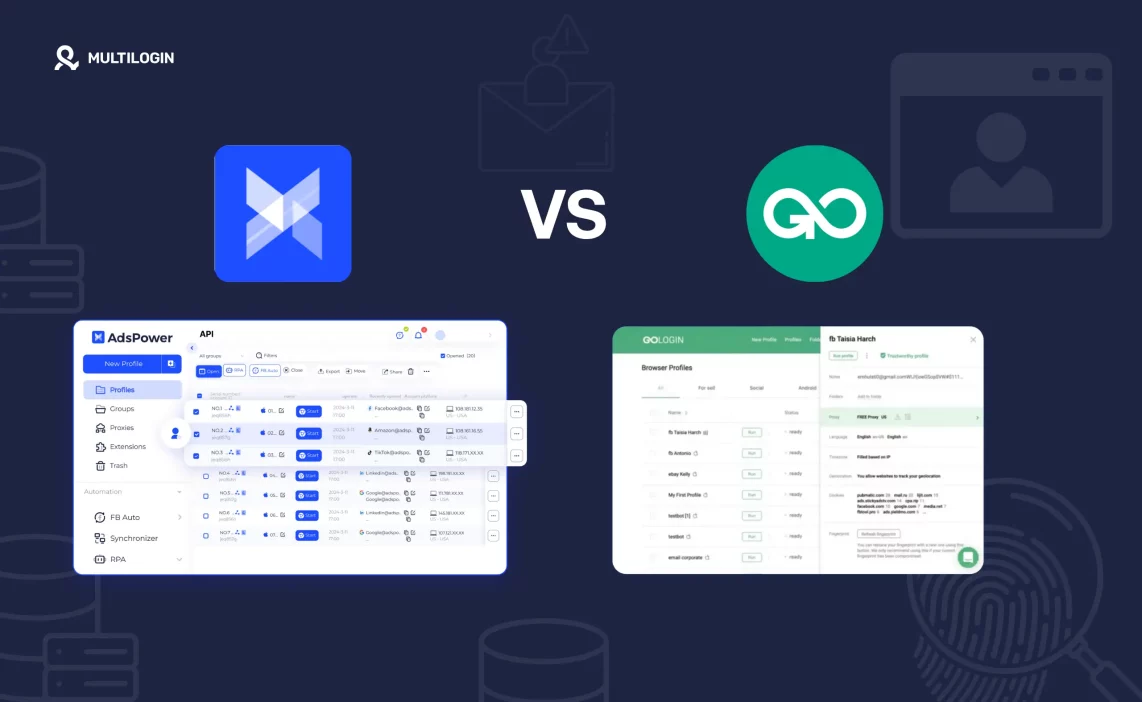

Managing multiple accounts in 2026 isn’t optional—it’s essential. Whether you’re running eCommerce stores, ad campaigns, affiliate networks, or scraping tools, anti detect browsers like AdsPower and GoLogin are your digital armor.
But when it comes to AdsPower vs GoLogin, the differences can make or break your workflow. One focuses on team-based automation; the other on sleek usability. And if you’re still stuck Googling “AdsPower alternative“, “GoLogin alternatives“, or “GoLogin vs AdsPower,” we’re about to break it all down—feature by feature.
Let’s find out which browser earns a spot in your growth stack—and where Multilogin fits in as the stealth-mode upgrade.
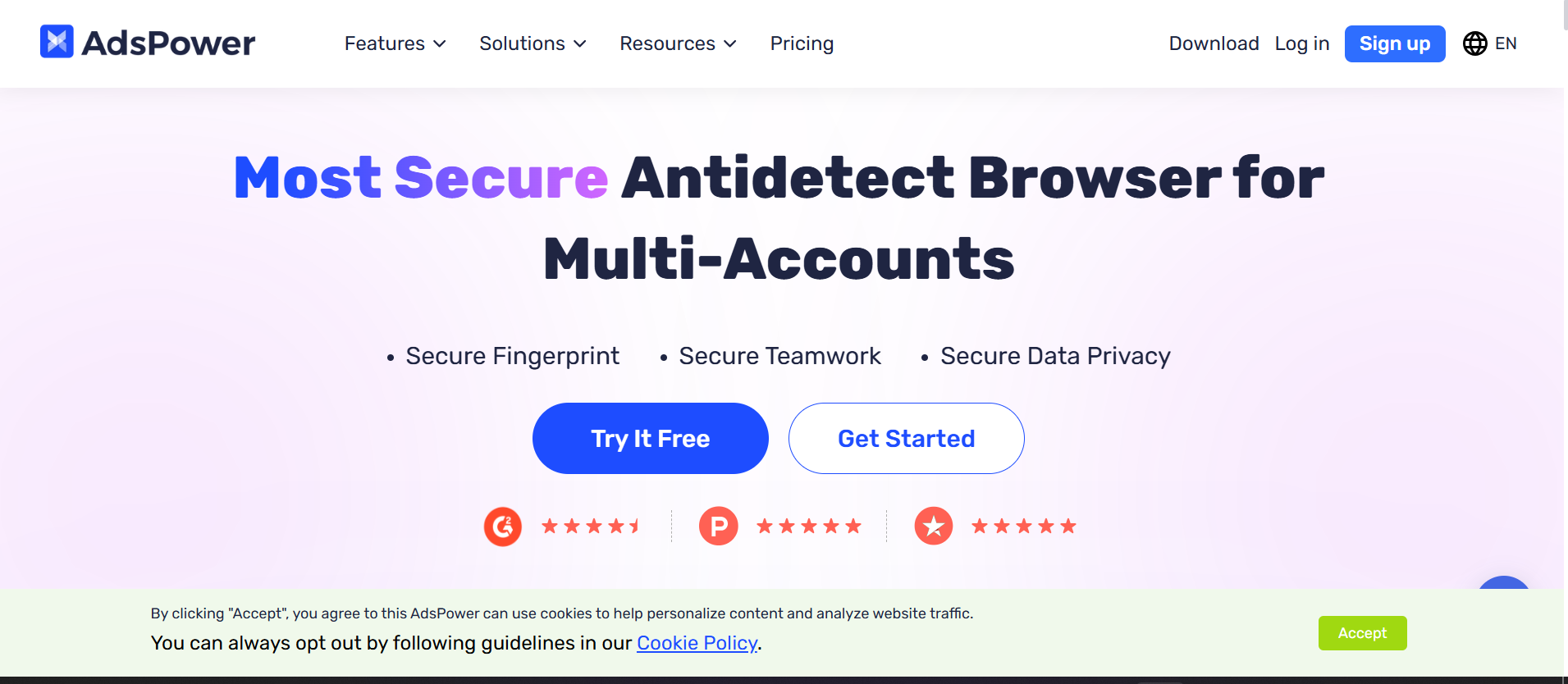
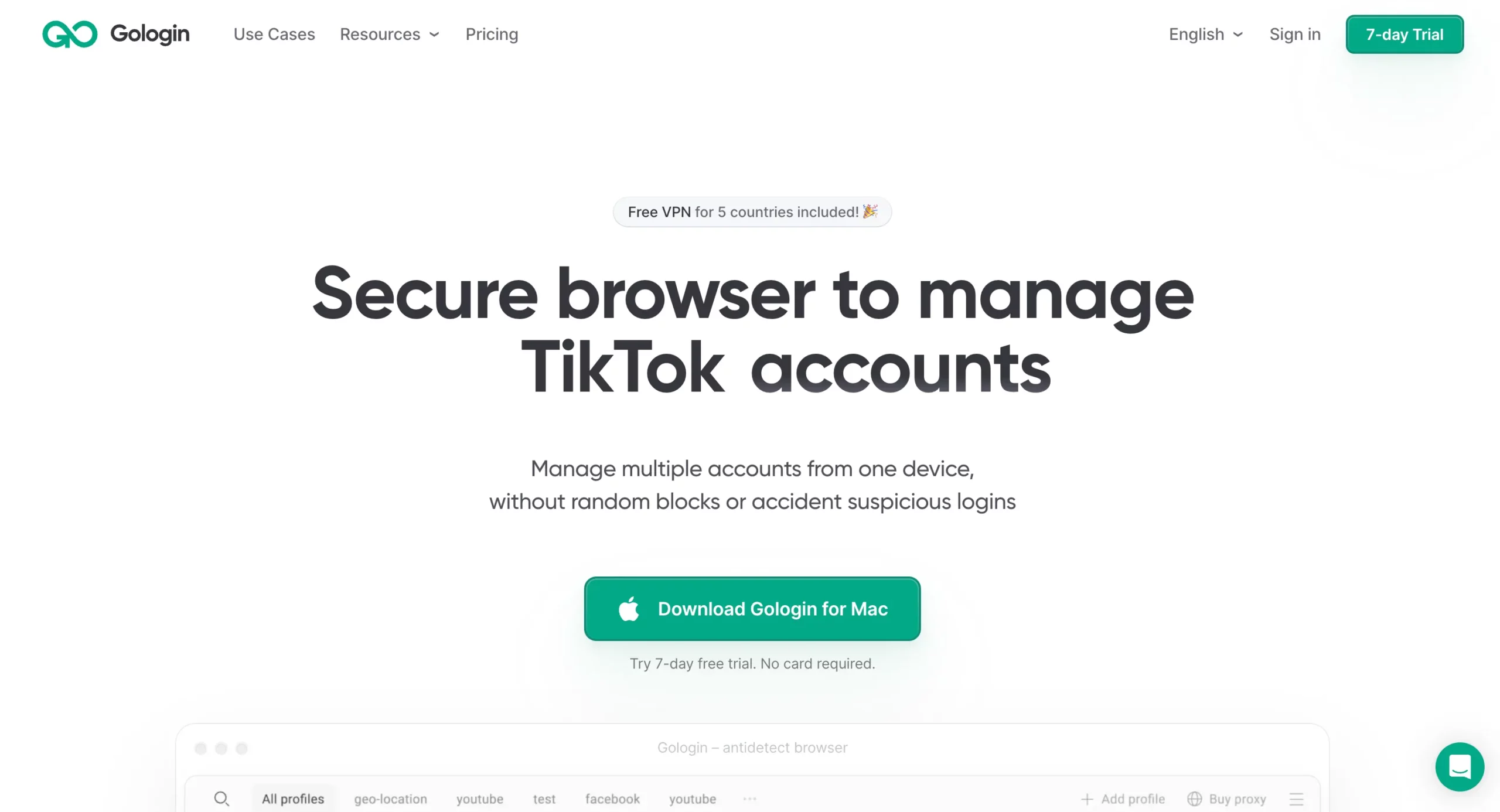
Looking for a better alternative to both? Compare Multilogin vs AdsPower and Multilogin vs GoLogin here.
Pros:
Pros:
Multilogin includes built-in residential proxy traffic and is the only tool in this comparison that also offers real Android cloud phones for native mobile account management — neither AdsPower nor GoLogin come close.
What Is AdsPower?
AdsPower is a fingerprint browser built to help users manage multiple online identities without getting banned. It creates isolated browser containers, each with its own digital fingerprint, proxy, cookie storage, and device profile.
Who’s AdsPower for?
- Dropshippers & Amazon sellers
- Facebook ad managers
- Affiliate marketers
- Chinese and Asian markets (its primary base)
Key Features:
- Browser fingerprint management (WebGL, Canvas, Timezone, etc.)
- Profile tagging & filtering
- Virtual containers for security
- Built-in RPA task automation
- Team collaboration & permission control
What Is GoLogin?
GoLogin is a Chromium-based antidetect browser built for global digital teams and individuals managing multiple accounts. It’s known for its clean interface, cross-platform support, and intuitive proxy handling.
Who’s GoLogin for?
- Freelancers
- Digital marketers
- Social media VAs
- People switching from Chrome extensions like SessionBox
Key Features:
- Chromium engine (Chrome extension compatible)
- Cloud-based profile sync
- Proxy and WebRTC controls
- Multi-device access (Windows, macOS, Linux)
- Basic automation options via API
AdsPower vs GoLogin: Side-by-Side Comparison
| Feature | AdsPower | GoLogin | Multilogin |
| Profile Storage | Cloud + Local | Cloud + Local | Cloud + Local |
| Proxy Integration | Manual or bulk bind | Point-and-click | Built-in + Traffic |
| Automation | RPA (no coding) | API + basic scripting | Full API + Puppeteer |
| Fingerprint Spoofing | Advanced | Moderate | Ultra-precise |
| UI/UX | Functional, clunky | Sleek, user-friendly | Professional-grade |
| Team Features | Roles + access | Limited sharing | Full workspace setup |
| Mobile Accounts | ❌ No cloud phones | ❌ No cloud phones | ✅ Real Android cloud phones |
| Entry Price | $9/month | $24/month | €5.85/month |
| Free Plan | 2 profiles | Trial only | 3-day trial at €1.99 |
Pricing – Which Anti-Detect Browser Gives You More Value?
If you’re choosing between AdsPower vs GoLogin, pricing can be the make-or-break factor—especially for solo marketers or growing teams who don’t want to bleed cash for features they barely use. So let’s break down the pricing tiers and value you get from each.GoLogin Pricing (2026)
GoLogin offers competitive pricing for its range of features and is especially attractive if you need a lot of browser profiles.| Plan | Monthly Price | Profiles | Users | Notes |
| Free Trial | $0 | 3 | 1 | Limited features |
| Professional | $24 | 100 | 1 | Proxy & automation ready |
| Business | $49 | 300 | 3 | API support & teams |
| Enterprise | Custom | 1000+ | Custom | Automation & SSO access |
- Affordable for freelancers
- Scales well with growing teams
- Free trial to test features
- API access starts at Business Plan
- No built-in proxy traffic
- No mobile account management or cloud phones
AdsPower Pricing (2026)
AdsPower’s pricing is tiered based on features, number of profiles, and automation needs. It starts cheaper than GoLogin but can become pricey with add-ons.| Plan | Monthly Price | Profiles | Users | Notes |
| Free | $0 | 2 | 1 | Basic features only |
| Base | $9 | 10 | 1 | Profile isolation, no API |
| Pro | $29 | 50+ | 3+ | RPA automation access |
| Team/Enterprise | Custom | 100+ | Teams | Full features & support |
- Entry plan is cheaper than GoLogin
- Built-in RPA (Robotic Process Automation)
- Flexible pricing based on actual use
- Gets expensive for high-volume users
- Features can be locked behind add-ons
- No mobile account support — no cloud phones
Multilogin Pricing (2026)
Let’s not forget the kingpin: Multilogin. Designed for pro teams, automation pros, and scaling businesses, Multilogin pricing starts with a budget-friendly trial and grows with your needs.| Plan | Price | Browser Profiles | Proxy Traffic | Notes |
| Paid Trial | €1.99 (3 days) | 5 | 200MB built-in | Full feature access |
| Starter | €5.85/month | 10 | Included | Ideal for individuals |
| Scaling Plans | Custom | 1000+ | Scalable | Advanced features, teams, automation |
| Cloud Phones | €0.009/min | Unlimited | Mobile-grade proxies included | Real Android devices, managed from desktop |
GoLogin vs AdsPower: Which One Feels Easier to Use?
Let’s be real—when you’re managing 50+ browser profiles daily, interface design isn’t just about aesthetics. It affects speed, onboarding, and productivity. This is where a lot of users start typing “AdsPower alternative” into Google. So how does GoLogin vs AdsPower stack up in terms of user experience?GoLogin: Built for Speed and Simplicity
GoLogin was clearly built with usability in mind. From the moment you log in, everything feels familiar—because it mirrors a native Chrome browser. If you’ve ever used Chrome, you’re instantly at home.Highlights
- Sleek dashboard with drag-and-drop profile actions
- Quick proxy integration (just click and paste)
- Clean sorting, search, and tagging for accounts
- Chrome extensions supported inside profiles
- Onboarding takes less than 10 minutes
AdsPower: Feature-Rich but Needs Polish
AdsPower comes packed with powerful features—RPA, virtual environments, and smart containerization—but you’ll need time (and patience) to master it. The UI is more spreadsheet-like, and the English translation isn’t always smooth.Highlights
- Automation dashboard with tasks and triggers
- Profile list looks more like an Excel sheet
- Manual steps for proxies and configurations
- Powerful but intimidating for first-timers
TL;DR – UX Winner?
GoLogin wins for individual users and beginners. AdsPower is better for advanced users who value automation over visual flow. That said… if you want power + polish, neither quite hits the mark like Multilogin does. Want a pro-grade interface built for scale? Try Multilogin for €1.99GoLogin vs AdsPower for Social Media Management
Social media managers have a specific set of needs that most antidetect browser comparisons skip over: they’re not just isolating accounts, they’re warming them up, posting consistently, and keeping sessions alive across platforms like TikTok, Instagram, and Facebook — often from the same machine. When comparing GoLogin vs AdsPower for social media work, the biggest gap isn’t fingerprinting — it’s mobile. Both tools are desktop-browser-only. If your workflows run through native apps, not just web interfaces, you’re limited to what the browser can simulate. For TikTok especially, the native app environment behaves differently from the web version. Platform detection is tighter, account warm-up works differently, and sessions that look fine in a browser profile can still get flagged when platform behavior doesn’t match expected mobile patterns. This is where Multilogin Cloud Phones change the picture entirely. Instead of simulating mobile behavior from a desktop browser, you get a real Android device in the cloud — with genuine hardware identifiers, persistent app storage, and login states that carry over between sessions. No emulator flags. No “this doesn’t look like a phone” detection. For social media managers running accounts across Instagram, TikTok, and Facebook simultaneously: see how Multilogin Cloud Phones work →AdsPower vs GoLogin for Affiliate Marketing and Ad Buying
Affiliate marketers and ad buyers have different priorities than social media managers. The core concern is account trust score: how does the platform score your account based on device signals, behavioral patterns, and session history? In the AdsPower vs GoLogin matchup for ad buying:- AdsPower has an edge in fingerprint depth — its RPA scripting can simulate more realistic behavioral patterns, which helps with account seasoning across Facebook Ads and Google Ads.
- GoLogin is faster to set up for new accounts and works well for low-to-mid volume ad operations where you need profiles running quickly.
Fingerprinting & Stealth: Which Browser Actually Keeps You Undetected?
In the world of antidetect browsers, not getting flagged is the name of the game. If your profiles are getting banned or your sessions keep resetting, that’s a fingerprinting problem—not a proxy issue. So when it comes to AdsPower vs GoLogin, which one handles stealth browsing better?GoLogin: Decent Fingerprinting, but Lacks Depth
GoLogin uses Chromium-based architecture and offers basic fingerprint spoofing for:- WebRTC
- Canvas
- Timezone
- User-Agent
- Fonts
- Resolution
AdsPower: Strong Fingerprinting + RPA Scripting
AdsPower shines in this category. It offers:- Full browser fingerprint customization
- JS masking for deeper stealth
- Scripted profile behavior with their RPA tools
- Proxy binding + rotation
- Cookie import/export support
- Per-profile session isolation
Multilogin for Full Fingerprint Mastery
If stealth is mission-critical (think: lead gen at scale, affiliate cloaking, crypto bots), Multilogin still takes the crown. Why?- Mimics real devices at the OS + hardware level
- Offers REST API + Puppeteer + Selenium
- Stores profiles in local/cloud containers for enhanced cloaking
- Advanced spoofing of Canvas, WebGL, AudioContext, Fonts, etc.
- Extends to real mobile hardware with Android cloud phones
Automation Features – Can You Scale with AdsPower or GoLogin Alone?
If you’re managing more than 10–20 accounts, manual workflows will slow you down fast. Automation is where real scale happens—and it’s where the difference between AdsPower vs GoLogin starts to really show.GoLogin: Basic Automation Support, Not Built for Bots
GoLogin supports some automation, but it’s limited. You’ll need to integrate with Puppeteer or Selenium using a third-party script. The setup is more manual and not very beginner-friendly. What GoLogin offers:- Puppeteer + Selenium integration (DIY)
- API access (limited to certain plans)
- Profile scheduling (browser-level, not true botting)
- No visual bot builder
AdsPower: Visual Automation + RPA for Non-Coders
Here’s where AdsPower shines as an AdsPower alternative to more dev-heavy platforms like GoLogin. You can build automation flows with built-in RPA tools—no code required. What AdsPower offers:- Built-in RPA tool (visual automation editor)
- Scheduled task execution
- JS-based scripting support
- Batch profile management
- Task queue management
Why Multilogin Outpaces Both
If you’re serious about automating everything, Multilogin is still miles ahead. With:- Native REST API
- Full Selenium + Puppeteer compatibility
- Webhooks + task management
- Profile sync for automation teams
- Scriptable profile creation
- Cloud phone automation via Selenium, Puppeteer, Playwright, and Postman
Multilogin Cloud Phones: The Feature Neither AdsPower nor GoLogin Has
Both AdsPower and GoLogin are desktop-only tools. They manage browser profiles well — but the moment your work moves to native Android apps, you’re on your own. Multilogin is the only tool in this comparison with real Android cloud phones — not emulators, not mobile simulation layers, but genuine cloud-hosted Android devices you control from your desktop dashboard. Here’s what that means in practice:- Real hardware identifiers per device — IMEI, Android ID, and MAC address are genuine, not spoofed. Mobile ad SDKs and platform detection systems see a real device.
- Persistent app data between sessions — app storage, cache, and login states carry over automatically. Accounts warm up naturally because they behave like established devices, not fresh installs.
- Full app compatibility — install any Android app via the built-in store or upload APKs directly. TikTok, Instagram, Facebook, and e-commerce apps all run natively.
- Approximately 30 supported device types — Samsung, OPPO, vivo, Google, Redmi, OnePlus. Choose the models that match your target platform’s user base.
- Mobile-grade proxies included — matched to geolocation for consistent identity signals across every session.
- Automation-ready — integrate with Selenium, Puppeteer, Playwright, or Postman to automate posts, likes, comments, and any other in-app actions at scale.
- Desktop-managed — launch, configure, and run bulk actions across multiple cloud phones from the same dashboard as your browser profiles. No physical hardware. No resets.
Why Choose Multilogin Over AdsPower and GoLogin?
Let’s be honest—AdsPower and GoLogin do a decent job if you’re just testing the waters. But if you’re serious about scaling your operations, avoiding bans, and running a high-trust, high-performance browser environment, then there’s only one real choice: Multilogin. Here’s what sets it lightyears ahead:Built-In Proxy Traffic = Instant Savings
Multilogin includes residential proxy traffic right out of the box. That means you’re not scrambling to integrate third-party proxies—or racking up extra costs. Neither AdsPower nor GoLogin offer this. Start saving on proxy costs from day one.Smarter Automation, No Hacks Required
Need to automate account creation, login flows, or scraping tasks? Multilogin supports REST API, Puppeteer, and Selenium—so you can fully integrate with your own stack. No workarounds. No limitations. If you can dream it, you can automate it.True Fingerprint Control = Ban Protection
While others just mask basics, Multilogin simulates real hardware and OS-level signals to generate browser profiles that actually behave like real users. This is how top affiliate teams run 1000s of accounts without bans. Because real stealth isn’t just about changing your IP.Cloud + Local Storage = Ultimate Flexibility
Working across devices or teams? Multilogin offers both cloud-based and local profile storage, so you’re never tied to one machine—and never risking data loss. Work from anywhere. Switch devices. Scale stress-free.Team Collaboration Built In
Multilogin isn’t just built for solo use. You get role-based access, shared workspaces, and profile sharing out of the box. GoLogin and AdsPower simply don’t offer this level of control or professionalism. Built for agencies, brands, and power users who mean business.Go Big or Go Home
| Feature | Multilogin | AdsPower | GoLogin |
| Built-in Proxy Traffic | ✅ Yes | ❌ No | ❌ No |
| REST API + Automation | ✅ Full | ⚠️ Limited | ⚠️ Basic |
| Fingerprint Accuracy | ✅ High | ⚠️ Mid | ⚠️ Basic |
| Cloud + Local Profiles | ✅ Both | ✅ Cloud | ✅ Cloud |
| Team Collaboration | ✅ Roles + Sharing | ⚠️ Limited | ⚠️ Basic |
| Android Cloud Phones | ✅ Real devices | ❌ No | ❌ No |
| Mobile-Grade Proxies | ✅ Included | ❌ No | ❌ No |
| Starting Price | €1.99 Trial | $9 | $24 |
