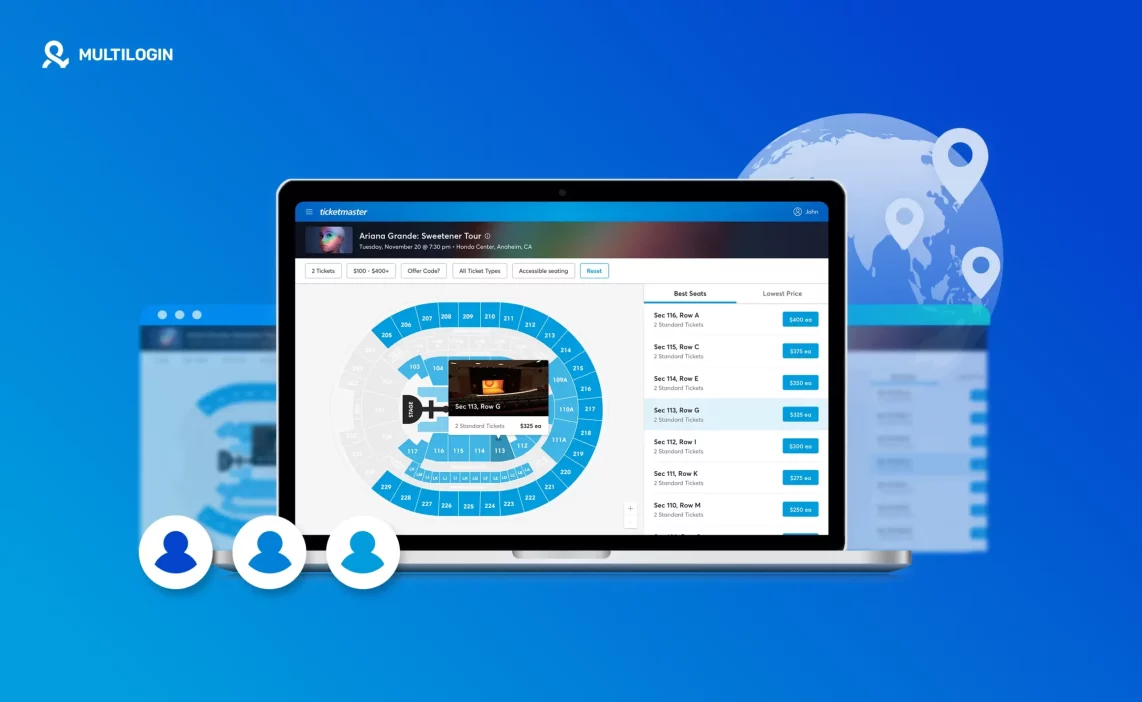

Ticketmaster doesn’t block people by accident. It connects patterns. Same IPs. Same browser signals. Same timing. One small mistake, and suddenly the queue freezes, checkout fails, or worse, accounts start dropping one by one.
If you’ve ever watched a ticket sale go live and realized you were already flagged, you know the feeling. You didn’t do anything wild. You just logged in too many times from the same place. Or refreshed too fast. Or reused an IP that was already burned. Ticketmaster saw enough signals to slow you down, then shut the door.
This is where the right Ticketmaster proxy can change the outcome. Not cheap IPs. Not recycled datacenter ranges. Real, stable proxies that don’t scream automation the moment you connect. The kind that hold a session, keeps your identity consistent, and don’t collapse under pressure when traffic spikes.
Below is a list of the 5 best Ticketmaster proxies to avoid blocks and rate limits. These are providers built for high-demand drops, not casual browsing. If you’re tired of bans, queues that never move, and accounts getting linked, start here.
Multilogin: The best all-in-one Ticketmaster proxy
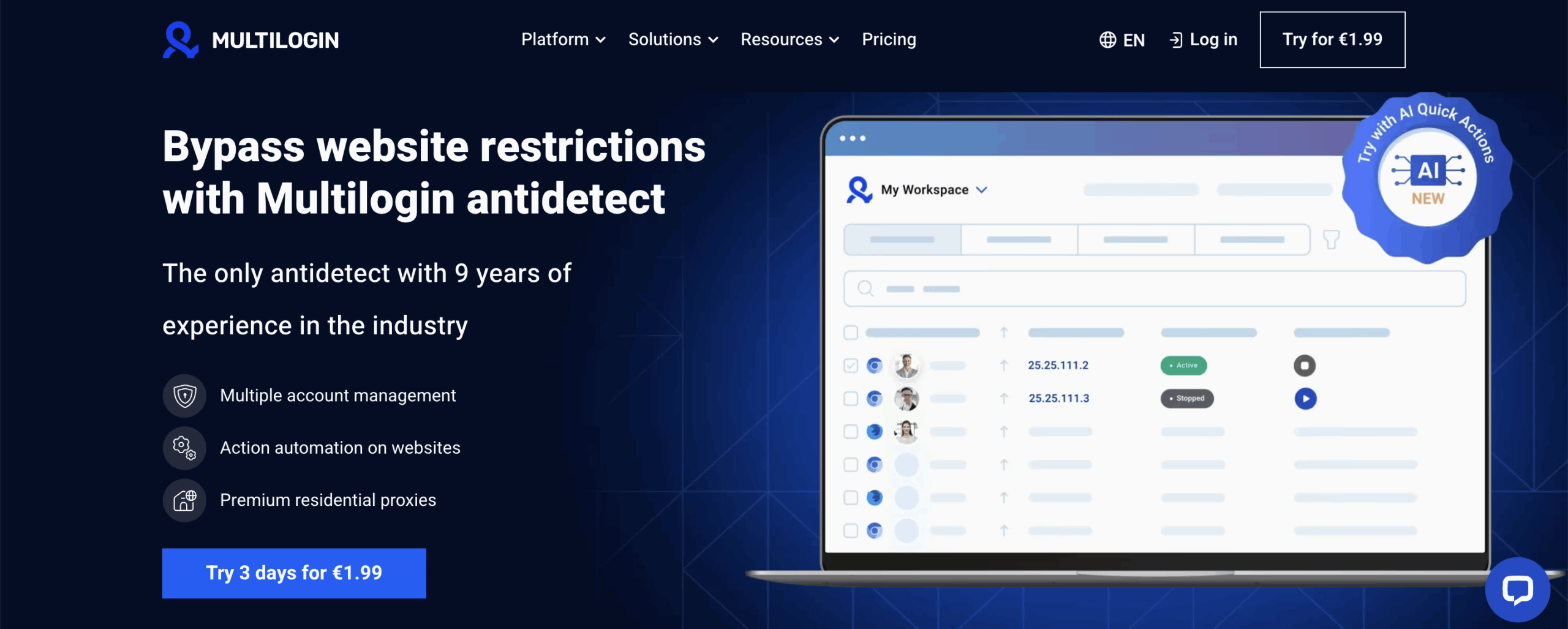
Ticketmaster bans don’t come from one mistake. They come from patterns. Same IPs reused across accounts. Same browser signals leaking between sessions. Same setup logging in again during a high-pressure drop. Once Ticketmaster connects those dots, rate limits hit first. Then queues stop moving. Then accounts disappear.
This is where most “proxy-only” setups fail. A proxy can change your IP, but it does nothing about the browser itself. Ticketmaster still sees the same fingerprint, the same storage behavior, the same inconsistencies that link accounts together. Multilogin fixes that problem at the root by pairing the proxy and the browser into one controlled environment.
- 95% of the IPs come with clean records, reducing the risk of bans
- 99.99% uptime keeps connections stable during queues and checkout
- 24-hour sticky sessions prevent sudden IP changes mid-session
- Access to 30+ million pre-filtered residential IPs allows precise geo targeting when location matters
Multilogin is not just another Ticketmaster proxy. It’s a full system built for situations where bans are expensive and timing matters. Each Ticketmaster account runs inside its own isolated browser profile with a unique fingerprint, its own cookies, and a dedicated residential IP. Ticketmaster sees one consistent identity per account, not fragments stitched together from different tools.
That consistency is what keeps sessions alive during queue time, checkout, and repeated logins around big drops. The browser environment doesn’t change. The IP doesn’t suddenly rotate. Nothing leaks from one account to another.
Every Multilogin plan includes built-in residential proxy traffic. There’s no need to integrate third-party providers, manage rotations, or guess which proxy pool is already burned. Everything is already aligne
Why Multilogin works so well for Ticketmaster
- One profile = one identity
Each Ticketmaster account gets its own browser environment and its own residential IP. No shared fingerprints. No accidental reuse. No silent linking. - Stable residential sessions
Long, sticky sessions matter when you’re sitting in a queue or waiting for checkout. Multilogin keeps sessions steady instead of resetting at the worst moment. - Clean IP reputation
Residential IPs are filtered before use, reducing the risk of landing on ranges already flagged by Ticketmaster. - No setup gaps
Proxy, browser, fingerprint, and storage live in one place. There’s nothing to misconfigure, forget, or mix up during a drop. - Isolation that actually holds
Cookies, local storage, extensions, and IPs never leak between profiles. If one Ticketmaster account gets flagged, the rest stay untouched.
Key Multilogin features for Ticketmaster use
- Built-in residential proxies
Proxies are already included. You don’t need to test providers or worry about bad IPs slipping into your workflow. - Advanced fingerprint control
Canvas, WebGL, fonts, timezone, and dozens of other signals stay consistent per account. This is what stops Ticketmaster from connecting sessions after a few logins. - Pre-farmed cookies & Cookie Robot
New accounts don’t look empty or rushed. History is added gradually, which helps accounts blend in instead of standing out. - Mobile profile emulation (Android)
Useful when Ticketmaster expects mobile-like behavior and starts treating desktop sessions more aggressively. - Automation-ready when needed
Works with Playwright, Puppeteer, Selenium, API, CLI, and Quick Actions—without breaking profile isolation. - Built-in proxy management
Traffic usage, IP assignment, rollover, and top-ups are all visible in one dashboard. No switching tools mid-drop. - Team access without chaos
Share Ticketmaster profiles safely with role-based permissions. No accidental edits, no reused setups.
If Ticketmaster bans have already cost you time, accounts, or money, starting with another proxy provider won’t fix the real issue. Multilogin is built to stop account linking before it starts.
2. NodeMaven
Ticketmaster often reacts first to IP quality. When an address has been reused too often or comes from a flagged range, queues slow down and accounts start hitting limits. NodeMaven focuses on reducing that risk by filtering residential IPs in real time and removing higher-risk addresses before they are assigned.
It also supports longer, more stable connections. Sudden IP changes during login, queue time, or checkout can stand out quickly on Ticketmaster. Sticky sessions help keep activity consistent, while location targeting allows accounts to stay tied to one region without rebuilding sessions between sales.
Features:
- Real-time IP quality filtering
- Sticky residential sessions
- Geo targeting by location
- Traffic rollover for unused bandwidth
- Simple dashboard and 24/7 support
3. Decodo
Ticketmaster reacts poorly to unstable connections. Slow responses, dropped sessions, or IPs that don’t hold long enough often lead to rate limits before an account is fully blocked. Decodo focuses on keeping connections fast and predictable. Its residential IPs are sourced from large network providers, which helps reduce obvious friction during routine Ticketmaster activity like page loads, queue checks, or availability monitoring.
Decodo is usually chosen when setup speed matters more than deep control. Static residential proxies can hold the same IP for longer sessions, while rotating options handle higher request volumes. Targeting down to city level is enough for most location-based checks. It does not manage browser behavior or fingerprints, so it’s typically used as an IP layer rather than a full account protection setup.
Features:
- Residential IPs from large network providers
- Static and rotating proxy options
- Long-lasting static sessions
- Country, state, city, and ZIP targeting
- HTTP(S) and SOCKS5 support
4. Oxylab
Oxylabs is built for scale rather than individual account handling. It’s commonly used when Ticketmaster access is part of a larger data or monitoring operation that requires precise location control and consistent performance. Advanced targeting options allow requests to originate from very specific regions, which can be useful for price checks, availability tracking, or regional comparisons.
The platform is API-driven and designed for teams managing large volumes of traffic. Usage visibility and control matter at this level, especially when requests scale quickly. Oxylabs does not handle browser isolation or session behavior, so it fits better into infrastructure-heavy setups than hands-on account management.
Features:
- Large residential IP pool filtered by quality
- Advanced geo targeting options
- Flexible rotation settings
- API-first dashboard with usage tracking
- HTTP(S) and SOCKS5 support
5. IPRoyal

IPRoyal is often used for steady, predictable workloads rather than complex multi-account setups. Its residential proxies are designed to stay available across regions without frequent disruptions. For Ticketmaster, this can help with consistent access when checking listings, loading event pages, or running long sessions that don’t require frequent IP changes.
Targeting is straightforward and practical, covering country and city levels without extra complexity. Rotation can be adjusted from very short intervals to multi-day sessions. Like most proxy-only providers, IPRoyal does not address browser-level detection, so users managing multiple Ticketmaster accounts usually pair it with additional tools.
Features:
- Large residential IP pool
- Support for HTTP, HTTPS, and SOCKS5
- Country and city-level targeting
- Flexible rotation from seconds to days
- Stable connections for long-running tasks
