
Incogniton vs MoreLogin: Which Anti Detect Browser Wins in 2025?

Incogniton vs MoreLogin
10 Jul 2025
11 mins read
Share with
Run Multiple Accounts Without Bans or Blocks

Get a secure, undetectable browsing environment for just €1.99.

  • 3-day trial 
  • 5 cloud or local profiles 
  • 200 MB proxy traffic 

Table of Contents

Are you juggling multiple eCommerce, social, or affiliate accounts and worried about bans? Not sure if Incogniton or MoreLogin is right for you—or if either can future-proof your growth? 

This honest, playful guide has you covered!

Fun fact: Over 75% of high-growth digital sellers now use an antidetect browser. But which one will actually save you time, money, and headaches in 2025?

What is Incogniton?

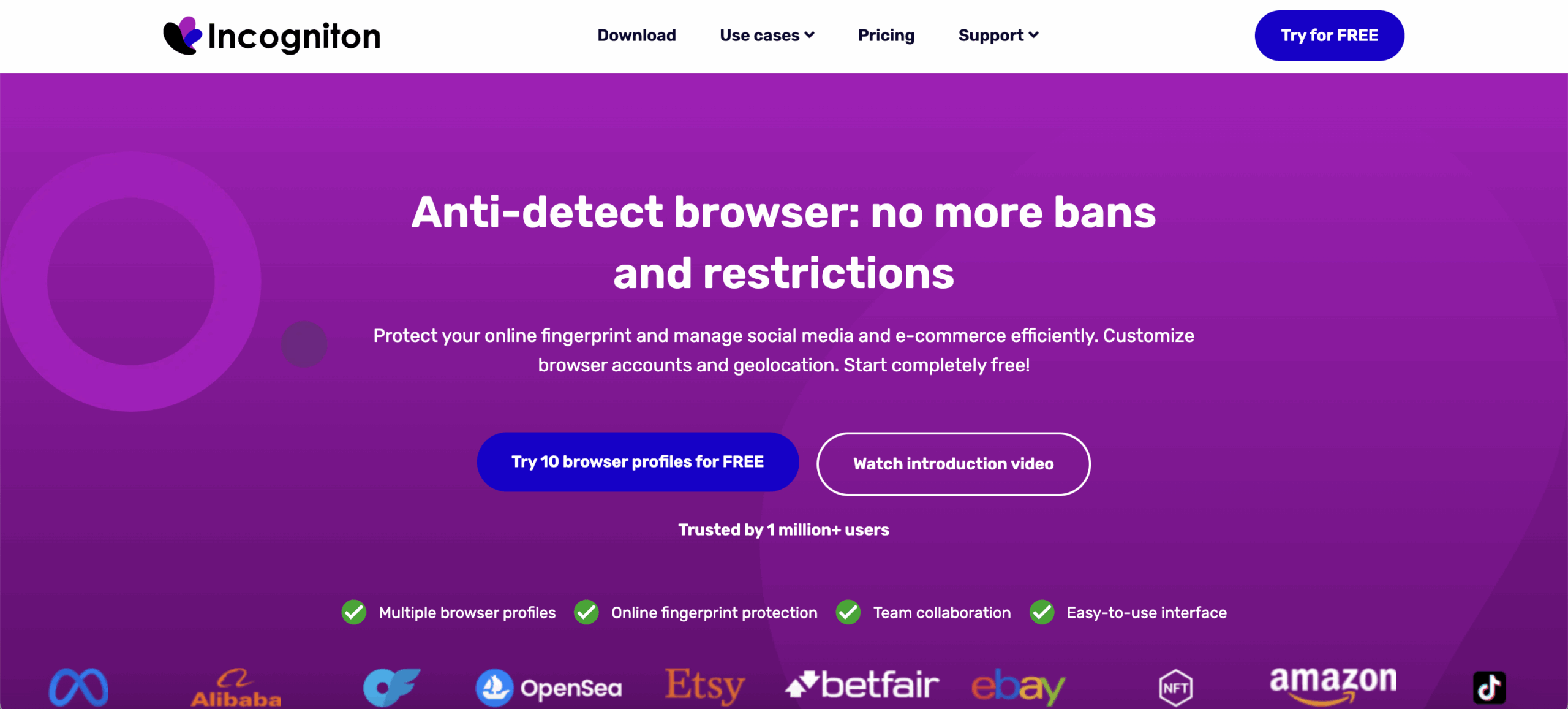
Incogniton dashboard

Incogniton is a simple Chromium-based antidetect browser built for people who just need a quick way to separate a few identities. It does the basics: spins up profiles, changes surface-level fingerprints, and keeps cookies apart. For low-risk tasks, it feels fine. But once you start working with accounts that punish even tiny inconsistencies—Facebook ads, Amazon stores, client profiles—the limits become obvious. Not in a dramatic way. More like slow friction: a strange verification here, a suspicious login there, profiles acting “off” after longer sessions.

Anyone who has lost an account because something didn’t line up—timezone mismatch, weak canvas spoof, wrong proxy—knows the quiet panic. That’s the zone where Incogniton tends to wobble.

Key features (and their weak spots):

  • Fingerprint control is shallow — You can tweak canvas, WebGL, timezone, and language, but many setups still look synthetic. Strict platforms catch these patterns faster than you’d expect.

  • Profiles feel light but not durable — Short sessions behave fine, but once you run several profiles or leave them open for hours, performance drops or odd behavior appears.

  • Automation is limited — It can work with Selenium and Puppeteer, but only after manual port setup. No Playwright, no Postman, no CLI support, which slows down real automation workflows.

  • Proxy setup is fully manual — Supports HTTP/HTTPS/SOCKS5, but there are no built-in residential proxies, meaning more setup time, extra monthly costs, and a higher chance of bans when using recycled or low-quality IPs.

  • Country of origin: Originally Russia, now the Netherlands — A relatively young tool, and its maturity gaps show when you push it into heavier or long-running operations.

Incogniton works if your goals are small. But when platforms tighten checks, it often feels like you’re working with thin ice.

Read more about Incogniton antidetect browser review!

What is MoreLogin?
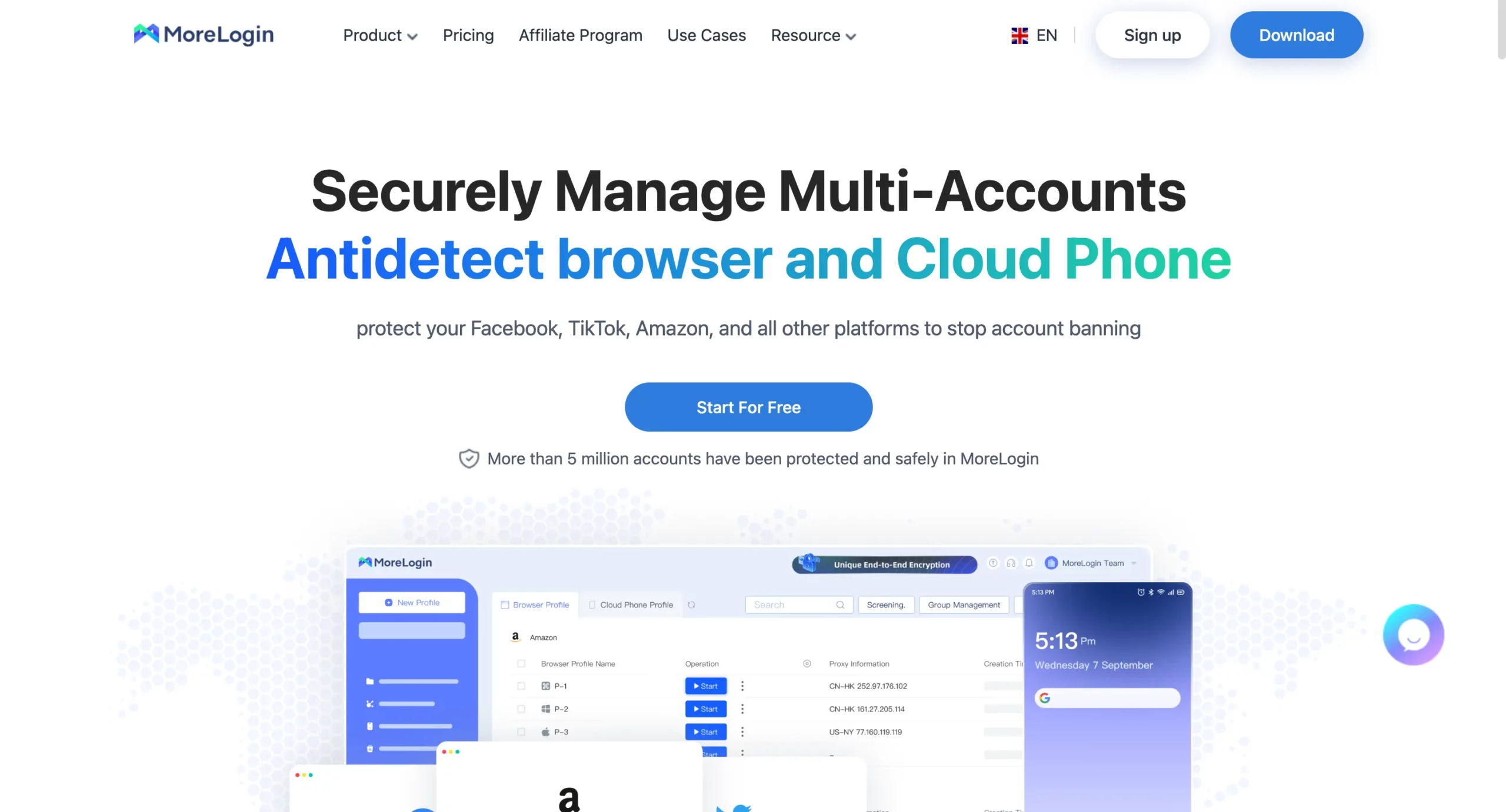
MoreLogin browser interface featuring basic automation tools and affordable multi-account setup

MoreLogin is a newer antidetect browser built around a clean interface and low-cost scaling, which is why many beginners try it when they first step into multi-account work. It gives you desktop and mobile profiles, quick cloud syncing, and a layout that doesn’t overwhelm you on day one. For light setups, it feels convenient. But the moment your accounts get sensitive—or you start relying on stable fingerprints to protect real revenue—some cracks start to show. Not instantly. But through small warnings: unexpected logouts, repeated security checks, or mobile profiles that never feel fully “real.”

If you’ve ever watched an account freeze right when you needed it for a campaign, you’ll understand the uneasy feeling users talk about with MoreLogin’s fingerprints and mobile behavior.

Key features (and where things get shaky):

  • Mobile and desktop profiles — You can run Android-style environments, but mobile fingerprints often behave inconsistently on strict platforms, creating verification loops that eat time and trust.

  • Cloud backup — Profiles sync across devices, which is convenient, but the sync can lag or duplicate configurations when you’re juggling many profiles at once.

  • Fingerprinting depth — Covers basics like timezone, canvas, and user agent, but doesn’t reach the level needed for long-term stability. High-value accounts sometimes pick up on repeating patterns.

  • Automation support is thin — MoreLogin includes simple templates, but lacks real integrations with modern frameworks. No strong scripting, no API depth, and nothing built for heavy automation.

  • Proxy handling — Supports external proxies, but no built-in residential proxy traffic. So you still have to buy proxies, test them, rotate them, and hope they aren’t burned—even though the platform is marketed toward smaller budgets.

  • Country of origin: China — Some users raise concerns about data handling transparency and long-term reliability, especially when running sensitive commercial accounts.

MoreLogin works for early experiments and basic workflows. But once you’re dealing with real platforms that punish inconsistency, the weaknesses show up in ways that slow you down—just enough to remind you the tool wasn’t built for serious risk.

Read more about MoreLogin review!

Why is Multilogin the best alternative to both
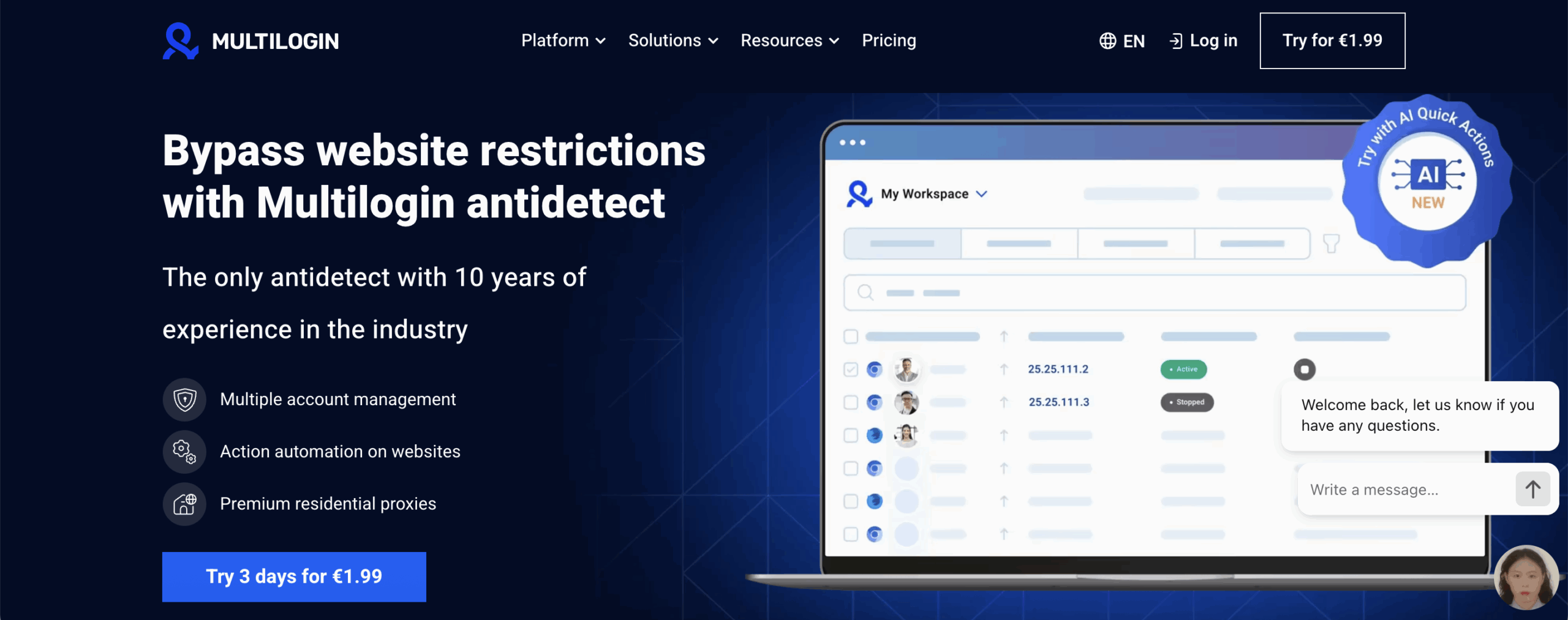
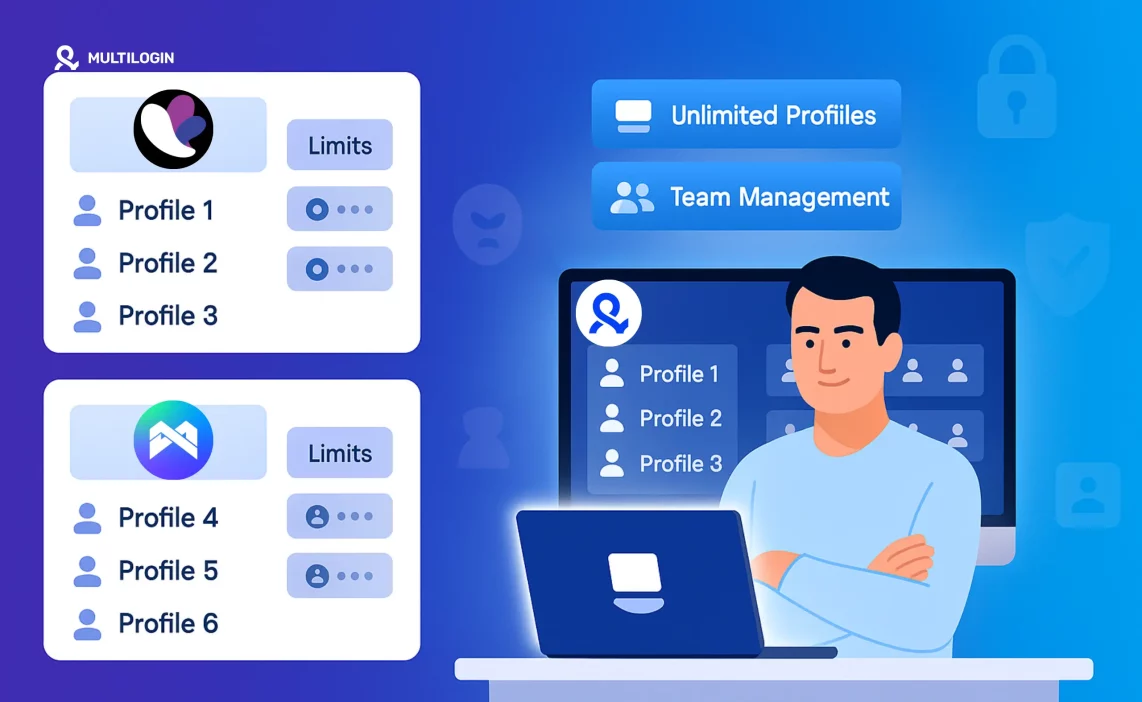
Why Multilogin is a better alternative to both

If you’ve ever sat there wondering why a perfectly “safe” profile suddenly asked for verification, you already understand why people move on from Incogniton and MoreLogin. Their setups work until they don’t. One unstable fingerprint, one recycled proxy, one long session that falls apart—and the whole workflow feels fragile. Multilogin steps in exactly where those cracks start to grow. Instead of stitching together different tools, everything that protects your accounts lives inside one platform.

You don’t need to be technical. You don’t need to chase proxy providers or hope that the next configuration finally sticks. You open a profile, assign a proxy in one click, and the environment behaves the same way every time. That consistency is what keeps accounts alive, especially when platforms tighten their checks or your workload grows beyond a handful of profiles.

Where Multilogin really stands out is long-term stability. Dozens of profiles? Hundreds? Heavy automation? Multi-geo setups? Instead of slowing down or breaking apart, the fingerprints hold, the sessions stay stable, and the proxy network keeps identities separate. This is why growth teams, agencies, and operators who cannot afford bans eventually switch to Multilogin—it simply removes the fragile parts of the setup that cause silent damage over time.

Why Multilogin wins:

  • Established foundation — Estonian-based since 2015, built on strict GDPR standards and a long track record of updates and reliability.

  • Fingerprinting strength — 55+ parameters, real-device behavior, and custom Mimic (Chromium) + Stealthfox (Firefox) engines that hold up on strict platforms.

  • Mobile realismAndroid mobile emulation that behaves like actual devices, ideal for TikTok, Instagram, and app-heavy ecosystems.

  • Multilogin X desktop app — A fast, standalone app with the agent built-in. No setup, no manual connectors, instant launches, automatic updates, and full sync with the web interface for smoother profile control on Windows and macOS.
  • Pre-farmed cookies — Safer warm-ups, fewer early bans, and smoother logins for new accounts.

  • Real-time IP conflict detection — Stops accidental overlap before it destroys an account cluster.

  • Local or encrypted cloud storage — Profiles, cookies, extensions—all kept safe and consistent.

Built-in residential proxies

  • Premium residential + mobile IPs included in every plan.

  • 30M+ IP pool with city-level targeting.

  • 24-hour sticky sessions for stable automation.

  • Automatic filtering of flagged or low-trust IPs.

  • Traffic saver + rollover + in-app purchasing for full control.

Workflow & automation

  • AI Quick Actions for fast batch operations without touching code.

  • Chain 10-step automations for repetitive daily actions.

  • Full support for Selenium, Playwright, Puppeteer, Postman, and Multilogin CLI.

  • Long-running sessions that survive heavy automation cycles.

  • Deep API integration for custom tools and large teams.

Interface & performance

  • Clean, fast UI with hotkeys, drag-and-drop, and smart profile management.

  • Workspaces to separate projects, clients, and platforms.

  • Running Profiles dashboard to track everything in real time.

  • Easy import/export for switching from other browsers.

Team features

  • Unlimited team seats on Business plans.

  • Role-based access to keep client data and fingerprints protected.

  • Shared cloud storage for cookies, profiles, and extensions.

  • Secure, controlled profile sharing—no leaking identity data.

Security & reliability

  • 2FA, AES encryption, SHA-2 hashing, and secure cloud storage.

  • Daily fingerprint testing across 50+ high-risk websites.

  • Browser core + antidetect updates released every 2–4 weeks.

Cross-platform consistency

  • Web and desktop apps with automatic updates.

  • No agents, no manual installations, no fragile configs.

  • Identical functionality on macOS and Windows.

Pricing & accessibility

Support

  • 24/7 live chat with real humans in 5 languages.

  • No bots, no machine translation, no slow email queues.

  • Feedback-driven development that actually reflects real user needs.

Ready to Switch? Try Multilogin Now

Detailed feature comparison

When choosing an anti detect browser, it’s easy to get caught up in the basics. But if you care about automation, true multiaccount scaling, and business security, you need to think bigger.

Let’s compare Incogniton and MoreLogin—and see why so many sellers and agencies ultimately turn to Multilogin for the long haul.

FeatureIncognitonMoreLoginMultilogin
Device fingerprintingStandard tweaks (Canvas, WebGL, timezone)Basic spoofingAdvanced, real-device emulation with 55+ parameters
Unlimited profilesNo (limits on all tiers)Yes (paid tiers)Yes, unlimited on all plans
Team managementPartialBasic sharingFull roles, permissions, logs & secure profile sharing
Automation / APIBasic scripting onlyBasicFull automation stack (Selenium, Puppeteer, Playwright, Postman, CLI, API)
Proxy integrationYesYesBuilt-in residential proxies + all external proxy types
Mobile profilesNoYes (Android only)Yes — Android mobile emulation + desktop profiles
Cloud sync / backupNo cloud storageYes (cloud-based)Encrypted cloud sync + local storage options
Desktop appNot availableRequires installation but limitedFull Multilogin X desktop app with built-in agent, auto updates, and web sync
SupportEmailEmail24/7 live chat + multilingual expert support
Trial / Free tierYes (limited)Yes (limited)€1.99 paid trial with built-in residential proxy traffic

What do these features really mean for your business?

  • Your accounts survive longer. If a platform catches a weak fingerprint, you lose the account, the work, and sometimes the revenue tied to it. Strong fingerprinting means those “surprise bans” stop being part of your weekly routine.

  • You spend less time fixing things. When a profile won’t launch, a proxy leaks, or automation breaks, your whole workflow slows down. Clean, stable fingerprinting and built-in residential IPs mean fewer errors and fewer hours wasted troubleshooting.

  • You can grow without hitting walls. Limited profiles sound fine until you need your 11th Facebook account or your VA asks for another set of profiles. Unlimited profiles let you expand when opportunities show up—without having to delete older work.

  • Your team stops stepping on each other’s toes. Without proper permissions and logs, a VA can overwrite a session or break a warm profile by accident. Strong role controls keep every step tracked and every profile safe.

  • Automation becomes a tool, not a headache. If you’ve ever babysat a bot because it kept breaking fingerprints, you know the pain. Solid API and automation support let you run tasks for hours—ads, scraping, testing—without everything collapsing halfway.

  • Your location-sensitive accounts stop getting flagged. Built-in residential proxies mean your login environment finally matches what platforms expect. No mismatched IPs. No random verifications. No “suspicious activity” loops.

  • You never lose everything to a broken laptop. Without cloud sync, one hardware failure can wipe out dozens of profiles. Encrypted cloud storage keeps your work intact no matter where you log in.

  • You get real help when something breaks. When support is email-only, every urgent problem becomes a waiting game. With real 24/7 chat support, you fix issues on the spot and keep your accounts alive.

Which is the best for e-commerce, agencies, and teams?

If you’ve ever had an ad account collapse overnight or watched a store get flagged for no clear reason, you already know this isn’t about features — it’s about stability. Incogniton and MoreLogin can carry you through the early steps, but the moment your accounts start generating real revenue, the margin for error disappears. One mismatch, one weak fingerprint, one unstable proxy… and you’re rebuilding from scratch.

  • For small businesses and early e-commerce sellers
    Incogniton can handle a few low-risk profiles, but once orders pick up or you start testing new geos, the cracks show. MoreLogin gives you mobile profiles and a cheaper path to scaling, but fingerprint accuracy and long-session stability still limit how far you can push it.
    Multilogin is the safer choice even at this stage — because it removes setup stress, includes residential proxies, and gives you strong fingerprints from day one.

  • For fast-growing teams and multi-store operators
    MoreLogin gets you a bit further with unlimited profiles and cloud sync, but it still relies on basic spoofing. Tracking issues, repeated verifications, and random bans become more common as account volume increases.
    Multilogin wins here — stable fingerprints, Android & desktop emulation, built-in residential proxies, and long-running sessions that don’t fall apart when you scale.

  • For agencies and anyone who cannot afford bans
    Neither Incogniton nor MoreLogin has the depth of automation, team permissions, encrypted sync, or consistent anti-detection needed for client work. Agencies need reliability, not guesswork.
    Multilogin is the only tool in this comparison built for high-pressure environments — role controls, batch operations, API workflows, and true enterprise-grade fingerprint protection.

In short:
Incogniton fits beginners, MoreLogin fits budget scaling, but Multilogin is the best choice for small businesses, growing teams, and high-stakes operations — because it protects the accounts you depend on.

Final thoughts: Why Multilogin might be Bbtter

Incogniton and MoreLogin both work when you’re running a few accounts and the stakes are low. Incogniton keeps things simple, MoreLogin gives you cheap scaling and mobile profiles — and for early testing or side projects, that might be enough.

But once real money moves through your accounts, the weak points show fast: limited fingerprint depth, unstable long sessions, no built-in proxies, and team controls that can’t keep up when you add more people or more geos. If you’ve ever dealt with a ban you couldn’t explain, you already know how costly those gaps can be.

That’s where Multilogin pulls ahead.
It gives you stronger fingerprints, built-in residential proxies, Android and desktop emulation, encrypted sync, and workflow tools that hold up when you scale from 5 profiles to hundreds. Solo sellers, small businesses, agencies — they all end up here for the same reason: it keeps accounts alive under pressure.

If you want to stay light, test ideas, or run small setups, Incogniton or MoreLogin can get you started.
If you want long-term safety, predictable performance, and room to grow, Multilogin is the smarter choice every time.

Frequently Asked Questions About Incogniton vs Morelogin

Yes, Incogniton offers a free forever plan, but it’s very limited—profile counts, features, and automation are capped. As soon as you need more than a few profiles or want better team features, you’ll need to upgrade to a paid tier (or switch browsers).

Absolutely. MoreLogin is suitable for basic eCommerce and social media multiaccounting—even on mobile platforms. But for advanced automation or high-value accounts, you’ll want a tool with more robust fingerprinting and security (like Multilogin).

Incogniton is best for solo users who want a simple, free intro to anti detect browsers. MoreLogin is stronger for budget scaling and mobile profile support. Neither is built for serious automation, agency teamwork, or long-term eCom growth.

Absolutely. Proxies and VPNs only change your IP address—but platforms now track dozens of device “fingerprints” (fonts, hardware, browser versions, plugins, etc.). Antidetect browsers like Multilogin combine proxy integration with true device emulation—making each account look and behave like a real, unique user.

Both Incogniton and MoreLogin have basic safeguards, but Multilogin stands out with encrypted cloud sync, enterprise-grade privacy, and live support if anything goes wrong.

Run Multiple Accounts Without Bans or Blocks

Get a secure, undetectable browsing environment for just €1.99.

  • 3-day trial 
  • 5 cloud or local profiles 
  • 200 MB proxy traffic 

Table of Contents

Join our community!

Subscribe to our newsletter for the latest updates, exclusive content, and more. Don’t miss out—sign up today!

Recent Posts
Image of the author Gayane Gh.
Reviewer
10 Jul 2025
Share with
https://multilogin.com/blog/incogniton-vs-morelogin/
Recent Posts
Join our community!

Subscribe to our newsletter for the latest updates, exclusive content, and more. Don’t miss out—sign up today!

Multilogin works with amazon.com