


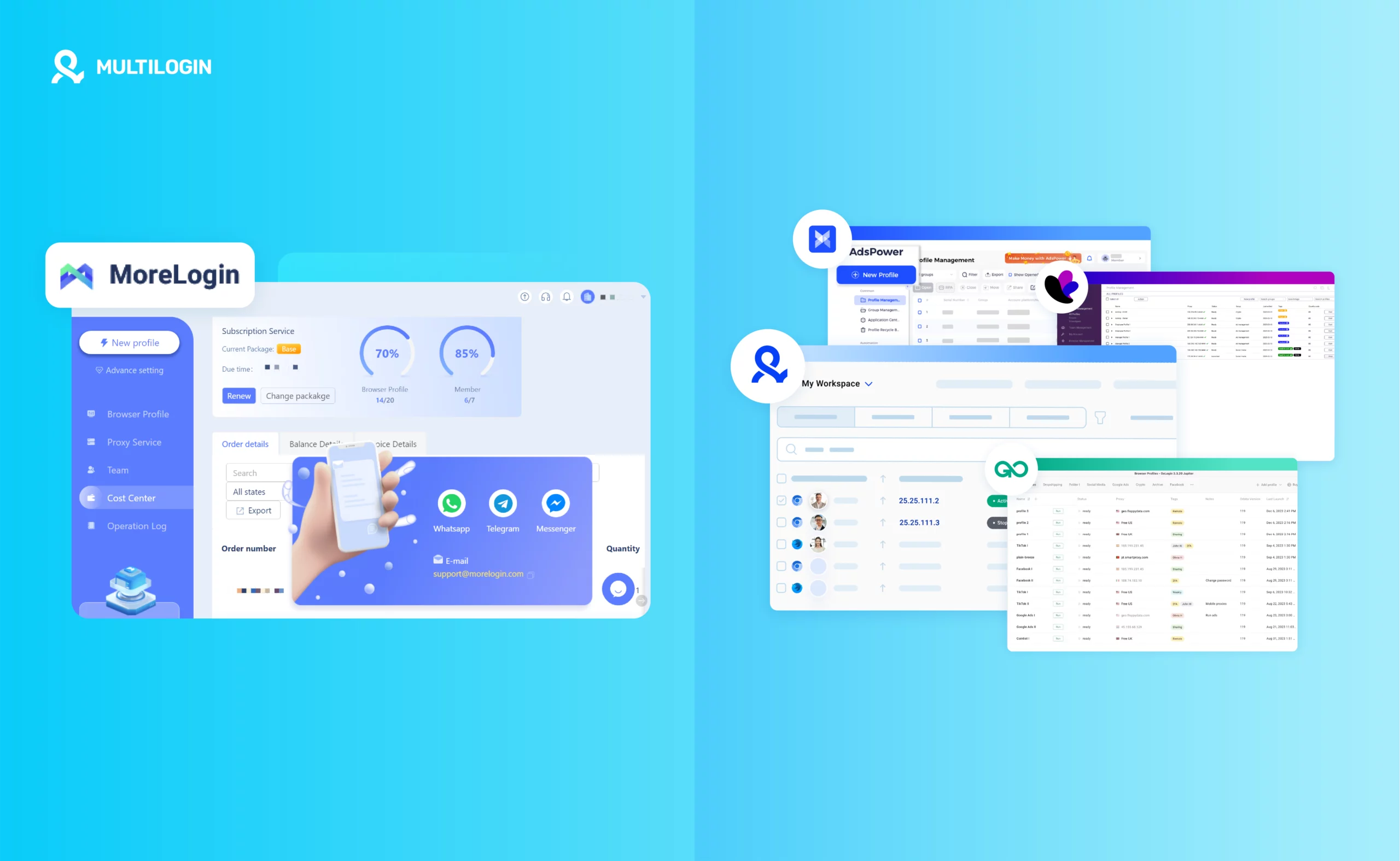



Let’s be honest — MoreLogin is a decent start, but once your operations scale, it starts to show its cracks: laggy sessions, limited automation, limited environment consistency, and collaboration that feels like an afterthought.
So, what’s next?
Whether you’re a dropshipper, an affiliate marketer, or an ad manager juggling hundreds of accounts, your account management setup should support your growth — not slow it down.
That’s why we’ve curated the 6 best alternatives to MoreLogin in 2026, each compared side-by-side with both MoreLogin and the cloud phone and multi-account platform Multilogin.
What Is MoreLogin Used For? Is It Safe? Free? And How Does It Compare?
If you’ve found yourself Googling phrases like “Is MoreLogin safe?”, “MoreLogin download”, or “Free alternatives to MoreLogin”, you’re not alone. MoreLogin has become a common entry point for people looking to manage multiple browser profiles. But as soon as you need more power, performance, or scale — it starts to fall short.
Let’s break down exactly what MoreLogin is and where it stands in 2026 compared to more complete platforms like Multilogin.
What is MoreLogin used for?
MoreLogin is an multi-account browser used primarily by marketers, dropshippers, social media managers, and e-commerce professionals. Its purpose is to help users run multiple online accounts with separate, organized browser environments by platforms like Facebook, Instagram, Amazon, Twitter, or Google Ads.
This makes it particularly useful for:
- Running ads across multiple accounts
- Managing different store profiles
- Doing outreach campaigns at scale
- Separating business and personal identities online
MoreLogin works by mimicking browser environments and configuring separate browser environments to make each session appear unique — helping users keep sessions and account data separate across different workflows.
However, its capabilities are relatively basic when compared to more robust solutions like Multilogin. It lacks granular control over fingerprinting, limited automation options, and doesn’t support local and cloud profiles simultaneously.
Is MoreLogin safe?
From a security standpoint, MoreLogin is safe enough for light usage — but for users handling sensitive accounts or scaling large operations, its protection may not be enough.
The main limitations in terms of safety are:
- No session encryption: Your data isn’t isolated or encrypted at the level found in enterprise-grade tools.
- Basic fingerprint spoofing: MoreLogin lacks the depth of customization that prevents browser fingerprint leaks.
- No team permission control: If you’re collaborating with others, there’s no built-in way to control access levels.
If you’re a solo user managing only a few accounts, it might get the job done. But if privacy, data security, and long-term platform trust are priorities, MoreLogin will leave you exposed — especially when compared to Multilogin’s encrypted session isolation and enterprise-grade fingerprint masking.
Is MoreLogin free?
Yes, MoreLogin does offer a free plan, and that’s one of the reasons many users try it first.
But here’s the catch:
- You only get a limited number of browser profiles
- There’s no real automation support
- Team sharing and API features are either restricted or unavailable
While the free plan might seem appealing at first, most users outgrow it quickly. And if you’re relying on browser-based automation, affiliate marketing, or ad campaigns, you’ll find yourself hitting its limits almost immediately.
That’s why many eventually search for free alternatives to MoreLogin — or decide to upgrade to a tool like Multilogin, which is built for performance and scale from day one (and now starts with a permanent free plan, while Pro 10 begins at $11/month or $7.08/month with annual billing).
Is there a MoreLogin app for Android or iPhone (iOS)?
Currently, MoreLogin does not offer a dedicated app for Android or iOS users. This is one of the biggest frustrations for mobile-first professionals or those who manage accounts on the go.
There’s no native way to use MoreLogin on your smartphone or tablet, which leads many users to search for:
- Alternatives to MoreLogin for Android
- Alternatives to MoreLogin for iPhone
- MoreLogin iOS compatibility solutions
Unfortunately, the platform simply isn’t mobile-optimized.
Multilogin, on the other hand, combines Android Cloud Phones, browser profiles, and built-in residential proxies in one dashboard. Cloud Phones run Android apps in dedicated remote mobile environments, while browser profiles support web-based workflows. This gives teams a practical way to manage mobile-first and browser-based accounts without purchasing and maintaining a large collection of physical phones.
Now, let’s explore the top 6 alternatives.
6 Best MoreLogin Alternatives
1. Multilogin (Cloud Phones, Browser Profiles, and Proxies in One Platform)
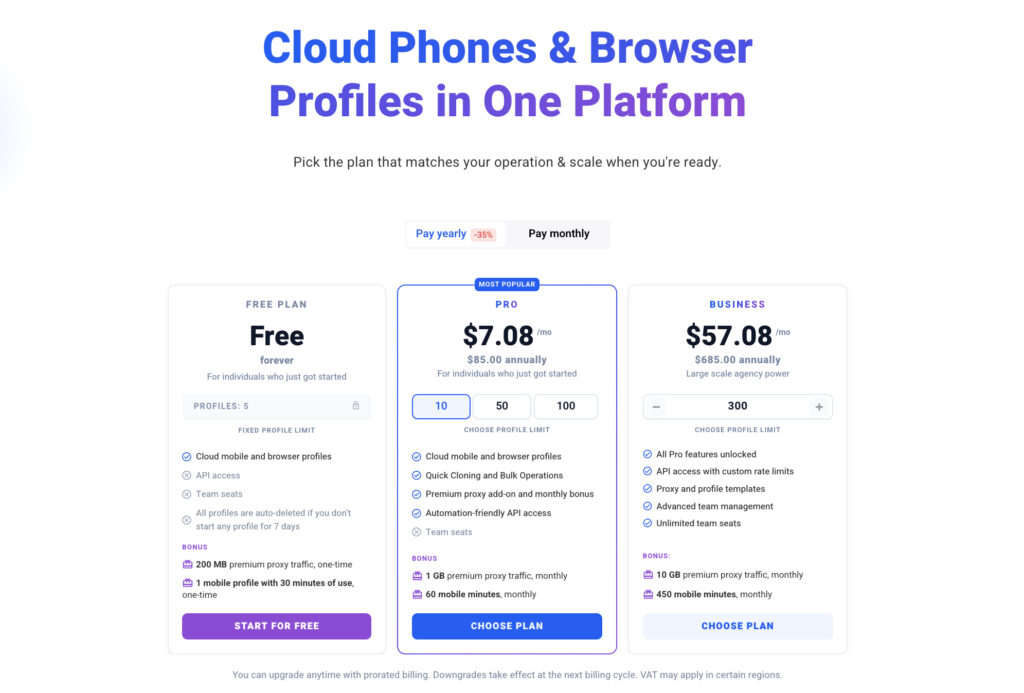
Multilogin is a cloud phone and multi-account management platform for teams and solo professionals who need separate Android mobile environments, organized browser profiles, built-in residential proxies, automation, and collaboration tools in one workspace.
Unlike tools focused only on browser profiles, Multilogin supports mobile-first workflows through Android Cloud Phones. Each Cloud Phone keeps apps, files, login sessions, and device settings in a dedicated environment, helping teams manage recurring mobile tasks without relying on multiple physical devices.
Multilogin also offers a permanent free plan, so users can test the platform before upgrading. Paid Pro 10 plans cost $11/month or $7.08/month when billed annually. The latest Multilogin workspace updates also add bulk actions, smart tags, customizable profile tables, notes, and tools designed to make larger operations easier to organize.
Features
- Android Cloud Phones plus Chromium-based Mimic browser profiles
- Dedicated mobile and browser environments with persistent sessions
- Cloud Phones plus cloud and local browser profiles
- Seamless proxy integration
- Built-in residential proxies
- Automation via Selenium, Puppeteer, Playwright
- Role-based access for teams
- Separate app data, browser data, and persistent login sessions
Pros
✅ Pro-level automation
✅ High performance + speed
✅ Built for teams, agencies, and growth
Cons
✅ Permanent free plan available with no time limit
👉 Try Multilogin for free, then upgrade from $7.08/month with annual billing →
MoreLogin vs Multilogin
| Feature | MoreLogin | Multilogin |
| Pricing (Monthly) | $9/month | $11/month, or $7.08/month billed annually, for 10 Cloud Phone or browser profiles |
| Trial Access | Yes (free limited version) | Permanent free plan – up to 5 profiles, with Cloud Phone and browser profile access |
| Profile Storage | Cloud only | Cloud + Local |
| Browser Engines | Chromium only | Android Cloud Phones + Chromium-based Mimic browser profiles |
| Environment Separation | Basic | Dedicated mobile and browser environments with persistent data |
| Built-in Proxies | Limited / manual setup required | Yes – Built-in residential proxies included |
| Automation Compatibility | Basic/manual | Full support (Selenium, Puppeteer, Playwright) |
| Team Collaboration | Basic sharing | Advanced role-based access, encrypted profile sync |
| Session Isolation | Moderate | Full encryption and isolation per profile |
| API Access | Limited or paid tier only | Full access on all paid plans |
| Mobile Profile Simulation | Yes (limited) | Yes – Android Cloud Phones run mobile apps in dedicated remote environments |
| Best Use Case | Beginners managing a few accounts | Professionals scaling 10–1000+ profiles |
2. GoLogin
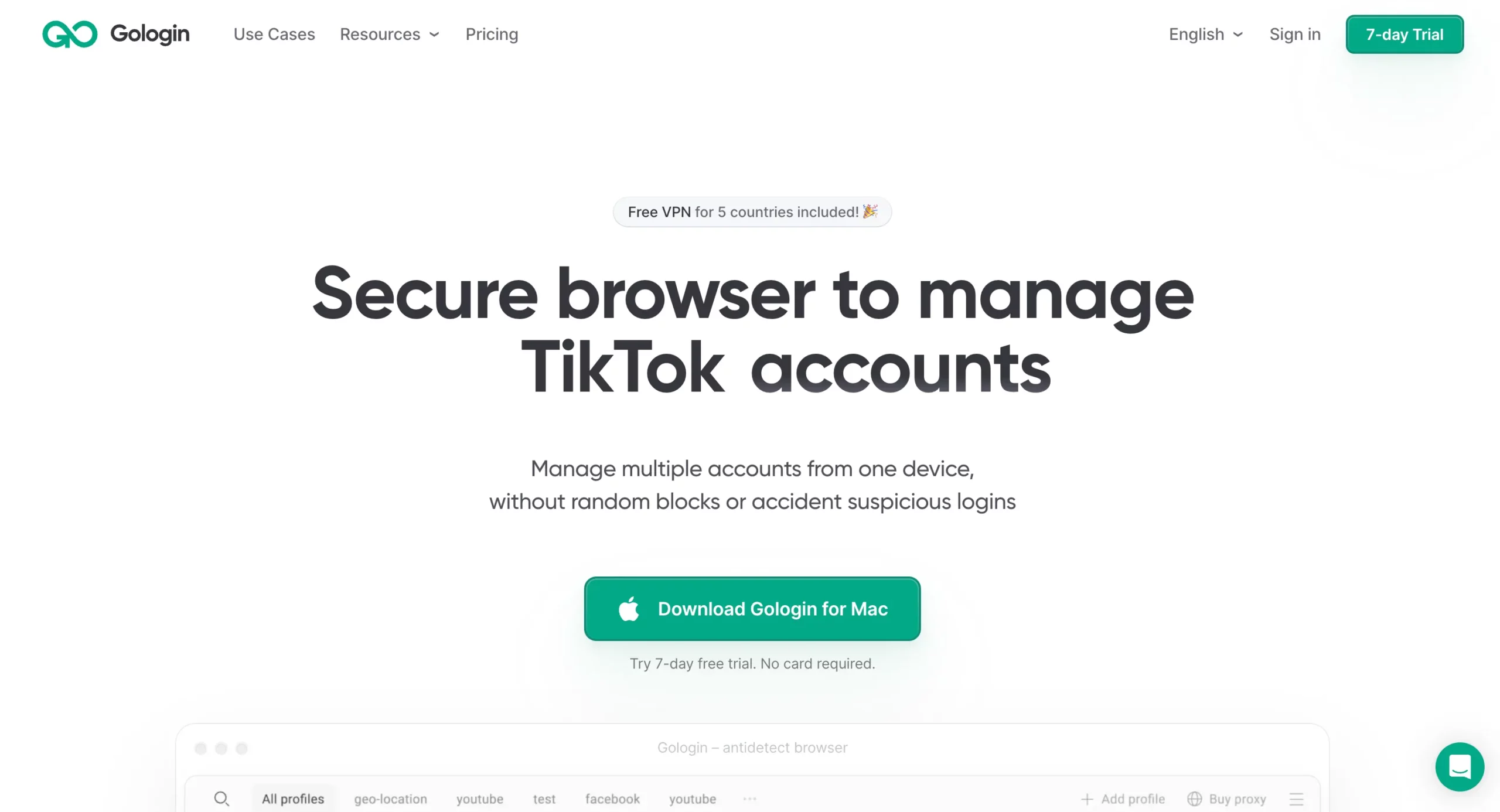
GoLogin is a solid entry point for newcomers. It’s easy to navigate and comes with free built-in proxies. Great for testing waters, but not ideal for scaling.
Features
- Chromium engine
- Built-in proxy marketplace
- Local profile storage only
- Basic automation support
Pros
✅ Easy UI
✅ Free plan with proxy options
✅ Great for social testing
Cons
❌ No cloud profiles
❌ Limited automation
❌ Poor scaling ability
MoreLogin vs GoLogin vs Multilogin
| Feature | MoreLogin | GoLogin | Multilogin |
| Pricing | $9/month | $24/month | $11/month or $7.08/month billed annually |
| Profile Storage | Cloud only | Local only | Cloud + Local |
| Proxy Support | Limited | Built-in | Built-in residential proxies |
| Automation Tools | Basic | Moderate | Selenium, Puppeteer, API |
| Fingerprint Masking | Standard | Basic | Dedicated and persistent environments |
👉 Compare GoLogin vs Multilogin →
3. Dolphin Anty
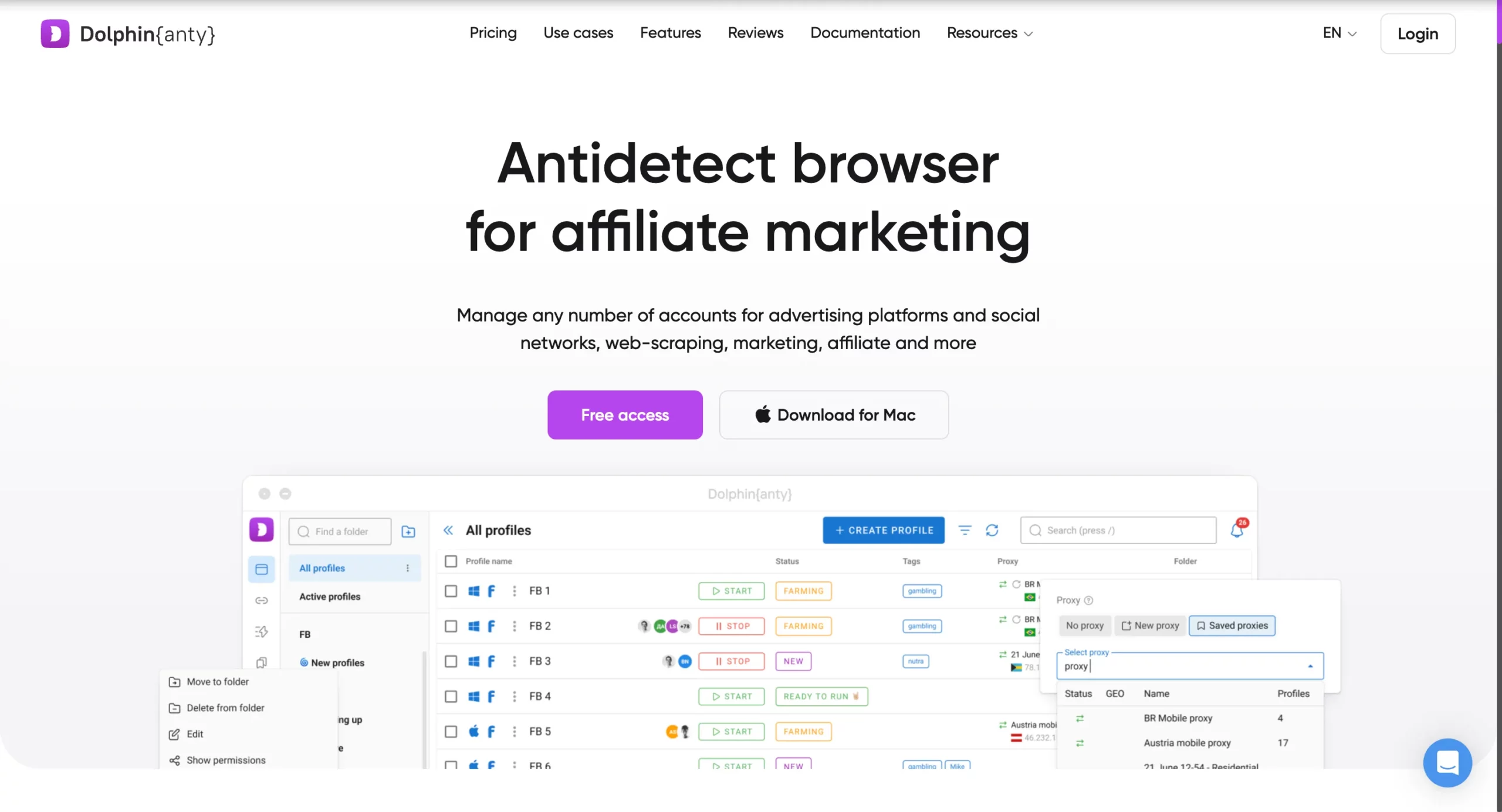
Dolphin Anty is built for affiliate marketers and performance teams, offering strong profile control and basic automation scripts.
Features
- Profile tagging & groups
- JSON scripting
- Multi-account structure
- Targeted ad support
Pros
✅ Tailored for ad teams
✅ Organized profile filtering
✅ Multi-account flexibility
Cons
❌ No cloud profiles
❌ Interface gets heavy with scale
❌ Lacks deep fingerprint control
MoreLogin vs Dolphin Anty vs Multilogin
| Feature | MoreLogin | Dolphin Anty | Multilogin |
| Marketing Automation | Minimal | Strong | Advanced (API-ready) |
| Profile Tagging | No | Yes | Yes |
| Session Encryption | No | No | Yes |
| Profile Storage | Cloud only | Local only | Cloud + Local |
👉 See Dolphin Anty vs Multilogin →
4. AdsPower
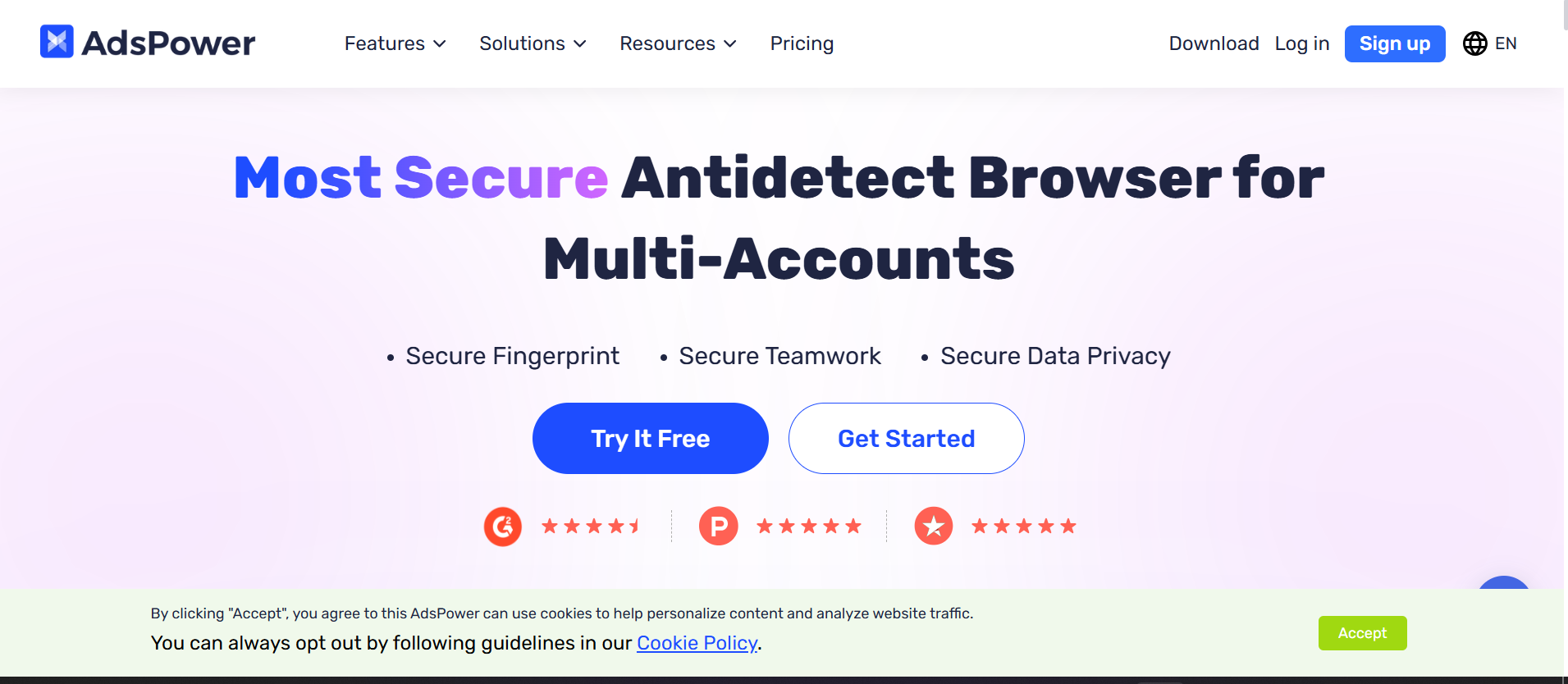
AdsPower supports both Chromium and Firefox, offering decent multi-account control at a low price.
Features
- Dual browser engine
- Basic fingerprint control
- Team account features
- Free tier for beginners
Pros
✅ Low-cost plans
✅ Dual-engine support
✅ Ideal for TikTok & Facebook ads
Cons
❌ Performance drops with heavy load
❌ Limited cloud features
❌ Poor automation scalability
MoreLogin vs AdsPower vs Multilogin
| Feature | MoreLogin | AdsPower | Multilogin |
| Browser Engines | Chromium | Chromium + Firefox | Android Cloud Phones + Mimic browser profiles |
| Automation Tools | Basic | Moderate | Full Suite |
| Cloud Profiles | Yes | No | Yes |
| Proxy Management | Manual | Built-in | Built-in residential proxies |
👉 Compare AdsPower vs Multilogin →
5. Incogniton
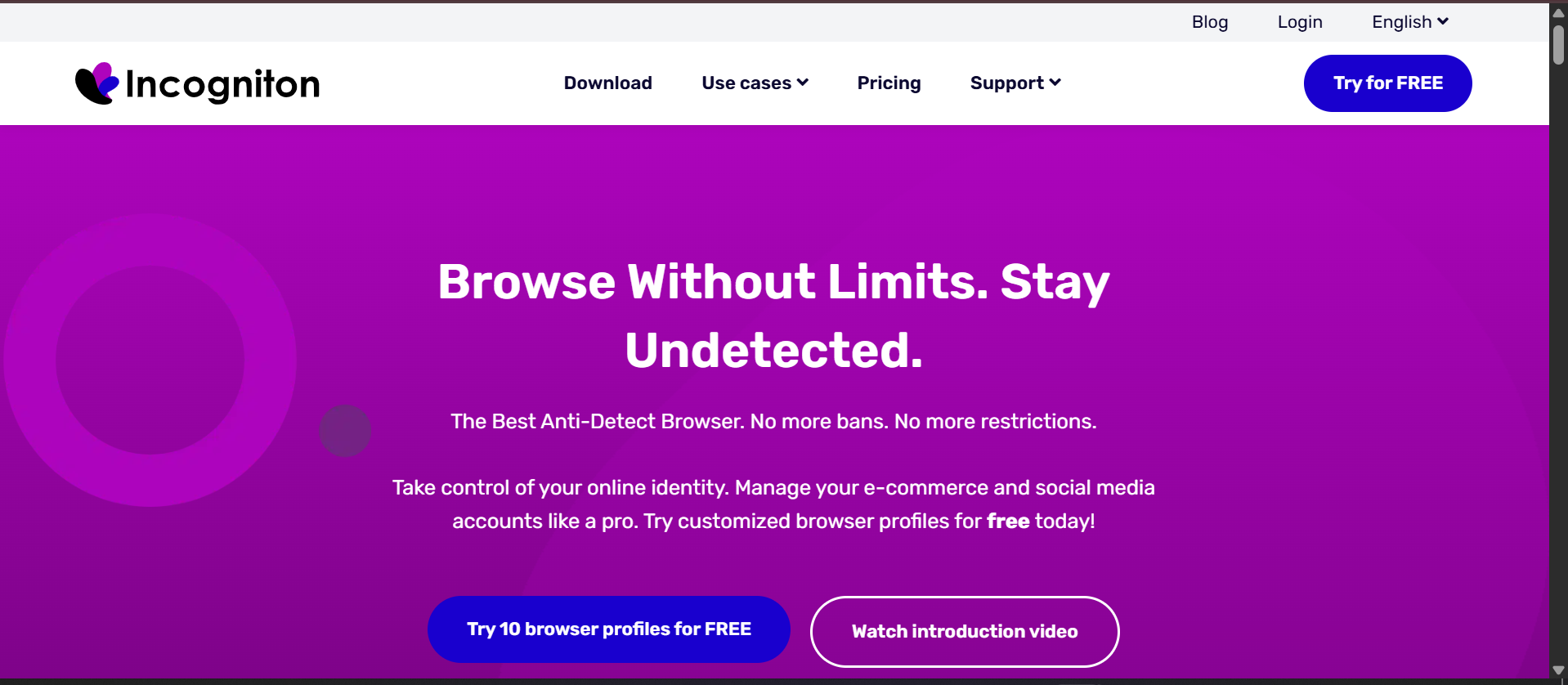
Incogniton is great for browser fingerprint management, offering cloud-based profiles and simple automation tools.
Features
- Cloud-based profile storage
- Selenium and Puppeteer compatibility
- CSV import/export
- Free plan with 3 profiles
Pros
✅ Cloud support
✅ Easy for manual ad testing
✅ Clean interface
Cons
❌ Limited automation power
❌ Not ideal for large-scale ops
❌ Weak session control
MoreLogin vs Incogniton vs Multilogin
| Feature | MoreLogin | Incogniton | Multilogin |
| Automation Scripts | Basic | Moderate | Full |
| Session Control | Low | Moderate | Strong |
| Profile Export/Import | No | CSV Support | API + CSV |
👉 See Incogniton vs Multilogin →
5. Kameleo
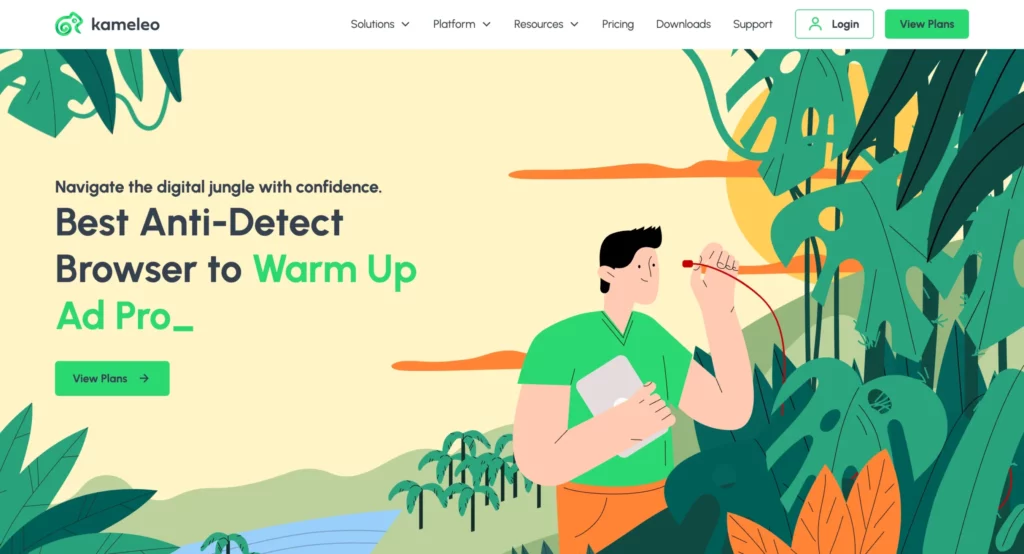
Kameleo is the go-to for Android mobile fingerprint simulation. Ideal for app testing or mobile account workflows.
Features
- Android mobile emulation
- Multi-engine browser support
- Local device fingerprint generator
Pros
✅ Best for mobile ops
✅ Powerful masking tech
✅ Developer-friendly
Cons
❌ Steep learning curve
❌ No cloud storage
❌ Premium pricing
MoreLogin vs Kameleo vs Multilogin
| Feature | MoreLogin | Kameleo | Multilogin |
| Mobile Profile Support | Yes | Yes | Yes – Android Cloud Phones |
| Learning Curve | Low | High | Moderate |
| Proxy Integration | Limited | Manual | Built-in residential proxy integration |
👉 Compare Kameleo vs Multilogin →
Why Switch From MoreLogin to Multilogin?
Still asking yourself, “Is MoreLogin enough for my operations in 2026?”
Let’s be real — MoreLogin gets the job done if you’re just starting out. You can launch a few profiles, test some campaigns, and manage a small number of profiles on a budget.
But here’s the thing: as soon as your business starts to grow or your clients demand results, MoreLogin begins to buckle.
And that’s where Multilogin steps in — not just as an alternative, but as a true upgrade.
MoreLogin is built for basic use.
- You can’t store both local and cloud profiles.
- Automation support is weak or nonexistent.
- You’re limited in how deeply you can customize or isolate your browser fingerprints.
- Proxy integration is clunky, and mobile profile simulation is unreliable.
If you’re running 5 profiles manually, MoreLogin works.
But what about 50? Or 500? Across multiple team members, in different countries, with automated scripts running 24/7?
That’s where MoreLogin breaks. And that’s where Multilogin thrives.
Multilogin is built for mobile-first workflows, browser operations, automation, and scale.
Here’s why it wins — every time:
- Cloud Phones Plus Flexible Browser Storage: Multilogin brings Android Cloud Phones and browser profiles into the same dashboard. Browser profiles can use cloud or local storage, while Cloud Phones provide persistent Android environments for mobile apps. This gives teams the flexibility to manage web and mobile workflows without maintaining separate tools or fleets of physical devices.
- Separate, Persistent Account Environments: Each Cloud Phone or browser profile maintains its own apps, files, cookies, storage, settings, and login history. This separation keeps client, project, and platform workflows organized while reducing accidental session overlap between team members.
- Built-In Automation Compatibility: Multilogin supports ADB, Selenium, Puppeteer, Playwright, API-based workflows, cloning, and bulk actions. Teams can automate repetitive work across approved mobile and browser environments while maintaining clearer operational control.
- Pro-Level Team Collaboration: MoreLogin’s team features are basic at best. Multilogin offers role-based access, profile ownership control, encrypted team sharing, and detailed usage logs. If you’re building a performance team or managing VAs, this is non-negotiable.
- Predictable Scaling and Pricing: Multilogin starts with a permanent free plan. Pro 10 costs $11/month or $7.08/month with annual billing, and every paid tier combines Cloud Phones, browser profiles, residential proxy traffic, automation access, and team-ready management features. This makes it easier to estimate costs as operations grow.
Multilogin’s Updated Positioning in 2026
Multilogin is no longer positioned only around browser-based profile management. The platform now combines Android Cloud Phones, browser profiles, residential proxies, automation, and team collaboration in one product. This wider setup is especially relevant for social media teams, agencies, e-commerce operators, QA teams, and businesses whose workflows move between mobile apps and browser-based platforms.
Cloud Phones give users access to dedicated Android environments without buying, charging, replacing, or manually maintaining multiple physical phones. Apps, files, settings, and sessions persist between launches, while built-in proxy controls and centralized management help teams keep each authorized workflow organized. Browser profiles remain available for desktop and web tasks, so users do not need to choose between a mobile-only or browser-only setup.
Multilogin starts with a permanent free plan, allowing users to explore the platform before committing to a paid subscription. Pro 10 costs $11 per month, or $7.08 per month when billed annually. Cloud Phones, residential proxies, and browser profiles are bundled into the product, creating a clearer and more predictable path from initial testing to larger operations.
Try Multilogin for free, then continue from $7.08/month with annual billing. Cloud Phones, residential proxies, and browser profiles are bundled into every plan.

