
LinkedIn is ruthless about duplicate accounts. You know this already. You’ve probably tried managing multiple profiles, and LinkedIn shut you down. Your connections disappeared. Your messages got blocked. Your credibility took a hit.
Here’s the thing: LinkedIn’s detection system is getting smarter every day. They’re not just looking at your email address or phone number anymore. They’re analyzing your behavior, your connection patterns, your messaging frequency, your device fingerprint, your IP address, and dozens of other data points.
If you’re a recruiter managing multiple client accounts, a marketer running campaigns for different brands, or an agency handling multiple LinkedIn profiles for your team, you need a solution that goes beyond what a physical phone can offer.
That solution is a professional cloud phone. But not just any cloud phone. You need one that provides true device isolation, realistic fingerprints, and the ability to manage dozens of profiles without triggering LinkedIn’s ban hammer.
This guide compares the top 10 best cloud phones for LinkedIn. We’re talking about real solutions that actually work, not theoretical concepts or half-baked emulators.
What Makes a Cloud Phone “Good” for LinkedIn
Before we dive into the list, let’s be clear about what you’re looking for in a cloud phone for LinkedIn:
- Undetectable Device Fingerprints: LinkedIn can detect emulators and virtual devices. You need a cloud phone that provides realistic, constantly-updated fingerprints based on real devices.
- True Account Isolation: Each profile needs to live in its own isolated environment. No data sharing. No cross-contamination. If one account gets flagged, the others stay safe.
- Realistic Behavior Patterns: LinkedIn watches how you use the platform. Do you connect with 100 people per day? Do you send the same message to everyone? Do you log in from 5 different countries in one hour? A good cloud phone lets you set realistic behavior patterns for each account.
- Built-in Proxies: Different IP addresses for different accounts. This is non-negotiable.
- LinkedIn Optimization: Some cloud phones are optimized for gaming or other apps. You need one that’s specifically tested and optimized for LinkedIn.
- Scalability: Can you manage 5 accounts? 50? 500? You need a solution that scales with your business.
The Top 10 Best Cloud Phones for LinkedIn
1. Multilogin Cloud Phones: The Professional Standard
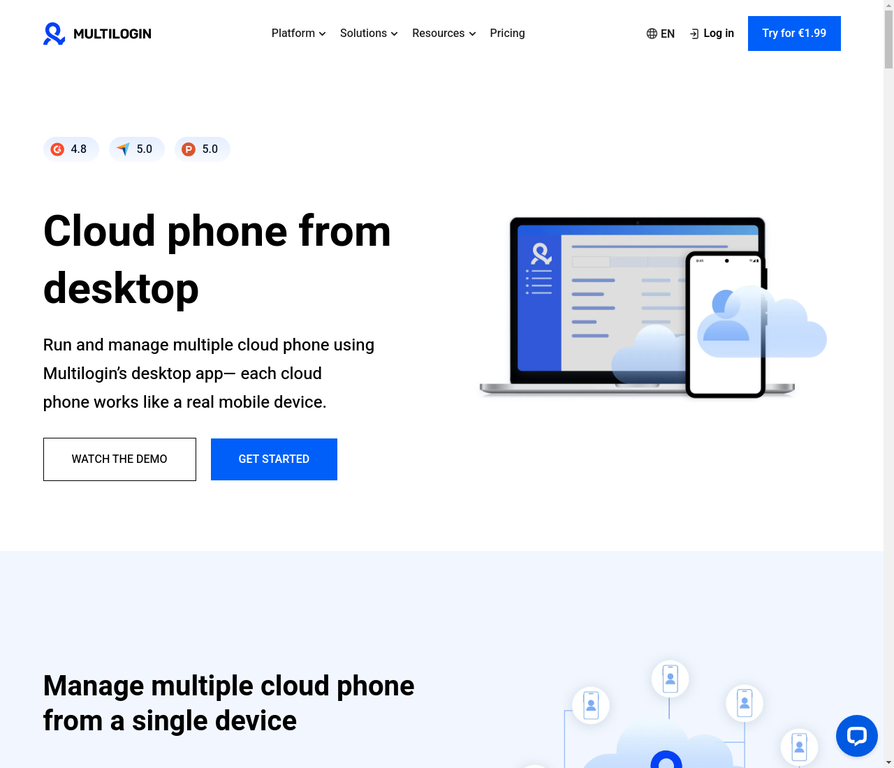
What it is: Multilogin isn’t just a cloud phone provider. It’s a complete multi-account management platform built specifically for professionals who need to manage multiple accounts across different platforms without getting banned.
Why it’s the best for LinkedIn:
- LinkedIn-Specific Optimization: Multilogin’s cloud phones are specifically tested and optimized for LinkedIn. They know exactly what LinkedIn’s detection system looks for, and they’ve built their fingerprints to bypass it.
- Daily Fingerprint Updates: Multilogin updates their device fingerprints daily based on real device data. LinkedIn can’t tell the difference between a Multilogin cloud phone and a real device.
- Behavioral Automation: Set realistic behavior patterns for each account. Multilogin can automatically space out your connections, messages, and profile views to look natural.
- Team Collaboration: Share access to your cloud phones with your team. Set permissions for who can access what. Track all activity.
- Built-in Residential Proxies: Assign a different residential proxy to each cloud phone. Different IP address, different location, different ISP for each account.
Best for: Agencies, recruiters, and marketers managing 10+ LinkedIn profiles.
Pricing: Starting at €5.85/month for basic plans. Cloud phones available on higher-tier plans.
Verdict: If you’re serious about managing multiple LinkedIn profiles without risk, Multilogin is the only choice that makes sense. Yes, it costs more than alternatives. But it’s also the only solution that won’t get you banned.
2. Geelark Cloud Phone
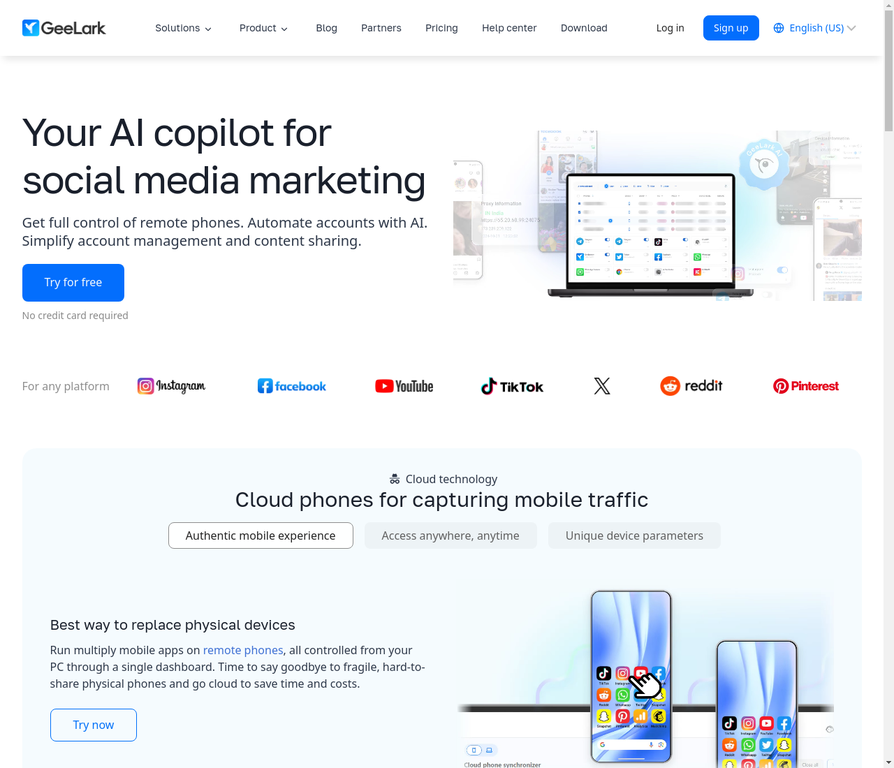
What it is: Geelark is an AI-powered cloud phone solution designed for social media and messaging apps, including LinkedIn.
Why it works for LinkedIn:
- AI-Generated Fingerprints: Geelark uses AI to generate realistic device fingerprints that change dynamically. LinkedIn’s detection system struggles with this.
- Affordable Pricing: At $29.90/month per cloud phone, it’s significantly cheaper than Multilogin while still providing solid protection.
- LinkedIn-Friendly: Specifically tested for LinkedIn compatibility and performance.
- Easy Setup: No technical knowledge required. Create a cloud phone, install LinkedIn, start managing profiles.
Best for: Small businesses and freelancers managing 3-10 LinkedIn profiles on a budget.
Pricing: $29.90/month per cloud phone.
Verdict: Geelark is a solid choice if you’re price-sensitive but still need real device isolation. The main trade-off is fewer advanced features compared to Multilogin.
3. MoreLogin Cloud Phone
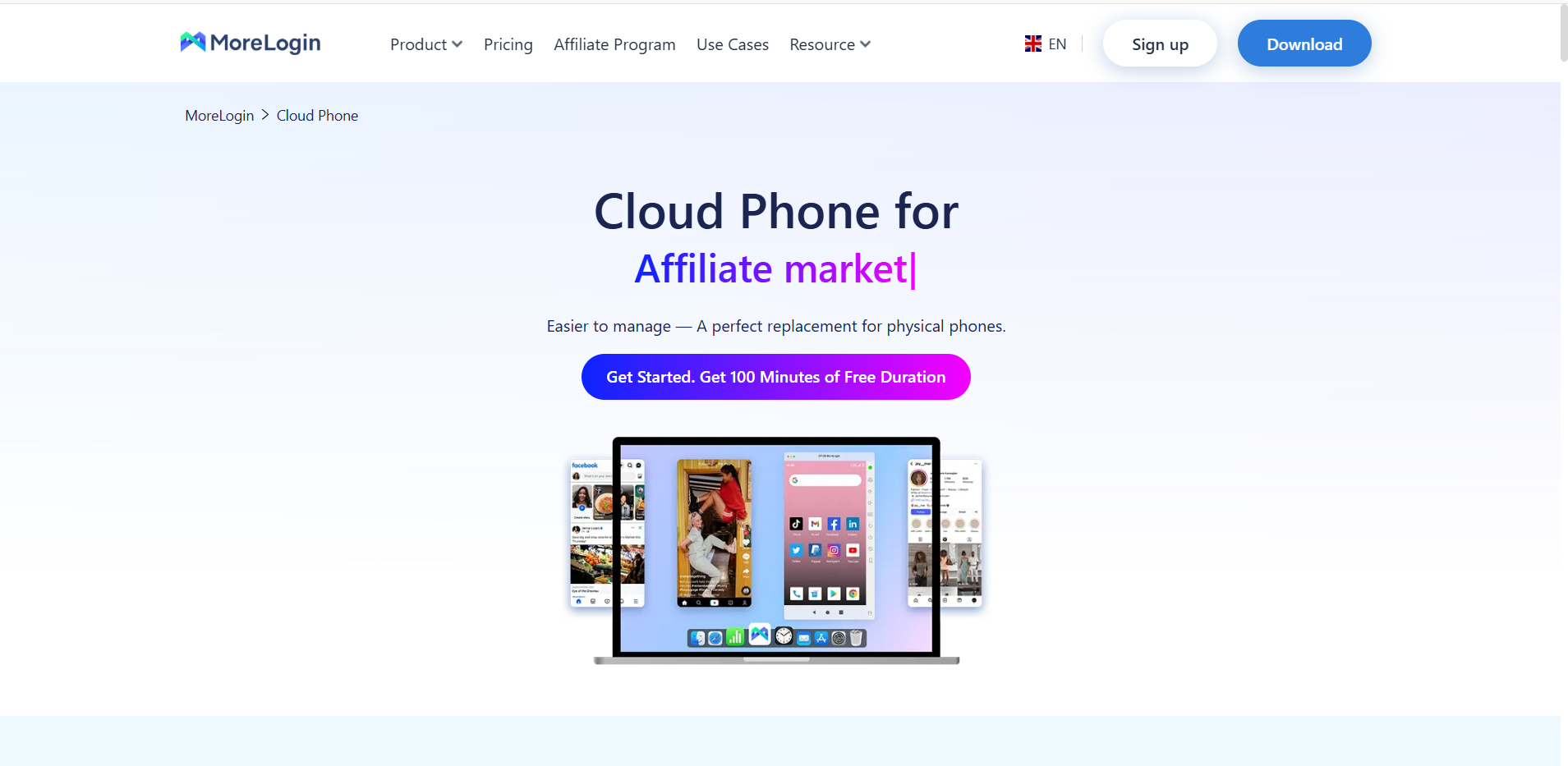
What it is: MoreLogin offers both an antidetect browser and cloud phones. Their cloud phone is a native Android device that runs in the cloud with real device fingerprints.
Why it’s great for LinkedIn:
- Hybrid Flexibility: Use MoreLogin’s antidetect browser for desktop LinkedIn management or their cloud phone for mobile LinkedIn management. Or use both together.
- Real Android Device: Not an emulator. A real Android device running in the cloud.
- Fingerprint Specialization: MoreLogin specializes in fingerprint technology. Each cloud phone has a unique, realistic fingerprint.
- 24/7 Availability: Your cloud phones stay online 24/7, even when your computer is off.
Best for: Businesses that want flexibility to manage LinkedIn from both desktop and mobile.
Pricing: Competitive with other premium solutions.
Verdict: MoreLogin is a great choice if you want the flexibility of both browser and mobile management. The hybrid approach gives you more options for scaling.
4. DuoPlus Cloud Phone
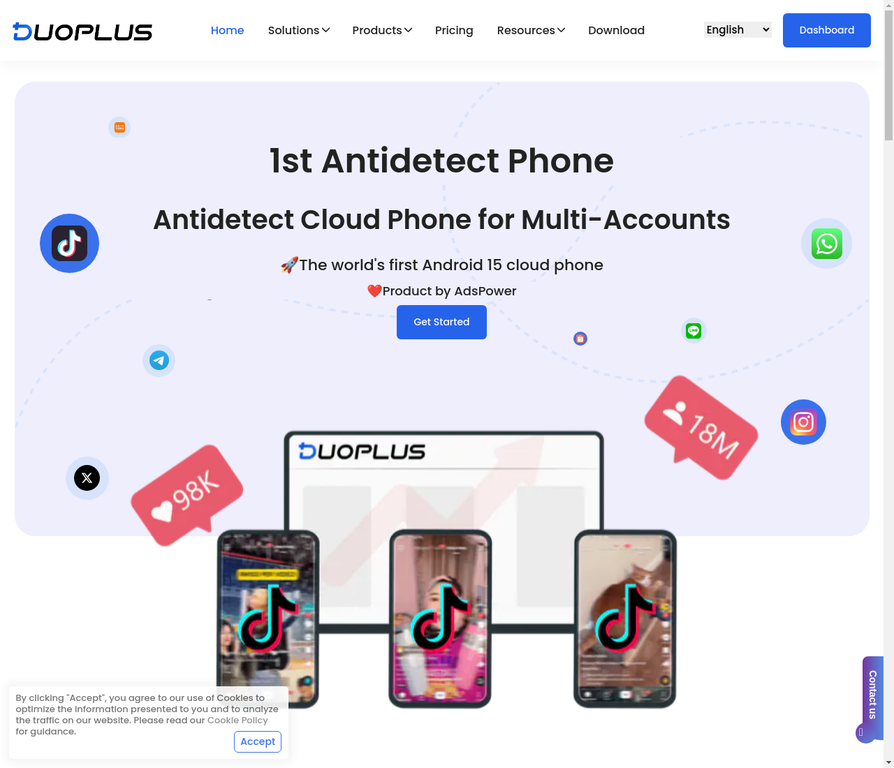
What it is: DuoPlus is a cloud phone solution built specifically for high-performance multi-account management. It’s one of the first to support Android 15.
Why it’s powerful for LinkedIn:
- Android 15 Support: Latest Android version means better app compatibility and performance.
- Unlimited Account Opening: No limits on how many accounts you can manage simultaneously.
- Real ARM Phone: DuoPlus runs on real ARM architecture, not emulated. This means better performance and fewer detection risks.
- LinkedIn Matrix Management: Built specifically for managing multiple accounts at scale.
Best for: Agencies and businesses managing 50+ LinkedIn profiles that need maximum performance.
Pricing: Competitive pricing with volume discounts available.
Verdict: DuoPlus is the choice for power users who need maximum performance and scalability. If you’re managing a large account matrix, DuoPlus delivers.
5. VMOSCloud
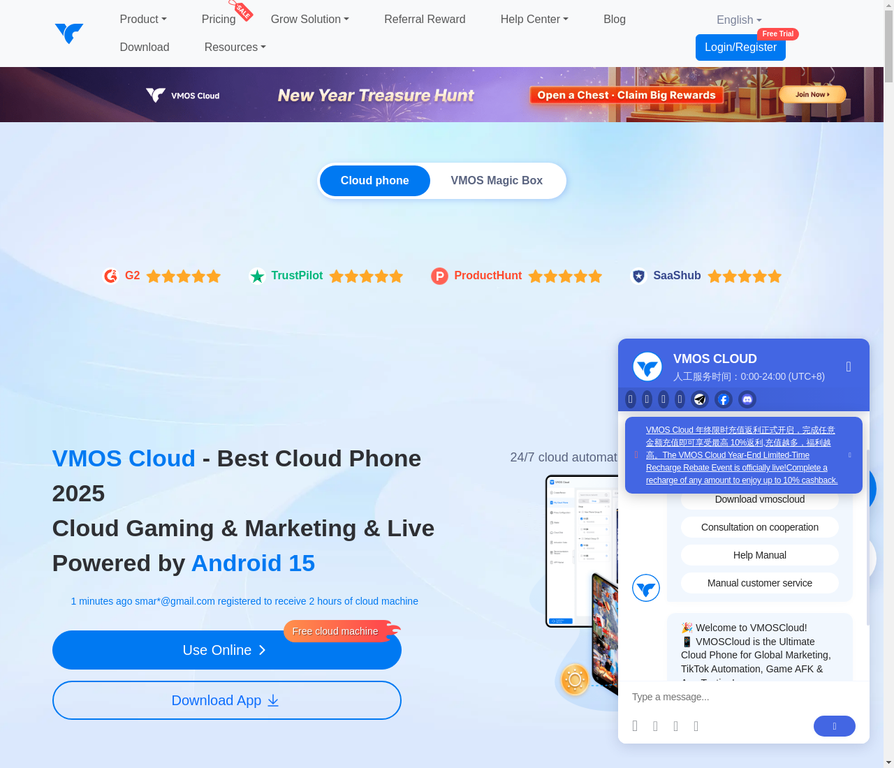
What it is: VMOSCloud is a cloud phone solution that packs in tons of features. It’s built for users who want complete control and customization.
Why it works for LinkedIn:
- Tons of Features: VMOSCloud has more features than most competitors. Root access, custom ROMs, advanced automation.
- Flexible Customization: Customize almost every aspect of your cloud phone environment.
- Good Performance: Solid performance for managing multiple LinkedIn accounts.
- Advanced Automation: Built-in automation tools for managing multiple accounts.
How to Set Up Multiple LinkedIn Profiles with a Cloud Phone
Here’s a step-by-step guide using Multilogin (the most secure option):
- Create Your Multilogin Account: Sign up for a plan that includes cloud phones.
- Create a New Cloud Phone Profile: In your dashboard, click “Create Cloud Phone.” Multilogin will automatically assign a unique device fingerprint.
- Assign a Proxy: Assign a residential proxy to your cloud phone. Different IP address for each profile.
- Launch the Cloud Phone: Click “Launch” to start your virtual Android device.
- Install LinkedIn: Open the Google Play Store, search for “LinkedIn,” and install the app.
- Create Your LinkedIn Profile: Use a new email address and phone number to create your LinkedIn profile.
- Warm Up the Account: For the first 2-3 weeks, use the account lightly. Connect with a few people per day. Send some messages. View some profiles. Let LinkedIn see natural, human behavior.
- Start Scaling: Once your account is warmed up, you can start using it for your business. Repeat this process for each new profile you need.
For more detailed guidance, check out our complete guide on how to manage multiple LinkedIn accounts.
The Real Cost of Getting Banned from LinkedIn
Before you decide to go with a cheaper solution, consider the real cost of getting your LinkedIn profiles banned:
- Lost Network: All your connections, your relationship-building, your professional network. Gone.
- Lost Opportunities: Every job opportunity, every client lead, every partnership that came through LinkedIn. Lost.
- Damaged Reputation: Your clients and connections will wonder what happened to you.
- Time to Recover: Getting your account back (if you can) takes weeks or months. And you might never get it back.
A professional cloud phone solution like Multilogin costs a few dollars per profile per month. Getting banned costs thousands in lost opportunities and damaged reputation. The math is simple.

