
LinkedIn will catch you. Not immediately, but eventually. If you’re thinking about creating a second account, you need to understand how LinkedIn’s detection system works before you do something that gets both of your accounts banned. This isn’t a scare tactic; it’s the reality of how seriously LinkedIn takes its one-person, one-profile policy.
This guide isn’t another article telling you to just use a different email. That doesn’t work, and we’ll show you why.
We’re going to pull back the curtain on LinkedIn’s sophisticated detection technology, explain the real-world consequences of getting caught, and then show you the legitimate, professional ways to manage multiple LinkedIn accounts without breaking the rules. Forget the myths and workarounds; it’s time to understand the system.
LinkedIn’s Official Policy on Multiple Accounts
Let’s get this out of the way first. LinkedIn’s User Agreement is crystal clear: you are allowed one personal account. The platform is built on the idea of authentic, professional identity. They want every profile to represent a real person, with a real name and a real career history. Creating a second personal profile, for any reason, is a direct violation of this core policy.
Why is LinkedIn so strict about this? It’s about trust. The entire value of the network depends on the authenticity of its members.
Duplicate accounts, fake profiles, and anonymous users erode that trust, making the platform less valuable for everyone. They are actively trying to prevent spam, fake engagement, and fraudulent activity, and the one-account rule is their first line of defense.
How LinkedIn Detects Duplicate Accounts (The Technical Reality)
So, how does LinkedIn know you’ve created a second account? It’s not just about using a different email address. LinkedIn’s detection system is far more advanced, relying on a combination of technical and behavioral data to connect profiles that belong to the same person.
Device Fingerprinting and Account Linking
Every time you visit LinkedIn, your browser sends a wealth of information about your device. This includes your operating system, browser version, screen resolution, installed fonts, and dozens of other technical parameters. This unique combination of data creates a device fingerprint.
If you create a new LinkedIn account from the same device, even in a different browser or incognito mode, the fingerprint is often similar enough for LinkedIn’s algorithms to flag it as a potential duplicate.
They can see that two different accounts are being accessed from a device with a nearly identical digital signature, which is a massive red flag.
Behavioral Signal Analysis
LinkedIn’s AI also analyzes your behavior on the platform. It looks for patterns that suggest two accounts are being operated by the same person. These signals can include:
- Connection Patterns: Are both accounts connecting with the same group of people?
- Messaging Behavior: Are you sending similar messages from both accounts?
- IP Address: Are both accounts consistently logged in from the same IP address or network?
- Profile Information: Are there significant overlaps in the profile details, like past employers or skills?
When multiple signals align, the system flags the accounts for review, which often leads to suspension.
What Actually Happens When LinkedIn Catches You
If LinkedIn determines you have duplicate accounts, the consequences are severe. They don’t just give you a warning. Typically, they will:
- Restrict or Suspend Both Accounts: You will lose access to both of your profiles, often without warning. This is similar to how LinkedIn shadow bans work, where your visibility is silently reduced.
- Require Verification: You may be asked to provide government-issued ID to prove your identity and reclaim one of the accounts.
- Force a Merge or Deletion: You will be forced to either merge the two profiles (losing connections and content from one) or permanently delete one.
In severe cases, especially if the accounts were used for spam or other violations, you could face a permanent ban from the platform.
Why People Have Two LinkedIn Accounts (And Why It’s Risky)
Despite the risks, people still try to create multiple accounts for various reasons, such as:
- Scaling Outreach: Sales teams and marketing agencies sometimes create extra accounts to bypass LinkedIn’s connection request limits.
- Separating Business Ventures: An entrepreneur might want a separate profile for each of their businesses.
- Managing Client Accounts: A social media manager might create a profile to manage a client’s presence.
While the motivation might be understandable, the risk of losing all accounts is incredibly high. The workarounds are simply not worth the potential damage to your professional reputation and network.
Legitimate Alternatives to Multiple Personal Accounts
So, if you can’t create a second personal profile, what can you do? LinkedIn provides official tools for managing different business interests.
LinkedIn Pages for Businesses
This is the correct way to represent a business, brand, or organization on LinkedIn. A LinkedIn Page is separate from your personal profile and allows you to build a dedicated following for your company. You can post updates, share articles, and run ads, all under your brand’s name.
LinkedIn Showcase Pages
Showcase Pages are extensions of your main LinkedIn Page, designed to highlight specific brands, business units, or initiatives. For example, Microsoft has a main LinkedIn Page, but also Showcase Pages for products like Microsoft 365 and Azure.
How Multilogin Helps Professionals Manage Multiple LinkedIn Accounts
For agencies, marketing teams, and professionals who have a legitimate business need to manage multiple, distinct online identities, a standard browser is not enough. This is where Multilogin becomes essential.
Multilogin offers two powerful solutions for managing multiple LinkedIn accounts professionally and safely: an antidetect browser and cloud phones.
Multilogin Antidetect Browser
Multilogin’s antidetect browser allows you to create and manage multiple browser profiles from a single computer. Each profile has a completely unique and genuine device fingerprint, meaning that to websites like LinkedIn, each profile appears as a native, separate device. There is no data overlap, no shared cookies, and no way to link the accounts.
With the antidetect browser, you can:
- Safely Manage Client Accounts: Manage multiple client LinkedIn accounts without any risk of them being linked.
- Scale Outreach Securely: Run employee advocacy or sales outreach programs with multiple accounts, each in its own isolated environment.
- Maintain True Separation: Keep your personal and business activities completely separate and secure.
- Built-in Proxies: Use residential proxies to ensure each account appears from a different location.
- Cookie and Cache Isolation: Each profile operates independently with no shared data thanks to proper cookie isolation.
Multilogin Cloud Phones
For teams that need to manage LinkedIn accounts across mobile devices, Multilogin’s cloud phones provide an even more comprehensive solution. Cloud phones are virtual mobile devices that run on Multilogin’s infrastructure, giving you complete control over device identity, location, and behavior.
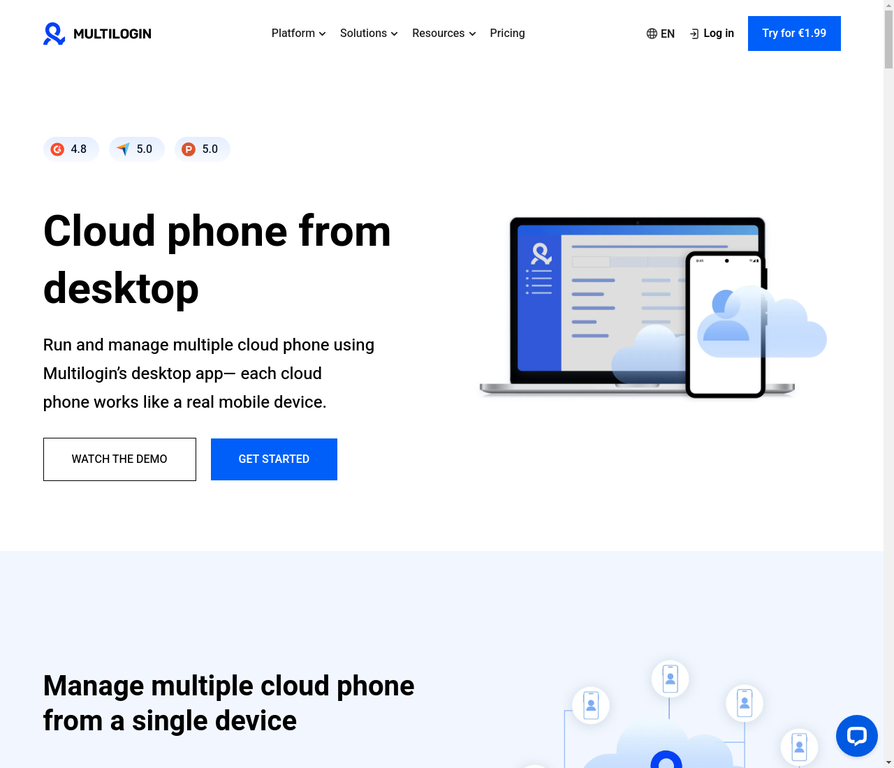
Cloud phones allow you to:
- Manage Multiple Mobile Accounts: Create and manage multiple LinkedIn accounts on virtual mobile devices without any device linking.
- Scale Team Operations: Agencies and teams can manage dozens or hundreds of accounts from a centralized dashboard.
- Perfect Device Isolation: Each cloud phone has a unique IMEI, device fingerprint, and operating system signature.
- Location Flexibility: Assign different locations to each account for geo-targeted outreach.
- Team Collaboration: Share profiles and accounts with team members while maintaining security and isolation.
- Persistent Sessions: Accounts stay logged in and active 24/7, perfect for employee advocacy programs.
Which Solution Is Right for You?
Choose the antidetect browser if you primarily manage accounts from desktop or laptop computers and need browser-based LinkedIn management. Choose cloud phones if you need mobile-based account management, want to scale operations across a team, or require the highest level of device isolation and authenticity.
For maximum flexibility, many agencies use both solutions together: cloud phones for mobile-based outreach and the antidetect browser for desktop management. Learn more about how to create a second LinkedIn account with Multilogin.
See how Multilogin helps professionals manage multiple accounts safely or explore cloud phones for team-based account management
No more juggling physical devices or risking account links. Try Multilogin's cloud phones now.
Frequently Asked Questions About Can I Create Multiple LinkedIn Accounts
No, LinkedIn’s policy allows only one personal account per person. Creating more is a violation of their User Agreement.
You can create a new account, but if LinkedIn detects it’s a duplicate, both may be restricted or closed.
No, each LinkedIn account must be associated with a unique email address and, typically, a unique phone number for verification.
You should have one personal account (your profile) and create a separate LinkedIn Page for your business.
LinkedIn’s mobile app allows you to add and switch between accounts, but this is primarily for managing a personal profile and a Company Page, not two personal profiles.
When you merge accounts, you choose one to keep. The connections from the other account are transferred, but the profile information, content, and messages are permanently lost.
Next step (if you want fewer headaches this month)
While it’s technically possible to create multiple LinkedIn accounts, it’s a risky game that you will eventually lose. LinkedIn’s detection technology is simply too sophisticated. The safe, professional, and recommended approach is to use one personal profile and leverage LinkedIn Pages for your business interests.
For those with a legitimate need to manage multiple online identities, don’t rely on flimsy workarounds. Use a professional tool built for the job. Learn more about how to prevent LinkedIn account restrictions.
Ready to manage your online identities with confidence? Compare our plans and find the right fit for your needs.

