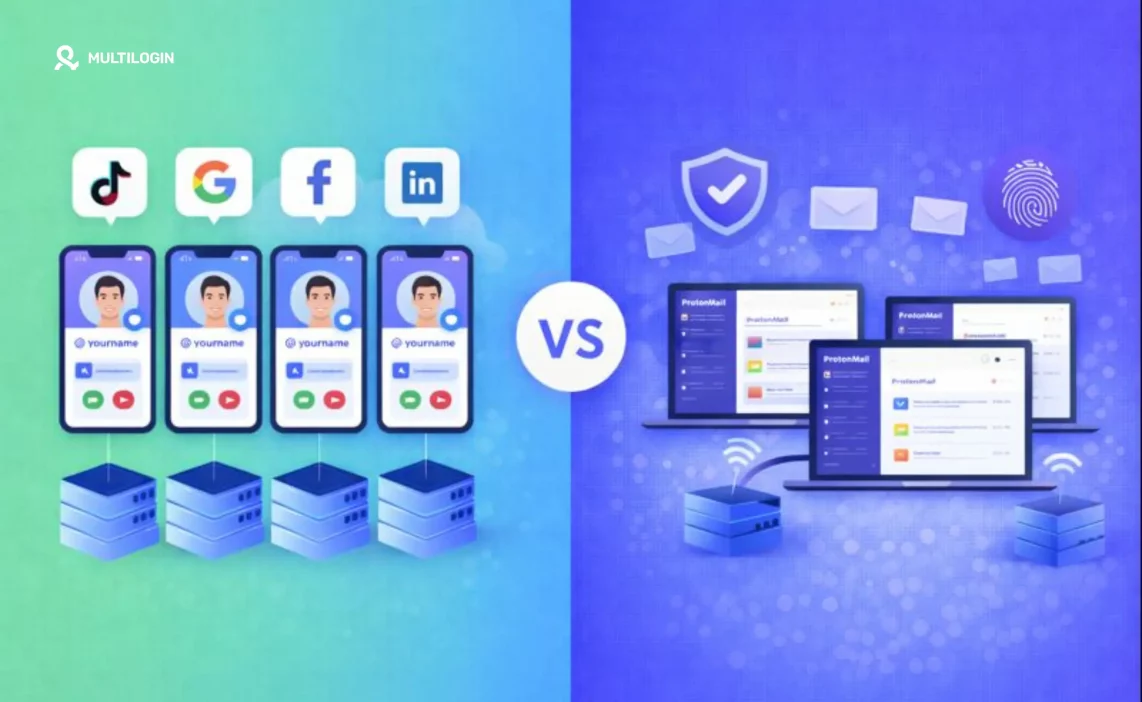

If you manage multiple social media accounts, you’ve probably tried the “simple” route first: one laptop, one browser, a few logins, maybe a VPN. Then Meta (or TikTok, X, Reddit, Google) starts throwing friction at you: checkpoints, re-verifications, random logouts, or ad account reviews that eat days of your week.
At that point, you usually land on two options:
- Cloud phones: Virtual phones hosted in the cloud that run mobile apps like a phone would.
- Antidetect browsers: Browsers built to isolate profiles and modify fingerprint signals so each profile looks like its own device.
They solve different problems. Some teams need one. Many teams end up using both.
If your main pain is “too many logins in one browser causing account linking,” start with an antidetect browser setup and separate each client into its own profile. Multilogin offers a €1.99 3-day trial to test the workflow before committing.
Quick verdict: when to pick which tool
Choose cloud phones when:
- You must run native mobile apps (Instagram, TikTok, WhatsApp workflows, mobile-first verification)
- You need a persistent Android environment for long sessions
- You want to replace physical phone farms with cloud devices
- Your workflow is mobile-first and app-dependent
Choose antidetect browsers when:
- Your work is mainly web-based (Facebook Business Suite, Ads Manager, creator tools, marketplaces)
- You need many isolated browser profiles with stable cookies and fingerprints
- You want fast scaling without managing Android instances
- You’re running multi-account operations across web platforms
Use both when:
- You operate across mobile apps + web dashboards, and you want consistent identity per client across both layers
- You’re an agency managing multiple social media accounts for different clients
- You need the flexibility to handle both mobile app verification flows and web-based management tools
Cloud phones vs antidetect browsers: the core difference
Before we compare features, let’s establish what these tools actually do. The confusion happens because both help with “managing multiple accounts,” but they work at completely different layers.
What a cloud phone is
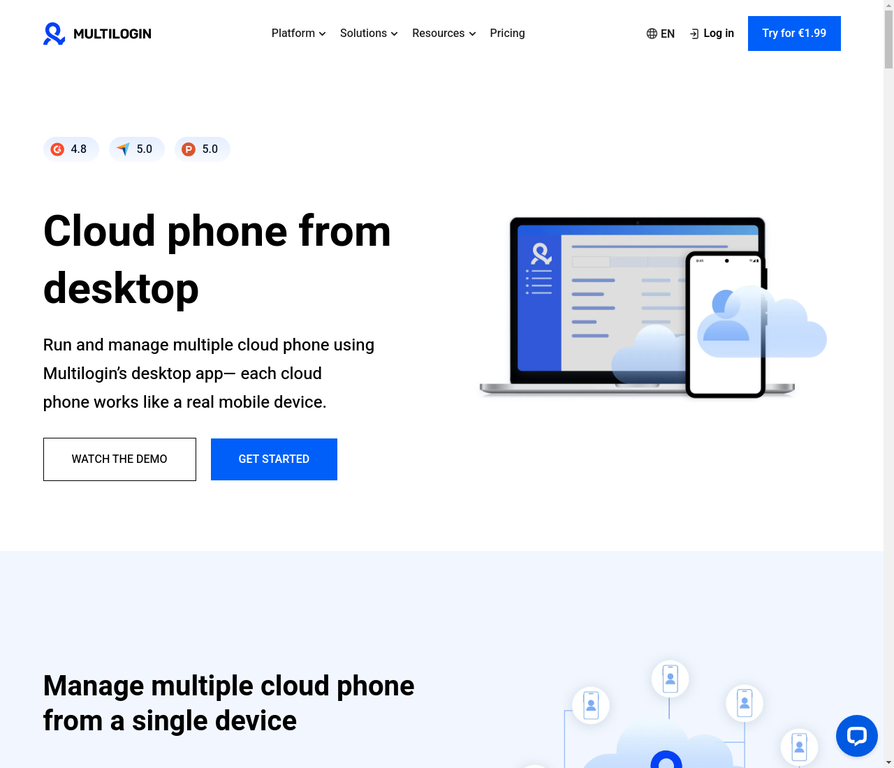
A cloud phone is a virtual mobile device hosted in the cloud. It functions like a real smartphone but runs on remote servers, and you access it through a client or desktop interface.
Multilogin’s cloud phones are positioned as real Android environments hosted in the cloud, controllable from desktop, with independent device identities. Each cloud phone maintains its own system data, storage, and app state just like a physical phone would.
Think of it as “renting a phone that lives in a data center instead of your desk.”
What an antidetect browser is
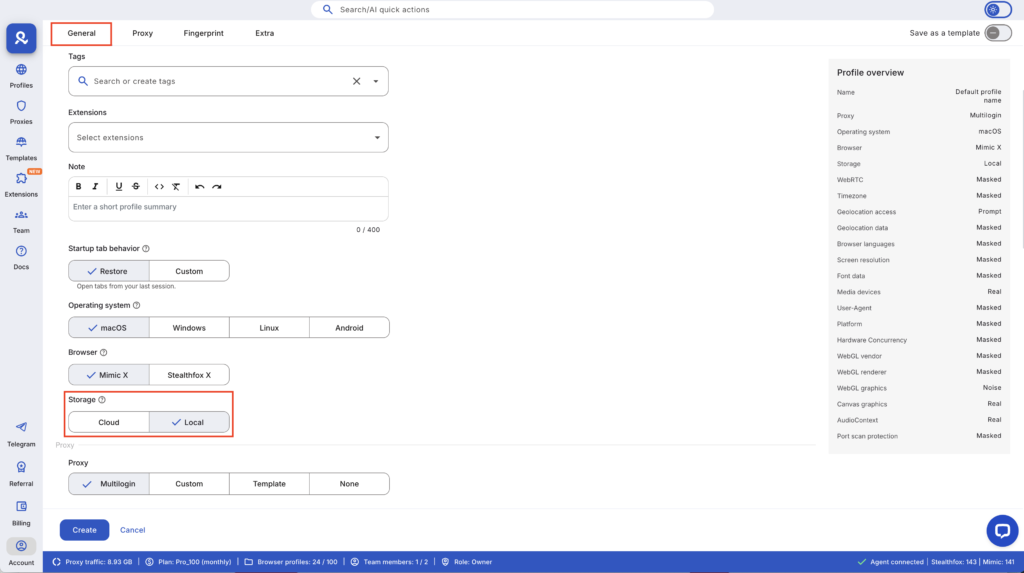
An antidetect browser is a browser designed to conceal or alter identifying attributes (fingerprints) that websites use to recognize users and link sessions.
Multilogin defines an antidetect browser as a special browser created to hide digital fingerprints used to identify online users. It goes beyond basic “incognito mode” by managing everything from canvas fingerprinting to WebGL data to timezone settings.
Think of it as “creating separate, persistent browser identities that platforms can’t link together.”
The real split
Cloud phone = “Give me a phone environment for mobile apps.”
Antidetect browser = “Give me separate browser identities for web accounts.”
Side-by-side comparison: features that actually matter
What you care about | Cloud phones | Antidetect browsers |
Run native mobile apps | Strong fit (real Android environment) | Not the point (web-only) |
Run web dashboards at scale | Not the main focus | Strong fit (built for this) |
Identity separation | Per phone instance | Per browser profile |
Session persistence | Android system + app state | Cookies + local storage per profile |
Cost drivers | Active minutes / device instances | Profiles + storage + proxy traffic |
Team operations | Shared device environments | Shared profile workspaces |
Typical pain point | App integrity checks, device signals | Fingerprint overlap, cookie collisions |
Setup complexity | Higher (Android + proxy + apps) | Lower (browser profiles + proxy) |
Scaling speed | Moderate (device provisioning) | Fast (create profiles instantly) |
When cloud phones win
1. You need native app behavior, not “mobile web”
Some workflows behave fundamentally differently in the app compared to the browser. If your day includes things like:
- In-app messaging tools (Instagram DMs, WhatsApp Business)
- Mobile-only creation flows (TikTok native editing, Instagram Stories)
- App-specific verification patterns (phone number verification, app-based 2FA)
- Features that simply don’t exist in web versions
A cloud phone fits better because it runs Android and mobile apps directly, not mobile-web approximations.
Real example: Instagram’s algorithm treats native app posting differently than browser-based posting. Features like music stickers, certain filters, and AR effects only work in the native app. If you’re running Instagram accounts at scale, you need actual mobile environments.
2. You want to replace physical phone farms
Physical phone farms break for boring reasons: charging logistics, storage space, devices dying, accounts tied to hardware that disappears when a phone breaks. Team members physically passing devices around introduces security risks and coordination overhead.
Multilogin’s phone farming guidance frames cloud Android environments as a stable alternative to physical phone farms. You get the same persistent device identity without the hardware maintenance burden.
Cost comparison: A physical phone farm with 50 devices requires:
- 50 phones ($5,000-$15,000 initial cost)
- Charging infrastructure
- Physical security
- Storage space
- Device replacement when hardware fails
- Manual device management
Cloud phones eliminate all of that while providing better central management and team access.
3. You want “desktop control” over mobile environments
Multilogin’s cloud phone implementation emphasizes controlling cloud phone profiles from desktop while keeping mobile device identities independent.
That matters for agencies because it reduces “who has the phone right now?” problems. Your content creator in Austin doesn’t need to physically receive a device from your community manager in Miami. They both access the same cloud phone profile from their own computers.
Team handoffs become clean: one person finishes their work, the next person opens the same profile, and the session state persists exactly as it was left.
When antidetect browsers win
1. Your workflow lives in web tools
A lot of social media marketing work happens in web-based interfaces:
- Meta Business Suite (managing Facebook + Instagram)
- Facebook Ads Manager
- Creator Studio dashboards
- LinkedIn Campaign Manager
- Twitter Ads Platform
- Pinterest Business Hub
- TikTok Ads Manager
- Ecommerce admin panels (Shopify, Amazon Seller Central, eBay)
- Analytics platforms (Google Analytics, Mixpanel)
An antidetect browser gives you a clean way to keep each client’s sessions separated at the browser level, where most of those tools actually run.
You don’t need Android environments. You need isolated browser sessions with stable fingerprints and consistent cookies.
2. You need lots of isolated profiles fast
Antidetect browsers exist specifically to manage multiple accounts by isolating fingerprints, cookies, and other identifiers.
If you run 20–200 web identities (agencies managing many clients, affiliate marketers running campaigns, marketplace sellers with multiple stores), you typically scale faster with browser profiles than with Android instances.
Practical difference: Creating a new browser profile takes 30 seconds. Creating a new cloud phone environment and installing all necessary apps takes 5-10 minutes. When you need to spin up 50 new identities for a campaign launch, that time difference matters.
3. You need fingerprint control, not just “a new window”
A regular browser with incognito tabs doesn’t give you true separation. Fingerprinting techniques can still link sessions through dozens of signals:
- Screen resolution and color depth
- Installed fonts
- Canvas fingerprinting
- WebGL rendering data
- Timezone and geolocation
- Hardware concurrency
- Audio context fingerprints
- Browser plugins and extensions
That’s why antidetect products focus on managing many of these vectors simultaneously. When configured properly with matching proxy settings, platforms see each profile as a distinct user from a different device.
The part people confuse: cloud phones vs emulators
Some “cloud phone” products behave more like emulator-style virtualization, and some apps treat those environments differently than real devices. That’s why you’ll see mixed results across providers.
- What emulators do: They simulate Android behavior on top of a different OS (usually Linux). Many apps can detect emulator markers through integrity checks, SafetyNet verification, or hardware characteristic analysis.
- What real cloud phones do: They run actual Android OS on real or virtualized ARM architecture, maintaining device characteristics that match physical phones.
Multilogin’s cloud phone content explicitly positions its cloud phones as complete Android operating systems hosted in the cloud with their own identifiers and signals, not emulator wrappers.
Reality check: You still want to test your exact app flows. Social platforms change detection methods frequently. One “works for me” comment on Reddit doesn’t translate to your country, your accounts, your ads, or your verification patterns.
Start small, validate stability over 2-4 weeks, then scale.
Where Multilogin fits (and why teams often combine both)
Multilogin sits in a useful position because it covers both sides:
- Antidetect browser profiles for web multi-account work
- Cloud phone profiles for Android mobile operations controlled from desktop
That “one place” setup matters for agencies because teams rarely run purely mobile or purely web workflows. You’re managing Facebook Business Suite (web) and Instagram app posting (mobile) for the same client. You need both layers to stay separated under one consistent identity.
A simple agency structure that stays sane
1 client = 1 workspace folder
Inside that folder:
- 1 antidetect browser profile for web tools (Ads Manager, Business Suite, analytics)
- 1 cloud phone for app-only actions (if needed for Instagram native posting, TikTok creation, etc.)
- One consistent network/location per identity (no random country hopping between sessions)
This structure scales cleanly from 3 clients to 30 without introducing chaos.
If you want to test this workflow without migrating everything at once, Multilogin’s pricing page lists a €1.99 3-day trial with 5 profiles.
A practical setup checklist (fewer “why am I logged out again?” moments)
1. Stop mixing clients in one browser profile
Even before you invest in tools, stop doing “just one quick login” in the wrong browser profile. That’s how accounts get linked.
Every login leaves traces: cookies, local storage, cache, session replay data. When you mix Client A and Client B in the same profile, platforms see both accounts touched by the same device fingerprint.
2. Keep identity stable over time
If you re-create devices or profiles constantly, platforms see constant change. A real human uses the same device for weeks or months. If your “device” changes every few days, it looks suspicious.
Stability usually beats randomness. Pick a profile configuration, stick with it, and let platforms see consistent behavior patterns.
3. Match location signals carefully
If you use residential proxies, keep IP location consistent with account history and device settings.
Bad setup: Account registered in Chicago, proxy shows Miami, timezone set to Los Angeles.
Good setup: Account registered in Chicago, Chicago-based residential proxy, Chicago timezone, reasonable login times for Chicago work hours.
Multilogin’s proxy positioning focuses on coherent sessions where location signals align rather than random switches that trigger platform alerts.
4. Separate mobile and web tasks on purpose
Don’t try to do everything in one tool. Use cloud phones for app-only actions (Instagram native posting, TikTok creation, app-based messaging). Use browser profiles for dashboards and admin panels (Business Suite, Ads Manager, analytics).
This separation prevents confusion and keeps each environment optimized for its purpose.
5. Start small, then scale
Pilot 2–3 identities for a week. Track:
- Verification frequency (how often do platforms ask for additional verification?)
- Login stability (do sessions persist, or do you get logged out constantly?)
- Team handoff friction (can multiple people access the same identity smoothly?)
Once you validate the workflow, scale to your full client roster.
Common mistakes that break even good setups
Mistake 1: Random proxy rotation
Some teams think “more proxy changes = more anonymity.” Actually, random location changes look suspicious. Platforms expect consistency. If your account logs in from New York Monday, London Tuesday, Singapore Wednesday, that’s a red flag.
Fix: Use static residential proxies or dedicated proxies for each identity. Keep location stable.
Mistake 2: Sharing profiles between unrelated accounts
You created one “catch-all” profile for multiple clients because it’s easier. But now platforms see Device #1 touching 15 different accounts, which is exactly the linking pattern they’re designed to detect.
Fix: One profile per client. Yes, it’s more profiles to manage. That’s why central dashboards exist.
Mistake 3: Ignoring platform policies
Cloud phones and antidetect browsers solve the technical problem of identity isolation. They don’t override platform rules about account ownership, authentic identity, or multi-account policies.
Fix: Read platform terms carefully. Some allow multiple accounts for legitimate business purposes. Others have stricter rules. Structure your setup within those boundaries.
Mistake 4: Using consumer VPNs instead of residential proxies
Consumer VPNs broadcast “I’m hiding something.” Platforms see datacenter IPs, shared exit nodes, and VPN provider patterns.
Fix: Use residential proxies that route through real residential ISPs. Platforms see what looks like a normal home internet connection.
No more juggling physical devices or risking account links. Try Multilogin's cloud phones now.
Frequently Asked Questions About Cloud Phones vs Antidetect Browsers
No. Cloud phones provide a cloud-hosted mobile device environment for running Android apps. Antidetect browsers provide isolated browser profiles and fingerprint controls for web identities. They solve different problems at different layers.
Not always. Many Facebook advertising workflows run in web dashboards (Business Suite, Ads Manager), where an antidetect browser setup often fits better. Add cloud phones when you need native Instagram app behavior, mobile-first verification, or persistent mobile environments.
Websites use fingerprinting and behavioral analysis to detect anomalies. Antidetect browsers aim to alter or conceal many identifying attributes through fingerprint masking, but your behavior and consistency still matter. Platforms look for patterns, not absolute “antidetect browser” markers.
Apps can run integrity checks, SafetyNet verification, and virtualization detection. Results depend on the provider’s implementation and the specific app’s detection methods. Multilogin positions its cloud phones as complete Android environments with consistent device identities rather than emulator-style setups.
It depends on workload. Cloud phones often scale with active minutes and device instances. Antidetect browsers scale with number of profiles and proxy traffic usage. For web-heavy workflows, browser profiles are typically more cost-effective. For app-heavy workflows, cloud phones make more sense. Multilogin’s pricing shows both options.
Yes. Many teams use cloud phones for mobile app tasks and antidetect browsers for web dashboards, keeping one client identity consistent across both layers. This is especially common for agencies managing social media accounts.
Start with your primary workflow. If you spend most of your time in web dashboards, start with browser profiles. If you spend most of your time in mobile apps, start with cloud phones. Most agencies eventually use both for different aspects of client work.
The bottom line: pick based on where your work actually happens
The “cloud phones vs antidetect browsers” debate isn’t really a competition. They’re different tools for different layers of the same problem: managing multiple isolated identities without accounts getting linked.
- If your workflow lives in web dashboards: Start with antidetect browser profiles and isolate each client. This solves 80% of multi-account problems for web-based teams.
- If your workflow depends on native apps: Add cloud phones for stable Android sessions with persistent device identity.
- If you do both: Keep both layers separated per client. One browser profile + one cloud phone = one complete client identity that works across mobile and web.
Multilogin gives you a clean place to run browser profiles and cloud phones under one roof. You can test to see which workflow fits your team before committing to a full subscription.
For most teams, the answer isn’t “one or the other.” It’s “start with the tool that matches your primary workflow, then add the second tool when you hit its limitations.”

