
Your team needs to download hundreds of YouTube Shorts for competitor analysis. You find a free online downloader, and it works for a while. Then, suddenly, your research accounts start getting flagged, or the tool stops working altogether. The workflow grinds to a halt.
This is a common problem. The challenge isn’t downloading a single Short—it’s building a reliable, scalable content collection pipeline without putting your accounts at risk. Free online tools and browser extensions aren’t designed for professional use. They lack the security, isolation, and consistency needed for business-critical operations. This guide explains how to download YouTube Shorts safely and at scale, moving beyond unreliable downloaders to build a professional workflow using Multilogin cloud phones.
Why is it so hard to download YouTube Shorts at scale?
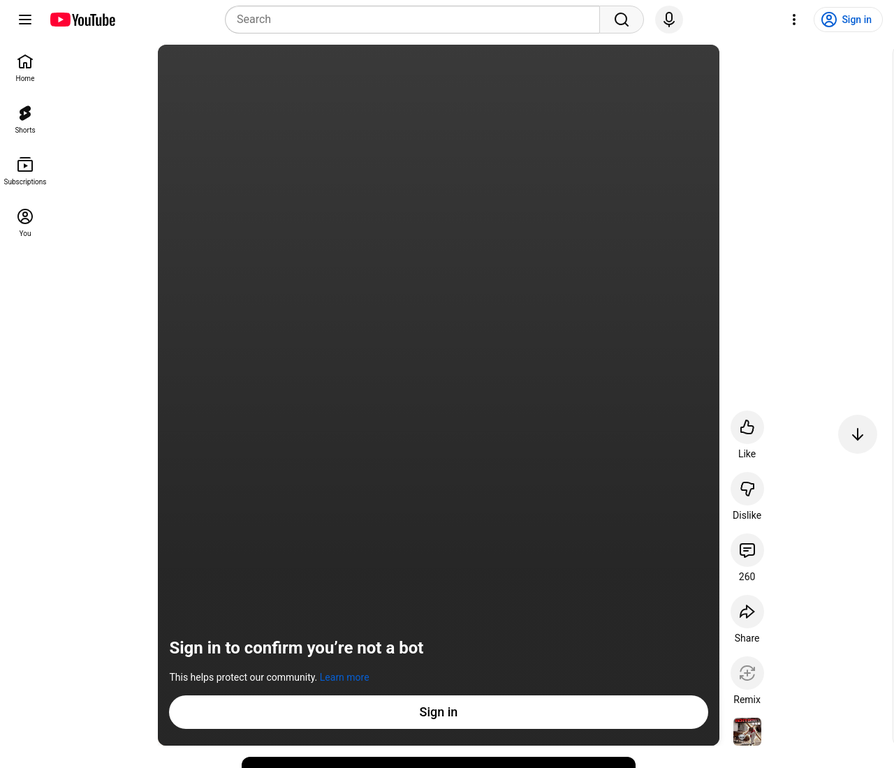
YouTube’s detection systems aren’t just looking for download activity. They’re analyzing the context and environment from which the requests are made. When you use a generic online downloader or a browser extension, you’re sending several red-flag signals.
Shared IP Addresses
Here’s what most people don’t realize: hundreds of users are often funneled through the same server IP when using free downloaders. YouTube sees this pattern immediately and flags it as suspicious. It’s like having hundreds of people all claiming to live at the same address—obviously something’s not right.
Inconsistent Fingerprints
These tools can’t replicate a consistent device fingerprint (the unique signature of your device, OS, and browser). Your activity looks robotic and gets caught through browser fingerprinting detection systems. Think of it like showing up to a security checkpoint with a fake ID that changes every time you visit—you’re going to get stopped.
No Session History
Each download is an isolated event, lacking the natural browsing history of a real user. Platforms expect to see consistent patterns that show you’re a legitimate user who browses, watches videos, and occasionally downloads content. Without this context, you look like a bot.
YouTube sees this pattern and concludes the activity is automated and illegitimate. This leads to CAPTCHAs, temporary blocks, or even account suspension. The problem isn’t the download itself—it’s the untrustworthy environment you’re downloading from.
How to download a YouTube Short safely
To download Shorts safely at scale, you need to replicate the environment of a real, unique mobile user for every account you manage. This is exactly what Multilogin cloud phones are designed to do.
A cloud phone is a real Android operating system hosted in the cloud. It’s not an emulator—it’s the actual Android OS running on real hardware. From YouTube’s perspective, every action you take appears to be coming from a genuine, physical mobile device. When you combine this with Multilogin’s industry-leading antidetect technology, you get a completely isolated and trusted environment for each of your YouTube accounts.
Learn more about our mobile antidetect browser
How Multilogin helps with downloading YouTube Shorts
Here’s how Multilogin cloud phones solve the core problems of downloading YouTube Shorts at scale:
| Challenge | Traditional Downloaders | Multilogin Cloud Phones |
|---|---|---|
| Account Linking | Multiple accounts are easily linked through shared IPs and browser fingerprints. | Each account runs on a separate cloud phone with a unique fingerprint and dedicated proxy. Accounts are fully isolated. |
| Detection Risk | High. Activity looks robotic and comes from suspicious server IPs. | Low. Activity comes from a real Android OS on a trusted residential IP. It looks like a normal mobile user. |
| Scalability | Not scalable. Tools break, and accounts get banned. | Highly scalable. Manage hundreds of cloud phones from a single dashboard, each acting as a separate team member. |
| Reliability | Low. Tools frequently stop working due to YouTube updates. | High. The environment is stable, and since you’re using the native YouTube app, it’s not dependent on third-party tool maintenance. |
This isolation principle is what makes professional multi-account management possible across all platforms, not just YouTube.
How to download YouTube Shorts video
With a cloud phone workflow, downloading Shorts becomes a safe and integrated part of your team’s operations. Here are some real-world use cases:
Content Research and Trend Analysis
Assign a specific cloud phone to each competitor or niche you’re tracking. Log into a separate YouTube account on each phone. This allows you to collect data without your research activities influencing each other’s recommendations.
Your team can download and archive thousands of Shorts, creating a rich internal database for trend analysis without cross-contaminating account data. This is similar to how teams manage multiple TikTok accounts for content research—complete isolation prevents platform detection.
Marketing and Ad Intelligence
Create a swipe file of high-performing YouTube Shorts ads. With cloud phones, you can set your virtual location to different countries to see localized ad campaigns. Each cloud phone acts as a user in that region, allowing you to download and analyze ad creatives that you would otherwise never see.
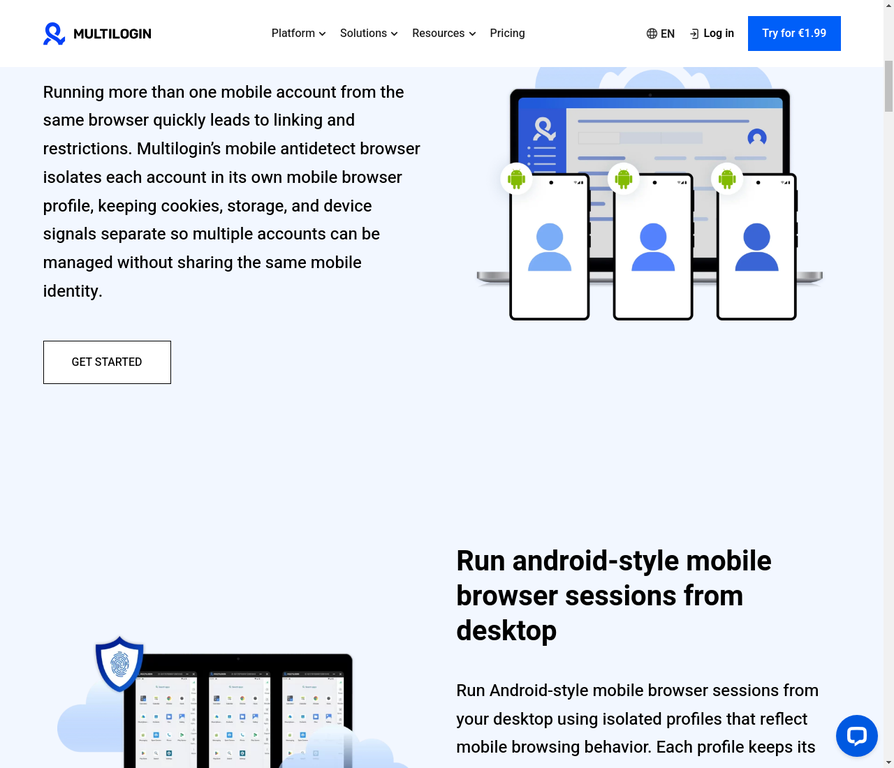
use this same approach to monitor competitor campaigns across different markets. You can assign USA proxies, UK proxies, or proxies from any of 195+ countries to simulate users from specific locations.
How to download shorts from YouTube in bulk
Bulk downloading is where most teams get into trouble. But with Multilogin cloud phones, the risk is neutralized. You can run dozens of cloud phones simultaneously, each downloading Shorts through the native YouTube app. Since each phone has a unique device fingerprint and IP address, your activity appears as dozens of different, unrelated users. There’s no central pattern for YouTube to detect.
This method allows you to download hundreds or even thousands of Shorts per day without triggering anti-bot systems. You can use lightweight automation scripts within each cloud phone to handle the downloads, and since the automation is happening on a real Android OS through web automation frameworks, it’s far less detectable than browser-based automation.
Compare plans from €5.85/month
Step-by-Step: Building Your YouTube Shorts Workflow with Cloud Phones
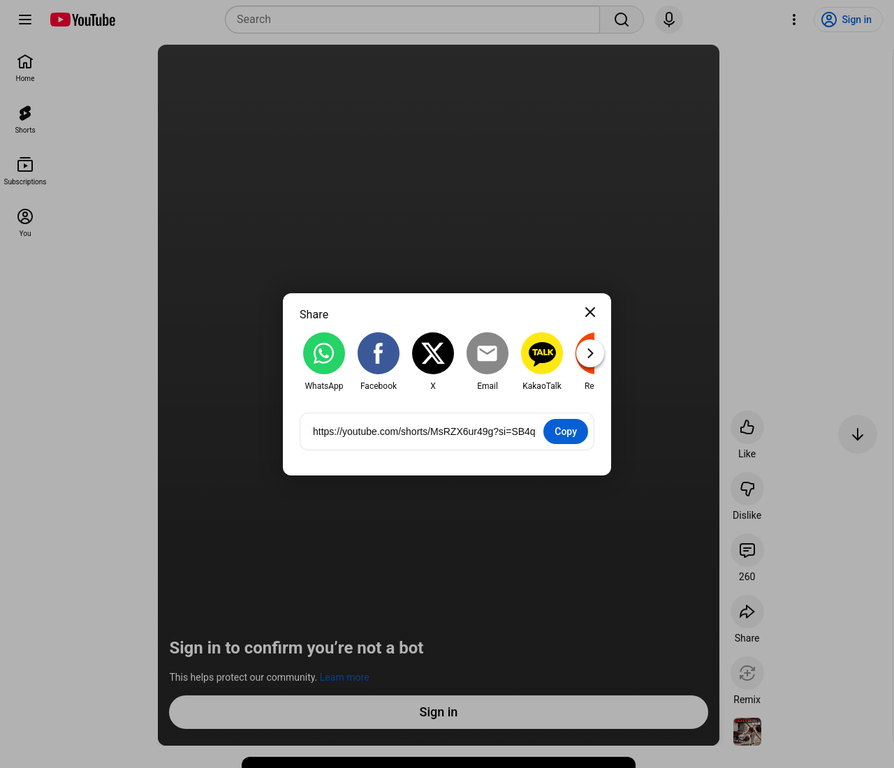
Here’s how to set up your professional YouTube Shorts download workflow:
- Create Cloud Phone Profiles: In the Multilogin app, create multiple mobile profiles. Each one is a new, pristine cloud phone with its own unique digital fingerprint. It’s like getting a brand new phone for each account you manage.
- Assign Proxies: Assign a high-quality residential proxy to each cloud phone. This gives each phone a unique IP address from a real ISP in the location of your choice. Multilogin provides access to 30 million residential IPs across 195+ countries, ensuring your activity looks completely legitimate.
- Launch and Set Up: Launch a cloud phone. It will appear as a virtual Android device on your desktop. Open the Play Store and install the official YouTube app. This native app environment is what makes your activity indistinguishable from a real mobile user.
- Log In or Create an Account: Log into a unique YouTube account for that specific cloud phone. Never use the same account across different cloud phones. This is the same principle teams use when managing multiple social media accounts—each account needs its own isolated environment.
- Install a Downloader App: From the Play Store on your cloud phone, install a reputable video downloader app. Since this is happening within a trusted mobile antidetect browser environment, the act of downloading isn’t inherently suspicious. YouTube sees a normal mobile user installing and using apps.
- Collect Your Content: Use the YouTube app to find the Shorts you need and use the downloader app to save them. The files are saved directly within the cloud phone’s storage, ready to be transferred to your central database. You can also use screen recording capabilities if needed.
- Scale Across Your Team: Repeat this process across as many cloud phones as you need. Your team members can access and manage these cloud phones from anywhere, collaborating on a large-scale content collection effort without risk. This distributed approach is what makes professional social media marketing operations scalable.
How to download YouTube Shorts on iPhone
Downloading YouTube Shorts on an iPhone can be done through various third-party apps available on the App Store. However, for professional use, the same principles of isolation and safety apply. Instead of using your personal device, you can use Multilogin’s mobile antidetect browser to create a virtual mobile environment on your desktop, which can then be used to download Shorts without risking your personal accounts.
How to download YouTube Shorts on Android
Downloading YouTube Shorts on an Android device is similar to the iPhone process. You can find many downloader apps on the Google Play Store. However, for bulk downloading and to avoid account flagging, using Multilogin’s cloud phones is the recommended method. Each cloud phone provides a fresh, isolated Android environment, making your download activity appear as if it’s coming from a new, unique device every time.
How to download YouTube Shorts on PC
While many online tools promise to download YouTube Shorts on a PC, they often come with the risks of malware and account detection. A safer and more professional approach is to use Multilogin’s cloud phones on your PC. This allows you to create isolated Android environments directly on your desktop, where you can safely download Shorts without exposing your main device or accounts to any risk.
How to download YouTube Shorts in gallery
Once you’ve downloaded a YouTube Short using a downloader app on your cloud phone, the video file will be saved in the phone’s local storage. From there, you can easily move it to the gallery or any other folder. For team collaboration, you can transfer the downloaded files to a shared cloud storage service like Google Drive or Dropbox, creating a centralized content library for your team.
How to download YouTube Shorts without watermark
Many downloader apps and online tools offer the option to download YouTube Shorts without a watermark. When using a downloader app on your Multilogin cloud phone, look for a setting that allows you to remove the watermark before downloading. This is a common feature in most reputable downloader apps available on the Play Store.
How to download audio from YouTube Shorts
If you only need the audio from a YouTube Short, many downloader tools also provide the option to extract and download the audio as an MP3 file. This is useful for creating audio-only content, such as podcasts or audio clips for social media. Look for an “audio only” or “MP3” download option in the downloader app you choose.
How to download multiple YouTube Shorts at once
To download multiple YouTube Shorts at once, you can use Multilogin to run several cloud phones simultaneously. Each cloud phone can be tasked with downloading a different set of Shorts, effectively parallelizing the download process. This method is far safer and more efficient than using a single device to download a large number of videos, which can quickly lead to IP blocking and account suspension.
No more juggling physical devices or risking account links. Try Multilogin's cloud phones now.
Frequently Asked Questions About How to Download YouTube Shorts
The safest method isn’t a specific “downloader tool” but a secure workflow. Using a Multilogin cloud phone to run the native YouTube app in an isolated mobile environment is the most professional and secure way to download Shorts without risking your accounts or triggering detection systems.
YouTube is less concerned with the download itself and more with the environment it comes from. It can easily detect activity from shared server IPs and inconsistent browser fingerprints, which is common with free online tools. A cloud phone with a unique fingerprint and residential proxy makes your activity indistinguishable from a real user.
This happens because YouTube streams video and audio separately. Many basic downloaders only grab the video stream. A more robust downloader app running inside a cloud phone’s Android OS is more likely to capture both streams correctly, giving you complete files.
It’s not safe with traditional tools that funnel all activity through the same environment. However, it’s safe with a multi-account cloud phone strategy. Distributing your downloads across many isolated cloud phones, each with its own IP and fingerprint, means you avoid creating a large, detectable pattern from a single source.
With cloud phones, the limit isn’t technical but behavioral. Each cloud phone should mimic realistic user behavior—maybe 20-50 downloads per day per account. However, with dozens of cloud phones running simultaneously, you can easily collect hundreds or thousands of Shorts daily while maintaining safety.
Yes, absolutely. Each cloud phone should have its own dedicated YouTube account. This isolation is what prevents platform detection and protects your entire operation if one account encounters issues.
Stop Gambling with Your Accounts
For teams and agencies that rely on YouTube Shorts for content research, competitor analysis, or ad intelligence, free online downloaders are a liability. They’re unreliable, unsafe, and will inevitably lead to account issues. The only way to build a sustainable, professional workflow is to operate from an environment that platforms trust.
Multilogin cloud phones provide the isolation, consistency, and scalability needed to download YouTube Shorts safely and at scale. By replicating the environment of real mobile users, you can build a powerful content collection pipeline that is both reliable and undetectable. Stop risking your accounts with flimsy tools and start building a professional workflow that scales with your business.
Understanding what is browser fingerprinting and learning about phone farming will help you appreciate why cloud phones are the future of professional multi-account management.

