
1. Android Studio — the best choice for Android app development
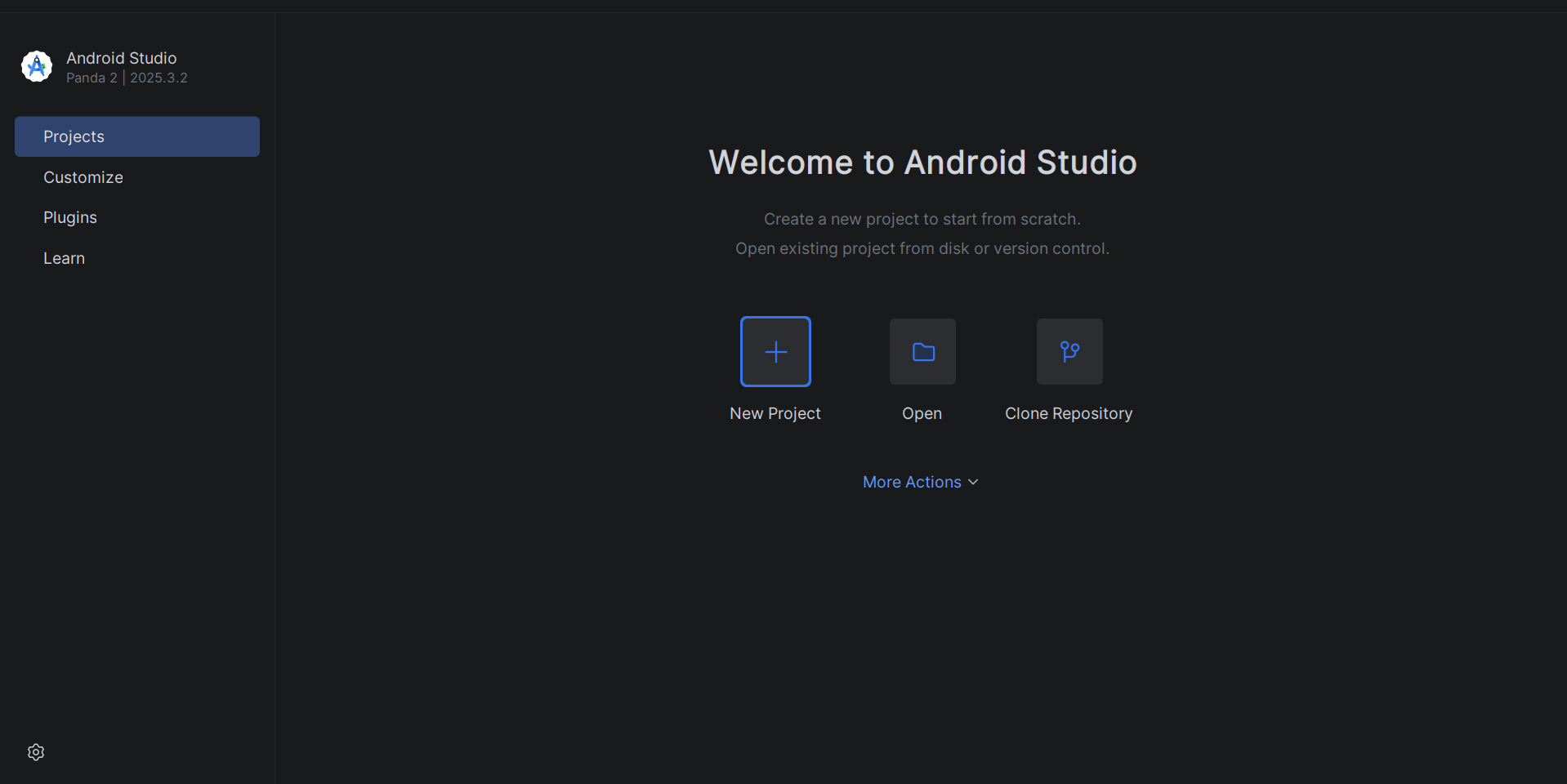
Android Studio is Google’s official IDE for building Android applications. It includes a highly accurate Android emulator that closely mirrors real devices — which is why it takes the top spot in this ranking for development use cases.
Key features
• Full development environment with built-in debugging, profiling, and testing tools
• Flexible configuration of virtual devices (AVD)
• Support for automation, CI/CD, and large-scale testing
• Highly accurate Android system emulation
Proxies and networking
• Proxy support via emulator settings, command line, or environment variables
• No centralized proxy management
• Some apps may ignore system-level proxy settings
Ease of use and scaling
• Well-suited for development and testing
• Supports running multiple devices in parallel (resource-dependent)
• Scaling is designed for testing workflows, not operational use
Limitations
• Not suitable for account management
• No built-in proxy management at the platform level
• No convenient control over large numbers of devices
• Steep learning curve for non-developers
Summary
Android Studio is the ideal tool for developers.
However, if your goal is not development but account management, marketing, or geo-based scaling, you’ll need a different type of solution.
| Pros | Cons |
|---|---|
| ✅ Best tool for Android app development | ❌ Not suitable for account management |
| ✅ Highly accurate Android emulation | ❌ No centralized proxy management |
| ✅ Strong support for CI/CD and automation | ❌ Steep learning curve for beginners |
| ✅ Flexible virtual device configuration | ❌ Not designed for operational scaling |
2. Multilogin Cloud Phone — a solution for scalable mobile account management
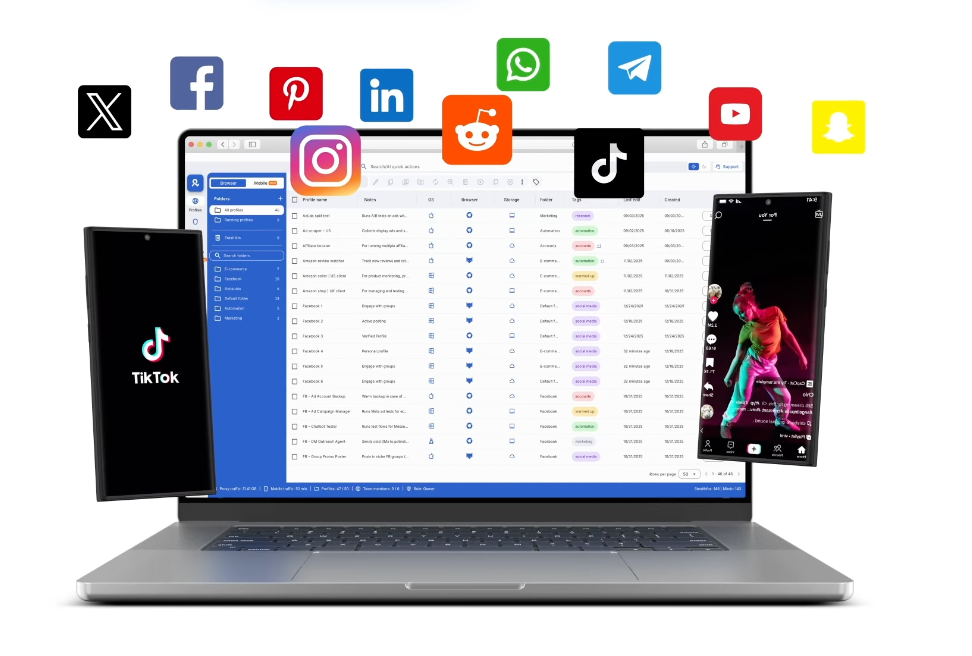
Multilogin Cloud Phone is not a classic emulator. It is a cloud Android phone built for large-scale, secure mobile account management.
Unlike local emulators, Multilogin does not depend on your PC’s resources, does not use host-level emulation, and gives you isolated Android devices in the cloud with realistic device parameters.
Key features
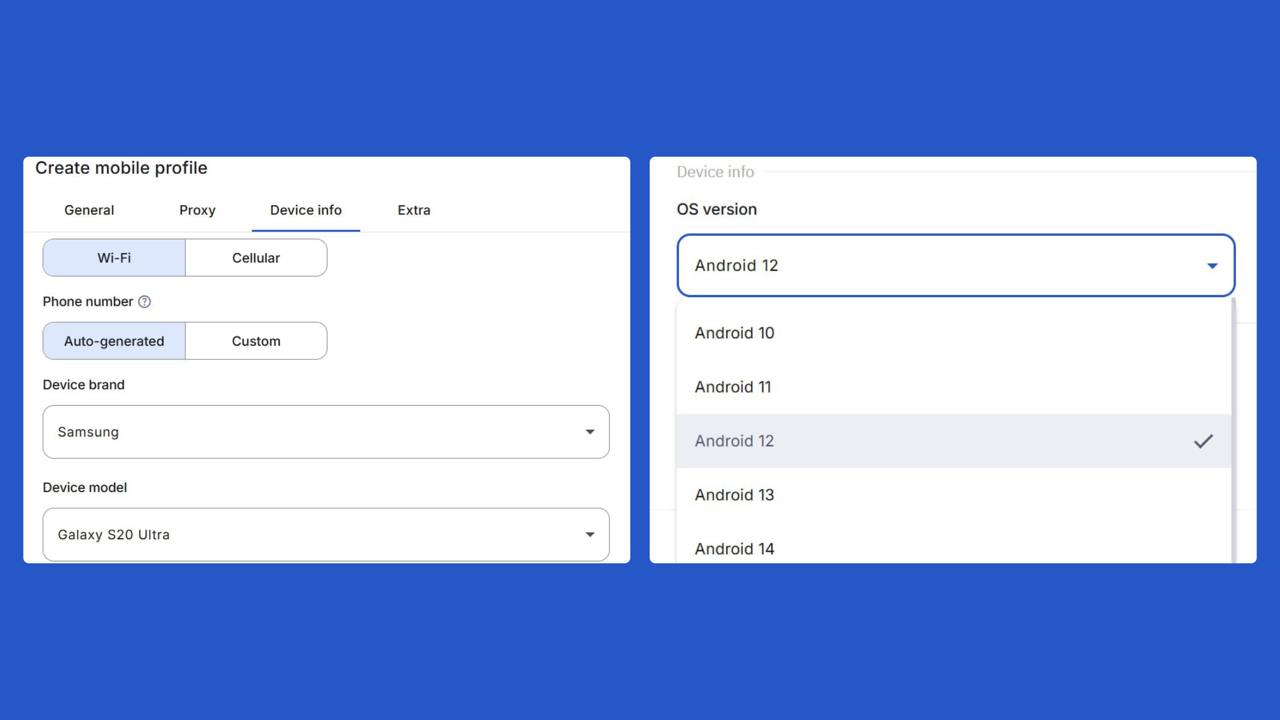
- Supports Android 10 through 15
- Choice of popular device brands and models (Samsung, Vivo, Redmi, Google, etc.)
- Each device operates as a fully independent Android phone with its own environment
- Deep integration with the Multilogin ecosystem for profile management, scaling, and team workflows
Proxies and networking
Unlike most platforms where Multilogin offers flexible and built-in proxy support.
- No forced third-party proxy connections required to launch a device
- Simplified setup reduces the risk of network leaks and configuration errors when you scale
Ease of use and scaling
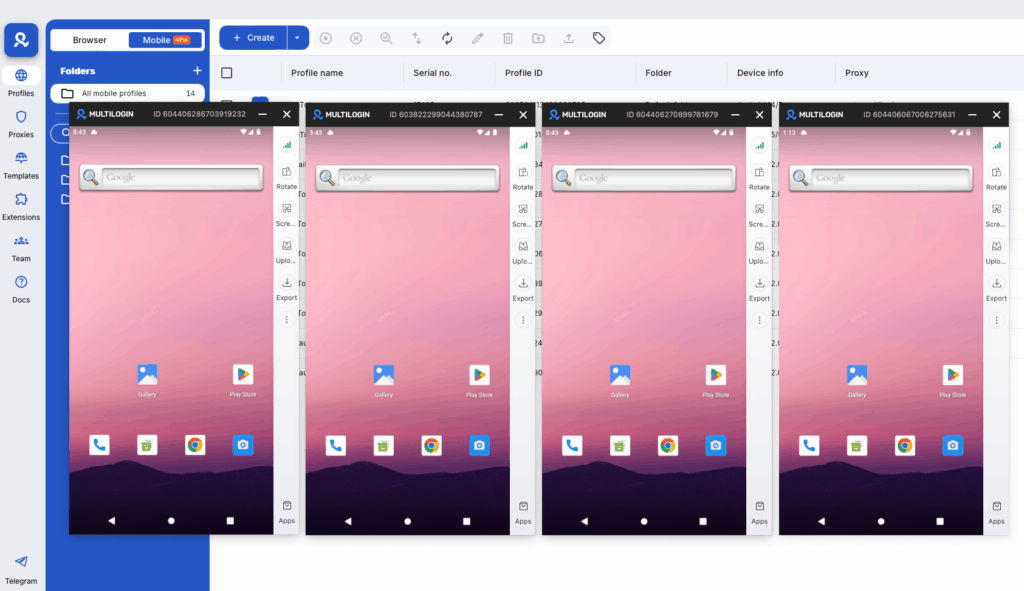
- No need to install emulators, proxy clients, or additional software
- Suitable for both individual use and teams managing dozens or hundreds of mobile profiles
Security and stability
- The architecture focuses on isolation and long-term stability, not short-term workarounds
- No ad modules or PUA components like those found in free emulators
- The product evolves as part of a professional antidetect stack, not gaming or mass-market software
Who is Multilogin Cloud Phone for?
- Specialists in mobile multi-accounting
- Marketers and affiliate teams
- Anyone who needs realistic Android devices, up-to-date OS versions, and scale without infrastructure headaches
Summary
Multilogin Cloud Phone is a real cloud Android solution built for professional multi-account management. It combines Android environments, built-in proxies, and a unified dashboard for both mobile and web accounts. The main trade-off is that it requires a stable internet connection and a small learning curve for new users.
| Pros | Cons |
| ✅ Ideal for multi-accounting and SMM (dozens to hundreds of accounts) | ❌ Paid solution |
| ✅ Built-in proxy support (no mandatory third-party services) | ❌ Not a traditional emulator |
| ✅ Isolated devices with realistic parameters | |
| ✅ Designed for team workflows and scaling | |
| ✅ Team features: shared access, bulk actions, unlimited seats on Business plans |
3. BlueStacks — the most popular Android emulator
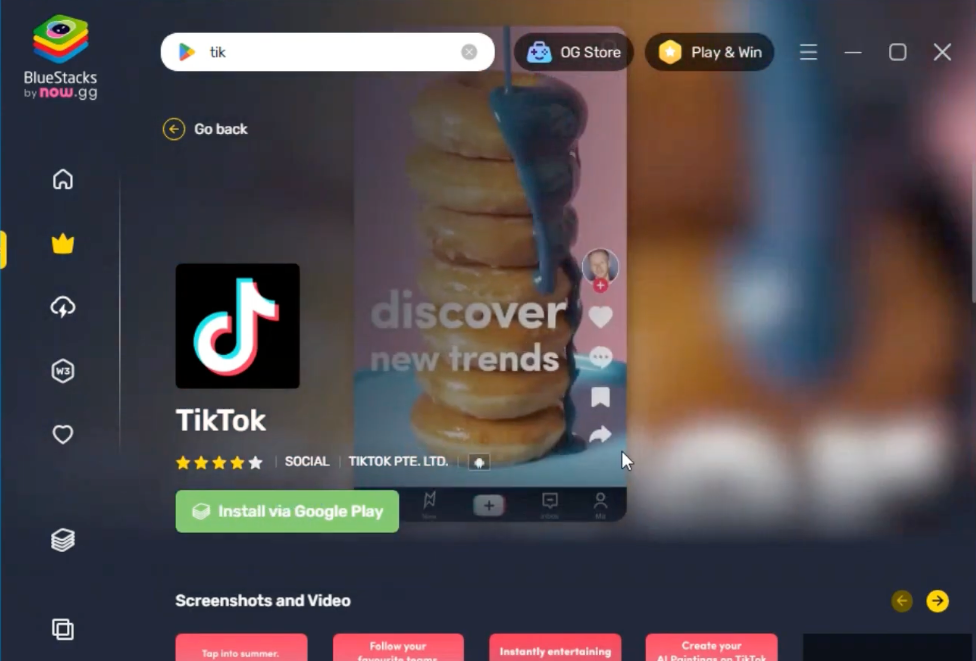
BlueStacks is one of the most popular Android emulators for PC. It is built for a mainstream audience: gaming, apps, and multimedia. That means when stability, network control, and environment isolation matter, the classic emulator limitations show up fast.
Key features
BlueStacks offers a local Android emulator with a user-friendly interface, multi-window support, and UI-level macro automation suited mostly for everyday personal use.
Proxies and networking
There are no built-in proxies. Proxy setup typically goes through ADB, Android settings inside the emulator, or Windows host-level tools. This approach creates more manual work and higher risks of traffic leaks when managing multiple accounts.
Ease of use and scaling
BlueStacks launches quickly and works well for one or two sessions. But scaling runs straight into PC resource limits and the complexity of managing multiple configurations. Building a larger setup requires separate infrastructure: hardware, proxies, and stability monitoring.
Summary
BlueStacks suits users running Android apps on a single PC for simple everyday tasks, testing, and personal use without cloud or network isolation requirements.
| Pros | Cons |
|---|---|
| ✅ Runs heavy Android games smoothly on Apple Silicon Macs with keyboard and trackpad support | ❌ Not designed for multi-account or antidetect work |
| ✅ Free to use with no cloud minute limits | ❌ No built-in proxies or per-instance IP binding, requires external VPN or proxy setup |
| ✅ Simple local setup with no cloud latency | ❌ No team features, fingerprint control, or account isolation beyond basic multi-instance support |
4. LDPlayer — a fast Android emulator for PC
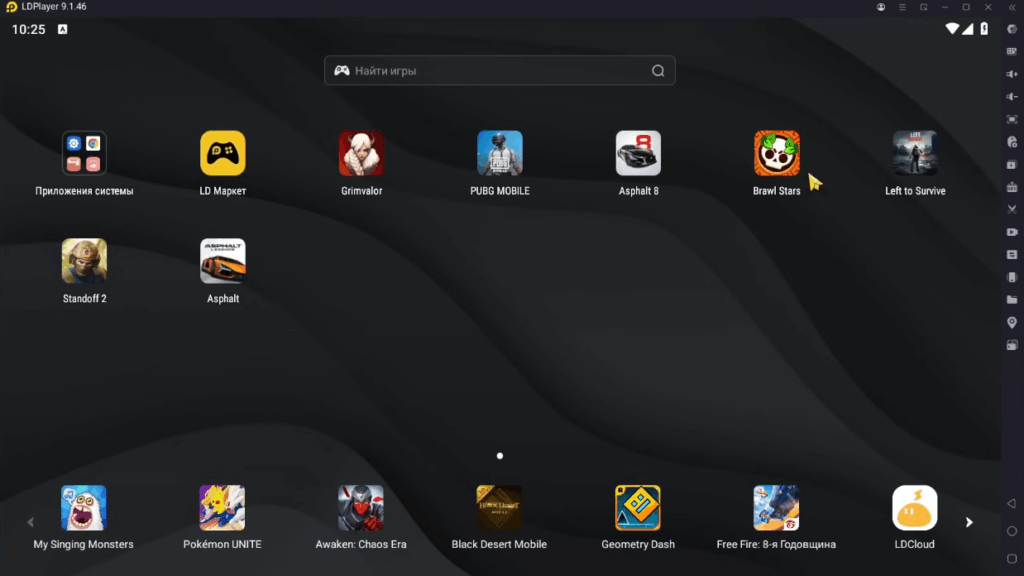
LDPlayer is a lightweight Android emulator for Windows focused on performance and simplicity. It is a local solution.
Proxies and networking
There are no built-in proxies. Only basic proxy configuration through Android settings or third-party tools is available.
Ease of use and scaling
LDPlayer works well for single-user scenarios. As account volume grows, it hits PC resource limits and requires increasingly manual management.
Pricing
The entry cost is low, but real costs grow with infrastructure and time spent on support.
Summary
LDPlayer is a free Windows Android emulator optimized for gaming performance with multi‑instance and a separate LDCloud remote‑play module.
| Pros | Cons |
|---|---|
| ✅ Handles multiple Android games on PC with high FPS and low CPU and RAM usage | ❌ Not designed for antidetect work; system signals are reused and detectable for multi-accounting |
| ✅ Free core emulator with extensive tuning options | ❌ No built-in proxy per instance, requires external networking tools |
| ✅ Multi-instance support enables phone-farm style gaming from a single PC | ❌ No team access control or remote sharing capabilities |
5. MEmu Play — a popular PC emulator with limitations
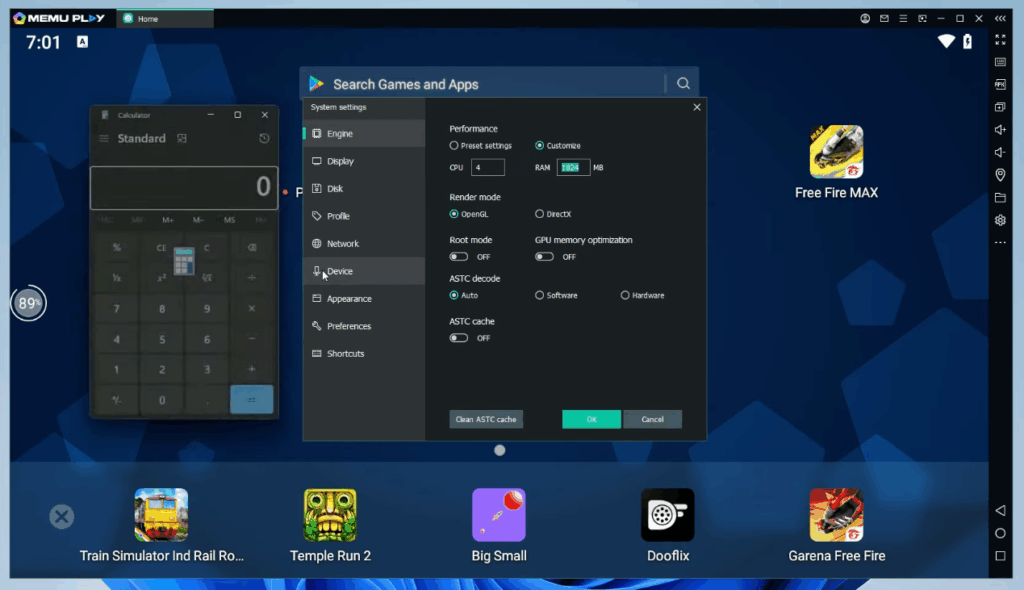
MEmu Play is a classic Android emulator for Windows, built primarily for running apps and games on a PC. It does not fit the cloud phone category by design: everything runs locally and depends on your computer’s resources.
Key features
MEmu Play supports multiple local Android sessions and suits app testing and basic PC-based use cases.
Proxies and networking
There are no built-in proxies. Users typically route traffic through Windows-level tools like Proxifier or in-emulator apps. This workaround approach makes it harder to ensure consistent network behavior and reduce leak risk across multiple sessions.
Ease of use and scaling
Getting started is simple for a single session, but managing multiple instances quickly becomes painful: PC load increases, network setup is manual, and configuration errors multiply. Scaling is limited by your hardware (CPU, RAM, storage) and the effort required to keep the host stable.
Pricing
The entry cost is low, but real ownership costs grow with infrastructure: powerful PCs or servers, proxies, setup time, and ongoing support.
Summary
MEmu suits users who want to run Android apps on a single PC for simple tasks or testing, without cloud or network isolation requirements. MEmu is a convenient home-use emulator. For professional work at scale where stability, manageability, and proper proxy handling matter, it demands too much manual infrastructure.
| Pros | Cons |
|---|---|
| ✅ Strong performance with low resource usage and high FPS | ❌ Emulator only; no real device fingerprints or antidetect features |
| ✅ Multi-instance support for running multiple apps or games simultaneously on one PC | ❌ No built-in proxy or per-instance IP management |
| ✅ Free to use with no time-based billing | ❌ No team or cloud collaboration; runs on local hardware only |
6. GeeLark — cloud Android phones with technical capabilities
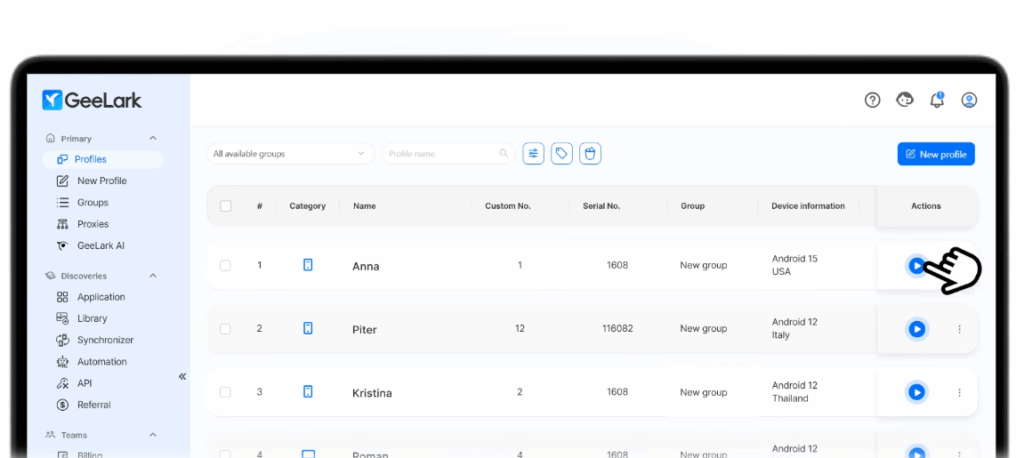
GeeLark is a cloud Android platform focused on running mobile apps, managing a fleet of virtual phones, and handling bulk operations including automation.
However, the service depends heavily on external proxies and has conditions worth understanding before you scale.
Key features
GeeLark gives you cloud Android devices with multi-phone management from one interface, bulk actions, and automation tools designed for teams and repeatable processes.
- Real Android cloud phones with unique device fingerprints per profile
- Built-in multi-account antidetect browser with separate fingerprints and proxies
- Visual RPA automation builder with ready-made templates for likes, follows, posting, and warm-up
- AI tools for content creation including video editing, captions, and multilingual copy
- Team collaboration with roles, permissions, and profile sharing
Proxies and networking
Built-in proxies are not included in standard plans. You connect your own or third-party proxies. GeeLark does offer proxy management tools like bulk adding and checking, but the quality of results depends entirely on the proxy provider you choose. User reviews mention network instability and compatibility issues.
Support
Multiple support channels and a knowledge base are available. Based on reviews, support quality is inconsistent: some issues resolve quickly, while complex network problems can take much longer.
Pricing
There are starter options including trial and basic plans, but real costs grow with device usage time and proxy expenses. The refund policy is fairly strict, which increases risk if you want to try the platform before committing.
Summary
GeeLark fits teams that need cloud Android with centralized management and bulk operations.
GeeLark is a cloud Android platform built for agencies, SMM teams, and creators who manage large numbers of mobile and web accounts. It combines cloud phones, a multi-account browser, proxy management, RPA automation, and AI content tools in one dashboard.
| Pros | Cons |
|---|---|
| ✅ All-in-one platform combining cloud phones, browser profiles, proxies, and automation | ❌ No built-in proxies included by default; external proxies still required for most workflows |
| ✅ Strong fit for TikTok, Instagram, YouTube Shorts, and other mobile-first platforms | ❌ Minute-based billing can become difficult to predict for heavy or parallel usage |
| ✅ RPA automation and Synchronizer enable large-scale operations across many accounts at once | ❌ Connection stability can be inconsistent, affecting workflow continuity |
| ✅ AI content tools built directly into the platform reduce the need for external creative tools | ❌ No true free trial; committing budget before fully testing the platform carries some risk |
| ✅ Supports team workflows with role management and profile sharing | |
| ✅ Scales from solo users to large agencies without changing platforms |
7. NoxPlayer — a versatile Android emulator for PC
NoxPlayer is a well-known Android emulator available for Windows and macOS. It was originally designed for gaming, but is also used for app testing and basic account-related tasks.
Key features
• Multi-instance support for running multiple Android devices simultaneously
• Flexible system configuration: root access, device parameter customization, performance tuning
• Macro support and basic automation
• Ability to simulate geolocation and device properties
Proxies and networking
There is no built-in proxy management system.
Proxies must be configured manually:
Through Android settings inside the emulator
Using third-party apps (e.g., for SOCKS5 or authenticated proxies)
At the system level (via tools like Proxifier)
When running multiple instances, network setup becomes more complex due to the lack of centralized proxy management and no direct device-to-IP mapping.
Ease of use and scaling
NoxPlayer is convenient for single-device use and small setups
It includes a built-in multi-instance manager
As the number of instances grows:
• CPU and RAM usage increases
• Configuration becomes harder to manage
• Risk of network issues rises
Scaling is fully dependent on the performance of your local machine
Summary
NoxPlayer is a functional emulator for basic and general-purpose use.
However, for workflows involving multiple devices, strict network control, and stability at scale, it requires additional tools and infrastructure.
| Pros | Cons |
|---|---|
| ✅ Versatile emulator with flexible settings | ❌ No built-in proxy support |
| ✅ Customization (root, geo, device configs) | ❌ Complex network setup at scale |
| ❌ Dependent on PC performance | |
| ❌ No device-level isolation |
8. Genymotion — an Android emulator for development and testing
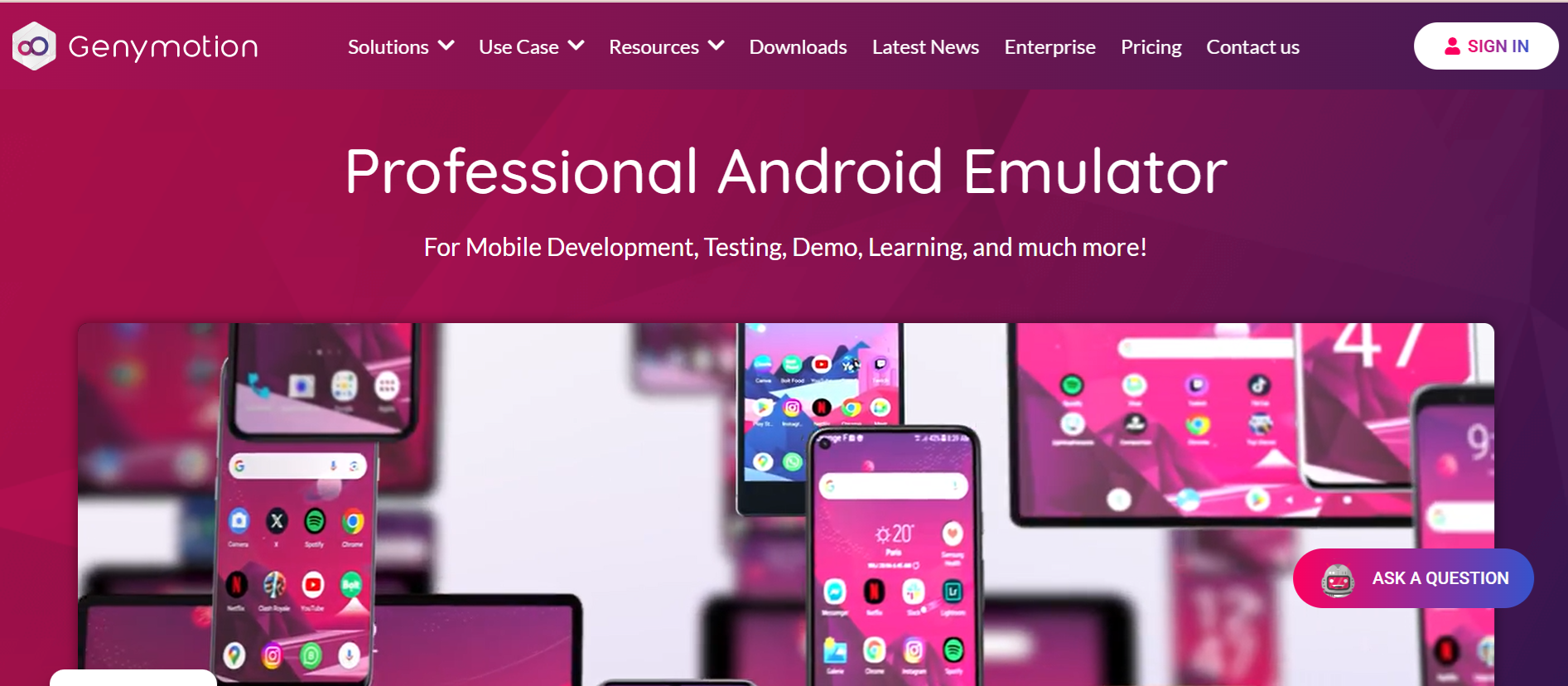
Genymotion is an Android emulator primarily designed for developers and QA teams. Unlike gaming emulators, it was built for app testing, automation, and integration into CI/CD workflows.
Key features
• Accurate emulation of different Android devices and OS versions
• Support for automation and CI/CD integration (Jenkins, GitHub Actions, etc.)
• Ability to run devices in the cloud without relying on a local machine
• Testing tools: network simulation, geolocation, battery controls
Proxies and networking
• Proxy support is available, but requires manual configuration
• HTTP proxy can be set inside the device or via ADB
• SOCKS5 and authenticated proxies require third-party tools
• No centralized proxy management across multiple devices
Ease of use and scaling
• Desktop version is convenient for local development
• Cloud version allows scaling test environments
Summary
Genymotion is a strong tool for Android development and testing.
It works well in environments where automation, control, and reproducibility are important.
However, for workflows involving account management, proxy control, or long-term operation at scale, it is not the right fit.
| Pros | Cons |
|---|---|
| ✅ Great for development and QA | ❌ Not suitable for multi-accounting |
| ✅ Strong CI/CD and automation support | ❌ No built-in proxy system |
| ✅ Full control over test environments | ❌ Requires infrastructure setup |
| ❌ Not designed for continuous operational use |
9. MuMu Player — an Android emulator for games and basic tasks
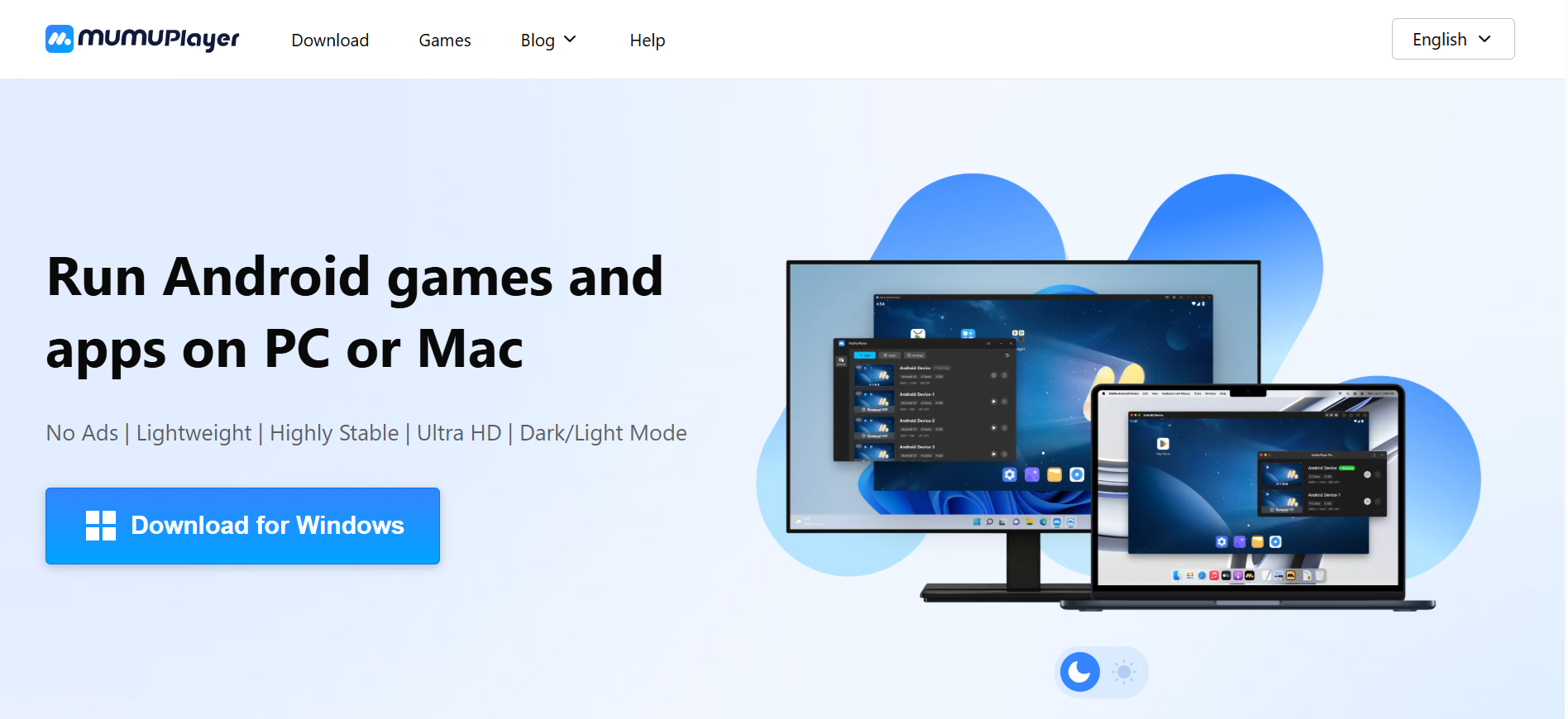
MuMu Player is an Android emulator developed by NetEase, primarily focused on running mobile games and apps on a PC.
It combines a simple interface with stable performance, even on lower-end machines, making it a popular choice among gaming-focused emulators.
Key features
• Optimized for high-FPS gaming performance
• Flexible control customization (keyboard mapping, controls)
• Supports recent Android versions with good app compatibility
• Lightweight interface and quick setup
Proxies and networking
• No built-in proxy management system
• Using third-party proxies may cause network conflicts or require additional setup (e.g., clearing proxy settings via ADB)
• No centralized network control across instances
Ease of use and scaling
• Quick and easy setup for single-user scenarios
• Multi-instance support allows running multiple windows
• Scaling is limited by local hardware resources
Summary
MuMu Player is a fast and user-friendly emulator that works well for gaming and simple tasks.
However, for more complex workflows involving multiple devices, proxies, or scaling, its capabilities are limited.
10. GameLoop — a specialized Android emulator for gaming
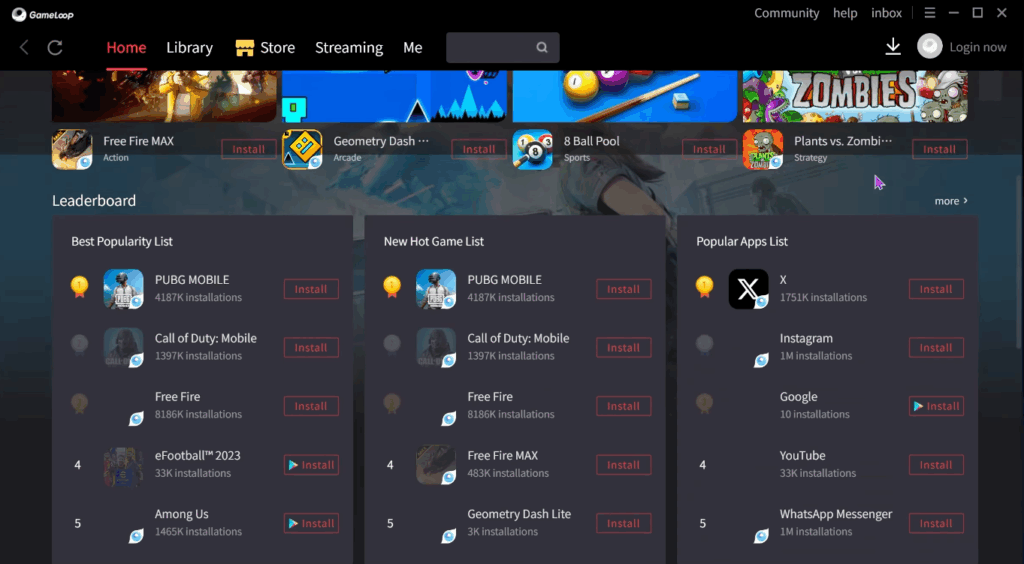
GameLoop is an Android emulator developed by Tencent, originally designed to run mobile games on a PC. It is focused on specific titles (such as PUBG Mobile and Call of Duty Mobile) and optimized specifically for them rather than for general-purpose use.
Key features
• Optimized for popular mobile games
• Pre-configured controls and gameplay presets
• Quick setup with minimal configuration
• Free to use
Proxies and networking
• No built-in proxy management system
• Not designed for proxy usage or network isolation
Ease of use and scaling
• Very easy to start for single-user scenarios
• Strong performance in gaming use cases
Summary
GameLoop is a solid choice for gaming, where performance and pre-configured controls matter most.
However, due to its narrow focus and lack of networking and scaling features, it is not suitable for account management or professional workflows.
| Pros | Cons |
|---|---|
| ✅ Optimized for popular games | ❌ Narrow use case |
| ✅ Free and easy to use | ❌ Not suitable for account management |
| ✅ Stable performance in games |
Emulators by use case: choosing the right tool
Different Android solutions are built for different scenarios.
To make the choice easier, here’s a comparison of popular tools across key use cases.
| Tool | App Development | Multi-accounting / SMM | Traffic Arbitrage | Gaming |
|---|---|---|---|---|
| Multilogin | ❌ No | ✅ Excellent | ✅ Excellent | ✅ Good |
| Android Studio | ✅ Excellent | ❌ No | ❌ No | ❌ No |
| BlueStacks | ❌ No | ⚠️ Limited | ❌ No | ✅ Excellent |
| LDPlayer | ❌ No | ⚠️ Limited | ❌ No | ✅ Excellent |
| MEmu Play | ❌ No | ⚠️ Limited | ❌ No | ✅ Excellent |
| GeeLark | ❌ No | ✅ Good | ✅ Good | ⚠️ Limited |
| NoxPlayer | ❌ No | ⚠️ Limited | ❌ No | ✅ Good |
| Genymotion | ✅ Good | ❌ No | ❌ No | ❌ No |
| MuMu Player | ❌ No | ⚠️ Limited | ❌ No | ✅ Excellent |
| GameLoop | ❌ No | ❌ No | ❌ No | ✅ Excellent |