


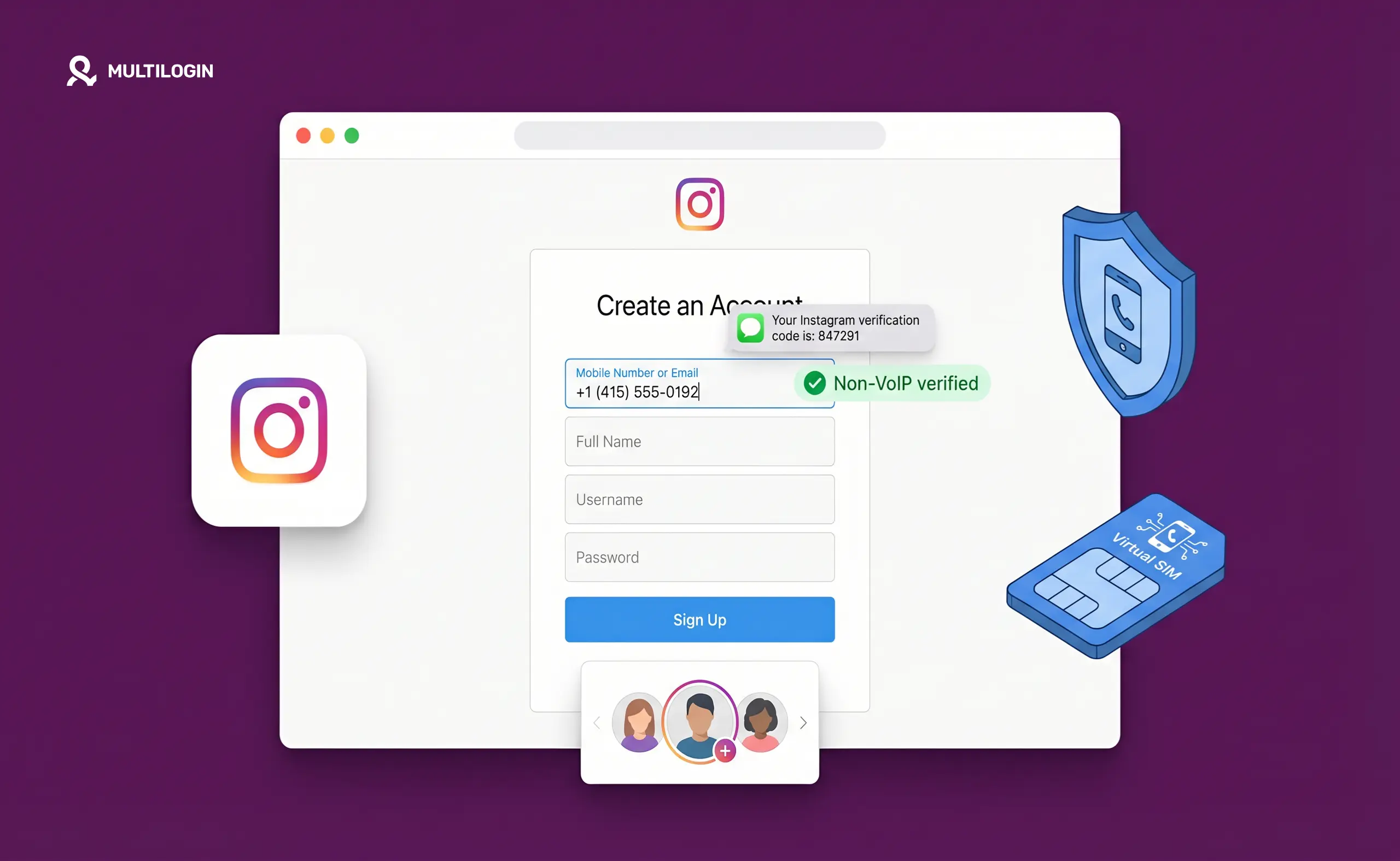



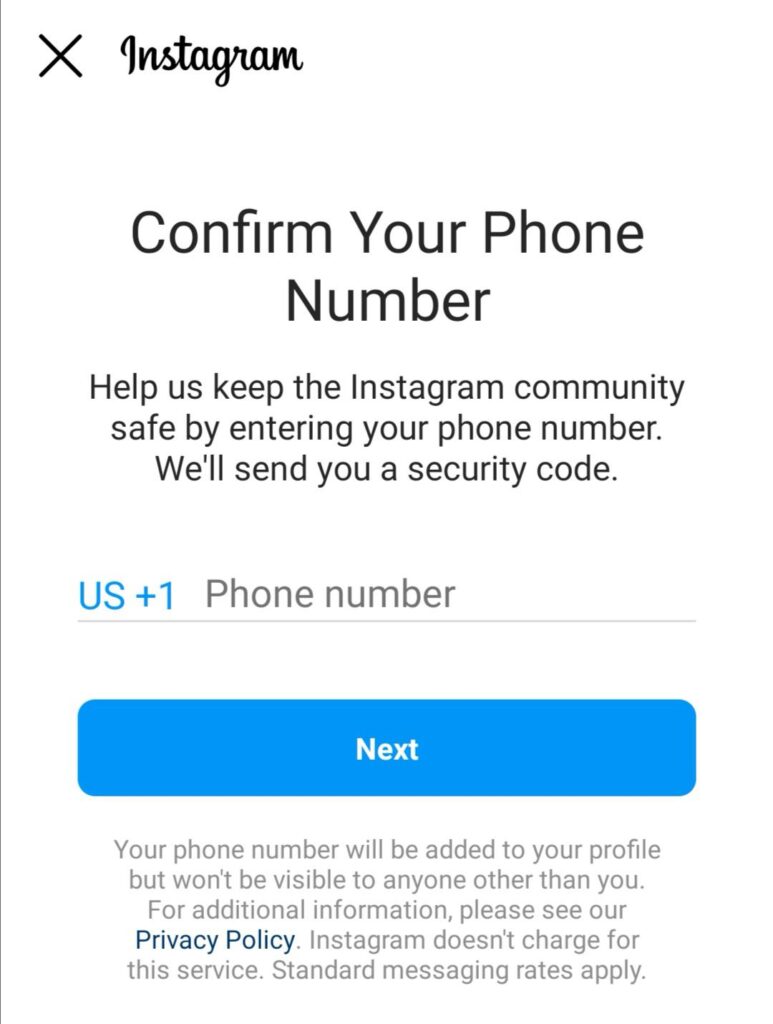
Instagram requires a phone number. That’s just the reality now. Whether you’re creating a new account, recovering access, or triggering a security check by logging in from an unfamiliar device, Instagram wants a number it can send a code to.
For one personal account on your real phone, this is a five-second annoyance. For social media managers, agencies, e-commerce operators, and anyone running multiple Instagram accounts professionally, it’s an operational problem that multiplies with every account you manage.
Virtual phone numbers are the most common solution. They work — sometimes. But how well they work depends on a lot more than just whether the SMS code arrives. This guide explains what virtual phone numbers can and can’t do for Instagram, which services actually hold up in 2026, and why the most reliable setup goes a layer deeper than the phone number itself.
Why Instagram Asks for Phone Verification
Instagram uses phone verification for two things: identity anchoring at account creation and security checks when something about a session looks unusual.
At creation, the phone number is one signal in a larger picture Instagram is building of the account. It helps distinguish real users from bulk-created spam accounts. At session level, verification prompts appear when Instagram detects unfamiliar device fingerprints, new IP addresses, mismatched locations, or behavioral patterns that look automated.
The frequency and aggressiveness of these prompts has increased significantly since 2024. Instagram’s trust system isn’t just asking “is this phone number valid?” — it’s asking “does this whole environment look like a real person on a real phone?”
That distinction matters a lot for how you approach the phone number problem.
What Virtual Phone Numbers Actually Are
A virtual phone number is a telephone number that routes SMS messages through software rather than a physical SIM card. You access it through an app, a web interface, or an API. You can receive the verification code Instagram sends without having a physical phone registered to that number.
They exist for entirely legitimate purposes — business lines, international numbers, developer testing, privacy separation. The same SMS-receiving functionality is what makes them useful for Instagram verification.
Services That Work for Instagram Verification in 2026
- Google Voice. Free US virtual numbers available to anyone with a Google account. Works for Instagram verification in most cases. Requires an existing Google account and a real US number for initial setup. Only generates US numbers, which limits usefulness for accounts targeting other markets.
- TextNow. Free tier with US and Canadian numbers. Works for Instagram with varying reliability. The main issue is number recycling — the number you receive may have been used on Instagram before and carry flagged history from a prior user.
- Hushed. Paid service with numbers across multiple countries. More reliable than free options because the number inventory is less recycled. Good choice when you need non-US numbers to match an account’s target region.
- Burner. US numbers on a paid subscription model. Cleaner inventory than free services, consistent enough for ongoing account maintenance.
- SMS-Activate, SMSPool, 5sim. Dedicated SMS reception services built specifically for platform verification codes. You rent a number for a few minutes, receive the code, and that’s it — no subscription. Prices typically run under $0.50 per verification. These are practical for single-use creation.
The catch with SMS reception services in 2026: Instagram has gotten significantly better at identifying number ranges associated with high-volume virtual number platforms. Rejection rates have risen. The services still work, but expect a higher failure rate than two years ago, especially with widely-used providers.
Reliability trend. Instagram’s detection of virtual number services has improved year over year since 2024. Free services have the highest failure rates due to number recycling. Paid services with lower recycled inventory are more reliable. All services face increasing platform detection, which is why the phone number is increasingly just one piece of a larger solution.
The Bigger Problem: Instagram Looks Beyond the Phone Number
The most important thing to understand about Instagram verification is that the phone number is not the variable that determines whether an account survives long-term. The device environment is.
When you open Instagram and create an account, the app is logging:
- Device model and manufacturer
- IMEI (on Android)
- Android ID
- Screen resolution and pixel density
- Operating system version
- IP address and network type
- Time zone and language settings
- Behavioral patterns — how you navigate, session length, interaction cadence
These signals combine into a device trust score. An account created from a suspicious environment — shared device fingerprint with other flagged accounts, datacenter IP address, mismatched timezone and language settings — will struggle regardless of whether the phone verification succeeded. Instagram’s system is making a judgment about whether this looks like a real person on a real phone, not just whether the number is technically valid.
For casual use — creating one extra personal account on your real phone — a virtual number from Google Voice or TextNow works fine because the rest of your device environment is genuine.
For professional use — maintaining multiple Instagram accounts that need to stay clean, unlinked, and avoid repeated verification prompts — you need to solve the device environment problem as much as the phone number problem.
How Multilogin Cloud Phones Solve Both Problems
This is where Multilogin Cloud Phones become the complete solution rather than just one more workaround.
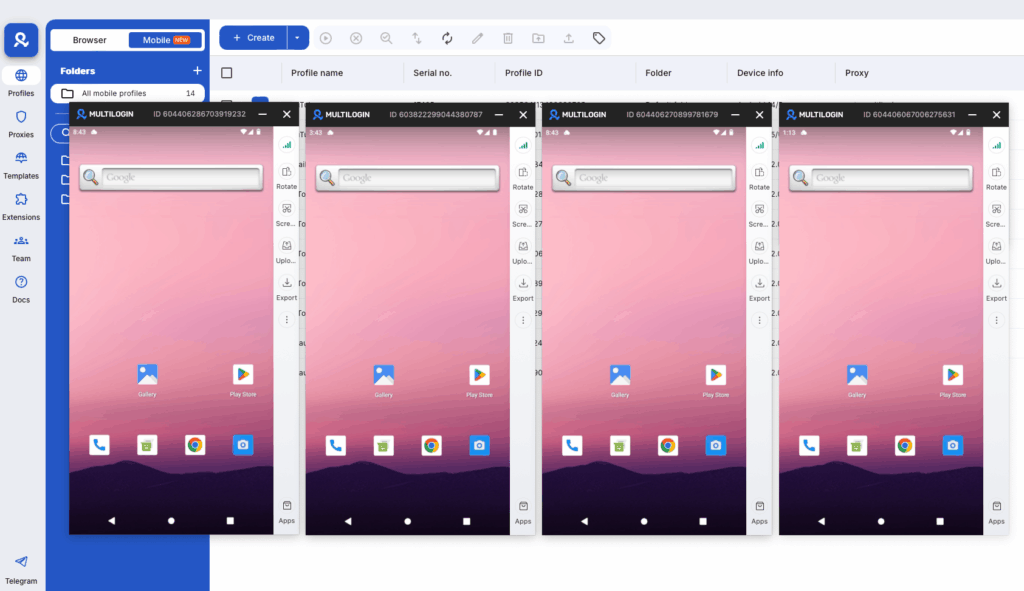
A Cloud Phone is a real physical Android device hosted in the cloud. Not an emulator — actual manufactured hardware with its own IMEI, its own Android ID, its own device model, and its own hardware fingerprint. Each Cloud Phone is completely isolated from every other Cloud Phone.
When Instagram’s app runs on a Cloud Phone, it sees exactly what it expects to see from a real device: genuine hardware identifiers, a residential IP address from a real home network, authentic sensor data, and consistent behavioral patterns from a dedicated device environment.
The custom phone number feature is key for verification. When creating a Cloud Phone in Multilogin, you can enter a custom phone number directly into the device configuration. You choose between Wi-Fi and Cellular network presentation, and under the phone number setting, you switch from “Auto-generated” to “Custom” — then enter the country code and number from whichever virtual number provider you’re using.
This means you’re not just receiving an SMS code in a web interface and typing it into a browser — you’re actually installing Instagram’s native app on a real Android device that has the virtual number registered as the device’s phone number. The full session happens in a genuine mobile environment: real hardware, real residential IP, real device signals, with a virtual number properly integrated into the device itself.
That combination — virtual number inside a real Android device — is what makes account creation look completely authentic to Instagram’s detection system.
For ongoing accounts: SMSPool rental numbers paired with Cloud Phones work particularly well. You get a stable virtual number that stays active for weeks or months, integrated into a real device environment that builds genuine behavioral history over time.
Tips for Getting Verification to Work Reliably
- Match the number’s country to the account’s target region. A US phone number on a US residential IP setting up a US-targeted account looks coherent. A +44 UK number connecting through an Indonesian IP creates a mismatch Instagram’s system catches.
- Use paid services over free ones when it matters. Free services have recycled number inventories. The number you receive may have been used on Instagram before. For accounts you’re investing time into, the small cost of a paid number is worth it.
- Don’t create multiple accounts in rapid succession from the same device environment. Even with different phone numbers, if the device fingerprint and IP are the same, Instagram can see that 10 accounts were created from the same device in a week. Cloud Phones solve this by giving each account its own device environment.
- Warm accounts gradually before high-volume activity. New accounts that immediately start following hundreds of people or posting heavily get flagged. Spend a few days on normal behavior — browsing the feed, completing the profile, making a few posts — before scaling activity.
- Keep the number accessible long-term. Instagram can prompt re-verification weeks or months after initial setup. If the virtual number has been reclaimed by the service, account recovery becomes difficult. For accounts you plan to maintain, rental numbers with ongoing subscriptions are the reliable choice.
Practical Setup: Instagram Multi-Account Workflow with Cloud Phones
Here’s what a production multi-account Instagram workflow looks like using Cloud Phones and virtual numbers:
Step 1. In Multilogin, create a new Cloud Phone. Choose a device model (vary the model across accounts), Android version (12 or 13 works well), and configure the proxy to Multilogin’s residential pool matched to the target country.
Step 2. In the Extra section of Cloud Phone setup, set network type to Cellular (better for simulating real phone behavior). Under Phone Number, switch to Custom and enter the country code and virtual number from your chosen provider (SMSPool, Hushed, or whichever service you’re using).
Step 3. Launch the Cloud Phone. Install Instagram through the App Marketplace.
Step 4. Open Instagram and begin registration. When it asks for a phone number, enter the virtual number. The SMS code arrives in your virtual number provider’s dashboard.
Step 5. Complete registration. Spend the first few days on normal activity before any high-volume operations.
Step 6. For ongoing management, always access this account from the same Cloud Phone. All sessions — posting, commenting, checking DMs — happen from this dedicated device.
For a complete walkthrough of running multiple Instagram accounts at scale, see how to run an unlimited Instagram account creator using Multilogin Cloud Phones and how to create multiple Instagram accounts with Cloud Phones.
Virtual Phone Numbers Across Other Platforms
The same logic and setup applies across platforms that use SMS verification:
- Virtual phone number for TikTok — TikTok’s mobile-first detection makes the Cloud Phone layer even more important there
- Creating multiple Instagram accounts without a phone number — alternative approaches for account creation
- Managing multiple Instagram accounts — the broader operational playbook
- Creating multiple TikTok accounts — same principles applied to TikTok
For platforms beyond social media, the phone number integration works the same way: custom virtual number entered directly into the Cloud Phone’s device settings, used inside a real Android environment with a matching residential IP.


Manage multiple accounts with Android cloud phones
Build account trust, reach new locations, and grow faster from one dashboard
Frequently asked questions About Virtual Phone Number for Instagram
Yes, in many cases — but the success rate varies significantly by service and has declined as Instagram’s detection has improved. Paid services with lower recycled number inventories work more reliably than free services.
For single-use verification: SMS-Activate or SMSPool. For ongoing account-linked numbers: Hushed or Burner. For US accounts: Google Voice remains reliable. Match the number’s country to the account’s target market.
Yes. When creating a Cloud Phone in Multilogin, the Extra section includes a Phone Number field where you can switch from Auto-generated to Custom and enter any virtual number you have from an external provider. This integrates the number at the device level rather than just using it for a one-time code entry in a browser.
Instagram prompts re-verification when it detects unusual activity — new device login, location changes, behavioral anomalies, or patterns associated with automation. Repeated prompts typically signal that something in the device or network environment is flagged, not just the phone number.
Each Cloud Phone supports one primary account environment. There’s no hard ceiling on how many Cloud Phones you can create. Agencies managing dozens of client Instagram accounts run one Cloud Phone per account. See how to create multiple Instagram accounts with Cloud Phones for the full setup.
A virtual phone number is software that receives SMS messages. A Cloud Phone is a real Android device with genuine hardware identity, residential IP, and native app capability. The most effective setup combines both: a virtual number registered inside a Cloud Phone’s device settings, giving you a real device environment that matches the virtual number’s regional identity.
Instagram doesn’t flag accounts specifically for virtual numbers — it evaluates the complete device and account environment. A virtual number inside a properly configured Cloud Phone with a matching residential IP carries minimal additional risk compared to a real number in an inconsistent environment.


