






Cloud phones with
built-in proxies
Residential and mobile proxies
Included in every plan, no separate proxy bill
One IP per account
Each cloud phone gets its own IP and matched location
Cellular or Wi-Fi
Pair the right proxy with the right connection
Run multiple Pinterest accounts without bans
Manage multiple Pinterest accounts from one platform with built-in residential proxies and cloud phones. Use real-user IPs, keep account environments separate, and reduce CAPTCHA.
Scrape Pinterest using Multilogin built-in proxies
Scrape Pinterest pins, media, and profiles with Multilogin’s built-in proxies. Collect data for insights and analysis with fewer interruptions.
Easy Pinterest proxy setup
Start scraping Pinterest quickly with preconfigured proxies and a simple interface – no technical expertise required.
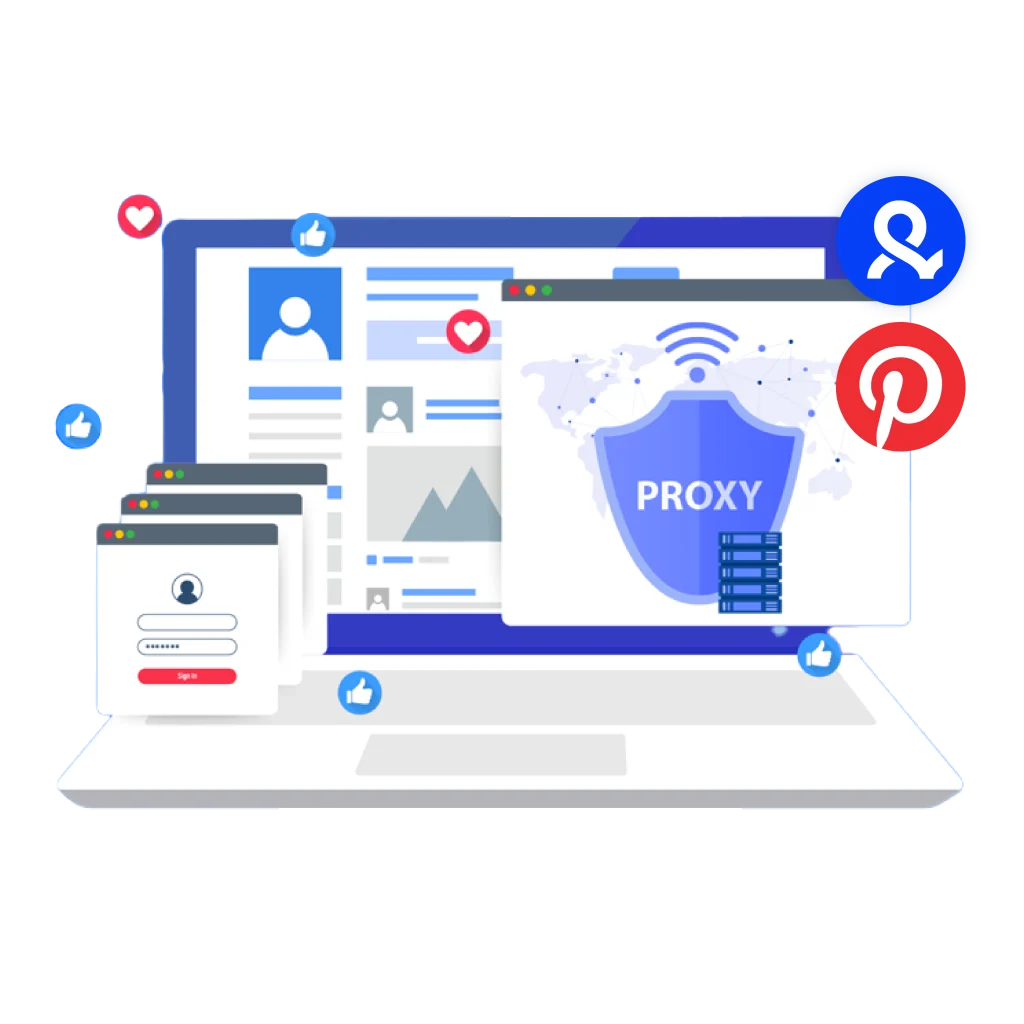
Manage Pinterest account with your team from anywhere
Manage Pinterest business accounts with your team from anywhere. Use consistent proxy locations and shared workflows to keep account access organized.
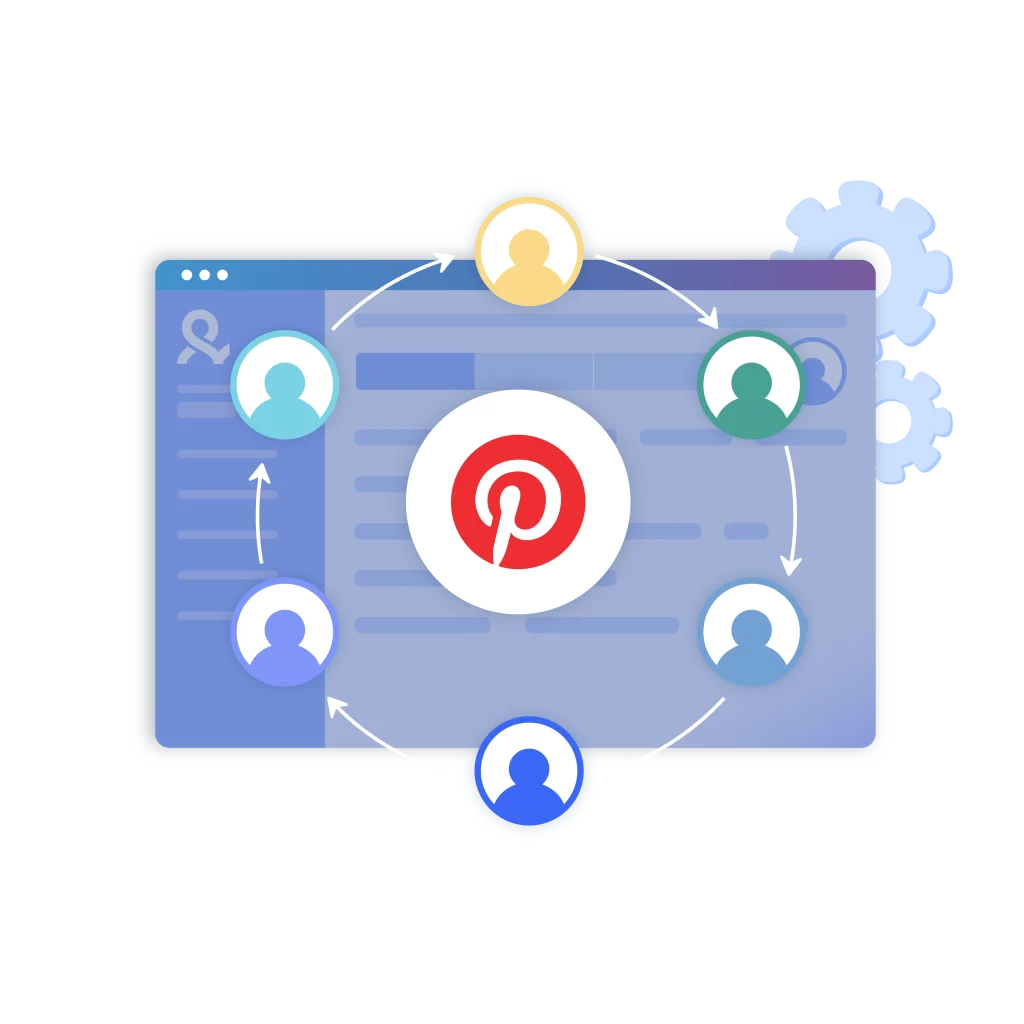
Run location-specific accounts with Pinterest geo proxies
Create Pinterest accounts for different locations from one place and one device using Multilogin’s geo proxies. Increase ad performance and target local audiences effectively.
What are cloud phones?
Cloud phones are virtual mobile devices that let you manage Pinterest accounts in separate environments without using physical phones. They help keep account activity organized and support consistent mobile workflows.
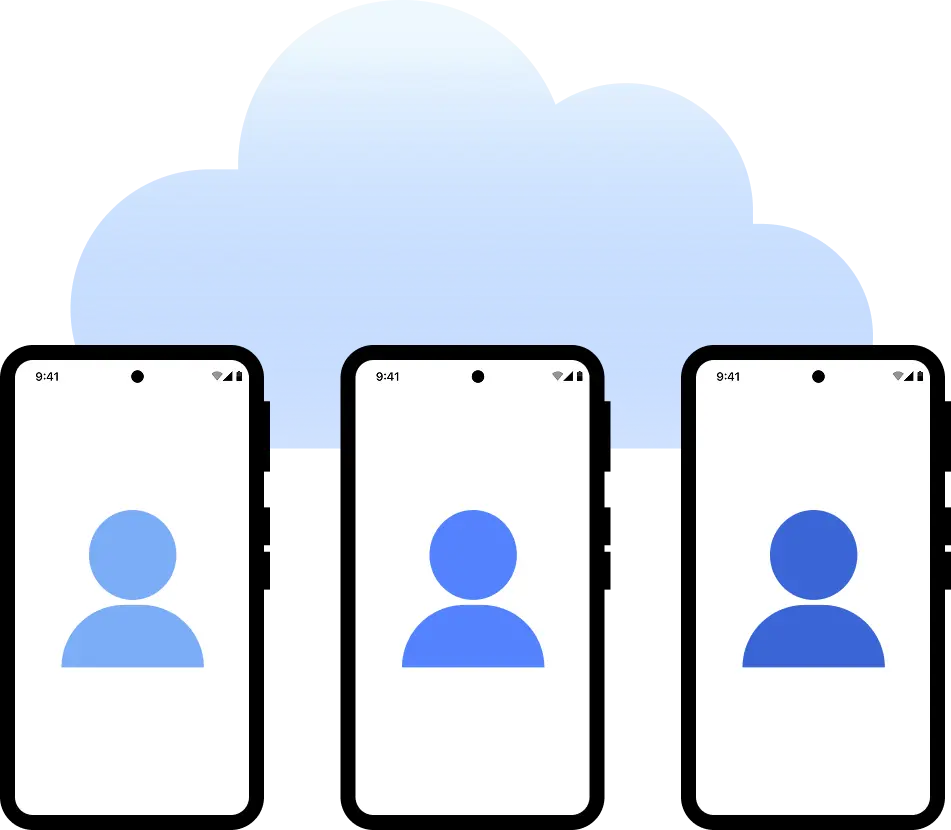
Why use proxies and cloud phones from the same provider?
Using proxies and cloud phones from one provider makes setup and account management easier. They work together in one platform, helping you access suitable IP locations, keep environments separate, and manage support in one place.
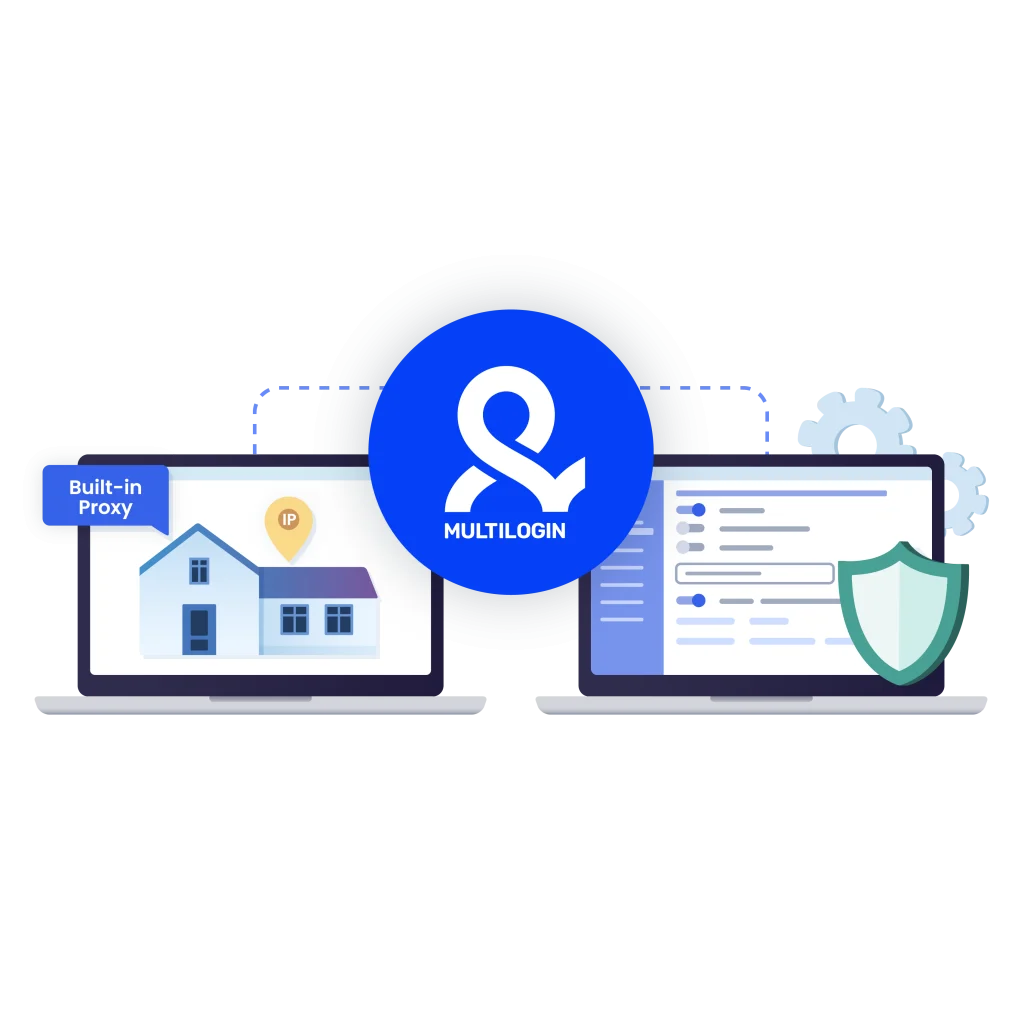
Multilogin features for Cloud Phone management
Find proxies for other platforms and locations
- Ad spy proxies & antidetect browser
- Affiliate marketing proxies, web browser & cloud phones
- Amazon proxy
- Antidetect browser & proxies for Ad verification
- Argentina proxy
- Australia proxy
- Austria proxy
- Reddit proxy
- Brazil proxy
- Canada proxy
- Chicago proxy
- Chile proxy
- China proxy
- Czech proxy
- Denmark proxy
- Discord proxy
- eBay proxy
- Ecommerce proxy
- Egypt proxy
- Europe Proxy
- France proxy
- Germany proxy
- Gmail proxy
- Google proxy
- Greece proxy
- Hong Kong proxy
- Hungarian proxy
- Indonesia proxy
- Iran proxy
- Irish proxy
- ISP proxies
- Israel proxy
- Italy proxy
- Japan proxy
- Korea proxy
- LinkedIn proxy
- London proxy
- Los Angeles proxy
- Make Money Online
- France proxy
- India proxy
- Mexico proxy
- Netherlands proxy
- New York Proxy
- New Zealand proxy
- Oman proxy
- Online reputation management
- Online shopping proxies & cloud phone
- OnlyFans proxy
- Pakistan proxy
- Poland Proxy
- Portugal proxy
- Proxies for market research & cloud phone
- Proxies for price monitoring & cloud phone
- Proxies for Retrodrops
- Proxy browser with cloud phones
- Proxy Romania
- Rank tracker proxies & cloud phone
- Residential proxies
- Saudi Arabia proxy
- SEO proxies & antidetect browser
- SERP analysis with proxies & antidetect
- Shopee Proxy
- Singapore proxy
- Sneaker proxies & antidetect browser
- SOCKS5 proxy & multi-account browser
- Spain proxy
- Sweden proxy
- Switzerland proxy
- Taobao proxy
- Telegram proxy
- Thailand proxy
- Ticketmaster proxy
- Tinder proxy & antidetect bundle
- Tinder proxy
- Turkey Proxy & Multi-Account Browser in One Platform
- Twitter proxy
- France proxy
- UK proxy
- Ukraine proxy
- USA proxy
- Web Scraping Proxies & Multi-Account Browser
- Tiktok proxy
- WhatsApp proxy & cloud phone bundle
- Multilogin proxy
- Dropshipping and ecommerce
- Mobile proxy
- Reddit proxy
- Instagram proxy
- Tiktok proxy
- Facebook proxy
- YouTube proxy
How to start using Multilogin
Start collecting data effortlessly with the industry leading cloud phone
Sign up
Register using a verified email address.
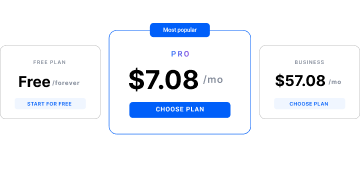
Choose your plan
Select from various subscription plans tailored to your business needs.
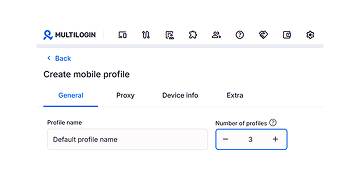
Run your automated tasks
Set up and manage multiple Pinterest accounts using separate browser profiles, all from one secure platform.
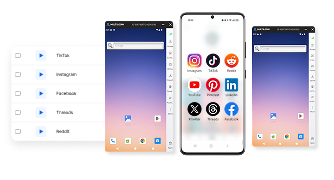
Run Pinterest accounts without getting blocked
Use Multilogin Built-in Proxies
Watch the Multilogin Demo
Learn how Multilogin can boost your business. Check the video below to see its full capabilities in a short demo video.
The award-winning platform for social media growth














Maximizing Pinterest marketing efficiency with Pinterest proxies and cloud phones
Managing multiple Pinterest accounts requires consistent device environments, stable sessions, and suitable network locations. A Pinterest proxy gives each account its own network origin, helping teams access local content, manage regional campaigns, and maintain consistent connections.
However, a proxy alone only handles the network side.
Pinterest may also evaluate login locations, connected devices, session activity, and unusual access patterns. When multiple accounts repeatedly share the same environment or appear from inconsistent locations, teams may face more login checks, interrupted sessions, or account access issues.
This is why professional Pinterest workflows combine built-in Pinterest proxies with Multilogin cloud phones and isolated browser profiles. Each account can have its own mobile environment, browser session, and proxy location, all managed from one platform.
Why Pinterest accounts become harder to manage without the right setup
Pinterest proxies are often the first tool businesses use when managing accounts across different locations. They control the IP address and geographic origin of each connection.
But changing an IP address does not separate device data, app storage, cookies, or session history.
When several Pinterest accounts are accessed through the same device or browser environment, their activity may still appear connected even when different proxies are used.
Common causes of account-management friction include:
- Multiple accounts sharing the same device environment
- Cookies or session data overlapping between logins
- Frequent changes in IP address or geographic location
- Team members accessing accounts through inconsistent setups
- Repeated logins that trigger verification checks
How cloud phones support stable Pinterest workflows
Cloud phones give each Pinterest account its own Android environment in the cloud. Instead of running every account through one physical phone, teams can keep app data, login states, and account sessions separated.
When users return to an account, its environment remains available with the same app data and session history.
Pairing cloud phones with suitable Pinterest proxies can help teams:
- Run each Pinterest account in a separate mobile environment
- Maintain persistent login sessions
- Match proxy locations with account markets
- Reduce cross-account mistakes
- Manage accounts without maintaining multiple physical phones
Use Pinterest proxies to access target locations
A Pinterest proxy lets users connect through an IP address in a selected country or region. This can support businesses conducting regional research, checking localized Pinterest content, or managing campaigns for different markets.
Multilogin’s built-in residential proxies provide access to over 30 million IPs across more than 150 countries.
Relevant use cases include:
- Viewing region-specific Pinterest content
- Researching local visual trends
- Managing campaigns for different target markets
- Testing localized landing pages and content
- Supporting accounts connected to specific regions
Pinterest proxies for business and advertising workflows
Pinterest business accounts include tools for advertising, analytics, and audience insights. Ads Manager allows businesses to create, manage, and report on Pinterest campaigns.
For agencies and brands working across multiple business accounts, separate account environments can make campaign management more organized.
A Pinterest proxy and cloud phone setup can support:
- Managing multiple Pinterest business accounts
- Running campaigns across different markets
- Reviewing regional ads and content
- Separating client account environments
- Keeping mobile and desktop workflows organized
Manage Pinterest Ads with separate account environments
Pinterest Ads Manager is primarily used through desktop workflows, while cloud phones can support mobile app activity.
Multilogin combines both environments:
- Cloud phones for Pinterest mobile workflows
- Browser profiles for Ads Manager and analytics
- Built-in proxies for suitable network locations
- Team access from one workspace
This allows agencies and internal marketing teams to move between mobile and browser-based tasks without mixing unrelated account sessions.
Scale Pinterest data collection with built-in proxies
Pinterest contains visual content, product ideas, user profiles, Pins, videos, and trend signals that can support market research and content analysis.
Built-in proxies can distribute authorized data-collection requests across suitable IP locations, while isolated browser profiles help keep research sessions organized.
Common Pinterest data use cases include:
- Collecting public Pins and profile information
- Monitoring visual and product trends
- Researching competitor content
- Analyzing keywords, boards, and engagement patterns
- Gathering regional market insights
All scraping and automation activities should respect Pinterest’s terms, access controls, robots directives, and applicable data-protection rules.
Easier Pinterest proxy setup
Multilogin includes built-in proxies, so users do not need to configure separate proxy providers for every account.
Teams can select a location, assign the proxy to a cloud phone or browser profile, and manage the connection from the same dashboard.
This reduces setup time and helps prevent errors caused by switching between multiple tools.
Team collaboration for Pinterest business accounts
Pinterest provides business tools for agencies and teams, including Business Manager features for managing employees, partners, and accounts.
Multilogin adds environment-level organization by allowing teams to assign specific cloud phones or browser profiles to individual members.
This setup can help teams:
- Organize accounts by client or campaign
- Give members access only to relevant profiles
- Avoid sharing physical devices
- Maintain consistent environments across locations
- Reduce accidental access to the wrong account
Unified Pinterest management with cloud phones and proxies
Multilogin brings Pinterest mobile workflows, browser-based tasks, proxies, and team access into one platform.
Cloud phones handle the Pinterest mobile app environment. Browser profiles support Ads Manager, analytics, business settings, and web-based research. Built-in proxies provide network locations for both environments.
Together, they create a more structured setup for:
- Social media agencies
- E-commerce businesses
- Affiliate marketing teams
- Pinterest advertising specialists
- Market research and data teams
Final thoughts
Reliable Pinterest account management depends on consistency across the device environment, session history, and network location.
Pinterest proxies provide local and regional IP access. Cloud phones keep mobile account environments separate. Browser profiles support advertising, analytics, and other desktop workflows.
Multilogin connects these tools in one platform, helping teams manage Pinterest accounts, regional campaigns, and research workflows with less setup complexity.
Pinterest Proxies FAQ
What is a Pinterest proxy?
A Pinterest proxy routes your connection through a different IP address, allowing you to access Pinterest from a selected location. Businesses, agencies, and marketers often use proxies to manage regional campaigns, research local trends, and access location-specific content. When combined with cloud phones or isolated browser profiles, proxies become part of a more consistent account management workflow.
Why should I use Pinterest proxies with cloud phones?
A proxy only changes your network location. It does not separate device data, app storage, or account sessions. Cloud phones give each Pinterest account its own persistent Android environment, while built-in proxies provide an appropriate IP location. Together, they create separate account environments that are easier to organize and manage over time.
Can I manage multiple Pinterest accounts from one platform?
Yes. Multilogin combines cloud phones, browser profiles, and built-in proxies in one platform, allowing you to organize multiple Pinterest accounts without switching between different tools. Each account can use its own environment and proxy location, making it easier for teams, agencies, and businesses to keep workflows separated and consistent.
Can I access Pinterest from different countries?
Yes. Pinterest proxies let you connect through IP addresses in different countries or regions. This can be useful for viewing localized content, researching regional trends, testing campaigns, or managing accounts that target specific markets. Choosing a stable location that matches your workflow is generally recommended for greater consistency.
Are built-in Pinterest proxies better than using a separate proxy provider?
Built-in proxies simplify setup because they are managed from the same platform as your cloud phones and browser profiles. Instead of configuring multiple services, you can assign proxy locations directly to your account environments, reducing setup time and making ongoing management easier for both individuals and teams.
Can I use Pinterest proxies for market research and data collection?
Pinterest proxies can support market research by providing access to location-specific content and helping organize research workflows across different regions. Many businesses use them to analyze public Pins, boards, trends, and profiles for competitive insights. Any data collection should always comply with Pinterest’s Terms of Service and applicable regulations.
How do I get started with Pinterest proxies in Multilogin?
Getting started is straightforward. Create your cloud phone or browser profile, select a built-in Pinterest proxy location, and launch your account from the same dashboard. Because cloud phones, browser profiles, and proxies are managed together, you can quickly build organized Pinterest workflows without relying on multiple separate tools.