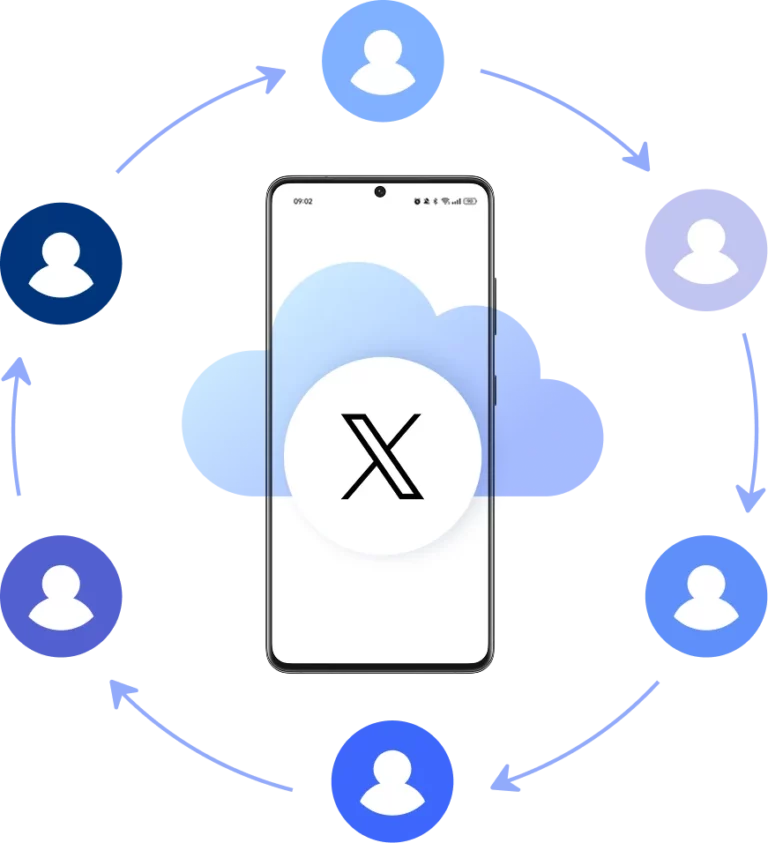
Cloud phone from Twitter
Download, launch, and run the native Twitter/X app inside a secure cloud phone. Real Android environments hosted online, so Twitter sees every login, post, and session coming from a genuine standalone smartphone.
Manage all Twitter accounts from one dashboard
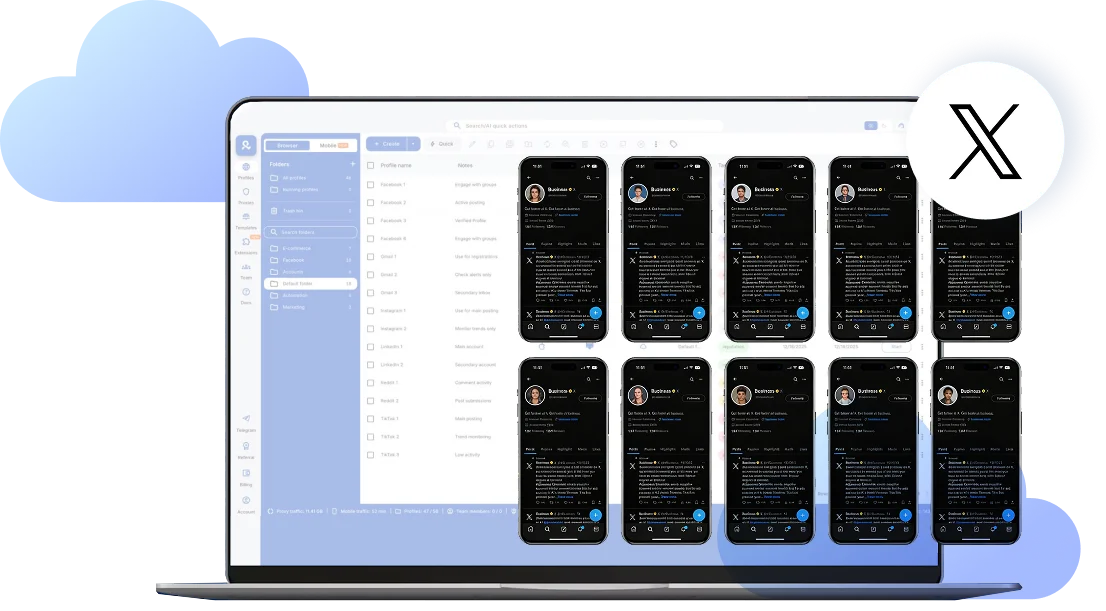
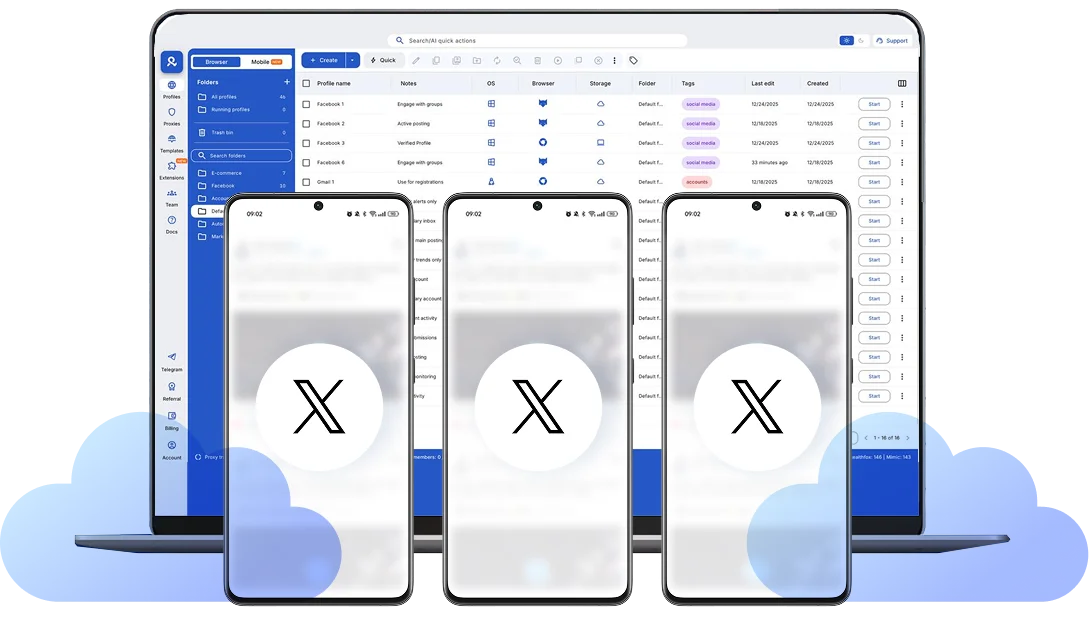
Log in and launch multiple Twitter profiles side-by-side from one desktop. Each account runs inside its own isolated Android online cloud phone, meaning sessions stay persistent, identities don’t overlap. No device limitation and annoying verifications.
Post, reply, and run Twitter workflows at scale
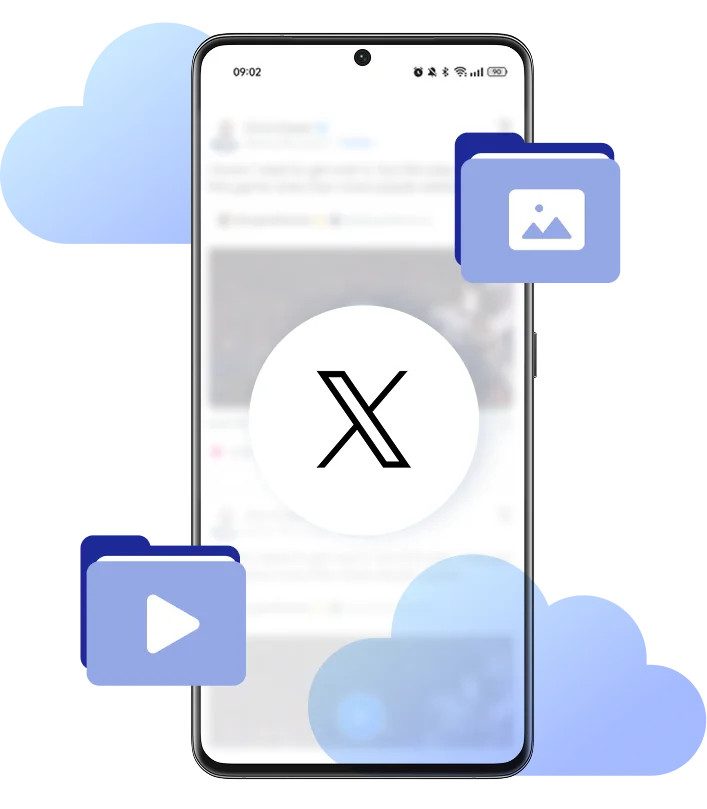
Publish tweets and threads naturally, upload media with drag-and-drop, manage replies, mentions, and DMs across accounts into native X app using cloud phones. Real-time activity on Twitter with no hassle.
Run Twitter accounts from any location
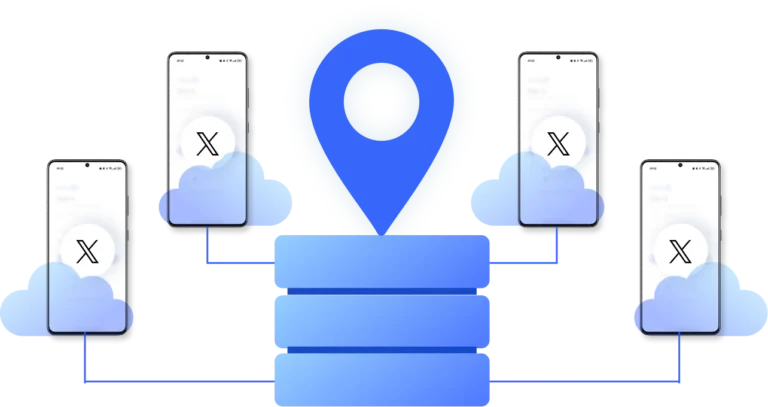
Pick the location for each Twitter account from 195 countries. Your cloud phone maintains consistent local network signals, so logins, posting, replies, and DM activity stay stable over time. You can operate regional profiles reliably without sudden verification interruptions.
Optimize collaboration for teams
Assign tasks, share account passwords, run bulk actions, and manage responsibilities from Twitter profiles across your team without sharing devices. All operations stay centralized, while each account remains isolated and organized inside secure cloud storage.
Looking for cloud phones?
-
3-day access to Multilogin
-
5 cloud or local profiles
-
200 MB proxy traffic included
-
3-day access to Multilogin
-
5 cloud or local profiles
-
200 MB proxy traffic included
What is a cloud phone?
A cloud phone is a real Android mobile phone hosted in the cloud. Each cloud phone runs as an independent device, with its own operating system, hardware identifiers, storage, and network signals.
Why choose Multilogin for cloud phone?
Multilogin’s cloud phone remain fully isolated at the identity level — enabling secure, scalable and more consistent operations.
Multilogin features for Cloud Phone management
Multilogin 2-in-1
Anti-detect browser profiles and cloud phones in one ecosystem. One app, one dashboard, full control.
Built-in proxy integration
Residential IPs are included by default. 150+ countries and 1,400+ cities with daily quality testing.
Up-to-date Android versions
Stable Android versions 10–15, fully compatible with modern mobile apps.
Real brands and devices
Support for 7 real Android device brands with unique IMEI and system-level digital fingerprints.
App repository
Install TikTok, Instagram, Reddit, and other popular apps without Google Play. APK uploads are also supported.
Folders, tags and access control
Organize profiles using folders, tags, and role-based access. Manage team workflows with ease.
Enterprise-grade security
Profile encryption, 2FA, access control, and compliance-ready security for safe operations.
One-click Android device launch
Start Cloud Phones and install X and any other apps without physical devices.
Why Multilogin wins for Twitter
Fast and intuitive interface
Everything at your fingertips: drag-and-drop, hotkeys, and smooth multitasking without losing speed.
Browser built for multi-accounting
Advanced engine effectively avoids multi-account detection by creating unique browser fingerprints.
Created for team collaboration
Proxies included in every plan
24/7 support in 5 languages
How to start using Multilogin cloud phone
Launch and manage real mobile environments in the cloud.

Sign up
Register using a verified email address.

Choose your plan
Select from various subscription plans tailored to your business needs.

Download Multilogin X app
Install the Multilogin desktop app to manage mobile sessions securely.

Access the Multilogin dashboard
Launch cloud phone, assign proxies, configure fingerprints, and manage mobile environments from one place.

Manage multiple Twitter profiles
Set up and manage multiple cloud phones for Twitter profiles using separate browser profiles with consistent identities.
Watch the Multilogin Demo
Get a 10-minute demo video on how Multilogin can help you easily build your database of cloud phone Twitter profiles while remaining undetected. Just fill in your name, last name and email below, and we’ll deliver the demo video directly to your inbox.
Why Twitter teams struggle to scale account operations
Managing Twitter/X accounts at a professional level is very different from running a single profile.
Once teams handle multiple brand voices, regional identities, community accounts, or outreach profiles, the operational risk increases fast. Twitter monitors more than usernames and passwords — it pays close attention to the environment behind each session.
When multiple accounts are accessed from the same phone, the same emulator, or a constantly changing setup, Twitter can begin to associate those identities together. Even legitimate teams end up dealing with friction: unexpected security prompts, locked accounts, or trust signals dropping over time.
That’s why serious operators increasingly rely on a cloud phone for Twitter instead of improvised workflows.
A Twitter phone built for multi-accounting
Twitter is a mobile-native platform. Posting, replying, engaging in real time, and managing DMs often works best inside the app itself. But using physical devices to scale is inefficient. Phone stacks are hard to manage, sessions break when devices change hands, and teams lose structure as account volume grows.
Multilogin replaces that chaos with a dedicated Twitter phone hosted in the cloud. Each cloud phone for Twitter is a real Android device running online, giving every account its own persistent mobile environment. Instead of forcing multiple identities through one shared device, each profile operates independently — with clean separation and stable long-term sessions.
This is what a modern phone for Twitter looks like when operations move beyond one person and one account.
Consistent mobile signals Twitter can trust
Twitter evaluates accounts through patterns: device consistency, login behavior, and stability over time. Multilogin Cloud Phones run offer +55 customizable fingerprint parameters and authentic Android identifiers such as IMEI and Android ID, so Twitter sees activity coming from a genuine smartphone environment, not a simulated emulator.
Because each account stays tied to its own dedicated Android session, teams avoid the usual problems that come from switching identities inside the same device fingerprint.
A cloud phone for Twitter creates the kind of continuity Twitter expects from real users — which is critical for keeping accounts stable as activity scales.
Run Twitter accounts from any location you need
For brands operating internationally, location context matters.
Twitter doesn’t just ask “is the password correct?” It looks at whether an account behaves like it belongs to a specific market. Sudden country changes, unstable IP patterns, or mismatched device signals can trigger extra friction.
Multilogin Cloud Phones can be paired with built-in residential proxies, giving each account stable local network signals from the region it’s meant to operate in. With access to +30 million residential IPs across 195+ countries, your cloud phone for Twitter maintains realistic location context instead of bouncing between random networks.
That makes it easier to run regional Twitter profiles reliably — whether you’re managing campaigns across Europe, launching accounts in LATAM, or operating market-specific communities.
Built for teamwork and stability
Twitter operations are rarely handled by one person anymore. Agencies collaborate across client accounts. Growth teams coordinate outreach. Web3 projects run announcements, support, and influencer engagement from different profiles.
Multilogin Cloud Phones make team-based management possible without sharing physical devices or mixing access. Accounts stay organized in one workspace, environments remain isolated, and responsibilities can be distributed with role-based permissions without creating fingerprint overlap.
A Multilogin’s cloud phone for Twitter isn’t just a workaround — it’s infrastructure for teams that need structure.
Conclusion
Running multiple Twitter/X accounts becomes difficult when everything is forced through the same device setup.
A cloud phone for Twitter gives teams a cleaner foundation: real Android phones hosted online, consistent mobile signals, regional stability, and complete separation between accounts.
With Multilogin, Twitter workflows can scale the way professional teams need them to — independently, reliably, and without the operational mess of physical phone farms or fragile multi-login shortcuts.
FAQ
What is a cloud phone for Twitter?
A cloud phone for Twitter is a real Android device hosted online that lets you run the native Twitter/X app in its own dedicated mobile environment. Instead of logging into accounts from a shared phone or emulator, each profile operates inside a persistent standalone session that looks and behaves like a genuine smartphone.
Why do Twitter teams run into problems managing multiple accounts?
Twitter pays close attention to device and network consistency. When several accounts are accessed from the same phone, the same emulator, or constantly changing environments, Twitter can start connecting those identities. Even legitimate teams may face account locks, security prompts, or trust issues once multi-account activity scales.


How does Multilogin keep Twitter accounts separated?
Each Multilogin cloud phone runs as its own independent Android environment with authentic device identifiers like IMEI and Android ID, plus over 55 customizable fingerprint parameters. That means every Twitter account stays tied to its own mobile session, avoiding the overlap that happens when profiles share the same device signals.
Can I operate Twitter accounts from different countries or regions?
Yes. Multilogin Cloud Phones can be paired with built-in residential proxies, giving each account stable local network signals from the region it’s meant to operate in. With access to 30M+ residential IPs across 195+ countries, teams can maintain realistic location context instead of triggering friction through unstable IP changes.
Are Multilogin cloud phones better than using emulators or physical phone farms?
For professional workflows, yes. Emulators are easier for platforms to flag because they often lack authentic mobile identifiers. Physical phone farms create operational chaos as devices get shared, sessions break, and accounts overlap. A cloud phone for Twitter provides real Android environments online, with clean separation and scalable control — without hardware management.
Can teams collaborate inside Multilogin Cloud Phones for Twitter?
Definitely. Twitter operations are rarely solo. Multilogin supports team-based access with role-based permissions, allowing agencies, growth teams, and Web3 projects to manage multiple accounts in one organized workspace. Each environment stays isolated, so collaboration doesn’t create fingerprint crossover or identity mixing.