


Run Splice with multiple cloud phones
Install the native splice video editor app on cloud phones. Edit videos, layer audio tracks, and publish directly to social media from real Android environments. Watch the demo
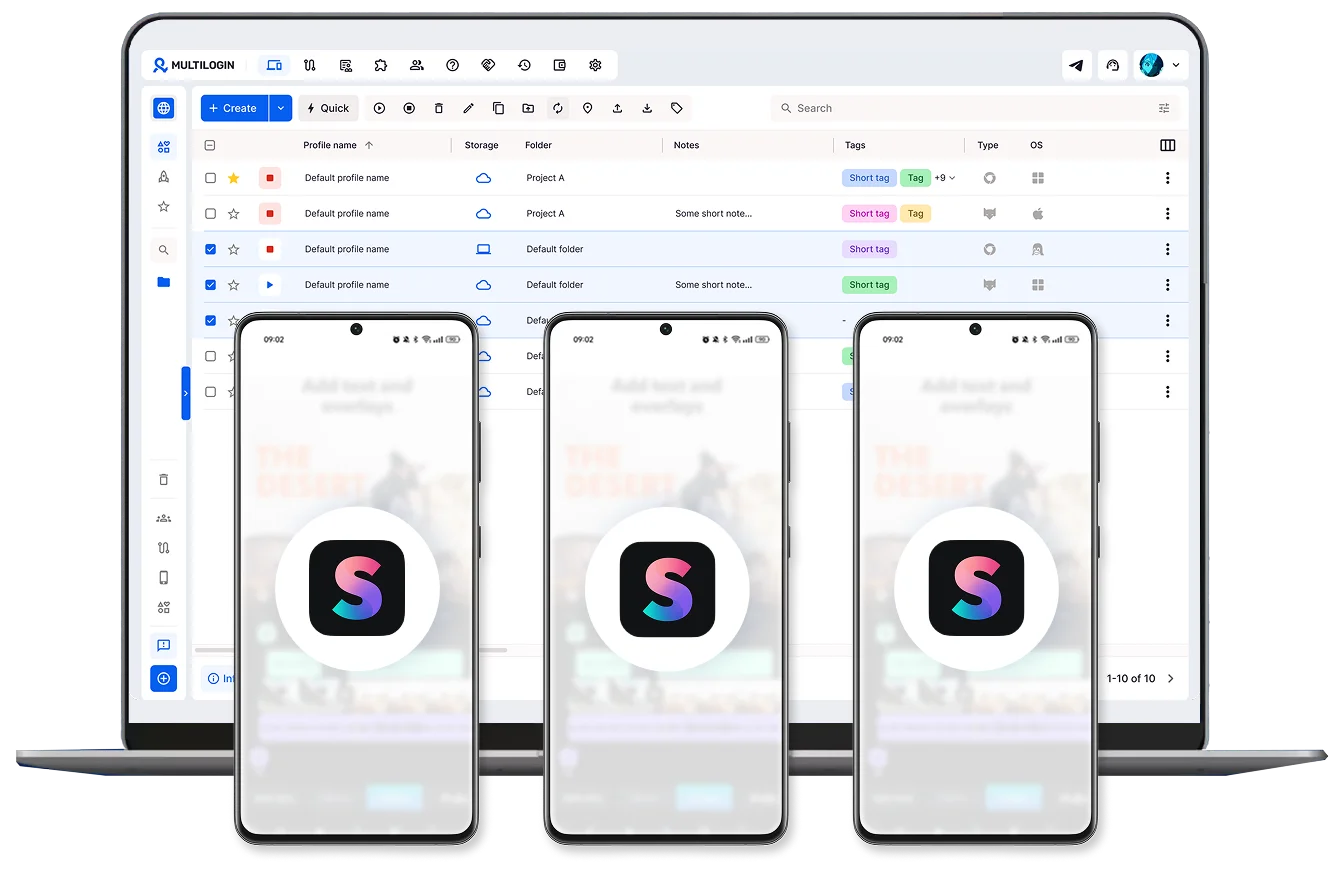
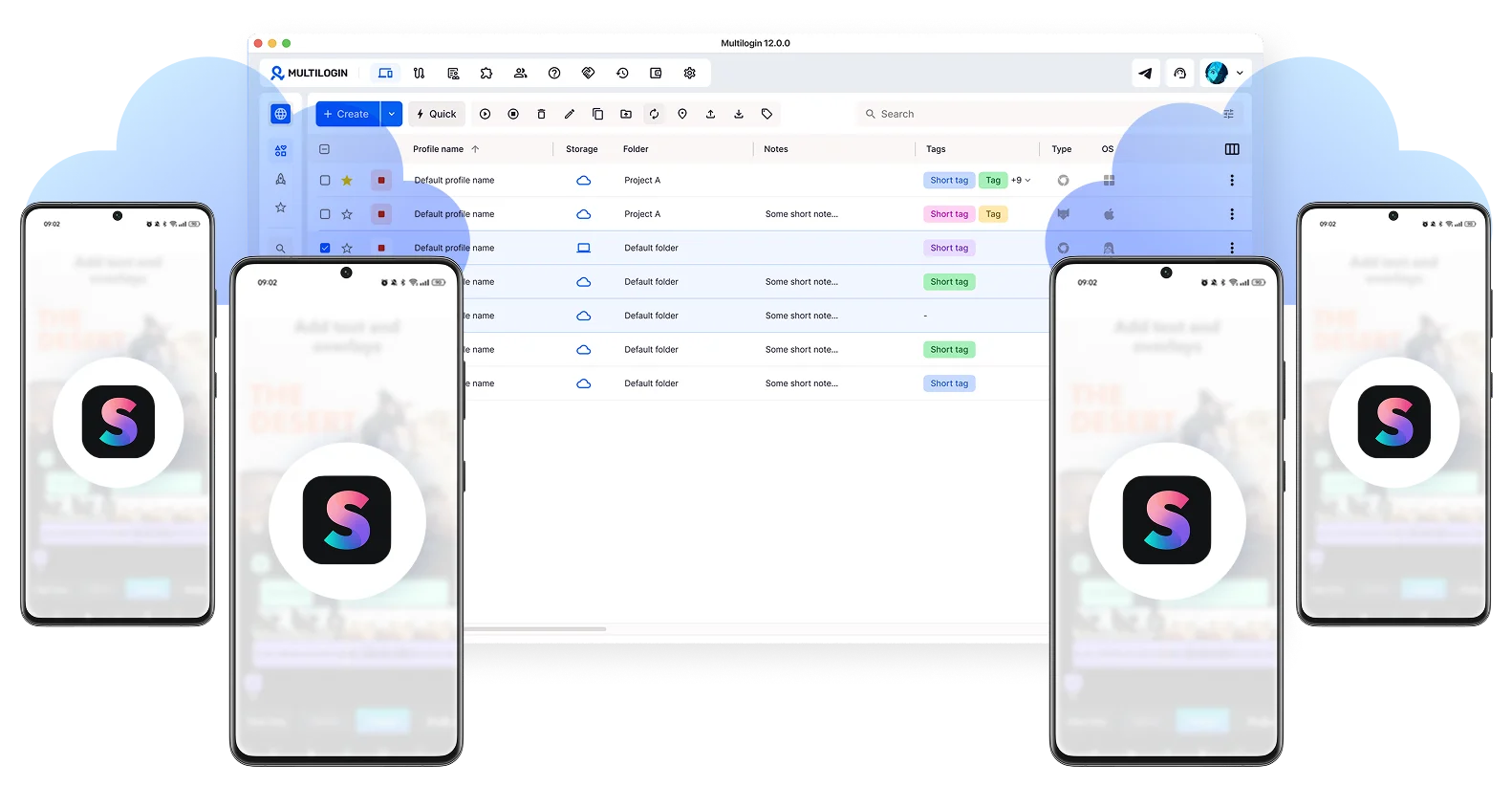
Keep all your Splice projects in one place
Install Splice on several cloud phones at once. Sort video timelines, audio libraries, and drafts with tags and notes so nothing gets lost or mixed between accounts across sessions.
Grow your Splice presence across multiple accounts
Post and create from multiple Splice accounts freely. No limits on unique devices, just clean, isolated sessions for every creator profile you manage.
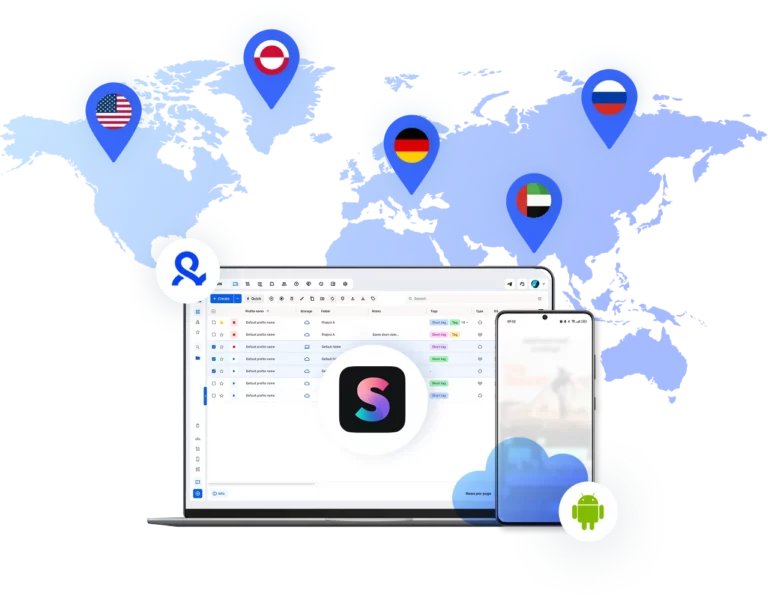
Use Splice from any corner of the world
Pick from 150 real mobile locations. Your Splice sessions stay active and look like genuine local traffic, so regional accounts run without verification friction or IP instability.
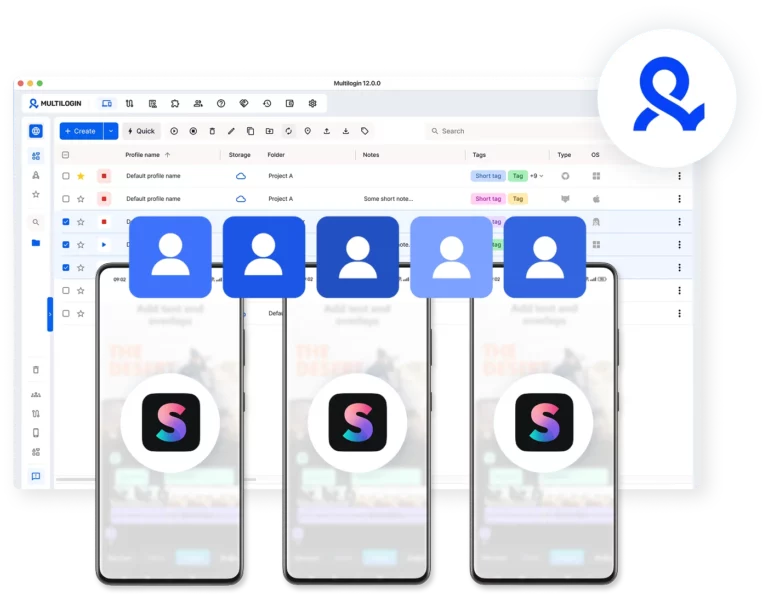
Bring your team into one Splice workspace
Give teammates access, set their permissions, and keep everyone editing with the splice video editor app and publishing in sync — all from a single organized dashboard.
Grow your social media accounts with Multilogin cloud phones
-
Unlimited time
-
Mobile and browser profiles included
-
Free built-in proxies & mobile minutes
-
Unlimited time
-
Mobile and browser profiles included
-
Free built-in proxies & mobile minutes
What are cloud phones?
Cloud phones are real Android devices hosted in the cloud. Each one has its own device identity, isolated app data, and stable session for secure, uninterrupted Splice video editor use.

Why choose Multilogin for Splice Video Editor
Install Splice video editor app on cloud phones with unique device IDs and persistent sessions. Edit, save templates, and publish content from one simple platform. Posts go out from real mobile devices, which helps your content perform better on TikTok, Instagram, and YouTube algorithms.

Multilogin features for cloud phone management
Multilogin 2-in-1
Browser profiles and cloud phones in one ecosystem. One app, one dashboard, full control.
Built-in proxy integration
Residential IPs are included by default. 150+ countries and 1,400+ cities with daily quality testing.
Up-to-date Android versions
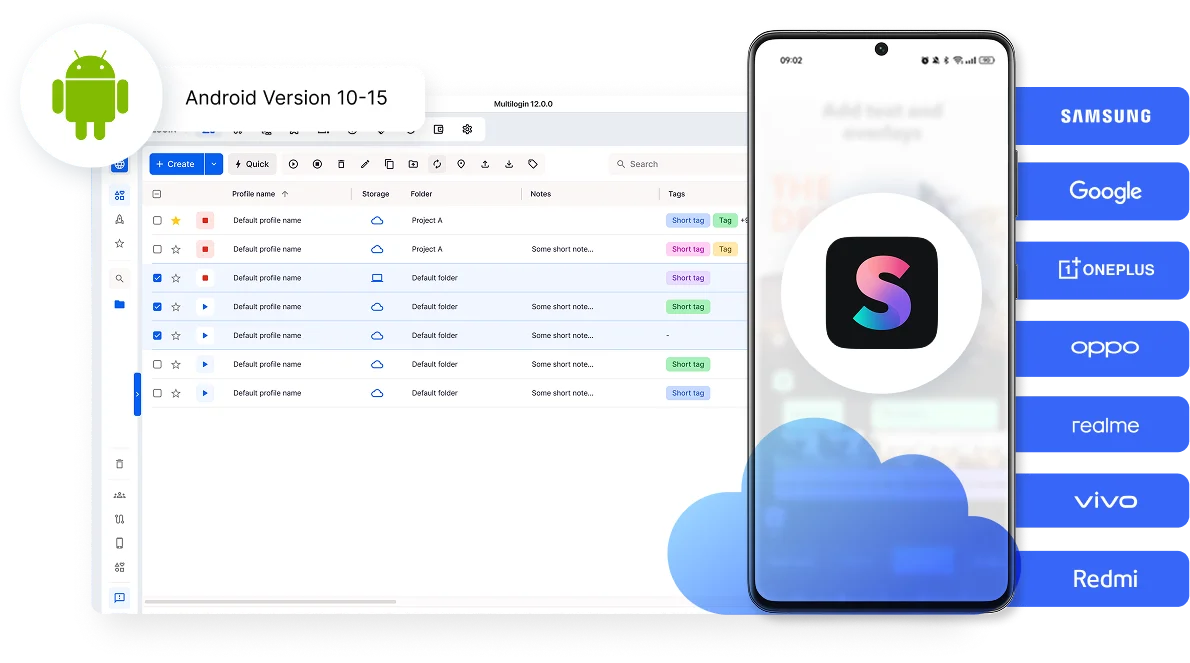
Stable Android versions 10–15, fully compatible with modern mobile apps.
Real brands and devices
Support for 7 real Android device brands with unique IMEI and system-level digital fingerprints.
App repository
Install TikTok, Instagram, Reddit, and other popular apps without Google Play. APK uploads are also supported.
Folders, tags and access control
Organize profiles using folders, tags, and role-based access. Manage team workflows with ease.
Enterprise-grade security
Profile encryption, 2FA, access control, and compliance-ready security for safe operations.
Connect cloud phones for Splice video editor
Get started with Multilogin and start posting content on social media
Why Multilogin wins for Splice
Fast and intuitive interface
Everything at your fingertips: drag-and-drop, hotkeys, and smooth multitasking without losing speed.
Browser built for multi-accounting
Advanced engine effectively avoids multi-account detection by creating unique browser fingerprints.
Created for team collaboration
Proxies included in every plan
24/7 support in 5 languages
How to start using Multilogin cloud phone
Launch and manage real mobile environments in the cloud.

Sign up
Register using a verified email address.

Choose your plan
Select from various subscription plans tailored to your business needs.

Download Multilogin
Install the Multilogin desktop app to manage mobile sessions securely.

Access the Multilogin dashboard
Launch cloud phone, assign proxies, create tags and folders for your profiles

Manage multiple cloud phone profiles
Sign in to your Splice video editor accounts and manage them with cloud phones
The most awarded multi accounting platform















Watch the Multilogin Demo
Splice on Multilogin cloud phones: Edit and publish videos from anywhere
Managing multiple creator accounts often starts with simply switching between them on one phone. But as you edit more videos, build more projects, and handle more client briefs, this manual approach becomes hard to sustain. Editing timelines, layering audio, and organizing exported content start to happen across different profiles with no clear separation.
Switching between sessions or sharing devices can lead to video projects mixing between clients and creative work getting lost mid-edit. That’s why it’s important to use the right environment for each Splice account.
Why physical phones don't scale for Splice
Splice stores everything locally — projects, drafts, audio choices, editing preferences. That works perfectly for one creator on one device. It breaks down the moment more than one account or person enters the picture.
Common problems that come up fast:
- A second Splice account on the same phone shares the same device fingerprint, which platforms treat as a signal of coordinated or inauthentic behavior
- Handing a phone to a remote editor means losing access to your own account until it comes back
- Switching between client projects on a shared device means draft libraries pile up with no separation
- Phone farms are expensive, hard to manage, and fall apart the moment a device breaks or needs an update
Multilogin’s cloud phones replaces the hardware entirely. Each Splice account runs in its own Android in the cloud, a real hosted device with its own identity, its own storage, and its own persistent session. No more device juggling. No more shared fingerprints.
A real splice video editor for pc — without the emulator risk
Splice is a mobile app. It was built for phones and it runs best on Android. But that doesn’t mean creators should be stuck editing on a 6-inch screen.
Emulators are the obvious workaround, but they come with a real downside: Splice and the platforms it publishes to can detect emulator signals. Accounts accessed through emulators can be flagged as non-genuine, which creates friction at the worst possible moment, right before a post goes out.
Multilogin cloud phones run actual Android hardware in the cloud. When you access Splice through a Multilogin cloud phone from your laptop, Splice sees a real device — real IMEI, real Android ID, real mobile behavior. You get the full splice video editor for pc experience without any of the detection risk that comes with emulators.
One cloud phone per Splice account, with clean separation at scale
The core problem with running Splice across multiple accounts isn’t the editing — it’s the environment. Every account needs its own device signals, its own project library, its own session history.
Multilogin cloud phones solve this directly. Each account gets its own hosted Android device that never shares signals with another. Beat-sync projects stay in the right library. Audio selections carry over between sessions. Drafts don’t disappear when someone else logs in.
For agencies managing content for multiple clients, this separation is non-negotiable. A Multilogin cloud phone makes it structural, not something that depends on editors being careful.
Remote editing on Splice without the device handoff
Short-form video production rarely happens in one place anymore. Editors work across time zones. Clients review from their own devices. Teams coordinate without ever being in the same room.
Multilogin cloud phones make remote Splice editing straightforward. Each team member gets access to their assigned cloud phone, and only theirs. They open the splice video editor app, pick up exactly where the last session ended, and publish when the edit is done. No file transfers. No login gymnastics. No risk of one editor’s work landing in another account’s library.
Conclusion
Splice is one of the best mobile video editors available for short-form content. The beat-sync is precise, the interface is fast, and the publishing flow is built for the platforms that matter. None of that changes when you add more accounts.
What changes is the infrastructure holding it all together.
One phone stops being enough. Shared devices create project chaos. Emulators introduce detection risk. Remote editors lose access. And the splice video editor for pc question never gets a clean answer.
Multilogin cloud phones close all of those gaps. Each Splice account gets its own real Android environment, persistent between sessions, isolated from every other account, accessible from any device, and indistinguishable from a genuine standalone phone. Editors work in their own environments. Projects stay in the right libraries. Location signals match each account’s audience. Exports run without interruption.
The creative work stays in Splice. The infrastructure that makes it scalable lives in Multilogin.
FAQ
What is a cloud phone for Splice?
A cloud phone for Splice is a real Android device hosted in the cloud that runs the splice video editor app in its own persistent, isolated mobile environment. Unlike a shared phone or an emulator, each cloud phone has its own device identity, so Splice and the platforms it publishes to recognize it as a genuine standalone mobile device.
Can I use Multilogin as a splice video editor for pc?
Yes. Multilogin cloud phones run real Android hardware in the cloud and are accessible through any desktop browser. This gives you a full splice video editor for pc setup — running the actual Splice app, not an emulator — with all the persistent storage and account isolation that comes with a dedicated cloud phone.
Why do multiple Splice accounts on one phone cause problems?
When two accounts share the same device fingerprint, publishing platforms can flag them as coordinated or inauthentic behavior. Beyond the detection risk, shared devices mean shared project libraries, shared session history, and no clean way to separate one account’s drafts and exports from another’s. Multilogin cloud phones give each account its own fingerprint and its own storage, eliminating both problems.
How do Multilogin cloud phones keep Splice projects separated?
Each cloud phone is a fully independent Android instance. Splice project files, audio selections, draft timelines, and account history all live inside that specific cloud phone and never cross over to another. When an editor opens their assigned cloud phone, they see exactly their projects, nothing else.
Can I match each Splice account to a specific country or region?
Yes. Multilogin cloud phones can be paired with 30M+ residential IPs across 150+ countries, giving each account stable local network signals from its target market. Location signals stay consistent across sessions, which matters for accounts built around specific regional audiences.
Are Multilogin cloud phones safer than emulators for running Splice?
Yes. Emulators often lack authentic mobile identifiers, which Splice and downstream platforms can detect. Multilogin cloud phones run real Android hardware with genuine device signals, so every session looks and behaves like a real phone, not a simulated environment.
