


Run VN Video Editor with multiple cloud phones
Install the native VN Video Editor app on cloud phones. Edit videos, save reusable templates, and publish directly to social media.
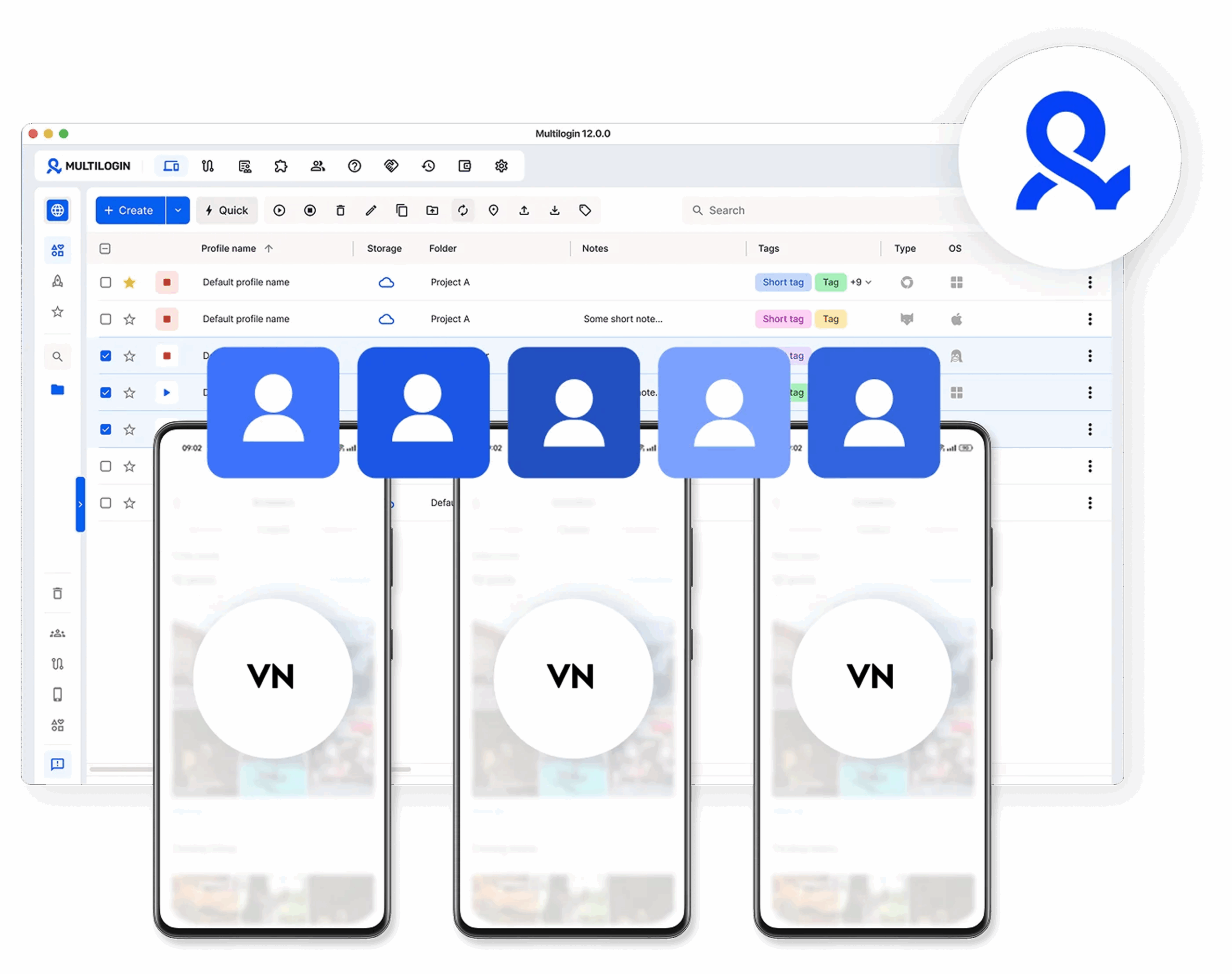
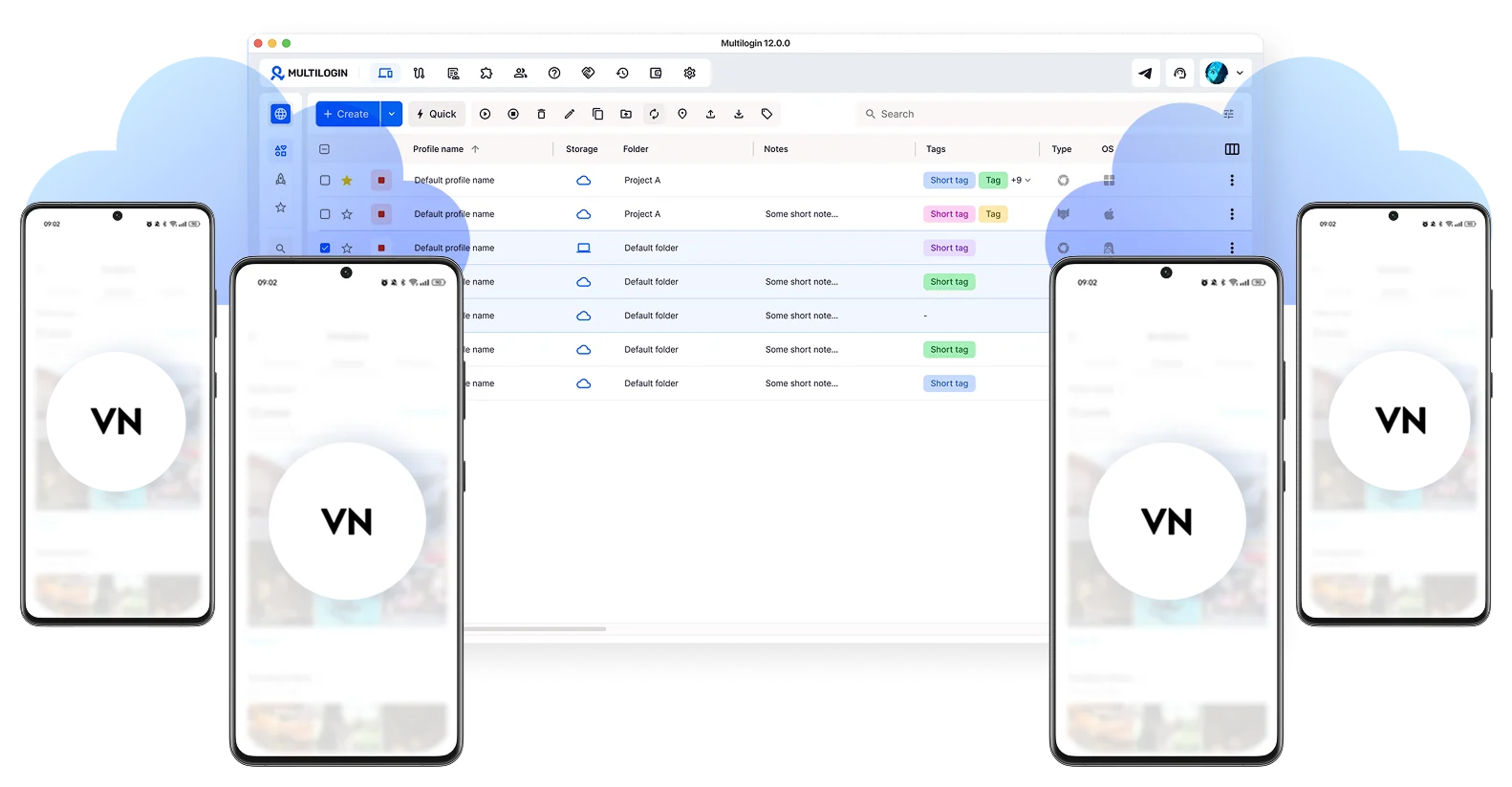
Keep all your VN Video Editor projects in one place
Install VN on several cloud phones at once. Sort your work with tags and notes so nothing gets lost across sessions.
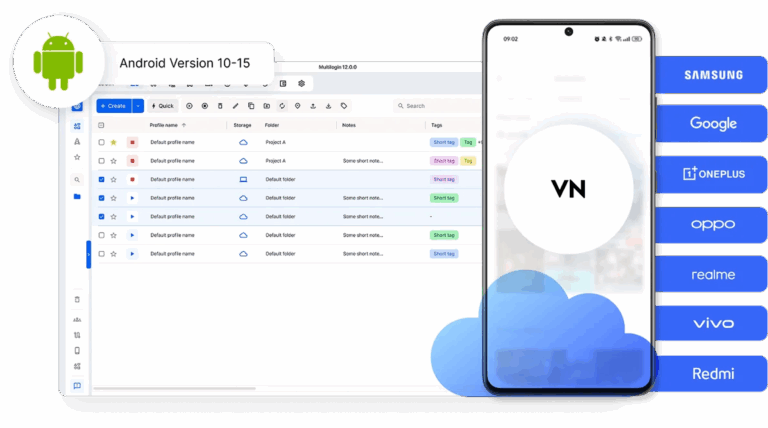
Grow your VN Video Editor presence across multiple accounts
Post and create from multiple VN accounts freely. No limits on unique devices and no account bans.
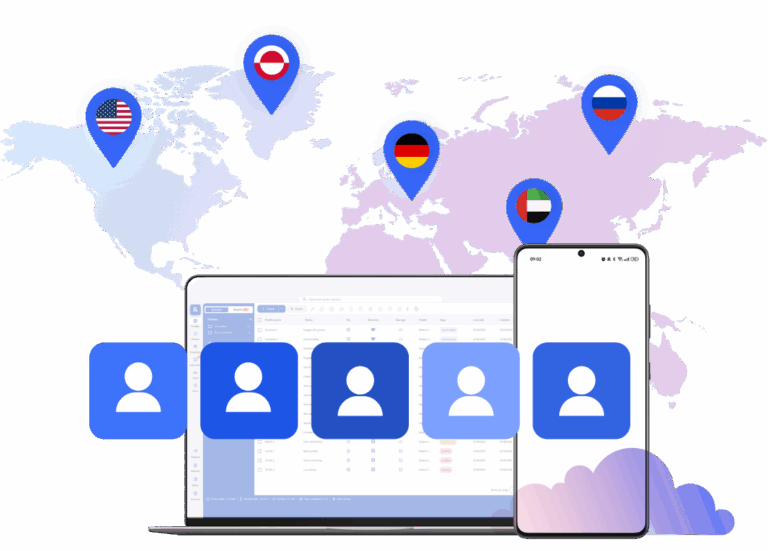
Use VN Video Editor from any corner of the world
Pick from 150 real mobile locations. Your VN sessions stay active and look like genuine local traffic.
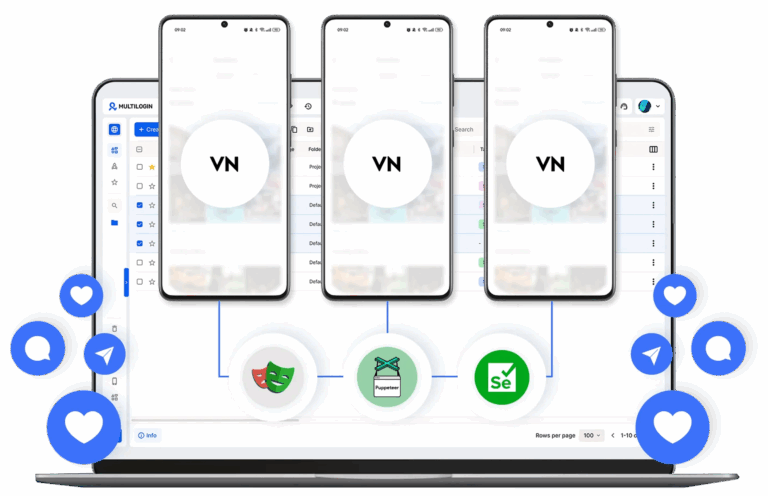
Bring your team into one VN Video Editor workspace
Give teammates access, set their permissions, and keep everyone editing and publishing in sync.
Grow your social media accounts with Multilogin cloud phones
-
Unlimited time
-
Mobile and browser profiles included
-
Free built-in proxies & mobile minutes
-
Unlimited time
-
Mobile and browser profiles included
-
Free built-in proxies & mobile minutes
What are cloud phones?
Cloud phones are real Android devices hosted in the cloud. Each one has its own device identity, isolated app data, and stable session for secure, uninterrupted VN Video Editor use.

Why choose Multilogin for VN Video Editor
Install VN Video Editor on cloud phones with unique device IDs and persistent sessions. Edit, save templates, and publish content from one simple platform. Posts go out from real mobile devices, which helps your content perform better on TikTok, Instagram, and YouTube algorithms.

Multilogin features for cloud phone management
Multilogin 2-in-1
Anti-detect browser profiles and cloud phones in one ecosystem. One app, one dashboard, full control.
Built-in proxy integration
Residential IPs are included by default. 150+ countries and 1,400+ cities with daily quality testing.
Up-to-date Android versions
Stable Android versions 10–15, fully compatible with modern mobile apps.
Real brands and devices
Support for 7 real Android device brands with unique IMEI and system-level digital fingerprints.
App repository
Install TikTok, Instagram, Reddit, and other popular apps without Google Play. APK uploads are also supported.
Folders, tags and access control
Organize profiles using folders, tags, and role-based access. Manage team workflows with ease.
Enterprise-grade security
Profile encryption, 2FA, access control, and compliance-ready security for safe operations.
Connect cloud phones for VN Video Editor
Get started with Multilogin and start posting content on social media
Why Multilogin wins for VN editor
Fast and intuitive interface
Everything at your fingertips: drag-and-drop, hotkeys, and smooth multitasking without losing speed.
Browser built for multi-accounting
Advanced engine effectively avoids multi-account detection by creating unique browser fingerprints.
Created for team collaboration
Proxies included in every plan
24/7 support in 5 languages
How to start using Multilogin cloud phone
Launch and manage real mobile environments in the cloud.

Sign up
Register using a verified email address.

Choose your plan
Select from various subscription plans tailored to your business needs.

Download Multilogin
Install the Multilogin desktop app to manage mobile sessions securely.

Access the Multilogin dashboard
Launch cloud phone, assign proxies, create tags and folders for your profiles

Manage multiple cloud phone profiles
Sign in to your VN Editor accounts and manage them with cloud phones
The most awarded multi accounting platform















VN Video Editor on Multilogin cloud phones: Edit videos anywhere
Managing many social media accounts often starts with simply switching between them on one phone. But as you create more videos and schedule more content, this manual way becomes hard to keep up with. Editing, uploading, and managing templates start to happen across different profiles.
Switching between sessions or sharing devices can lead to mistakes. That’s why it’s important to use the right tools for each account.
Why Multilogin cloud phones for VN Editor: Overcoming physical device limits
Regular phones work well for a few accounts. But when a business or agency manages many profiles, physical hardware becomes a problem.
Common issues include:
- Sending devices to remote team members
- Keeping track of which phone belongs to which profile
- Managing accounts in different countries
Multilogin cloud phones remove these physical limits. Each account runs in its own Android environment in the cloud. You can start these virtual devices from one dashboard. This lets you grow without needing more physical phones.
Achieving natural social media growth with cloud phones
Social media platforms often flag activity that looks automated, like using a single device for many accounts or relying heavily on schedulers. Multilogin cloud phones help maintain a natural online presence. Each cloud phone acts as a unique, real Android device. This means your social media activity, including posting and interacting, appears organic.
It helps avoid the detection that can come with traditional social media schedulers, which are often seen as automated activity. By providing distinct device fingerprints and IP addresses for each account, Multilogin cloud phones support genuine, scalable social media growth.
Separate mobile and desktop workflows for VN Editor
Social media managers often use both mobile apps and desktop browsers.
The mobile app, like VN Editor, is used for editing and posting to platforms like TikTok or Instagram. Desktop access is for detailed campaign management and analytics. When these tasks happen on the same device for different accounts, data can get mixed up. Keeping mobile activity separate from browser activity helps keep things organized.
A Multilogin cloud phone provides the mobile app environment. Browser isolation handles the desktop side. Using both together creates a clear boundary for each account.
Cloud phones for VN Editor: A better way to edit videos
Every VN Editor session needs its own environment. This includes app data, cache, and device signals. When profiles share these signals, it’s harder to keep workflows separate.
Multilogin cloud phones offer a clear solution. Instead of physical devices, each profile runs on its own hosted Android phone. The device data stays the same between sessions. This keeps your login and app data consistent. You can edit your videos in the VN Editor mobile app from the cloud phone and then upload them directly. This avoids the trouble of logging in or moving files to physical devices.
Team up and monetize with VN Editor templates
Managing many social media profiles usually involves several people, like editors or account managers.
Sharing passwords and devices informally makes it hard to track who does what. A structured system lets you assign accounts to specific team members. They can access profiles without changing settings every time. This is very helpful for agencies that create and monetize templates for VN Editor. Editors can work remotely on assigned cloud phones to build and test templates across many accounts.
Platforms like Multilogin support team access to cloud environments. This makes it easier to work together without passing around physical phones.
Geographic account management for diverse social media audiences
Some businesses manage social media accounts for different regions. This means the device location and network signals must match the target area.
Multilogin cloud phones can use mobile residential IPs from over 150 locations. This helps manage accounts that need to appear in specific countries. It’s a useful feature for agencies running global content strategies. You can choose specific hardware running Android v10 to 15 to match the typical devices of your target audience. Multilogin also provides access to 30 million IPs across 150+ countries and 1,400+ cities. For desktop browser profiles, Multilogin allows you to customize 55 fingerprinting parameters.
Smooth workflows and easy file transfers for VN Editor
Creating content needs a stable environment. If sessions keep breaking, production stops.
Cloud Android devices offer stable sessions. This makes uploading, editing, and publishing more predictable. You can use the Upload shortcut to move raw video footage from your computer straight into the cloud phone storage. This avoids slow transfers from physical devices. For advanced teams, Multilogin lets cloud phones connect with other tools through API access. This helps build a more organized system for managing many profiles.
Who uses VN Video Editor on Multilogin cloud phones
Multilogin cloud phones are mainly used by:
- Agencies managing client profiles and growing short-form content
- Content creators managing many niche accounts
- Teams creating and monetizing VN Editor templates
- Businesses working in different global regions
These tools are most helpful for professional operations that need a reliable way to manage multiple accounts over a long time. Pricing starts from 0.009 Euro per minute, offering cost-effective scaling for any team size.
FAQ
What is VN Editor?
VN Editor, also known as VN Video Editor, is a free mobile video editing app with no watermarks and no subscription fees. It gives you everything you need to edit videos professionally, from cutting and trimming clips to adding effects, music, captions, and filters. You can export in 4K and share directly to TikTok, Instagram, and YouTube without leaving the app.
With Multilogin cloud phones, you run VN Editor in the cloud instead of on a physical phone. Your projects stay saved between sessions, your workflow never gets interrupted, and your whole team can access the same setup from anywhere.
Is VN Editor available for PC?
VN Editor does not have an official PC version. It was made for Android and iOS phones. Some people try to use it on a computer through Android emulators, but emulators are slow, unstable, and often break during editing sessions.
Multilogin cloud phones are a cleaner solution. You get a real Android phone running in the cloud that you open from any browser on your computer. VN Editor runs on it just like it would on a real phone, with no performance issues and no complicated setup.
Is VN Video Editor mod APK safe to use?
No. A VN Video Editor mod APK is an unofficial modified version of the app made by third parties. These files often contain malware, can get your accounts banned, and stop working whenever VN releases an update. There are no real benefits that outweigh these risks.
Multilogin cloud phones use the official VN Editor app. Everything runs in a secure environment, your data stays safe, and your accounts stay within platform guidelines.
Can I manage multiple VN Editor accounts from one place?
Yes. Multilogin cloud phones let you run a separate VN Editor session for each account. Every account gets its own phone in the cloud with its own data and its own internet connection, so platforms like TikTok and Instagram see them as completely separate users.
You manage all of them from one dashboard without switching devices, logging in and out, or worrying about accounts getting linked to each other.
How do Multilogin cloud phones help with social media growth?
TikTok, Instagram, and YouTube can tell when multiple accounts are being run from the same device or when activity looks automated. When that happens, they limit your reach or ban accounts entirely.
With Multilogin cloud phones, each account runs on its own separate phone with its own internet connection. When you post content through a cloud phone, it looks like a real person posting from a real mobile device. This keeps your accounts safe and helps your content reach more people naturally.
Can remote teams collaborate on VN Editor projects?
Yes. With Multilogin, you assign each team member their own cloud phone. They log in from wherever they are, open VN Editor, and get to work. No physical devices need to be shipped, no passwords need to be shared, and no files need to be transferred.
You can set permissions so each person only accesses what they need. Projects and edits stay saved between sessions, so nothing gets lost when someone logs off. It is a simple way to keep a content team organized and productive without being in the same place.
Can I manage VN Editor accounts for different regions?
Yes. If you create content for audiences in different countries, your accounts need to look like they belong in those regions. Multilogin cloud phones let you assign each account an internet connection from over 150 countries and 1,400 cities around the world.
This means your account for a US audience looks like it is posting from the US, and your account for a German audience looks like it is posting from Germany. It is straightforward to set up and makes a real difference for agencies running content in multiple markets.
How much does it cost to use Multilogin cloud phones for VN Editor?
Multilogin cloud phones cost €0.009 per minute. You only pay for the time you actually use, with no large upfront fees. You can top up whenever you need more time, and unused minutes roll over so nothing goes to waste. The cost scales with how much you use it, which makes it practical for both solo creators and large agencies.
