

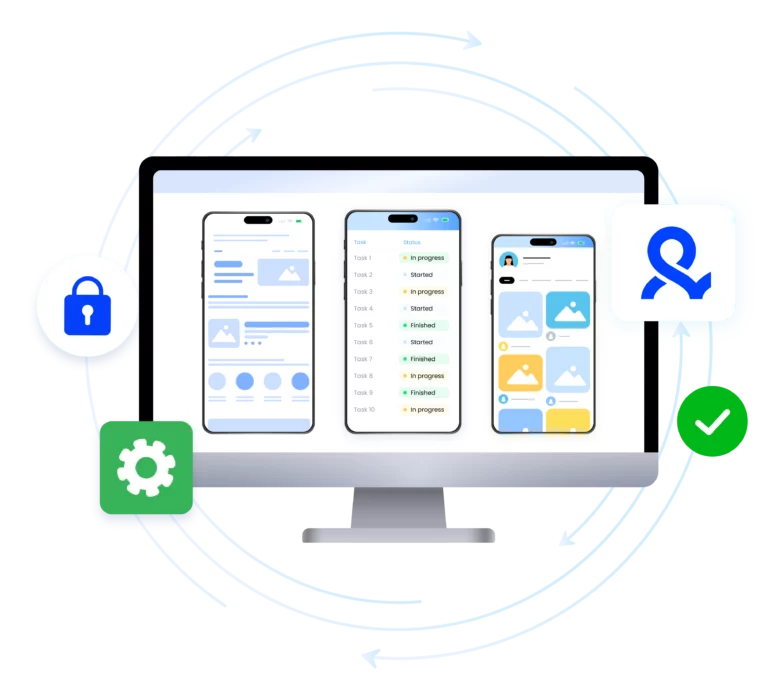

Mobile emulator online

Use a mobile emulator online with antidetect technology to run mobile-based accounts.
Multilogin allows you to keep all mobile workflows efficient and undetected.

Run mobile emulator online to manage mobile accounts

Create isolated mobile profiles that act like real mobile devices. Modify the user agent, screen resolution, touch data, and more than 55 fingerprint parameters for your mobile setup.
 Connect your accounts using built-in residential proxies.

Create mobile sessions with mobile emulator online

Use a mobile phone emulator to emulate real Android environments using a beginner‑friendly UI. Bypass mobile-only restrictions, avoid bans, and access mobile-specific content without a phone.

Automate mobile actions with mobile phone emulator

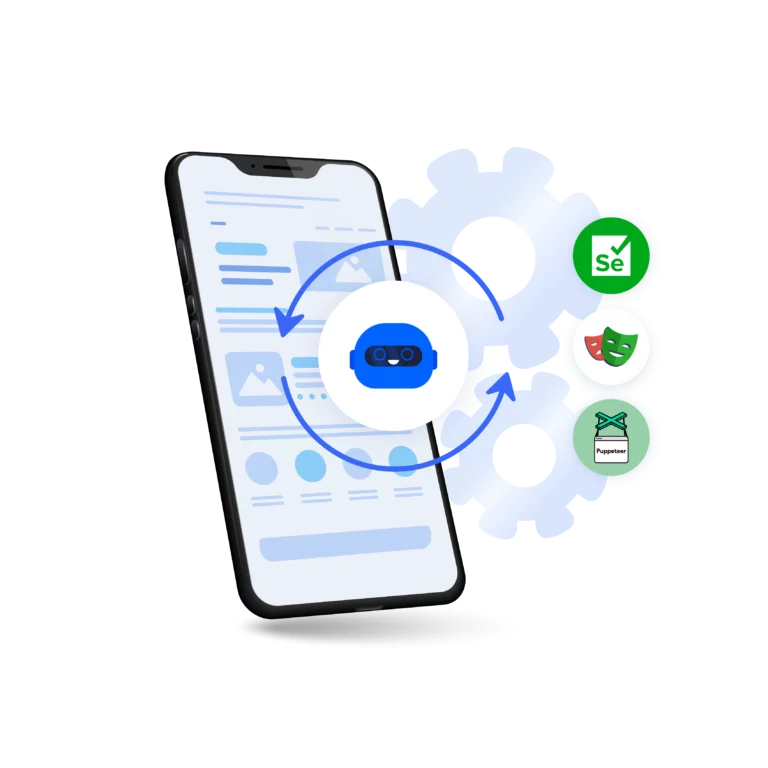
Launch sessions from the mobile emulator online to automate repetitive tasks using Multilogin CLI, Selenium, Playwright, and Puppeteer.
Automate social media workflows across multiple accounts with Quick AI Actions. Run bulk actions like cloning, batch edits, and mass launches without extra tools.

Manage multiple accounts with mobile emulator online

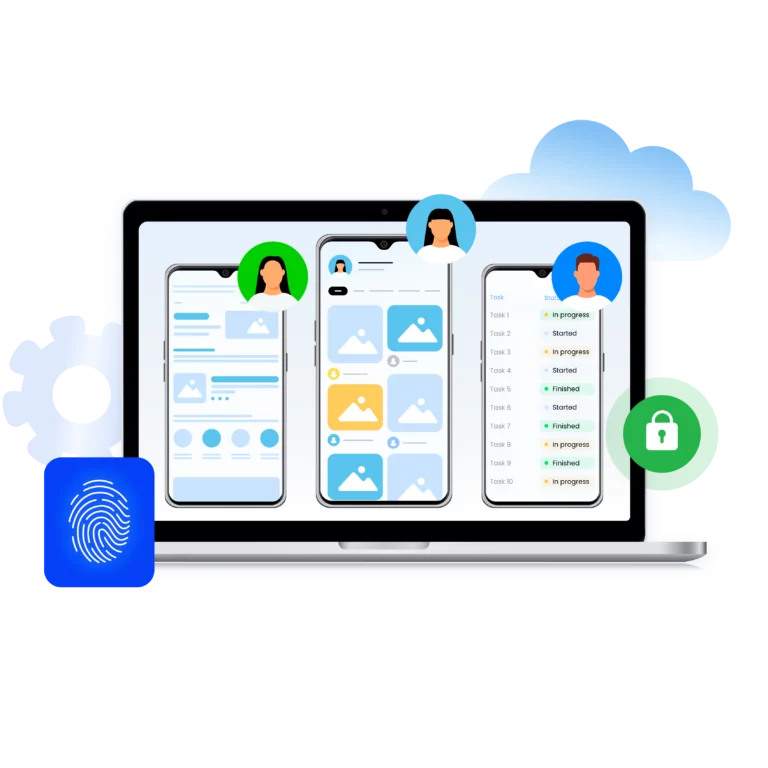
Multilogin is easy to start and scale. Create and control mobile profiles with Multilogin’s mobile phone emulator online.
Set up accurate Android profiles in seconds. Apply real device fingerprints. Do it all without extra tools.

Scrape data with mobile emulator online

Scrape mobile data from websites through desktop app. Automate data extraction inside real mobile browser profile. Reduce API dependency and scale your data collection with stealth and without bans.

Try Multilogin Risk-Free — Just €1.99!

Run multiple accounts with zero bans or blocks. Start your 3-day trial and test everything for less than a coffee.
  • 3-day access to Multilogin

  • 5 cloud or local profiles

  • 200 MB proxy traffic included

  • 3-day access to Multilogin

  • 5 cloud or local profiles

  • 200 MB proxy traffic included

What is an antidetect browser

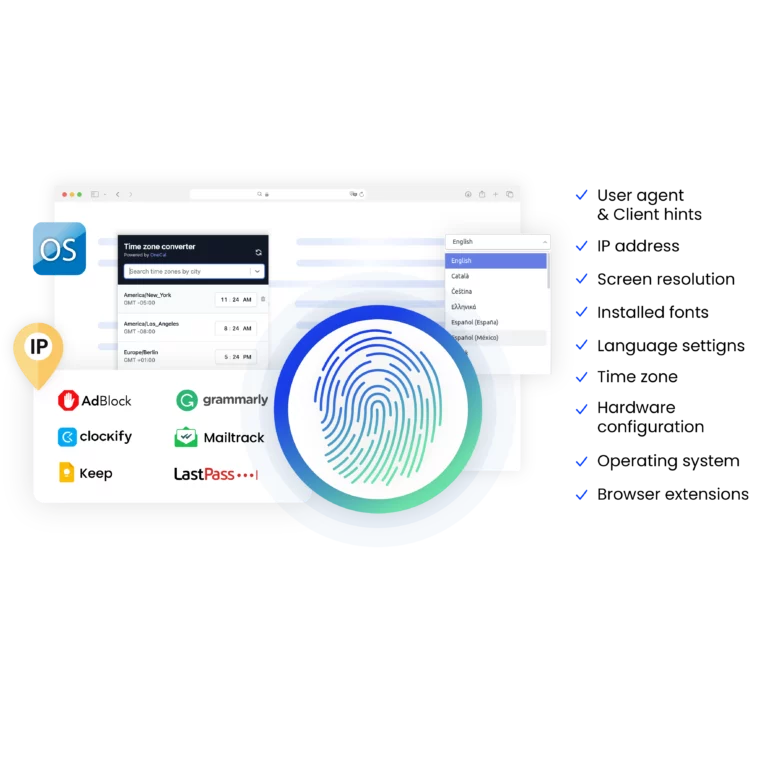
An antidetect browser is a tool that lets you manage multiple browser profiles for different accounts. Each profile has a unique device fingerprint. Device info, settings, timezone, fonts, WebGL, and canvas data can all vary. Multilogin also supports mobile browser profiles for added flexibility.

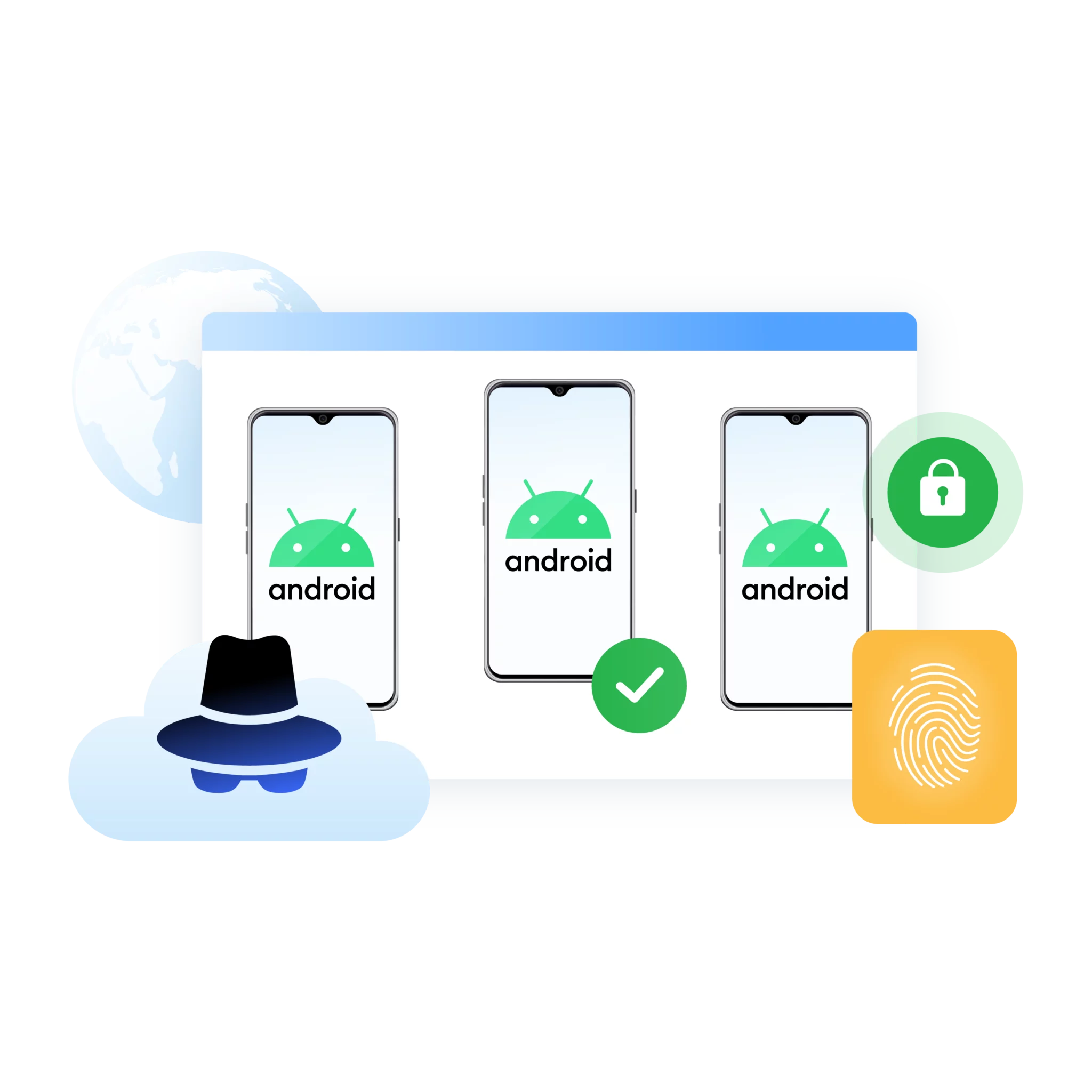
Image showcasing what an antidetect browser is.

Why сhoose Multilogin for mobile emulation:

Multilogin gives you everything needed for mobile multi-accounting:

  • 55+ fingerprint parameters for unique mobile profiles
  • Tested daily on 50+ platforms for stealth
  • Up to 10,000 profiles supported
  • 24/7 expert support in 5 languages
  • Built‑in residential proxy traffic (1–10 GB) included
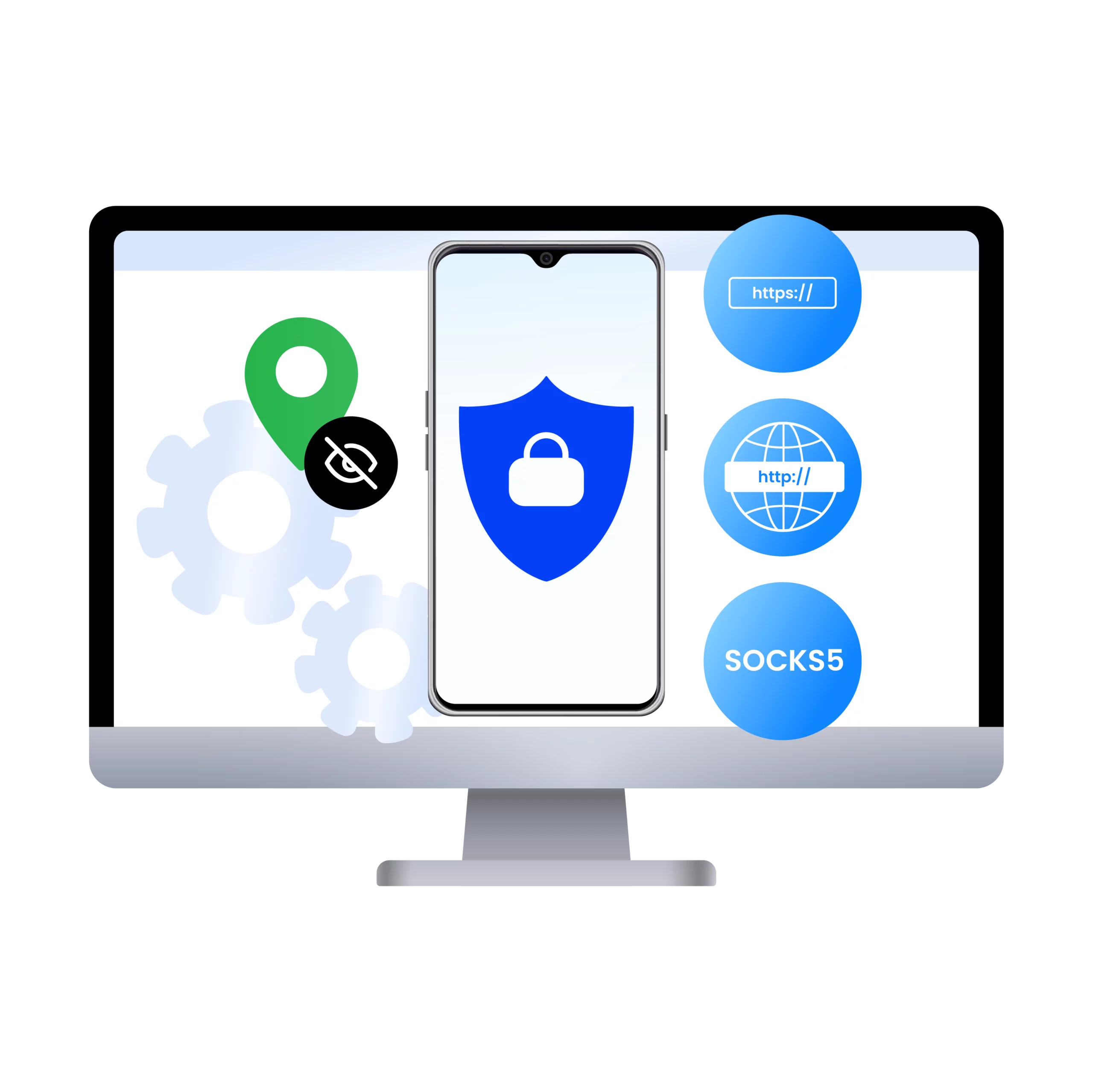
Illustration showing how the best antidetect browser for Android works, masking fingerprints and enabling secure, undetectable browsing for multiple accounts.

Multilogin resources for mobile testing

Icon representing Multilogin's feature to bypass bot protection.

Bypass bot protection

Mask unique browser fingerprints with our anti-fingerprinting tech to bypass multi-account and automated browser detection, ensuring secure and undetected usage.
Icon depicting Browser Action Automation in Multilogin, allowing users to automate browsing tasks, enhance efficiency, and manage multiple accounts securely.

Browser action automation

Automate repetitive tasks and form filling with Selenium, Postman, Playwright, and Puppeteer automation drivers while bypassing anti-bot algorithms.
Icon representing the Android Chrome browser in Multilogin.

Android Chrome browser

Emulate the full functionality of the Android Chrome Browser on your desktop seamlessly.

An icon representing fingerprint adjustment to match proxy feature of Multilogin.

Fingerprint adjustment to proxies

All browser fingerprints are automatically adjusted to match the proxy’s location, enhancing anonymity.

Icon representing Multilogin's support for all proxy types, including HTTP, HTTPS, and SOCKS5.

Supports for all proxy types

Whether you use our proxies or bring your own, all proxy types are seamlessly supported.

Icon representing residential rotating IPs in Multilogin.

Residential rotating IPs

We test our residential proxies daily, ensuring they work seamlessly with Ticketmaster, SeatGeek, AXS, and more.
Icon representing data sync over the cloud with Multilogin.

Data sync over Cloud

Use cloud browser profiles to sync data across multiple devices or VPS instances.

Icon representing the Manual Mode feature in Multilogin.

Manual mode

Manually control the settings of your mobile browser profiles in secure virtual environments.

Most Awarded Antidetect Browser

Kinza awards for Multilogin.
Conversion club badge for Multilogin.
Mask group badge for Multilogin
Startup 2019 awards badge for Multilogin
badge for Multilogin
Best Value Software 2022 badge for Multilogin
Best support
Momentum leader
High Performer
High Performer Small Business
SourceForge top performer 2023 badge
GetApp user reviews badge

How to start using Multilogin

Start collecting data effortlessly with the industry leading antidetect browser.

Step 1 of how to use Multilogin

Sign up

Register using a verified email address

Step 2 of how to use Multilogin

Choose your plan

Select from various subscription plans tailored to your business needs

Step 3 of how to use Multilogin

Download the Multilogin

Available for Windows, Mac, and Linux.

Step 4 of how to use Multilogin

Access the Multilogin dashboard

Start creating and managing antidetect browser profiles

Step 5 of how to use Multilogin

Create and manage multiple accounts

Set up and manage multiple accounts using separate browser profiles, all from one secure platform.

Watch the Multilogin demo

Learn how Multilogin enhances your anonymity for robust multi-account management and android testing activities. Just fill in your name, last name and email below, and we’ll deliver the demo video directly to your inbox.

Name
Last Name
Email *
Image of locked video for Multilogin demo preview

How to manage multiple accounts with mobile emulator online

Mobile-first platforms like TikTok and Instagram use sophisticated security that goes far beyond screen size checks—they analyze device signals, network behavior, sensor data, and session history. Basic emulators are easily detected, making them ineffective for managing multiple accounts, running social media campaigns, or data scraping.

In this article, we’ll explore how Multilogin bridges the gap between simple emulators and real devices. It provides accurate Android browser environments, genuine mobile IP routing, and isolated sessions—enabling high-fidelity mobile operations without the cost and complexity of managing physical phones.

Mobile emulator online: Why basic solutions fail

Attempting to manage multiple mobile accounts using basic tools is inherently slow, expensive, and high-risk. A standard mobile emulator or a simple user-agent switch is no longer sufficient. Modern platforms are intelligent; they can instantly identify and flag fake or inconsistent digital footprints.

Multilogin’s mobile browser emulation ensures every session behaves like a real Android device. This goes far beyond simple desktop simulations, making platforms recognize your sessions as genuine mobile users rather than suspicious traffic. Key benefits include:

  • Authentic mobile sessions – Each environment mimics real Android devices for higher success rates in account creation, automation, and large-scale operations.
  • Precise geo-targeting – Assign real mobile or residential IPs to each environment for accurate local user simulation in different countries.
  • Session persistence – Logged-in states, cookies, and user progress are saved automatically, so teams can resume work instantly without repeated logins.
  • Seamless automation – Works with Playwright, Puppeteer, Selenium, and Multilogin CLI, enabling large-scale operations without compromising mobile authenticity.
  • Secure team collaboration – Encrypted storage, role-based permissions, and flexible data control let teams work efficiently and safely.

Multilogin’s mobile emulator removes physical limitations, maximizes workflow efficiency, and ensures long-term stability for all multi-accounting, SMM, and scraping operations.

Mobile emulator online: Real-world applications

Advanced mobile emulation is a tool that accelerates operations and removes the element of chance.

  • Social media marketing (SMM) professionals utilize this technology to manage a multitude of client accounts on mobile-first platforms. They assign a unique mobile fingerprint to each account, which prevents platform linkage and mass bans. They can also accurately verify that tracking pixels are firing correctly and observe how campaigns perform under specific regional conditions.
  • Data scraping specialists deploy the online mobile device emulator to access mobile-specific APIs and web content. They can run the same script across various device models rapidly, making it simple to identify session issues before they compromise a major data collection job.
  • Internet hustlers rely on the mobile phone emulator for continuous account maintenance. They can schedule operations to run overnight and monitor critical mobile user flows, allowing them to proactively identify and resolve issues without the expense or hassle of purchasing and managing a fleet of physical phones.

How teams use android emulation in practice

In real projects, Android emulation plays a key role in speeding up mobile testing and removing guesswork from daily decisions. Product teams rely on it to quickly reproduce bugs reported by users on specific devices, making android testing faster and far more accurate without waiting for access to the same physical phone

Once the most important problems are found, QA engineers can confidently check that the fixes work. They use Android environments to run the same android test across different device models in minutes instead of hours. This makes it easier to spot visual issues, session problems, and network-related errors before they reach production. 

With core functionality validated, marketing and growth teams use Android emulation to preview live mobile campaigns exactly as users see them. They verify that tracking pixels fire correctly on mobile, confirm deep links and redirects, and check how campaigns behave under different regional and network conditions. For eCommerce teams, this same process makes sure that stock visibility, shipping logic, and payment behavior are all the same across markets before they start new offers.  

Lastly, Android environments are used to support ongoing Android testing on the automation side after deployments. Teams run test suites overnight, keep an eye on important mobile user flows, and find regressions early, all without having to keep device labs or constantly change the settings on physical phones. 


How to set up browser profiles in an online mobile emulator

Getting started with mobile operations in Multilogin is a streamlined process. After installing the application and creating your account, you’ll need to configure several key elements:

1. Profile Creation

Select Android as the operating system. Choose a specific Android version 

2. Proxy configuration

The next critical step is attaching a residential proxy to the profile, which dictates the perceived geographical location of the device. 

  1. Open the proxy settings for your profile.
  2. Select the country for your proxy.
  3. Choose the city if location-specific routing is needed.
  4. Optionally, select a specific ISP to match your desired network identity.

3. Fingerprint customization

  1. Adjust browser and system parameters to match your target environment.
  2. Optionally, tweak additional fingerprint elements like fonts, time zone, and audio/video settings for enhanced uniqueness.

4. Launch and verification

Once the profile is launched, you can begin operating immediately. It’s good practice to use fingerprint checkers to verify device headers, geolocation, and overall behavior, fine-tuning the settings as necessary. The environment is then fully prepared for manual multi-accounting, automation, or long-term scaling.

Conclusion

Multilogin provides a practical, powerful method for conducting authentic Android mobile operations directly from your desktop. By combining advanced antidetect browser technology, precise Android environments, integrated mobile proxies, and automation-ready infrastructure, it successfully overcomes the limitations of both physical devices and rudimentary emulators. You gain the realism of real hardware without the associated cost and logistical complexity, ensuring your mobile operations are indistinguishable from those of genuine Android users.

Frequently Asked Questions

A mobile emulator online is a tool that simulates the behavior of a mobile device—such as an Android smartphone—within a virtual environment. Advanced solutions replicate real device fingerprints, system behavior, and network conditions so platforms recognize sessions as genuine mobile users rather than emulated or desktop traffic.

Basic mobile emulators rely on simplified simulations like screen resizing or user-agent switching. Modern platforms analyze deeper signals including device fingerprints, sensors, IP consistency, and session history. These gaps make standard emulators easy to detect and risky for managing multiple accounts or large-scale operations.

Unlike basic tools, Multilogin provides high-fidelity Android browser environments with realistic device fingerprints, persistent sessions, and real mobile or residential IP routing. This makes each profile behave like a real Android device, significantly reducing detection risks during multi-account management or automation.

Yes. Using an advanced online mobile device emulator like Multilogin allows you to isolate each account in its own mobile environment. Each profile has a unique fingerprint and IP, preventing account linkage and helping avoid mass bans on mobile-first platforms like TikTok and Instagram.

Yes. Multilogin integrates with automation frameworks such as Playwright, Puppeteer, Selenium, and its own CLI. This allows teams to automate mobile workflows at scale while preserving authentic mobile behavior.

For best results, you should use mobile or residential proxies. These IPs match real mobile network patterns and geolocation data, making your online mobile device emulator appear as a legitimate local user rather than suspicious traffic.

In most cases, yes. A mobile emulator online eliminates the cost, maintenance, and scalability issues associated with managing multiple physical devices. You can create, launch, and manage hundreds of isolated mobile environments from a single desktop setup.

Setup is straightforward. You create an Android profile, attach a residential or mobile proxy, customize fingerprint settings if needed, and launch the environment. Once verified, the profile is ready for manual work, automation, or long-term scaling.

Thank you! We’ve received your request.
Please check your email for the results.
We’re checking this platform.
Please fill your email to see the result.

Multilogin works with amazon.com












