


Facebook proxy & cloud phones
Manage multiple Facebook accounts using Facebook proxy and mobile proxy on cloud phones. Post and schedule content right from the mobile app environment on your desktop.
Run multiple Facebook accounts
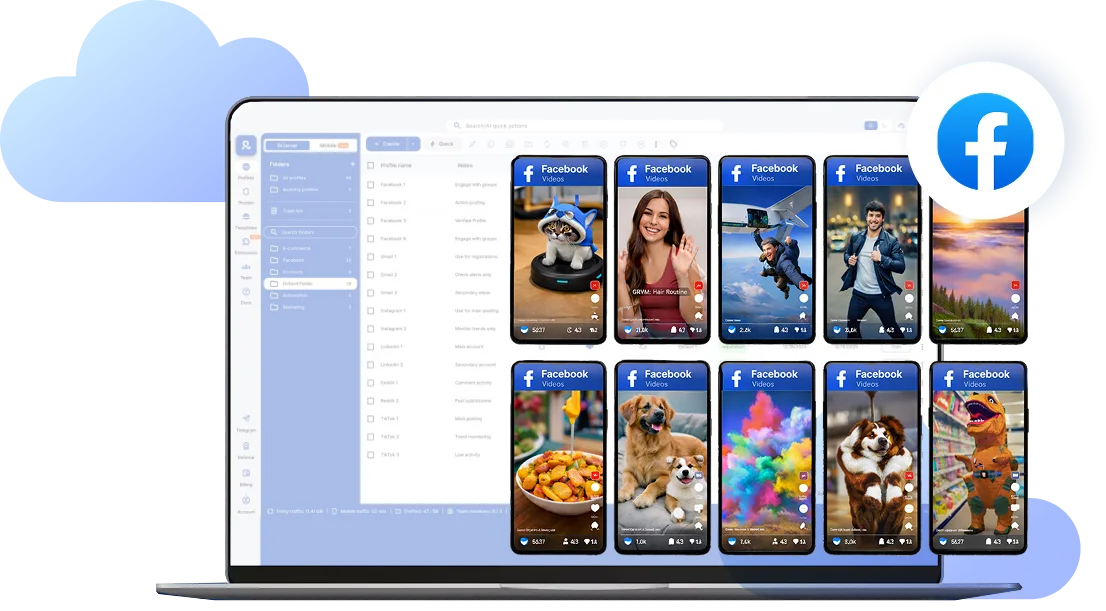
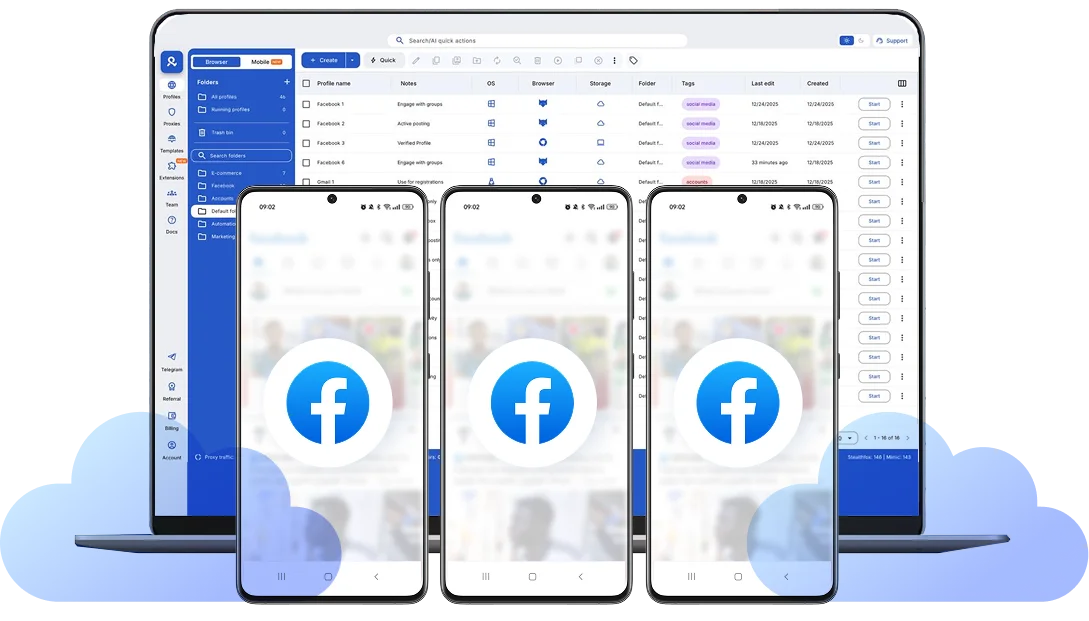
Manage each Facebook account isolated with its own Facebook proxy on cloud phones and browser profiles, keeping them unlinked and safe with stable connections.
Manage Facebook accounts from anywhere
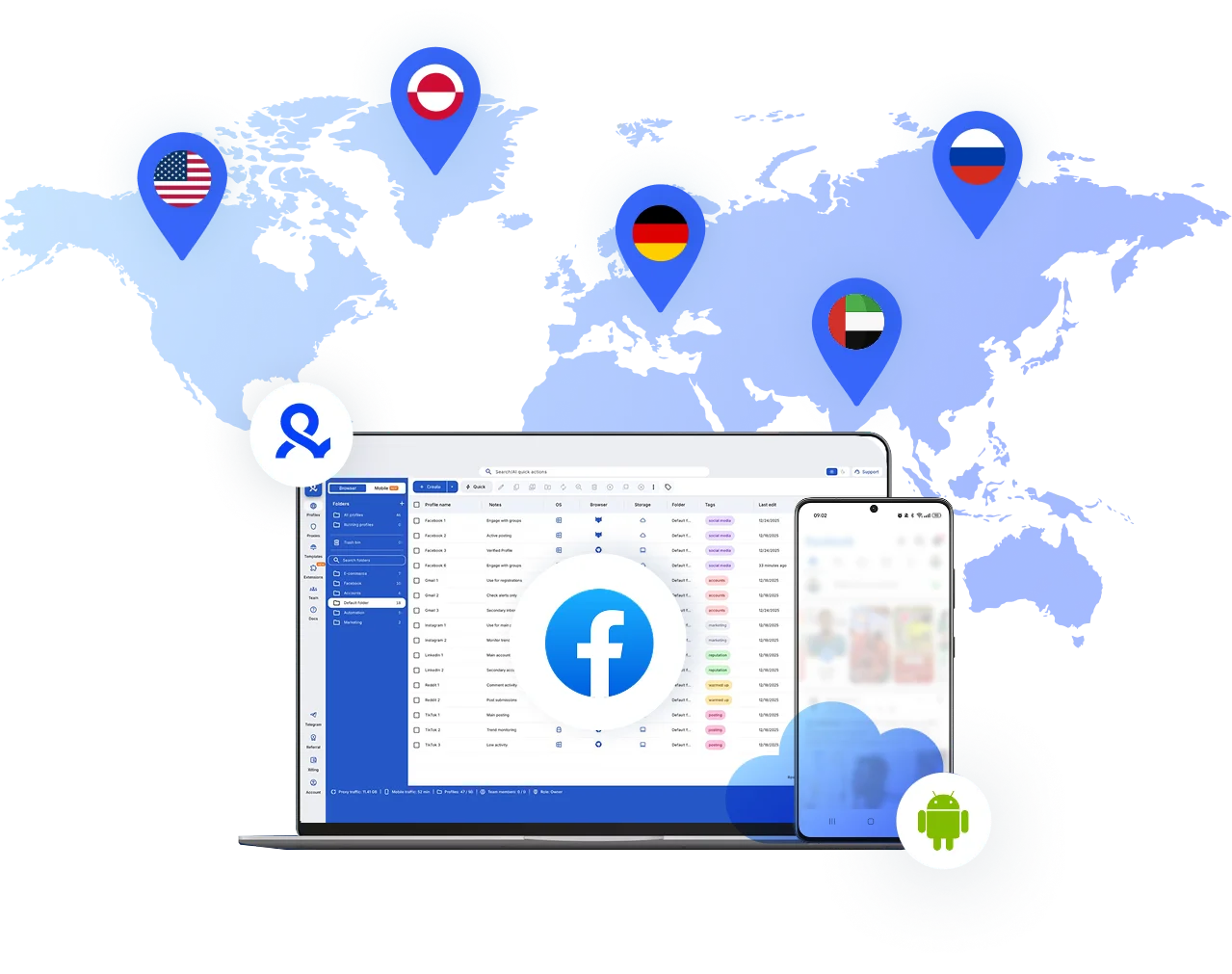
Pick your Facebook proxy from over 30 million IPs across 150+ countries, allowing you to manage Facebook accounts from any location you need.
Save time with pre-farmed cookie & Facebook proxy
Manage your Facebook accounts with pre-farmed cookies and optimized Facebook proxy. Multilogin offers a plug-and-play solution, eliminating setup time and complex configurations, so you can start managing your accounts securely in minutes.
Collaborate with your team on Facebook
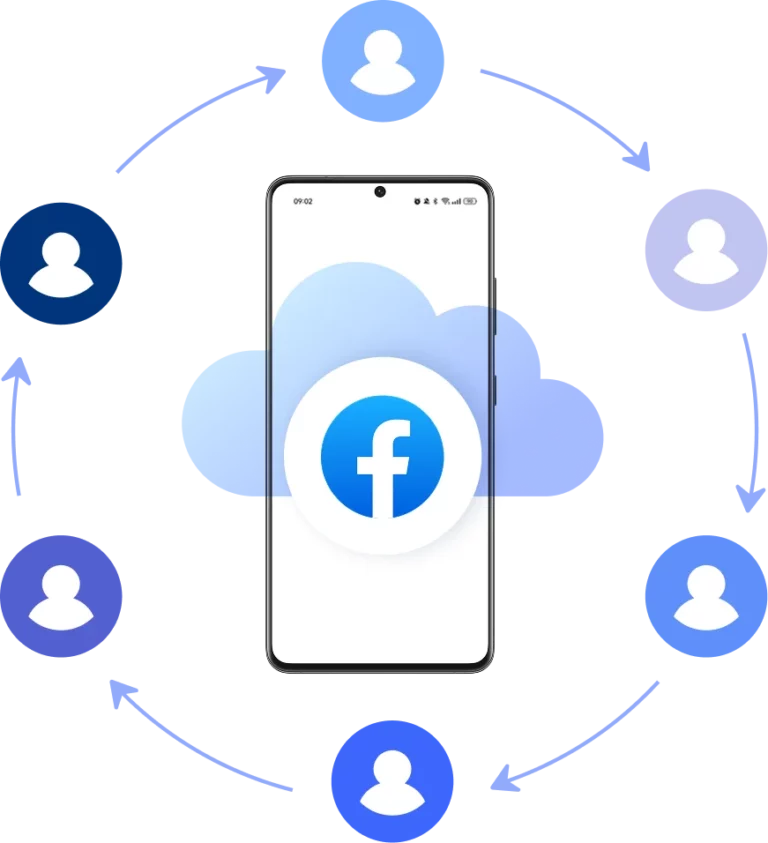
Share Facebook cloud phone profiles across your team, execute bulk actions, and keep full control with no shared passwords or physical devices required. Every operation runs from one dashboard, while each account stays isolated and organized in secure cloud storage.
Grow your social media accounts with Multilogin cloud phones
-
Unlimited time
-
Mobile and browser profiles included
-
Free built-in proxies & mobile minutes
-
Unlimited time
-
Mobile and browser profiles included
-
Free built-in proxies & mobile minutes
What is a cloud phone?
A cloud phone is a real Android mobile phone hosted in the cloud. Each cloud phone runs as an independent device, with its own operating system, hardware identifiers, storage, and network signals.

Why choose Multilogin for cloud phone?
Multilogin cloud phones operate with clear identity separation at the device level, allowing each Facebook account to run in its own isolated environment. This structure supports stable, scalable, and controlled account management without mixing sessions or sharing device signals.

How to get started and grow your Facebook
Time is money. Start in minutes
Sign up
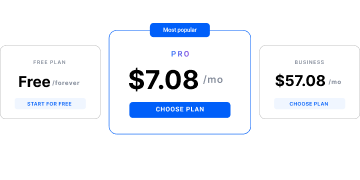
Choose a plan and download the app
Create mobile profile
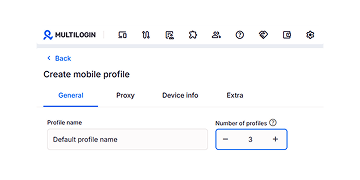
Customize the device model and choose location
Run your accounts
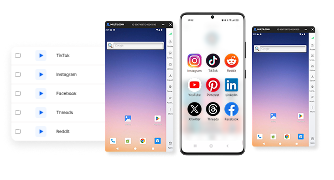
Use separated browser profile to earn
Sign up
Choose a plan and download the app
Create mobile profile
Customize the device model and choose location
Run your accounts
Use separated browser profile to earn
Watch the Multilogin Demo
What is Multilogin?
Trusted by thousands of creators, sellers & online earners

Ha D.
Social Media Marketing Retail

Nino Latif

Stanislav K.
Marketing Manager

Elen S.
Marketing Manager

Hamza Arif
E-commerce Manager


Nick Horvath
Marketing agency
Scale your Facebook today
Upload content, automate posts and engagements: all in one unified dashboard
The award-winning platform for social media growth














Explore more solutions for any platform you need
Maximizing Facebook marketing efficiency with Multilogin's Facebook proxy and cloud phones
Managing multiple Facebook accounts requires precision and consistency. Using a Facebook proxy ensures each account operates independently, reducing the risk of bans and account linking. But a proxy software for Facebook alone only solve part of the problem.
Facebook pays close attention to device behavior, session history, and network patterns. When those signals look inconsistent — different IPs paired with the same device fingerprint, sessions that reset unexpectedly, or multiple profiles sharing the same environment — accounts become harder to manage reliably.
This is why serious workflows pair Facebook proxy with Multilogin cloud phones and isolated browser profiles, giving each account its own device identity, its own session history, and its own network origin, all managed from one place.
Why Facebook accounts become harder to manage without the right setup
Facebook proxy are usually the first thing people reach for when running more than one Facebook account. They handle the network side, controlling where traffic appears to come from. That matters. But changing the IP address doesn’t change anything about the device making the request.
When multiple Facebook accounts are accessed from the same phone, browser, or shared environment, the underlying signals stay the same. Facebook can recognize that different accounts are behaving as if they originate from a single setup, regardless of how many times the IP rotates.
What typically causes accounts to become harder to manage:
- Running multiple accounts inside the same device environment
- Session data and app storage bleeding between different logins
- Network locations that don’t align with the device’s established signals
- Accounts connecting from varied IPs but carrying identical device fingerprints
Things often seem fine at first. Then verification requests start appearing. Reach becomes inconsistent. Sessions drop without warning. The problems compound quietly until they’re hard to ignore.
Proxies solve the network problem. They don’t solve the device problem.
Cloud phones and Facebook account stability
Cloud phones address what a Facebook proxy can’t. Instead of running every account through one shared device or browser environment, each account gets its own Android in the cloud. App data, login state, and session history are tied to that account and stay saved between uses.
When the account is accessed again, it comes back as the same device — same behavior, same history, same patterns. To Facebook, this looks like a consistent, genuine user.
Pairing cloud phones with properly matched proxies makes the entire workflow more reliable:
- Each Facebook account runs on its own dedicated cloud phone
- Sessions persist between uses instead of resetting
- Network origin stays aligned with device settings
- Accounts remain separated at both the device and network level
- A problem with one account doesn’t create friction for the others
Secure Facebook proxy to target any location
Not all Facebook proxy server sites provide the same protection and performance. To keep Facebook accounts undetected, choose a proxy provider that offers clean, residential IPs. These proxies mimic real user behavior, making them ideal for Facebook. High-quality proxies ensure your actions stay unflagged and prevent links to other accounts, protecting your digital presence.
Multilogin’s residential proxies come with access to +30 million IPs from +150 countries, giving you the power to target any location you need.
How a proxy software for Facebook protects your operations
Using proxy software for Facebook means more than just masking your IP — it’s about creating a safe, scalable environment for your Facebook business. With the right proxy setup, you can run multiple campaigns across various accounts simultaneously without worrying about account bans. These proxies keep your browsing and ad campaigns secure. When paired with isolated cloud phones or browser profiles, each account gets its own complete environment, not just a different IP address.
Proxy server FB: Streamlining your Facebook Ad Management
The Facebook proxy and cloud phones combo offers the ideal infrastructure for running multiple ad accounts without the risk of being flagged. By assigning a separate IP to each account, and isolating each cloud phone in it’s own mobile environment, we ensure that Facebook treats each as an independent user. This is especially useful for digital marketing agencies managing multiple campaigns or e-commerce brands scaling their Facebook presence.
Learn how to choose best proxy sellers in 2026 here >>
Unified Facebook management with cloud phones and proxies in Multilogin
Multilogin brings the two sides together in one platform. Cloud phones handle the Facebook mobile app environment, while browser profiles cover web-based access for ad manager, business tools, and anything that runs through a desktop browser. Both are managed from the same dashboard, which cuts down on setup complexity and reduces the risk of cross-account errors.
This setup also changes how teams work managing multiple clients in social media agencies. Instead of rotating shared credentials or handing physical devices between people, cloud phone profiles can be assigned to specific team members with defined access. Each person operates within their own scope. Activity in one account doesn’t touch another.
Automation fits into this structure where it makes sense. Facebook’s mobile app environment is best handled directly inside cloud phones, while browser-based workflows can be automated using tools like Selenium, Playwright, Puppeteer, Postman, or the Multilogin CLI. Automation stays contained to isolated browser profiles, where fingerprints and network settings are stable and consistent.
The result is a Facebook operation that holds up over time.
Final thoughts
Stable Facebook account management comes down to consistency, not just in content, but in how accounts are accessed. When device identity, session history, and network origin stay aligned, accounts are easier to maintain and less likely to hit unexpected friction.
Cloud phones give each account its own persistent mobile environment. A Facebook proxy provides the right network context for each account’s location. Browser profiles keep web-based workflows separate and contained. Multilogin connects all of it so teams can focus on running campaigns instead of diagnosing access problems.
The goal isn’t to get around the platform. It’s to operate in a way that’s clean, consistent, and built to last.
Facebook Proxies FAQ
A Facebook proxy controls where your account traffic appears to come from. Facebook doesn’t just check passwords, it reads network patterns, device history, and behavioral signals together. When multiple accounts share the same IP, the platform starts treating them as connected, which creates risk for all of them.
In Multilogin, proxies are one part of a broader isolation layer:
- Residential IPs tied to real mobile networks give each account a believable origin
- Cloud phones ensure the device identity matches the network, not just the IP
- Browser profiles keep web-based sessions contained and fingerprint-consistent
- Account history, app data, and login state stay tied to one environment across every session
The result is that each Facebook account looks and behaves like a separate, independent user, because at every level that Facebook evaluates, it actually is.
A cloud phone is a real Android device hosted in the cloud. It works just like a physical mobile phone. You can install apps, manage sessions, and run mobile workflows without owning any hardware.
Multilogin cloud phones each operate with their own Android OS, unique device identifiers, and persistent app data, so every phone behaves like a genuine, separate device every time you use it.
Choosing a reliable Facebook proxy provider is essential. Keep these factors in mind:
IP pool size: Opt for providers with millions of IPs to reduce the risk of overlapping or flagged IPs.
Multiple locations: Ensure the provider offers global IPs for region-specific accounts or bypassing geo-blocks.
Clean vs flagged IPs: Choose proxies with clean, unflagged IPs (like Multilogin’s ~95% clean rate) to avoid account penalties.
IP rotation options: A good provider offers rotating or sticky proxies based on your needs.
Reliable sessions: Look for stable sessions with long durations to avoid security checks or frequent re-logins.
Pricing and support: Compare pricing and look for responsive support to address any issues quickly.
By choosing wisely, you can ensure better protection and performance for your Facebook accounts.
Running multiple Facebook accounts from the same IP is one of the quickest ways to get them linked. Facebook tracks network origin alongside device signals and session patterns. When accounts share the same IP, the platform has a clear reason to associate them, and a restriction on one can pull the others down with it.
A proxy solves the network side by giving each account its own IP address and traffic origin. In Multilogin, this works alongside cloud phones and browser profiles, which handle the device side. Together, each account presents as a fully independent user at every level Facebook evaluates.
Yes, using a proxy is legal in most jurisdictions – proxies are a standard technology. There is nothing inherently illegal about routing your internet traffic through another server. Many businesses and individuals use proxies or VPNs for legitimate privacy and security reasons. However, it’s important to distinguish legality from policy compliance: while it’s legal, using a proxy might violate Facebook’s terms of service if you’re doing so to maintain fake accounts, scrape data without permission, or otherwise misuse the platform.
To verify that your Facebook proxy server is working properly, perform a few simple tests:
Check your IP address: Before logging in, use an IP lookup service (like whatismyip.com) while the proxy is active. Ensure it shows the proxy’s IP address and location, not your real one. If the displayed IP/location matches the proxy you selected, that’s a good sign the proxy is configured.
Log In to facebook: Try logging in to Facebook with the proxy enabled (for example, by using a Multilogin browser profile set to that proxy). If the proxy is working, you should be able to access Facebook and navigate pages normally. Any location-specific content (like local trending topics or language) may now reflect the proxy’s region.
Watch for errors: If the proxy isn’t working, you might see errors like “Cannot connect” or Facebook might ask for additional verification (e.g. recognizing friends photos) due to an unusual location. A properly working proxy that’s clean and reputable should let you log in without such issues.
Use built-in tools: If you’re using Multilogin, our platform provides real-time proxy monitoring. We check that each proxy connection is stable and alert you if the IP fails. You can also see status indicators (like ping or connection quality) for your proxies in the dashboard. This helps ensure you’re always using an effective connection.
By doing the above, you’ll know your proxy for Facebook is functioning. Essentially, if your apparent IP has changed and Facebook works smoothly, your FB proxy is set up correctly.
It can, but any slowdown is usually minimal if you’re using a high-quality proxy. When you use a Facebook proxy server, your data travels an extra step (to the proxy and then to Facebook, and back), which can add a bit of latency. The amount of slowdown depends on a few factors:
Proxy location and speed: If the proxy server is far away or overloaded, your connection might feel slower.
Bandwidth limits: Free proxies or low-end services might be very slow because they have bandwidth caps or too many users sharing one server. This can cause Facebook pages to load sluggishly or videos to buffer.
Quality of proxy network: Multilogin’s built-in proxies, for instance, run on a high-speed network with robust infrastructure, so they have very little impact on browsing speed. Most users report that Facebook feels just as responsive via our proxy as it does on a direct connection.
In summary, using a Facebook proxy might add a slight delay, but with a good provider you probably won’t even notice it. Your Facebook videos, messages, and feeds should load normally.
Yes! Cloud phones for social media in Multilogin run real Android environments, so any app available on Android works the same way it would on a physical device. This includes TikTok, Instagram, Twitter, LinkedIn, Kwai, and others.
For teams managing multiple clients simultaneously, everything is controlled from the same dashboard, no need to switch between tools or pass devices between people.
Facebook proxy costs can vary widely depending on the type of proxy and the provider’s pricing model:
Datacenter Proxies: They come from cloud servers and might cost, say, $1-5 per proxy IP per month (or even less in bulk). Keep in mind datacenter IPs are easier for Facebook to flag, so while cost is low, risk is higher.
Residential Proxies: These are real consumer ISP IPs and tend to be pricier. You might pay anywhere from $50 up to a few hundred dollars per month for a decent package of residential Facebook proxies, depending on how much data or how many IPs you need.
Mobile Proxies: These can cost quite a bit more (sometimes $50+ per proxy per month or high pay-as-you-go data fees). Mobile IPs are very effective for Facebook but typically only necessary if you absolutely require a mobile-originating connection.
Free Proxies: These might have no upfront cost, but the performance and success rate are poor. We don’t recommend relying on free proxies for anything beyond casual browsing.
The good news with Multilogin is that residential proxies and mobile proxies are included in your subscription, simplifying costs into one package. But whichever route you go, remember that a stable, clean proxy is an investment in keeping your Facebook efforts running safely.
