


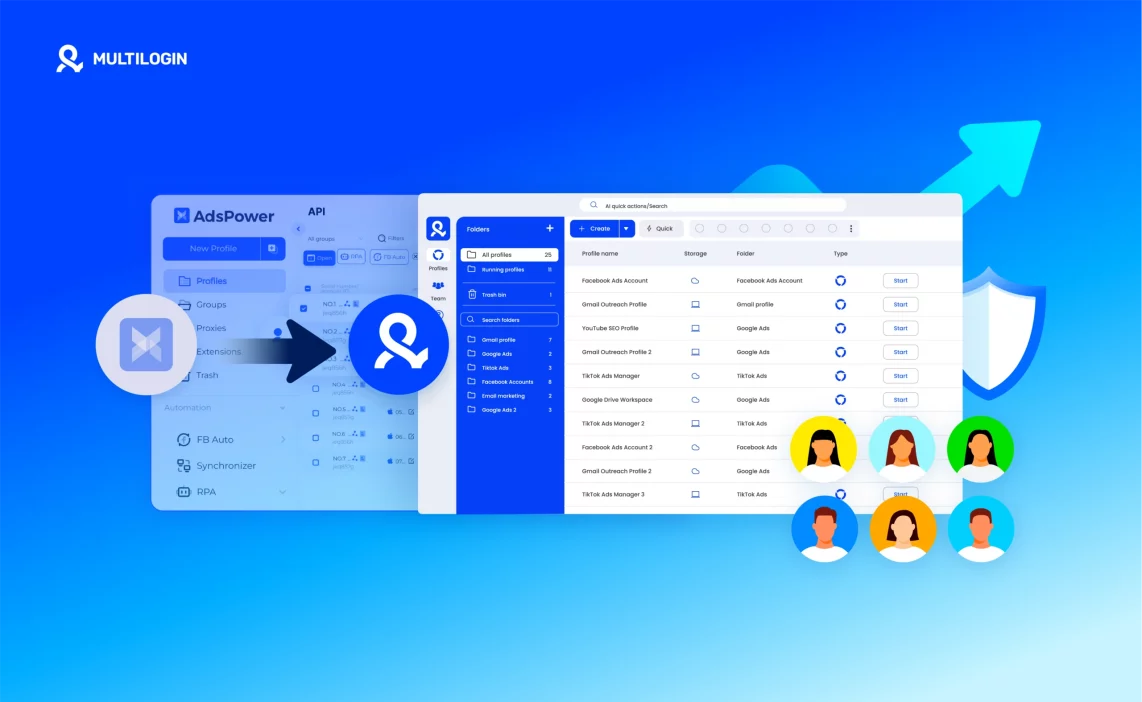

Switching from Adspower to Multilogin can feel like a big move, especially if you’ve built dozens of browser profiles and want to keep everything intact. In practice, the process is much simpler than it seems.
Whether you’re changing tools for more stability, improved browser fingerprint control, or smoother automation, this guide explains every step — from exporting data in Adspower to importing it safely into Multilogin.
Instead of getting lost in technical terms, this walkthrough keeps things practical. You’ll see what to do, what to avoid, and how to move everything without losing your sessions or breaking your workflow.


Manage multiple accounts with Android cloud phones
Build account trust, reach new locations, and grow faster from one dashboard
Why users migrate from Adspower to Multilogin
Browser profiles work well for many web-based workflows, but social media teams increasingly need more than a browser. TikTok, Instagram, and Facebook are mobile-first platforms where important account activity happens inside native apps. This is one of the main reasons users move from browser-first setups to Multilogin: they need cloud phones, browser profiles, proxies, and automation in one place.
Browser profiles are not enough for mobile-first platforms
Adspower is primarily built around browser-profile workflows. That can work well for web accounts, but it does not cover everything social media marketers need on mobile-first platforms. Multilogin adds Android cloud phones for TikTok, Instagram, Facebook, and other mobile apps. Each social profile runs in its own Android environment with persistent app data, login history, network, and location, helping teams manage mobile-first workflows from one dashboard.
The need for built-in proxy management
Managing profiles and proxies across separate systems creates more setup work and more opportunities for configuration mistakes. Multilogin includes built-in residential proxies in its plans, with location matching between profiles and their network environments. Proxy traffic, cloud phones, and browser profiles can all be managed from the same platform instead of combining several separate tools.
The shift from browser fingerprints to real Android environments
For web-based workflows, isolated browser profiles remain useful. But mobile-first platforms also evaluate app behaviour, device consistency, account history, and signals that browsers cannot reproduce. Multilogin supports both sides of the workflow: Android cloud phones for native mobile apps and isolated browser profiles for web platforms such as Reddit, YouTube, and Facebook web. This lets teams choose the right environment for each social profile instead of forcing every account into a browser-only setup.
Read our guide on how to use the Multilogin extension.
Higher setup time and maintenance for larger teams
As social media operations grow, teams need to manage more accounts, platforms, regions, and workflows without adding more tools. Multilogin brings Android cloud phones, browser profiles, built-in proxies, and team management into one dashboard. For automation, it provides full ADB access, API access, and integrations with Selenium, Puppeteer, Playwright, and Postman. This gives both people and AI agents the infrastructure to run and manage social profiles at scale without constantly switching between separate systems.
A unified environment for social profiles, cloud phones and automation
Many teams migrate because they want fewer moving parts. Multilogin combines Android cloud phones for mobile workflows, isolated browser profiles for web workflows, built-in residential proxies, mobile minutes, team features, and automation support in one platform. Users can manage TikTok, Instagram, Facebook, Reddit, YouTube, and other account-based workflows from the same dashboard. Multilogin offers a Free plan with no time limit, while paid plans start from $7.08/month.
Trust, security and long-term operations
Teams managing social profiles over time need stable infrastructure and clear control over their account environments. Multilogin was founded in 2015 and is GDPR compliant. The platform supports two-factor authentication, local or encrypted cloud storage, team permissions, and 24/7 support in five languages. For agencies and larger teams, profiles can be shared, assigned, organised, and managed from one dashboard while keeping each social profile in its own dedicated environment.
Read the full AdsPower review!
How to migrate from Adspower to Multilogin (full walkthrough + tips)
Moving from AdsPower to Multilogin? This guide walks you through transferring your browser profiles and setting up your workflow in one platform. Follow the steps below to migrate smoothly and start managing browser profiles, cloud phones, proxies, and automation from one dashboard.
Step 1: Export your cookies
First, export your cookies from AdsPower. They contain session data that can help preserve your existing logins and account history during the move. Some platforms may still ask you to sign in again after migration.
Step 2: Set up Multilogin
If you’re new to Multilogin, check out the Multilogin Quick Start Guide to get set up. You can start with the Free plan or choose a paid plan based on the number of profiles and features you need.
Step 3: Create a Multilogin browser profile
Rebuild your browser setup inside Multilogin as closely as possible to your previous AdsPower environment:
Choose the right browser type: use Mimic for Chromium-based profiles or Stealthfox for Firefox-based ones.
Set up a proxy: use the same proxy where possible, or choose one with the same location to keep the profile environment consistent.
The browser and device identity will not be identical because Multilogin uses its own profile environment. Matching the key settings, proxy location, and session data helps keep the transition consistent.
👉 For more details, visit the articles in the Fingerprints section on our Tech page.
Step 4: Import your cookies
Import the cookies you exported from AdsPower into your new Multilogin profile. This helps restore your previous session state, although some platforms may require you to log in again.
That’s it — your core profile setup and session data are now moved to Multilogin. Repeat the process for any additional browser profiles you want to migrate.
Need help with migration or cookie imports?
Contact [email protected] — our team will guide you through the process.
Benefits after migration
Migrating from Adspower to Multilogin gives you more than a new browser-profile setup. You can manage multiple accounts across browser and mobile workflows from one platform, with cloud phones, built-in proxies, team features, and automation available in the same dashboard.
- Use isolated browser profiles for web-based workflows, with separate cookies, sessions, and IPs.
- Run mobile-first social media workflows on Android cloud phones instead of relying only on browser environments.
- Built-in residential proxies reduce the need to manage a separate proxy provider.
- Manage browser profiles, cloud phones, proxies, and active sessions from one dashboard.
- Share and assign profiles across your team with access controls and cloud-based profile data.
- Build automated workflows with API access, ADB, Selenium, Puppeteer, Playwright, and Postman.
- Connect AI agents to isolated mobile and browser environments for social profile workflows at scale.
Manage multiple accounts with Android cloud phones
Build account trust, reach new locations, and grow faster from one dashboard
Final verdict about how to migrate from Adspower to Multilogin
Migrating from Adspower to Multilogin is more than moving browser profiles — it gives you a broader setup for managing social media workflows across both mobile and web. Instead of relying only on browser environments, Multilogin brings Android cloud phones, browser profiles, built-in residential proxies, and automation into one platform.
Each social profile can run in the environment that fits the workflow: real Android cloud phones for mobile-first platforms such as TikTok, Instagram, and Facebook, and isolated browser profiles for web-based work. Teams can also connect automation and AI workflows through ADB, API access, Selenium, Puppeteer, Playwright, and Postman.
👉 For social media marketers, agencies, and teams managing multiple accounts, this means fewer separate tools and one dashboard for profiles, devices, proxies, and automation. Multilogin offers a Free plan with no time limit, while paid plans start from $7.08/month.
FAQs
Is it easy to move my profiles from AdsPower to Multilogin?
Yes. You can export profiles, cookies, and proxy data from AdsPower and import them into Multilogin using either the UI or API. Multilogin supports cookie imports, bulk profile creation, and proxy mapping, so your existing setup transfers smoothly without data loss.
Will my cookies and sessions still work after migration?
Yes. Multilogin allows you to import cookies directly into your new profiles. Once imported, your accounts will stay logged in, and your previous sessions remain valid as long as the cookies are active.
Do I still need to buy separate proxies with Multilogin?
No. Every Multilogin plan includes built-in residential proxy traffic. You get access to over 30 million IPs in 150+ countries with sticky sessions up to 24 hours. That means no more juggling third-party proxy subscriptions or dealing with mismatched IPs.
How does Multilogin’s fingerprint protection compare to AdsPower?
AdsPower covers basic fingerprint elements, while Multilogin offers advanced fingerprinting with 50+ parameters, covering canvas, WebGL, geolocation, timezone, and language. Profiles look and behave like real users, dramatically reducing the chance of bans or detection on strict platforms.
Can I automate my workflows in Multilogin like I did in AdsPower?
You can do much more. Multilogin fully integrates with Selenium, Puppeteer, Playwright, and Postman, as well as the Multilogin CLI. You can build automation flows using your favorite frameworks or command-line tools, powered by Multilogin’s robust API.
Is Multilogin better than AdsPower for team use?
Yes. Multilogin was built for teams of all sizes. You can share profiles securely, assign role-based permissions, and use cloud storage to sync work across different devices. It scales from one user to entire organizations without slowdowns or conflicts.

