Malaysia proxy & antidetect browser

Multilogin’s built-in Malaysia proxies give you trusted local access for account management, data collection, and automation. Powered by 30 million residential IPs, 95% clean IPs, and 99.99% proxy stability uptime, every session runs with stable Malaysian identity and fingerprint control.

Malaysia proxy​ & antidetect browser
Sign in to multiple accounts using Malaysia proxy

Sign in to multiple accounts using Malaysia proxy

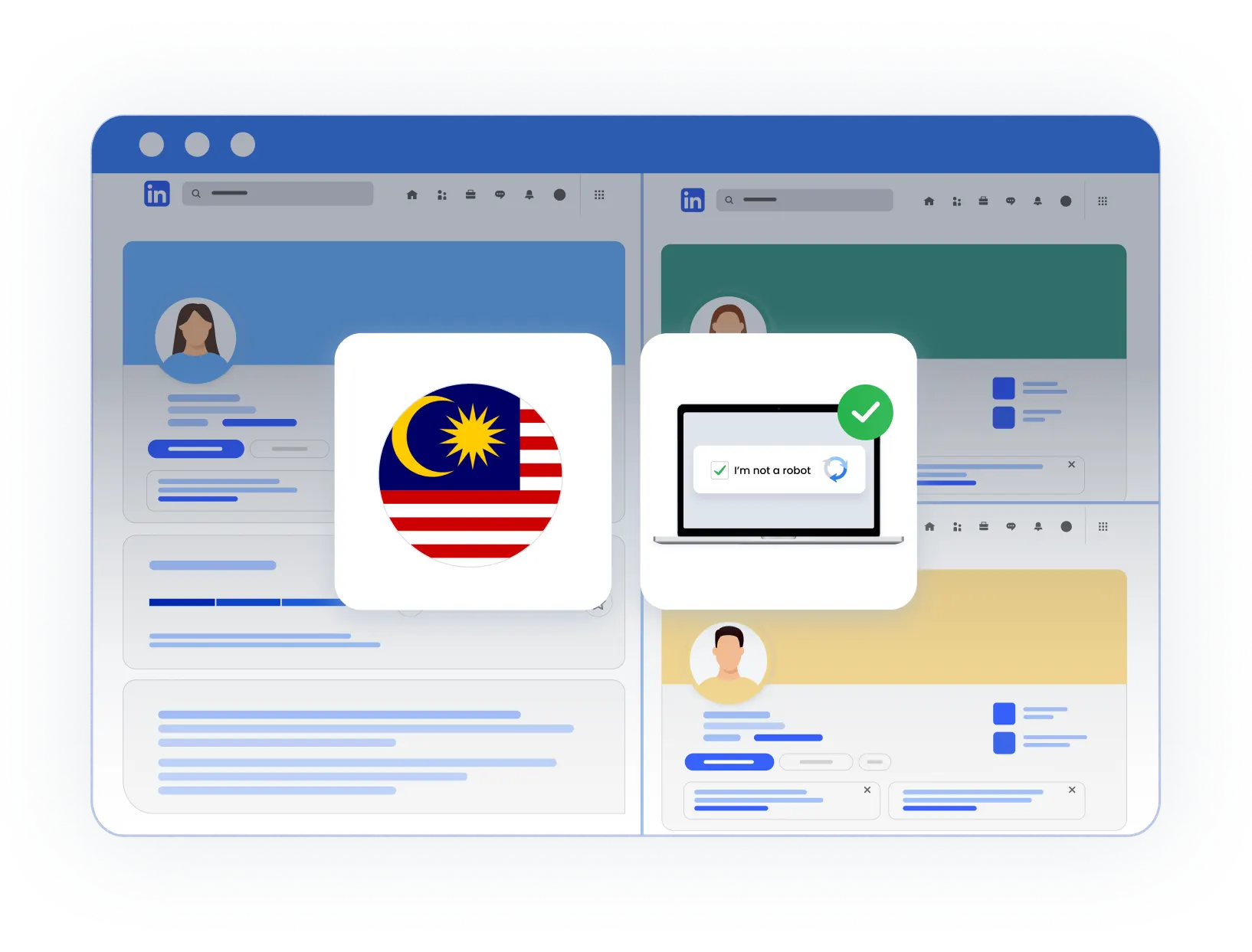
Create and manage multiple accounts from one device using Multilogin’s Malaysia proxy. Each account connects through a local Malaysian IP and runs with its own browser identity, helping reduce account restrictions and frequent CAPTCHA challenges while keeping sessions stable during daily work.

Longer sessions with Malaysia proxies

Longer sessions with Malaysia proxies

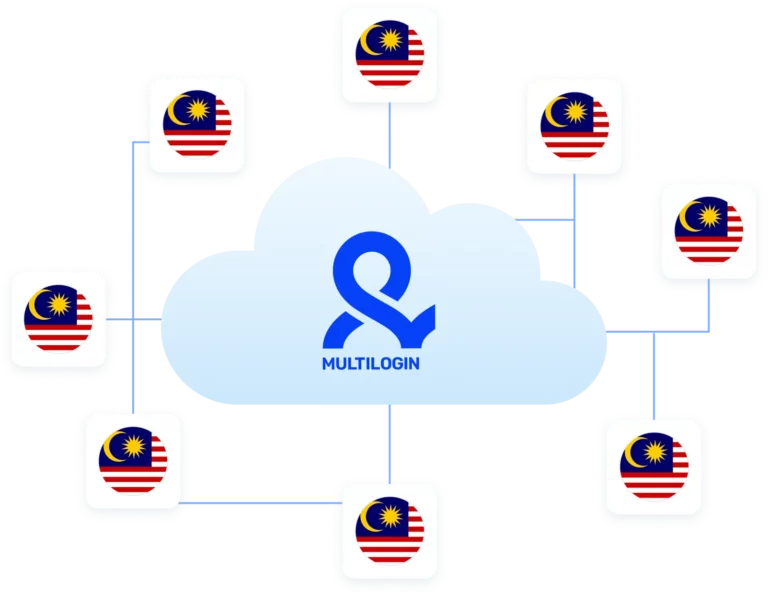
Keep accounts active for longer periods using Multilogin’s Malaysia proxies with up to 24-hour sticky sessions. Each session stays on the same Malaysian IP, which is important for account logins, data collection, and automation tasks that require consistency instead of frequent reconnects.

Automate workflows with Malaysia proxies

Automate workflows with Malaysia proxies

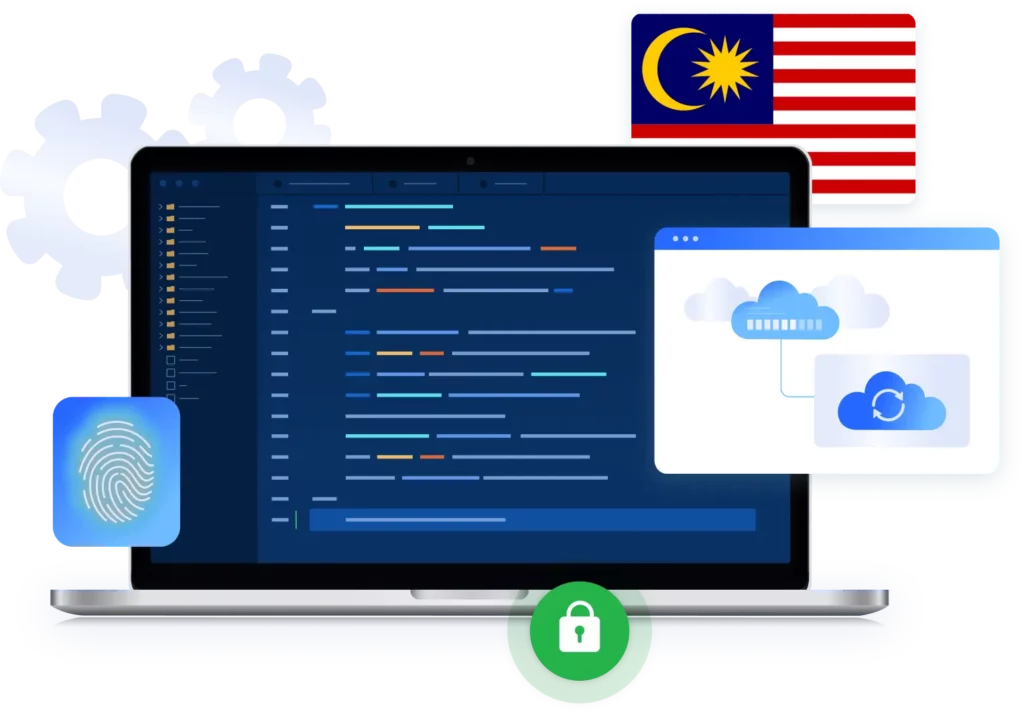
Run automation and scraping tasks using Malaysia IPs that behave like real local users. Multilogin supports Selenium, Playwright, Puppeteer, Postman, and its own CLI, allowing you to launch and control sessions with a consistent Malaysian identity for data collection, testing, and repeated workflows that depend on stable access.

Import third-party Malaysia proxy

Import third-party Malaysia proxy

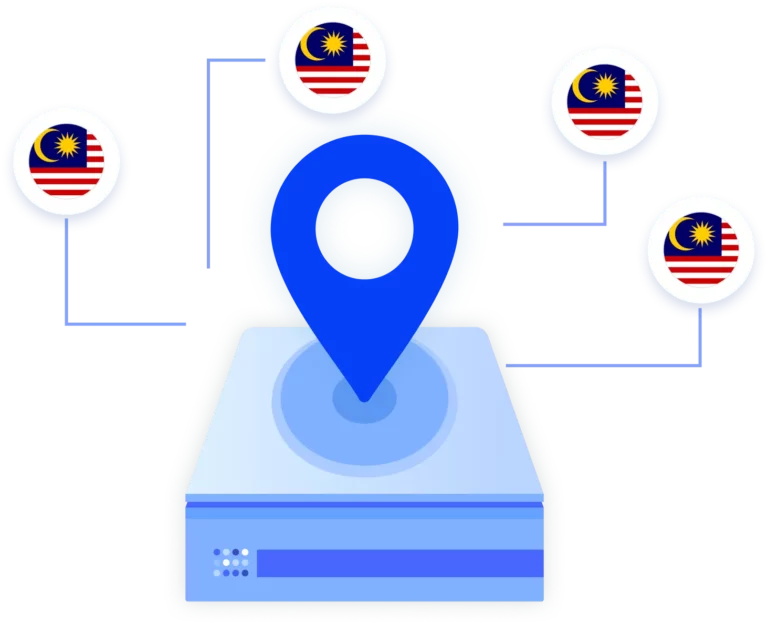
Bring your own Malaysia proxies into Multilogin and use them alongside built-in options. Multilogin supports common proxy types, so you can configure connections the way your workflow requires and run accounts, scraping, or automation with your preferred Malaysian IPs inside a controlled browser environment.

Try Multilogin Risk-Free — Just €1.99!

Run multiple accounts with zero bans or blocks. Start your 3-day trial and test everything for less than a coffee.
  • 3-day access to Multilogin

  • 5 cloud or local profiles

  • 200 MB proxy traffic included

  • 3-day access to Multilogin

  • 5 cloud or local profiles

  • 200 MB proxy traffic included

What is antidetect browser?

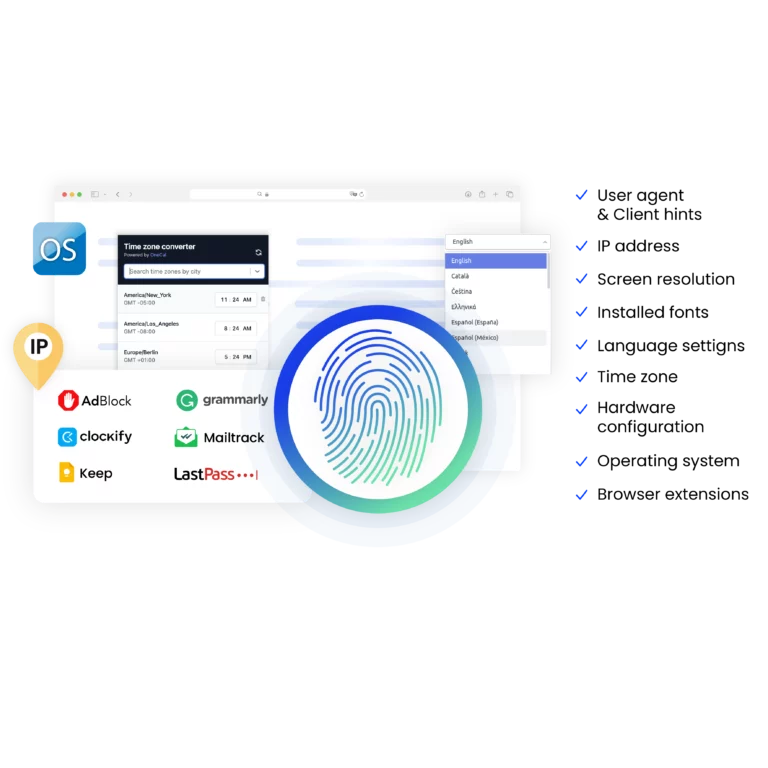
Antidetect browsers enable you to create multiple browsing sessions, each configured with unique digital fingerprints. By emulating genuine user behavior with advanced fingerprint randomization, they help you run high-volume scraping tasks while reducing the risk of detection.

An illustration showing how antidetect browsers enable users to create multiple browsing sessions with unique digital fingerprints, minimizing detection risks.

Why use Malaysia proxies and antidetect browser from the same provider?

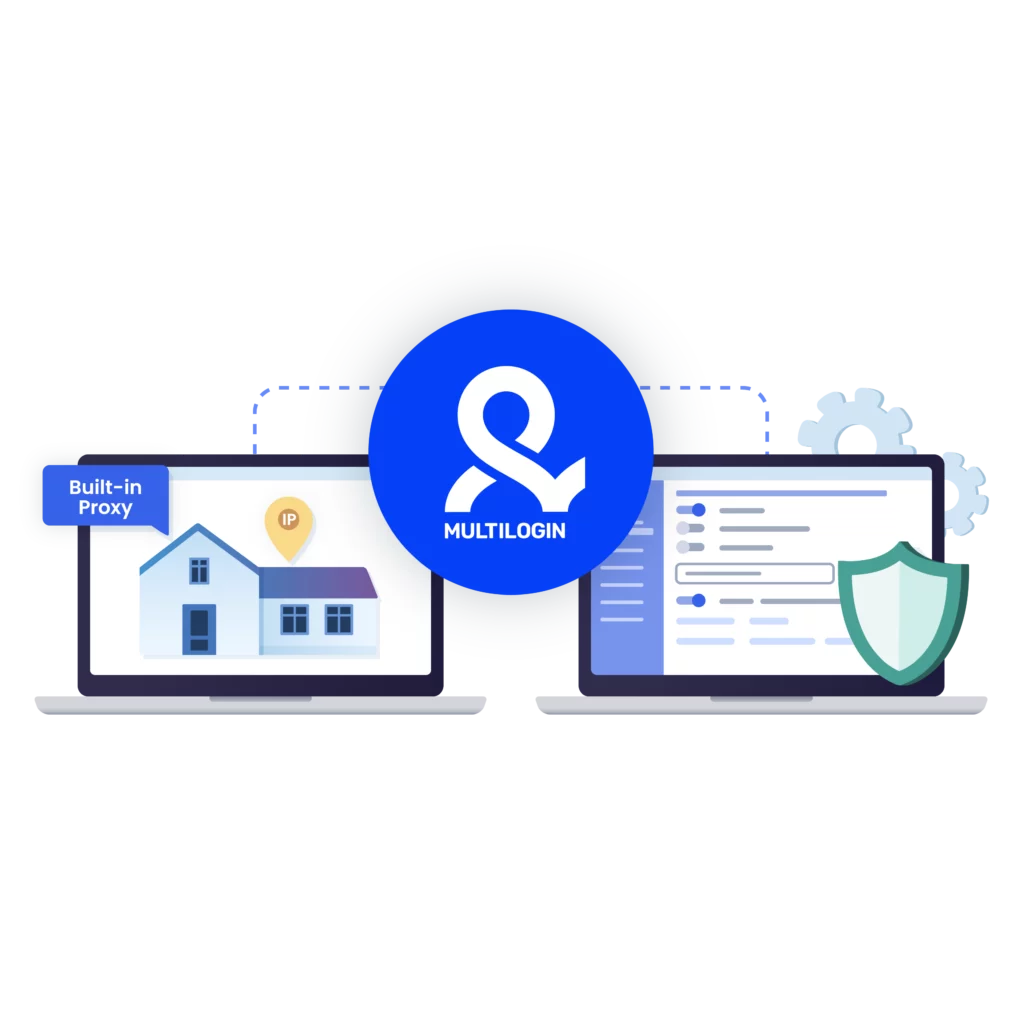
Using Malaysia proxies and an antidetect browser from the same provider removes mismatches between your IP and browser identity. Your Malaysian IP, device fingerprint, and session behavior are aligned by design, which helps accounts, automation, and scraping run more predictably without constant adjustments or conflicts between separate tools.

A visual showcasing why it is essential to use Multilogin's built-in proxy, making your browsing experience more convenient.

Multilogin features for creating multiple accounts

Icon representing Multilogin's feature to bypass bot protection.

Bypass bot detection

Our anti-fingerprinting tech bypasses multi-account and automated browser detection by masking unique browser fingerprints.

An icon representing browser action automation feature in Multilogin.

Integration with Selenium, Playwright, and Puppeteer

Automate data extraction with popular browser automation drivers all while keeping them invisible to anti-automation bots.

Icon representing residential rotating IPs in Multilogin.

Residential rotating proxies

Gain access to premium residential proxy nodes in 1400+ cities across 150+ countries with your Multilogin subscription.

An icon representing fingerprint adjustment to match proxy feature of Multilogin.

Fingerprint adjustment to proxies

All browser fingerprints are automatically adjusted to match the proxy’s location, enhancing anonymity.

Icon representing Multilogin's support for all proxy types, including HTTP, HTTPS, and SOCKS5.

Support for all proxy types

Use our proxies or bring your own. Multilogin supports all proxy types.

Icon representing data sync over the cloud with Multilogin.

Data sync over VPS

Use our cloud profiles to synchronize data across multiple VPS instances effortlessly.

Icon representing the Android Chrome browser in Multilogin.

Fully featured browsers

 Unlike headless browsers that websites can easily detect, our browsers mimic real user activity, preventing restrictions by websites.

An icon representing High Load Supported feature of Multilogin.

Easy dockerization

Dockerize your scraping instances with ease using our quick dockerization guide.

Most awarded antidetect browser

Kinza awards for Multilogin.
Conversion club badge for Multilogin.
Mask group badge for Multilogin
Startup 2019 awards badge for Multilogin
badge for Multilogin
Best Value Software 2022 badge for Multilogin
High performer 2024 badge for Multilogin
Leader 2024 badge for Multilogin
Best support 2024 badge for Multilogin
Easiest to do business with 2024 badge
SourceForge top performer 2023 badge
GetApp user reviews badge

Watch the Multilogin Demo for web scraping

Get a 10-minute demo video on how Multilogin can help you easily scrape websites. Just fill in your name, last name and email below, and we’ll deliver the demo video directly to your inbox.

Name
Last Name
Email *
Image of locked video for Multilogin demo preview

How to start using Multilogin 

Start collecting data effortlessly with the industry leading antidetect browser.

Step 1 of how to use Multilogin

Sign up

Register using a verified email address. 

Step 2 of how to use Multilogin

Choose your plan

Select from various subscription plans tailored to your business needs.

Step 3 of how to use Multilogin

Download Multilogin agent

Available for Windows, Mac, and Linux.

Step 4 of how to use Multilogin

Access the Multilogin dashboard

Start creating and managing antidetect browser profiles.

Step 5 of how to use Multilogin

Manage your accounts using Malaysia proxies

Set up multiple accounts while using Malaysia proxies, ensuring secure browsing with distinct profiles.

Run multiple accounts without getting blocked

Use Multilogin built-in Malaysia proxies

Malaysia proxy: What It is, why it matters, and how businesses use It

Working online in Malaysia brings a specific set of challenges. Prices change by region. Content looks different to local users. Ads behave differently. And many platforms quietly limit access when traffic doesn’t look local—especially when you’re managing multiple accounts. A Malaysia proxy solves these problems by routing your connection through Malaysian IP addresses, so websites see you as a regular user browsing from within the country.

This local presence isn’t about hiding. It’s about accuracy. If your work depends on Malaysian data, campaigns, or accounts, your connection needs to reflect that reality.

What is a Malaysia proxy and how does it work?

A Malaysia proxy routes your internet traffic through an IP address located in Malaysia. Instead of connecting directly from your actual location, requests pass through a Malaysian endpoint first. To websites, this looks like a normal user browsing from Kuala Lumpur, Penang, Johor, or another local area. 

Malaysia residential proxies are especially valuable because they come from real user devices. They behave like everyday home connections, which makes them far more trusted than datacenter IPs. Datacenter proxies are faster and cheaper, but they’re also easier for websites to identify and restrict. In Malaysia, many platforms filter these aggressively. 

A Malaysia IP proxy gives you the local identity needed to access region-specific content, collect accurate data, and operate accounts without unnecessary friction. 

Read our article about the best residential proxies! 

Why businesses use Malaysia proxies

Malaysia proxies are widely used when location accuracy directly affects outcomes. Common reasons include: 

  • Tracking Google Malaysia search results and local rankings 
  • Verifying ad placements and regional targeting 
  • Accessing Malaysia-only content or services 
  • Managing accounts that expect Malaysian IP consistency 
  • Scraping local websites without frequent blocks 

Without a Malaysian IP, results are often incomplete or misleading. Websites adapt what they show based on where they think you are. 

Main activities supported by Malaysia proxies

Most professional use cases fall into a few clear categories. E-commerce teams monitor prices and competitors on Malaysian marketplaces. SEO specialists track keywords and SERPs on Google Malaysia to understand real local visibility. Data teams collect listings, product details, or business information from Malaysian sites. Advertisers verify that campaigns appear correctly across regions and devices. 

Automation also plays a role. Many teams use tools like Puppeteer, Playwright, Selenium, or Postman to collect data or test flows at scale. A Malaysia proxy provides the local access these tools need to function reliably. 

Read our latest guide on CAPTCHA solving. 

What you need from a reliable Malaysia proxy setup

Not all Malaysia proxies deliver the same results. To work consistently, users typically need: 

  • Clean Malaysian residential IPs that resemble real users 
  • Stable connections for longer sessions 
  • The option to keep one IP or rotate when required 
  • Low detection rates on Malaysian websites 
  • Compatibility with automation and scraping tools 
  • A setup that scales beyond a few sessions 

Problems usually appear when IPs are reused too often, poorly sourced, or paired with browser environments that leak identity signals. 

Where Multilogin fits into Malaysia proxy workflows

A proxy alone changes your IP, but websites also look at browser identity. Fonts, device type, time zone, WebGL, and dozens of other signals still reveal patterns. This is where Multilogin becomes relevant for Malaysia proxy users. 

Using Malaysia proxies inside Multilogin profiles 

Multilogin is an antidetect browser built for multi-accounting, automation, and data workflows. Instead of running tasks in standard browsers, you create separate browser profiles. Each profile maintains its own fingerprint, cookies, session history, and network settings. 

When paired with a Malaysia proxy, each profile behaves like a separate local user. This matters for: 

  • Managing Malaysian marketplace or social accounts 
  • Running localized automation without cross-linking 
  • Keeping sessions stable over time 
  • Avoiding overlaps between different projects 

Multilogin includes built-in residential proxy support, so you can assign Malaysian IPs directly to profiles without external setup. 

Automation and scraping with Malaysia IPs 

Many teams combine Malaysia proxies with automation frameworks. Multilogin integrates with Selenium, Puppeteer, Playwright, Postman, and its own CLI, allowing profiles to be launched and controlled programmatically. Each automated session keeps a consistent fingerprint and IP, which reduces interruptions during longer scraping or testing runs. 

This structure is especially useful for high-volume data collection, ad testing, and repeated account access where stability matters more than raw speed. 

Scaling teams and projects safely 

As projects grow, managing access becomes harder. Multilogin supports cloud and local profile storage, role-based team access, and bulk operations. Teams can share Malaysian profiles without sharing passwords or mixing sessions. This keeps workflows organized while preserving the local identity each task requires. 

Residential vs Datacenter Malaysia proxies

Choosing between residential and datacenter proxies depends on the task. Datacenter IPs are faster and cheaper, but they’re also more visible. For light tasks, they may be enough. For anything involving accounts, scraping at scale, or repeated access, residential Malaysia proxies are the safer choice. 

Residential IPs blend into normal traffic. Websites treat them like everyday users, which leads to fewer blocks and more consistent results. 

Final verdict

A Malaysia proxy isn’t just a location switch. It’s infrastructure. It gives businesses the local presence they need to collect accurate data, run campaigns, manage accounts, and automate workflows in Malaysia. 

When combined with a browser environment that controls identity — like Multilogin — Malaysia proxies become far more effective. IP and fingerprint work together. Sessions last longer. Data becomes cleaner. And teams can scale without constantly rebuilding their setup. 

If your work depends on Malaysian websites behaving as they would for local users, a Malaysia IP proxy paired with a structured browser environment is the most reliable way to get there. 

FAQ

A Malaysia proxy routes your internet traffic through IP addresses located in Malaysia. Websites see you as a local Malaysian user instead of a visitor from another country. This is useful when location affects prices, content, ads, or account behavior. 

Malaysia proxies are used for tasks that require local access and accuracy. Common use cases include tracking Malaysian search results, monitoring local e-commerce prices, verifying ads, scraping Malaysian websites, managing region-specific accounts, and testing how websites behave for users in Malaysia. 

For most professional use cases, yes. Residential Malaysia proxies come from real user devices and look like normal traffic. Datacenter proxies are easier to identify and block, especially on Malaysian e-commerce sites, ticketing platforms, and search engines. Residential IPs usually lead to fewer blocks and more stable sessions. 

Yes. Many teams use Malaysia proxies to scrape product data, directories, and business listings from Malaysian websites. Success rates are higher when residential IPs are used and when scraping tools run in a browser environment that controls fingerprints, not just IPs. 

Often, yes. A proxy changes your IP, but websites also track browser fingerprints and session behavior. If those signals overlap across tasks or accounts, blocks can still happen. Tools like Multilogin help by pairing Malaysia proxies with separate browser profiles so identity signals stay consistent. 

Using a Malaysia proxy is legal for legitimate activities such as research, ad verification, SEO tracking, testing, or account management. Problems only arise when proxies are used for fraud or abuse. Always follow local laws and the terms of the platforms you access. 


Watch the Multilogin Demo for web scraping

Get a 10-minute demo video on how Multilogin can help you easily scrape websites. Just fill in your name, last name and email below, and we’ll deliver the demo video directly to your inbox.

Name
Last Name
Email *
Image of locked video for Multilogin demo preview

Multilogin works with amazon.com