


Germany Proxy & Cloud Phones
Manage your multiple accounts with Multilogin’s built-in Germany proxy, backed by a 30M+ residential IP pool. Browse reliably using premium German IPs paired with Android cloud phones and browser profiles.


Sign in to multiple accounts using Germany proxies
Simplify account management on a single device with Multilogin’s advanced Germany proxies. Overcome common challenges like bans and CAPTCHA prompts by mimicking authentic user behavior.

Improve session stability with Germany proxies
Manage your multiple accounts with Germany IPs, offering 24-hour sticky sessions for uninterrupted access. Use Multilogin’s built-in Germany proxy for a seamless and convenient user experience.

Reach local audiences with proxy for Germany
Multilogin offers built-in proxies, so each Germany session begins with realistic browser history, helping geo-targeted platforms trust the profile faster and reducing friction from location or behavior checks.

Import third-party proxies for Germany
Import your third-party proxies for Germany as Multilogin supports all proxy types, making the setup process simple and seamless. Adjust your configuration and enjoy a smooth experience with Multilogin’s advanced features.
Grow your social media accounts with Multilogin cloud phones
-
Unlimited time
-
Mobile and browser profiles included
-
Free built-in proxies & mobile minutes
-
Unlimited time
-
Mobile and browser profiles included
-
Free built-in proxies & mobile minutes
What are cloud phones?
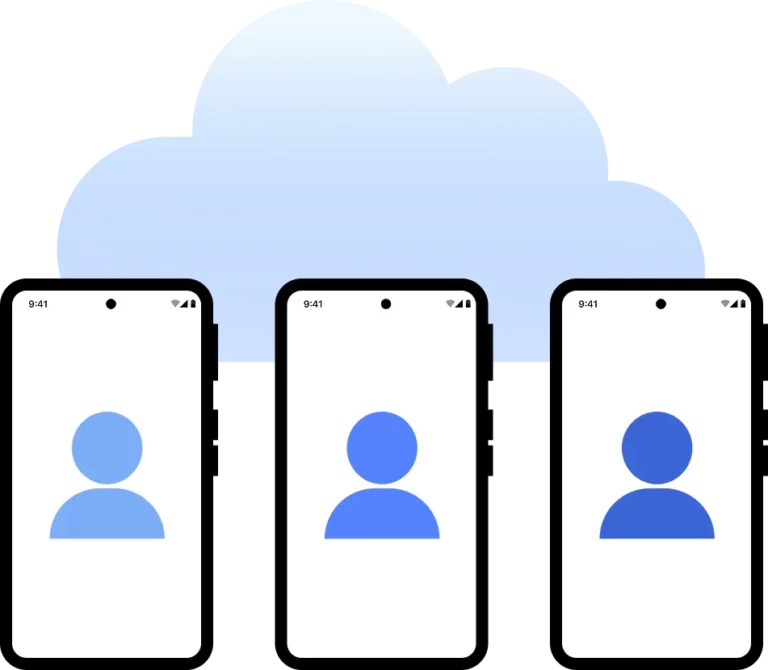
Cloud phones are remote Android devices you access from your desktop. Each runs like a real phone with apps, accounts, and data kept between sessions, using mobile proxies for stable connections.
Why use proxies and a cloud phone from the same provider?
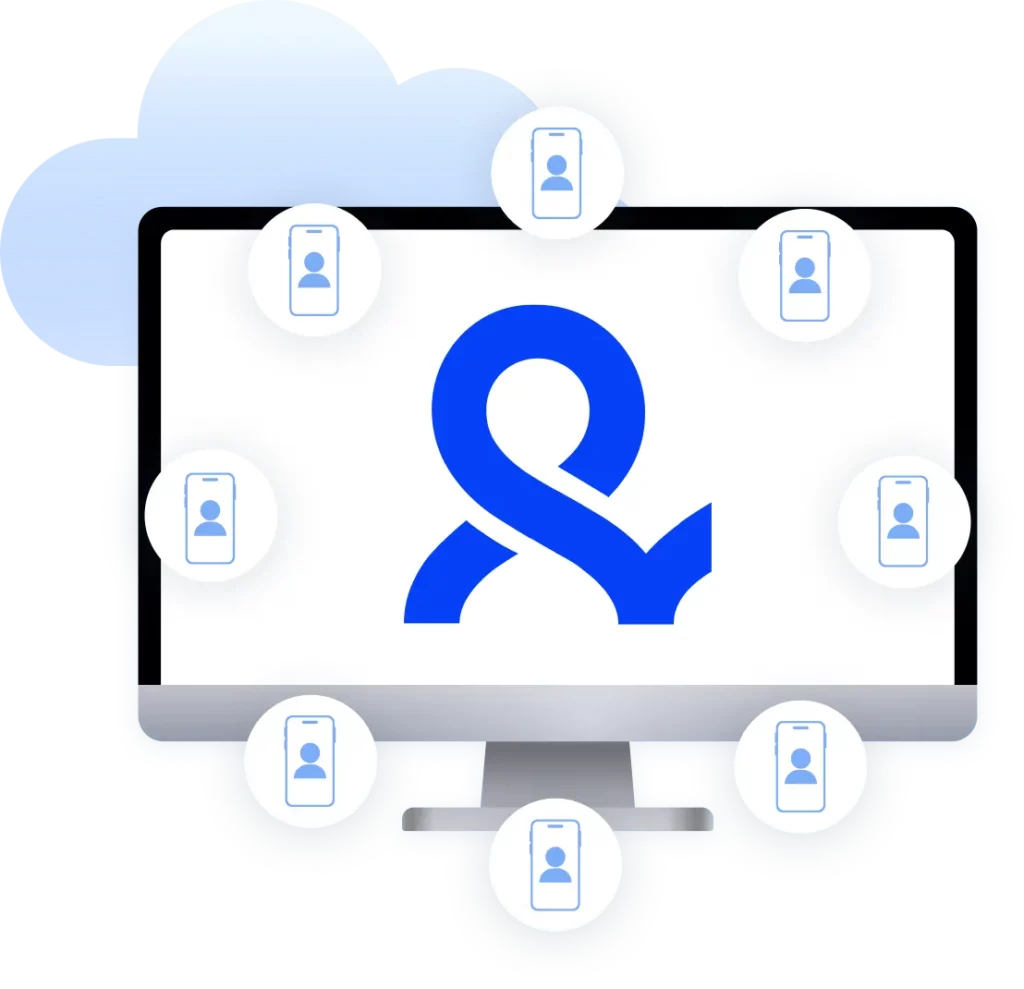
Using cloud phones and mobile proxies in one platform keeps device and network signals aligned from the start. This reduces conflicts, removes extra tools, and helps Reddit accounts stay stable over time.
Why people love Multilogin

Ha D.
Social Media Marketing Retail

Nino Latif

Stanislav K.
Marketing Manager

Elen S.
Marketing Manager

Hamza Arif
E-commerce Manager


Nick Horvath
Marketing agency
The most awarded multi accounting platform















How to get started and grow your Germany accounts
Time is money. Start in minutes

Sign up
Choose a plan and download the app

Create mobile profile
Customize the device model and choose location
Run your accounts
Use mobile profiles for social media
Sign up
Choose a plan and download the app
Create mobile profile
Customize the device model and choose location
Run your accounts
Use separated browser profile to earn
Watch the Multilogin Demo
Run multiple accounts without getting blocked
Use Multilogin built-in Germany proxies
German proxy services explained in 2026
Businesses and teams working with German platforms need dependable, local access without wrestling with third-party proxy tools. Multilogin includes built-in German proxies directly inside the platform, so there’s no separate service to buy, configure, or manage. Pair that with isolated browser profiles, or with Cloud Phones for a fully separate device layer, and teams running multiple accounts or campaigns in Germany get a setup that’s simpler to run and easier to trust.
Built-in Germany proxies: Convenience and integration
Multilogin’s built-in proxy list for Germany gives you access to residential IPs without sourcing a separate provider, testing connections yourself, or managing another subscription. Everything lives inside the same dashboard as your browser profiles.
A few things this setup removes from your workflow:
- No separate proxy provider to research, test, or pay for
- No manual matching of IP location to browser fingerprint
- No juggling multiple dashboards to manage proxies and profiles separately
Because the proxy and the browser profile live in the same environment, the IP and the fingerprint stay aligned automatically. That alignment matters more than most setups account for: a German IP paired with a mismatched system fingerprint is a common reason accounts get flagged for review on major platforms.
Why built-in proxies beat separate proxy services
Running proxies and browser profiles as separate tools creates friction that built-in proxies remove.
Teams using separate proxy providers typically run into a familiar set of problems: compatibility issues between the proxy and the browser, a second bill to manage, inconsistent IP quality, and sessions that break when the proxy and the fingerprint drift out of sync.
Multilogin’s built-in Germany proxies address this directly. Proxy selection sits inside the profile settings, so IP and fingerprint configuration happen together instead of in two disconnected tools. Sessions stay consistent through sticky or rotating proxy options, and switching between German cities takes a few clicks instead of a reconfiguration.
Germany proxies for social media management and marketing
Social media managers and agencies running multiple client accounts on German platforms face a specific problem: shared IPs and shared browser fingerprints across accounts are exactly what account review systems are built to catch. Multilogin’s built-in Germany proxies, combined with fingerprint isolation per profile, give each account its own clean local footprint.
For agencies and social media teams, this looks like:
- Each client account running on its own isolated session, with its own German IP and fingerprint
- Fresh, rotating IPs that avoid the account clustering that comes from IP reuse
- Consistent local access for testing how ads, content, or landing pages actually appear to German audiences
- Role-based access so agency team members can work inside shared campaigns without sharing full account control
This is the setup marketing and social teams reach for when they’re managing several brand or client accounts in the same market and need each one to behave like a genuinely separate, independent user.
Pairing Germany proxies with Cloud Phones for social media teams
Cloud Phones for social media give teams another layer of separation on top of browser profiles. Each Cloud Phone is a real cloud-hosted Android device, running actual Android 10 through 16, not a simulated or spoofed environment. That matters for platforms that increasingly expect account activity to come from a genuine mobile device rather than a desktop browser.
Combined with a German proxy, a Cloud Phone lets a team run a German-facing social account from a real Android device with a matching local IP, all managed remotely from the same dashboard as their browser profiles. For agencies handling both desktop ad management and mobile-first social accounts, this means one platform covers both instead of stitching together separate tools for each.
Choosing the right Germany proxy provider
A good Germany proxy provider should offer stable, fast, and genuinely private connections, and not every provider delivers on all three. Look for support for both HTTP and SOCKS5 protocols, so you have flexibility depending on the tool or workflow you’re using. Coverage across multiple German cities, responsive customer support, and a setup process that doesn’t require technical troubleshooting are also worth checking before committing to a provider.
Accessing German e-commerce websites with Germany proxies
Many German e-commerce sites limit pricing, product availability, or promotions to visitors browsing from within Germany. A Germany proxy gives you a local IP address, so you can browse these sites the way a resident would.
This is useful for shoppers looking for Germany-exclusive products or sales, and just as useful for teams doing price comparison or market research who need to see what German customers actually see, rather than a geo-adjusted version of the site.
Setting up a Germany proxy in your browser
Getting a Germany proxy running inside a Multilogin profile takes a few steps:
- Click “New profile”
- Choose an operating system and storage type
- Select the browser profile type, then open the “Proxy” section
- Import a third-party proxy, or select one of Multilogin’s built-in Germany proxies
- Click “Check proxy” to confirm the connection
- Click “Create profile,” then “Launch” to start the session
Getting a Germany proxy IP address inside Multilogin
Multilogin removes the manual work of sourcing and importing a proxy separately. To set one up:
- Open the “Proxy” section in your profile settings
- Select “Multilogin,” then choose Germany and the specific city or region
- Choose HTTP or SOCKS5 as your protocol
- Select an IP rotation method
- Click “Check proxy” to confirm the connection
- Save or update the profile, then launch it
FAQ
What is a Germany proxy?
Germany proxy is a server that helps you to overcome geographical restrictions. Proxy servers help you to appear as you are browsing from specific region, masking your real IP address and improving privacy.
Multilogin’s premium Germany proxy servers offer anonymity and enhanced privacy. They mask your real IP address and therefore you can avoid blocks and detection.
Why to use a Germany proxy?
A Germany proxy offers a wide range of advantages. Here are some of the main reasons why you should use a Germany proxy:
- Faster browsing speeds
- Enhanced web scraping
- Improved anonymity
- Overcoming geo-blocks
Multilogin’s high-quality German proxies improve your online privacy by masking your real IP address. Moreover, configuring a proxy allows you to get access to the specific content, improving your browsing experience.
Can I buy a German residential proxy online?
You can easily buy a German residential proxy online as there are many providers available. However, it is essential to choose the one that offers fast and reliable residential proxies. Comparing the best proxy providers help you to make an informed decision.
Multilogin’s residential proxies with German IP addresses can be a great option for enhanced anonymity. Its advanced features ensure seamless integration with data automation tools. Moreover, Multilogin supports all proxy types and offers seamless setup process.
How to use a Germany proxy with a browser?
Browsers can make your browsing experience more convenient. It helps you to avoid detection and bypass geo-blocks. Multilogin’s Germany proxies enhance your anonymity and here’s how to use them:
- Click “New Profile”
- Choose an operating system and the storage type
- Choose the browser profile or cloud phone type and go to the “Proxy” section
- Import your third-party proxies or simply use Multilogin’s built-in proxies
- Press “Check Proxy” to make sure that Multilogin successfully connected to the proxy
- Press “Create Profile” and then “Launch” to start browsing.
How to get a Germany proxy IP address with a browser?
Using a Germany proxy can carry lots of benefits, however, combining them with a browser can be a game-changer. While using a web browser, you most likely have to manually import proxies. This process is simplified by Multilogin. It offers built-in proxies to improve user experience. Here’s how you can get a German proxy IP address:
- Go to the “Proxy” section in profile settings
- Select “Multilogin” and choose the location, specify the country, city, region
- Choose a HTTP protocol
- Select an IP rotation method
- Press “Check Proxy” to ensure that Multilogin successfully connected to the proxy
- Create or update your profile and launch it when you are ready.
Can I use a Germany proxy with a Cloud Phone instead of a browser?
Yes. Multilogin’s Cloud Phones are real cloud-hosted Android devices, running actual Android 10 through 16, and you can pair one with a German proxy the same way you would a browser profile. This gives you a genuine mobile device with a matching local IP, which is useful for social accounts and apps that expect activity from a real Android device rather than a desktop browser. You can test this setup on Multilogin’s free plan, which includes 5 profiles with no time limit and no credit card required.
