


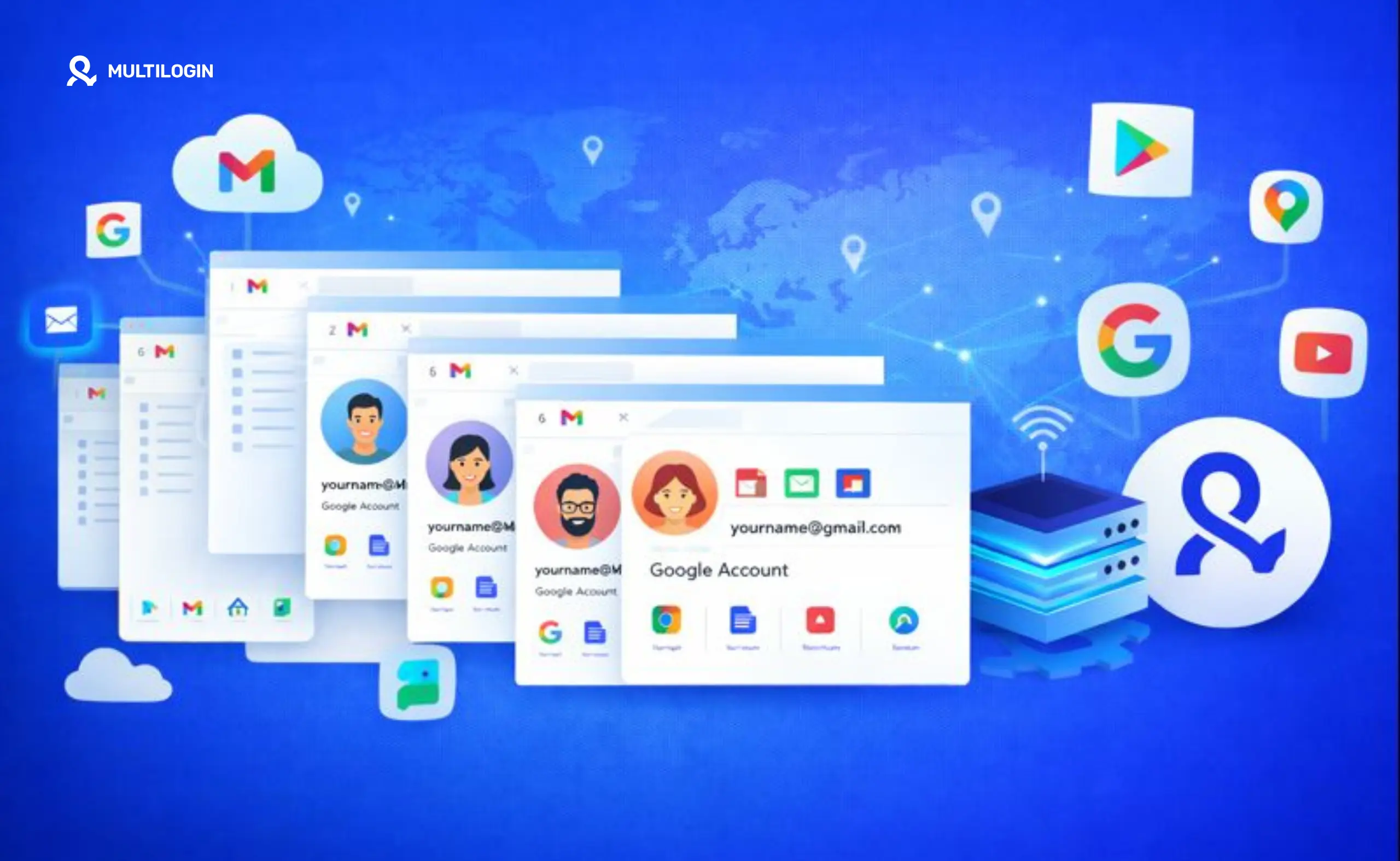



So, you want to create multiple Google accounts. Maybe it’s to keep your work and personal life separate, manage different business clients, or run a few side projects. It seems simple enough.
But as you start the process, a nagging question pops into your head: is this even allowed? You’ve probably heard conflicting stories, from “create as many as you want” to “Google will ban you instantly.”
What’s the real answer? Yes, you can create multiple Google accounts. There’s no official rule from Google that says you’re limited to just one. However, it’s not a free-for-all. Google has practical limits and sophisticated detection systems in place to prevent spam and abuse. The most important one to know is the four-account limit per phone number for verification.
Most people dive in without knowing these unwritten rules and quickly run into frustrating roadblocks like failed verifications and sudden account suspensions. This guide cuts through the confusion.
We’ll cover the actual limits, the common mistakes that get you flagged, and the professional way to manage multiple Gmail accounts without risking a ban.
The Short Answer: Yes, But With Limits
While Google doesn’t state a hard limit on the total number of accounts you can own, there are several practical restrictions you’ll encounter. Think of it less as a strict rule and more as a system of checks and balances designed to identify suspicious behavior.
Here are the key limitations at a glance:
- Phone Number Verification: You can typically verify a maximum of four Google accounts with a single phone number. This is the most significant bottleneck for anyone needing more than a handful of accounts.
- Daily Creation Rate: You cannot create hundreds or thousands of accounts in a single day. Google’s anti-fraud systems will quickly flag this activity as spam and block you.
- Device and IP Linking: Creating and accessing multiple accounts from the same device and IP address is a major red flag. Google’s algorithms are incredibly effective at linking these accounts, and if one gets suspended, the others are likely to follow.
Understanding these limits is the first step to successfully managing multiple accounts. It’s not about tricking the system; it’s about working within its established, albeit unwritten, rules.
How Many Google Accounts Can You Actually Create?
Let’s break down the numbers. While the answer isn’t a simple integer, understanding the different layers of Google’s limitations will give you a clear picture of what’s possible.
No Official Limit, But Google is Always Watching
First, it’s important to note that Google’s official terms of service do not specify a maximum number of accounts a user can create. However, this doesn’t mean you can create an infinite number without consequence.
Google’s primary concern is preventing abuse, such as spamming, phishing, and creating fake profiles for malicious purposes. Their systems are designed to detect and shut down this kind of activity.
If you create a few accounts for legitimate reasons, you’re unlikely to face any issues. But if you start creating dozens of accounts rapidly from the same location, you’ll trigger their anti-fraud mechanisms.
The Phone Number Limit: A Maximum of Four Accounts
The most concrete limitation you will face is phone number verification. To curb automated account creation, Google requires a phone number to verify new accounts. Based on extensive user reports and data from various online communities, a single phone number can be used to verify up to four separate Google accounts.
Once you hit this limit, any further attempts to create an account with that number will fail. This is a hard stop for most individuals and small businesses looking to scale their operations.
Daily Creation and Behavioral Limits
Beyond the phone number limit, Google also monitors the rate and behavior of account creation. Creating a large number of accounts in a short period is a classic sign of a bot or a spammer.
While there’s no magic number, attempting to create more than a handful of accounts (e.g., 5-10) in one day from the same device or IP address is highly likely to result in a temporary block.
Furthermore, Google analyzes your behavior. If you create an account and immediately use it to send out mass emails, it will be flagged much faster than an account that exhibits normal user behavior over time.
Why Does Google Limit Multiple Account Creation?
Google’s restrictions aren’t there to make your life difficult. They are a critical part of maintaining a safe and trustworthy ecosystem for billions of users. Here are the primary reasons behind these limitations:
- Preventing Spam and Abuse: Automated bots are responsible for a huge portion of spam emails, fake reviews, and malicious comments. Requiring phone verification and limiting creation rates makes it much harder and more expensive for spammers to operate at scale.
- Enhancing Security: By linking accounts to a phone number, Google provides a secure method for account recovery. This helps legitimate users regain access if they forget their password or get hacked.
- Maintaining Platform Integrity: Services like YouTube and the Google Play Store rely on authentic engagement. Limiting mass account creation prevents bad actors from manipulating rankings with fake likes, subscribers, and reviews.
- Enforcing Terms of Service: Google’s policies prohibit activities like ban evasion. If a user is suspended, they can’t simply create a hundred new accounts to continue their prohibited behavior.
How to Create Multiple Google Accounts Safely
Now that you understand the limitations, how can you create the accounts you need without setting off alarm bells? The key is to make each account appear as a unique, legitimate user. This requires careful planning and execution.
Step 1: Use a Unique Email Address for Each Account
This is the most basic requirement. Every Google account must be tied to a unique email address. You can use a new Gmail address for each or link an existing email from another provider like Outlook or ProtonMail.
Step 2: Navigate the Phone Verification Challenge
This is the trickiest part. For your first four accounts, you can use your primary phone number. Beyond that, you’ll need a new, valid phone number for every four accounts you create. Services that provide virtual phone numbers can be an option, but be aware that Google sometimes blocks numbers from known providers.
Step 3: Isolate Each Account’s Environment
This is the most critical step for long-term success. Do not create or access multiple Google accounts from the same browser, on the same device, using the same IP address. Google creates a detailed “digital fingerprint” of your device, including your browser, operating system, hardware, and network settings. When you log into multiple accounts from the same fingerprinted environment, Google links them. If one account is flagged for suspicious activity, all linked accounts are at risk.
To avoid this, you must isolate each account in its own unique environment. While using different browsers or incognito mode offers a minimal level of separation, it’s not enough to defeat modern detection systems. For true isolation, you need a solution like a cloud phone.
Common Mistakes That Get Your Google Accounts Banned
Many well-intentioned users get their accounts suspended because they unknowingly make one of these common mistakes.
- Creating Too Many Accounts Too Quickly: This is the fastest way to get flagged. Pace yourself. Create accounts over several days or weeks, not all at once.
- Reusing a Phone Number More Than Four Times: As discussed, this is a hard limit. Don’t waste your time trying to bypass it.
- Logging Into Multiple Accounts From the Same Device: This is the silent killer of multi-account management operations. You might get away with it for a while, but eventually, Google will connect the dots.
- Using Identical Recovery Information: Using the same recovery email or security questions for all your accounts makes it easy for Google to link them.
- Violating Google’s Terms of Service: This should be obvious, but engaging in spam, harassment, or other prohibited activities will get you banned, and all your linked accounts will likely go down with you.
How Multilogin Cloud Phones Solve the Multi-Account Problem
Trying to manage multiple Google accounts manually is a constant battle against detection. You’re juggling different devices, browsers, and proxies, and one small mistake can bring your entire operation crashing down. This is where Multilogin’s cloud phones provide a complete solution.
Multilogin isn’t just another tool; it’s a professional platform designed for secure, scalable multi-accounting. Instead of relying on imperfect emulation, Multilogin gives you real cloud-hosted Android devices.
Each cloud phone runs a genuine Android OS on real hardware, providing an authentic mobile environment that is indistinguishable from a physical phone.
Here’s how it directly solves the challenges of managing multiple Google accounts:
- Complete Isolation with Real Device Fingerprints: Each cloud phone you create has a unique, non-spoofed mobile identity. This includes genuine hardware parameters like IMEI, Android ID, and MAC address. Google sees each account as operating on a completely separate, real device, eliminating the risk of account linking.
- Persistent Sessions for Natural Behavior: App data, cache, and login states persist between sessions. This allows for natural account warm-up and behavior that mimics a real user, reducing suspicion.
- Built-in Mobile-Grade Proxies: Each cloud phone comes with a built-in mobile-grade proxy that matches the device’s geolocation. This ensures a consistent and trustworthy identity signal, unlike using mismatched or low-quality residential proxies.
- Unified Management from a Single Dashboard: You can manage hundreds of Google accounts, each on its own isolated cloud phone, from a single, intuitive desktop application. No more physical devices, no more complicated setups. It’s a streamlined workflow built for efficiency and scale.
With Multilogin, you’re not just avoiding detection; you’re building a secure and scalable foundation for your multi-account operations, giving you peace of mind to focus on your work.
No more juggling physical devices or risking account links. Try Multilogin's cloud phones now.
Frequently Asked Questions About Can I Create Multiple Google Accounts?
Yes, but not manually with a single phone number and device. You would need a system that provides unique device environments and phone numbers for verification, which is exactly what platforms like Multilogin are designed for. Learn more about how many Gmail accounts you can have with Multilogin.
Sometimes, Google allows you to create an account without immediate phone verification, but it will almost always ask for it later, especially if it detects any unusual activity. Relying on this is not a scalable strategy.
You can verify up to four Gmail or Google accounts with one phone number. After that, you will need to use a different number.
Yes, Android and iOS both allow you to be signed into multiple Google accounts on a single device. However, be aware that from Google’s perspective, these accounts are clearly linked by the shared device fingerprint.
Each free Google account comes with 15 GB of storage shared across Gmail, Google Drive, and Google Photos.
There is no official number, but creating more than a few (e.g., 5-10) from the same IP address and device in a 24-hour period is likely to trigger a temporary block. For a safer approach, check out our guide on how to create unlimited Gmail accounts without getting banned.
The Bottom Line: Create Multiple Accounts the Smart Way
Creating multiple Google accounts is absolutely possible, but doing it successfully requires a professional approach. The old methods of using incognito mode or clearing your cookies are no longer effective against Google’s advanced browser fingerprinting capabilities. The key to safety and scale is isolation.
Each account must live in its own unique, trusted environment, with a distinct device fingerprint and IP address. While you can attempt to build this setup yourself with a complex mix of physical devices and proxies, it’s inefficient, expensive, and prone to error.
For anyone serious about managing multiple Google accounts for business, marketing, or e-commerce, a platform like Multilogin is the clear solution. It provides the security of real Android hardware and the efficiency of a unified dashboard, allowing you to scale your operations with confidence.
Ready to manage multiple Google accounts without fear of suspension? Explore Multilogin’s cloud phone solutions and discover how to build a secure and scalable multi-accounting workflow.


