





GoLogin might be one of the most well-known browsers out there—but is it still the best for your needs in 2026?
If you’re managing multiple accounts, running eCommerce operations, doing web scraping, or verifying ads, then you already know that stealth, performance, and scalability are critical. And while GoLogin does a decent job, it’s not without its flaws.
Users frequently complain about browser instability, limited fingerprint customization, automation hiccups, and platform bans—especially when scaling operations. So if you’re searching for reliable Gologin alternatives that can truly support your growth, you’re in the right place.
We’ve rounded up 10 of the best alternatives, from lightweight solutions to full-stack browsers. Whether you’re just getting started or managing operations across multiple teams, here’s what you should be considering in 2026.
Top 10 Alternatives to GoLogin 2026
1. Multilogin – The Best GoLogin Alternative (Overall)
Best for: Agencies, eCommerce teams, web scrapers, digital marketers, and account managers at scale.
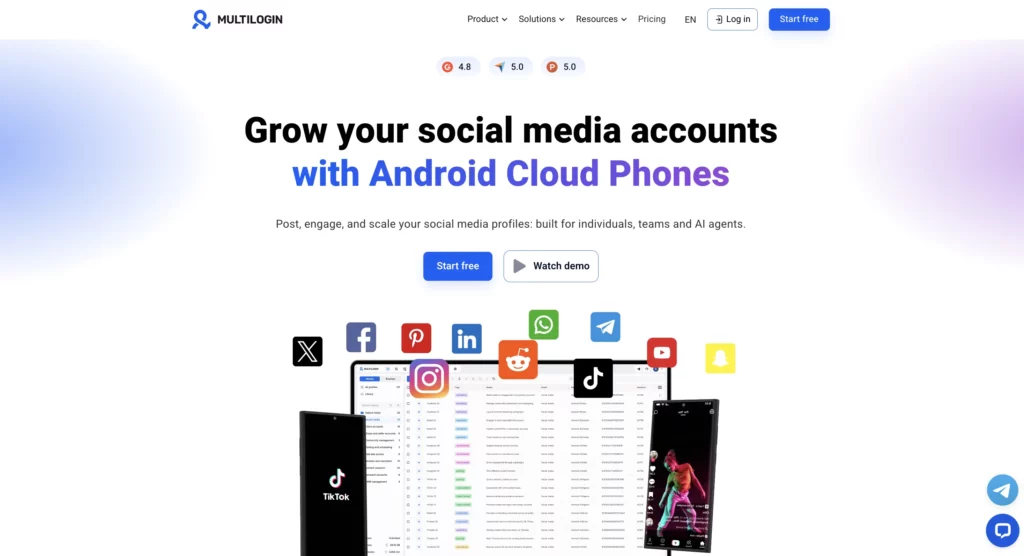
Multilogin is a multi-account management platform built around Cloud Phones, real cloud-hosted Android devices, alongside browser profiles for desktop workflows. It combines profile isolation, team controls, and built-in residential proxies in one platform, which is why agencies and larger operations choose it over GoLogin.
Multilogin vs GoLogin
| Feature | Multilogin | GoLogin |
|---|---|---|
| Best for | Teams and large operations | Freelancers and individuals |
| Starting price | Free plan, then from $7.08/month | $24/month |
| Cloud Phones | Yes, real Android 10-16 devices in the cloud | Not available |
| Browser engines | Chromium, Firefox | Chromium |
| Fingerprint parameters | 50+ configurable, per profile | Basic |
| Automation support | REST API, plus Selenium, Puppeteer, Playwright, Postman | Basic |
| Team management | Role-based permissions, unlimited team members on higher plans | Limited team support |
| Profile storage | Cloud and local profile support | Cloud profiles only |
| Residential proxies | Built-in, 150+ locations, included on paid plans | Requires external setup |
| Profile sharing | Cross-device sync and sharing | Limited or manual |
| No-code integrations | Coming soon (Zapier, Make) | Not available |
| Data isolation | Per-profile browser-level isolation | Less robust isolation |
| Customization | Timezone, language, screen size, headers, and more | Limited control |
| Enterprise support | Dedicated onboarding and success managers | Not available |
| Session recovery | Automatic recovery after crashes | Basic restore |
Key features
Multilogin gives every account its own isolated environment, so teams can manage many accounts without them appearing linked.
- Cloud Phones: real Android devices hosted in the cloud, built for mobile-first platforms and TikTok Shop, WhatsApp, and app-based workflows
- Chromium and Firefox browser profiles, kept current with the latest engine versions
- Fingerprint parameter controls covering canvas, WebGL, audio, fonts, user agent, and timezone
- Built-in residential proxies across 150+ locations with city-level targeting
- Role-based team access, secure profile sharing, and unlimited team members on Business
- REST API and integrations with Selenium, Puppeteer, Playwright, and Postman
- Encrypted cloud or local profile storage with import and export
- Cookie import and export for account warm-up workflows
- Live profile dashboard with bulk actions, hotkeys, tags, and notes
- End-to-end encrypted profiles, two-factor authentication, and audit logs
Pros
- Cloud Phones give agencies a real mobile device option GoLogin doesn’t offer
- Broad API and automation support with official framework examples
- Proxies and profile management bundled in one platform
- Free plan available with no credit card required
- Active support and documentation in multiple languages
Cons
- No iOS Cloud Phones yet
- Advanced features carry a learning curve for new users
Pricing: Free plan at $0/month (5 profiles, no credit card required). Pro starts at $7.08/month. Business starts at $57.08/month with 300+ profiles.
Why it’s a better fit than GoLogin: Multilogin covers more ground for teams that need real mobile devices, deep team controls, and automation support, all in one platform, whereas GoLogin is built more for individual users on desktop.
2. AdsPower
Best for: Affiliate marketers and eCommerce sellers managing accounts on Asian platforms.
AdsPower is popular among sellers operating on platforms like Shopee, Lazada, and Taobao. It offers a sleek dashboard, multiple browser core options, and built-in task automation.
AdsPower vs GoLogin vs Multilogin
| Feature | AdsPower | GoLogin | Multilogin |
| Best For | Asia-focused ops | General users & freelancers | Agencies, pros & enterprise users |
| Starting Price | $9/month | $24/month | Free plan, then from $7.08/month |
| Browser Engine | Chromium | Chromium | Chromium + Firefox |
| Fingerprinting | Good | Basic | Full OS + browser-level spoofing |
| Automation Support | RPA/Scripting | Basic | Advanced REST API, Puppeteer, Selenium |
| Team Use | Moderate | Limited | Full role-based access control |
| Cloud Sync | Yes | Cloud-only | Local + cloud profile support |
| Session Stability | Decent | Stable | Crash-proof with auto session recovery |
| Proxy Integration | Manual | Basic | Built-in residential proxies |
| Profile Management | Limited | Basic | Unlimited scaling with subscription |
| Cross-device Access | Supported | Supported | Seamless with sync + sharing |
| Stealth Features | Good (WebRTC, Canvas) | Basic | Full masking (Canvas, WebRTC, Fonts, Plugins) |
| Customization | Basic (TZ, language) | Basic | Deep control (headers, screen size, geo, more) |
| User Roles | Some control | None | Advanced roles + activity logs |
| Support | Ticket-based | Ticket-based | Priority & onboarding support |
| API Access | Available | Partial | Complete API suite |
Key Features
- Multiple browser engines (Chromium/Firefox)
- Batch profile creation and import/export
- RPA task automation and scheduling
- Integrated proxy and cookie manager
- Supports extensions and Selenium automation
Pros
- Optimized for sellers and social ads
- Well-suited for bulk operations
- Affordable for beginners
Cons
- Limited English documentation
- UI can feel slightly dated
Starting from: $9.00/month
Free Plan: Available
Verdict: A solid GoLogin alternative if you’re operating primarily in Asia and don’t need advanced fingerprint control.
3. Incogniton
Best for: Freelancers, small businesses, and beginners in the multiaccounting world.
Incogniton is one of the easiest browsers to get started with. Its interface is user-friendly and it handles basic profile management tasks well.
Incogniton vs GoLogin vs Multilogin
| Feature | Incogniton | GoLogin | Multilogin |
|---|---|---|---|
| Best For | Beginners & freelancers | Individuals, light use | Professional & enterprise-grade operations |
| Starting Price | Free / $29.99 | $24/month | Free plan, then from $7.08/month |
| Fingerprint Control | Basic spoofing | Basic spoofing | Full OS + browser-level control |
| Automation Support | Limited scripting | Basic | Yes (REST API, Puppeteer, Selenium) |
| Ease of Use | High | Moderate | Streamlined for scale and control |
| Browser Engine | Chromium | Chromium | Chromium + Firefox |
| Team Features | Basic profile sharing | Limited access | Advanced team management + permissions |
| Cloud Sync | No | Cloud-only | Cloud & local profile flexibility |
| Stealth Capabilities | Partial (canvas, WebRTC) | Basic | Advanced masking (fonts, plugins, timezone, etc.) |
| Session Management | Basic restore | Standard restore | Crash-proof auto-session recovery |
| Proxy Integration | Manual | Basic | Built-in residential proxies |
| Scalability | Suitable for low volume | Moderate volume | Designed for large-scale operations |
| Customization | Basic (timezone, UA) | Basic | Granular customization (headers, screen size, OS, language) |
| Enterprise Support | Not available | Not available | Priority support & onboarding available |
Key Features
- Intuitive interface
- Clone profiles and import cookies
- Team sharing on premium plans
- Basic fingerprint spoofing
Pros
- Easy to learn
- Affordable and flexible pricing
- Free plan to test the waters
Cons
- Limited automation capabilities
- Basic fingerprinting compared to Multilogin
Starting from: Free plan
Premium: $29.99/month for teams
Verdict: A lightweight GoLogin alternative for solo operators or early-stage marketers.
4. VMLogin
Best for: Developers and testers looking for deep customization and automation.
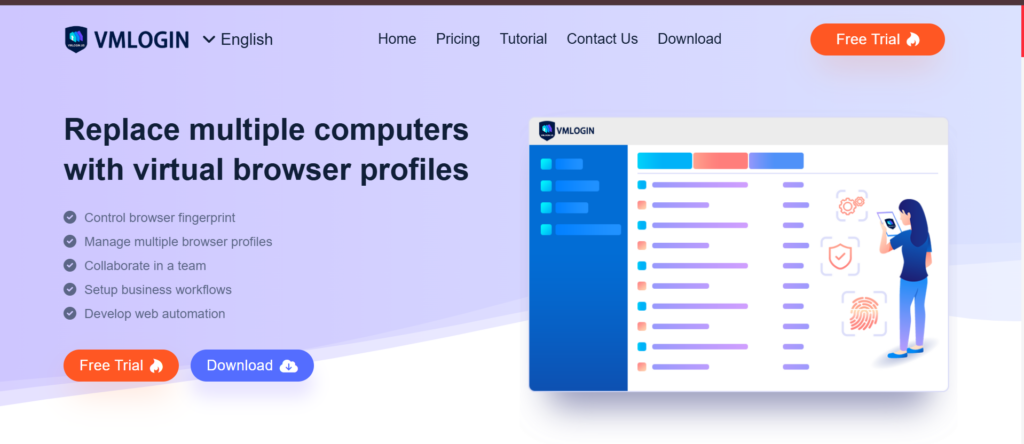
VMLogin is a powerful but lesser-known browser with support for both UI and script-based automation. It provides granular control over browser environments and behavior.
VMLogin vs GoLogin vs Multilogin
| Feature | VMLogin | GoLogin | Multilogin |
|---|---|---|---|
| Best For | Developers & automation-heavy workflows | Freelancers & individuals | Teams, agencies, professionals |
| Starting Price | $99/month | $24/month | Free plan, then from $7.08/month |
| Browser Engine | Chromium | Chromium | Chromium + Firefox |
| Fingerprint Control | Advanced | Basic | Full (OS + browser-level spoofing) |
| Automation Support | Yes (scripts) | Basic | Yes (REST API, Puppeteer, Selenium) |
| Mobile Support | No | No | No |
| Ease of Use | Developer-focused | User-friendly | Optimized for teams & workflows |
| Team Collaboration | Basic access control | Limited sharing | Advanced role-based team management |
| Cloud & Local Profiles | Local only | Cloud-only | Cloud & local flexibility |
| Stealth Features | Good (Canvas, WebRTC) | Basic | Advanced (Fonts, WebRTC, Plugins, Languages) |
| Proxy Management | Manual setup | Basic per profile | Built-in residential proxies |
| Session Recovery | Basic | Basic | Crash-proof auto-session recovery |
| Customization Depth | Good (automation-focused) | Basic (manual) | Granular: headers, screen, OS, language, etc. |
| Scaling Capability | High (dev-centric) | Moderate | Enterprise-grade scalability |
| Support & Onboarding | Dev-focused help | Standard support | Priority support & onboarding for teams |
Key Features
- Script-based automation
- Granular fingerprint editing
- Virtual browser isolation
- Supports RPA tools and command line triggers
Pros
- Highly customizable
- Designed for automation professionals
- Reliable session control
Cons
- Steep learning curve
- Higher starting price
Starting from: $99/month
Free Plan: None
Verdict: Ideal for technically inclined users who prioritize automation over design.
5. Ghost Browser
Best for: Marketers managing multiple social logins and sessions.
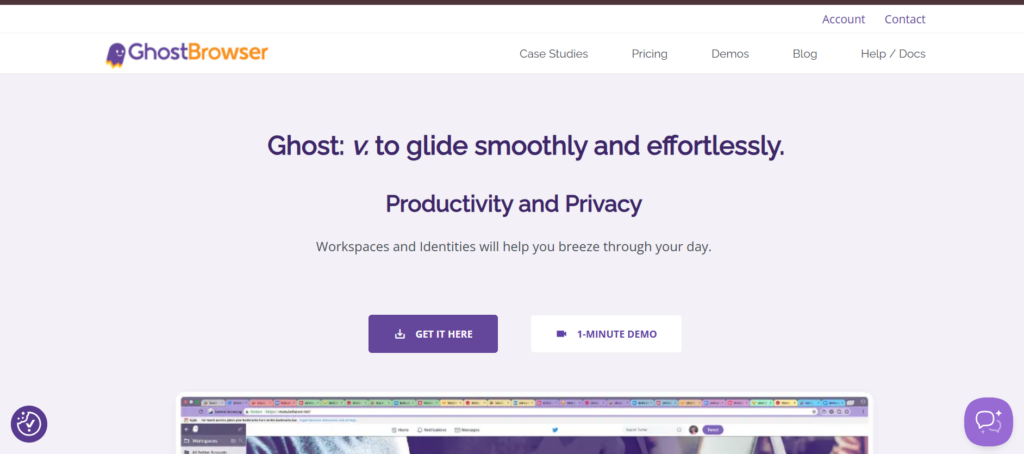
Ghost Browser is a session-based browser built on Chromium, offering separate identities in each tab. It’s not a full browser but works well for managing basic accounts.
Ghost Browser vs GoLogin vs Multilogin
| Feature | Ghost Browser | GoLogin | Multilogin |
|---|---|---|---|
| Best For | Social media sessions, light use | Freelancers & individuals | Teams, agencies, professionals |
| Starting Price | $12/month | $24/month | Free plan, then from $7.08/month |
| Browser Engine | Chromium | Chromium | Chromium + Firefox |
| Fingerprint Control | None | Basic spoofing | Full fingerprint spoofing (OS + browser-level) |
| Automation Support | Not supported | Basic | Yes (REST API, Puppeteer, Selenium) |
| Mobile Support | No | No | No |
| Ease of Use | Very easy | Beginner-friendly | Balanced for power users and teams |
| Team Collaboration | Basic tab management | Limited profile sharing | Advanced role-based team access |
| Profile Management | Session-based tabs | Cloud profiles | Cloud + local profile options |
| Stealth Mode | None | Basic | Advanced masking (Canvas, WebRTC, Fonts, Plugins, etc.) |
| Proxy Management | Per tab | Per profile | Built-in residential proxies |
| Session Recovery | Manual | Standard restore | Auto recovery, even after crash |
| Customization | Tab-focused session colors | Basic timezone/user-agent | Full control: headers, OS, geo, screen size, language, etc. |
| Scalability | Not ideal | Moderate | Enterprise-level scalability |
| Support & Onboarding | Email-based | Ticket-based | Priority support, dedicated onboarding |
Key Features
- Session-based tab isolation
- Built-in proxy manager
- Bookmark sync per profile
- Chrome extension compatibility
Pros
- No need to switch browsers
- Easy to use for social media managers
Cons
- No fingerprint spoofing
- Not suitable for stealth or automation
Starting from: $12/month
Free Plan: None
Verdict: Good for light use cases, but not a true alternative to GoLogin.
6. Dolphin Anty
Best for: Affiliate and media buyers looking for a Facebook-friendly setup.
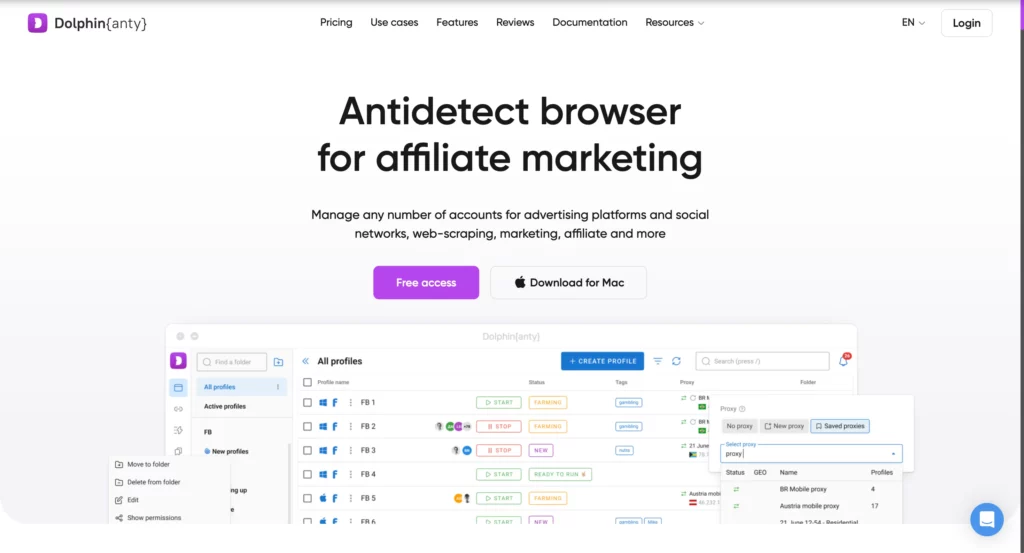
Dolphin Anty is gaining popularity thanks to its automation tools, clean interface, and native support for affiliate use cases. It also has a free plan for beginners.
Dolphin Anty vs GoLogin vs Multilogin
| Feature | Dolphin Anty | GoLogin | Multilogin |
|---|---|---|---|
| Best For | Media buyers, affiliate marketers | Freelancers & individuals | Agencies, eCommerce teams, global ops |
| Starting Price | Free / $89+ | $24/month | Free plan, then from $7.08/month |
| Browser Engine | Chromium | Chromium | Chromium + Firefox |
| Fingerprint Control | Moderate | Basic | Full OS + browser-level fingerprint spoofing |
| Automation Support | Yes | Basic | Yes (REST API, Puppeteer, Selenium) |
| Mobile Support | No | No | No |
| Ease of Use | Script-friendly, mid-level UX | User-friendly | Balanced UX for teams, experts, and automation users |
| Team Collaboration | Shared profiles, limited roles | Limited profile sharing | Role-based access, logs, & seamless team workflows |
| Profile Types | Cloud & local | Cloud-only | Cloud & local profile control |
| Proxy Setup | Manual or extension | Per profile | Built-in residential proxies |
| Stealth Features | Decent masking | Basic | Advanced (Canvas, WebRTC, Fonts, Language, Plugins, etc.) |
| Session Recovery | Manual or export/import | Standard | Crash-proof with auto recovery |
| Custom Settings | Good (timezone, UA) | Basic | Deep control: headers, OS, screen, fonts, timezone, etc. |
| Scalability | High for solo ops | Moderate | Built for high-scale, multi-account workflows |
| Enterprise Readiness | Limited support | No enterprise tier | Priority onboarding + enterprise-grade infrastructure |
Key Features
- Browser profiles for each ad account
- Bulk import via CSV or API
- Built-in automation tools
- Facebook and TikTok optimization
Pros
- User-friendly design
- Supports affiliate campaigns natively
- Free tier available
Cons
- Limited fingerprint control
- Fewer enterprise tools
Starting from: Free
Premium: From $89/month
Verdict: A modern, friendly GoLogin alternative for ad-focused users.
7. Kameleo
Best for: Teams needing mobile device emulation and stealth.
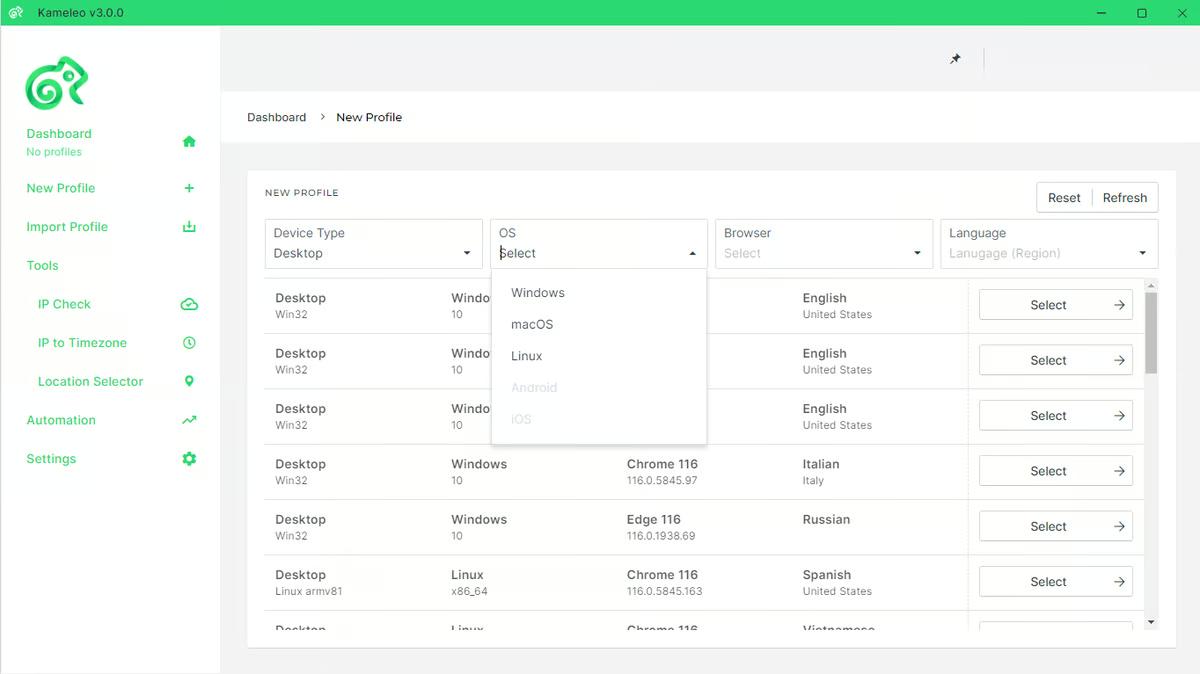
Kameleo stands out as one of the few browsers offering Android device emulation. It supports Docker, mobile automation, and advanced fingerprint spoofing.
Kameleo vs GoLogin vs Multilogin
| Feature | Kameleo | GoLogin | Multilogin |
|---|---|---|---|
| Best For | Mobile emulation, stealth scraping | Freelancers & individuals | Teams, agencies, professionals |
| Starting Price | €59/month | $24/month | Free plan, then from $7.08/month |
| Browser Engine | Chromium, Android | Chromium | Chromium + Firefox |
| Fingerprint Control | Advanced (mobile & desktop) | Basic | Full control (OS + browser-level spoofing) |
| Automation Support | Yes (API, Docker) | Basic | Yes (REST API, Puppeteer, Selenium) |
| Ease of Use | Dev-oriented | Beginner-friendly | Balanced for scale, teams, and pros |
| Team Collaboration | Limited | Basic profile sharing | Advanced team roles, permissions & logs |
| Profile Types | Local + emulated mobile | Cloud-based | Local & cloud profiles with sync |
| Stealth Capabilities | High (WebRTC, Canvas, mobile UA) | Basic | Enterprise-grade (WebRTC, Fonts, Plugins, Timezone, etc.) |
| Proxy Integration | Manual setup | Basic | Built-in residential proxies + per-profile settings |
| Session Management | Script-based | Standard restore | Crash-proof with session auto-recovery |
| Customization | Extensive via API | Basic options | Deep controls (headers, OS, geo, screen size, etc.) |
| Scaling Capability | Built for devs & scrapers | Moderate | Built for multi-accounting at scale |
| Support & Onboarding | Dev support | Basic ticketing | Priority support, onboarding & enterprise readiness |
Key Features
- Full Android support
- Browser automation via Puppeteer, Selenium
- Docker container support
- Fingerprint-sharing across devices
Pros
- Mobile and desktop coverage
- Advanced spoofing settings
- Excellent for stealth scraping
Cons
- Interface can be intimidating
- Documentation geared toward developers
Starting from: €59/month
Free Plan: None
Verdict: Strong contender if mobile testing or stealth scraping is part of your workflow.
8. Lalicat
Best for: Budget-conscious users who still want automation and proxy support.
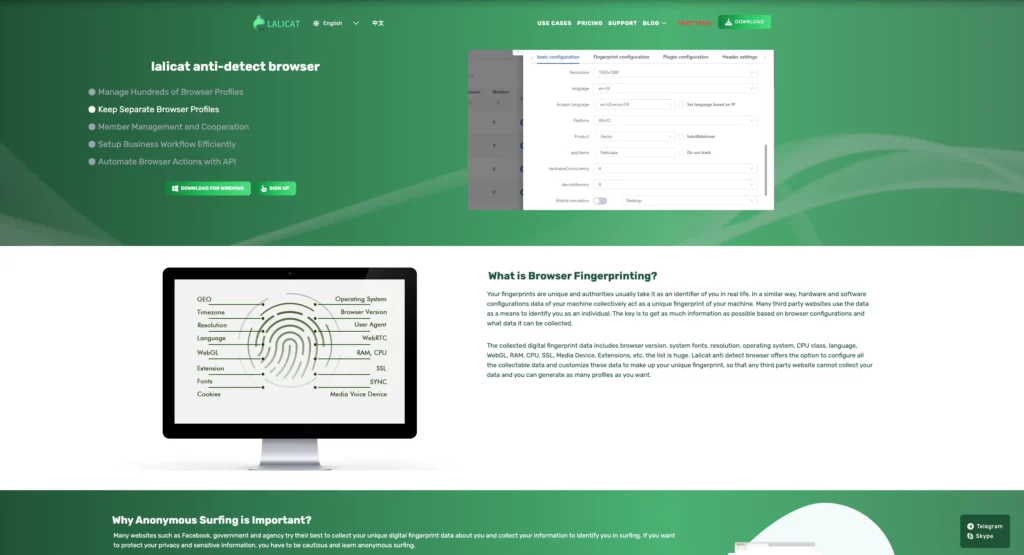
Lalicat is a newer tool that’s been praised for its lightweight footprint and performance. It works well for desktop-based multiaccounting and automation through Selenium.
Lalicat vs GoLogin vs Multilogin
| Feature | Lalicat | GoLogin | Multilogin |
|---|---|---|---|
| Best For | Budget-conscious users | Light automation users | Serious multiaccounters, teams, professionals |
| Starting Price | $9.99/month | $24/month | Free plan, then from $7.08/month |
| Browser Engine | Chromium | Chromium | Chromium + Firefox |
| Fingerprint Control | Moderate spoofing | Basic spoofing | Full (OS + browser-level spoofing) |
| Automation Support | Yes (Selenium) | Basic | Yes (REST API, Puppeteer, Selenium) |
| Proxy Support | Yes (manual setup) | Yes | Yes – built-in residential proxies |
| Ease of Use | Simple, affordable | Beginner-friendly | Optimized for scale, stealth & automation |
| Team Collaboration | Limited | Basic profile sharing | Advanced team roles, permissions, logs |
| Cloud & Local Profiles | Cloud-only | Cloud-only | Supports both local & cloud profiles |
| Stealth Capabilities | WebRTC, Canvas | Basic masking | Enterprise-grade stealth (Canvas, Fonts, Plugins, etc.) |
| Session Recovery | Manual | Standard restore | Crash-proof auto recovery |
| Customization | Basic | Basic | Deep control: headers, OS, geo, timezone, resolution |
| Scaling Capability | Entry-level | Moderate | Enterprise-ready with full automation & team infra |
| Support & Onboarding | Email support | Ticket-based | Priority onboarding & dedicated team support |
Key Features
- Automation with Selenium
- Virtual browser profile creation
- Proxy and cookie manager
- Exportable session logs
Pros
- Cost-effective
- Supports basic scripting
- Good starter tool for coders
Cons
- Small user community
- Lower stealth capabilities
Starting from: $9.99/month
Free Plan: Yes
Verdict: A practical GoLogin alternative for price-sensitive users focused on local desktop operations.
9. SessionBox
Best for: Lightweight multi-login tasks across personal accounts.
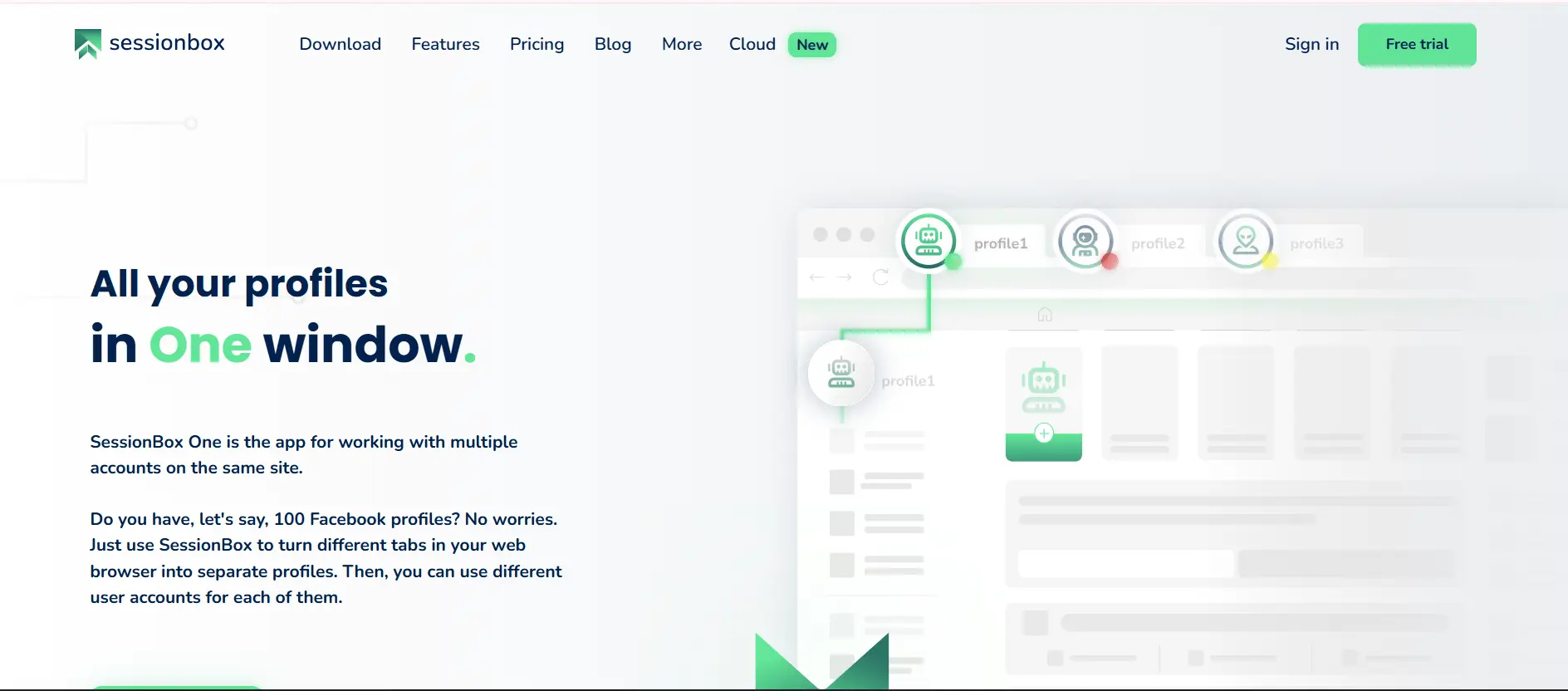
SessionBox is technically a browser extension, not a browser. But it lets users run multiple sessions in a single browser, with some basic session isolation.
SessionBox vs GoLogin vs Multilogin
| Feature | SessionBox | GoLogin | Multilogin |
|---|---|---|---|
| Best For | Basic multi-login tasks | General users | Advanced session management, teams & pros |
| Starting Price | Free / $7 | $24/month | Free plan, then from $7.08/month |
| Browser Engine | Chromium (extension-based) | Chromium | Chromium + Firefox |
| Fingerprint Control | None | Basic spoofing | Full fingerprint spoofing (OS + browser-level) |
| Automation Support | No | Basic | Yes (REST API, Puppeteer, Selenium) |
| Session Isolation | Tab-level (within same browser) | Profile-level | Containerized profiles with deep isolation |
| Team Collaboration | Not available | Limited sharing | Full role-based access, profile sharing, logs |
| Cloud & Local Support | Cloud-only (extension sync) | Cloud-only | Cloud + local profiles for hybrid workflows |
| Stealth Features | None | Basic (WebRTC, Canvas) | Advanced (Fonts, Plugins, Headers, Languages, etc.) |
| Proxy Management | Limited | Per profile | Built-in residential proxies |
| Customization Depth | Basic tab/session | Moderate | Granular: screen size, timezones, OS, headers, etc. |
| Crash Recovery | None | Standard restore | Crash-proof auto recovery & stability |
| Scaling Capability | Not scalable | Mid-scale | Built for massive scale & automation ops |
| Support & Onboarding | Community support | Ticket system | Priority support + onboarding for teams |
Key Features
- Tab-level profile isolation
- Cloud sync between devices
- Session sharing links
- Basic proxy settings
Pros
- Simple and fast
- Free version available
- No need for external software
Cons
- No fingerprint protection
- Not viable for business or stealth use
Starting from: Free
Premium: $7/month
Verdict: Useful for basic personal use, but not suitable for advanced or commercial multiaccounting.
10. GoBrowser
Best for: Users who want a familiar interface with slightly improved performance.
GoBrowser is a newer product designed to be a cleaner, faster version of GoLogin. While still developing its feature set, it shows promise with profile management and basic fingerprinting.
GoBrowser vs GoLogin vs Multilogin
| Feature | GoBrowser | GoLogin | Multilogin |
|---|---|---|---|
| Best For | Familiar UI & light use | General users | Scaling teams, stealth ops, professionals |
| Starting Price | $10/month | $24/month | Free plan, then from $7.08/month |
| Browser Engine | Chromium | Chromium | Chromium + Firefox |
| Fingerprint Control | Basic spoofing | Basic spoofing | Full control (OS + browser-level fingerprinting) |
| Ease of Use | High | Moderate | Moderate – optimized for scalability |
| Team Features | Not available | Limited sharing | Advanced team roles, permissions & logs |
| Session Management | Basic tab switching | Profile-based | Containerized profiles with crash-proof recovery |
| Cloud & Local Profiles | Local only | Cloud-based | Hybrid (cloud + local profiles) |
| Proxy Integration | Manual | Per profile | Built-in residential proxies |
| Customization | Basic (tabs, color codes) | Moderate | Granular: screen size, timezones, headers, fonts, language, etc. |
| Automation Support | No | Basic | Full automation: REST API, Puppeteer, Selenium |
| Scalability | Low | Mid-scale | Enterprise-ready with profile orchestration & API control |
| Stealth Features | Basic masking | WebRTC & Canvas spoofing | Advanced: Fonts, Plugins, Languages, OS & more |
| Support & Onboarding | Email/ticket | Ticket-based | Priority support, team onboarding & enterprise care |
Key Features
- Familiar UI
- Basic fingerprint customization
- Session and proxy management
- Stable core engine
Pros
- Easy transition for GoLogin users
- Responsive support team
Cons
- Still maturing
- Not suitable for large teams
Starting from: $10/month
Free Plan: None
Verdict: Worth trying if you’re used to GoLogin and want better performance without a steep learning curve.
Why teams switch to Multilogin
If you’re reading this, chances are a tool let you down. Maybe a browser update broke your workflow, profiles disappeared, support went quiet, or the setup never quite made sense. We’ve heard all of it, and it shaped how we built Multilogin.
Here’s what changes when you switch.
Profile isolation built for scale
Each Multilogin profile, whether a browser profile or a Cloud Phone, keeps its own settings and data separate from the rest. That isolation is what helps accounts run independently instead of appearing linked. No platform tool can promise zero risk of a ban, since that decision sits with the platform itself, but proper isolation is the foundation for running multiple accounts responsibly.
A stable, straightforward interface
Updates go through testing before release, and the interface is built to stay out of your way: clear navigation, fast profile switching, no clutter.
Support that actually responds
Our support team knows the product and how agencies and teams actually use it. Beyond live support, we offer documentation and onboarding resources for teams scaling up their profile count.
Profiles and Cloud Phones that grow with your team
Whether you’re managing 10 profiles or several thousand, team workspaces and role-based permissions are built to scale without slowing down performance.
Transparent pricing
Multilogin’s plans are flat and clearly listed: a free plan with 5 profiles and no credit card required, Pro from $7.08/month, and Business from $57.08/month with 300+ profiles. No hidden per-seat fees or feature paywalls.
You can start on the free plan and move up as your team grows.




