

If you want to look at an Instagram profile, a Story, or a Reel, and you don’t want the account owner to know. Maybe you’re checking out a competitor, saving a cool design idea, or just being curious about a public account. Whatever the reason, you need to go invisible.
That’s the job of an Instagram profile viewer.
These tools are simple. They let you browse public content without logging in, without creating an account, and without leaving a trace. But here’s the warning: many of them are sketchy, slow, and full of ads. You need to know which ones actually work and what their limitations are.
This guide breaks down what these tools are, why people use them, and gives you a direct, honest verdict on eight of the most popular options available right now.
What is an Instagram profile viewer?
An Instagram profile viewer is typically a third-party, web-based tool that acts as a proxy for Instagram. It allows you to view content from any public Instagram account without needing to log into your own Instagram account.
The tool fetches the public data—posts, Stories, Reels, Highlights, and even the profile picture—directly from Instagram’s servers and displays it on its own website. Since you are not logged in and Instagram’s tracking mechanisms are tied to logged-in users, the account owner never sees your view in their “Story Views” list or their analytics. It’s the digital equivalent of looking through a window without stepping inside.
Why use an anonymous viewer?
People use these tools for three main reasons. They are all about anonymity and efficiency.
- Competitor and market research: This is the professional use case. You need to monitor a competitor’s content strategy, track their posting frequency, or save their best-performing Reels for inspiration. You don’t want them to know you’re watching, and you don’t want your views to skew their Story analytics.
- Content saving and archiving: Instagram doesn’t make it easy to download content. Many viewers include a download function, letting you save photos, videos, and Stories in high-definition quality directly to your device. This is great for archiving inspiration or backing up content.
- Browsing without an account: Sometimes you just don’t want an Instagram account, or you’re blocked from accessing the site at work or school. These viewers let you bypass the login wall and the network block, giving you access to public information without the hassle of maintaining a profile.
A free tip how to grow your social media marketing
Are you managing multiple Instagram accounts or planning to do so? That’s a great idea. But you actually need something more to get started: a profile viewer and one account will do the job.
Today, social media marketers are using antidetect browsers like Multilogin to manage many multiple accounts—for example, Instagram.
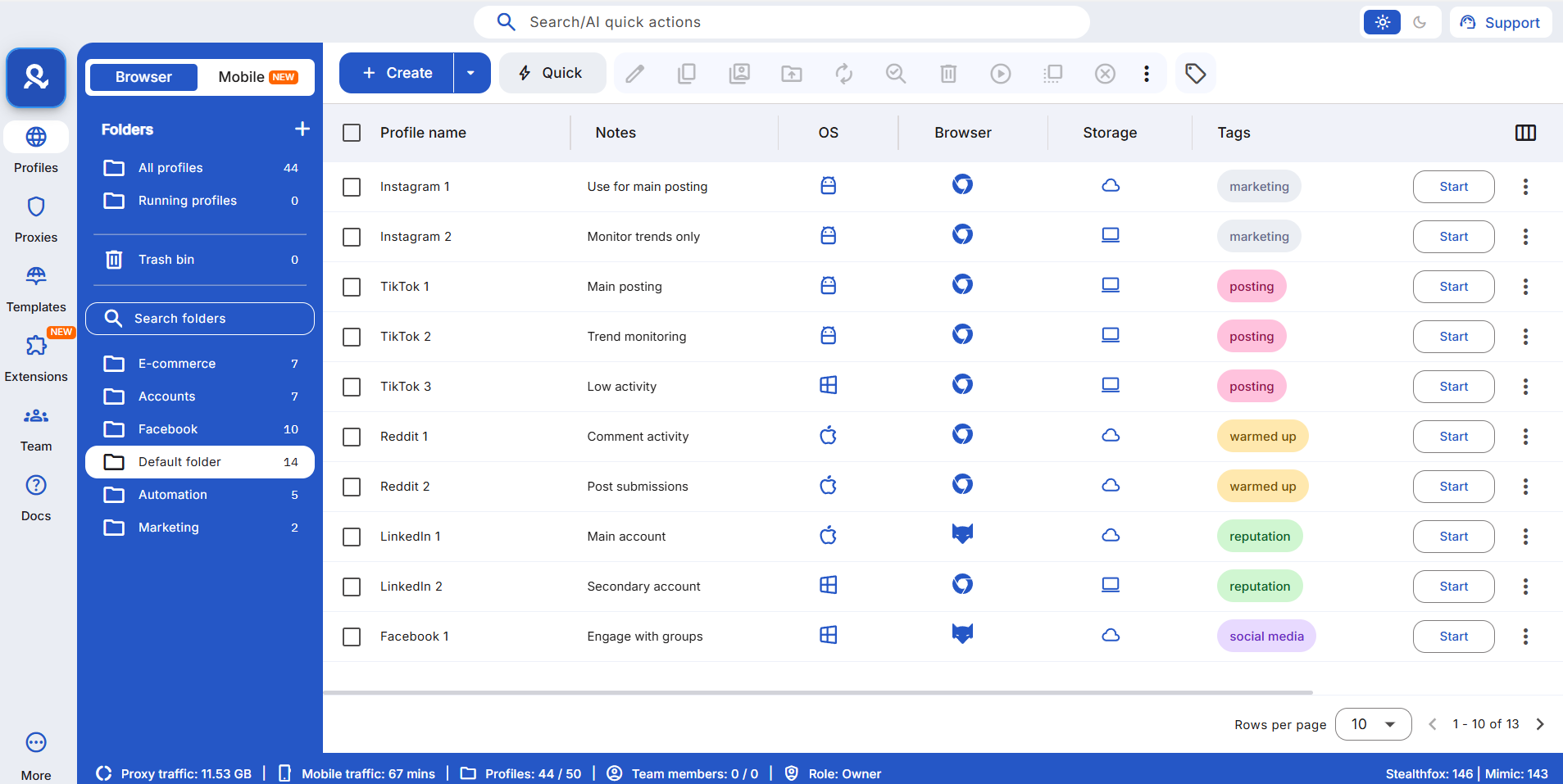
Why? Because Multilogin provides:
- Mobile browser emulation to manage multiple social media accounts
- 30 million IPs of residential proxies from 150 locations
- Fingerprint masking to avoid bans from Instagram
- Collaborative workflows and team access
- Automation capabilities with Puppeteer, Playwright, Postman and Selenium support
Try Multilogin now—and grow your online business on Instagram.
Check out our video on how to manage multiple Instagram accounts with Multilogin:
8 Instagram profile viewers: List of the best tools for 2026
We’ve tested and reviewed eight popular tools. They all do the same basic thing, but they differ wildly in features, speed, and how much they try to sell you.
1. Inflact
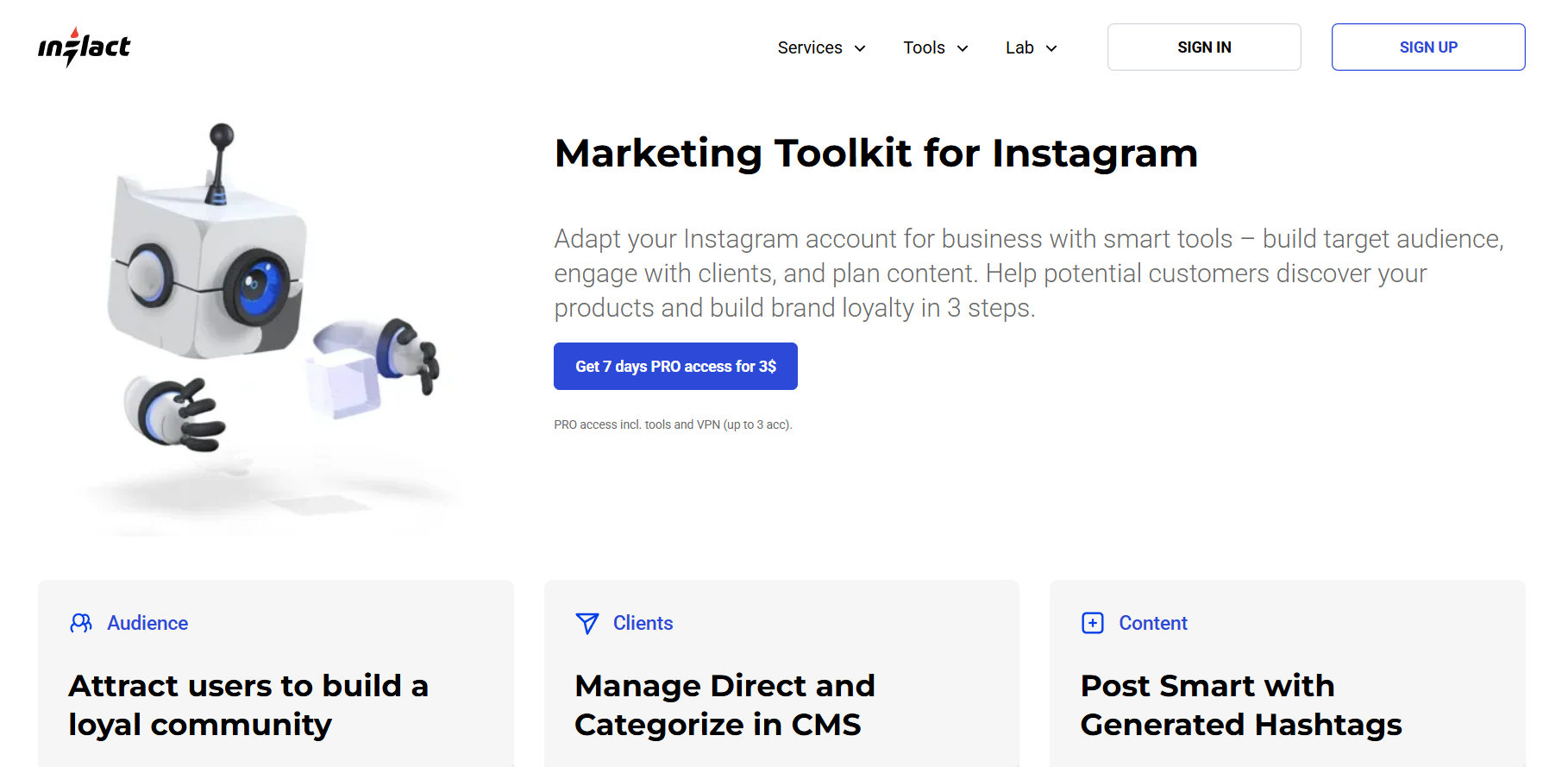
Overview: Inflact is a comprehensive web-based viewer that goes beyond simple viewing. It lets you anonymously view profiles, Stories, and Reels, and it packs in some basic profile analytics.
- Profile analyzer: Shows engagement rates, best-performing posts, and top hashtags.
- HD downloads: Allows downloading Stories, Reels, and posts without watermarks.
- Anonymous viewing: Works for all public content.
Verdict: Good for market research, but the free version is severely limited. You can usually only view one profile per day.
2. BoostFluence
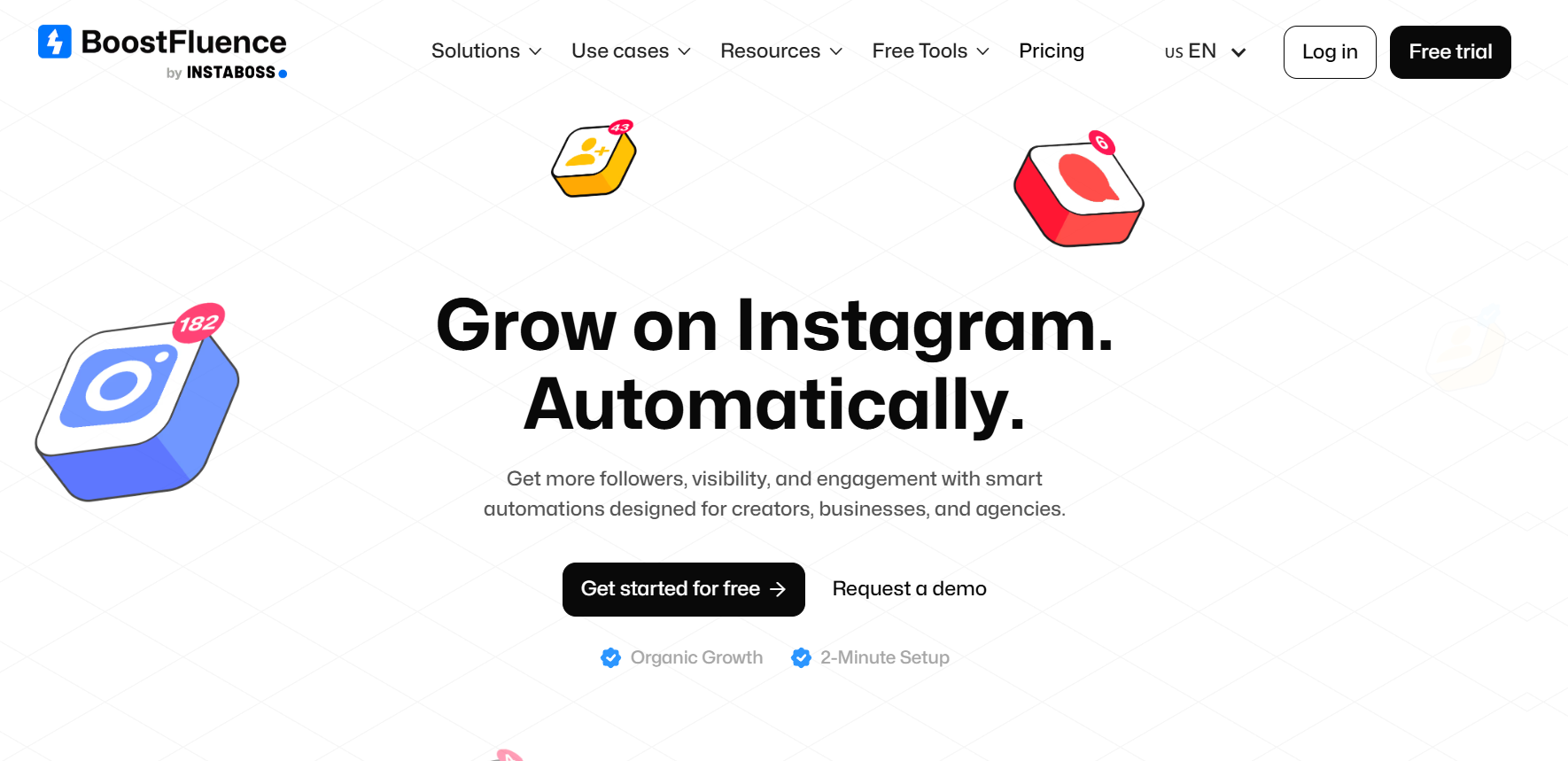
Overview: BoostFluence is a straightforward, free viewer that focuses on unlimited access. It’s a good option if you just need to browse a lot of profiles without hitting a daily limit.
- Unlimited views: No daily restrictions on how many profiles you can check.
- Content downloads: Allows downloading posts, Stories, and Reels without watermarks.
- No login required: Fully anonymous browsing.
Verdict: Solid choice for high-volume, casual browsing. It’s free and unlimited, but you sacrifice any kind of deep insight.
3. Dolphin Radar
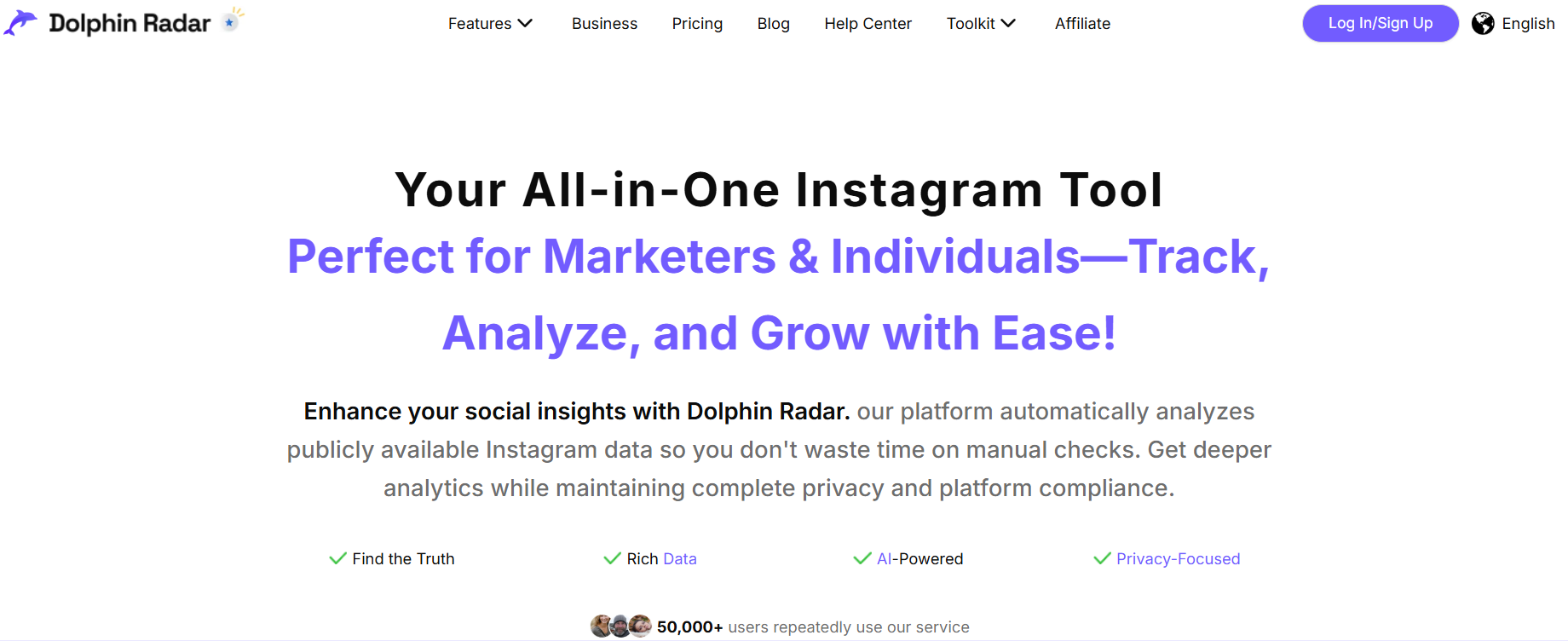
Overview: Dolphin Radar is more of an Instagram post viewer that requires a small commitment. You can view public accounts, but they push you toward signing up if you want to download anything.
- Popular post display: Highlights the most popular posts, including like counts and engagement details.
- Story and post viewing: Works for public accounts.
- Limited free downloads: Only three free downloads after registration.
Verdict: Skip the sign-up. The free version is too restrictive (one search per day). It’s only useful if you want a quick look at an account’s top-performing content.
4. Save Free
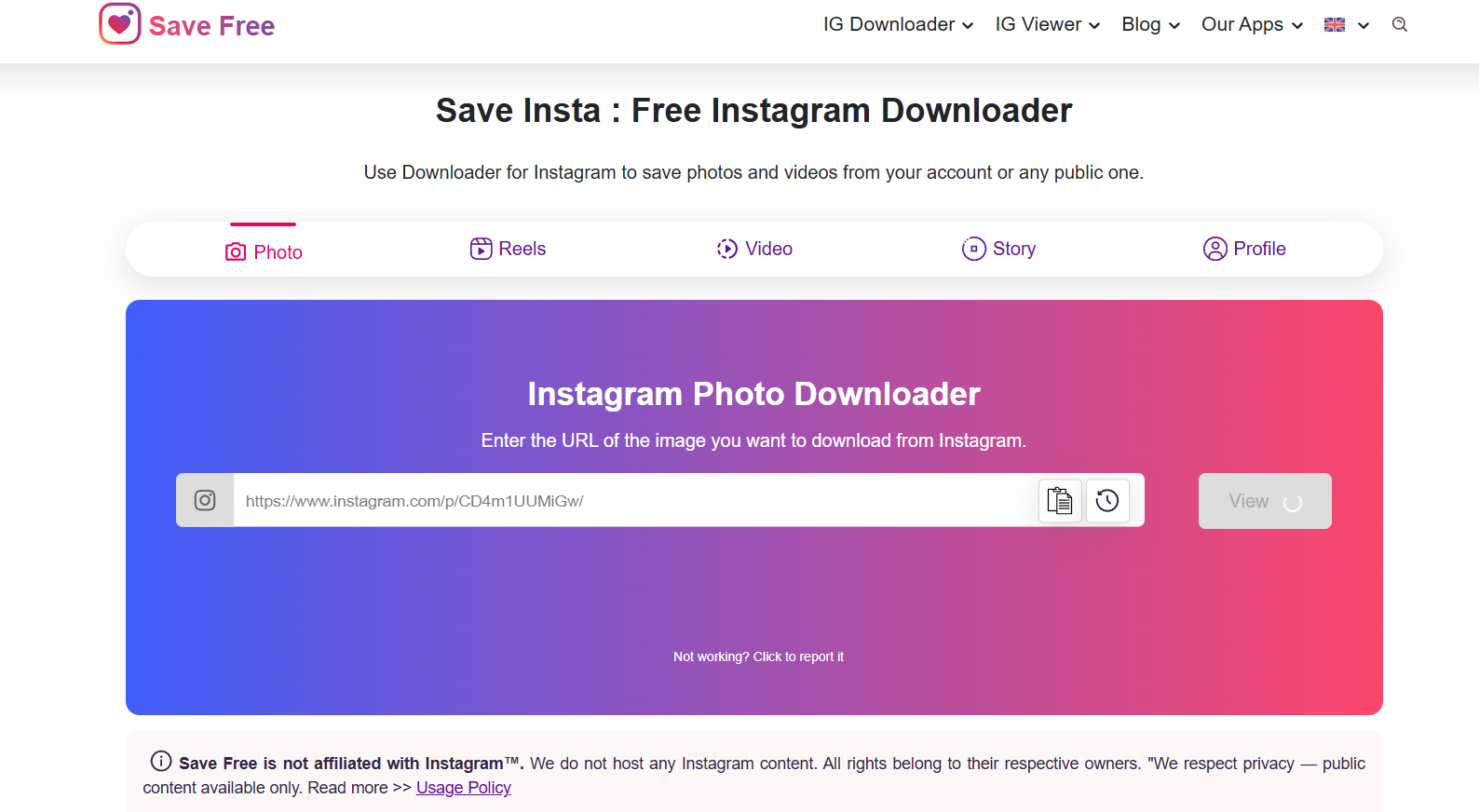
Overview: As the name suggests, Save Free is all about saving content. It’s a simple, no-frills viewer that is also available as a lightweight Android app.
- HD downloads: Downloads Stories, Reels, and posts in HD MP4 format.
- Full-size profile picture downloader: Allows saving the profile picture in high resolution.
- No viewing limits: Browse as many profiles as you want.
Verdict: A reliable, simple downloader. The Android app is a nice bonus. It’s great for archiving content, but it won’t help you with engagement metrics.
5. InstaPV
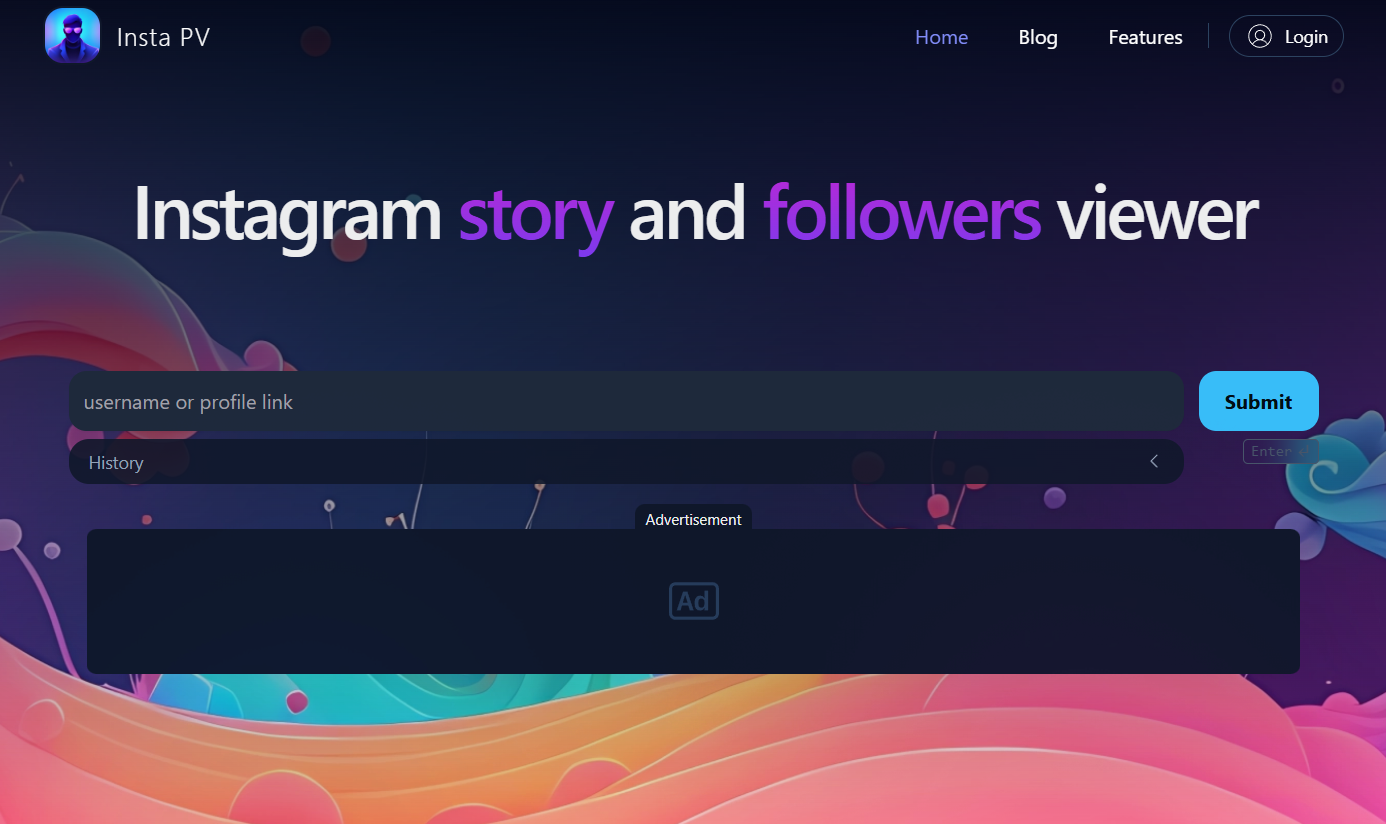
Overview: InstaPV is a lightweight viewer with one unique feature: it tracks recent followers and following. This is a niche tool for a specific kind of research.
- Chronological follower tracker: Shows who someone recently followed and who their latest followers are.
- Story explorer: browse and download Stories anonymously.
- Completely free: No viewing limits or login required.
Verdict: This is a niche tool. If you absolutely need to know the latest activity in an account’s network, this is your best bet.
6. AnonyIG
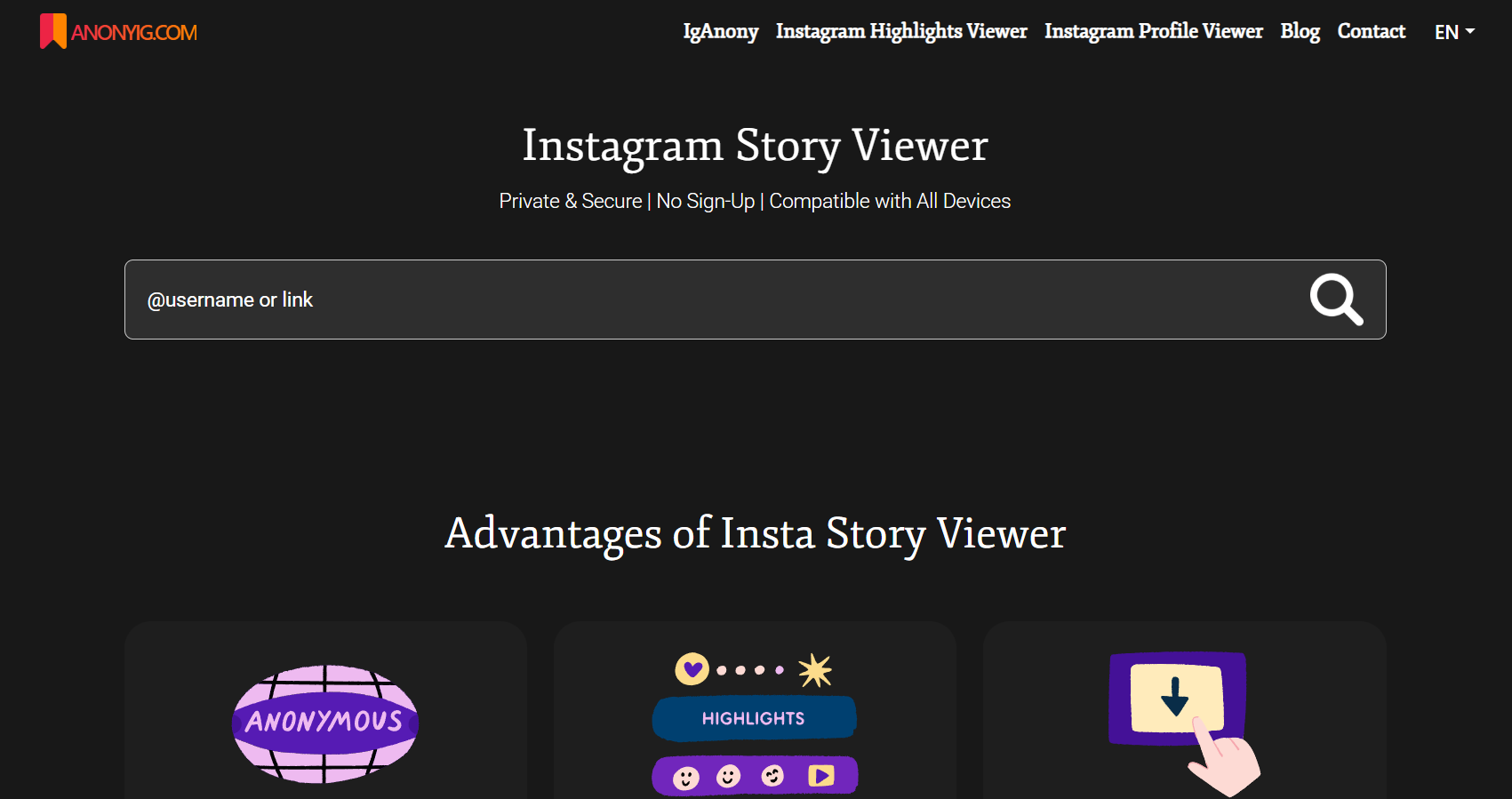
Overview: AnonyIG is the minimalist’s choice. It’s a purely browser-based tool focused on simplicity and privacy. It’s fast and easy to use.
- Minimalist design: Purely focused on viewing and downloading.
- One-click story save: Quick download functionality.
- No registration: Fully anonymous.
Verdict: Use this if you just want to quickly check a Story or download a profile picture without any fuss. It’s fast, simple, and doesn’t try to upsell you.
7. Picuki
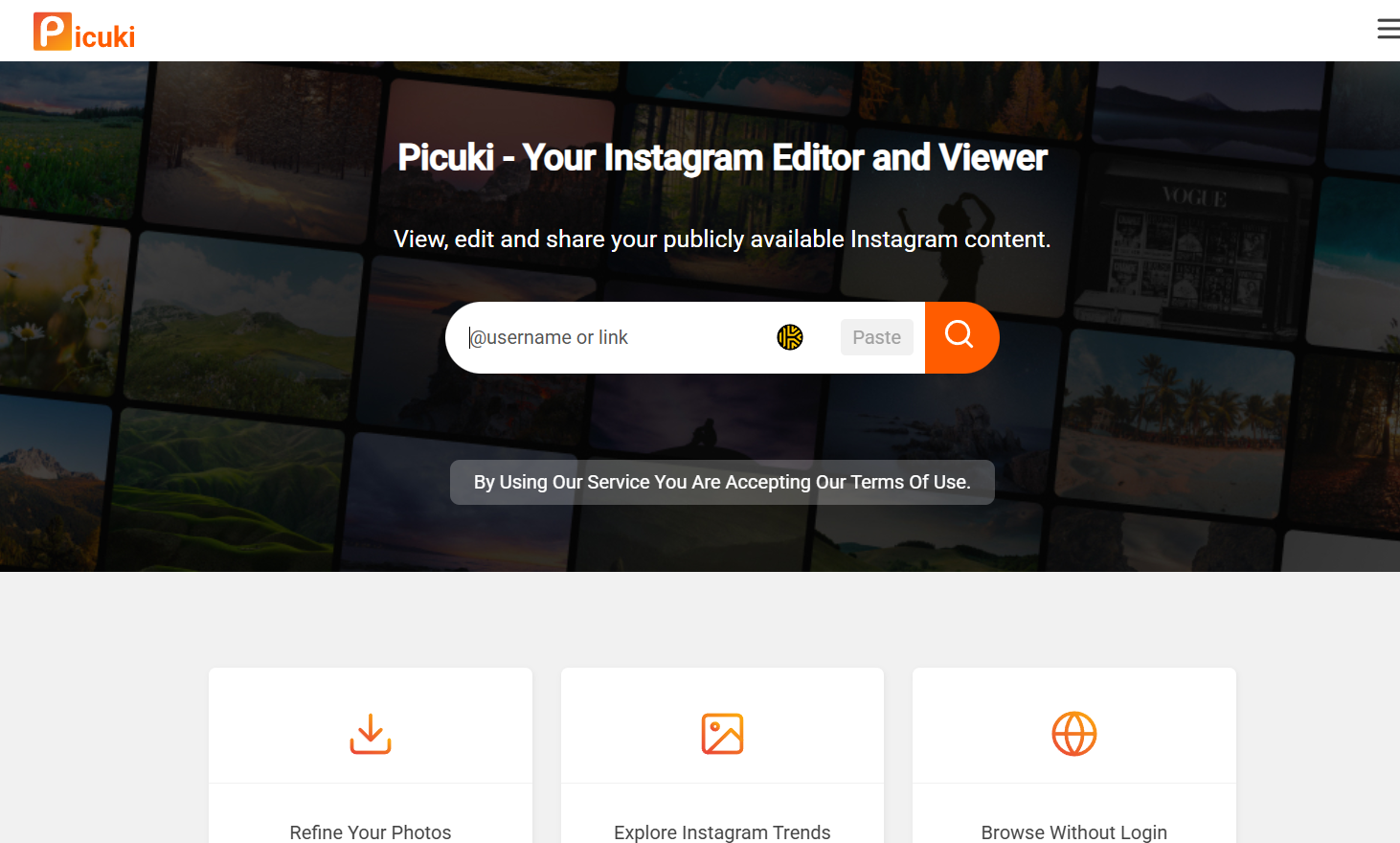
Overview: Picuki was once one of the most popular viewers. It allows you to browse posts and Stories and even offered basic photo editing before downloading.
- Post and story browsing: Works for public accounts.
- No login required: Fully anonymous.
- Photo editing (Limited): Offered basic editing features before download.
Verdict: It’s a classic, but its popularity has made it a target. It’s often slow and sometimes unreliable. Use it as a backup.
8. Dumpor
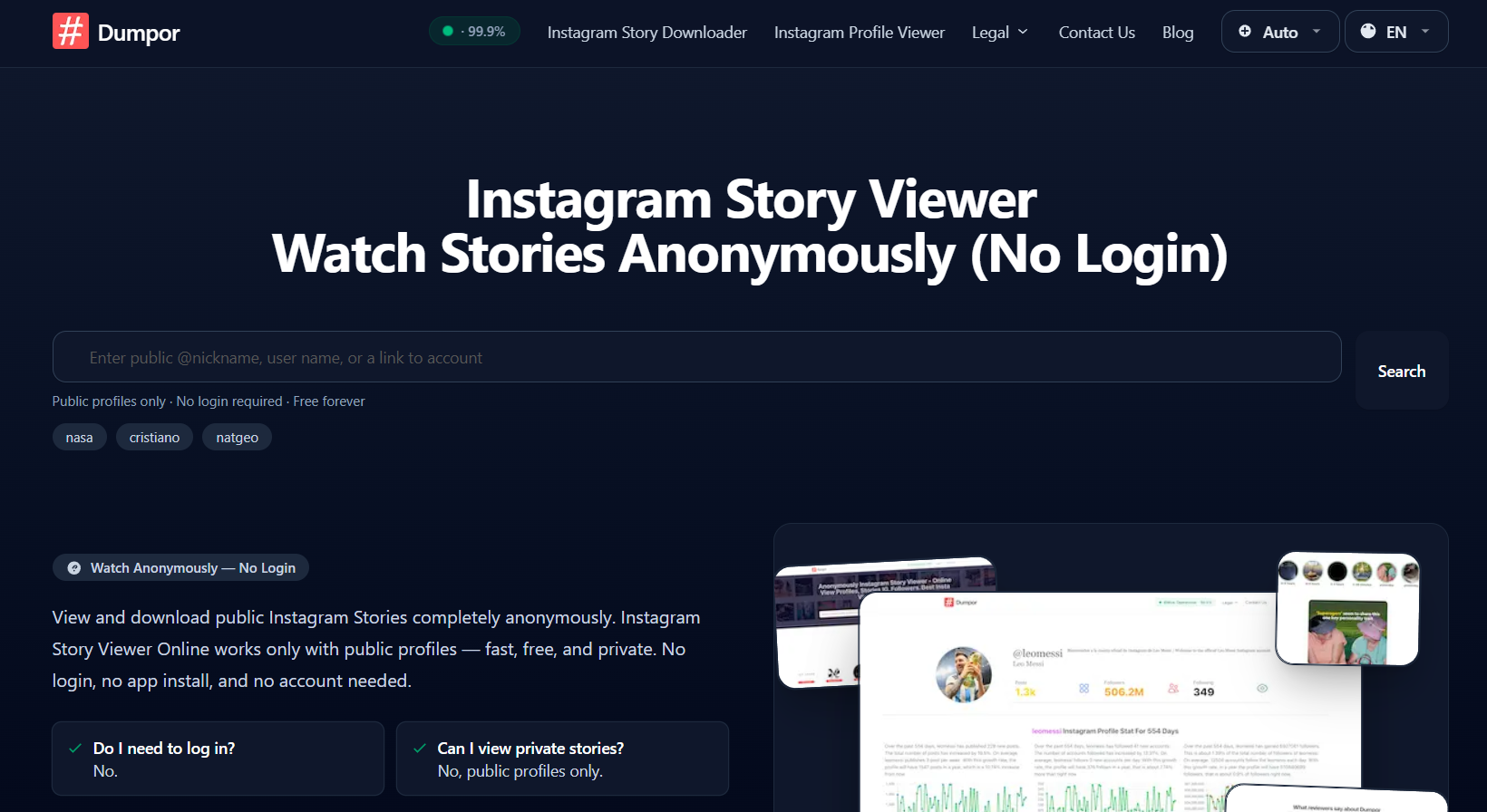
Overview: Dumpor is an algorithm-based viewer that combines anonymous browsing with a surprising amount of analytics. It’s a good tool for quick market analysis.
- Algorithm-based analytics: Provides insights into hashtags, posting frequency, and engagement.
- Anonymous story viewing: Works without logging in.
- No login required: Fully anonymous.
Verdict: A strong contender for market research. It gives you more data than most free viewers.
