

Most bans don’t start with a warning. One account suddenly needs extra verification, another logs out for no clear reason, and within days everything is connected. The platform didn’t get lucky. It recognized a pattern, and in multi-account work, that pattern almost always comes from the IP layer.
Datacenter proxies and VPNs make that problem worse. They recycle users, rotate in unnatural ways, and leave signals that don’t match real behavior. Residential proxies work differently because they sit on real ISP networks and behave like normal household connections. When each account runs on its own residential IP, sessions stay consistent, logins feel natural, and platforms have far less reason to link accounts together.
That said, not every residential proxy is safe for managing multiple accounts. Some providers oversell the same IPs, others rotate too aggressively, and a few break sessions in ways that trigger flags instead of preventing them. This guide breaks down the 5 best residential proxies for managing multiple accounts, focusing on stability, IP quality, and long-term account survival.
Multilogin: The best all-in-one residential Proxy for managing multiple accounts
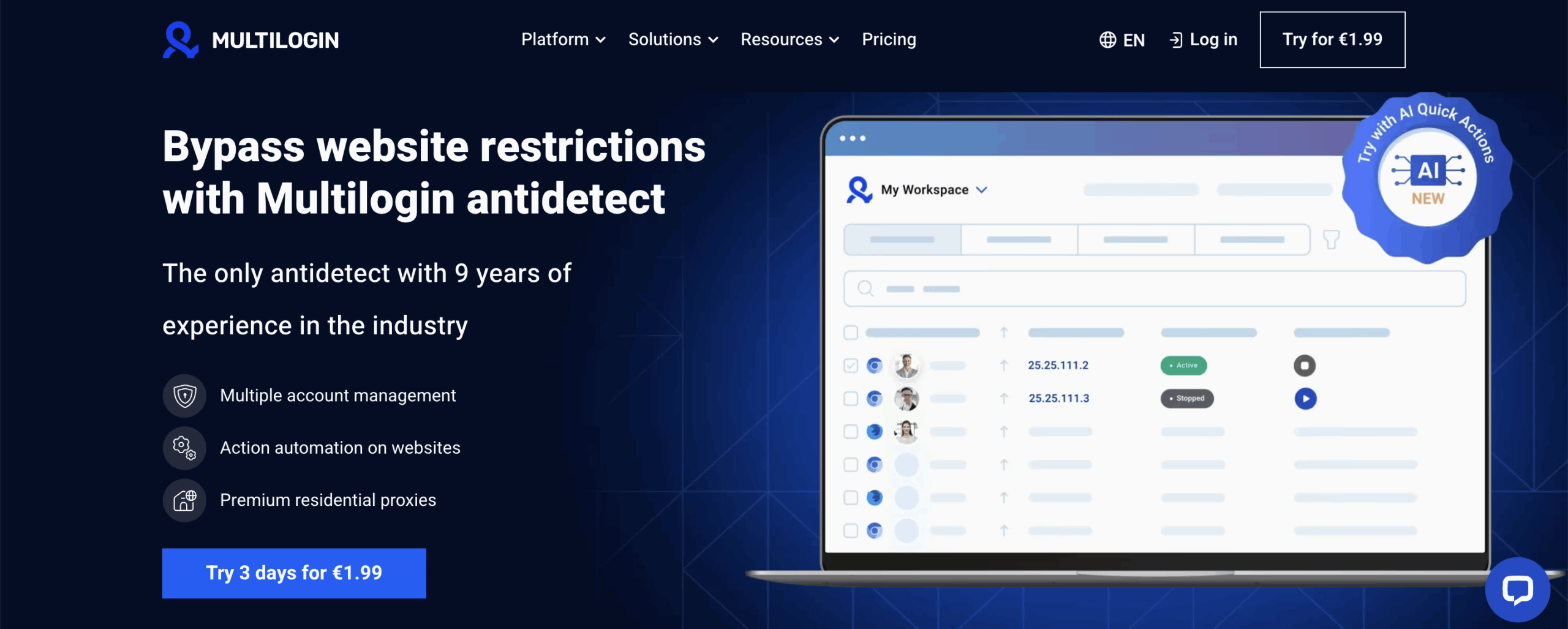
Managing multiple accounts fails when tools are separated. A proxy alone changes the IP, but the browser still leaks signals that connect accounts. Multilogin solves this by combining an antidetect browser and residential proxies into a single system built for multi-account work.
Each account runs inside its own isolated browser profile with a unique browser fingerprint, cookies, and a dedicated residential IP. Because the proxy and the browser environment are created together, platforms see a consistent, natural session instead of mixed signals. This is where many proxy-only setups break.
Every Multilogin plan includes access to premium residential proxy traffic at no extra cost. There’s no need to integrate third-party proxy providers, manage rotations, or troubleshoot mismatched configurations. The proxy layer is already tuned for account stability and long sessions, which is critical when managing multiple logins daily.
Here’s why Multilogin’s residential proxies stand out:
- 95% of the IPs come with clean records, reducing the risk of bans.
- 99.99% uptime ensures steady, uninterrupted connections.
- 24-hour sticky sessions maintain stable connections without resets.
- Access to 30+ million premium pre-filtered residential IPs gives you a wide range of geo-targeted options.
Try Multilogin risk-free: start the €1.99, 3-day trial and test full browser isolation with built-in residential proxies before scaling your accounts.
Key Multilogin features for managing multiple accounts
- Built-in residential proxies – Proxies are already part of the plan. You don’t need to shop around, test providers, or worry about mixing bad IPs into your setup. Each profile gets its own residential connection from the start.
- Advanced antidetect fingerprint protection – Every profile runs with its own browser identity. Fonts, canvas, WebGL, timezone, and dozens of other signals stay consistent instead of overlapping. This is what stops platforms from tying accounts together after a few logins.
- Full profile isolation – Nothing leaks between profiles. Cookies stay where they belong. Storage doesn’t cross over. Extensions and IPs don’t get reused by accident. If one account gets flagged, the others don’t feel it.
- Pre-farmed cookies & Cookie Robot – New accounts don’t start empty. Aged cookies give them history, and Cookie Robot builds activity that looks normal over time instead of forced or instant.
- Mobile profile emulation (Android) – Some platforms expect mobile behavior and punish desktop patterns. Android profiles let you match that expectation without needing a real device.
- Automation-ready workflows – If you automate, Multilogin doesn’t get in the way. It works with Selenium, Puppeteer, Playwright, Postman, CLI, and API access. Quick Actions help when you need to repeat tasks across many profiles without touching each one.
- Multilogin X app (desktop) – When you’re opening profiles all day, the desktop app saves time. The launcher is built in, profiles start faster, and sessions stay more stable during heavy use.
- Built-in proxy management – Proxy traffic, rotation, top-ups, and rollover all live inside the same dashboard. You see what’s used, what’s left, and where each IP is assigned without switching tools.
- Team collaboration with role-based access – You can share profiles without sharing control. Team members get access only to what they need, which prevents mistakes that usually lead to leaks or bans.
- Flexible storage & 24/7 expert support – Profiles can stay on your machine or sync through encrypted cloud storage. If something breaks, real support is there, not a ticket that waits until tomorrow.
2. NodeMaven
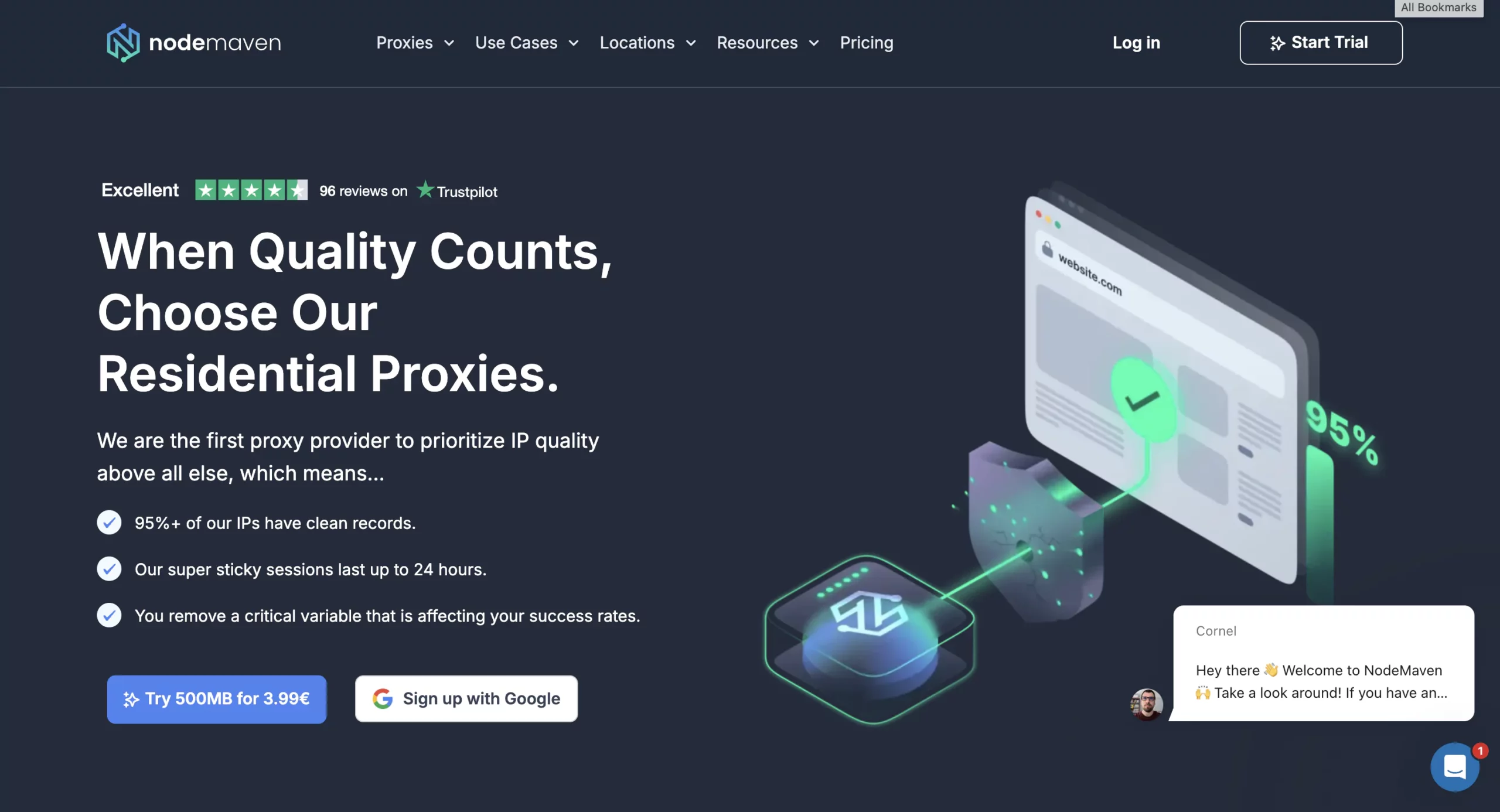
NodeMaven is built to prevent that by filtering IPs in real time, removing risky addresses before they ever touch your session. If your accounts are getting restricted, switching to cleaner IPs is often enough to stop further damage and keep activity stable.
NodeMaven also avoids issues that break multi-account workflows. Sticky sessions help keep activity consistent when accounts expect the same connection over time. Frequent IP changes stand out quickly, especially during logins or repeated actions. By holding the same address longer and carrying unused traffic forward, NodeMaven supports workloads that come in bursts rather than constant use. With location targeting, accounts can stay tied to the same region without being rebuilt from scratch.
Features:
- Real-time IP Quality Filter to block low-grade addresses
- Traffic rollover so unused bandwidth isn’t lost
- Geo-targeting for location-specific campaigns and research
- Easy-to-use dashboard and 24/7 support
3. Decodo
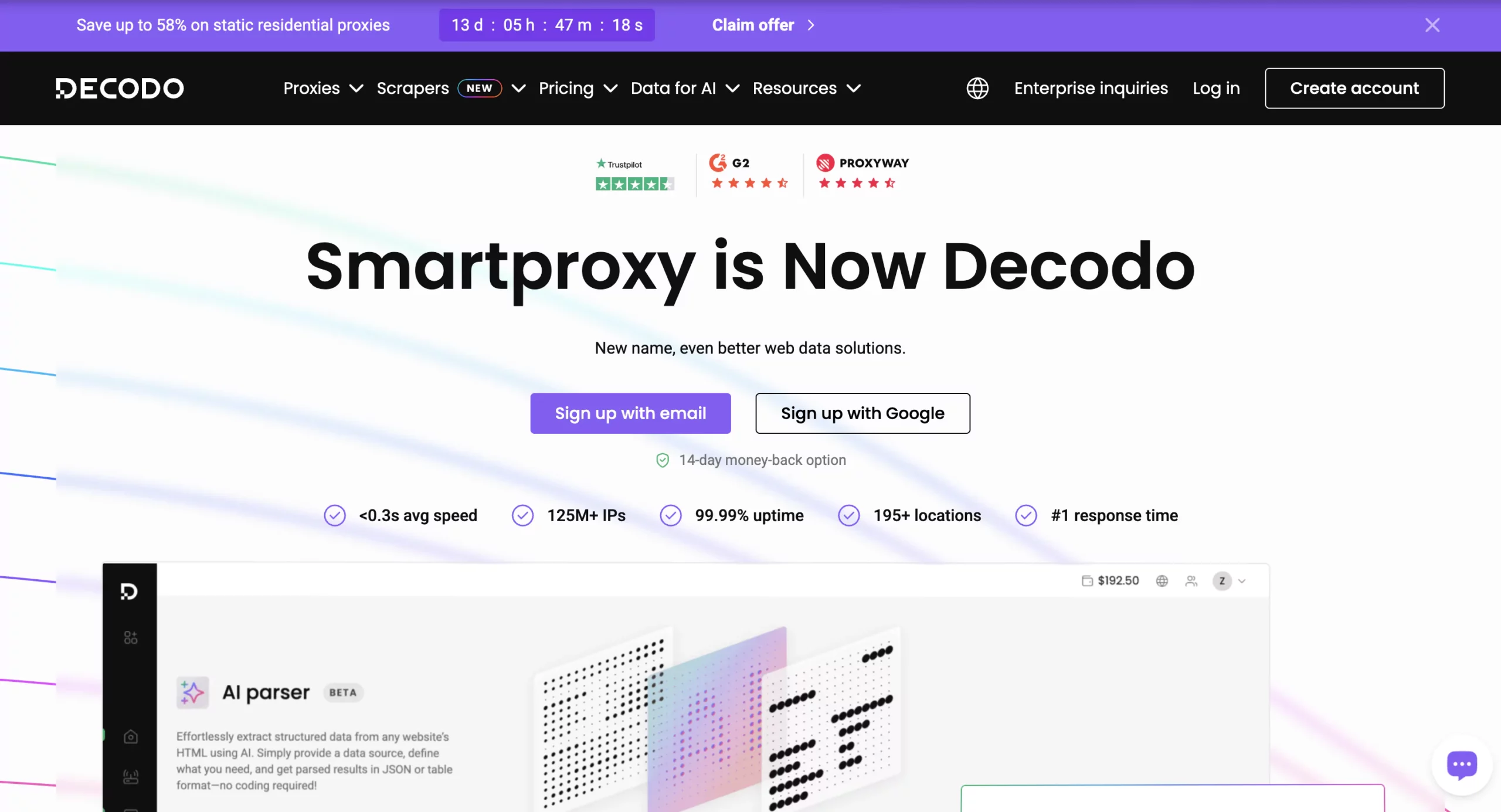
When accounts start failing during routine work, the cause is often basic: slow responses, dropped sessions, or IPs that don’t hold long enough. Decodo focuses on keeping connections fast and simple. Its residential IPs come from established network providers, which helps reduce obvious flags during everyday activity. If bans appear during scraping or monitoring tasks, switching to faster, more stable IPs can reduce interruptions, even if it doesn’t solve deeper browser-level issues.
Decodo is generally used for repeat tasks where setup speed matters more than control. Static residential proxies can hold an IP for extended sessions, while rotating options support high request volumes. Targeting goes down to city or ZIP level, which is enough for many location-based checks. That said, it doesn’t cover deeper fingerprint or environment control, so users managing many accounts often combine it with other tools.
Features:
- Residential IPs sourced from large network providers
- Static and rotating proxy options with unlimited threads
- Long-lasting static sessions without forced resets
- Country, state, city, and ZIP-level targeting
- Rotation per request or at set intervals
- HTTP(S) and SOCKS5 protocol support
4. Oxylab
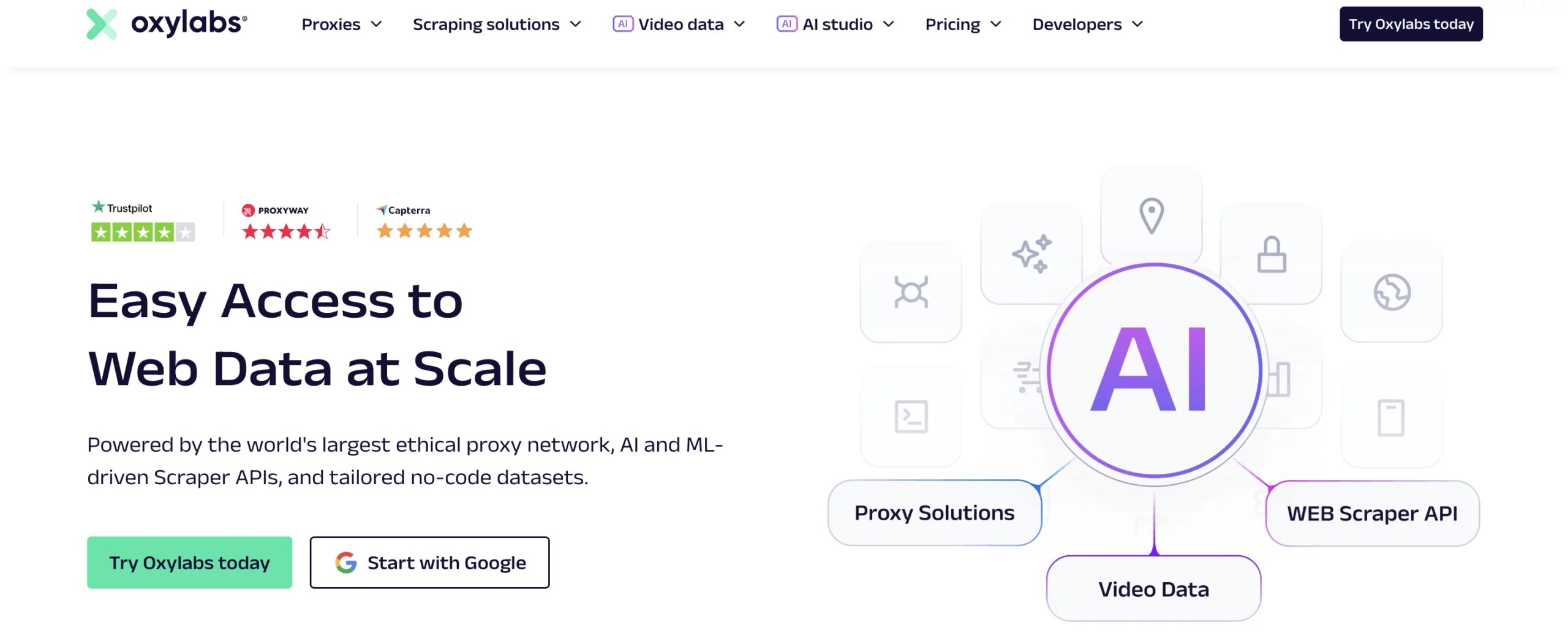
Oxylabs is not aimed at lightweight setups or simple account handling. It’s designed for teams running serious data operations where precision and consistency matter. Advanced geo targeting down to ASN, ZIP, and coordinates helps when data must come from exact locations. The API-driven dashboard gives visibility into usage and costs, which becomes important once requests scale into the millions. This is infrastructure for enterprises that already know what they’re doing and need the proxy layer to keep up.
Key Oxylabs features:
- Large residential proxy pool filtered by IP quality and performance
- Enterprise-grade infrastructure with ISO certifications
- Flexible rotation per request or custom intervals
- API-first setup with detailed usage and cost analytics
- Support for HTTP(S) and SOCKS5 protocols
5. IPRoyal

IPRoyal is commonly used for steady data tasks rather than complex multi-account environments. It works well when you need residential IPs that stay available and predictable across regions. Targeting is simple and practical, and integration doesn’t require extra layers. It doesn’t try to solve browser-level detection, so users managing many accounts usually pair it with additional tools when bans persist.
Features:
- Residential proxy pool with over 32 million IPs
- Support for HTTP, HTTPS, and SOCKS5
- Country, city, and regional targeting options
- Flexible rotation from one second up to seven days
- Stable residential connections suited for long-running jobs
