


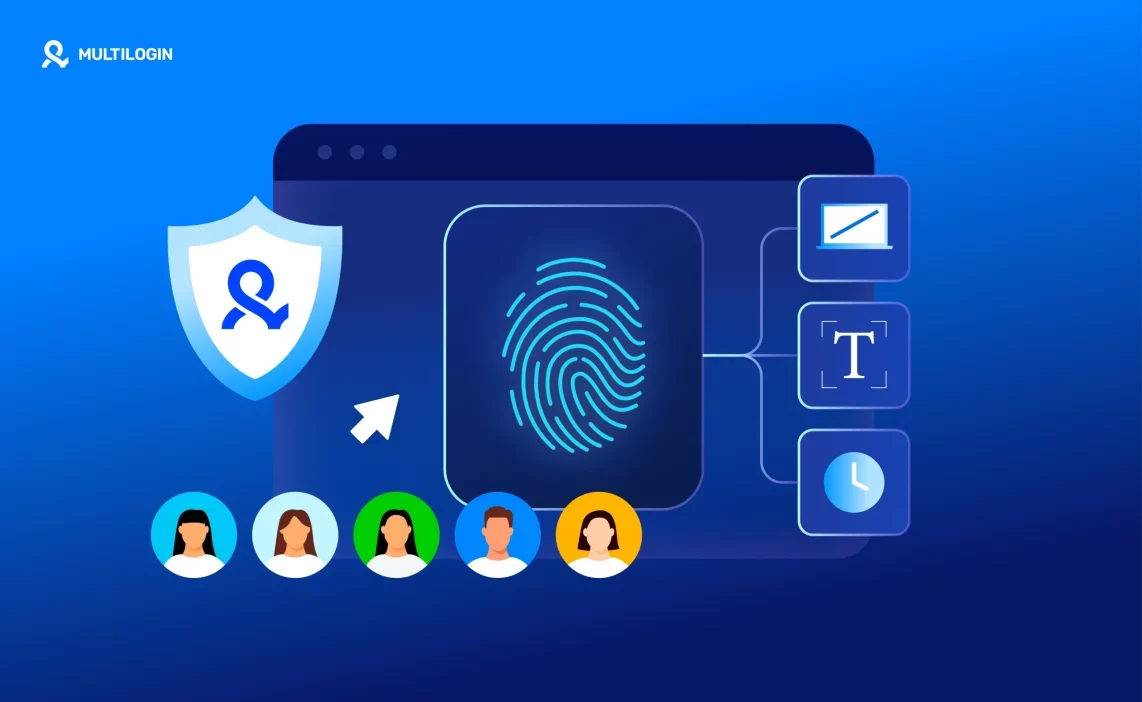

Accounts get banned even when nothing looks wrong on the surface: new email, new proxy, clean history. That’s because platforms aren’t just checking who you are, they’re checking what device and browser is behind the login. Browser fingerprinting is what makes that possible, and it’s why bans keep coming back no matter how careful you are with logins and IPs.
This article breaks down what fingerprinting actually tracks, why proxies and cleared cookies don’t stop it, and what actually works instead: separating each account into its own isolated device environment, whether that’s a cloud phone for mobile accounts or a browser profile for web accounts.
What browser fingerprinting really is (and why platforms use it)
Browser fingerprinting is the process platforms use to recognize your browser based on how it looks and behaves, not who you log in as. Even without cookies or accounts, your browser leaves a pattern behind. That pattern stays the same unless you change the browser environment itself.
Cookies and IP addresses used to be enough. They aren’t anymore. Cookies can be deleted in seconds. IPs rotate constantly. Platforms learned to stop trusting things users can reset easily. Instead, they watch deeper signals that don’t disappear when you clear data or switch networks.
This is why bans keep coming back. You log in with a new IP. You start fresh. Everything looks fine. Then the restriction hits again. The platform didn’t block the account. It recognized the browser.
Platforms don’t need trackers or logins to connect users. They compare how your browser renders pages, handles graphics, reports system details, and reacts over time. When those signals match across sessions, accounts get linked. When accounts get linked, limits and bans follow.
If you’re getting blocked without obvious mistakes, this is the reason. And the only way to stop it is to stop reusing the same device or browser identity across accounts.
What signals does browser fingerprinting track
The best way to protect yourself from browser fingerprinting starts with knowing what platforms actually see. Fingerprinting doesn’t rely on one signal. It builds a profile from many small details that look harmless alone but become very clear when combined. That’s why bans happen even when everything “looks clean.”
Device and hardware signals
Screen size, GPU, CPU behavior, and memory patterns tell platforms what kind of device is behind the browser. When you create a new account on the same laptop, those signals don’t change. The account looks new. The device doesn’t. That’s why “same laptop, new account” fails so often.
Browser and rendering signals
WebGL, Canvas, fonts, and audio context show how your browser draws pages and processes media. Default browsers repeat these signals every time. Platforms compare them across sessions and spot matches quickly. Clearing data doesn’t change how your browser renders.
Behavioral consistency
Timezone, language settings, typing rhythm, and interaction patterns fill in the final gaps. When these signals jump around too much, it looks fake. When they stay identical across accounts, it looks linked. Fingerprints need to stay stable inside one profile and separate from others. Random changes do more harm than good.
Stop account links! Try Multilogin for free!
What is the best way to protect yourself from browser fingerprinting
The best way to protect yourself from browser fingerprinting is to stop reusing the same device and browser identity across accounts. If bans keep coming back, the issue isn’t the IP or the account setup. It’s the browser carrying the same signals every time you log in.
Protection has to happen at the device and browser level, not the network level. Proxies only change where you connect from. They don’t change how your browser looks, behaves, or renders pages. When the browser stays the same, platforms recognize you again and again.
The real fix is separation, not masking. Each account needs its own environment with its own fingerprints, cookies, and behavior. Trying to hide one browser behind tools and extensions just creates noise. Platforms spot that quickly. Separate identities look natural. Masked ones don’t.
This is where Multilogin changes the outcome. Instead of forcing one browser to pretend it’s many, Multilogin gives every account its own stable cloud phone or browser profile. Each one behaves like a real device over time. Signals stay consistent inside the profile and never overlap with others.
When one account equals one environment, bans stop spreading. Accounts stay isolated. Mistakes don’t cascade. And if something goes wrong, it stays contained instead of taking everything down with it.
Cloud phones for mobile-first accounts
Some platforms expect activity to come from a real mobile device, not just a web browser. For those, Multilogin provides Android cloud phones: real virtual Android devices hosted in the cloud, each with its own device identity, app data, login state, and location.
Each account gets its own cloud phone instead of sharing a physical device or an emulator profile. Because the fingerprint sits at the hardware and OS level, not just inside a browser, platforms that specifically check for native mobile signals, like Instagram, TikTok, and Facebook, see a genuine, independent device behind every account. No physical phones to buy, configure, or keep charged on a shelf.
How Multilogin protects you at the device level
With mobile platforms like TikTok, Instagram, and Facebook, the situation is different: these apps check device authenticity, not just browser signals. Working with them at scale needs a different kind of tool than a browser profile.
Multilogin is a cloud phone platform: each account gets its own real Android device hosted in the cloud, with its own hardware identity, app data, login state, and location, instead of trying to hide or randomize signals inside a browser. Platforms checking for native mobile signals see a real device behind every account, not a synthetic profile pretending to be one.
One cloud phone per account
Each account gets its own dedicated cloud phone rather than sharing a physical device or an emulator. That separation is what stops bans from spreading. When platforms can’t see shared signals between accounts, they can’t connect them. A problem on one cloud phone stays there. It doesn’t take everything else down with it.
Built-in residential proxies, matched to the device
Device-level protection breaks if the network layer doesn’t match. That’s why Multilogin includes residential proxies directly in the platform, covering more than 150 locations. IP, location, and device signals stay aligned by design, so there’s no need to plug in third-party tools or guess whether something conflicts.
Persistent, stable sessions over time
Platforms expect a device to behave consistently, not to change every session. Each cloud phone keeps its app data, login state, and settings stable across logins, days, and weeks, so accounts build up a normal usage history instead of looking freshly reset every time you log in.
Browser profiles for web-based workflows
For platforms and tasks that run through a browser instead of a mobile app, Multilogin also provides isolated browser profiles, each with its own fingerprint, cookies, and session. This covers desktop and web workflows, including automation tools like Selenium, Playwright, Puppeteer, Postman, or the Multilogin API, alongside the cloud phones handling the mobile side.
When fingerprinting protection becomes non-negotiable
There’s a moment when bans stop feeling random and start feeling systematic. Accounts fall one by one, even when you change IPs and follow the rules. That’s when protection stops being optional.
Managing multiple social media accounts
Social platforms are aggressive about linking accounts. This is a familiar problem for any social media manager juggling accounts for several clients or brands: you can create accounts carefully, warm them up, and still lose them in waves. When one account gets flagged, others follow. If this keeps happening, the fix isn’t better behavior. It’s isolation. Separate cloud phones and browser profiles stop one mistake from taking everything down.
Running paid ads across accounts
Ad platforms don’t forgive repetition. Same device signals across ad accounts trigger reviews, limits, and shutdowns fast. If an ad account gets banned and the next one fails within days, the environment is already burned. Isolation keeps ad accounts from inheriting past problems.
Web scraping and automation
Scraping fails when platforms recognize the tool behind the requests. Blocks start small. Then CAPTCHAs pile up. Then access disappears. Stable, isolated profiles paired with automation frameworks keep scraping sessions consistent and believable.
E-commerce and marketplace operations
Marketplaces watch devices closely. Sellers who manage multiple stores or regions see suspensions spread when environments overlap. One store gets flagged, others follow. Isolation keeps stores separated so issues stay contained instead of turning into a full shutdown.
How to start protecting yourself today
If bans have already started, waiting makes things worse. The cleanest reset is to move your accounts into isolated cloud phones or browser profiles before patterns stack up again. Create a separate profile for each account so nothing overlaps behind the scenes.
Assign each profile a stable environment from the start: one device identity, one network setup, and consistent behavior over time. Keep these environments intact across sessions, so profiles don’t drift or leak signals when you log in again.
Most importantly, keep accounts separated from day one. Don’t reuse devices or browsers. Don’t mix logins. One account lives in one profile and nowhere else. When this structure is in place, problems stop spreading, and you finally work without wondering which account will be next.
Final verdict
Browser fingerprinting doesn’t punish mistakes. It punishes repetition. When accounts keep getting banned despite clean behavior, the device or browser is already exposed. Changing IPs, clearing data, or trying new accounts won’t fix that.
The best way to protect yourself from browser fingerprinting is to take control of the device and browser environment itself. When each account runs inside its own stable, isolated profile, platforms lose the ability to connect activity. Signals stop overlapping. Bans stop spreading.
Multilogin separates identities instead of masking them, keeps fingerprints realistic over time, and applies the same protection across cloud phones, browser profiles, automation, and scaling workflows. That approach is what keeps fingerprinting from turning into a recurring problem.
👉 Start with Multilogin’s free plan: no time limit, no credit card required, five profiles included. Upgrade anytime from $7.08/month.
FAQs about protecting yourself from browser fingerprinting
By isolating each account in its own device and browser environment with stable fingerprints. When accounts don’t share signals, platforms can’t link them.
Multilogin is a cloud phone platform for social media marketers. It lets people, agencies, and AI agents run multiple social media profiles from one dashboard, using real Android cloud phones for mobile-first platforms and isolated browser profiles for web-based ones.
Yes. Fingerprinting relies on device, browser, and behavior signals that stay visible even when cookies are deleted or blocked.
No. Proxies change your IP address, not your device or browser identity. Fingerprinting still reads device and rendering signals behind the proxy.
In most regions, yes. Platforms use it as part of fraud prevention and abuse detection, even when users are not logged in.
Yes. Multilogin works with tools like Selenium, Playwright, Puppeteer, Postman, and the Multilogin API, while keeping isolation consistent across automated workflows.

