


The Best Social Media Management Tools in 2026
If you’re looking for the best social media management tool, the right choice depends on your workflow rather than the number of features. Solo creators may prioritize affordable scheduling, agencies often need approval workflows and collaboration tools, while enterprise teams typically require advanced analytics, social listening, and team management.
Below are some of the best social media management platforms in 2026, organized by their strongest use cases.
1. Buffer
Buffer has earned its reputation as one of the most user-friendly scheduling tools available. It is clean, straightforward, and works well for small businesses and solo creators who need reliable scheduling without a steep learning curve.
Buffer supports Instagram, Facebook, LinkedIn, Twitter/X, TikTok, and Pinterest. Its analytics are solid for basic performance tracking, and the free plan is genuinely usable. Where it falls short is in deep social listening and advanced team collaboration features, which matter more at the agency level.
Best for: Solo creators, freelancers, small businesses
Pricing: Free plan available. Paid plans from $6 per channel per month.
2. SocialBu
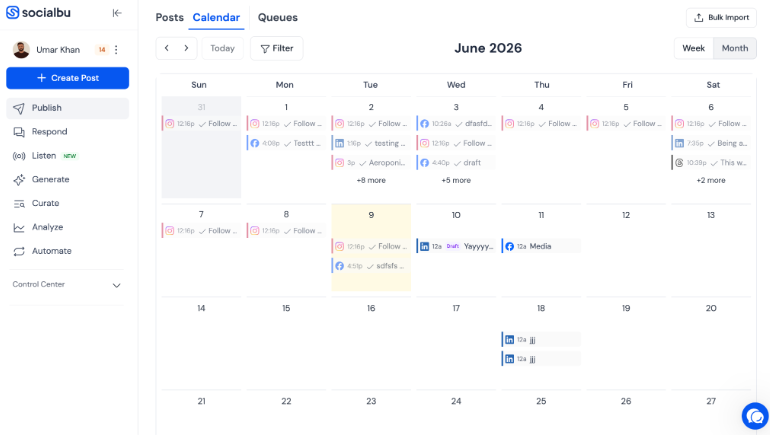
SocialBu focuses on making social media management simple, affordable, and highly automated. It combines AI-powered content creation, scheduling, automation, and analytics in one platform. This makes it a great choice for businesses, agencies, and small teams that want to save time managing multiple social accounts.
Beyond scheduling, SocialBu offers team collaboration features such as shared workspaces, role-based permissions, content approval workflows, and private team notes to manage content efficiently. It also includes social listening tools to monitor brand mentions, keywords, hashtags, competitor activity, and audience sentiment, as well as a unified inbox and analytics dashboard.
Best For: Agencies, small businesses, and AI-powered social media automation
Pricing: $19/ month. Free plan available.
3. Hootsuite
Hootsuite has been around since 2008 and remains one of the most comprehensive platforms in the space. It supports a wide range of networks, offers strong team management features, and includes social listening tools that smaller platforms lack. If you’re exploring other options, these Hootsuite Alternatives can offer similar functionality at a lower cost.
The downside is cost. Hootsuite’s pricing has climbed significantly in recent years, and many small agencies find it harder to justify compared to newer, leaner alternatives. But for enterprise teams managing dozens of accounts with complex approval workflows, it remains a strong option.
Best for: Enterprise teams, agencies with large client rosters
Pricing: From $99/month. Enterprise plans available.
4. Sprout Social
Sprout Social sits at the premium end of the market, and it earns that positioning with genuinely strong analytics, CRM-style contact management, and some of the best reporting dashboards in the category.
If you need to show clients or stakeholders exactly what your social media activity is driving, Sprout Social makes that easy. The inbox management features are particularly good for brands that do a lot of community engagement.
Best for: Mid-to-large agencies, brands with active community management needs
Pricing: From $249/month per seat.
5. Later
Later started as an Instagram scheduling tool and has evolved into a solid multi-platform option with a strong visual content calendar. It is particularly popular among e-commerce brands, lifestyle creators, and anyone whose content strategy leans heavily on visual posts.
The link-in-bio tool is a standout feature for Instagram and TikTok creators who want to drive traffic from their profiles.
Best for: Visual-first brands, e-commerce, lifestyle content
Pricing: From $25/month.
6. Metricool
Metricool is a strong all-in-one option for agencies and freelancers who want robust analytics alongside scheduling. It supports a wider range of networks than most competitors, including Twitch and Google Business Profile, and its competitor analysis features are genuinely useful for research.
Best for: Freelancers, small agencies, content researchers
Pricing: Free plan available. Paid plans from $25/month.
7. SocialBee
SocialBee is built for creators and marketers who batch-produce content and want category-based scheduling. Instead of one linear queue, you can set up content categories (educational, promotional, evergreen) and rotate them automatically. That makes it excellent for social media automation workflows where you want consistent variety without manually rebalancing your schedule.
Best for: Content batching, evergreen post recycling, solo marketers
Pricing: From $29/month.
8. Planable
Planable is specifically designed for team collaboration and client approval workflows. If you are a social media manager presenting content to clients before it goes live, Planable’s interface makes the approval process clean and professional.
Best for: Client approvals and content collaboration
Pricing: Free plan available. Paid plans from $33/month.
9. SocialPilot
SocialPilot is an affordable social media management platform built for small businesses, agencies, and growing marketing teams. It combines scheduling, analytics, collaboration, and AI-powered content creation in a simple interface. Compared with premium tools like Hootsuite and Sprout Social, it offers excellent value while covering most day-to-day agency workflows.
Best for: Budget-conscious agencies
Pricing: Free trial available. Paid plans start from approximately $30/month.
10. Zoho Social
Zoho Social is designed for businesses that want to manage social media alongside customer relationships. It integrates closely with Zoho CRM and offers scheduling, monitoring, reporting, and collaboration tools. It is a particularly strong choice for companies already using other Zoho products.
Best for: Businesses using the Zoho ecosystem
Pricing: Free plan available. Paid plans start from approximately $10/month.
11. Agorapulse
Agorapulse helps teams manage publishing, engagement, and reporting from one dashboard. Its unified inbox and collaboration features make it particularly useful for businesses handling high volumes of social interactions. If community management is a priority, Agorapulse stands out from many scheduling-focused platforms.
Best for: Community management teams
Pricing: Free trial available. Paid plans start from approximately $79/month.
12. Sendible
Sendible is built for agencies managing multiple client accounts. It offers publishing, content scheduling, client approvals, reporting, and social listening tools in one platform. White-label reporting and agency-focused workflows make it a practical choice for client-facing teams.
Best for: Agencies managing multiple client brands
Pricing: Free trial available. Paid plans start from approximately $35
/month.
13. Tailwind
Tailwind specializes in visual marketing, particularly for Pinterest and Instagram. It helps creators schedule content, generate AI-powered captions, and optimize posting strategies. While its multi-platform support is more limited than some competitors, it remains one of the strongest options for Pinterest marketing.
Best for: Pinterest creators and visual brands
Pricing: Free plan available. Paid plans start from approximately $29.99/month.
14. Oktopost
Oktopost is a B2B social media management platform focused on lead generation, employee advocacy, and campaign measurement. Rather than targeting creators or small businesses, it is designed for enterprise organizations that use social media as part of a broader sales and marketing strategy.
Best for: B2B enterprise marketing
Pricing: Custom pricing
15. Sprinklr
Sprinklr is an enterprise customer experience platform that combines social media management, customer support, AI insights, and omnichannel communication in a single solution. Its feature set is among the most comprehensive in the industry, although it is primarily aimed at large organizations with complex requirements.
Best for: Large enterprises and global brands
Pricing: Custom pricing
16. Vista Social
Vista Social offers publishing, engagement, review management, and AI-assisted content creation in a modern interface designed for agencies and creators. It provides a balanced mix of collaboration, analytics, and automation without the complexity of enterprise platforms.
Best for: Agencies and content creators
Pricing: Free plan available. Paid plans start from approximately $79/month for 3 users.
17. ContentStudio
ContentStudio combines social media management with content discovery and AI writing tools. It is designed for teams that regularly create, curate, and distribute content across multiple channels. Its content curation capabilities help marketers maintain a consistent publishing schedule.
Best for: Content marketing teams
Pricing: Free trial available. Paid plans start from approximately $29/month.
18. Publer
Publer focuses on scheduling, automation, and AI-assisted content creation. It supports bulk publishing, media management, and collaboration for creators and businesses. Its straightforward interface makes it a good option for teams looking to automate repetitive publishing tasks.
Best for: Content scheduling and automation
Pricing: Free plan available. Paid plans start from approximately $5/month.
19. Loomly
Loomly is designed around content planning, collaboration, and approval workflows. It helps marketing teams organize campaigns, review drafts, and publish content consistently. Its collaborative workflow makes it particularly useful for in-house marketing teams.
Best for: Content planning and team collaboration
Pricing: Free trial available. Paid plans start from approximately $65/month.
20. Brandwatch
Brandwatch specializes in social listening and consumer intelligence. It helps businesses monitor brand conversations, analyze competitors, and identify emerging trends across social platforms. It is best suited for organizations that prioritize audience insights over content scheduling.
Best for: Social listening and brand intelligence
Pricing: Custom pricing
21. Hopper HQ
Hopper HQ is a visual content scheduling platform with a strong focus on Instagram. It offers drag-and-drop planning, bulk uploads, and AI-generated captions. Its lightweight interface makes it appealing to creators and brands focused primarily on visual content.
Best for: Instagram-first creators and brands
Pricing: Start from approximately $6/month.
22. StoryChief
StoryChief helps teams publish content across blogs, newsletters, websites, and social media from a single workflow. It combines content marketing, SEO, and distribution tools, making it a strong choice for businesses that manage multiple content channels.
Best for: Multi-channel content marketing
Pricing: Free trial available. Paid plans start from approximately $22/month.
23. Manychat
Manychat is a conversational marketing platform that automates customer interactions across Instagram, Facebook Messenger, WhatsApp, and other messaging channels. While it is not a traditional social media management tool, it complements publishing platforms by helping businesses automate conversations and capture leads.
Best for: DM automation and conversational marketing
Pricing: Free plan available. Paid plans start from approximately $17/month.
24. Socialinsider
Socialinsider focuses on analytics and competitive benchmarking rather than publishing. It helps marketers measure engagement, monitor competitors, and identify high-performing content. If your primary goal is understanding what works instead of scheduling posts, it is one of the strongest analytics-focused platforms available.
Best for: Social media analytics and competitor research
Pricing: Free trial available. Paid plans start from approximately $99/month.
Quick Comparison of the Best Social Media Management Tools
Choosing the right social media management platform isn’t just about features. The best tool depends on your team size, workflow, budget, and the social networks you manage. Some platforms excel at scheduling and publishing, while others focus on collaboration, analytics, social listening, or AI-assisted content creation.
The comparison table below highlights the key differences between the most popular social media management tools, including their ideal use cases, supported platforms, AI capabilities, user ratings, and potential drawbacks. Use it as a quick reference to narrow down your options before making a decision.
| Tool | Best For | AI Features | Supported Platforms | Key Strength | G2 Rating |
| SocialPilot | SMBs & agencies | AI caption generator | FB, IG, X, LinkedIn, TikTok, Pinterest, GMB | Excellent value for money | 4.5/5 |
| Zoho Social | Businesses already using Zoho | Zia AI assistant | FB, IG, X, LinkedIn, TikTok, YouTube, GMB | Strong CRM integration | 4.6/5 |
| Agorapulse | Social teams & inbox management | AI writing assistant | FB, IG, X, LinkedIn, TikTok, YouTube | Best unified inbox | 4.5/5 |
| Sendible | Marketing agencies | AI content assistant | FB, IG, X, LinkedIn, TikTok, YouTube, GMB | Agency workflows & approvals | 4.5/5 |
| Tailwind | Pinterest & Instagram marketing | Ghostwriter AI | Pinterest, Instagram, Facebook | Best Pinterest automation | 4.3/5 |
| Oktopost | B2B enterprise marketing | AI content assistance | LinkedIn, X, Facebook, Instagram | Built for B2B lead generation | 4.7/5 |
| Sprinklr | Large enterprises | Sprinklr AI | Nearly every major network | Extremely powerful enterprise suite | 4.1/5 |
| Metricool | Creators & marketers | AI text generation | FB, IG, X, LinkedIn, TikTok, Pinterest, YouTube | Great analytics dashboard | 4.5/5 |
| Vista Social | Agencies & creators | AI Assistant | FB, IG, X, LinkedIn, TikTok, Pinterest, YouTube | Modern UI & competitive pricing | 4.8/5 |
| ContentStudio | Content marketing teams | AI Writer | FB, IG, X, LinkedIn, Pinterest, YouTube | Strong content discovery | 4.6/5 |
| Publer | Scheduling & automation | AI Assist | FB, IG, X, LinkedIn, TikTok, Pinterest, YouTube | Powerful scheduling | 4.8/5 |
| Loomly | Collaboration & approvals | AI post ideas | FB, IG, X, LinkedIn, TikTok, Pinterest, YouTube | Excellent approval workflow | 4.6/5 |
| Brandwatch | Enterprise listening & analytics | Iris AI | Most major social networks | Industry-leading social listening | 4.1/5 |
| Hopper HQ | Instagram-first scheduling | AI caption writer | Instagram, Facebook, LinkedIn, X, TikTok, Pinterest | Very easy to use | 4.4/5 |
| StoryChief | Content distribution | AI content creation | Social + CMS publishing | Omnichannel publishing | 4.7/5 |
| Manychat | Chat automation | AI chatbot | Instagram, Facebook Messenger, WhatsApp, Telegram | Best DM automation | 4.6/5 |
| Socialinsider | Analytics & benchmarking | AI insights | FB, IG, X, LinkedIn, TikTok, YouTube | Excellent competitor analytics | 4.8/5 |
What These Tools Don’t Cover (And Why It Matters)
Whether you choose Buffer, Hootsuite, Sprout Social, SocialPilot, Later, or any other platform on this list, they all solve a similar set of problems. They help you plan content, schedule posts, collaborate with your team, monitor performance, and manage engagement more efficiently.
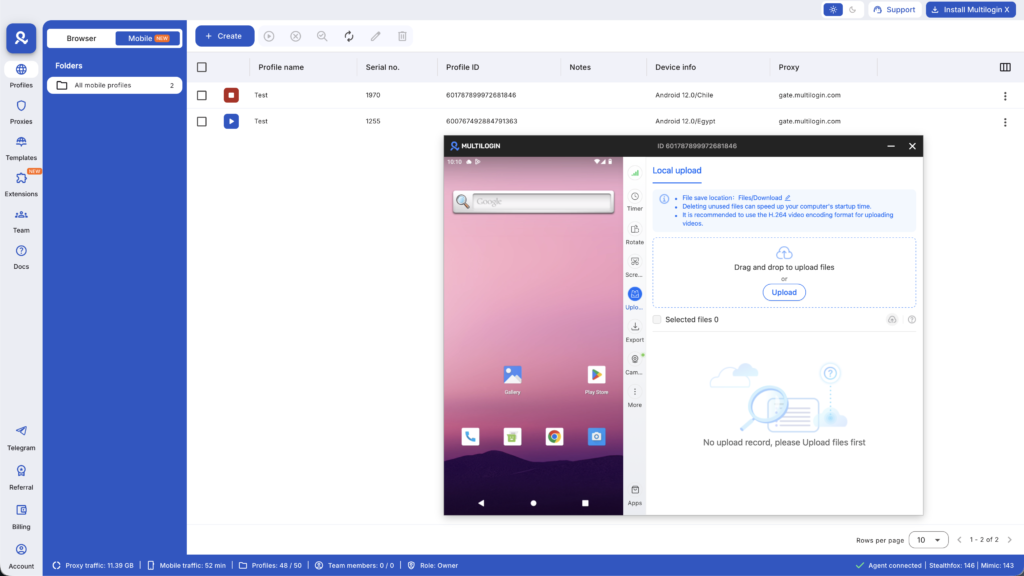
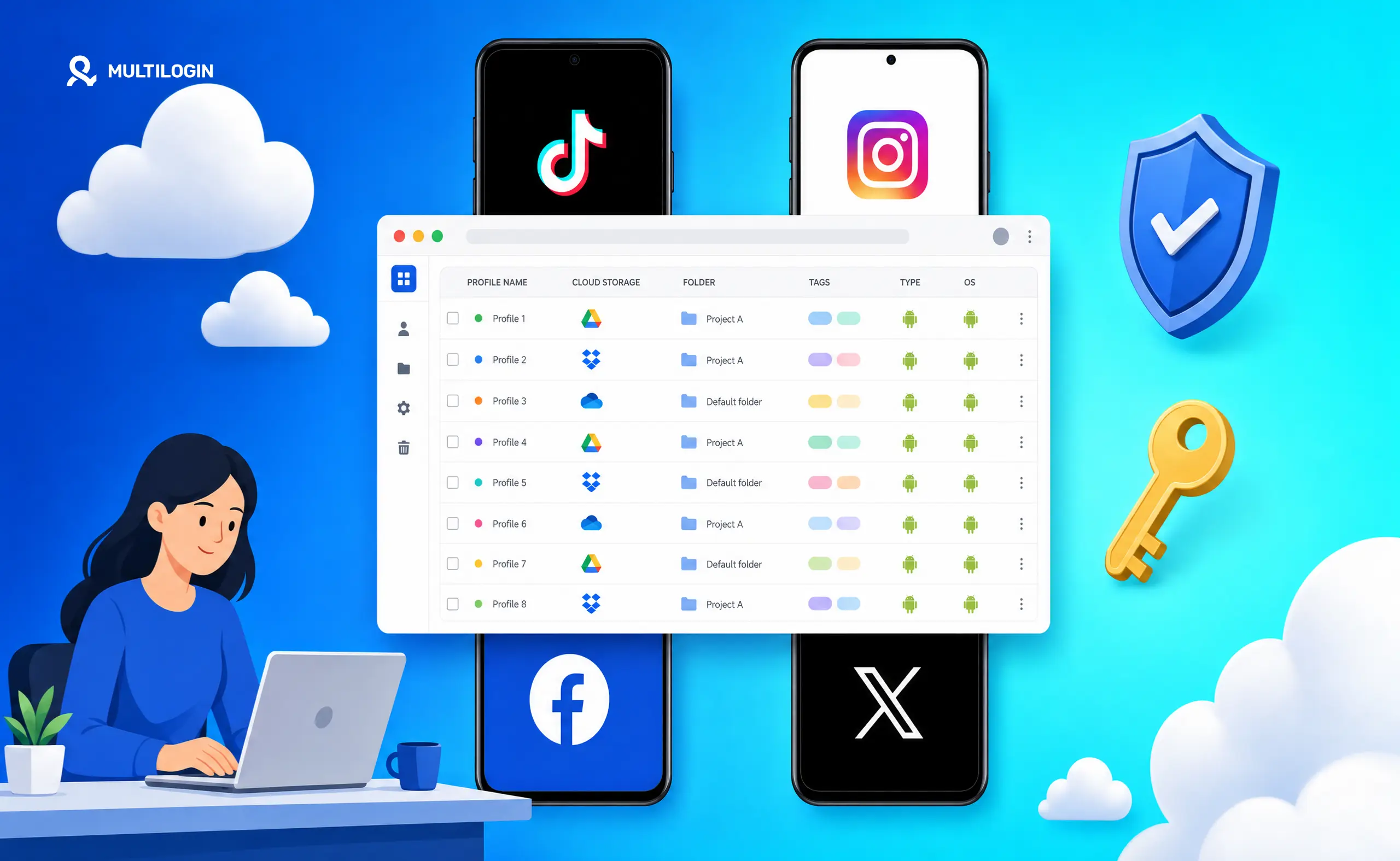
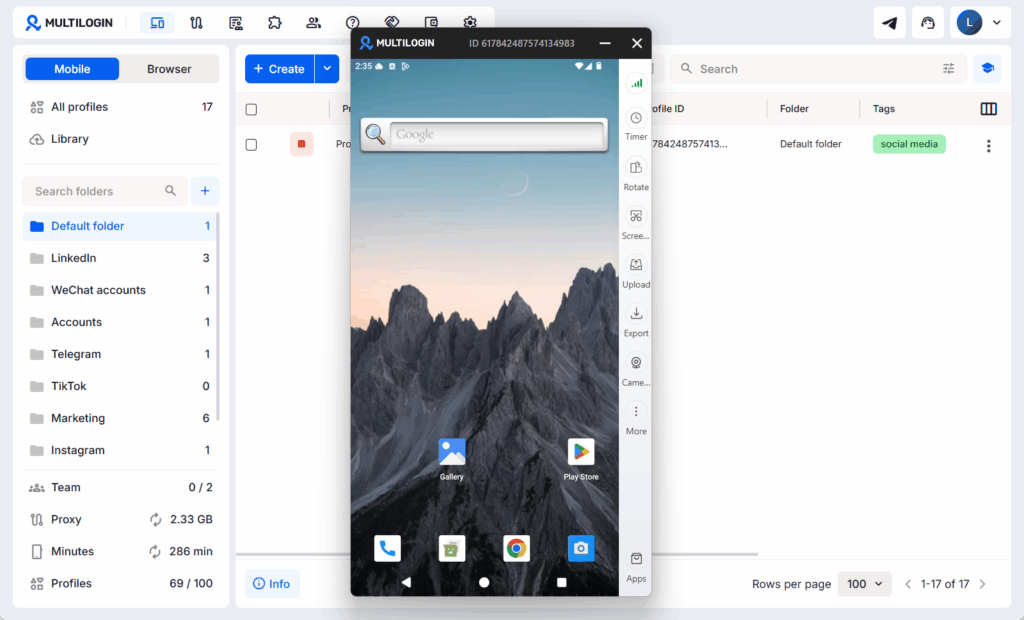
However, there is one challenge they are not designed to solve: managing the environments where your social media accounts are accessed.
Social platforms don’t only evaluate what you publish. They also analyze browser fingerprints, device identifiers, IP addresses, cookies, and behavioral patterns to understand how accounts are accessed over time. When multiple accounts repeatedly appear to originate from the same environment, platforms may treat them as connected, depending on their policies and risk detection systems.
For businesses that manage multiple social accounts every day, this can become an operational challenge, especially for:
Agencies managing multiple client accounts from the same computers
Social media managers switching between personal and business profiles
Brands operating regional or product-specific accounts from a central team
Creators managing multiple monetized channels
Teams responsible for dozens of social media profiles across different clients
Many marketers try to reduce this risk by using different browsers, incognito windows, or logging in and out of accounts throughout the day. While these methods separate browser sessions, they do not create fully isolated browser environments or unique browser fingerprints.
As a result, many agencies and professional social media teams pair a social media management platform with a separate account management solution. Scheduling tools handle content publishing and analytics, while browser isolation tools help keep multiple accounts separated when they’re managed from the same team or device.