
If you’re building TikTok accounts at any kind of scale, you’ve probably come across the term “cookie robot.” It sounds more complicated than it is. The concept behind it solves a real problem, but the execution matters a lot more than most guides admit.
This article explains what a cookie robot does, why so many TikTok operators use them for account warm-up, where they break down, and what a more durable approach looks like when you need accounts to stay healthy over time.
If your goal is to run multiple TikTok accounts without bans, you’ll want to understand all of this before you build your setup.
Try Multilogin now. Plans start at €5.85/month, with cloud phone usage at €0.009/minute. See options at multilogin.com/pricing.
What TikTok actually sees when a new account is created
When you create a new TikTok account, the platform doesn’t just register an email and a username. It registers a device, a network, a behavioral baseline, and an environmental fingerprint. TikTok’s risk-control system scores every new account from the moment it’s created, based on signals that most people never think about.
Those signals include:
- Whether the device and browser environment is consistent across sessions
- Whether the IP address has a clean residential history or looks like a server
- Whether early activity happened gradually over time or was compressed into a few minutes
- Whether cookies show continuous, recognizable behavior from a single environment
- Whether the account started publishing content immediately after registration
How TikTok’s algorithm works at the surface level (FYP, watch time, engagement) is well documented. What’s less discussed is the trust-scoring layer underneath it. An account that fails the environmental checks gets throttled before a single video is ever reviewed by anyone. You might never see a ban notice. The content just stops getting pushed. That’s the version people know as a TikTok shadowban.
Account warm-up is the process of building a credible behavioral history before you do anything commercial with an account. A cookie robot is one way to do that.
What a cookie robot actually does
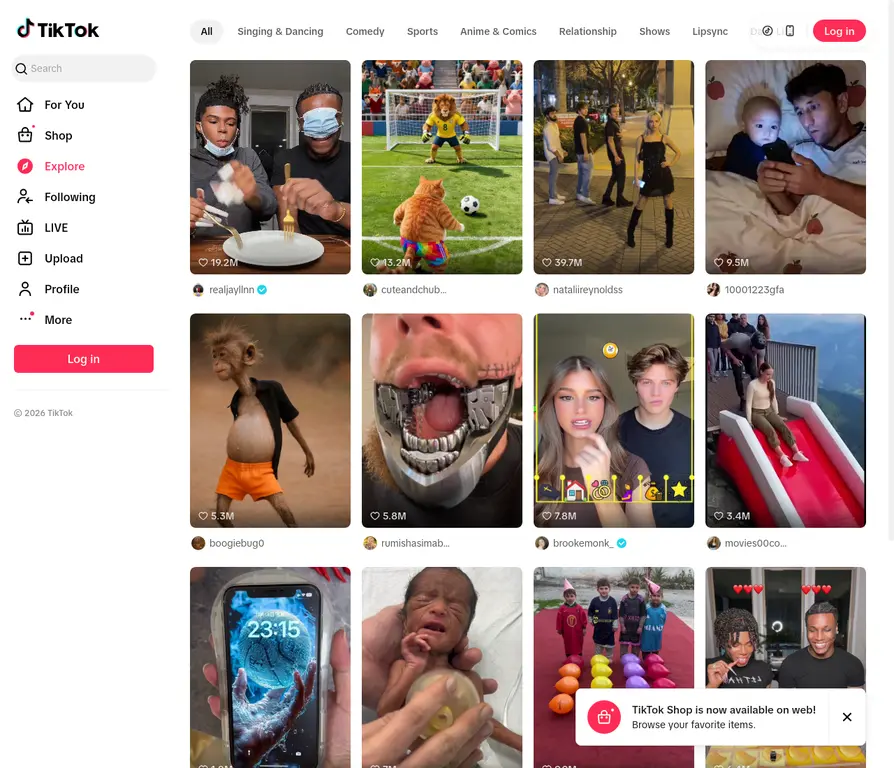
A cookie robot is an automated tool that simulates human browsing behavior on a platform to build a cookie history that looks like a real user. For TikTok specifically, it typically automates:
- Opening TikTok in a browser
- Scrolling through the For You feed at varying speeds
- Watching videos for different lengths of time (not the same duration every time)
- Visiting profile pages and topic categories
- Pausing, returning, and exiting at irregular intervals
The goal is to create a cookie trail that looks like someone genuinely using TikTok over days, so that by the time you register an account or start publishing content, the browser environment already has the kind of history a real user would accumulate naturally.
Cookie robots are used because manual warm-up has real limits. People take breaks, fall asleep mid-session, or forget to check back for two days.
TikTok’s system monitors continuous cookie activity, and behavior gaps look suspicious. Automation produces more consistent behavioral patterns than a human casually warming up an account in their spare time.
Where browser-based cookie robots fall short
Here’s the part most cookie robot guides don’t tell you: building a cookie history is only one layer of what TikTok checks. The platform runs browser fingerprinting on every session. That means it’s looking at your screen resolution, GPU data, installed fonts, time zone, touch capability, audio context, and dozens of other device-level signals that cookies don’t control.
A cookie robot running inside a standard Chrome instance doesn’t change any of that.
If you’re warming up ten accounts in ten Chrome tabs on the same machine, TikTok can see that. The cookie histories are different. The behavioral trails look separate.
But the underlying device signatures are identical. That’s the pattern that triggers bot detection at the fingerprint level, and it makes all the warm-up work you’ve done essentially irrelevant.
This is the core limitation of most cookie robot setups: they solve the behavioral history problem without solving the identity separation problem. The two need to work together.
There’s also an incognito-mode mistake worth calling out. Many people try running accounts in incognito browsers thinking it creates clean sessions. Incognito clears cookies when you close the window, which destroys the warm-up history you’re trying to build. And it still doesn’t change the device fingerprint. It’s the worst of both worlds for this use case.
The real fix: device-level isolation
TikTok was built for mobile. The algorithm is tuned around how real people behave on their phones. An account that lives only in a desktop browser environment, even one with a solid cookie history, doesn’t have the same profile as an account that behaves like an actual Android phone. The behavioral signals are different, and TikTok knows the difference.
This is where Multilogin Cloud Phones change what’s possible.
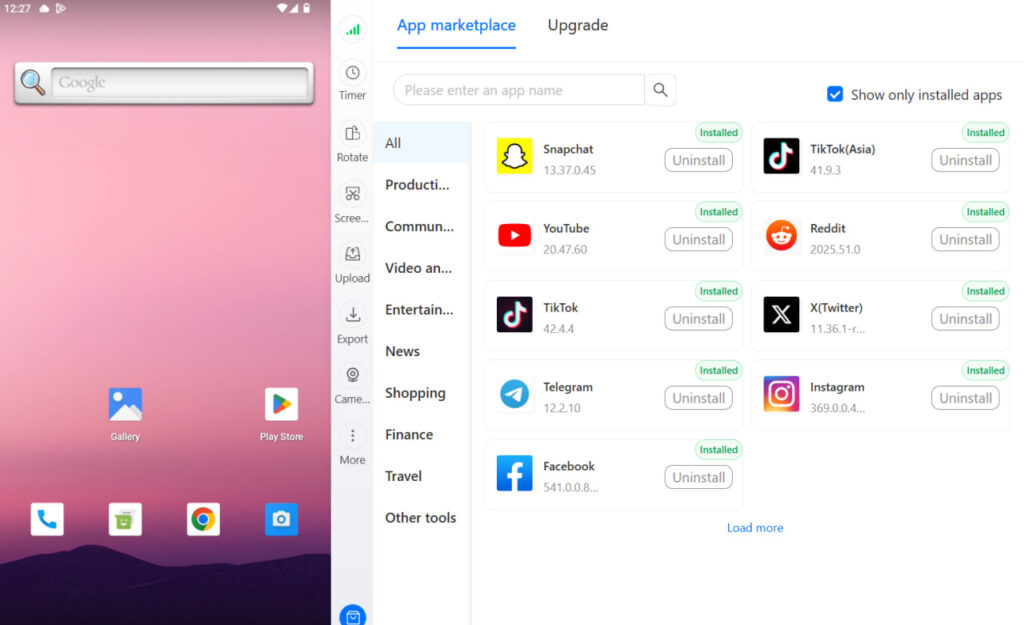
Cloud Phones are real Android devices running in the cloud. Each one has a genuine, unique hardware fingerprint: a distinct IMEI, Android ID, device model, and network profile. They’re paired with location-matched residential proxies, so the network traffic looks like it’s coming from a real person in a real location, not a data center.
This is the practical difference compared to browser-based warm-up or Android emulator alternatives:
- The device fingerprint is genuine. TikTok sees an actual Android phone, not a browser pretending to be one. If you’ve looked at how emulators compare, you know that emulated environments leave detectable artifacts. Cloud Phones don’t have that problem because they’re running real hardware.
- Each Cloud Phone is independent. There’s no fingerprint shared between devices. If you’re managing five accounts, each runs on its own dedicated phone with its own hardware ID, its own proxy, and its own session history. TikTok sees five different phones used by five different people.
- The proxy matches the account’s registration location. A residential proxy matched to the account’s registration country means the IP address looks exactly like what it should: a real mobile user in the right place. There’s no geolocation contradiction for TikTok’s risk-control system to flag.
- Warm-up happens inside the native TikTok app. You run real TikTok app sessions on a Cloud Phone. The behavioral history you build is genuine mobile behavior, which is exactly what TikTok expects from real accounts. A cookie robot builds browser-level history. Cloud Phones build app-level history, which carries more weight.
How to warm up a TikTok account correctly
Whether you’re using Cloud Phones or a browser-based setup, the warm-up principles stay consistent. What changes is how well your environment can actually execute them.
- Start purely passive. For the first five to seven days, do nothing commercial. Scroll the For You feed. Watch videos fully rather than swiping after two seconds. Follow accounts in your target niche. TikTok uses this early behavior to categorize the account and assign an initial trust score.
- Stay niche-consistent. An account that watches fitness content one day, then cooking content, then gaming content gives TikTok conflicting category signals. Keep warm-up activity focused on the niche you’re planning to post in. This matters for both trust scoring and algorithmic categorization.
- Keep sessions varied but regular. Short sessions multiple times per day, with longer sessions occasionally, mimics how real people use TikTok. Logging in for exactly 20 minutes every day at the same time looks automated. Log in at different hours, vary the session length, and leave occasional gaps.
- Don’t post during warm-up. This is where most people rush. Posting on day one signals that the account was created for commercial purposes. Even if TikTok doesn’t ban it immediately, the initial content gets poor distribution because the account hasn’t earned trust yet. Give the account at least one to two weeks of genuine warm-up before publishing anything.
- One environment per account, always. Sharing cookies, proxies, or device fingerprints across accounts is how accounts get linked and taken down together. Account farming at any scale requires strict environment isolation. One Cloud Phone, one residential proxy, one account. That relationship should never cross.
- Match the environment to the registration location. An account registered in the US with a Nigerian IP address has contradictory identity signals. The registration country and the proxy country need to align from day one.
Cookie robot vs Cloud Phone: what each one actually solves
Cookie robot (browser-based) | Multilogin Cloud Phone | |
Builds cookie history | Yes | Yes (via native app) |
Changes device fingerprint | No | Yes (real Android hardware) |
Runs native TikTok app | No | Yes |
Unique per account | Only if using separate profiles | Yes, each has unique IMEI and Android ID |
Location-matched proxy | Depends on your setup | Built-in residential proxy, geo-matched |
Warm-up quality | Browser-level | App-level (higher trust) |
The cookie robot and the Cloud Phone aren’t competing solutions. They’re solving different layers of the same problem. Browser-based cookie robots handle the behavioral history layer in a desktop environment. Cloud Phones handle the identity, device, and behavioral layers for mobile environments. If your TikTok operation is mobile-first, which it probably should be given that TikTok is a mobile platform, Cloud Phones are the more complete solution.
Teams running multi-account management at scale across TikTok Shop storefronts or affiliate content channels need both the identity isolation and the behavioral warm-up, not just one or the other.
Who actually needs this level of setup
Not everyone does. A personal TikTok account where you’re making content you genuinely enjoy doesn’t require cloud phones or cookie robots.
The setup starts to matter when you’re:
- Managing multiple TikTok accounts for clients or a content matrix across niches
- Running TikTok Shop across multiple storefronts or regional markets
- Building accounts in international markets with location-specific content strategies
- Doing affiliate marketing or performance campaigns where account stability is directly tied to revenue
- Scaling a social media operation where losing one account sets you back significantly
If you’re in any of those situations, the environment you build accounts in matters more than any single piece of content you post from them. A perfectly produced video posted from a flagged or restricted account goes nowhere. The infrastructure comes first.
The same isolation logic applies to other platforms. Creating multiple Instagram accounts with Multilogin Cloud Phones follows the same principles, and the Multilogin dashboard manages both platforms from the same interface.
The shadow ban signal you’re probably misreading
One more thing worth naming: a lot of TikTok operators diagnose poor reach as a content problem when it’s actually an environment problem.
If a well-produced video gets 200 views and stalls, it’s tempting to blame the hook, the format, or the posting time. Sometimes that’s correct. But if the account is running on a poor environment, with a shared IP, a recycled device fingerprint, or a warm-up history that was too short or too mechanical, TikTok’s distribution system has already soft-limited the account before the video was even published.
The tell is consistency. If reach is consistently low across multiple videos with different formats, different posting times, and different content types, the problem is almost certainly the account’s trust score rather than any individual video. That’s an environment problem, and it gets fixed at the environment level, not the content level.
Try Multilogin now and build your TikTok accounts on a foundation that actually holds. Plans from €5.85/month. Cloud phone usage at €0.009/minute.
Need to manage multiple social media accounts? Try Multilogin Cloud Phones.
Frequently asked questions About Cookie Robot for TikTok
A cookie robot is an automated tool that simulates human browsing behavior on TikTok to build a realistic cookie history for a new account before it starts posting content. The goal is to make the account’s session history look like a real user over several days of organic activity.
TikTok looks at more than just cookies. It analyzes device fingerprints, IP addresses, behavioral patterns, and environmental consistency. Browser-based cookie robots can still get flagged if multiple accounts share the same underlying device fingerprint, even if the cookie histories are different.
Browser warm-up builds a cookie history at the desktop browser level but doesn’t change the device fingerprint or simulate mobile behavior. Cloud Phone warm-up runs real TikTok app sessions on genuine Android hardware, generating the kind of mobile behavioral history that TikTok’s algorithm expects from real accounts.
Most experienced operators recommend at least 7 to 14 days of consistent passive activity before posting any content. The account should show a clean Account Status and no repeated verification requests before you consider it ready for publishing.
Yes. Each Cloud Phone operates as an independent Android device with its own hardware fingerprint, IMEI, and residential proxy. TikTok sees each Cloud Phone as a completely separate user on a separate device in a real location, making it well-suited for multi-account operations without cross-account linking.

