
How to Start a Faceless YouTube Channel in 2026 (Step-by-Step Guide)

How to Start a Faceless YouTube Channel
13 May 2026
8 mins read
Share with
Manage Unlimited Mobile and Web Accounts

Manage your accounts without restrictions or interruptions

  • Log in with mobile/browser profiles

  • Access accounts anywhere
  • Use apps like Instagram, TikTok, Reddit, Facebook, and more

Summarize this article with your preferred AI

Table of Contents

You do not need to be on camera to build a successful YouTube channel. Some of the most-watched channels on the platform never show a face, never use a real name, and still pull in millions of views and steady ad revenue every month.

Faceless YouTube channels have exploded in popularity because they are scalable, low-risk, and increasingly powered by AI tools that cut production time dramatically. Whether you want a side income or a full business, this guide walks you through everything, from picking a niche to publishing your first video and getting monetized.

What Is a Faceless YouTube Channel?

A faceless YouTube channel is exactly what it sounds like. There is no presenter on screen. Instead, content is built around voiceovers, screen recordings, AI-generated visuals, stock footage, animations, or a combination of all of the above.

Popular examples include finance channels that narrate stock market breakdowns, history channels that pair narration with archival footage, and motivational channels that layer text and music over cinematic clips.

The channel grows on the strength of its content, not on the personality of a creator. That makes it ideal for people who want privacy, who are camera-shy, or who simply want to run content as a business rather than a personal brand.

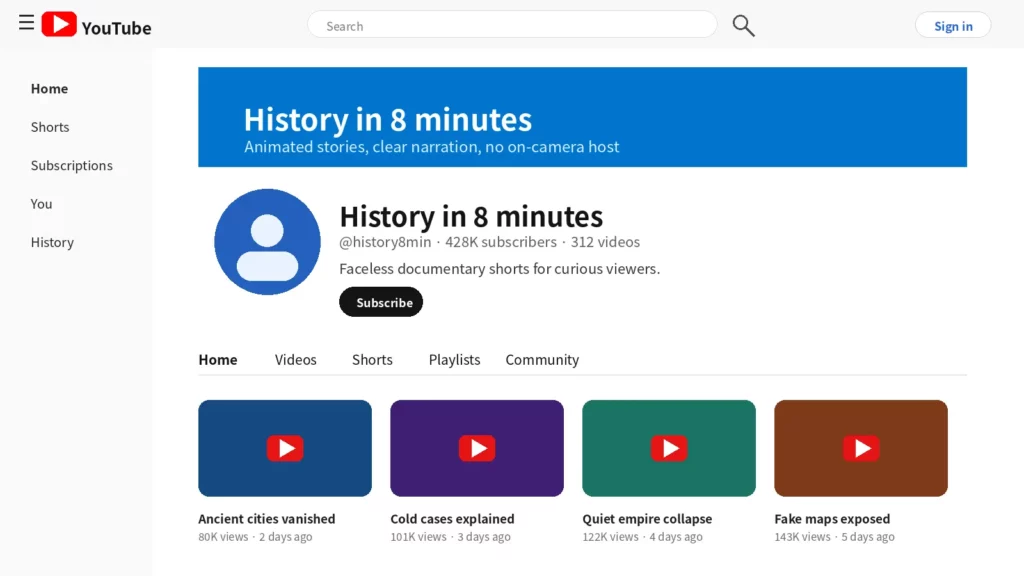
screenshot_style_faceless_channel_home

Why Faceless Channels Work in 2026

The numbers back this up. Channels in niches like personal finance, true crime, and educational content consistently hit millions of subscribers without a face ever appearing on screen. The Infographics Show, for example, has built tens of millions of subscribers purely through animation and narration.

AI tools have also changed the game entirely. You can now script, narrate, and visually produce a video in a fraction of the time it would take even two years ago. That lower barrier to production means more creators are entering the space, which also means niche selection matters more than ever.

Step 1: Choose Your Niche

Your niche determines everything. It shapes your audience, your monetization potential, and how fast you can grow.
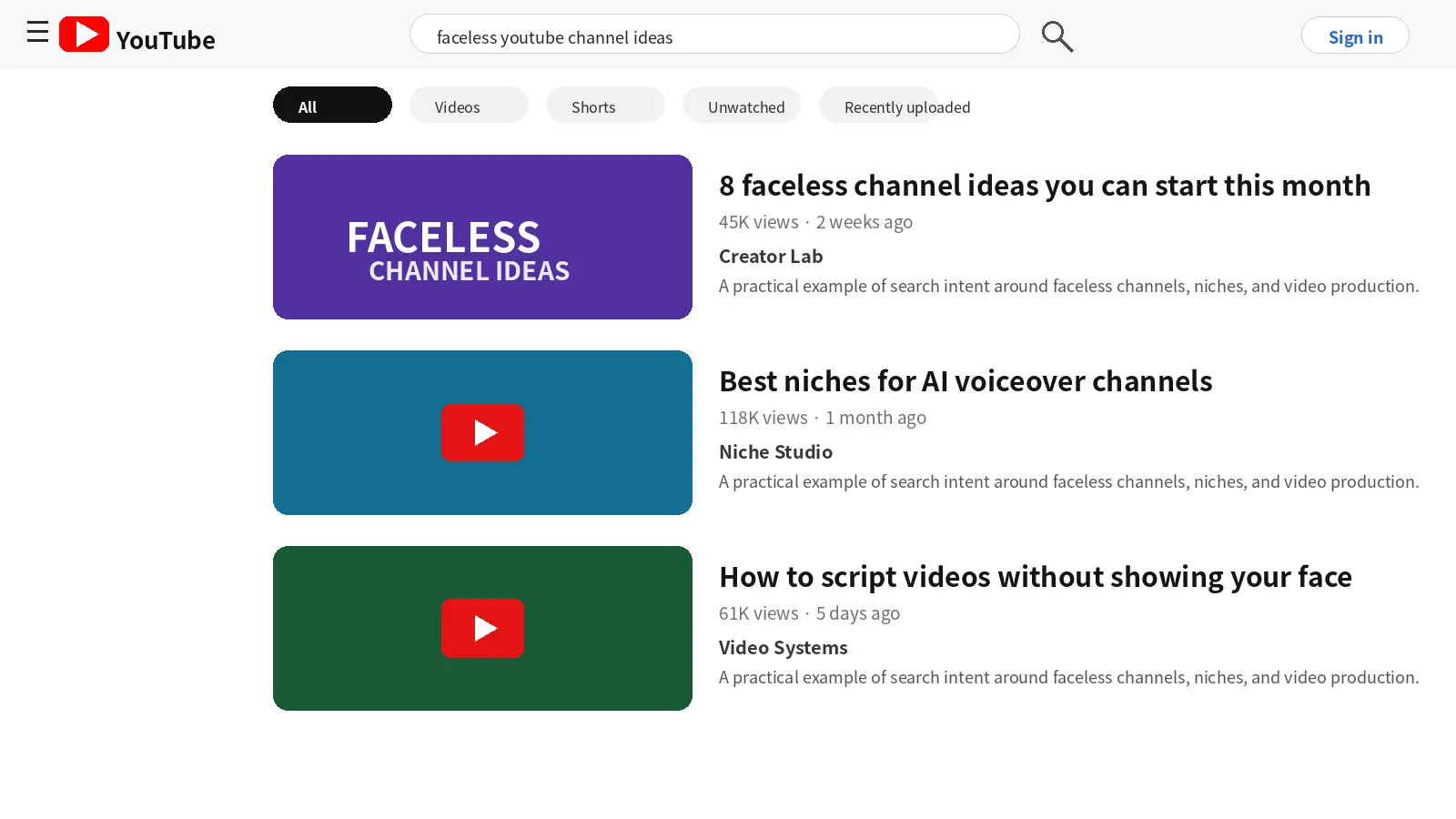
screenshot_style_faceless_youtube_search

The best niches for faceless YouTube channels in 2026 tend to be:

  • Personal finance and investing (high CPM, evergreen demand)
  • True crime (loyal audience, strong retention)
  • History and documentary-style content (low competition in specific sub-niches)
  • Health and wellness (broad search volume, easy to automate)
  • Tech and software tutorials (screen recording makes production simple)
  • AI tools and automation (exploding interest, relatively unsaturated sub-niches)
  • Motivational and self-development (easy to batch-produce with stock footage)

Pick a niche you can produce consistently. If you are running social media automation workflows or managing YouTube as part of a broader multi-account strategy, choose something with enough depth that you can publish regularly without running out of ideas.

Step 2: Set Up Your Channel Correctly

Once you have your niche, set up your channel with a clear brand identity even if it is entirely faceless.

This includes:

  • Channel name: Pick something memorable and niche-specific. It does not need to sound human.
  • Profile image: Use a logo, icon, or abstract visual.
  • Banner: Design a simple banner that communicates your niche clearly.
  • About section: Write a keyword-rich description of what the channel covers.

If you are managing multiple YouTube accounts or running more than one faceless channel simultaneously, keeping each account isolated is critical. Platforms flag accounts that share the same browser fingerprint, IP address, or cookies. Tools like Multilogin give each channel its own fully isolated browser profile, so your accounts never bleed into each other.

Step 3: Plan Your Content Strategy

Consistency beats volume. A channel that posts one well-researched video per week will outperform one that floods the platform with low-quality content and then goes quiet.

Start by building a content calendar. Research what your audience is searching for using tools like VidIQ, TubeBuddy, or Google Trends. Look for keywords with strong search volume and manageable competition.

Batch your production. Write multiple scripts in one sitting, record or generate multiple voiceovers in a row, and edit in bulk. This is where YouTube automation systems become valuable. You are not running a personal channel. You are running a content operation.

Step 4: Produce Your Videos with AI Tools

This is where faceless channels really differ from traditional YouTube. You do not need a camera, a studio, or even your own voice if you do not want to use it.

Here are the core tools most successful faceless channels use in 2026:

  • Scripting: ChatGPT, Claude, or Jasper for drafting scripts. Feed in your keyword, tone, and target length and you will have a workable draft in minutes.
  • Voiceover: ElevenLabs, Murf, or Play.ht for AI-generated narration. These tools now produce voices that are virtually indistinguishable from human recordings.
  • Visuals: Pictory, Invideo, or Descript for generating video from script. You can also pair your script with stock footage from Pexels, Storyblocks, or Pixabay.
  • Thumbnails: Canva or Adobe Express. Thumbnails matter enormously on YouTube. A/B test your designs.
  • Music: Epidemic Sound or YouTube’s own free audio library for background tracks.

Step 5: Optimize Every Video for SEO

YouTube is the world’s second largest search engine. Every video you publish should be treated as a search optimization exercise.

For each video:

  • Put your primary keyword in the title, naturally
  • Write a 200-plus word description that includes your keyword and related terms
  • Add 5 to 10 relevant tags
  • Use chapters with keyword-rich timestamps
  • Write keyword-targeted closed captions (auto-captions are a starting point but always clean them up)

SEO on YouTube compounds over time. Videos you publish today can still be driving traffic two or three years from now if they rank for the right terms.

Step 6: Monetize Your Faceless Channel

YouTube monetization requires 1,000 subscribers and 4,000 watch hours in the past 12 months, or 1,000 subscribers and 10 million Shorts views. Once you hit those thresholds, you can apply to the YouTube Partner Program and start earning from ads.

But ad revenue is just the start. Faceless channels also monetize through:

  • Affiliate marketing: Drop affiliate links for products relevant to your niche in the video description
  • Sponsorships: Brands pay for mentions even on faceless channels, especially in finance, tech, and health niches
  • Digital products: Sell ebooks, templates, or courses linked to your channel topic
  • Memberships: Use YouTube’s membership feature or Patreon for recurring income

Finance and tech channels tend to have the highest CPM (cost per thousand impressions) on the platform, often ranging from $15 to $50+ depending on audience geography and seasonality. That is why so many faceless YouTube channel creators gravitate toward those niches.
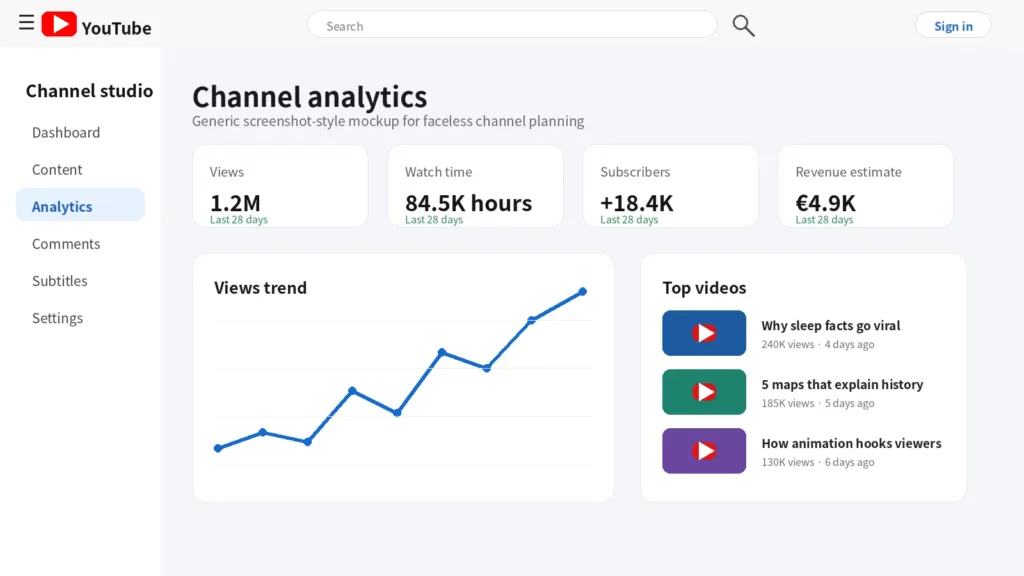
screenshot_style_youtube_analytics

Managing Multiple Faceless Channels Without Getting Banned

Many creators run more than one faceless channel. It is a logical business move. You diversify income, reduce dependence on a single algorithm, and scale what works.

The problem is that YouTube’s detection systems are sophisticated. If multiple channels share the same browser fingerprint, the same IP address, or the same cookies, they can be linked and actioned together.

This is where Multilogin becomes essential. Multilogin allows you to manage multiple accounts by giving each one a completely separate browser environment. Each channel runs in its own isolated profile with its own fingerprint, its own cookies, and its own session data. You can pair each profile with a different residential proxy to match each channel to a specific geographic location.

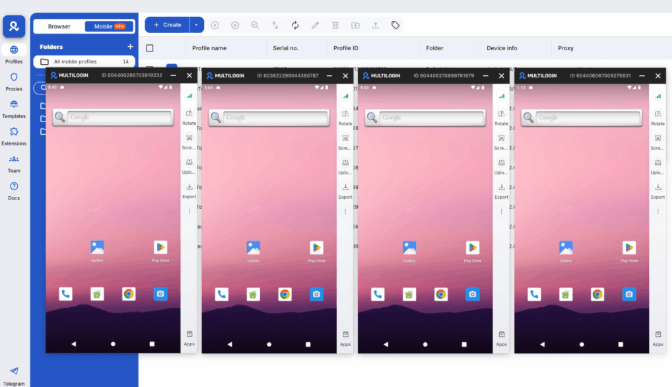
Creators who use cloud phones to manage their YouTube channels benefit from an additional layer. Cloud phones let you interact with the YouTube mobile app from a fully isolated virtual Android device, which is useful when you are warming up new accounts or managing channel activity that needs to look organic. You can even use cloud phones for YouTube to run the mobile app without touching your own device.

Looking to manage multiple YouTube accounts safely? Try Multilogin Cloud Phones Now!

Frequently Asked Questions About How to Start a Faceless YouTube Channel

Yes. Faceless channels are fully eligible for YouTube monetization, including the Partner Program, sponsorships, and affiliate income. YouTube’s policies focus on content quality and community guidelines, not on whether the creator appears on screen.

Earnings vary widely depending on niche, views, and monetization strategy. Finance and tech channels can earn $15 to $50+ CPM from ads alone. Many established faceless channels report $1,000 to $10,000 per month once they reach a solid subscriber base.

ElevenLabs for voiceovers, ChatGPT or Claude for scripting, Pictory or Invideo for video production, and Canva for thumbnails are the most widely used tools as of 2026.

Yes. Canva and Adobe Express both have mobile apps that work well for thumbnail creation.

 Yes, but only if you keep them properly isolated. Using separate browser profiles with tools like Multilogin, combined with dedicated residential proxies for each channel, prevents YouTube from linking your accounts.

Use a strong face with clear expression, high contrast between subject and background, minimal bold text (3-5 words), and consistent branding across your channel. Check your CTR in YouTube Analytics and test different designs.

Thumbnails as Part of Your YouTube Content Strategy

Thumbnails don’t exist in isolation — they’re the entry point to your content and your channel. A well-thought-out thumbnail strategy is part of a broader YouTube content strategy that considers what you’re posting, how often, and why.

For creators and agencies thinking beyond individual videos, developing a YouTube content strategy that ties thumbnail design to series identity, upload cadence, and audience targeting is what separates channels that grow consistently from those that rely on occasional viral moments.

The channels that grow most reliably are those where the thumbnail, title, and content form a coherent package — each element reinforcing the others. Viewers who click a well-designed thumbnail and get exactly what it promised become subscribers. Subscribers who recognize your thumbnail in their feed click more reliably over time. The cumulative effect compounds.

Track your CTR (click-through rate) per video in YouTube Analytics. The industry benchmark varies by channel size and niche, but generally a CTR above 4-5% indicates your thumbnails are performing well. Below 2-3% and you should experiment with new approaches.

Manage Unlimited Mobile and Web Accounts

Manage your accounts without restrictions or interruptions

  • Log in with mobile/browser profiles

  • Access accounts anywhere
  • Use apps like Instagram, TikTok, Reddit, Facebook, and more

Table of Contents

Join our community!

Subscribe to our newsletter for the latest updates, exclusive content, and more. Don’t miss out—sign up today!

Recent Posts
Share with
https://multilogin.com/blog/how-to-start-a-faceless-youtube-channel/
Recent Posts
Join our community!

Subscribe to our newsletter for the latest updates, exclusive content, and more. Don’t miss out—sign up today!

Thank you! We’ve received your request.
Please check your email for the results.
We’re checking this platform.
Please fill your email to see the result.

Multilogin works with amazon.com