

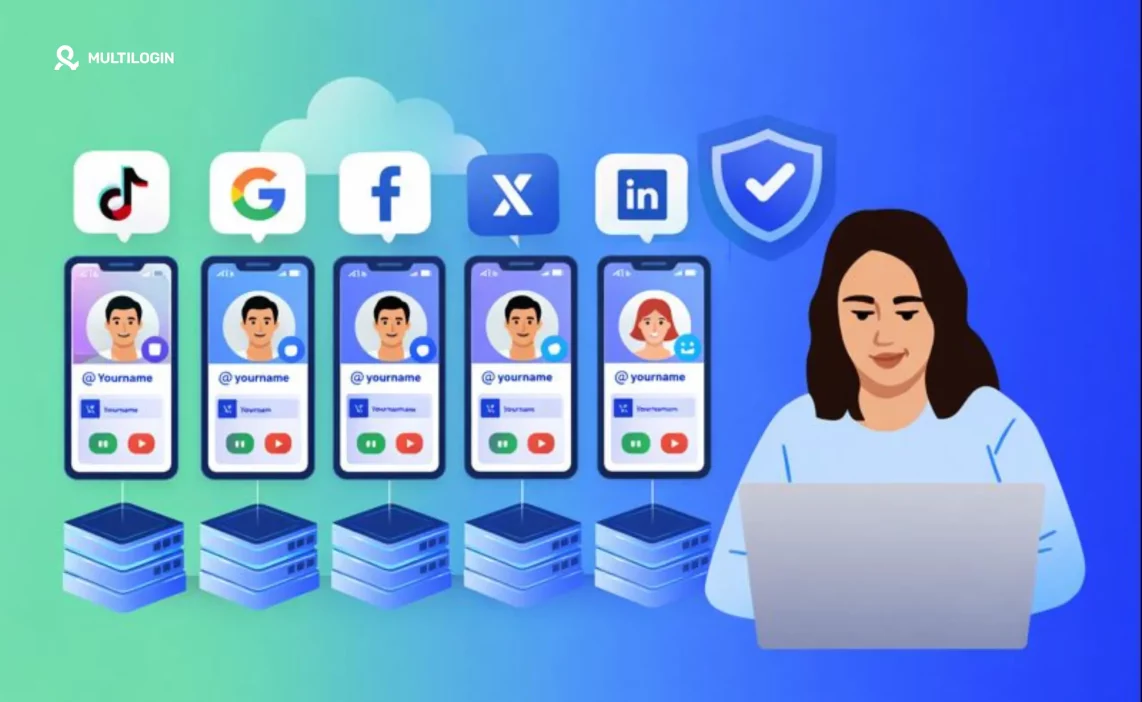

If you run social media for clients (or multiple brands), you already know the real pain: one “small” device change can spiral into logouts, extra verifications, or account reviews that eat days of your week.
You don’t need more hustle. You need stable phones you can manage without babysitting hardware.
This guide compares the best cloud phones for social media marketing teams who need persistent device identity, clean account isolation, and workflows that scale past 5-10 accounts. We’ll cover what actually matters when choosing a platform, rank the top options by use case, and give you a setup checklist that keeps your accounts stable.
If you’re managing multiple client accounts right now, start with Multilogin’s cloud phone from the desktop app to see how true device isolation changes your workflow.
What “best” means for social media teams
A cloud phone can mean wildly different things depending on who’s selling it. Some providers market gaming cloud phones, others pitch Android emulators, and a few offer actual device-as-a-service platforms. For social media managers handling multiple accounts, only specific characteristics matter.
Here’s the short filter that separates marketing-grade cloud phones from everything else:
- Persistent device identity: The phone looks like the same phone tomorrow, next week, and three months from now. Platforms track device consistency over time, and sudden identity changes trigger verification loops.
- Isolation per workflow: One client’s device signals don’t bleed into another’s. When you switch between accounts, you’re switching entire device environments, not just browser tabs.
- Reliable location control: IP address and device geolocation signals make sense together. If your device says “Chicago” but your IP says “Mumbai,” platforms notice.
- Native app support: Not just web views. Real Android apps running in real Android environments, the way platforms expect.
- Central management: Start, stop, and organize many phones from one dashboard. You’re not juggling physical devices or remote desktop connections.
- Team access: Handoffs without sharing a physical device or rebuilding sessions. Your content creator and your ad manager can access the same client environment without chaos.
- Cost model that scales: You pay for usage, not idle devices sitting around “just in case.”
Keep that list in mind while you review “best cloud phone” comparisons online. Many lists mix gaming emulators, QA testing platforms, and actual phone farming infrastructure as if they’re the same thing. They’re not.
Best cloud phones for social media marketing (ranked by use case)
1. Multilogin cloud phone (best for agencies and long-term operations)
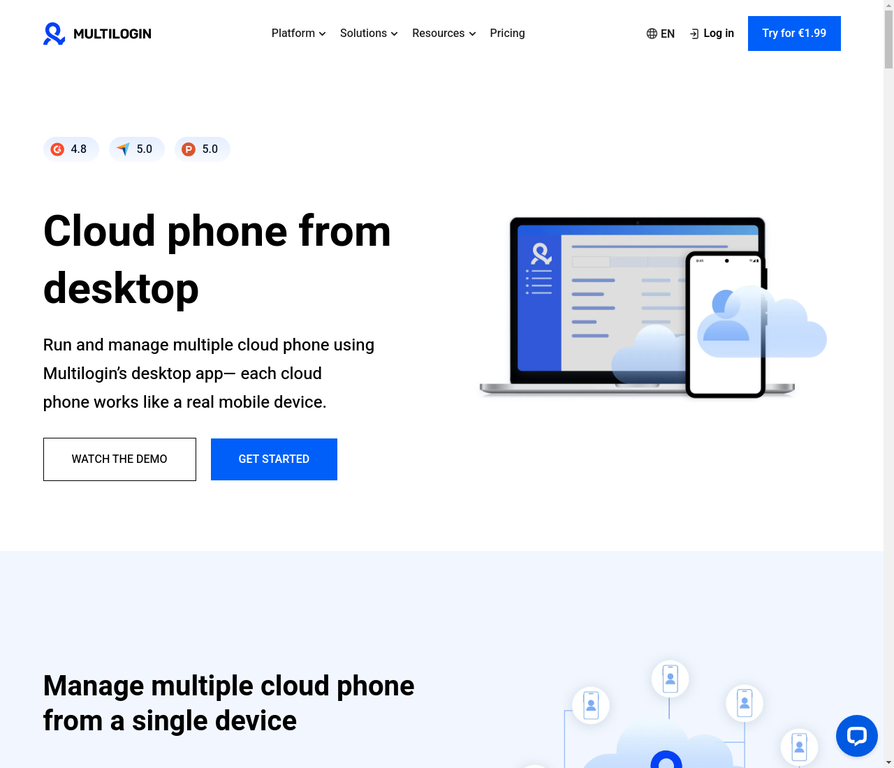
Multilogin positions its cloud phone as a real Android mobile phone hosted in the cloud, controlled from the Multilogin desktop app, where each cloud phone has its own device identity and stays isolated unless you configure sharing.
What makes it a strong fit for social marketing teams:
- Unique device fingerprint per cloud phone. Each profile maintains consistent device fingerprinting across sessions, which matters when platforms track device behavior over weeks and months.
- Built-in residential proxies with large geo coverage and city targeting. When you’re managing client accounts in different cities or countries, residential proxies aligned with device signals keep verification patterns predictable.
- 55+ configurable parameters across device/OS/browser/network signals. This isn’t about “random fingerprints.” It’s about keeping environments coherent so platforms see a stable user instead of fragmented traffic.
- Pay-by-active-time model. Multilogin bills cloud phone usage per active minute, with bonus minutes applied first. You’re not paying for phones you’re not using.
- Desktop integration. Manage cloud phones and browser profiles from one dashboard. If your team mixes mobile apps and web tooling, this saves hours of context switching.
When Multilogin tends to be the best choice:
- You manage multiple client accounts and need clean separation without account linking
- You want repeatable workflows where the same device comes back with the same storage and system data
- You need persistent session management that survives restarts and updates
- You’re running Facebook ad accounts, Instagram growth operations, TikTok campaigns, or other platform work where account bans cost real money
2. VMOS Cloud
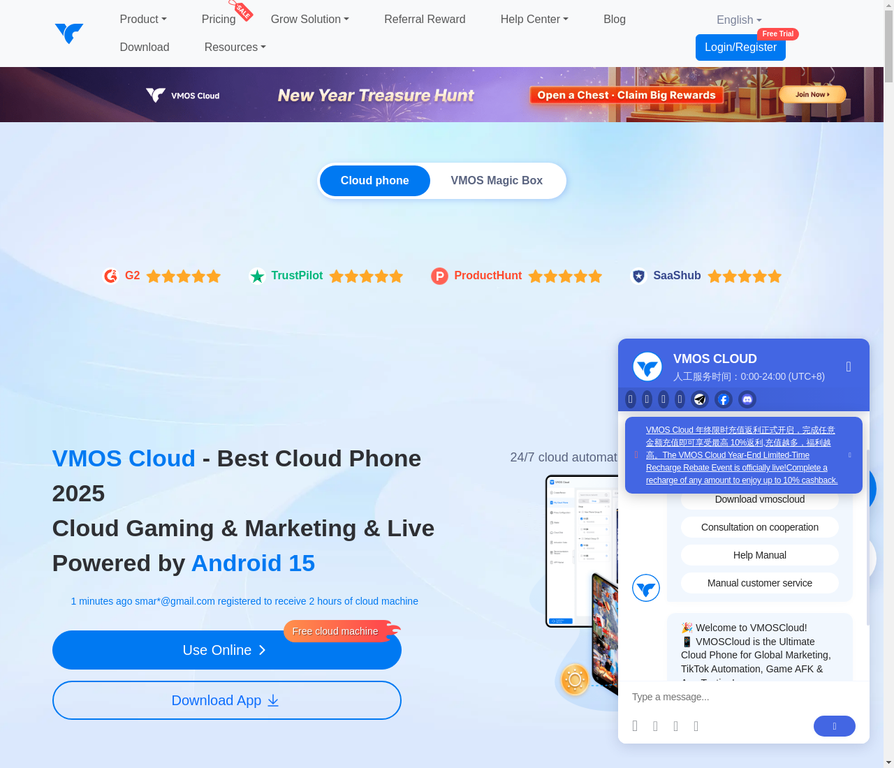
VMOS Cloud markets itself as an “Android cloud phone” platform, explicitly pushing multi-account social marketing and multi-instance workflows, including “one person can operate N cloud phones.”
Why teams pick it:
It’s built around the idea of running multiple cloud Android environments and batch-style operations. If your workflow involves identical actions across many accounts (like scheduling posts, collecting analytics, or running repetitive engagement tasks), the multi-instance model can save time.
Availability via app ecosystem means you can access it through Google Play, which some teams find convenient.
What to watch:
VMOS’s broader ecosystem ties into virtualization concepts—it also has a separate VMOS product described as virtual machine tech. For sensitive social workflows, especially on platforms with aggressive bot detection, you’ll want to test stability with your exact apps and verification flows before scaling past 10-20 accounts.
Device integrity signals vary. Some apps check for virtualization markers, and if VMOS shows VM characteristics, you may hit more frequent verification prompts.
3. DuoPlus cloud phone
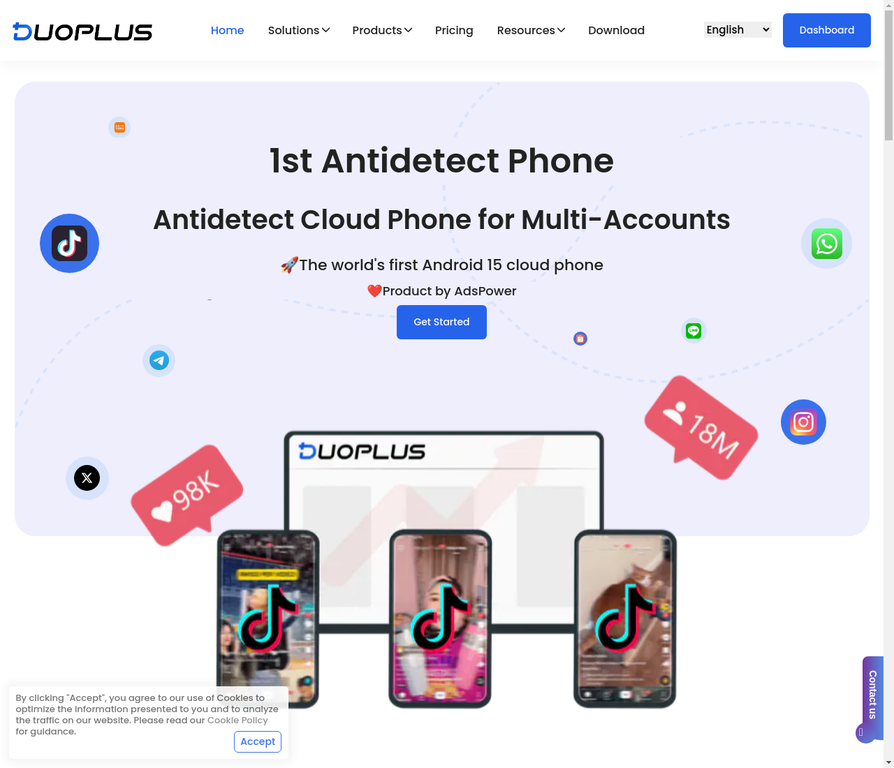
DuoPlus positions itself as a cloud phone for multi-account operations and claims real ARM devices and newer Android versions in its marketing materials. It also documents practical operational tooling like app installation via an app manager or Google Play.
Why it can fit social media marketing:
Team workflows and cloud-phone operations sit front and center in their messaging. If your team needs “many phones, centrally managed,” that’s exactly how it’s positioned.
Native app support through their infrastructure means you’re not limited to web-based interfaces.
What to watch:
Claims vary across providers when it comes to “real device” vs “virtual” vs “ARM architecture.” Validate with a small pilot: install your target apps, run the same login patterns you use in production, check verification frequency, then scale. What works for one platform (Instagram) might behave differently on another (Facebook, TikTok).
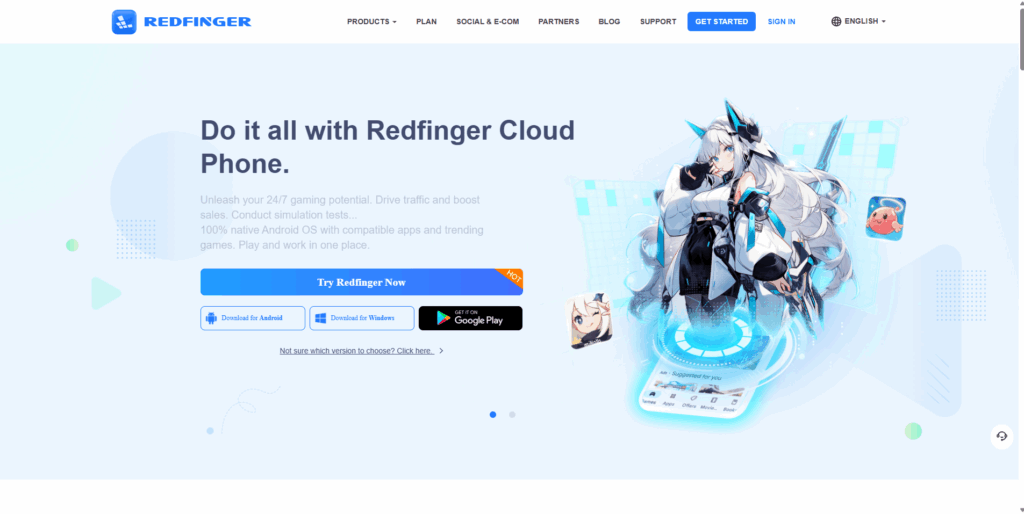
4. Redfinger
Redfinger’s Google Play listing describes it as a cloud Android emulator running on a cloud server, focused on access anywhere and multi-device style usage.
Why people use it:
Straightforward “cloud phone you can access anywhere” concept makes it easy to understand and quick to set up.
Often used when someone wants a remote Android environment without owning more hardware, especially for personal use or small-scale operations.
What to watch:
Since it describes emulator-style behavior, expect some apps to treat it differently than a physical phone would. Platforms with stricter integrity checks (banking apps, high-security social apps) may flag emulator environments or request additional verification.
For social media work, test thoroughly with your specific apps before committing to long-term operations.
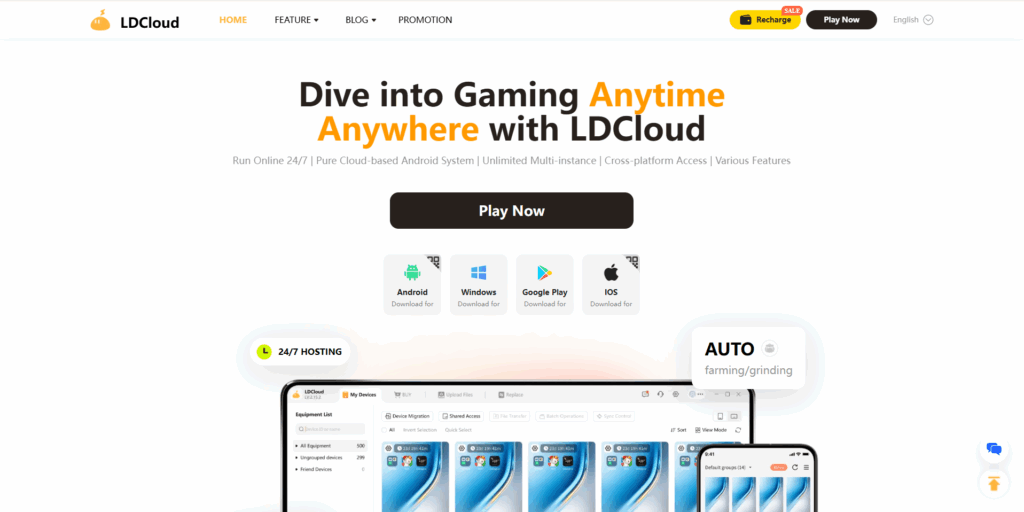
5. LDCloud
LDCloud describes multi-instance use and “synchronized operations” as key value props, and also positions itself for productivity-style use cases beyond gaming.
Why it can work for social teams:
Multi-instance and sync-style operations can help when you run repetitive workflows across multiple accounts where automation is allowed by the platform’s terms.
Synchronized operations mean you can perform the same action across multiple cloud phones simultaneously, which speeds up batch tasks.
What to watch:
“Cloud phone” providers vary significantly in how “phone-like” their device signals look to specific apps. Social platforms continuously update their detection methods. Pilot with your exact workflow first, then scale gradually while monitoring verification rates.
6. BitCloudPhone
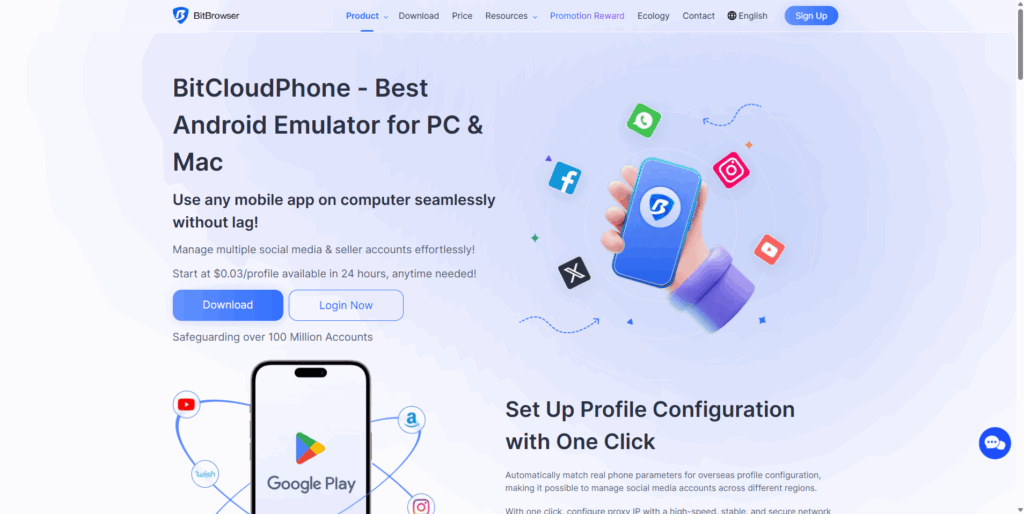
BitBrowser’s BitCloudPhone page frames it as an Android environment for running mobile apps on desktop and managing multiple accounts, with time-based payment options.
Multilogin publishes a comparison page outlining where BitCloudPhone is strong (native app/device testing) and where it may be less flexible for browser-engine control in web-first workflows.
Why it’s on the list:
It’s explicitly built around “many phone profiles,” not “one remote phone.” The profile-based model aligns with how agencies actually work: one profile per client, organized by project or account cluster.
What to watch:
It’s marketed in an “emulator” framing, so again: pilot with your exact social apps and your exact verification flows. Some platforms are more tolerant of emulator signals than others.
How to choose fast (no overthinking)
Pick based on your main workflow:
- Agency / multiple clients / long-term stability → Multilogin cloud phone first. It’s built specifically for the “manage many accounts cleanly” use case with persistent device identity and proxy + fingerprint alignment.
- You want a cloud-phone platform with batch multi-instance vibes → Multilogin cloud phones also work if your workflow involves synchronized operations across many accounts.
Setup checklist (so your phones don’t feel “new” every week)
Use this as a sanity checklist before you scale from 5 accounts to 50:
Keep one cloud phone per account cluster
Don’t rotate identities unnecessarily. When platforms see device identity changing frequently for the same account, it looks suspicious. Pick a cloud phone profile for an account or account cluster, then stick with it.
Keep location signals consistent
IP region + device region + timezone should make sense together. If your client is based in London, your cloud phone should consistently connect through London residential proxies with London timezone settings. Geographic signal mismatches are one of the fastest ways to trigger platform reviews.
Avoid “rapid switching” behavior
Fast logins across many accounts can look weird even on perfect infrastructure. Platforms track behavioral patterns, and human users don’t typically log into 20 accounts in 5 minutes. Space out your workflow, use team handoffs, and keep operations looking human-paced.
Give teams clean handoffs
Team access beats sharing a single device or passing around credentials. When your content creator finishes work and your ad manager takes over, they should access the same cloud phone profile without rebuilding sessions or triggering “new device” alerts.
Stay within platform rules for identity and account ownership
This is critical: cloud phones solve the technical problem of device stability and isolation, but they don’t override platform policies. Meta’s standards emphasize authentic identity for personal accounts. Structure your access appropriately for client work—use Business Pages, Business Suite, and proper role assignments instead of trying to run multiple “personal accounts” that violate terms.
For other platforms, read their multi-account policies carefully. Some explicitly allow multiple accounts for business purposes, while others have stricter rules.
Real-world workflow example: agency managing 15 client Instagram accounts
Here’s what a stable setup looks like in practice:
Before (chaos mode):
- One phone shared across team members
- Constant logouts and “new device” verifications
- Location signals jumping between team members’ home cities
- 2-3 hours per week spent on verification loops
- Random account reviews every few weeks
After (clean structure with Multilogin cloud phones):
- Create one cloud phone profile per client. Each gets a unique device identity that persists across sessions.
- Assign dedicated residential proxies. Client in Austin gets Austin-based IPs. Client in Miami gets Miami-based IPs. Geographic consistency stays locked in.
- Share profiles with team members. Content creator accesses the profile to schedule posts. Community manager accesses the same profile to respond to DMs. No device changes, no new verifications.
- Keep sessions alive indefinitely. Profiles don’t “expire” or reset unless you explicitly rebuild them. Login state persists.
Results: Verification loops drop to near-zero. Time saved on device management: ~10 hours per month. Account stability improves because device + location signals stay consistent.
This is the workflow that social media management tools are built to support.
No more juggling physical devices or risking account links. Try Multilogin's cloud phones now.
Frequently Asked Questions About Best Cloud Phones for Social Media Marketing
A cloud phone is an Android phone environment hosted remotely that you control from your computer or another device. For social media marketing, it provides persistent device identity and native app support for managing multiple accounts without the hardware overhead of physical phone farms.
Not always. Some services explicitly describe emulator-style cloud Android environments, while others provide cloud-hosted Android phone environments with real device characteristics. The distinction matters because social platforms detect emulator signals differently than real device signals.
Many apps check device integrity and consistency signals. Your practical outcome depends on the provider’s implementation, the specific app’s detection methods, and how stable your device + network signals stay over time. Platforms look for patterns, not absolute “cloud phone” markers.
Physical phone farms require hardware management, physical space, power/cooling infrastructure, and manual device handling. Cloud phones eliminate hardware overhead while providing similar functionality: persistent device identity, native app support, and multi-account isolation.
Yes, but best practice is one cloud phone profile per platform per client to maintain clean separation. Running multiple platforms from the same cloud phone profile can create signal overlap that platforms might flag.
Pricing models vary by provider. Multilogin bills per active minute with bonus minutes applied first. Other providers charge monthly per cloud phone instance. For agency work, calculate based on how many simultaneous client sessions you need, not total account count.
For location consistency, yes. A cloud phone provides device identity, but you still need network identity (IP address) that matches your device’s geographic signals. Built-in residential proxies or integrated proxy management solve this alignment problem.
The bottom line: pick cloud phones that match your workflow
The “best” cloud phone for social media marketing depends entirely on your workflow structure. If you’re managing agency clients long-term, you need persistent device identity and clean isolation. If you’re running batch operations across many accounts, you prioritize multi-instance capabilities. If you’re testing app behavior, you need real device variety.
For most social media managers and agencies, Multilogin cloud phones solve the core problem: stable device environments you can manage from one dashboard, with residential proxy alignment built in, and team access that doesn’t require sharing physical hardware or rebuilding sessions.
The setup is straightforward: create profiles, assign proxies, share with your team. The outcome is predictable: fewer verification loops, less time spent on device management, and account stability that scales past 10-20 accounts without breaking.
Ready to see how cloud phones change your workflow? Start with Multilogin’s plan and build a “one client = one cloud phone profile” system before your team scales.

