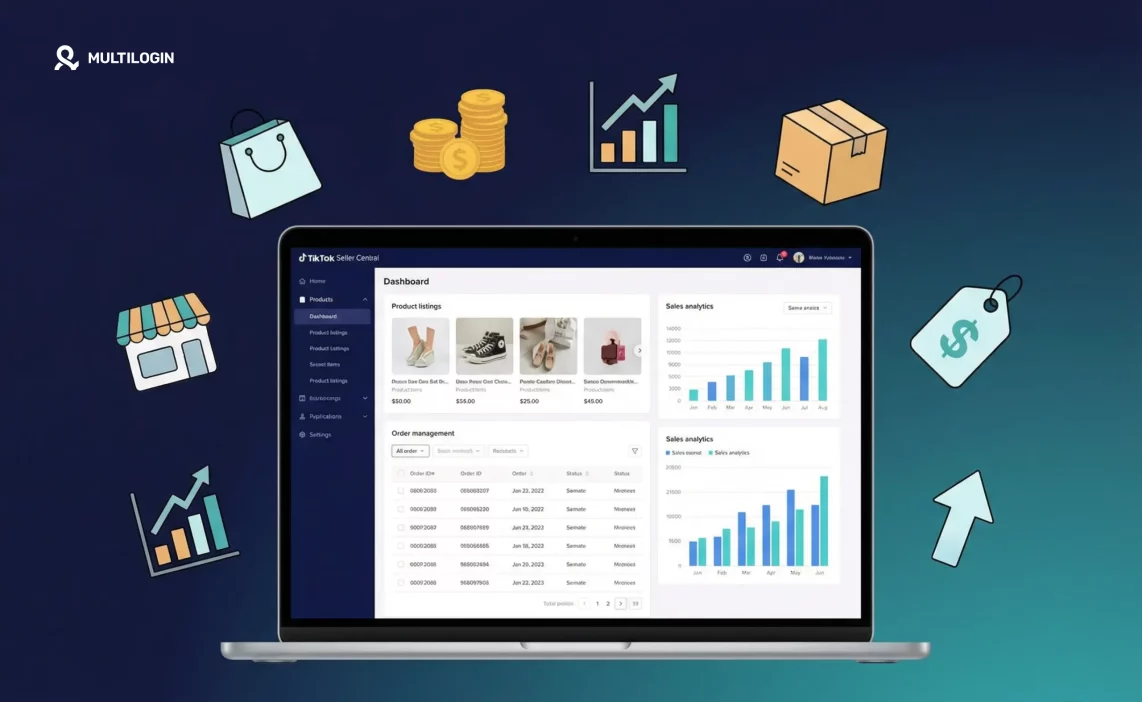

TikTok Shop is one of the fastest-growing e-commerce channels in the world. The platform processed tens of billions in gross merchandise value in 2024 alone, and growth is still accelerating. TikTok Seller Central, also called TikTok Shop Seller Center, is where all of it happens — the backend dashboard where you manage every aspect of your TikTok storefront.
If you’re new to selling on TikTok Shop, or you want to understand what Seller Central actually offers and how to use it well, this guide covers everything.
What is TikTok Seller Central?
Think of it as the equivalent of Amazon Seller Central or Shopify’s admin panel. It’s the merchant portal where you manage products, process orders, run ads, track analytics, configure your affiliate program, and handle customer service.
Access it at seller.tiktok.com. There’s also a TikTok Seller mobile app for on-the-go management.
From Seller Central, you can:
- Add and manage product listings with images, descriptions, pricing, and inventory
- Process orders, print shipping labels, and track fulfillment status
- Set up and manage TikTok Shop ads
- Run your affiliate program and track creator performance
- View shop analytics including traffic sources, conversion rates, and revenue
- Handle customer messages, returns, and disputes
- Manage payout settings and account details
How to log in to TikTok Seller Central
Go to seller.tiktok.com and sign in with your TikTok account credentials or your registered seller email. Regional seller portals exist for specific markets: seller-uk.tiktok.com for UK sellers, seller-us.tiktok.com for US sellers.
If you’re getting login errors, the common causes are using the wrong regional portal, needing a password reset, or an account status issue that requires resolution through TikTok support.
Setting up your TikTok Shop
If you haven’t registered yet, the process goes like this:
Visit seller.tiktok.com and click Sign Up. Select your region. Choose Individual seller or Corporate/Business. For Individual accounts, you’ll need a government-issued ID. For Corporate, you’ll need business registration documents.
After verification, you’ll set your shop name, profile image, and basic business information. Then add your warehouse or pickup address. This is important: TikTok uses this address for shipping origin calculations and compliance. Use a genuine physical address. TikTok verifies this and inconsistencies can cause shop suspension.
Finally, connect a bank account for payouts and you’re live.
Adding and optimizing your product listings
Good listings convert traffic into sales. The steps to add a product are straightforward in Seller Central: go to Products, click Add New Product, upload images, write your title and description, set pricing and inventory, add variants, and assign a category.
The details inside those steps matter a lot for how well your products actually perform.
- Titles: Write them the way a buyer would search, not the way a marketer would describe. “Stainless Steel Insulated Water Bottle 32oz Wide Mouth Leak Proof” will be found in search. “HydroMax Pro” won’t.
- Images: Use all available image slots. Lead with a clean product image, follow with lifestyle shots showing the product in use. TikTok Shop buyers have been conditioned by video content to expect visual richness. Static listings with one mediocre photo underperform.
- Pricing: TikTok Shop has a strong deal-seeking culture. Showing a “Compare At” price with a discount performs better than a flat price, even if the actual price is the same. Limited-time promotions and bundles configured in Seller Central’s promotional tools drive significantly higher conversion rates than standard listings.
- Reviews: Your first reviews are the most valuable. Respond to every review through the review management section in Seller Central, especially critical ones. Thoughtful responses to negative reviews signal to potential buyers that you take customer experience seriously.
How TikTok Shop fulfillment works
- Seller-managed shipping: You handle packaging and shipping yourself or through a third-party logistics provider. When an order comes through, you print the label from Seller Central and ship within the handling time you’ve set. Missing your stated handling time hurts your seller score and reduces your shop’s search visibility over time.
- TikTok-managed delivery (where available): In markets where TikTok has warehousing partnerships, you can send inventory to their fulfillment centers and they handle picking, packing, and shipping. Similar to Amazon FBA in concept.
For UK sellers in particular, understanding TikTok’s return policy requirements and carrier integrations before your first sale is worth the time. The UK marketplace has specific requirements around return label provision and handling timelines.
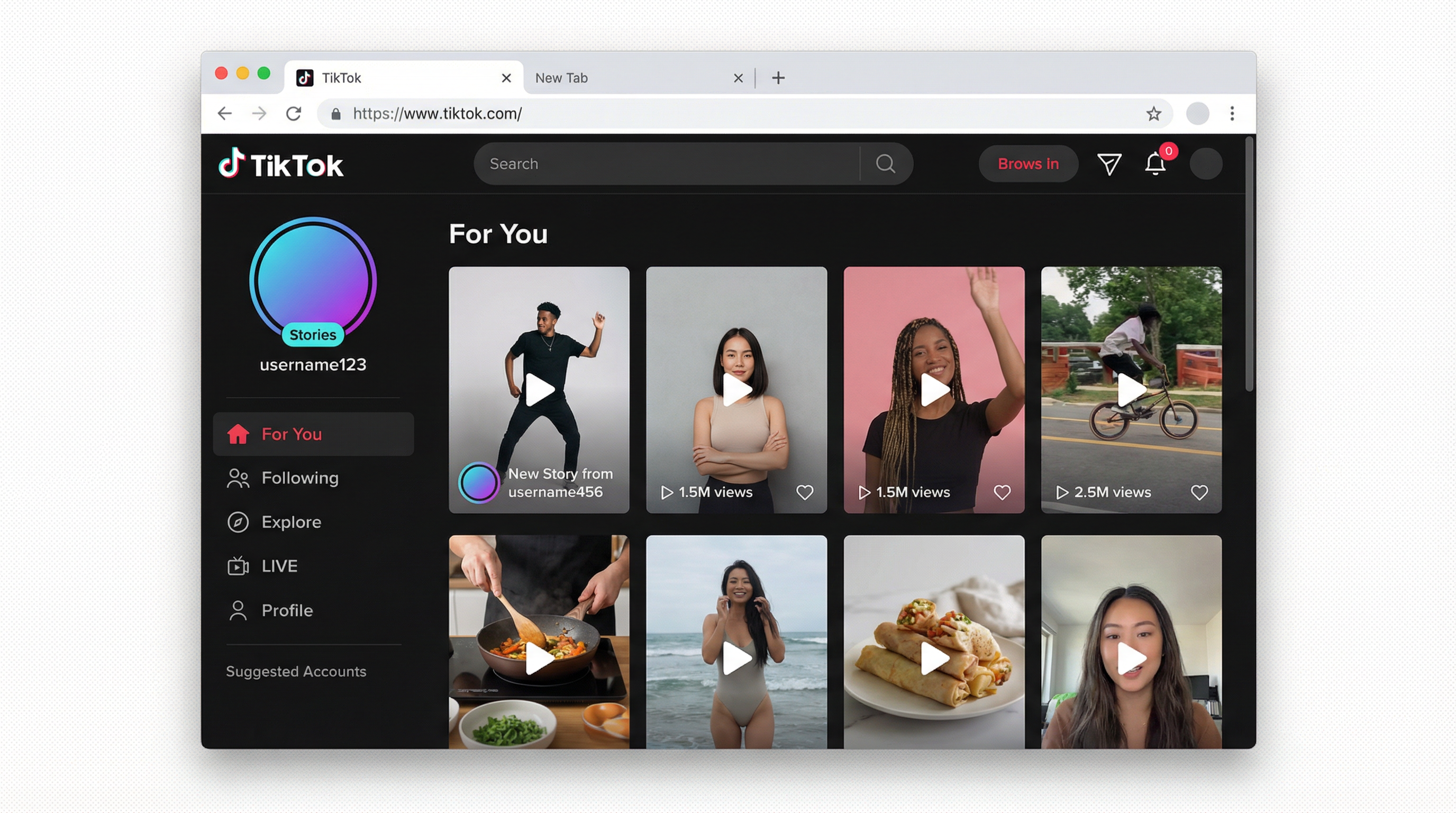
The affiliate program: your fastest growth lever
The affiliate program inside Seller Central is one of TikTok Shop’s most powerful features. You invite creators to promote your products in exchange for a commission on sales they drive.
Find it under Products in Seller Central, in the Affiliate section. You can open products to the general affiliate marketplace (any eligible creator can pick them up) or invite specific creators directly. Commission rates are set by you.
This is where TikTok Shop fundamentally differs from most e-commerce platforms. You’re not just listing products and waiting for search traffic. You’re building a network of creators who actively sell for you, often reaching audiences that paid ads would never reach as effectively.
Commission rates that attract quality creators vary by category. For most physical goods, 10 to 30% is competitive. Higher-margin products can afford more. The creators worth having are looking at commission rate, product quality, and whether the brand is worth their reputation. Building real relationships with your top-performing affiliates consistently outperforms one-off transactions.
TikTok Shop ads in Seller Central
Seller Central connects to TikTok Ads Manager for shop-specific campaigns. The main ad types:
- Video Shopping Ads: Shopping-tagged videos shown in user feeds. Product links go directly to your TikTok Shop listing. These require good creative but scale well when a winning ad is found.
- Product Shopping Ads: Appear in the Shop tab when users search. Think Amazon Sponsored Products. These reach buyers already in search mode and tend to have higher conversion rates than interruption-based formats.
- LIVE Shopping Ads: Promote your active or upcoming livestream to drive more viewers.
For new shops, Product Shopping Ads are the lower-risk starting point. You’re reaching people already looking to buy rather than interrupting passive scrollers. Once you have product performance data and good reviews, Video Shopping Ads can scale reach significantly.
How to optimize your TikTok Shop content strategy
Seller Central handles your backend, but your revenue is driven by what happens on the front end. TikTok is a content platform first. The shops growing fastest understand this and treat content as part of operations, not a separate marketing activity.
Connecting your TikTok account to your shop
If you have a TikTok creator account, connecting it to your TikTok Shop lets you tag products directly in your videos and lives. A viewer watches your video, taps the product link, and lands on your listing in the Shop tab. No redirect. No friction. This is the core content-commerce loop that makes TikTok Shop different from every other e-commerce channel.
You don’t need a huge following for this to generate sales. A video that gets recommended to 5,000 people in your product’s target audience can drive more sales than a video with 100,000 views to the wrong audience.
Video content that drives Shop sales
The formats that consistently convert for TikTok Shop sellers: product demonstrations that show the item working, before-and-after results, unboxing or first-reaction videos, and honest reviews that include one limitation alongside the benefits. The common thread is authenticity and specificity.
What underperforms: polished promotional content that looks like a TV commercial. TikTok audiences are very good at detecting when something is an ad. Content that feels genuine consistently outperforms content that feels produced, even when the production quality of the “genuine” content is lower.
Batch filming and content scheduling
The operational challenge for sellers running their own TikTok content is consistency. Posting once and waiting to see results doesn’t give the algorithm enough signal to push your content. A cadence of 3 to 5 posts per week per account, maintained over at least 60 days, is the minimum to get meaningful organic distribution data.
Batch filming (recording a week’s worth of videos in one session) solves the consistency problem without requiring daily creative effort. Set aside a few hours once or twice a week. Film multiple variations of the same product angle. Schedule them through TikTok’s draft and scheduling feature.
TikTok Seller Central troubleshooting: common issues
- Verification delays: New seller accounts sometimes take 3 to 7 business days to fully verify. During this period you can set up your shop but may not be able to list products or receive payouts. If verification is taking longer than two weeks, contact TikTok Seller Support through the help center in Seller Central.
- Listing rejections: Products can be rejected for category violations, missing required information, or policy conflicts. The rejection notice in Seller Central usually specifies the reason. Most listing rejections are fixable by adjusting the product description, recategorizing, or adding required compliance information.
- Payment hold periods: New TikTok Shop accounts typically have a holding period before payouts are released. This is standard and varies by market. Check the Payout section of Seller Central for your specific schedule.
- Low shop visibility in early days: New shops start with limited organic visibility in the Shop tab while TikTok’s system builds data on your products. The fastest way through this: activate the affiliate program to get creator content generating sales, which signals to TikTok that your products convert well, which improves your organic placement.
- Account linking concerns: If you’re managing multiple TikTok Shop accounts from the same device or browser, account linking flags can freeze or restrict accounts. Use isolated browser profiles with separate proxies for each account. See Multilogin’s multi-account management guide for the setup.
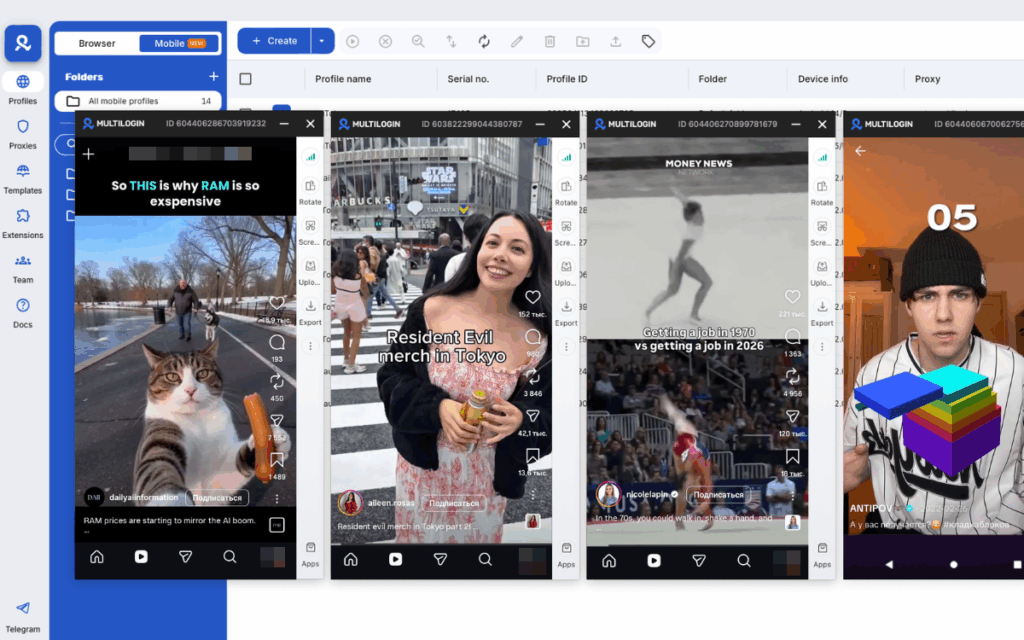
Need to manage multiple Tiktok accounts? Try Multilogin Cloud Phones.
Managing multiple TikTok Shop accounts
Agencies managing TikTok Shop accounts for clients, operators running separate brand shops, or sellers expanding to multiple markets (US and UK shops are separate accounts) need proper account isolation. TikTok links accounts at the device, browser, and IP level. Running multiple shops from the same session or IP creates linking risk that can result in suspension.
Multilogin provides isolated browser profiles for each seller account. Each profile has its own fingerprint, cookies, and session storage. Pair each profile with a residential proxy matched to the correct country — your US shop looks like it’s operated from the US, your UK shop from the UK.
For mobile management through the TikTok Seller app, Multilogin cloud phones run the app in real Android environments with genuine hardware identifiers. Account verification requiring a phone number uses third-party virtual number providers that Multilogin supports.
See also: how to run multiple TikTok accounts without bans, the TikTok Shop affiliate program guide, and antidetect browsers for TikTok growth.
Frequently asked questions About TikTok Seller Central
It’s the merchant dashboard for TikTok Shop, accessed at seller.tiktok.com or through the TikTok Seller mobile app. From there you manage your products, orders, ads, affiliate program, analytics, and account settings.
Go to seller.tiktok.com (or seller-uk.tiktok.com for UK, seller-us.tiktok.com for US sellers) and sign in with your registered TikTok account or seller email.
Use a genuine physical warehouse or pickup address. TikTok uses this for shipping calculations and compliance verification. A real home or business address works. Inaccurate addresses can cause shop suspension.
Sellers legitimately running separate brand shops can do so using isolated browser profiles and separate proxies for each account. See Multilogin’s multi-account management guide for the full approach.
TikTok Shop is available in the US, UK, and multiple Southeast Asian markets. Each market requires its own separate seller account and has its own regional Seller Central portal. There’s no single account that covers all markets.
No. There’s no notification for unblocking, just as there’s no notification for blocking.
Start your live, tap the multi-guest icon, and send an invite to the co-host. They accept and appear in split-screen. Both accounts’ followers are notified, which increases the initial viewer count significantly.
How many followers do you need to go live on TikTok?

