Oman proxy & antidetect browser
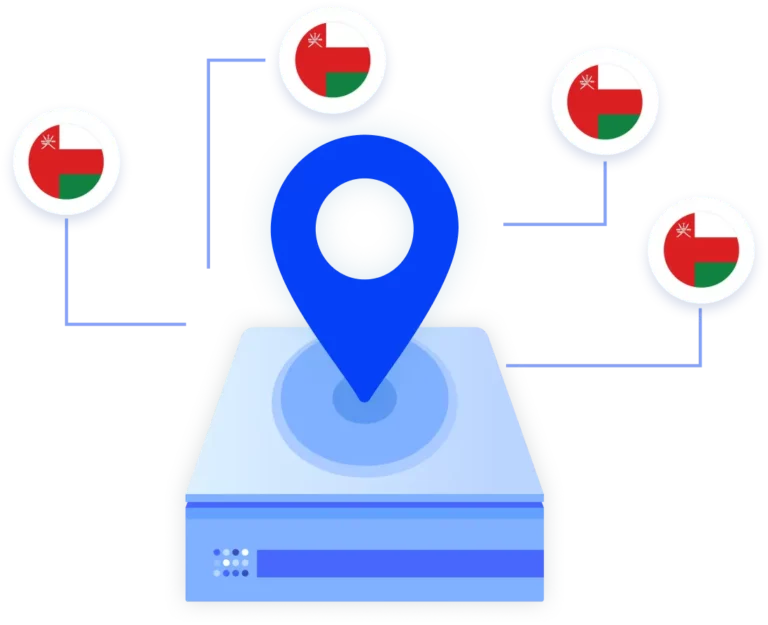
Run Oman-based mobile and web workflows from one platform. Multilogin pairs Oman proxies with Android cloud phones for consistent mobile sessions, alongside an antidetect browser for web tasks; all managed from one dashboard.
Manage multiple accounts using an Oman proxy
Managing multiple accounts with an Oman proxy takes more than changing IPs. Multilogin pairs Oman proxies with Android cloud phones to keep each account in its own persistent environment, while the built-in antidetect browser supports web workflows; all managed from one dashboard.
Keep sessions consistent across Oman-based accounts
Multilogin keeps app data and login states intact inside Android cloud phones, so Oman-based accounts continue from the same environment every session. Paired with Oman proxies, this reduces repeated setup and keeps location signals consistent as you manage multiple accounts over time.
Automate your actions with an Oman proxy
Automate Oman-based workflows using custom scripts and built-in API support. Multilogin works with Puppeteer, Selenium, Playwright, CLI, and Postman, allowing you to automate account actions, manage multiple sessions, and scale content operations while keeping Oman proxy setups consistent across mobile and web environments.
Connect Oman proxies to Android cloud phones
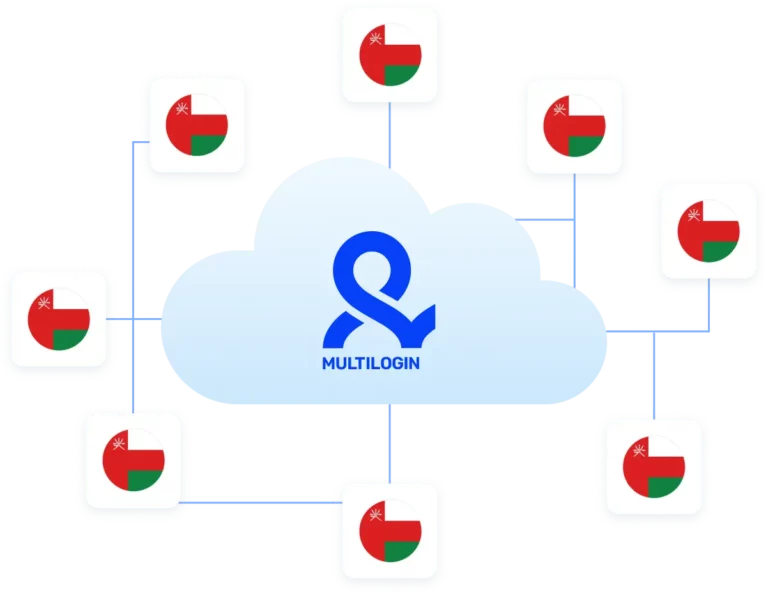
Connect Oman proxies directly to Android cloud phones to keep location signals and mobile sessions consistent. Each cloud phone runs as its own isolated environment, allowing Oman-based accounts to operate independently while reducing setup work and keeping workflows organized as operations scale.
Try Multilogin Risk-Free — Just €1.99!
-
3-day access to Multilogin
-
5 cloud or local profiles
-
200 MB proxy traffic included
-
3-day access to Multilogin
-
5 cloud or local profiles
-
200 MB proxy traffic included
What are cloud phones?
Cloud phones are Android devices hosted in the cloud that you can access and control from your desktop. They let you run native Android apps, keep app data and login states over time, and manage multiple mobile environments without using physical phones. For location-based workflows, cloud phones provide a stable setup that supports long-term mobile account management from one place.
Why choose cloud phones in Multilogin with an Oman proxy
Multilogin offers a beginner-friendly 2-in-1 platform that brings Android cloud phones and an antidetect browser together in one place. Cloud phones run on real Android environments with genuine device IDs, paired with mobile proxies backed by a 30M+ IP pool, while the antidetect browser applies 55+ fingerprint parameters for web workflows. Everything is controlled through a stable desktop app, making it easy to manage Oman proxy–based mobile and web accounts from one dashboard without juggling separate tools.
Multilogin features for creating multiple accounts
Bypass bot detection
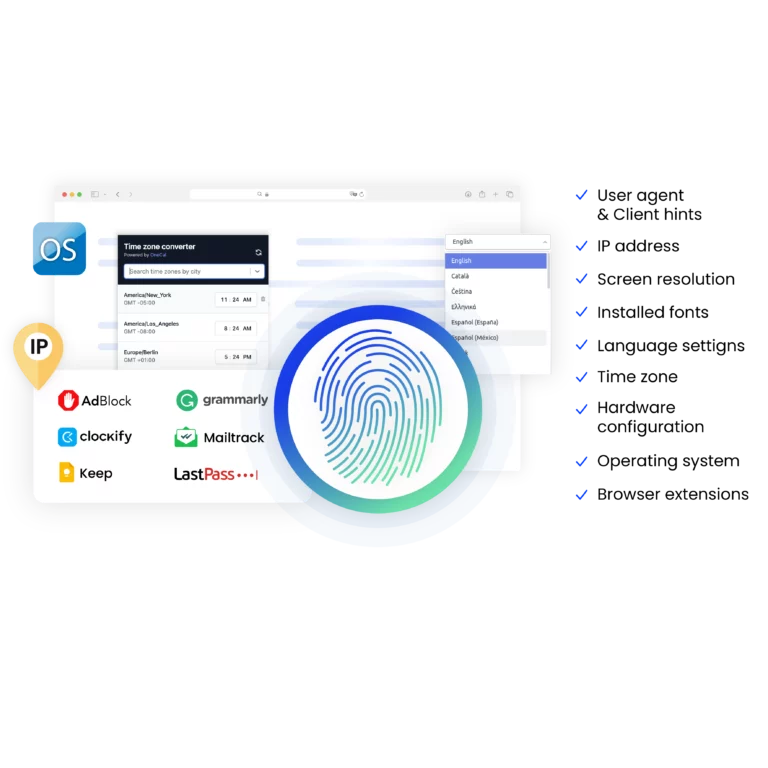
Our anti-fingerprinting tech bypasses multi-account and automated browser detection by masking unique browser fingerprints.
Integration with Selenium, Playwright, and Puppeteer
Automate data extraction with popular browser automation drivers all while keeping them invisible to anti-automation bots.
Residential rotating proxies
Gain access to premium residential proxy nodes in 1400+ cities across 150+ countries with your Multilogin subscription.
Fingerprint adjustment to proxies
All browser fingerprints are automatically adjusted to match the proxy’s location, enhancing anonymity.
Support for all proxy types
Use our proxies or bring your own. Multilogin supports all proxy types.
Data sync over VPS
Use our cloud profiles to synchronize data across multiple VPS instances effortlessly.
Fully featured browsers
Unlike headless browsers that websites can easily detect, our browsers mimic real user activity, preventing restrictions by websites.

Easy dockerization
Dockerize your scraping instances with ease using our quick dockerization guide.
Related solutions you might like
Watch the Multilogin Demo for web scraping
Get a 10-minute demo video on how Multilogin can help you easily scrape websites. Just fill in your name, last name and email below, and we’ll deliver the demo video directly to your inbox.
How to start using Multilogin
Start collecting data effortlessly with the industry leading antidetect browser.

Sign up
Register using a verified email address.

Choose your plan
Select from various subscription plans tailored to your business needs.

Download Multilogin agent
Available for Windows, Mac, and Linux.

Access the Multilogin dashboard
Start creating and managing cloud phones or browser profiles.

Manage your accounts using Oman proxies
Set up and manage multiple Instagram accounts using separate browser profiles, all from one secure platform.
Run multiple accounts without getting blocked
Use Multilogin built-in Oman proxies
How Android cloud phones support Oman proxy workflows
Using an Oman proxy is often the first step when working with location-based mobile accounts. You route traffic through Oman and expect the workflow to feel local and consistent. In reality, many teams notice that sessions feel temporary and that mobile apps don’t always behave the same way across days.
This usually isn’t caused by the proxy itself. It comes from how the mobile environment is set up and whether that environment stays consistent over time.
Android cloud phones solve this problem by giving Oman proxy workflows a persistent Android space instead of a temporary setup.
What an Oman proxy does
An Oman proxy makes traffic appear as if it’s coming from inside the country. This is essential for Oman-focused social media activity, regional access, and localized app behavior.
But mobile platforms don’t look at IP location alone. They evaluate how the Android environment behaves, whether app data stays in place, and whether sessions feel connected. When those signals reset too often, the workflow becomes harder to maintain.
That’s why Oman proxy setups benefit from Android cloud phones that keep app data and session state intact.
Read our article about the best residential proxies!
Why Android cloud phones change Oman proxy workflows
Android cloud phones maintain app storage, cache, and login states between sessions. When you return, you continue working instead of starting over.
This continuity makes daily work feel stable. Accounts develop history. Apps behave more predictably. Over time, the setup stops demanding attention.
In Multilogin, these cloud phones are not isolated tools. They live alongside the antidetect browser inside the same platform. This means Oman proxy workflows can run across both mobile apps and web environments without switching tools or breaking consistency.
One platform for mobile and web workflows
Many Oman-based operations require both mobile apps and browser access. Managing those environments separately often leads to fragmented workflows.
Multilogin is built as a 2-in-1 platform, combining Android cloud phones and an antidetect browser in one dashboard. Mobile app work happens inside cloud phones, while browser-based tasks run inside isolated browser profiles. Both are managed from the same interface, using the same structure and access controls.
This unified setup makes it easier to move between mobile and web tasks without rebuilding environments.
Built-in proxies inside Oman workflows
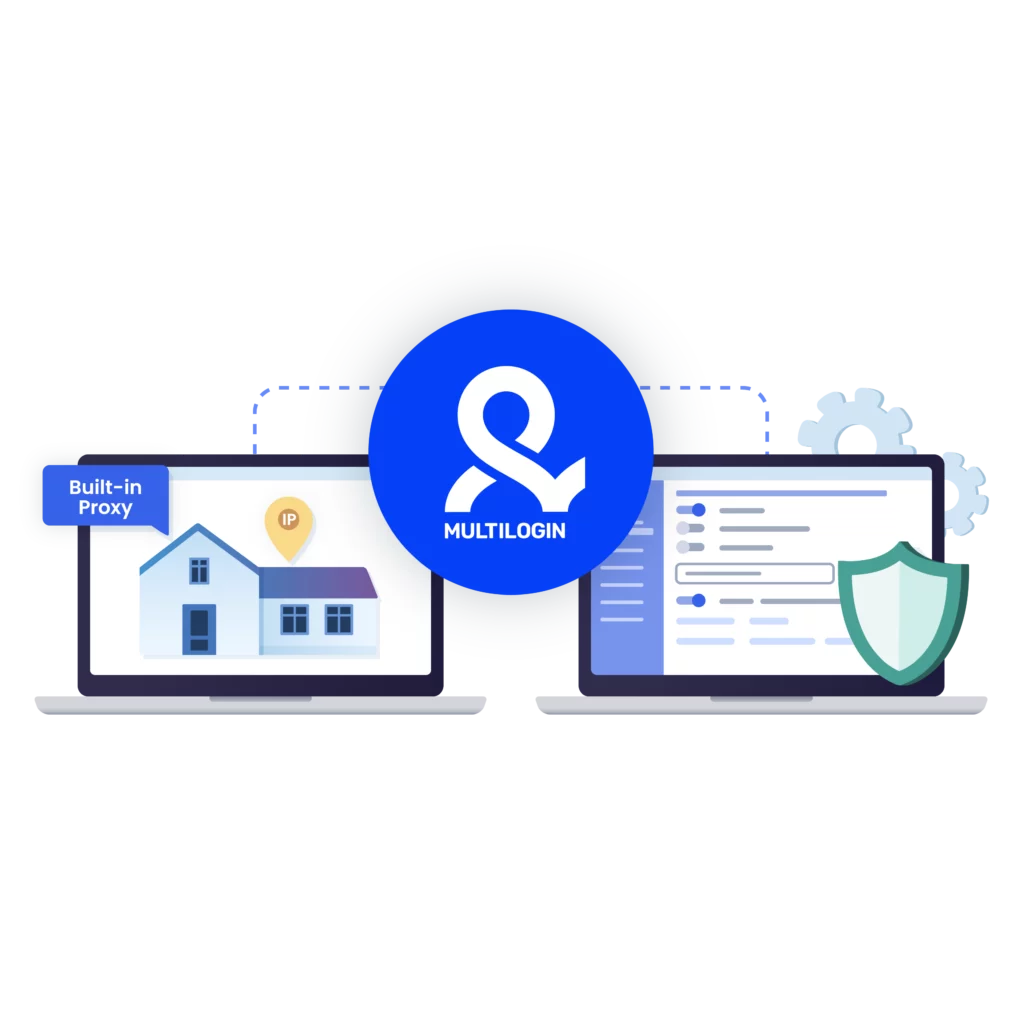
Proxy handling is part of the platform, not an external dependency. Multilogin includes built-in residential proxies for browser profiles and mobile-grade proxies for Android cloud phones.
For Oman proxy workflows, this means:
- Proxies are assigned directly inside the platform
- Geolocation stays aligned between mobile and desktop environments
- There’s no need to connect or maintain third-party proxy tools
Proxy traffic is tracked and managed from the same dashboard where cloud phones and browser profiles live, keeping everything in one place.
How Oman proxy workflows look in practice
A typical workflow starts once and then continues naturally. You create an Android cloud phone, assign an Oman proxy, install the required apps, and begin working. From that point on, every session builds on the previous one.
This setup supports ongoing activities such as social media management, moderation, posting, and long-term account maintenance. Because the environment stays consistent, teams can focus on execution instead of setup.
Session continuity as a practical advantage
Repeated setup is where most time is lost in Oman proxy workflows. Logging in again, reinstalling apps, and reconfiguring environments all slow work down.
Android cloud phones reduce that repetition by design. App data stays in place. Sessions resume instead of restarting. Over time, this creates calmer, more predictable routines.
Session continuity helps teams:
- Maintain consistent daily workflows
- Reduce setup time per account
- Plan work without constant interruptions
Scaling Oman proxy operations without extra tools
As operations grow, manual handling becomes a bottleneck. Multilogin supports automation through API access and integrations with Selenium, Puppeteer, Playwright, and Postman. This allows teams to create, manage, and operate multiple cloud phones at scale without adding new tools.
Automation removes repetition while keeping control inside the same platform.

FAQ
What is an Oman proxy used for?
An Oman proxy is used when online platforms or apps need to see activity as coming from within Oman. It supports location-based access, regional content, and country-specific app behavior. Oman proxies are especially useful for mobile workflows where location signals play a role in how apps respond. When paired with Android cloud phones, an Oman proxy becomes part of a consistent mobile environment instead of a temporary connection.
Do Oman proxies work inside native Android apps?
Yes, Oman proxies can be used inside native Android apps when they are applied at the device level. Android cloud phones provide a stable environment where Oman proxies route traffic while app data and session state remain intact. This allows Oman proxy setups to function naturally inside mobile apps rather than being limited to browser traffic.
Why do some Oman proxy setups feel unstable over time?
Most issues with Oman proxies come from the surrounding setup, not the proxy itself. When app data resets or the environment changes between sessions, platforms may treat each session as new. Using Oman proxies inside Android cloud phones helps keep app storage and session continuity consistent, which makes daily workflows more predictable.
Can multiple Oman proxies be used at the same time?
Yes, multiple Oman proxies can be used in parallel when each one is assigned to its own environment. With Android cloud phones, each device can run with a separate Oman proxy, allowing teams to manage multiple Oman-based accounts simultaneously. This structure keeps workflows organized and prevents overlap between environments.
How are Oman proxies managed inside Multilogin?
Inside Multilogin, Oman proxies are managed directly from the platform. Browser profiles use built-in residential proxies, while Android cloud phones use mobile-grade proxies. Oman proxy assignments, traffic usage, and geolocation alignment are handled in the same dashboard as cloud phones and browser profiles, removing the need for external tools.

Watch the Multilogin Demo for web scraping
Get a 10-minute demo video on how Multilogin can help you easily scrape websites. Just fill in your name, last name and email below, and we’ll deliver the demo video directly to your inbox.