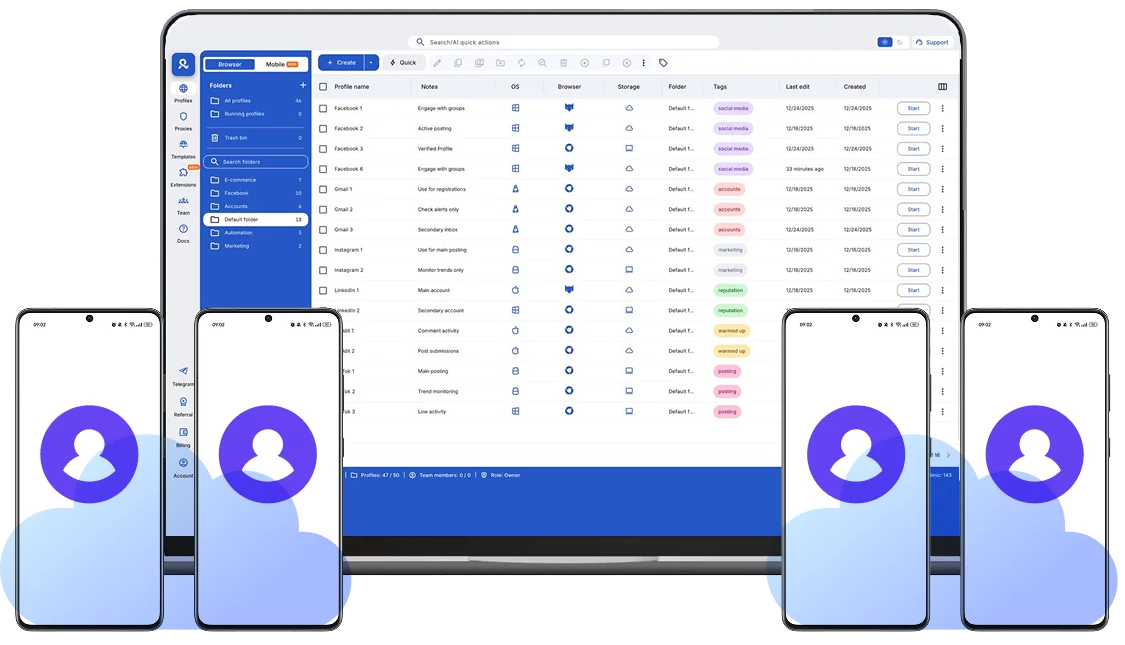
Cell phones in the cloud
Launch fully functional Android devices hosted in the cloud.
Each cell phone runs in the cloud independently, supports mobile apps, and remains accessible anywhere.
Access your cloud cell phones anytime
Cell phones in cloud run continuously and remain available at all times.
Log in and continue exactly where you left off, with apps and sessions preserved for long-term use.
Independent Android device in the cloud
All Android cell phones are isolated at the device level, ensuring complete separation between each mobile environment.
Each phone maintains its own hardware profile, OS parameters, and system identifiers.
Consistent network and location signals
Cloud phones support accurate location matching at the network level.
Multilogin includes built-in residential and mobile proxies with 30M+ IPs across 195+ countries and 1,400+ cities, assigned per cell phone.
Work with mobile apps directly
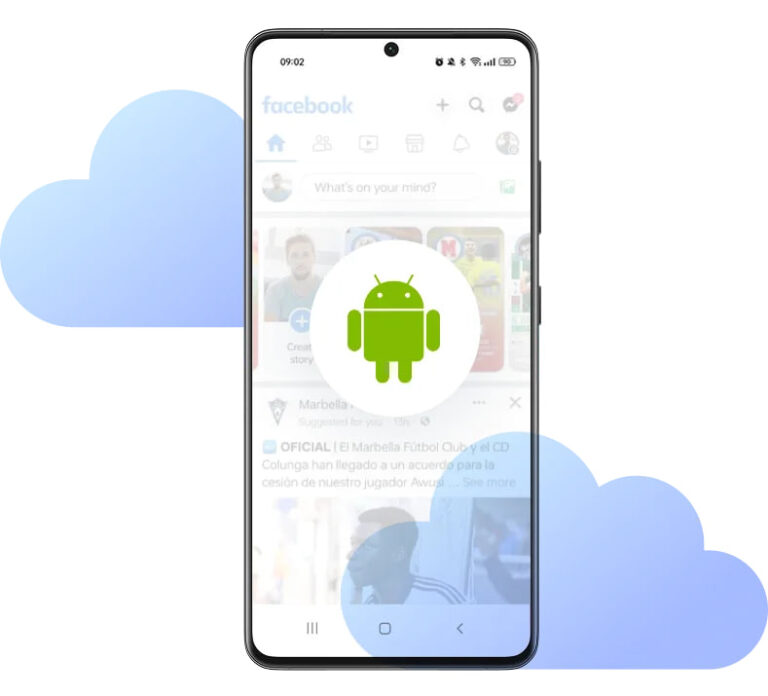
All cloud cell phones support native Android apps.
Multilogin includes a built-in app repository for one-click installs and allows manual APK installation when needed.
Looking for all-in-one antidetect browser with built-in proxies?
-
3-day access to Multilogin
-
5 cloud or local profiles
-
200 MB proxy traffic included
-
3-day access to Multilogin
-
5 cloud or local profiles
-
200 MB proxy traffic included
What is a cloud phone?
A cloud cell phone is a real Android mobile phone hosted in the cloud. Each phone runs as an independent device, with its own operating system, hardware identifiers, storage, and network signals.
Why choose Multilogin for cloud phone?
Multilogin ensures every cell phone in the cloud stays fully isolated at the identity level.
This enables secure, scalable, and more consistent operations across all cloud phones.
Multilogin features for Cloud Phone management
Multilogin 2-in-1
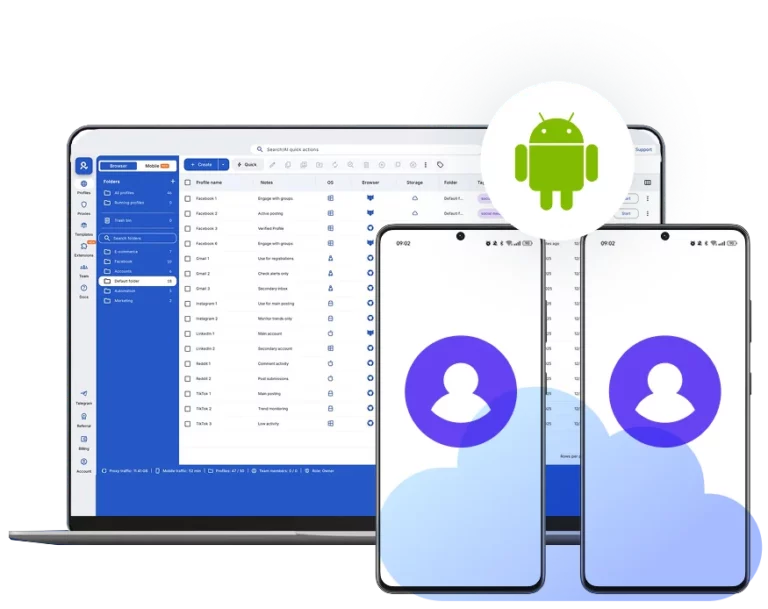
Anti-detect browser profiles and cloud phones in one ecosystem. One app, one dashboard, full control.
Built-in proxy integration
Residential IPs are included by default. 150+ countries and 1,400+ cities with daily quality testing.
Up-to-date Android versions
Stable Android versions 10–15, fully compatible with modern mobile apps.
Real brands and devices
Support for 7 real Android device brands with unique IMEI and system-level digital fingerprints.
App repository
Install TikTok, Instagram, Reddit, and other popular apps without Google Play. APK uploads are also supported.
Folders, tags and access control
Organize profiles using folders, tags, and role-based access. Manage team workflows with ease.
Enterprise-grade security
Profile encryption, 2FA, access control, and compliance-ready security for safe operations.
Launch cell phones in the cloud instantly
Create cloud Android devices and install mobile apps.
Multilogin competitive advantages
Fast and intuitive interface
Everything at your fingertips: drag-and-drop, hotkeys, and smooth multitasking without losing speed.
Browser built for multi-accounting
Advanced engine effectively avoids multi-account detection by creating unique browser fingerprints.
Created for team collaboration
Proxies included in every plan
24/7 support in 5 languages
How to start using Multilogin cloud phone
Set up and manage cell phones in the cloud with real Android environments, ready for mobile apps and long-term use.

Sign up
Register using a verified email address.

Choose your plan
Select from various subscription plans tailored to your business needs.

Download Multilogin X app
Install the Multilogin desktop app to manage mobile sessions securely.

Access the Multilogin dashboard
Launch cloud phone, assign proxies, configure fingerprints, and manage mobile environments from one place.

Manage multiple cloud phone profiles
Set up and manage multiple cloud phone profiles using separate browser profiles with consistent identities.
Watch the Multilogin Demo
Get a 10-minute demo video on how Multilogin can help you easily build your farm of cloud phones while remaining undetected. Just fill in your name, last name and email below, and we’ll deliver the demo video directly to your inbox.
Cell phone in the cloud vs physical mobile devices
A cell phone in the cloud replaces physical Android devices by providing mobile environments hosted remotely.
Instead of purchasing, maintaining, and managing multiple smartphones, users can operate cloud-based Android devices from a single interface, reducing cost, time, and operational complexity.
Cloud phones remove the need for hardware and make scaling mobile activity simpler and more predictable.
How a cell phone in the cloud works
A cloud-based cell phone runs as an isolated Android device with its own system configuration, storage, and network signals.
Each device behaves like a real smartphone, allowing users to install apps, log in to accounts, and keep sessions active without resets.
All processing happens remotely, while interaction takes place through a secure desktop interface.
Is a cloud cell phone the same as an Android emulator?
No. These are fundamentally different technologies.
Emulators simulate behavior and often expose detectable patterns, while cloud-based phones operate with consistent device parameters and real system behavior.
This difference is critical for platforms that apply strict mobile-device checks.
What can you do with a cloud phone?
Cell phones in cloud can be used for any task that requires a real mobile environment, including:
Working with mobile-only applications
Accessing region-specific platforms
Maintaining persistent app sessions
Scaling operations without physical hardware
Because each device is isolated, activities remain separate and stable over time.
Why cell phones in the cloud are better for scaling
Scaling with physical phones quickly becomes expensive and difficult to manage.
Cloud-based phones allow users to create and organize multiple Android devices instantly, without hardware maintenance.
This approach is especially effective for teams, agencies, and mobile-first businesses.
Advanced features of a cell phone in the cloud
Cloud cell phones offer more than basic remote access.
They are built for professional use cases that require stability, control, and scalability. Devices can be managed centrally and used long-term without repeated setup.
These capabilities support ongoing and large-scale mobile work, not short-term testing.
Why choose Multilogin for cell phones in the cloud
Multilogin combines cloud phones with deep isolation at the device level and integrated network control.
Each device operates independently, ensuring consistent behavior and stable long-term usage.
This makes it possible to scale mobile operations while maintaining reliable environments.
Real Android versions and device models
Cloud phones run on real Android versions with specific device models.
This allows users to match platform requirements, test compatibility, and work with apps that depend on precise system behavior.
System configurations remain consistent over time, avoiding unexpected changes.
Centralized control for multiple cloud phones
Managing multiple mobile devices manually is inefficient.
With centralized control, all devices can be launched, organized, paused, and monitored from a single interface.
This simplifies daily operations and reduces errors when working with multiple mobile environments.
FAQ
Do I need to buy physical phones to use a cell phone in the cloud?
No. A cell phone in the cloud works without any physical hardware.
All Android devices are hosted remotely and accessed through a secure interface, eliminating the need to purchase, store, or maintain real smartphones.
Can I install any Android app on a cloud phone?
Yes. Cloud phones support native Android applications.
You can install apps using the built-in app repository or upload APK files manually, depending on your setup and requirements.

Are cloud phones suitable for long-term use?
Yes. Cloud phones are designed for ongoing usage.


Apps, data, and sessions remain available between logins, allowing you to continue working without resetting or reconfiguring the device.
How are multiple cloud phones kept separate from each other?
Each cloud phone operates as a fully isolated Android device.
Apps, accounts, storage, and system behavior are separated at the device level, allowing multiple phones to run in parallel without interference.
Who typically uses cell phones in the cloud?
Cell phones in the cloud are commonly used by individuals, teams and businesses that rely on mobile-first platforms.
They are suitable for managing mobile apps, handling multiple accounts, working with region-specific services, and scaling mobile operations without hardware limitations.