A guide to android testing with Multilogin’s emulator
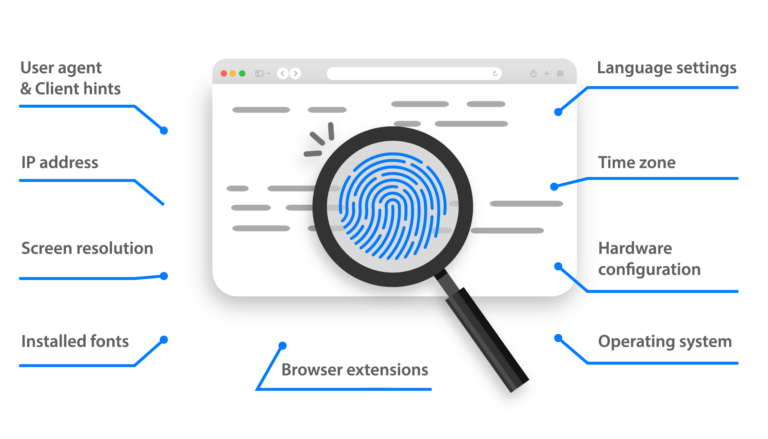
Mobile traffic dominates searches today, and that reality changes how testing must be done. Android users behave differently from desktop users, and platforms analyze far more than just screen size. They verify device signals, network behavior, sensors, and session history.
Multilogin bridges the gap between basic emulators and real devices by delivering device-accurate Android browser environments, real mobile IP routing, fully isolated test sessions and automation at scale. This gives you higher-fidelity mobile testing without the cost and complexity of managing physical device labs.
Why use an android emulator for testing?
It can be slow, expensive, and hard to scale while testing directly on real devices or basic emulators. You can use an advanced Android emulator for testing to make your desktop look like a real mobile environment. This lets you check how websites and mobile web apps really work on different devices, screen sizes, locations, and network conditions.
You don’t just use fake environments; you use ones that show how real users act, like how WebView loads content and how sessions, cookies, touch interactions, and network signals are handled. This makes the test results more reliable, lowers the number of false positives, and gives you a much clearer picture of how real Android users use your product.
Key benefits for android testing teams
The biggest advantage of using an Android emulator for testing with Multilogin is that your tests finally reflect how real users experience your product. Instead of relying on desktop simulations that only imitate screen size, you work with environments that behave like real Android devices. This means platforms respond to your sessions as genuine mobile users, not as test traffic — which dramatically improves the accuracy of everything from UX validation to tracking and session behavior.
Multilogin also removes the physical limits that usually slow testing teams down. You’re no longer restricted by the number of devices on your desk. You can run as many Android environments in parallel as your workflows require, whether you’re validating layouts across multiple screen sizes, testing regional checkout behavior, or running multiple regression scenarios at once.
Geo-testing is becoming far more reliable as well. By assigning real mobile or residential IP address to each environment, you can validate pricing, content delivery, language, and compliance exactly as users see it in different countries. What you test in Brazil, Germany, or the US is no longer an approximation — it’s a true reflection of the local experience.
Session persistence is another critical gain. Logged-in states, carts, cookies, and user progress are saved automatically, allowing teams to resume tests instantly without repeating long setup flows. This is especially valuable for debugging complex issues, validating checkout journeys, and running consistent regression tests.
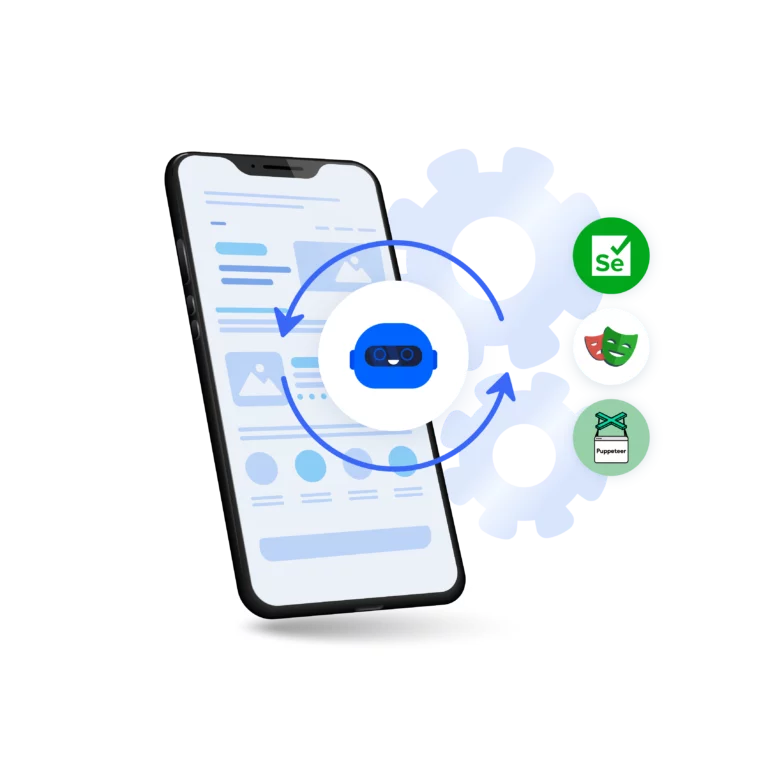
From an operational perspective, Multilogin fits naturally into modern QA and automation pipelines. Test scenarios can be automated using Playwright, Puppeteer, Selenium, or Multilogin’s own CLI, without breaking mobile authenticity. At the same time, distributed teams can collaborate securely using encrypted storage, role-based permissions, and flexible cloud or local data control.
How teams use android emulation in practice
In real projects, Android emulation plays a key role in speeding up mobile testing and removing guesswork from daily decisions. Product teams rely on it to quickly reproduce bugs reported by users on specific devices, making android testing faster and far more accurate without waiting for access to the same physical phone
Once the most important problems are found, QA engineers can confidently check that the fixes work. They use Android environments to run the same android test across different device models in minutes instead of hours. This makes it easier to spot visual issues, session problems, and network-related errors before they reach production.
With core functionality validated, marketing and growth teams use Android emulation to preview live mobile campaigns exactly as users see them. They verify that tracking pixels fire correctly on mobile, confirm deep links and redirects, and check how campaigns behave under different regional and network conditions. For eCommerce teams, this same process makes sure that stock visibility, shipping logic, and payment behavior are all the same across markets before they start new offers.
Lastly, Android environments are used to support ongoing Android testing on the automation side after deployments. Teams run test suites overnight, keep an eye on important mobile user flows, and find regressions early, all without having to keep device labs or constantly change the settings on physical phones.
How to set it up in Multilogin — Step by step
Getting started with Android testing in Multilogin is straightforward. After installing the Multilogin app and creating your account, you simply create a new browser profile and select Android as the operating system. From there, you choose a device model — or let the system randomize one — and define key parameters such as screen size, locale, and timezone to match your target users.
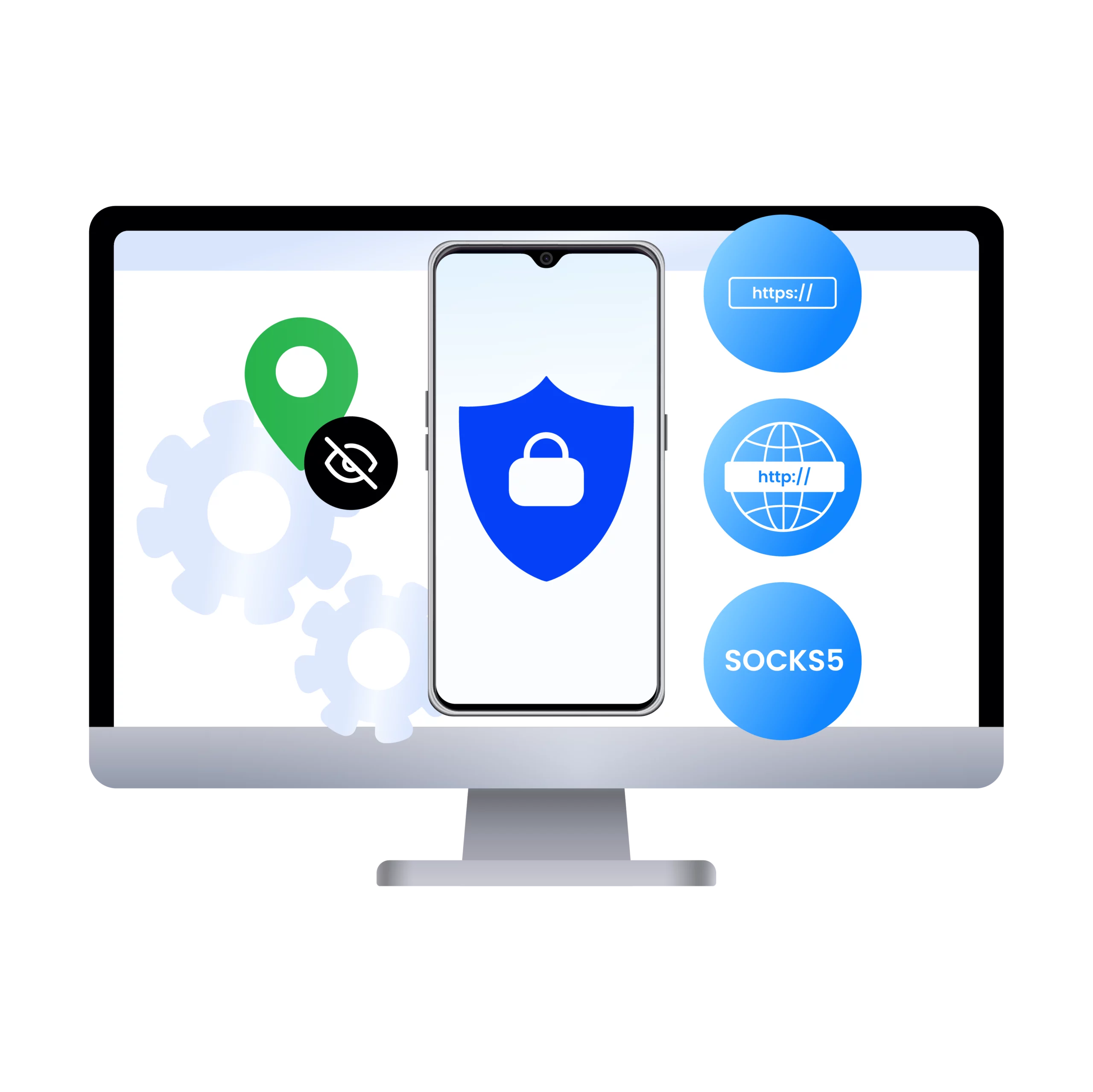
Next, you attach a residential proxy to the profile to define where that device appears to be located. You can use sticky sessions for stable testing environments, or rotating IPs when broader network coverage is needed. After that, you decide how cookies and storage should behave, depending on whether you want clean sessions or persistent test states.
Once the profile is launched, you can immediately begin testing. You can verify device headers, geolocation, and behavior using mobile test pages or fingerprint checkers, and fine-tune any settings if needed. From that point on, the environment is ready for manual testing, automation, or long-term regression workflows.
Conclusion
Multilogin offers a practical and scalable way to run real Android mobile testing directly from your desktop. By combining antidetect browser, device-accurate Android environments, built-in mobile and residential proxies, automation-ready infrastructure, persistent sessions, secure collaboration, and enterprise-grade protection, it removes the traditional limitations of both physical devices and basic emulators.
You get the realism of real hardware, without the cost, logistics, or scaling barriers — and the confidence that your mobile testing truly reflects real-world Android users.