
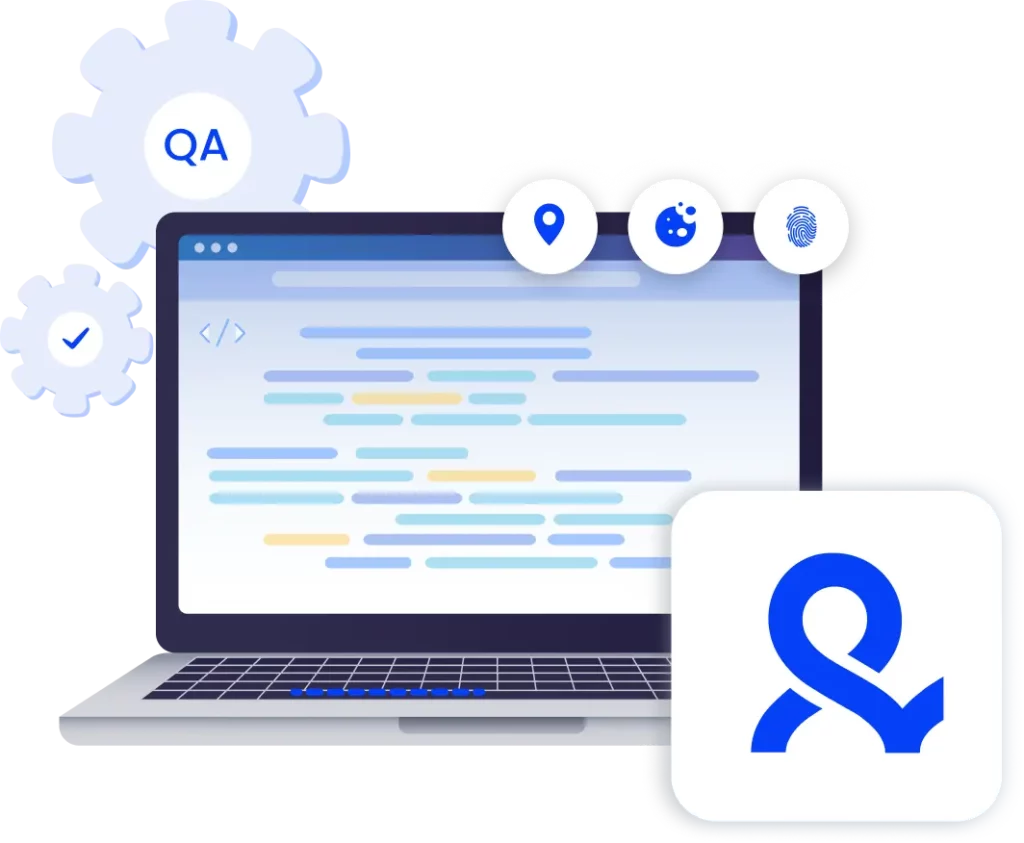

QA automation for real-world testing
With Multilogin, you can validate mobile UX, run geo-aware QA, and automate Android web testing at scale using isolated browser profiles — each with a unique fingerprint, stable session state, and real mobile IPs, even on platforms with strict anti-bot protections.
Automate your QA testing
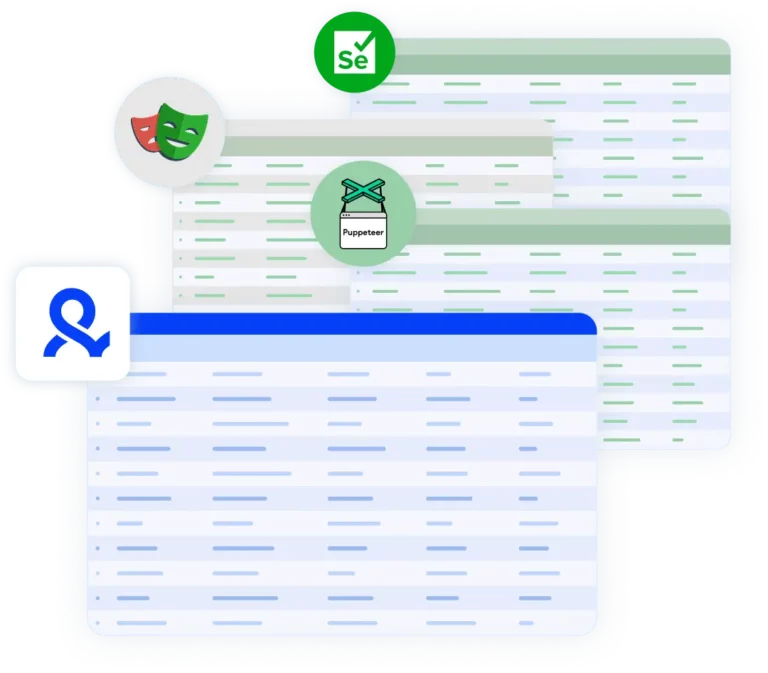
Run browser automation and QA test scenarios using Playwright, Puppeteer, Selenium, or Multilogin’s CLI — all inside isolated browser profiles that behave like real users.
Execute QA automation for mobile safely from your desktop
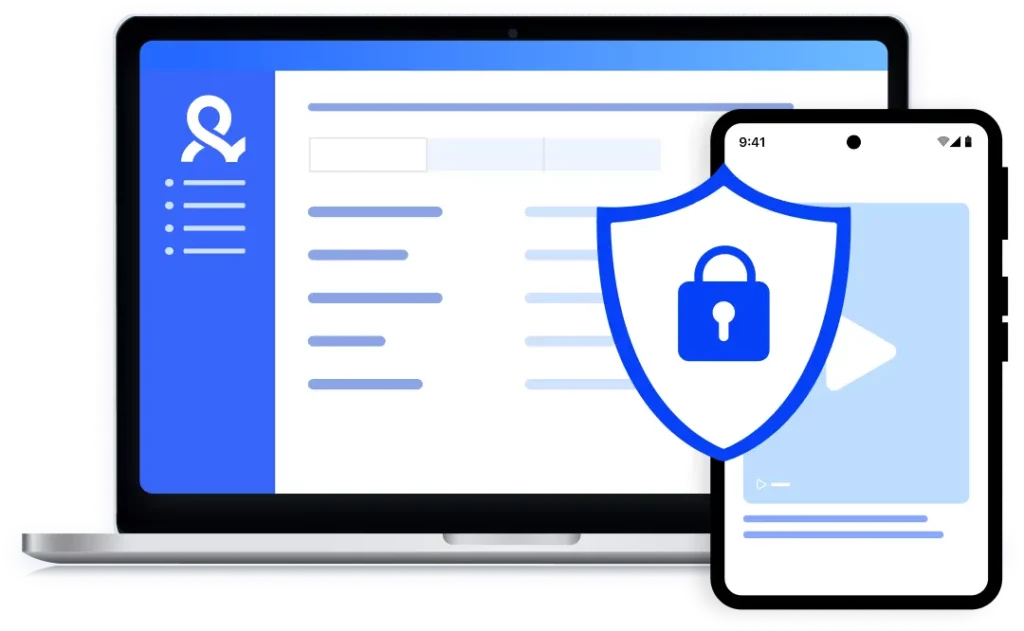
Multilogin’s Android emulator allows teams to reproduce real device behavior — including screen resolution, touch interactions, WebView headers, hardware signals and network type. Connect each environment via HTTP, HTTPS, or SOCKS5, all from one dashboard with the Multilogin X desktop app.
QA automation with build-in residential proxies
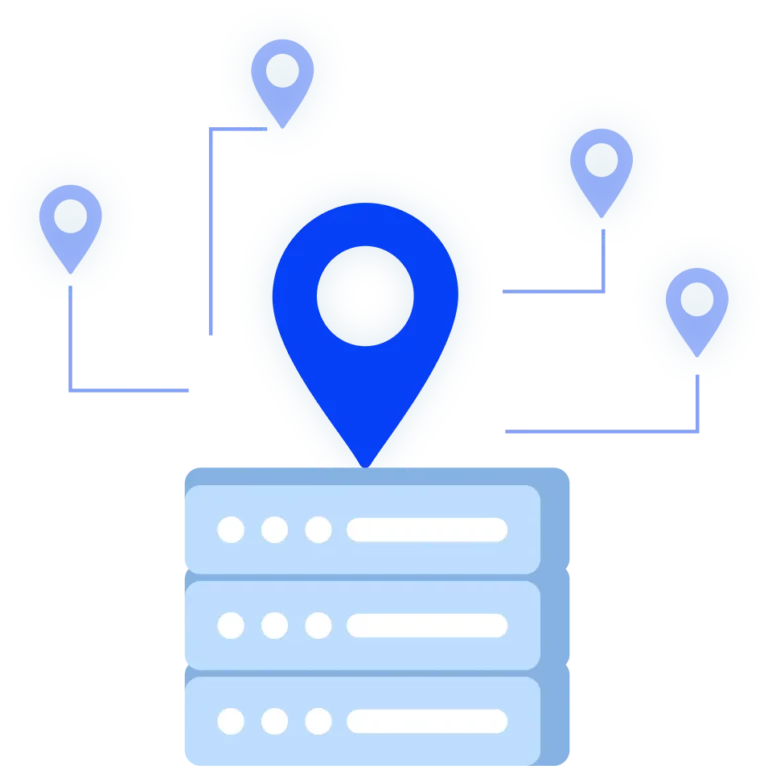
Run QA automation without relying on shared IPs or external proxy tools using Multilogin’s premium residential proxies:
- 24-hour sticky sessions for stable connections
- 95% clean IPs to avoid bans
- 30M+ residential IPs in 195+ countries
- City-based targeting in 1,400+ cities
Try Multilogin Risk-Free — Just €1.99!
-
3-day access to Multilogin
-
5 cloud or local profiles
-
200 MB proxy traffic included
-
3-day access to Multilogin
-
5 cloud or local profiles
-
200 MB proxy traffic included
What is antidetect browser?
An antidetect browser allows you to run multiple browser environments, giving each profile its own device identity, storage, cookies, and network signals.
This ensures platforms treat automated tests as legitimate user activity, not synthetic traffic — making qa automation more reliable in real-world conditions.
Why choose Multilogin for QA automation?
Multilogin allows automated tests to run in environments that platforms treat as independent users. This prevents automated QA runs from being blocked or flagged, especially when testing authentication flows, rate-limited actions, or production systems protected by anti-bot technology.
What Multilogin offers that other antidetect browsers don't
Easy collaboration for teams
Flexible automation support
Built-in proxies
Session persistence
Human behavior simulation
Account longevity
Multilogin resources for mobile testing
Bypass bot protection
Mask unique browser fingerprints with our anti-fingerprinting tech to bypass multi-account and automated browser detection, ensuring secure and undetected usage.
Browser action automation
Automate repetitive tasks and form filling with Selenium, Postman, Playwright, and Puppeteer automation drivers while bypassing anti-bot algorithms.
Android Chrome browser
Emulate the full functionality of the Android Chrome Browser on your desktop seamlessly.

Fingerprint adjustment to proxies
All browser fingerprints are automatically adjusted to match the proxy’s location, enhancing anonymity.

Supports for all proxy types
Whether you use our proxies or bring your own, all proxy types are seamlessly supported.

Rotating IPs
We test our residential proxies daily, ensuring they work seamlessly with Ticketmaster, SeatGeek, AXS, and more.
Data sync over Cloud
Use cloud browser profiles to sync data across multiple devices or VPS instances.

Manual mode
Manually control the settings of your mobile browser profiles in secure virtual environments.
Why people love Multilogin

Dominik

Evgeny S.
Internet, Small-Business

Nino Latif

Nino L.
Marketing Agent, Small-Business

George M.
Co-Founder, Small-Business
Watch the Multilogin demo
Learn how Multilogin enhances your anonymity for robust multi-account management and android testing activities. Just fill in your name, last name and email below, and we’ll deliver the demo video directly to your inbox.
How to start using Multilogin
Start collecting data effortlessly with the industry leading antidetect browser.

Sign up
Register using a verified email address

Choose your plan
Select from various subscription plans tailored to your business needs

Download the Multilogin agent
Available for Windows, Mac, and Linux.

Access the Multilogin dashboard
Start creating and managing antidetect browser profiles

Create and manage multiple accounts
Set up and manage multiple accounts using separate browser profiles, all from one secure platform.
Improve your QA automation with no bans.
Use Multilogin’s antidetect browser and Adroid emulator
A guide to QA automation with Multilogin
As software delivery cycles become faster and more frequent, QA automation has moved from a nice-to-have to a core requirement. Teams are expected to validate features across browsers, devices, locations, and user states — often multiple times per day.
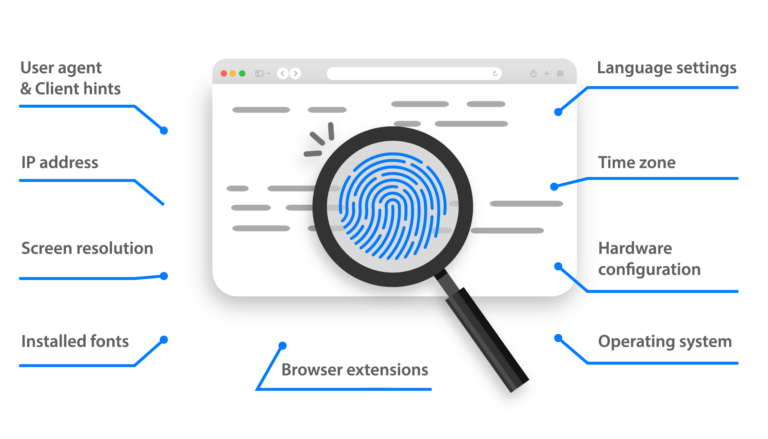
At the same time, modern platforms analyze far more than page responses. They look at things like browser fingerprints, session behavior, IP consistency, and automation signals. Automated tests aren’t useful or trustworthy when the test environments don’t match how real users would use the system.
By giving each browser environment its own device fingerprint and network identity, Multilogin makes QA automation easier because the environments are completely separate from each other. This lets teams run a lot of automated tests while still getting realistic behavior, stable sessions, and consistent results, even in places that have advanced anti-bot systems.
Why use isolated browser environments for QA automation?
A lot of the time, traditional QA automation setups use shared browsers, basic profiles, or desktop simulations. This may work for testing in the early stages, but it quickly falls apart as more tests are added.
Cookies, storage, and device signals are all reused in shared environments. This makes tests unreliable, results inconsistent, and failures hard to reproduce over time. In places with anti-bot protection, reused fingerprints and IP patterns can also cause blocks, CAPTCHAs, or throttling, even when testing is done correctly.
QA automation tests run in environments that act like separate users when you use isolated browser profiles. Depending on the goal of the test, each session starts fresh or continues on purpose. This makes the results more predictable and much more like how they would be used in real life.
Key benefits of QA automation with Multilogin
The main advantage of using Multilogin for qa automation is accuracy. Tests no longer run in artificial or reused environments, but in browser profiles that platforms treat as real users.
Each profile includes its own device fingerprint, cookies, local storage, and network settings. This prevents cross-test contamination and reduces false positives caused by shared state or leftover data from previous runs.
Scalability is another major gain. QA teams are no longer limited by the number of machines or browsers available. Multiple automated test suites can run in parallel, each inside its own isolated environment, without interfering with one another.
Multilogin also enables reliable cross-environment testing. By running tests across different browser profiles and multiple accounts, teams can validate how applications behave under varying device conditions, locales, time zones, and session states — without rebuilding test infrastructure every time.
From a workflow perspective, Multilogin integrates naturally with existing qa automation tools. Automation scripts can be executed using Playwright, Puppeteer, Selenium, or Multilogin’s CLI, without sacrificing isolation or realism. This allows teams to maintain their existing frameworks while improving the quality of the environments those frameworks run in.
How teams use QA automation in practice
In real QA workflows, the value of Multilogin shows up less in theory and more in execution. Teams use it to make automated testing predictable, repeatable, and easier to operate as test volume grows.
Regression and smoke tests are a common starting point. With Multilogin, each test run starts in a clean browser profile or continues from a controlled session when needed. This reduces noise in results and makes it clearer whether a failure is caused by a real issue or by test setup inconsistencies.
When bugs appear, isolated profiles make debugging simpler. QA engineers can rerun the same tests using the same browser profile to reproduce issues under identical conditions, instead of trying to recreate state manually or guessing what changed between runs.
For teams running data-driven tests, Multilogin helps keep scenarios separated. Different datasets can be executed in parallel, each inside its own browser environment, without overlap or shared state influencing the outcome. This makes it easier to catch edge cases and validate assumptions with confidence.
At scale, automation engineers rely on Multilogin to support parallel execution across pipelines. Multiple test suites can run at the same time, each with its own set of browser profiles, without triggering platform defenses or causing session instability. This allows teams to increase coverage and speed without sacrificing reliability.
Across all these use cases, Multilogin fits into existing QA setups without changing how tests are written. Teams keep using their current tools and frameworks but gain environments that behave more like real users — which is ultimately what makes QA automation useful in production.
QA automation across desktop and android environments
Modern QA automation often requires testing beyond desktop browsers. Mobile web behavior, especially on Android, introduces differences in rendering, session handling, and interaction patterns.
Multilogin allows teams to extend qa testing automation into Android environments directly from the desktop. Instead of relying solely on physical devices or limited emulators, QA teams can run Android browser profiles with realistic mobile behavior and isolated device fingerprints, using residential proxies.
This makes it easier to validate mobile user journeys, reproduce platform-specific bugs, and ensure consistency between desktop and mobile experiences — all within the same automation strategy.
Conclusion
QA automation only works when test environments behave like real users do. If browsers share state, fingerprints repeat, or mobile behavior is only partially simulated, even well-written tests start producing unreliable results.
Multilogin gives QA teams a more solid way to run automation by separating every antidetect browser profile, assigning each one its own device identity, and supporting Android web testing alongside desktop. This removes many of the issues that come with shared browsers, basic emulators, and setups that break as soon as testing scales.
The outcome is simpler and more practical: tests are more accurate, failures are easier to trust, and teams can be confident that what works in automation will also work for real users — across devices, locations, and sessions.
Frequently Asked Questions
What problem does Multilogin solve for QA automation?
Multilogin addresses one of the biggest weaknesses in QA automation: unrealistic test environments. Many QA automation tools rely on shared browsers or reused sessions, which leads to flaky tests, false positives, and blocked runs. Multilogin creates fully isolated browser environments so automated tests behave like real users.
Why are isolated browser profiles important for QA testing automation?
Because real users never share cookies, storage, or device fingerprints. In QA testing automation, shared environments cause data leakage between tests and make results unreliable. Isolated profiles ensure every test runs as a separate user, improving accuracy and making failures easier to reproduce.
Can Multilogin be used with existing QA automation tools?
Yes. Multilogin works seamlessly with popular QA automation tools like Playwright, Puppeteer, Selenium, and Multilogin’s own CLI. Teams keep their existing test frameworks and simply run them in cleaner, more realistic environments.
How does Multilogin help QA automation avoid anti-bot systems?
Modern platforms analyze fingerprints, IP patterns, and session behavior. Multilogin assigns each automated session a unique device identity and network setup, which helps QA automation run reliably without triggering CAPTCHAs, blocks, or throttling.
Is Multilogin suitable for large-scale QA automation?
Yes. Multilogin is built for scale. Teams can run multiple qa testing automation pipelines in parallel, each using its own isolated browser profiles, without session conflicts or cross-test contamination.
How does Multilogin improve regression and smoke testing?
Regression and smoke tests run in fresh, isolated environments every time. In QA automation, this removes issues caused by dirty sessions or leftover data. When a bug appears, teams can reuse the same profile to reproduce the issue under identical conditions.
Can Multilogin be used for data-driven QA testing automation?
Yes. Each dataset can be executed in its own isolated browser profile. This is especially valuable in qa testing automation, where reused sessions often hide edge cases or produce misleading results.
Does Multilogin support mobile testing?
Yes. Multilogin allows teams to extend QA automation into Android browser environments directly from the desktop. Our Android emulator makes profiles behave like real mobile devices, making mobile web testing more reliable than with basic emulators.
How is Multilogin different from traditional emulators used in QA automation?
Most emulators focus on visuals but fail to replicate real device identity. Multilogin focuses on isolation, fingerprint realism, and session stability — which is critical for QA automation tools operating on platforms with strong detection systems.
Can Multilogin be used for data-driven QA testing automation?
Multilogin is ideal for QA teams, automation engineers, developers, and product teams that need reliable QA automation across browsers, devices, locations, and user states — especially when tests must scale or run on protected platforms.














