


Create and manage multiple Twitter accounts
Manage multiple Twitter or X accounts from one organized dashboard. Run the X mobile app on dedicated Android cloud phones and manage web activity through separate browser profiles.
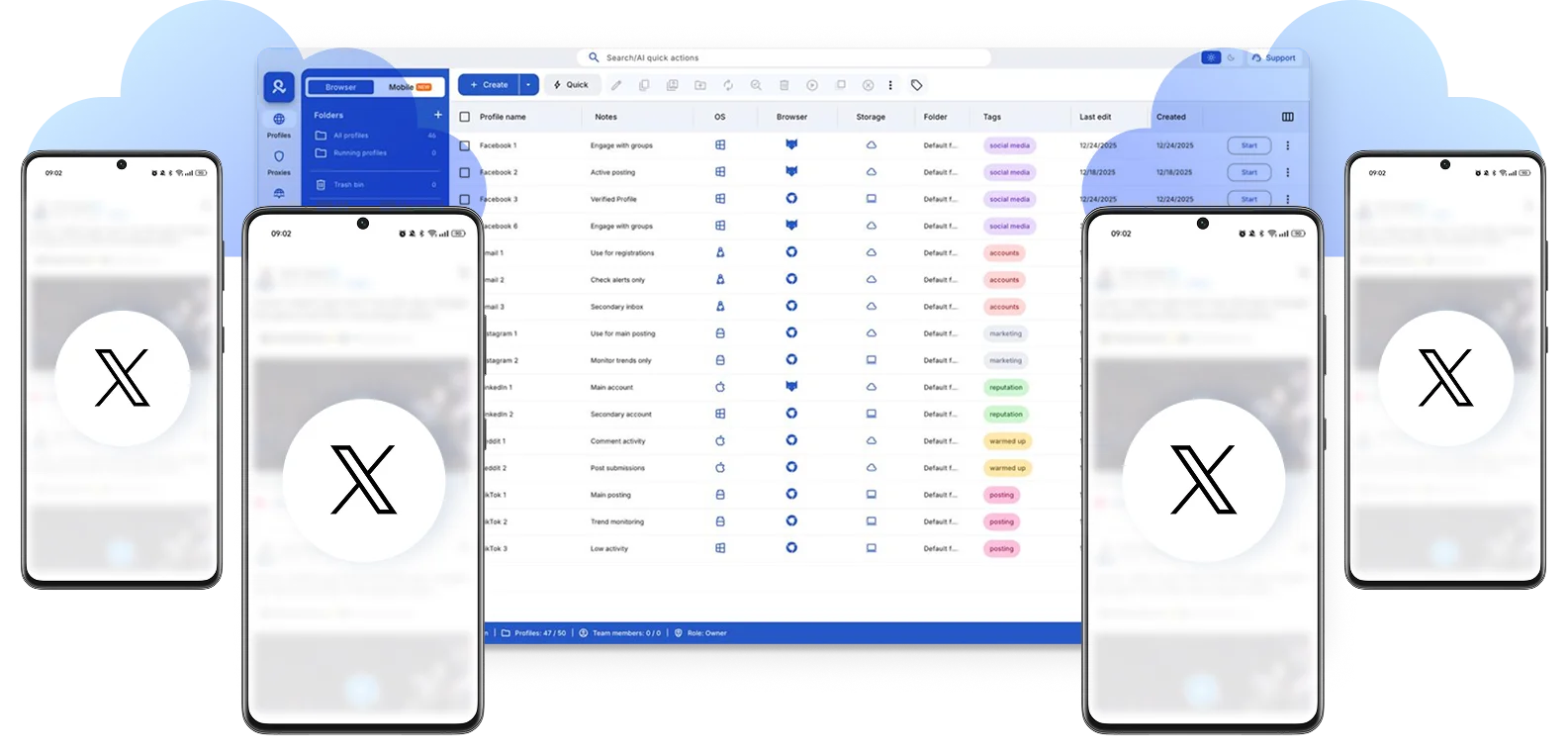

Perfect for multiple accounts
Unique cloud phones for each account

Publish everywhere
Reach more than 150 locations

Grow organically
Post from real devices
One platform, unlimited Twitter accounts
Run multiple Twitter accounts
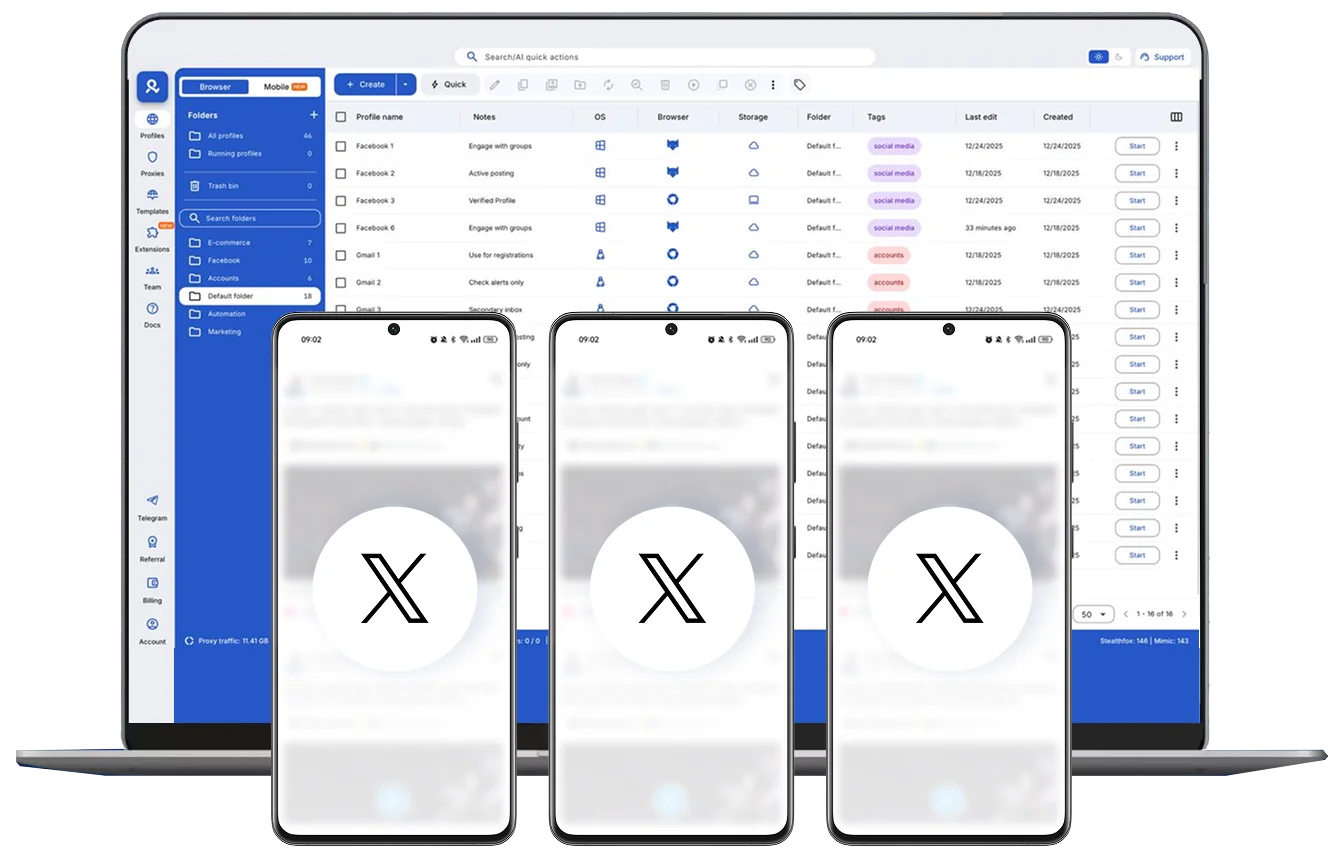
Create and manage Twitter accounts from any location
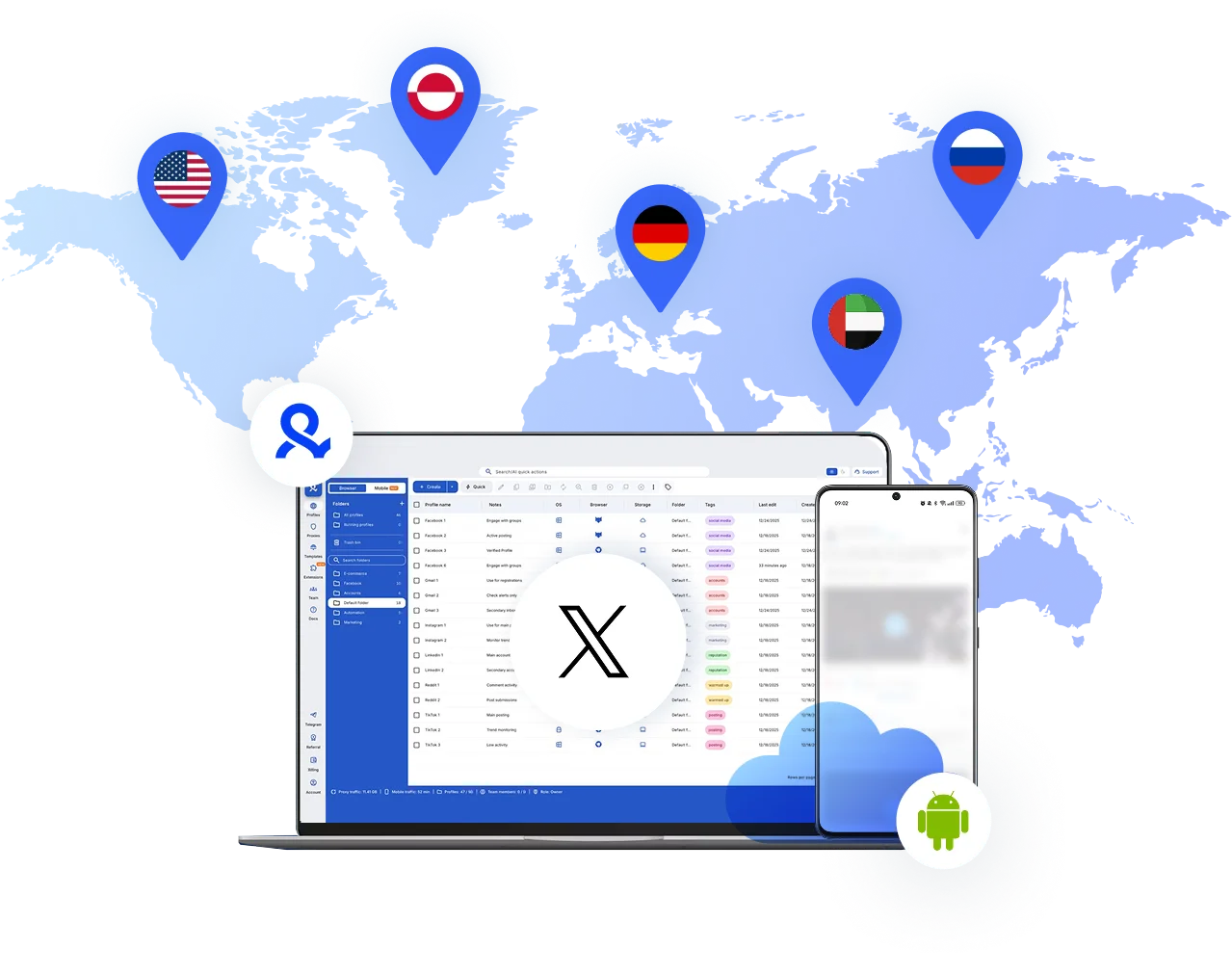
Run one cloud phone per Twitter account
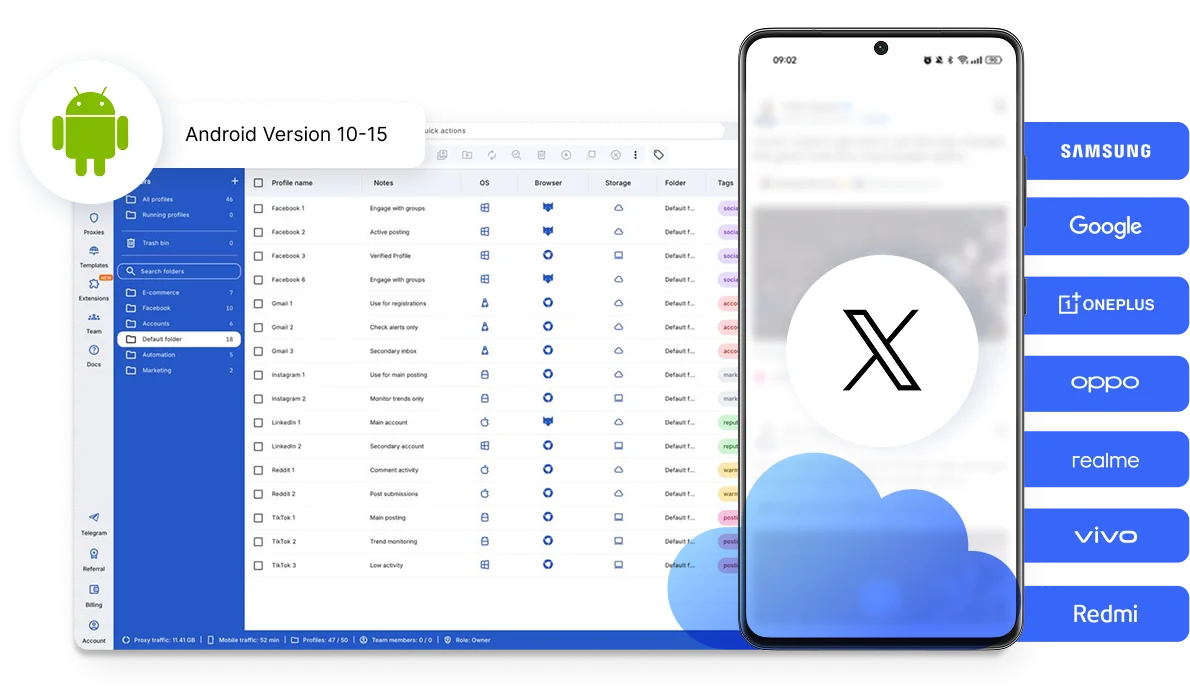
Automate Twitter actions
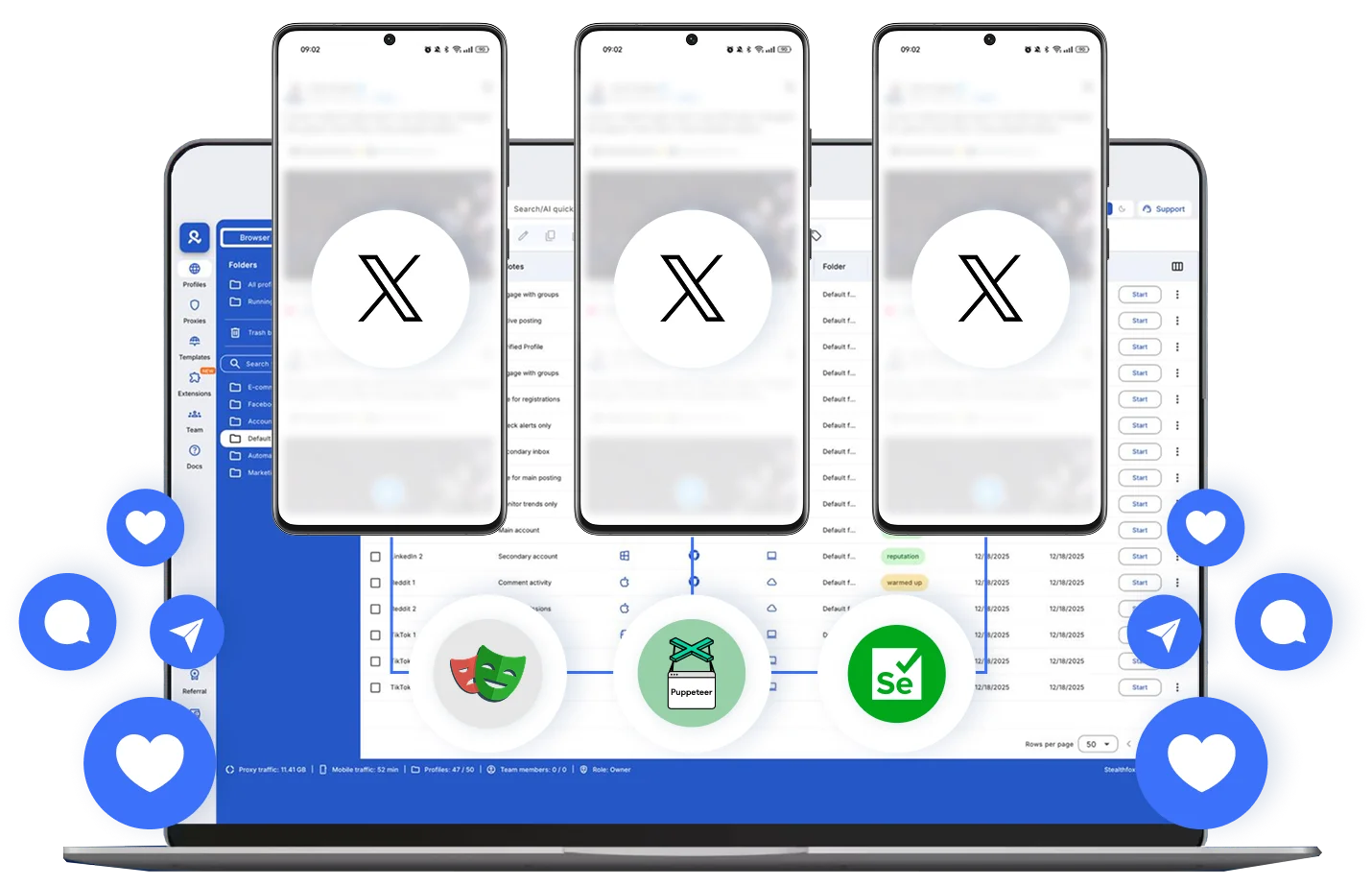
Collaborate with your team on Twitter
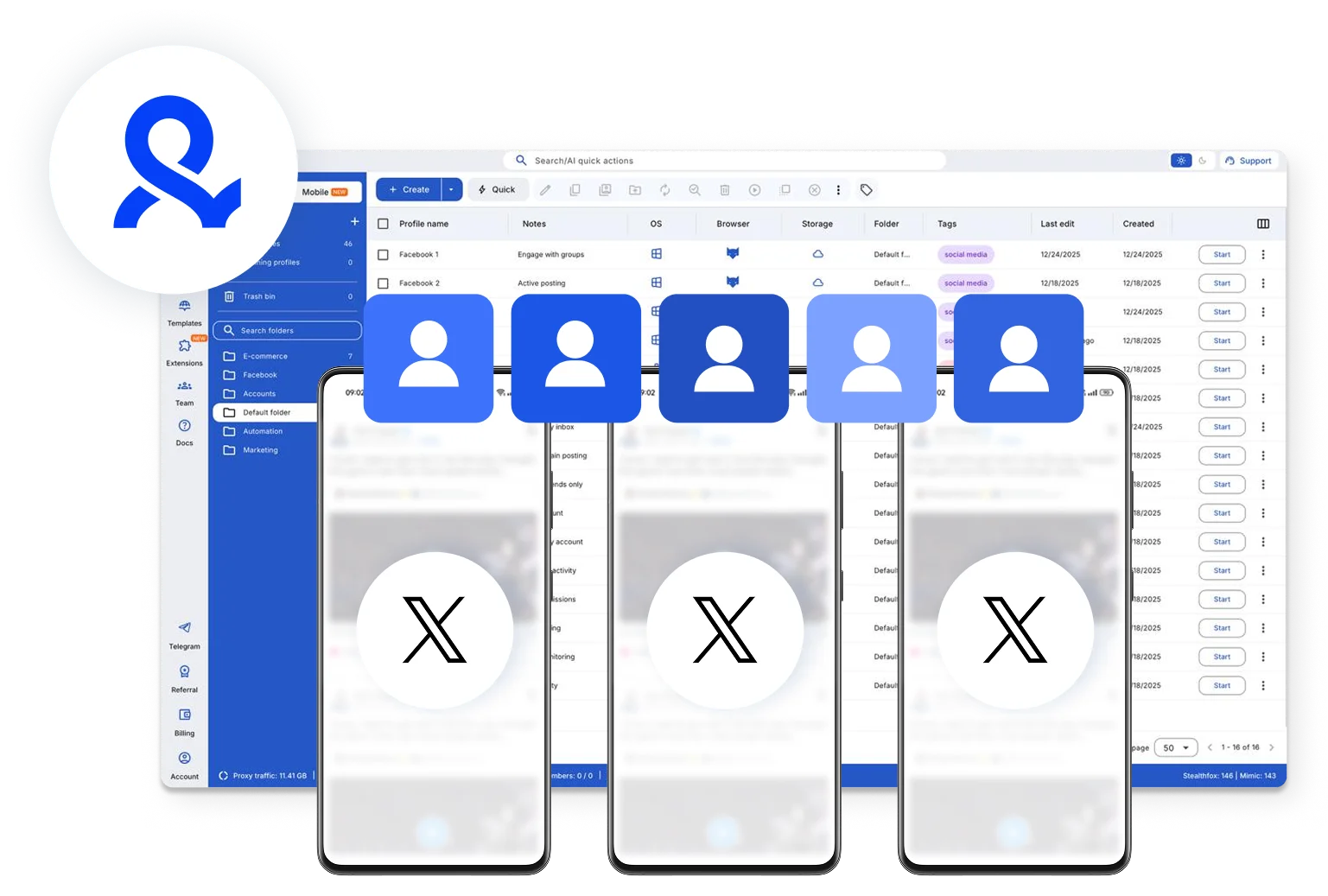
How to get started and grow your Twitter
Time is money. Start in minutes
Sign up
Choose a plan and download the app
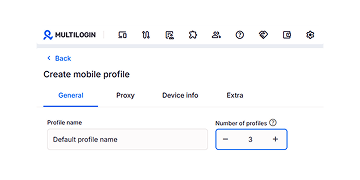
Create mobile profile
Customize the device model and choose location
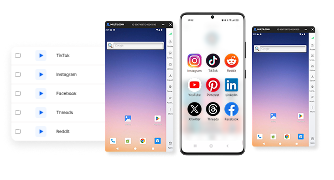
Run your accounts
Use separated browser profile to earn
Sign up
Choose a plan and download the app
Create mobile profile
Customize the device model and choose location
Run your accounts
Use separated browser profile to earn
Watch the Multilogin Demo
What is Multilogin?
Trusted by thousands of creators, sellers & online earners

Ha D.
Social Media Marketing Retail

Nino Latif

Stanislav K.
Marketing Manager

Elen S.
Marketing Manager

Hamza Arif
E-commerce Manager


Nick Horvath
Marketing agency
Start managing your Twitter accounts today
Create, manage, and automate your Twitter workflows from one dashboard.
The most awarded multi accounting platform















Explore more solutions for any platform you need
FAQs about multiple Twitter accounts
Yes. X allows a person or organization to create or operate up to 10 accounts for different, non-duplicative purposes.
You can have separate accounts for personal use, businesses, brands, clients, locations, languages, projects, or hobbies. Each account must follow X rules and should not be used to manipulate conversations or artificially amplify another account.
For a small number of accounts, you can add existing accounts to the official X app or desktop account switcher.
For larger workflows, assign each account its own profile, owner, purpose, and content plan. Multilogin lets you manage the X mobile app through Android cloud phones and X.com through browser profiles from one dashboard.
Read the complete guide to managing multiple Twitter accounts in 2026.
You cannot use the exact same email address for two active X accounts. One email address can be associated with only one X account at a time.
Use a separate email address for every account. Email-provider aliases may be treated as separate addresses, but their acceptance should not be considered guaranteed.
X allows users to create or operate up to 10 accounts for distinct purposes.
The 10-account rule does not permit duplicate account networks, mass registration, artificial engagement, duplicate posting, or attempts to avoid an earlier enforcement action.
On Android, open the navigation menu or tap your profile icon. Tap the downward arrow in the header, then select Create new account or Add existing account.
After adding an account, use the same arrow to move between accounts. Similar account-switching options are available on iOS and desktop.
The best option depends on the workflow.
The official X app works for switching between a few accounts. Scheduling platforms work well for approved publishing and reporting. Multilogin is suitable when a team needs dedicated Android cloud phones for the X app, browser profiles for X.com, persistent sessions, location settings, and profile organization from one dashboard.
Learn more about using a cloud phone for Twitter.
Yes. X allows you to add and switch between multiple accounts on desktop.
Multilogin also lets you assign each X account to a separate browser profile. This keeps cookies, login sessions, profile notes, and workspace access organized without repeatedly signing in and out.
See how multi-account management works across mobile and web platforms.
Give every account a legitimate and distinct purpose. Follow X rules, publish original content, avoid aggressive activity, and do not use several accounts to coordinate likes, replies, reposts, polls, or other artificial engagement.
Do not create new accounts to avoid an enforcement action. Only access accounts you own or have direct authorization to manage.
Account separation can improve workflow organization, but it does not override platform rules or guarantee that an account will not be reviewed. Read more about Twitter shadow bans and account visibility.
Multilogin helps you manage multiple Twitter or X accounts by giving each account its own dedicated cloud phone or browser profile.
Mobile workflows can run through the X app on Android cloud phones, while desktop workflows can run through isolated browser profiles. Each profile keeps its own login state, app data, cookies, settings, and connection.
All profiles are organized from one dashboard using folders, tags, notes, and team permissions. Learn more about managing multiple Twitter accounts with Multilogin.
Yes. Multilogin can be used as a platform for accessing and organizing multiple Twitter accounts across mobile and desktop environments.
You can open the X mobile app inside an Android cloud phone or use X.com through a separate browser profile. This is useful for marketers, creators, agencies, and teams that manage accounts for different brands, clients, regions, or campaigns.
Multilogin does not replace X’s native publishing or scheduling features. It provides the dedicated environments used to access and manage each account.
Yes. Multilogin offers a Free plan with no time limit and no credit card required.
The Free plan includes five cloud mobile and browser profiles, a one-time allowance of 200 MB of built-in proxy traffic, and 30 cloud-phone minutes. This gives you a practical way to test both mobile and web Twitter account workflows before choosing a paid plan.
Free profiles may be deleted after seven days of inactivity.
Yes. Multilogin allows teams to organize, assign, and share Twitter account profiles from one workspace.
Each account can be assigned to the relevant team member without sharing an entire personal browser or moving physical phones between employees. Folders, tags, notes, and permission controls can be used to organize accounts by client, brand, market, language, or campaign.
This can reduce login confusion and make it clearer who is responsible for each account.
Set up and manage multiple Twitter accounts with dedicated profiles
The best way to manage multiple Twitter accounts is to give each account a clear purpose, unique login details, and its own working environment.
X allows users to operate up to 10 accounts for different, non-duplicative purposes. Examples include personal accounts, business accounts, client accounts, regional brand accounts, language-specific accounts, and accounts managed by social media professionals.
X does not allow coordinated inauthentic activity, duplicate posting across account groups, artificial engagement amplification, ban evasion, or mass registration designed to exceed its technical limits.
Multilogin does not replace X policy compliance. It provides an organized system for accessing legitimate accounts through dedicated mobile and browser environments.
For a broader workflow, read our guide to managing multiple Twitter accounts.
X multiple accounts policy in 2026
X allows one person or organization to create or operate up to 10 accounts when the accounts have distinct identities, purposes, or use cases.
Permitted examples include:
- A personal account and a business account
- Separate accounts for different brands
- Regional or language-specific brand accounts
- Accounts for different projects or interests
- Accounts managed for clients by an authorized social media manager
- Separate accounts for company branches or locations
X prohibits using multiple accounts to engage with the same posts, inflate trends, manipulate polls, amplify another account, or publish substantially similar content across an account group.
Accounts should have a genuine purpose and follow the same X Rules that apply to individual accounts.
How to create multiple X accounts in 2026
To create multiple Twitter or X accounts:
- Define a different purpose for each account.
- Prepare a unique email address for every active account.
- Create the account through X.com or the official X app.
- Complete any email, phone, or identity checks requested by X.
- Add the account to the X account switcher or assign it to a Multilogin profile.
- Complete the profile with relevant information and original content.
- Follow X rules when posting, engaging, or using automation.
For a full product walkthrough, see how to create multiple Twitter accounts with Multilogin cloud phones.
Can multiple Twitter accounts use the same email?
No. The exact same email address can be associated with only one active X account at a time.
Each additional account needs another email address. Some email providers support aliases that arrive in one inbox, but X still receives each alias as a separate address. Alias acceptance can vary, so it should not be treated as a guaranteed account-creation method.
An email address attached to a deactivated account normally remains unavailable for 30 days. An email attached to a suspended account cannot be reused.
X currently allows the same phone number to be associated with up to 10 accounts. Keep in mind that phone-number discoverability settings may make several accounts visible to people who have that number in their contacts.
Combining mobile and web Twitter workflows
Most teams use both the X mobile app and X.com.
The mobile app is commonly used for:
- Notifications
- Direct messages
- Posting from Android
- Mobile-only interface features
- Day-to-day engagement
The web interface is commonly used for:
- Analytics
- Advertising dashboards
- Research
- Long-form writing
- Reporting
- Browser-based publishing tools
A structured setup assigns each environment a clear role:
- Run the X mobile app inside a dedicated Android cloud phone.
- Run X.com inside a separate browser profile.
- Keep the same account connected to the correct region and operating team.
- Store notes, ownership information, and workflow status in the profile workspace.
Multilogin provides both environments from one dashboard. You do not need to combine a cloud-phone provider, a browser-profile tool, and a separate proxy dashboard.
For platform-specific mobile workflows, see Cloud Phone for Twitter.
Scaling Twitter account management with a clear system
Managing two accounts through the native X account switcher may be enough for one person.
The workflow becomes harder when an agency or marketing team manages accounts for multiple clients, brands, locations, or content strategies. Staff may open the wrong account, lose track of credentials, mix client responsibilities, or repeatedly rebuild sessions.
A scalable Twitter account management system should define:
- The purpose of every account
- The account owner or responsible team member
- The mobile or browser environment assigned to it
- The intended country, region, and language
- The content strategy and posting calendar
- The approval process
- The tools allowed to access the account
- The account’s current status and next action
Multilogin folders, tags, notes, team permissions, and persistent profiles keep this information connected to the account environment.
Teams interested in repeatable publishing can also review how to auto-post on Twitter across multiple accounts. Automated activity must remain within X rules and should not publish repetitive content or coordinate artificial engagement.
Manage mobile and browser Twitter profiles from one platform
Multilogin brings the main parts of a multi-account Twitter workflow into one workspace.
You can use:
- Android cloud phones for the X mobile app
- Browser profiles for X.com and web tools
- Built-in residential proxy traffic
- Country and region selection
- Persistent mobile and browser sessions
- Folders, tags, notes, and custom organization
- Role-based team access
- API and supported automation integrations
- A Free plan for testing the complete workflow
This setup is designed for social media marketers, agencies, creators, affiliate teams, businesses, and AI workflow builders that manage legitimate social profiles.
For broader account operations, visit Multilogin multi-account management or read our guide to managing multiple social media accounts.
