






Post more,
work less
Perfect for multiple accounts
Unique cloud phones for each account
Built-in proxies
Residential and mobile proxies included in every plan
Grow organically
Post from real devices
Manage multiple Shopify stores
Handle multiple Shopify stores from one dashboard. Additionally, each account gets its own unique browser identity, reducing the risk of suspension. As a result, there’s no need to constantly switch between profiles—manage all your Shopify accounts in one place easily with Multilogin!
Manage password-free Shopify from any device
Access your Shopify stores across devices without needing to log in every time. Multilogin securely saves sessions in the cloud so you can manage multiple accounts smoothly, avoid security warnings, and prevent blocks.
Run as many Shopify stores as you need
Generate bulk profiles and manage multiple Shopify accounts with ease. In addition, each account gets its own unique IP with just a click. Moreover, clone, export, and transfer profiles securely for smooth, hassle-free account management with Multilogin!

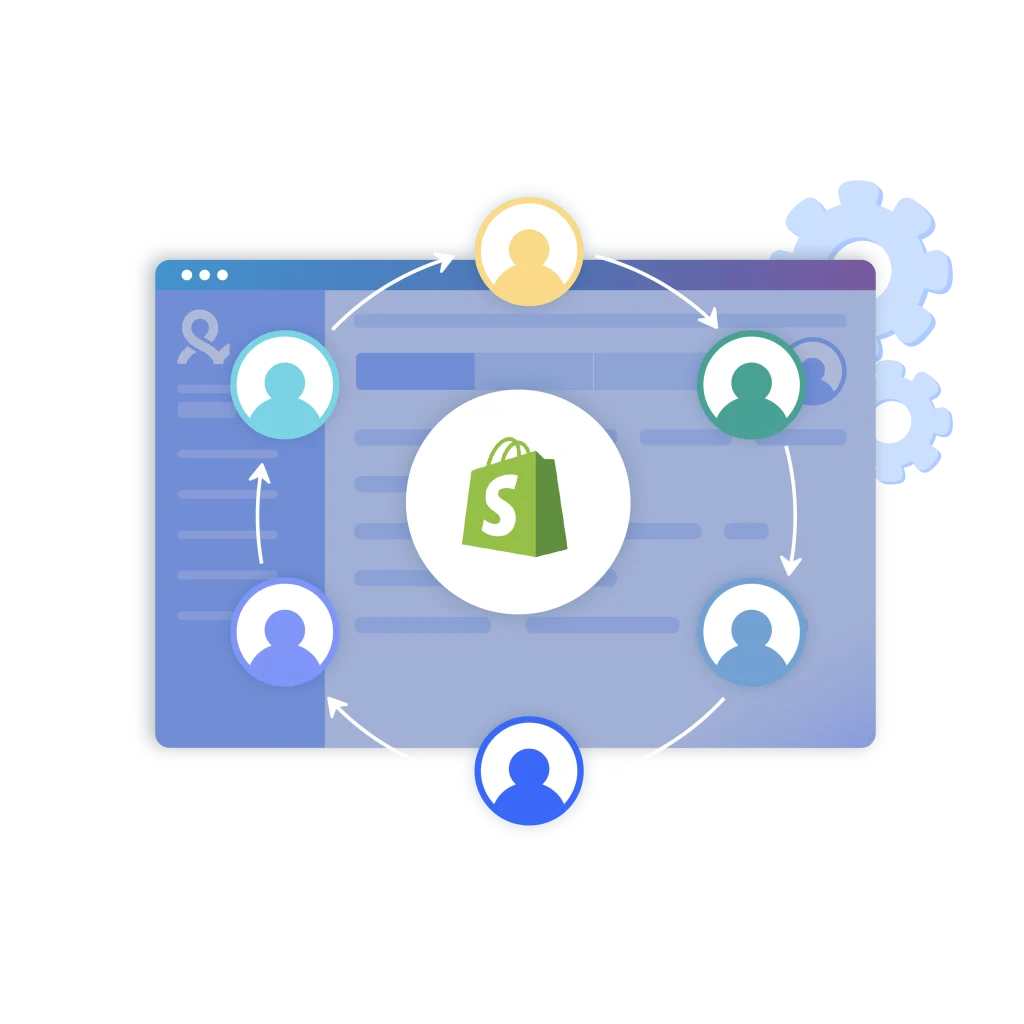
Manage your Shopify stores with your team
Manage your Shopify stores by creating team members with personalized role assignments and specific permissions. Furthermore, collaborate with your team using shared cloud profiles and sessions without triggering security warnings.
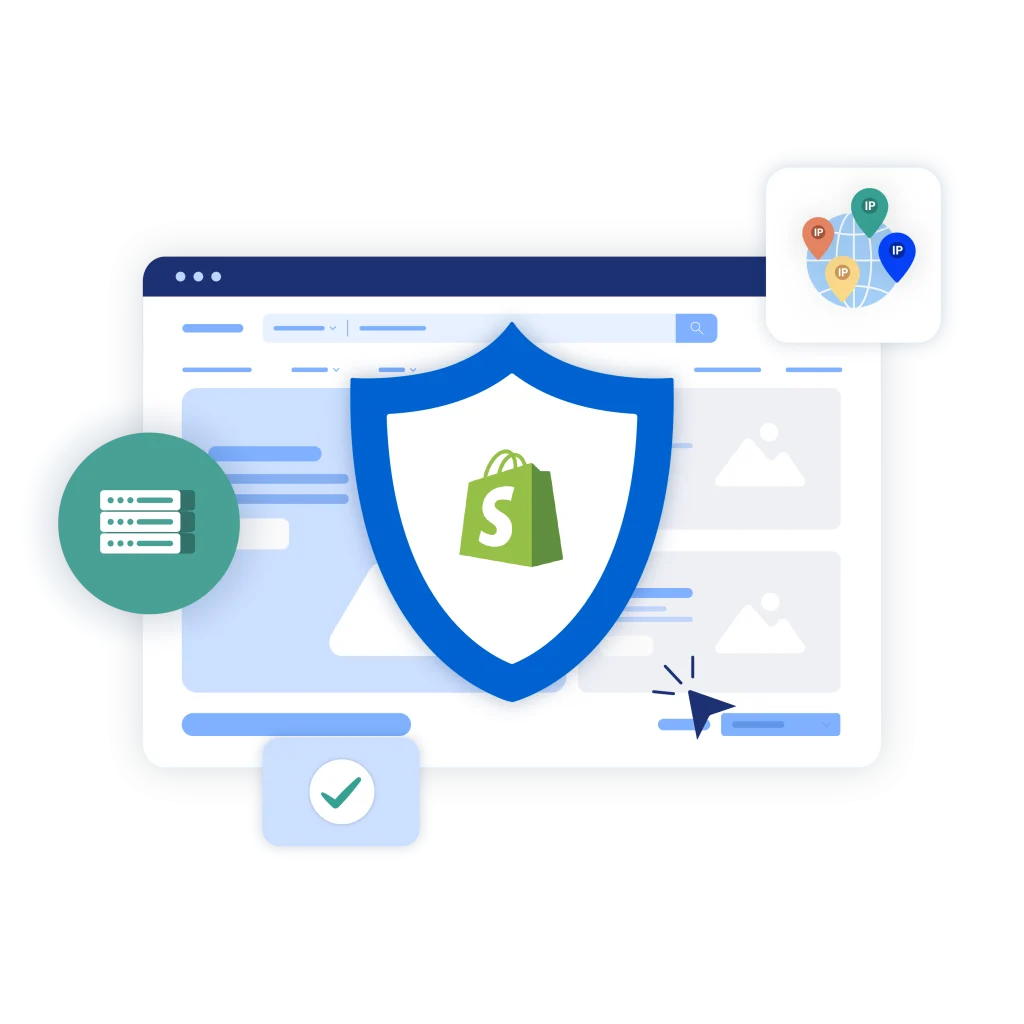
Avoid Shopify account bans with built-in Proxies
Multilogin provides secure residential and 24-hour sticky proxies to keep your IP stable during every Shopify session. Access over 5 million IPs across 195+ countries with a 95%+ clean rate. Easily switch IPs while reducing the risk of account bans.
Grow your social media accounts with Multilogin cloud phones
Build account trust, reach any location, and boost your engagement
- Unlimited time
- Mobile and browser profiles included
- Free built-in proxies & mobile minutes
What is antidetect browser?
An antidetect browser hides your digital fingerprint and provides online anonymity by masking device and browser details. Users rely on it to manage multiple accounts on various platforms without triggering detection or bans.

Why choose Multilogin for managing multiple Shopify stores?
Multilogin gives you all the tools to create and manage Shopify stores easily. Use antidetect browsers that act like real users and high-quality residential proxies to bypass detection. It also supports popular automation tools like Puppeteer, Playwright, and Selenium for smooth management.

Multilogin features for creating multiple Shopify stores
Explore more multi-accounting solutions
- Create Airbnb multiple host accounts
- Create multiple AliExpress accounts
- Create multiple Amazon accounts
- Create multiple ASOS accounts
- Create multiple AttaPoll accounts
- Create multiple Binance accounts
- Create multiple Bing accounts
- Create multiple Bluesky accounts
- Create multiple CapCut accounts
- Create multiple Discord accounts
- Create multiple eBay accounts
- Create multiple Etsy accounts
- Create multiple Facebook Marketplace accounts
- Create multiple Fiverr accounts
- Create multiple Fortnite accounts
- Create multiple Gmail accounts
- Create multiple Google Accounts
- Create multiple Google Ads accounts
- Create multiple InShot accounts
- Create multiple Instagram accounts
- Create multiple Kwai accounts
- Multiple Kwork accounts
- Create multiple OnlyFans accounts
- Create multiple Outlook accounts
- Create multiple Pinterest accounts
- Create multiple Rakuten accounts
- Create multiple Reddit Ads accounts
- Create multiple Roblox accounts
- Create multiple SHEIN accounts
- Create multiple Shopee accounts
- Create multiple Snapchat accounts
- Create multiple social media accounts
- Create multiple social media accounts
- Create multiple Steam accounts
- Create Multiple Temu Accounts
- Create multiple Threads accounts
- Create multiple Ticketmaster accounts
- Create multiple TikTok Shop seller accounts
- Create multiple Tinder accounts
- Create multiple Truth Social accounts
- Create multiple Twitch accounts
- Multiple Upwork accounts
- Create multiple Venmo accounts
- Create multiple Vinted accounts
- Create multiple WeChat accounts
- Manage multiple email accounts
- Manage multiple QQ accounts
- Manage Multiple Yelp Accounts Without Bans
- Manage TikTok accounts with cloud phones
- Multiple PayPal accounts
- Multiple Signal accounts
- Social media marketing
- Traffic arbitrage
- Multi‑account browser with cloud phones
- Multi-account management
- AIGC Management
- Create multiple Instagram accounts
- Create multiple Reddit accounts
- Create Multiple Facebook Accounts
- Create multiple WhatsApp accounts
- Create multiple YouTube accounts
- Create multiple LinkedIn accounts
- Create multiple Twitter accounts
- Create multiple Telegram accounts
The award-winning platform for social media growth














How to start using Multilogin
Start collecting data effortlessly with the industry leading antidetect browser.
Sign up
Register using a verified email address.
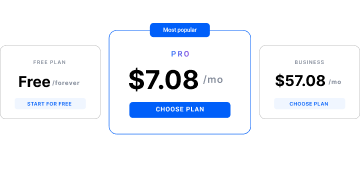
Choose your plan
Select from various subscription plans tailored to your business needs.
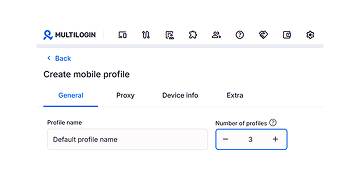
Run multiple Shopify stores
Set up and manage multiple Shopify stores using separate browser profiles, all from one secure platform.
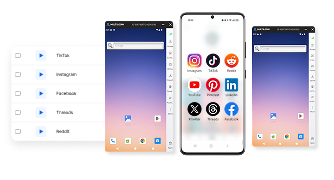
Manage multiple Shopify stores with no bans
Start using Multilogin today
Create multiple Shopify stores FAQ
Can you have multiple Shopify stores?
Yes, you can create multiple Shopify stores, but you need to use different email addresses for each one. This is very advantageous if you have several business ventures or if you are selling various kinds of products. For Shopify account management, platforms like Multilogin enhance organization, preventing confusion or accidental account suspension within Shopify.
How can I create Shopify multiple stores?
If you’re thinking about having several Shopify accounts and dealing with them separately it’s possible to do this with the help of Multilogin and for doing that you will have to complete several straightforward steps. Multilogin optimizes account management on Shopify, while all the accounts remain safe and distinct.
Step 1: Set up browser profiles
To control each Shopify account individually, first in the Multilogin dashboard create separate browser profiles. You can select between Mimic or Stealthfox where each profile can be set up from different settings including but not limited to browser, time zone and screen resolution.
Step 2: Create or log in to your Shopify accounts
After creating separate browser profiles it is possible to create new Shopify accounts or login into already existing accounts. This setup also enables you to secure the access to manage multiple Shopify stores so each store can run without problems.
Step 3: Manage and switch between accounts
With Multilogin, you can easily switch between different Shopify accounts making Shopify account management simple. The tool offers features like session saving, pausing, and resuming, allowing you to manage your multiple Shopify stores seamlessly.
By following these steps, you can effectively manage several Shopify accounts at once, ensuring security, smooth operations, and an easy-to-manage workflow.
Is it easy to switch between multiple Shopify stores?
Yes, using tools like Multilogin, you can quickly switch between different Shopify accounts. Each store will have its own browser profile, making Shopify account management smooth. You won’t need to log in and out of different accounts manually; instead, you can manage all your multiple Shopify stores from one dashboard with ease.
Why would I need multiple Shopify stores?
There are several reasons to create multiple Shopify stores. For example, businesses often set up separate stores for different product lines, regions, or brands. In addition, having multiple stores enables you to target specific markets and meet the unique needs of each audience. Therefore, effective Shopify multi-store management is crucial for maintaining smooth operations and ensuring that each store runs independently.
Can I run multiple Shopify stores from one email address?
No, each Shopify store requires its own email address for registration. However, you can manage all of your multiple Shopify stores through Multilogin by creating separate browser profiles for each one. This tool helps you keep all your accounts in one place, simplifying Shopify account management.
How do I keep my multiple Shopify accounts safe?
To ensure the safety of your multiple Shopify stores, it’s essential to keep each account separated by using different browser profiles and proxies. Multilogin enables you to assign unique proxies to each Shopify account, significantly reducing the chances of accounts being linked or suspended. Moreover, this method of Shopify multi-store management enhances the security of your business operations.
Is there a limit to how many Shopify stores I can create?
There is no official limit on how many Shopify accounts you can create. However, you must ensure that each account has its own email address and subscription. Accordingly, this structure allows you to manage multiple accounts without restrictions. Furthermore, it is crucial to keep each account separate to avoid confusion or potential suspensions. All things considered, by following these guidelines, you can effectively create and manage Shopify accounts without issues.
What is the best way to manage Shopify multi-store setups?
The best way to manage Shopify multi-store setups is by using Multilogin. It allows you create separate browser profiles for each Shopify store, so that every store remains independent and secure. This makes Shopify multi-store management much easier, allowing you to run multiple stores without the hassle of logging in and out of different accounts.
How do I avoid getting banned while running multiple Shopify stores?
Keeping each Shopify account separate is crucial to avoid bans. For this reason, use Multilogin to create individual browser profiles for each store and assign unique proxies to each account. As a result, this ensures secure Shopify multi-store management, allowing you to operate multiple stores without the risk of suspensions or bans.
Watch the Multilogin Demo
See how to run multiple accounts in just 2 minutes.
Watch the demo below and discover how Multilogin can streamline your workflow.