






Post more,
work less
Perfect for multiple accounts
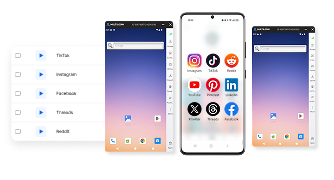
Unique cloud phones for each account
Built-in proxies
Residential and mobile proxies included in every plan
Grow organically
Post from real devices
Manage multiple BlueSky accounts
Keep all your BlueSky profiles in one secure platform with Multilogin. Each account runs in a fully isolated browser environment, reducing the risk of bans or linking — no switching devices or clearing cookies required.
Manage password-free BlueSky accounts from any device
Multilogin keeps your sessions stored in the cloud, so you can access any account from any device — no logins, no verification loops. All fingerprints, cookies, and tokens stay secure and separate.
Run as many BlueSky accounts as you need
Easily assign proxies, clone browser profiles, and manage unlimited BlueSky accounts in parallel. With Multilogin, each profile is isolated and exportable — helping you scale outreach, campaigns, or client work without risking bans or wasting time on manual setup.
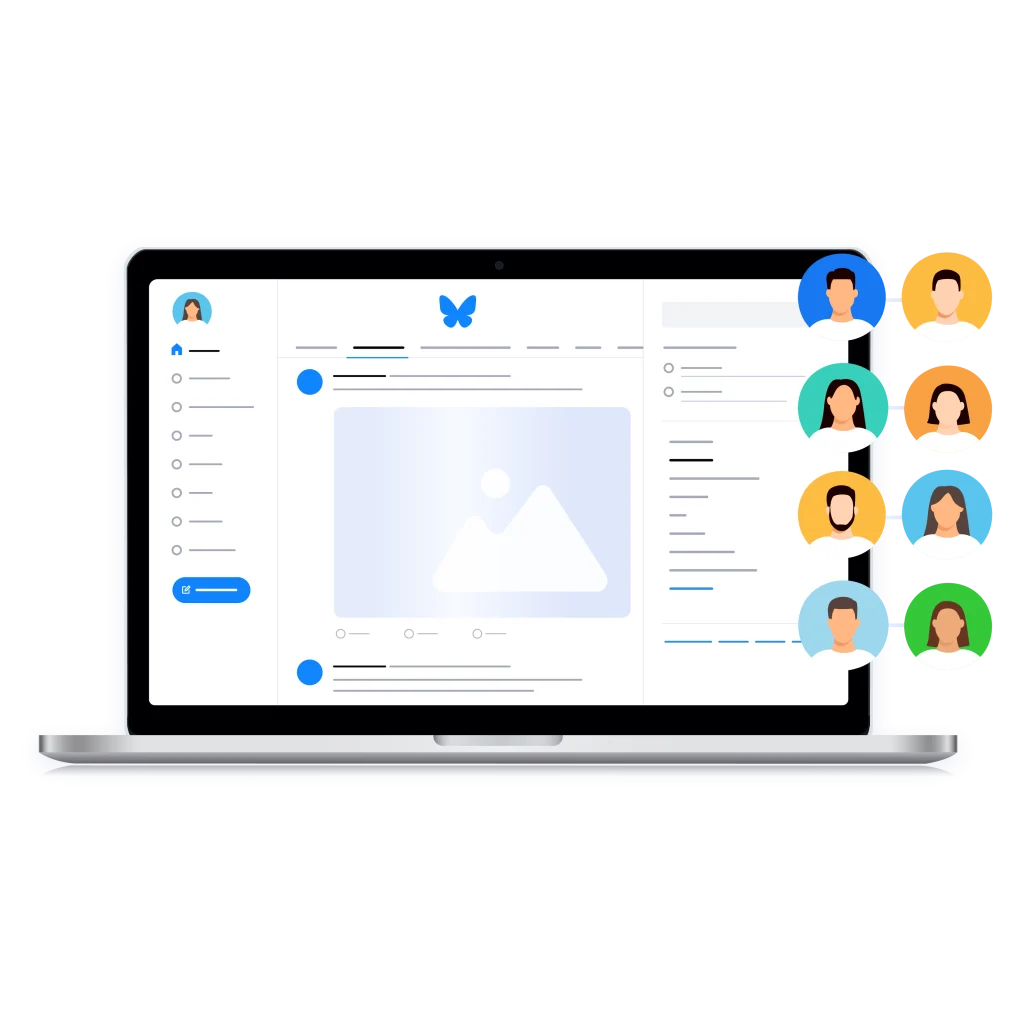
Share BlueSky accounts with your team
Easily give your team access to BlueSky accounts without sharing passwords. Set roles, stay synced, and pick up right where you left off — anytime, anywhere.
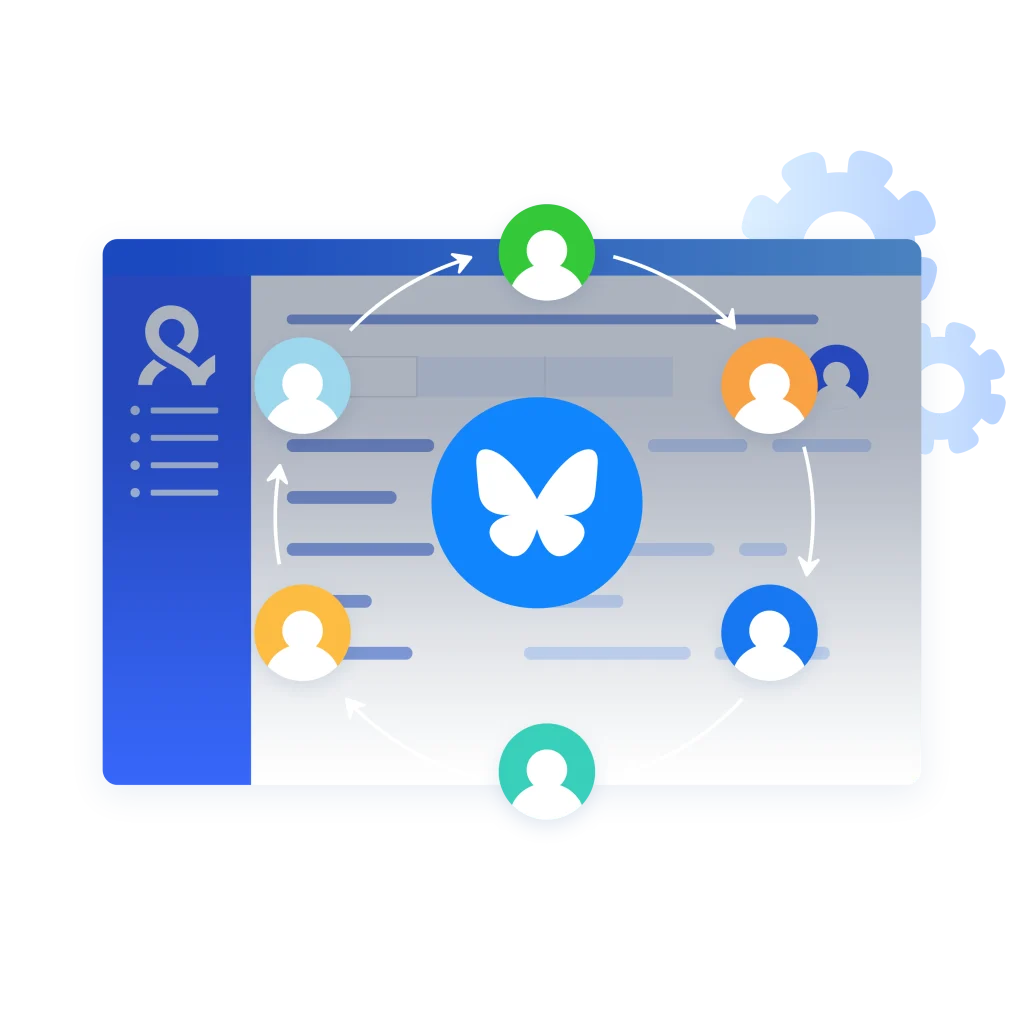
Prevent BlueSky account bans with built-in proxies
Multilogin helps you manage multiple BlueSky accounts safely by assigning each one a clean, residential IP. Our built-in proxies cover 150+ countries and come with a 95% clean IP reputation — reducing your risk of bans, blocks, or verification loops.
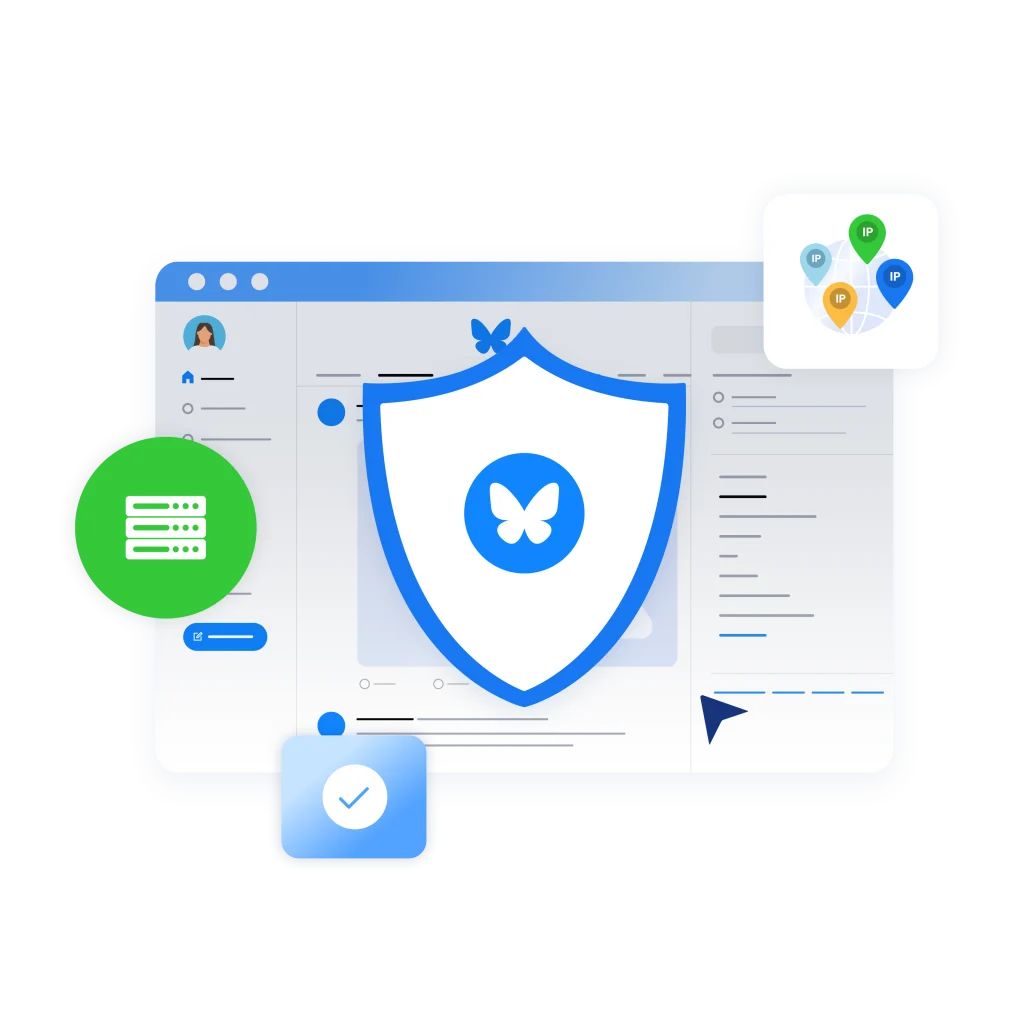
Grow your social media accounts with Multilogin cloud phones
Build account trust, reach any location, and boost your engagement
- Unlimited time
- Mobile and browser profiles included
- Free built-in proxies & mobile minutes
What is an antidetect browser?
An antidetect browser hides your digital fingerprint by masking device and browser data. This makes it ideal for managing multiple BlueSky accounts — helping you stay anonymous, avoid detection, and prevent bans across sessions.
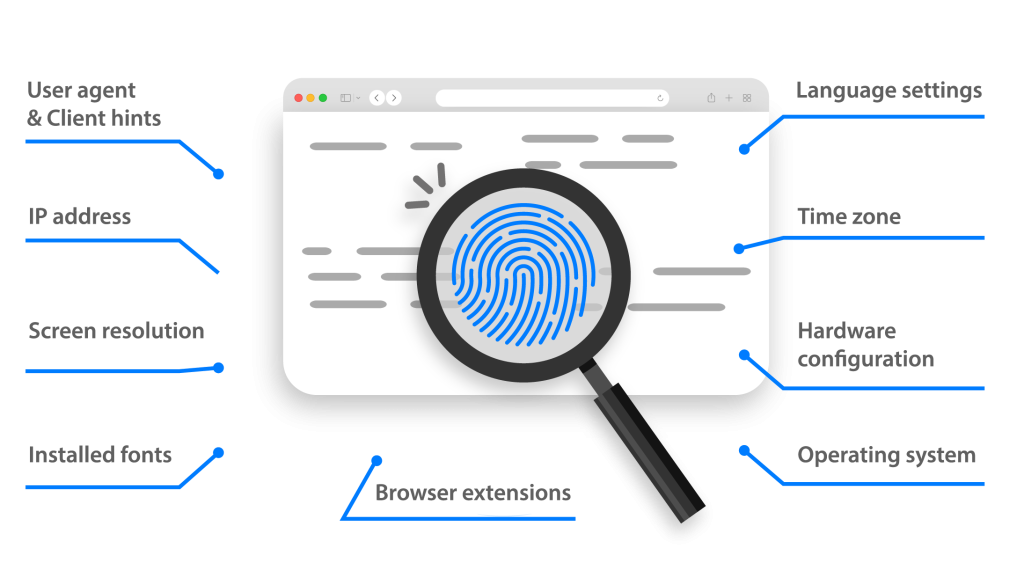
Why use Multilogin for BlueSky accounts?
Multilogin lets you safely run multiple BlueSky accounts with separate browser profiles, real fingerprints, and clean IPs — all from one platform.
Use it to:
- Manage client or brand accounts
- Run affiliate campaigns across profiles
- Scrape public data without getting blocked
Multilogin features
Explore more multi-accounting solutions
- Create Airbnb multiple host accounts
- Create multiple AliExpress accounts
- Create multiple Amazon accounts
- Create multiple ASOS accounts
- Create multiple AttaPoll accounts
- Create multiple Binance accounts
- Create multiple Bing accounts
- Create multiple CapCut accounts
- Create multiple Discord accounts
- Create multiple eBay accounts
- Create multiple Etsy accounts
- Create multiple Facebook Marketplace accounts
- Create multiple Fiverr accounts
- Create multiple Fortnite accounts
- Create multiple Gmail accounts
- Create multiple Google Accounts
- Create multiple Google Ads accounts
- Create multiple InShot accounts
- Create multiple Instagram accounts
- Create multiple Kwai accounts
- Multiple Kwork accounts
- Create multiple OnlyFans accounts
- Create multiple Outlook accounts
- Create multiple Pinterest accounts
- Create multiple Rakuten accounts
- Create multiple Reddit Ads accounts
- Create multiple Roblox accounts
- Create multiple SHEIN accounts
- Create multiple Shopee accounts
- Create multiple Shopify stores
- Create multiple Snapchat accounts
- Create multiple social media accounts
- Create multiple social media accounts
- Create multiple Steam accounts
- Create Multiple Temu Accounts
- Create multiple Threads accounts
- Create multiple Ticketmaster accounts
- Create multiple TikTok Shop seller accounts
- Create multiple Tinder accounts
- Create multiple Truth Social accounts
- Create multiple Twitch accounts
- Multiple Upwork accounts
- Create multiple Venmo accounts
- Create multiple Vinted accounts
- Create multiple WeChat accounts
- Manage multiple email accounts
- Manage multiple QQ accounts
- Manage Multiple Yelp Accounts Without Bans
- Manage TikTok accounts with cloud phones
- Multiple PayPal accounts
- Multiple Signal accounts
- Social media marketing
- Traffic arbitrage
- Multi‑account browser with cloud phones
- Multi-account management
- AIGC Management
- Create multiple Instagram accounts
- Create multiple Reddit accounts
- Create Multiple Facebook Accounts
- Create multiple WhatsApp accounts
- Create multiple YouTube accounts
- Create multiple LinkedIn accounts
- Create multiple Twitter accounts
- Create multiple Telegram accounts
Most Awarded antidetect browser














How to start using Multilogin
Start collecting data effortlessly with the industry leading antidetect browser.
Sign up
Register using a verified email address
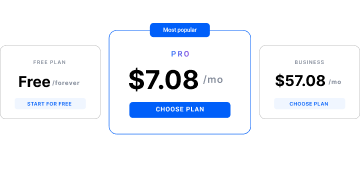
Choose your plan
Select from various subscription plans tailored to your business needs
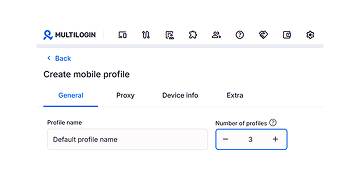
Run your BlueSky accounts
Set up and manage multiple BlueSky profiles using separate browser profiles, all from one secure platform.
Bluesky multiple accounts management guide in 2025
Managing multiple Bluesky accounts on one device is tricky — shared fingerprints, cookies, and IPs often lead to bans.
Check out our blog article on how to manage multiple Bluesky accounts.
Use cases for multiple Bluesky accounts
Multiple Bluesky accounts are essential for users who need to separate identity, content, or workflow. Common scenarios include:
- Social Media Managers – handling accounts for different brands, clients, or campaigns
- Affiliate Marketers – testing offers across various personas and tracking results independently
- Content Creators – separating personal updates, niche communities, and monetized profiles
- Research and Data Scraping – extracting public Bluesky data without hitting rate limits or bans
In all of these cases, proper isolation between accounts is key to avoiding bans, fingerprint detection, and account cross-linking.
Check out our article on how to manage multiple Facebook accounts.
Bluesky account limits
Bluesky doesn’t stop you from creating multiple accounts — but it doesn’t make it easy, either.
Each account needs a unique email or phone number, and there’s no built-in support for real multi-account workflows. You can switch manually between profiles, but there’s no persistence, no true separation, and no way to scale cleanly.
What that means in practice:
- Switching accounts is clunky and inconsistent
- All sessions share the same browser environment, exposing you to fingerprinting
- There’s no isolation — just overlapping cookies, cache, and risk
- The more accounts you add, the higher your chances of triggering a flag or soft-ban
Bluesky technically allows multiple accounts — but without the right tools, you’re flying blind.
Problems with traditional Blue sky multi-account setups
Incognito tabs, browser extensions, or extra devices might work short-term — but they break fast. Shared fingerprints, cookies, and IPs link accounts, trigger re-auth checks, and lead to bans. Manual switching is slow and unreliable. Without real isolation, scaling safely isn’t possible. That’s where Multilogin takes over.
Check out our article on how to spoof browser fingerprint.
Multi-account management with Multilogin
Multilogin is an all-in-one anti-detect browser built for managing multiple accounts without risk. Each Bluesky profile runs in a fully isolated environment with its own fingerprint, cookies, and IP. No session bleed, no cross-account detection — just smooth, secure, scalable account management.
Your entire Bluesky operation becomes portable, controlled, and ban-resistant.
Setup guide: Multilogin for Bluesky accounts
Getting started with Multilogin takes just a few steps. Once set up, you can run as many Bluesky accounts as you need — safely and in parallel.
Step 1: Install Multilogin
Download and install Multilogin on your device. Create an account and log in to access the dashboard.
Step 2: Create a New Browser Profile
Click “Add profile” to generate a fresh, isolated browser environment. Multilogin will assign it a unique fingerprint by default.
Step 3: Add a Proxy
To avoid IP overlap, use Multilogin’s built-in residential or mobile proxies. Each profile appears to run from a unique device and location.
Step 4: Launch and Log In
Click “Run” to open the profile. Visit bsky.app, and log in to your Bluesky account — or create a new one with a unique email.
Step 5: Repeat for Additional Accounts
For each new Bluesky account, create a separate Multilogin profile. Never log in to more than one account from the same profile.
Once set up, you can run them side by side without conflicts or bans.
Conclusion
Bluesky supports multiple accounts — but managing them safely takes more than a few tricks. Shared fingerprints, cookies, and IPs can quickly lead to bans or lost access.
Multilogin gives you the control and isolation needed to scale Bluesky operations without risk. Whether you’re managing 3 accounts or 30, it keeps everything separate, secure, and logged in — ready to grow.
Bluesky proxies FAQ
Can you have multiple Bluesky accounts?
Yes, Bluesky allows multiple accounts as long as each is registered with a unique email or phone number.
How to create multiple Bluesky accounts?
Sign up for each account with a different email. For safe multi-account use on one device, tools like Multilogin are recommended.
Can I use the same email for multiple Bluesky accounts?
No, Bluesky requires a unique email for every account. Using the same email across accounts isn’t supported.
How many Bluesky accounts can you have?
There’s no official limit. You can create as many as you want — just keep each one isolated to avoid detection or bans.
Can I manage multiple Bluesky accounts on one device?
Yes, but not with regular browsers. You’ll need account isolation to avoid fingerprinting and IP conflicts. Multilogin handles this automatically.
How to avoid Bluesky bans when using multiple accounts?
Avoid using the same browser, IP, or storage across accounts. Multilogin creates separate environments for each profile, minimizing ban risk.
Watch the Multilogin Demo
See how to run multiple accounts in just 2 minutes.
Watch the demo below and discover how Multilogin can streamline your workflow.