


Create multiple Pinterest accounts
Set up and handle multiple Pinterest accounts on one device. Keep each account separate, maintain unique boards for different projects. Mimic natural user behavior to minimize the risk of getting flagged, so you can focus on growing your presence.


Perfect for multiple accounts
Unique cloud phones for each account

Publish everywhere
Reach more than 150 locations

Grow organically
Post from real devices
One platform, unlimited Pinterest accounts
Manage multiple Pinterest accounts

Manage password-free Pinterest from any device
Run as many Pinterest accounts as you need
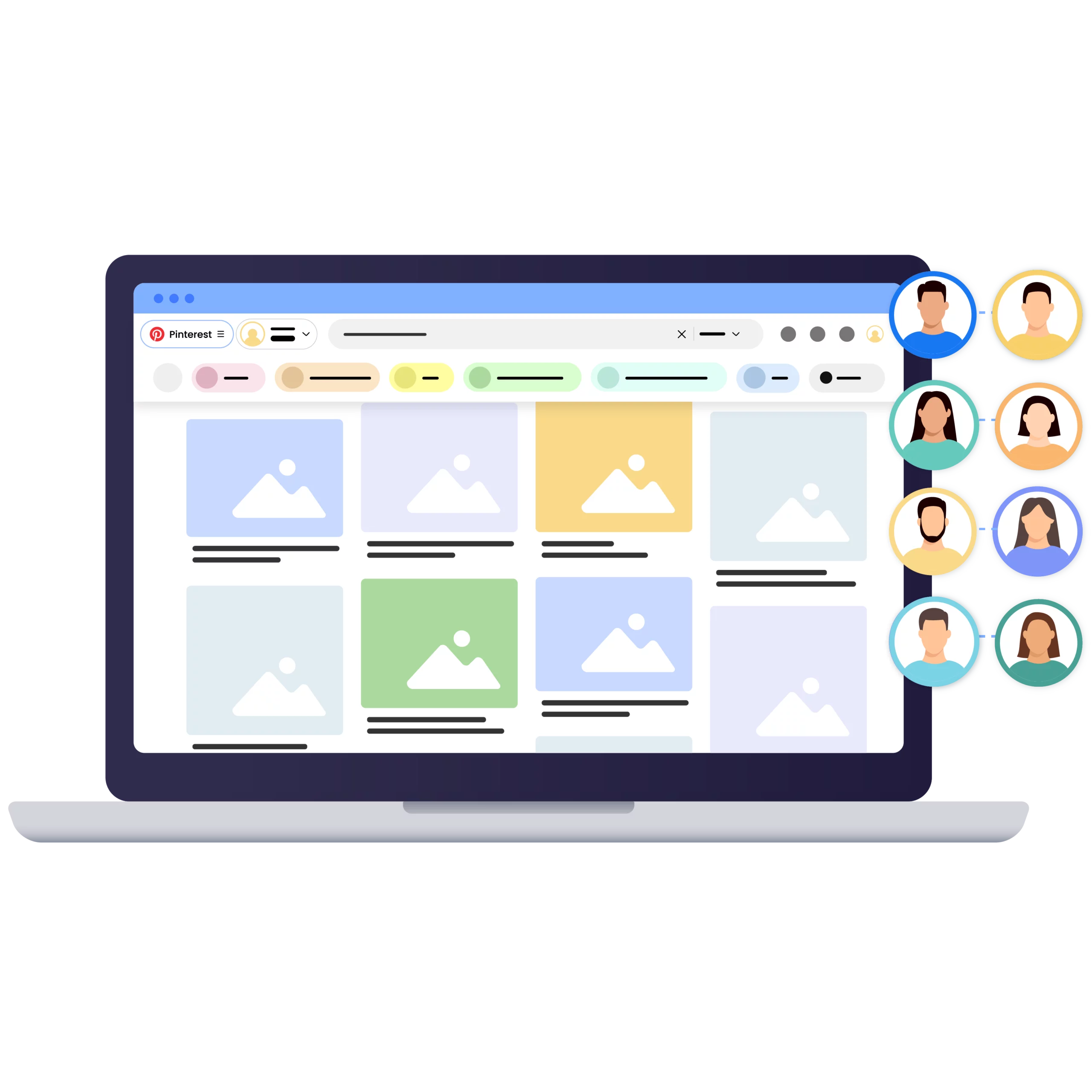
Collaborate on Pinterest channels with your team

Avoid Pinterest account bans with built-in Proxies

What are cloud phones?
Why choose Multilogin for managing multiple Pinterest accounts?
How to get started and grow your Pinterest
Time is money. Start in minutes

Sign up
Choose a plan and download the app

Create mobile profile
Customize the device model and choose location
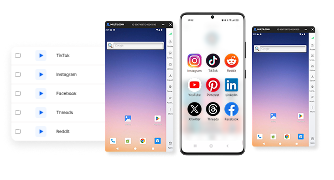
Run your accounts
Use separated browser profile to earn
Sign up
Choose a plan and download the app
Create mobile profile
Customize the device model and choose location
Run your accounts
Use separated browser profile to earn
Watch the Multilogin Demo
What is Multilogin?
Trusted by thousands of creators, sellers & online earners

Ha D.
Social Media Marketing Retail

Nino Latif

Stanislav K.
Marketing Manager

Elen S.
Marketing Manager

Hamza Arif
E-commerce Manager


Nick Horvath
Marketing agency
Start planning your project today
Upload content, automate posts and engagements: all in one unified dashboard
The most awarded multi accounting platform















Explore more solutions for any platform you need
FAQs about multiple Pinterest accounts
Yes. Pinterest allows users to create an additional personal account. A separate email address is required for each additional account.
Having several accounts is different from using multiple accounts to manipulate Pinterest. Pinterest’s Community Guidelines prohibit operating multiple accounts for the purpose of artificially influencing platform distribution, clicks, or other metrics.
Yes. You can have more than one Pinterest account when you have a legitimate reason to keep interests, projects, brands, or businesses separate.
For a small number of accounts, Pinterest’s built-in switching tools may be enough. For larger workflows, Multilogin can keep mobile accounts in separate Android Cloud Phones and web accounts in separate multi-accounting browser profiles.
Log in to your personal Pinterest account and choose Add Pinterest account, then create a new personal account using another email address.
On mobile, you can find the same option from your profile menu under Add account.
No. Pinterest states that each separate Pinterest account needs its own email address. If an email address is already associated with another Pinterest account, you will need to use a different email.
Pinterest’s current public account documentation does not provide a general numerical limit for the total number of separate accounts a person can create.
Pinterest does, however, require a different email for an additional account and applies its Community Guidelines to every account you operate.
Pinterest allows additional accounts, but its Community Guidelines prohibit creating or operating accounts for spam, artificial engagement, inauthentic traffic, or manipulation of platform metrics.
For legitimate multi-account management, give each account a clear purpose and follow Pinterest’s normal account, content, and business policies.
Yes. Pinterest’s own mobile app provides an option for adding another account.
For larger setups, Multilogin lets you manage multiple Pinterest mobile accounts from one computer by assigning each account its own Android Cloud Phone. Pinterest web accounts can be organized separately through the multi-accounting browser.
Pinterest provides account-switching functionality for supported account setups.
With Multilogin, you can also keep each account in its assigned persistent environment. Mobile accounts can remain in their Android Cloud Phones, while web accounts stay in their browser profiles, reducing the need to repeatedly rebuild sessions.
Pinterest supports standalone business accounts, and a personal account can also be converted into a business account.
If different businesses, brands, or clients need separate Pinterest presences, keeping their accounts and access organized separately can make management easier.
Yes. You can maintain separate Pinterest accounts for personal and business use, provided the separate accounts use different email addresses.
Pinterest also gives you the option to convert an existing personal account into a business account if you want to keep its existing Pins and followers.
Start by keeping the ownership, email address, team access, and purpose of each account clearly documented.
For Multilogin workflows, assign each mobile account to an Android Cloud Phone and each web account to its own browser profile. This gives you one dashboard for managing mobile and browser-based Pinterest work without mixing the accounts together.
Keep each account focused on a specific brand, business, audience, or project. Use separate email addresses, maintain clear ownership, give team members only the access they need, and avoid repetitive or artificial activity intended to influence Pinterest metrics.
For content growth, focus on useful Pins, relevant boards, consistent publishing, and Pinterest SEO rather than relying on account quantity alone.
For a small number of accounts, Pinterest’s own mobile switching feature may be sufficient.
When you’re managing many mobile accounts, Multilogin lets you assign each Pinterest account its own Android Cloud Phone. App data and login states persist between sessions, while all Cloud Phones are available from the same dashboard.
Different tools solve different parts of Pinterest management.
Pinterest itself provides account switching and business tools. Social media scheduling platforms focus mainly on content planning and publishing. Multilogin focuses on the account environments themselves, combining Android Cloud Phones for native mobile apps with a multi-accounting browser for web accounts in one dashboard.
Multilogin offers a free plan for getting started, while paid plans start at $7.08/month. The right setup depends on how many mobile and browser profiles you need and whether you’re managing the accounts individually or as part of a team.
Can you have multiple Pinterest accounts in 2026?
Yes, you can have multiple Pinterest accounts. Pinterest provides an option to create an additional personal account, and each separate account needs a different email address. This can be useful when you want to keep personal interests, business activity, client work, or different projects separate.
Pinterest also makes an important distinction between having multiple accounts and using multiple accounts to manipulate activity on the platform. Its Community Guidelines prohibit operating multiple accounts for the purpose of artificially influencing distribution, clicks, engagement, or other metrics.
If you manage several legitimate Pinterest accounts, keeping a clear structure becomes more important as the number grows. You can use Pinterest’s built-in account switching for a small setup. For larger mobile and web workflows, Multilogin lets you keep each Pinterest mobile account in its own Android Cloud Phone while using separate multi-accounting browser profiles for web accounts.
For more detail, see our guide on whether you can have multiple Pinterest accounts and Pinterest’s official Community Guidelines.
How to manage multiple Pinterest accounts on one device
Managing multiple Pinterest accounts on one device is possible, but the best setup depends on how many accounts you have and how you use them.
For a few accounts, Pinterest’s own account switcher may be enough. If you’re managing accounts for several clients, brands, markets, or projects, repeatedly switching between them can quickly become difficult to keep organized.
Multilogin gives you two ways to manage the workflow from one dashboard. Pinterest accounts that you use primarily through the mobile app can each have their own Android Cloud Phone. Accounts used through Pinterest on desktop can stay in separate multi-accounting browser profiles.
For mobile accounts, app data and login states stay available between Cloud Phone sessions, so you can return to an account without setting up its working environment again. For web accounts, keeping sessions in separate browser profiles helps you avoid mixing cookies and account data between projects.
This setup is especially useful for social media managers and agencies that need to handle both native Pinterest app activity and desktop workflows without maintaining a separate physical phone for every account.
You can also read our guide to Pinterest proxies and Cloud Phones if location and connection management are part of your workflow.
How to add another account on Pinterest mobile
Pinterest lets you create an additional personal account directly from its mobile app.
Open the Pinterest app and log in to your current personal account. Go to your profile, tap your profile photo again at the top of the screen, choose Add account, and then select Create a new personal account. Pinterest will ask you to sign up with another email address.
This is a straightforward option if you’re managing only a few Pinterest accounts.
If you’re handling a larger number of mobile accounts, you can instead assign each account its own Android Cloud Phone in Multilogin. Each Cloud Phone keeps its app data and login state between sessions, while all of the environments can be managed from the Multilogin dashboard.
Pinterest’s latest account-creation steps are available in its official Pinterest account guide.
Personal vs business Pinterest accounts: how should you separate them?
If Pinterest is part of your business or marketing workflow, deciding whether an account should be personal or business is more important than simply creating another profile.
Pinterest allows you to convert an existing personal account into a business account, or create a separate business account. Business accounts provide access to features such as Pinterest Analytics and advertising tools.
For creators or small businesses, converting an existing account can make sense when the audience and content already belong to the same brand. Agencies and teams managing different companies or client projects may prefer separate accounts so that each business has its own content, access, and reporting structure.
If you manage several of those accounts with Multilogin, the same principle can be carried into your working environments: one Android Cloud Phone per mobile account or a dedicated browser profile for web access. This keeps the account structure easier to understand as your Pinterest workflow grows.
For a broader marketing workflow, see how to use Pinterest for business.
Pinterest linked business accounts: what changed in 2026?
Pinterest has made an important change to linked business accounts.
Linked business accounts are no longer supported. Pinterest states that previously linked business accounts need to be converted by August 17, 2026 or they will be permanently deactivated.
This does not mean businesses can no longer use Pinterest business accounts. Businesses can still create standalone business accounts or convert personal accounts into business accounts. The change specifically affects the older linked-business-account setup.
If you manage several Pinterest business accounts, review how each one is currently structured before relying on an older linked-account workflow.
