





Post more,
work less
Perfect for multiple accounts
Unique cloud phones for each account
Publish everywhere
Reach more than 150 locations
Grow organically
Post from real devices
One platform, unlimited Etsy accounts
Run many accounts and stay under the radar
Running several Etsy accounts gets messy fast when logins, app data, and sessions all live on the same device. Multilogin cloud phones give each account its own Android workspace, so you can keep client or shop activity separate and manage everything from one dashboard.
Manage password-free Etsy from any device
Manage your Etsy accounts on any device without the need to log in repeatedly with Multilogin. Your sessions are securely stored in the cloud, making it easy to switch between profiles without interruptions. Avoid triggering security checks while managing multiple Etsy profiles.

Run as many Etsy accounts as you need
Create and control multiple Etsy accounts easily. Every profile operates with a unique IP address, and keeps your accounts secure. Clone, export, and transfer profiles with Multilogin, which is a flexible way to manage multiple Etsy profiles without any hassle.
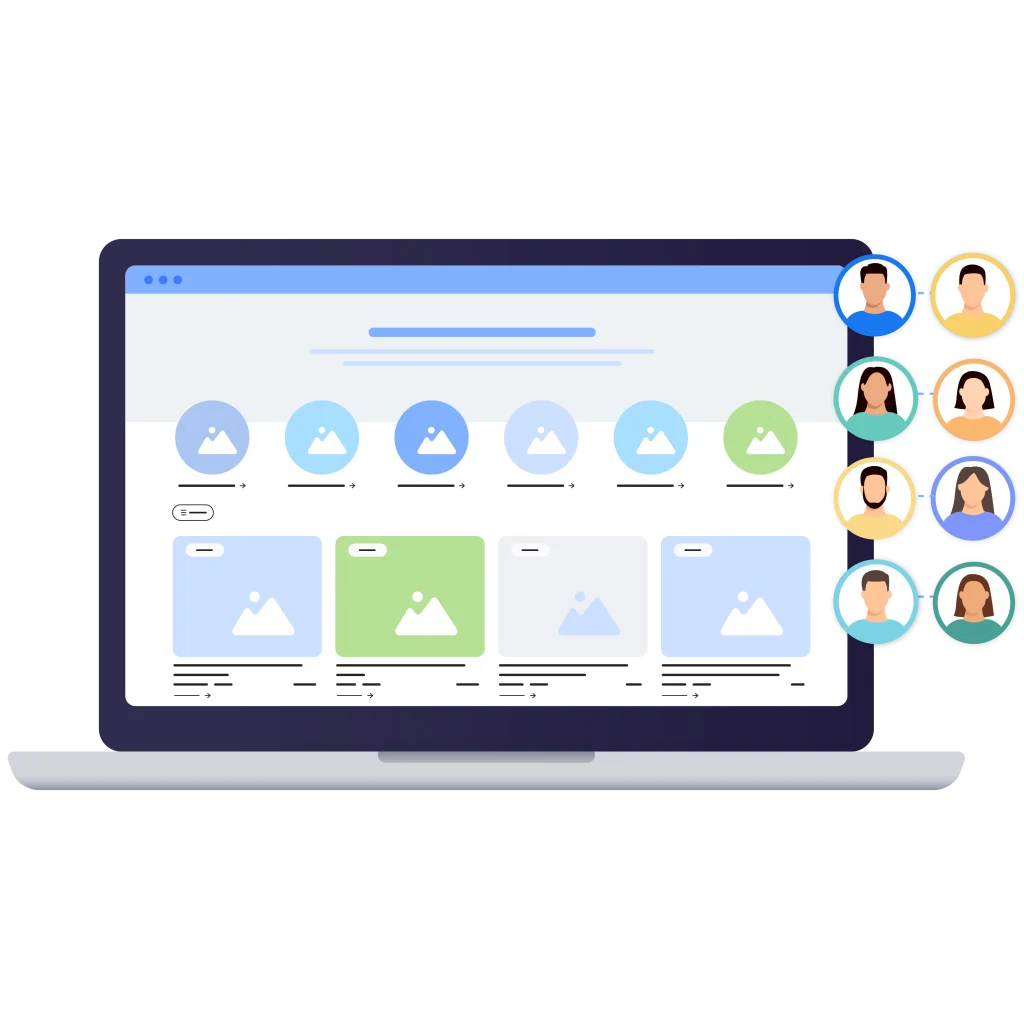
Manage Etsy accounts with your team
Monitor multiple Etsy accounts by adding team members with tailored role assignments and specific access permissions. Work together using shared cloud profiles and sessions, all while avoiding security alerts.
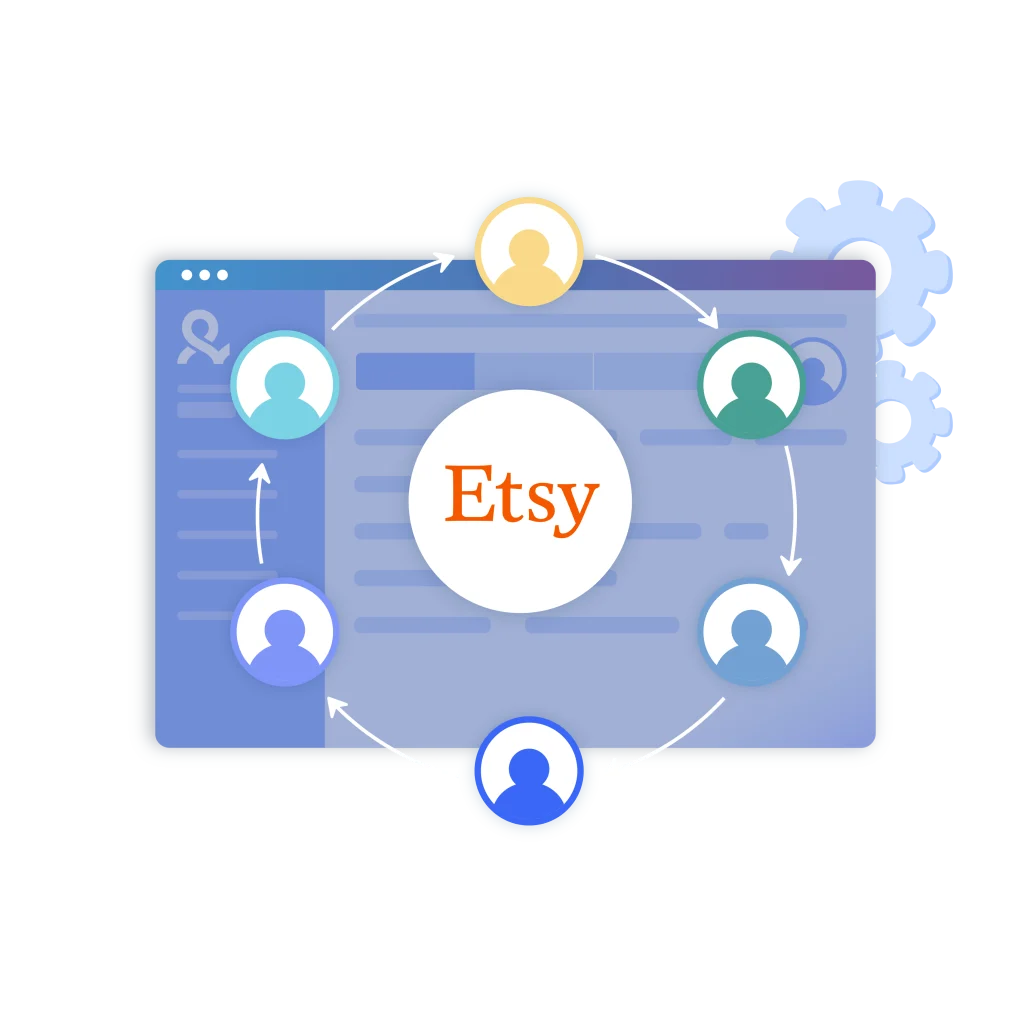
How to get started and grow on every platform
Time is money. Start in minutes
Sign up
Choose a plan and download the app
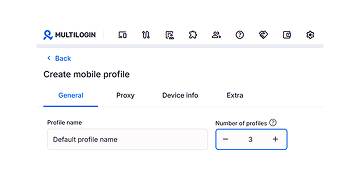
Create mobile profile
Customize the device model and choose location
Run your accounts
Use separated browser profile to earn
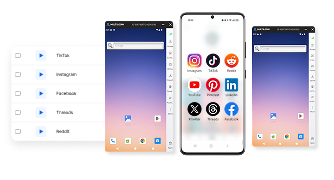
Watch the Multilogin Demo
Learn how Multilogin can boost your business. Check the video below to see its full capabilities in a short demo video.
What is Multilogin?
Multilogin lets you manage multiple social media accounts, across every platform, from one beginner-friendly dashboard. You get a full set of features for both browser and mobile account management, no extra tools needed.
Trusted by thousands of creators, sellers & online earners
-

A Good Cloud Phone for Account Management
Running a small team means I need control over who can access what, and Multilogin handles that well. The team access controls let me manage permissions without giving everyone the keys to every account. On top of that, the cloud phones keep everything isolated so one account issue doesn’t put the rest at risk. Solid choice for agencies managing multiple clients or accounts.
-

The best service for great ideas and big minds!
Always here for their clients, always ready to help out. I am using the service for 3-4-5 months now and brought me lots of great things 🙂 Hope to grow it on a larger scale and continue using the service …
-

Cloud phones make it easy to manage multiple TikTok accounts with AI agents
I use Multilogin to manage a bunch of AI agents running TikTok accounts for different countries. Since each agent needs its own account, I wanted an easy way to keep everything organized. Cloud phones make it super easy. Every account has its own phone, so I don’t have to buy or manage a bunch of real devices. I can see everything in one dashboard while the AI agents handle posting and the rest of the daily work.
-

Ideal for Social Media Management
I mainly use Multilogin for client social media management, and the cloud phones have been the biggest advantage for me. I can keep different clients in separate environments, leave their sessions running, and jump between accounts without constantly switching physical devices. It feels much more practical than trying to manage everything from a pile of phones.
-

Perfect browser for work, worth the money!
My overall experience with Multilogin has been excellent. I really like its intuitive dashboard, reliable customer support, and competitive pricing. It has become an essential part of my e-commerce business, and I highly recommend it to anyone looking for a dependable solution.
-

Safer accounts using Cloud Phones for social profiles
Running social profiles on cloud phones feels safer, everything is properly separated instead of relying on browser fingerprint tricks alone. Been running mine for a couple months with zero linking issues.
-

Efficient Account Management and Outstanding Support with Multilogin
Multilogin has been an excellent tool for managing multiple accounts efficiently. The setup was quick, and I was able to start using it right away with no learning curve. The interface feels just like Chrome, making it easy to navigate and work without interruption. Performance has been smooth, and browsing feels natural and responsive.
Support 80+ platforms


Start planning your project today
Upload content, automate posts and engagements: all in one unified dashboard
The most awarded multi accounting platform













Explore more multi-accounting solutions
- Create Airbnb multiple host accounts
- Create multiple AliExpress accounts
- Create multiple Amazon accounts
- Create multiple ASOS accounts
- Create multiple AttaPoll accounts
- Create multiple Binance accounts
- Create multiple Bing accounts
- Create multiple Bluesky accounts
- Create multiple CapCut accounts
- Create multiple Discord accounts
- Create multiple eBay accounts
- Create multiple Facebook Marketplace accounts
- Create multiple Fiverr accounts
- Create multiple Fortnite accounts
- Create multiple Gmail accounts
- Create multiple Google Accounts
- Create multiple Google Ads accounts
- Create multiple InShot accounts
- Create multiple Instagram accounts
- Create multiple Kwai accounts
- Multiple Kwork accounts
- Create multiple OnlyFans accounts
- Create multiple Outlook accounts
- Create multiple Pinterest accounts
- Create multiple Rakuten accounts
- Create multiple Reddit Ads accounts
- Create multiple Roblox accounts
- Create multiple SHEIN accounts
- Create multiple Shopee accounts
- Create multiple Shopify stores
- Create multiple Snapchat accounts
- Create multiple social media accounts
- Create multiple social media accounts
- Create multiple Steam accounts
- Create Multiple Temu Accounts
- Create multiple Threads accounts
- Create multiple Ticketmaster accounts
- Create multiple TikTok Shop seller accounts
- Create multiple Tinder accounts
- Create multiple Truth Social accounts
- Create multiple Twitch accounts
- Multiple Upwork accounts
- Create multiple Venmo accounts
- Create multiple Vinted accounts
- Create multiple WeChat accounts
- Manage multiple email accounts
- Manage multiple QQ accounts
- Manage Multiple Yelp Accounts Without Bans
- Manage TikTok accounts with cloud phones
- Multiple PayPal accounts
- Multiple Signal accounts
- Social media marketing
- Traffic arbitrage
- Multi‑account browser with cloud phones
- Multi-account management
- AIGC Management
- Create multiple Instagram accounts
- Create multiple Reddit accounts
- Create Multiple Facebook Accounts
- Create multiple WhatsApp accounts
- Create multiple YouTube accounts
- Create multiple LinkedIn accounts
- Create multiple Twitter accounts
- Create multiple Telegram accounts
FAQ
Can I have multiple Etsy accounts?
Yes, you may have as many Etsy accounts as you want. Etsy allows sellers to create multiple shops if they use each shop for a different business. Multilogin helps you in managing these accounts in the simplest way possible. It allows you to navigate between accounts, without the interference of cookies or the exchange of data, and as a result your accounts remain clean and per Etsy’s guidelines. This simplifies management for you which enables real time growth of each business without the extra troubles of misunderstanding or legal complications.
How can I create multiple Etsy accounts?
Step 1: Prepare Your Information
Gather the necessary information for each account. Ensure that you have distinct branding elements (shop name, logo, product listings) ready for each account.
Step 2: Use Multilogin to Create Profiles
Install and open Multilogin create separate profiles that will give you an opportunity to run unique email addresses for each Etsy shop. Use the multiple profiles on the browser to ensure that each of the Etsy accounts has its profile. This enables you to store your cookies, sessions and data separately so that each shop runs on its own, and so that it is conformant with the Etsy guidelines.
Step 3: Register Each Etsy Account
For each profile in Multilogin, go to the Etsy website and click on “Register.” Follow the prompts in created account, entering the unique email and shop details for that specific profile. Repeat this process for each account.
Step 4: Set Up Your Shops
After registering, set up each shop by adding product listings, writing descriptions, and establishing shop policies. Use Multilogin to easily switch between your accounts and manage each shop efficiently without risk of data overlap.
What are the benefits of having Etsy multiple accounts?
The use of multiple accounts has more than one advantage while operating in the Etsy online marketplace. First of all, it makes it possible to expand the range of products, and this always contributes to the attraction of clients. It can also help optimize your marketing and create better customer relations. Further, Multilogin ensures that there is proper management by ensuring that there is a secure space for each shop. You can easily collect information on performance, sales, account analysis, and customer responses. Besides, this capability can result in time-saving while helping you make the right decisions for growing each shop.
What should I do if my Etsy account is banned?
If Etsy bans your account, it can be frustrating, but understanding the reason behind the ban is crucial. Common causes include violations of Etsy’s policies, such as improper use of multiple accounts or engaging in prohibited practices. First, review Etsy’s guidelines to identify any potential missteps. If you believe the ban is unwarranted, you can contact Etsy support for clarification and appeal the decision. Multilogin helps you safely manage multiple Etsy accounts by creating separate, secure browser profiles. By using residential proxies and reliable IP addresses, Multilogin makes sure that each profile looks and behaves like a real user. Furthermore, advanced fingerprint changes reduce the chances of Etsy banning your accounts.
How can I manage multiple Etsy accounts effectively?
It becomes quite challenging to administer various accounts at the same time, specified to Etsy. Managing multiple Etsy accounts can seem difficult, but with the right platforms, it’s easy to manage. For managing multiple Etsy accounts, you need separate browsers running with unique proxies to avoid raising suspicion with its security. Multilogin helps by allowing you to set up separate browser profiles for each account, meaning you can switch between accounts without logging in and out repeatedly.
Keep multiple Etsy accounts organized. Learn how in our article on managing multiple Chrome profiles.
Can I use a cloud phone to manage multiple Etsy accounts?
Yes. A cloud phone gives each Etsy account its own Android environment with separate apps, login sessions, files, and device settings. This makes it easier to manage several Etsy shops without constantly switching accounts on the same phone.
Why should I use a separate cloud phone for each Etsy account?
A separate cloud phone helps keep each Etsy shop’s session, app data, product files, and daily workflow organized. It also reduces the chance of opening the wrong account or mixing assets between different shops.
Can I use the Etsy app on a Multilogin cloud phone?
Yes. Multilogin cloud phones run Android environments where you can install and use mobile apps for your Etsy workflow. Each cloud phone can remain dedicated to a specific shop or client account.
Can I manage Etsy accounts with both cloud phones and browser profiles?
Yes. You can use cloud phones for mobile Etsy tasks and browser profiles for work that is easier on desktop. This gives you more flexibility while keeping each shop’s workflow separate and organized.
Do cloud phones change Etsy’s rules for multiple accounts?
No. Cloud phones help you organize and manage account workflows, but they do not replace Etsy’s policies. You still need to follow Etsy’s requirements for multiple shops, seller information, account ownership, payments, and verification.
Create Multiple Etsy Accounts in 2026
Create multiple Etsy accounts if you need separate shops for different brands, clients, or product lines. Etsy allows sellers to run more than one shop, but each shop needs its own Etsy account and email address, and you must follow Etsy’s disclosure and seller requirements. In this guide, you’ll learn how to create a second Etsy account step by step, when opening another shop makes sense, what rules to keep in mind, and how to organize multiple accounts without making your workflow harder to manage.
Switching between one or two shops is usually manageable. But as you add more accounts, keeping logins, files, sessions, and daily tasks tied to the right shop becomes the bigger challenge.
With Multilogin Android cloud phones, you can give each Etsy workflow its own separate mobile environment, keeping apps, sessions, files, and account data organized instead of constantly switching between accounts on the same device.
👉 Set up your first Multilogin cloud phone and create a dedicated workspace for your Etsy shop.
Can You Have Multiple Etsy Accounts?
Yes. Etsy allows sellers to operate multiple shops at the same time.
However, you cannot create several shops under one Etsy account. Each shop needs:
- A separate Etsy account
- A unique email address
- Its own shop setup
Etsy also requires sellers with multiple accounts to list all of the shops they operate in the Public Profile section of each account. Every shop still needs to comply with Etsy’s Seller Policy.
This means multiple Etsy accounts are allowed when they are created and managed transparently. They are not a way to bypass Etsy rules or restrictions.
When Should You Create a Second Etsy Account?
A second Etsy account can be useful when there is a clear reason to separate one shop from another.
For example, you may want another account if you:
- Run two completely different brands
- Sell products aimed at different audiences
- Manage Etsy shops for different clients
- Operate separate regional workflows
- Want a dedicated shop for a new product line with different branding
- Need to keep independent teams or business units separate
You do not always need another account just because you sell several types of products.
Etsy itself suggests considering shop sections when your products can reasonably live under the same brand. A second shop makes more sense when the new offering is substantially different from your existing shop.
Can You Use the Same Browser for Multiple Etsy Accounts?
Technically, you can access multiple Etsy accounts from the same computer. The practical issue is session management.
Etsy notes that most browsers do not allow you to stay signed in to multiple Etsy accounts at the same time. Etsy therefore suggests using different browsers if you want to avoid signing out and signing back in repeatedly.
That approach works for a small number of shops.
For example:
- Shop A in Chrome
- Shop B in Firefox
- Shop C in another browser
But this becomes inconvenient as the number of accounts increases.
At that point, dedicated browser profiles or separate mobile environments provide a cleaner workflow because each Etsy account can keep its own saved session.
How to Manage Multiple Etsy Accounts Without Constantly Switching
Creating the accounts is usually the easy part.
Managing them every day is where complexity starts.
Suppose you run five Etsy shops. Each may have its own:
- Email login
- Listings
- Product images
- Customer messages
- Orders
- Brand assets
- Team member
- Saved session
If all five workflows share one browser or phone, it becomes easy to open the wrong account or mix assets between shops.
A simple solution is to treat every shop as a separate workspace.
Use one dedicated environment per Etsy account
Instead of constantly logging in and out, assign each account its own persistent environment.
For web-based Etsy work, that can be a separate browser profile.
For mobile workflows, you can use a dedicated Android environment such as a Multilogin cloud phone.
The main advantage is organization: the Etsy app, files, session data, and working context can remain connected to the correct account.
Use Multilogin cloud phones for mobile Etsy workflows
When your Etsy workflow involves Android apps or mobile tasks, Multilogin cloud phones let you create separate Android environments from one dashboard.
Each cloud phone can have its own:
- Apps
- Login session
- App data
- Files
- Device environment
- IP and location setup
For example:
Etsy_BrandA_US
Etsy_BrandB_UK
Etsy_ClientC_CA
This is easier to recognize than repeatedly opening the same phone and checking which Etsy account is currently active.
The goal is not to hide legitimate relationships between shops. Etsy already allows multiple shops when its rules are followed. The benefit is simply keeping each workflow clearly separated and easier to manage.
Use browser profiles for desktop Etsy work
Not every Etsy task needs a cloud phone.
Listing management, detailed shop settings, reporting, and other web-based tasks may be easier in a browser.
A practical setup is:
Cloud phone for mobile workflows + browser profile for desktop workflows.
Both environments can then be organized around the same Etsy shop or client.
Can Team Members Manage Multiple Etsy Shops?
Yes, but Etsy’s account structure matters.
Etsy now supports Shared Access for eligible shop owners. Shop owners can invite up to five team members, and each invited person signs in using their own Etsy account rather than sharing the owner’s password.
However, an Etsy account can only be associated with one shop at a time. If the same team member needs Shared Access to another Etsy shop, Etsy says they need a different email address and a separate Etsy account for that shop.
Shared Access can currently let team members help with tasks such as:
- Managing orders
- Creating and editing listings
- Publishing listings
- Replying to buyer messages
Common Mistakes When Creating Multiple Etsy Accounts
A few mistakes can make a multi-shop setup unnecessarily difficult.
- Using the same email address: each Etsy account needs its own email.
- Forgetting Public Profile disclosure: Etsy requires you to list the other shops you operate.
- Creating too many shops: open another account only when there is a clear business or branding reason.
- Constantly logging in and out: dedicated environments make multiple-account workflows easier to manage.
- Mixing files between shops: keep creative assets and working files organized by account.
- Sharing primary passwords: use Etsy Shared Access where available.
- Using inaccurate seller information: multiple accounts do not remove Etsy’s identity, payment, tax, or seller requirements.
Should You Create Multiple Etsy Accounts?
Multiple Etsy accounts make sense when there is something meaningful to separate. That could be:
- Different brands
- Different clients
- Different audiences
- Independent product businesses
- Separate operational teams
If you simply want to organize several categories of related products, one Etsy shop with clear shop sections may be easier.
The best setup is not the one with the most accounts. It is the one where every account has a clear purpose and can be managed without creating unnecessary operational complexity.
Manage Multiple Etsy Accounts More Easily With Multilogin
Once you move beyond one or two Etsy shops, the challenge is less about creating accounts and more about managing them consistently.
Multilogin helps you organize those workflows by giving each Etsy account its own dedicated browser or Android environment.
Use browser profiles for web-based Etsy work and cloud phones for mobile workflows. Each environment can keep the relevant session, apps, files, and working context attached to the correct account.
That means less time checking which account is open and a cleaner structure for sellers, agencies, and teams managing multiple Etsy shops.
⭐️ Set up your first Multilogin cloud phone and create a dedicated workspace for your Etsy account.