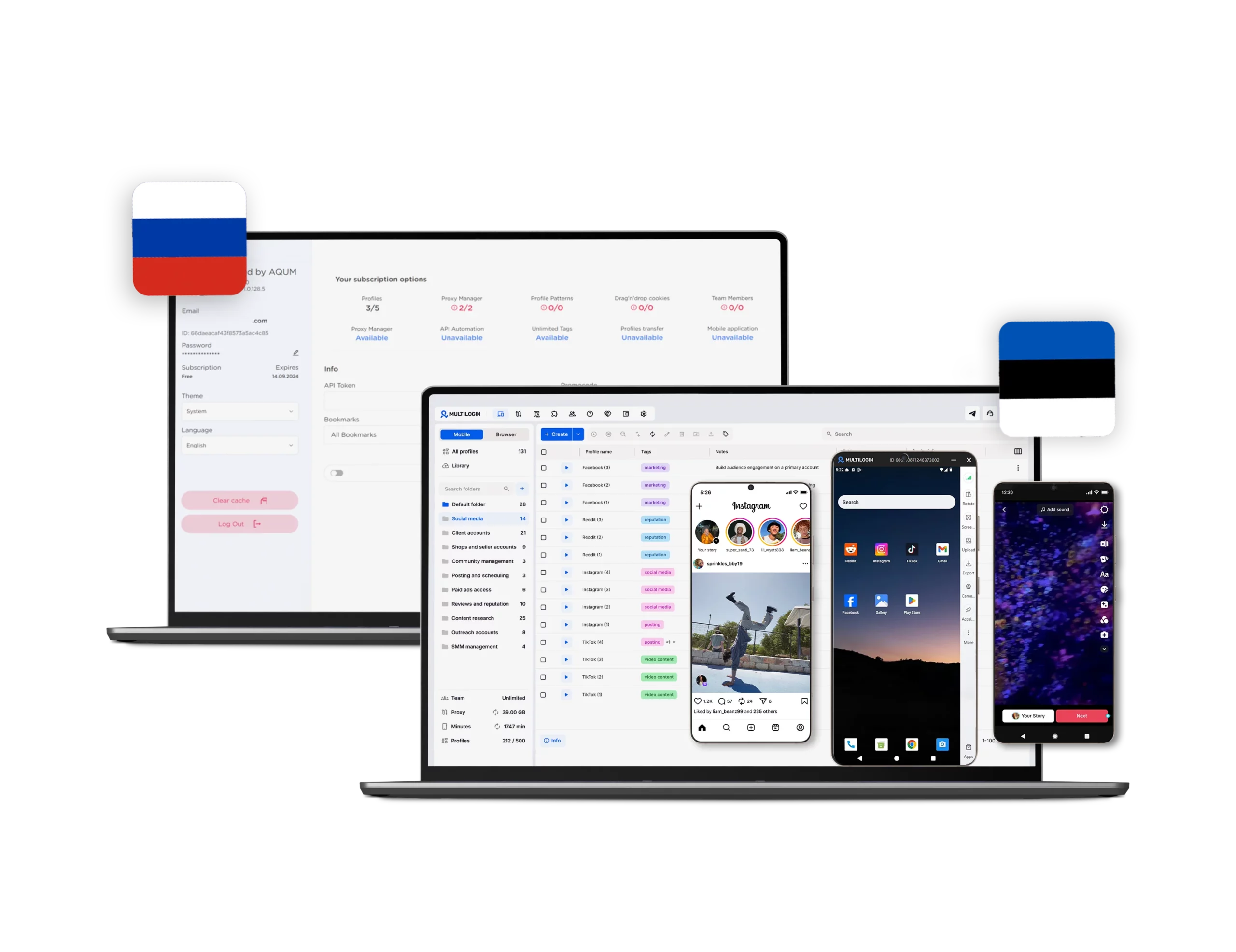




Switch to Multilogin now & get 50% off for your first month!

Multilogin vs. 0Detect (formerly AQUM) browser

*Attention: 50% discount is currently available for the Pro Plan

0Detect (ex AQUM) vs Multilgoin
Multilogin logo representing the Estonian-origin platform for advanced multi-account management and anonymity.
aqum browser logo
Cloud phones in Multilogin Icon

Cloud phones

Multilogin provides real cloud-based phones running Android 10–15 with authentic device identifiers like IMEI, Android ID, and MAC address.

Choose from real smartphone brands (Samsung, Oppo, and others), install apps via built-in marketplace or APK, and maintain persistent sessions for long-term mobile workflows. Built for TikTok, Instagram, and any mobile-first platform.

0Detect does not support Cloud Phones. The platform is a desktop Chromium-based browser only. For mobile account management, users need a separate tool.

0Detect has a mobile app, but it is only a remote dashboard for managing desktop profiles, not a cloud device.

Built-in proxies

Multilogin includes a built-in residential proxy system that simplifies setup and reduces account ban risk, offering access to 30M+ IPs in 150+ countries, 24-hour sticky sessions, bandwidth rollover, and IP quality filtering. It also supports easy integration with existing proxy solutions for added flexibility.

0detect (AQUM browser) supports proxy integration but relies on users to connect third-party services. Its free tier allows adding up to 2 proxies to favorites, with broader proxy use requiring a premium plan or manual setup. Unlike Multilogin’s built-in proxy network, 0Detect offers flexibility but demands more setup and added costs as you scale.

Icon representing browser fingerprinting technology and anti-detection features in the comparison.

Usability and user interface

One dashboard for browser profiles, proxies, and cloud phones — no switching between tools.

Multilogin runs on a stable desktop app with a beginner-friendly interface. No manual agent launchers, faster profile startup, and synced browser versions for managing large profile counts. Drag-and-drop UI, hotkeys, inline edits, and a live “Running Profiles” dashboard built for speed.

0Detect has a clean, functional interface, but onboarding is minimal — no explainer pop-ups or guided setup for new users.

Profile organization is limited: no folders, no drag-and-drop reordering, and bulk actions.

web automation

Web automation

Multilogin is built for high-load web automation, supporting Selenium, Puppeteer, and Playwright for tasks like scraping, account management, and form submissions with low detection risk. Its AI Quick Actions let users automate tasks like launching profiles or setting proxies using simple text prompts, while built-in tools handle CAPTCHAs and dynamic fingerprinting for smooth workflows.

AQUM browser (0detect) provides basic web automation focused on ease of use. It features Drag & Drop Cookies to quickly populate profiles with uploaded cookie files. Though 0Detect doesn’t support frameworks like Selenium or Puppeteer, its simple tools work well for standard multi-accounting tasks, appealing to users who prefer simplicity over advanced scripting.

Browser fingerprinting

Multilogin runs on the Mimic browser core (Chromium-based) with real device fingerprints. Tested daily on 50+ detection sites including Pixelscan, Iphey, BrowserLeaks, CreepJS. Canvas, WebGL, audio context, fonts, timezone, and geolocation auto-align with your proxy.

0Detect is built on the Aquarium core (Chromium-based) with real user-device canvas fingerprints. Passes Pixelscan, BrowserLeaks, CreepJS, Whoer on default settings. Frequency of updates is less transparent — no publicly documented update schedule.

Browser core & antidetect updates​

Browser flexibility

Multilogin gives you the Mimic browser core for web accounts plus real Android Cloud Phones for mobile apps, all managed from one dashboard. Runs on Windows, macOS, and Linux.

0Detect runs on a Chromium-based browser only, available for Windows and macOS. Linux is present in the UI but grayed out and unavailable. No mobile environment beyond the remote-control mobile app.

Teamwork

Teamwork

Multilogin makes collaboration simple and convenient, even for single users or small teams just starting with antidetect. It offers four clear roles with precise access controls, so you can safely share profiles without confusion. Features like profile sharing, session sync, and cloud storage keep teamwork smooth while staying secure.

0Detect includes team features only from the paid “Team” plan. You can invite users, share profiles, and assign roles, but permissions are less detailed than in Multilogin. Advanced options like bulk imports, cookie drag-and-drop, or API automation are locked behind higher tiers, making it less comfortable for beginners or small groups.

Desktop app

Multilogin has launched a stable Multilogin X app with a begginer-friendly interface. The layout is easy to use, even for new users. The app focuses on efficiency and lets users manage many profiles without interruptions.

0Detect does offer a desktop app, but it has limited fingerprinting capabilities, lacks native proxy integration, and has no automation or API features. Furthermore, it lacks collaboration tools, and updates are infrequent and opaque, compromising scalability and security.

Data privacy & security

Data privacy & security

Headquartered in Europe, Multilogin operates under full GDPR compliance, ensuring strict data privacy. If you cancel your subscription, all data, including browser profiles, is automatically deleted after three months. Passwords are securely hashed, and sensitive information is encrypted and safely stored, protecting it from both external threats and internal misuse.

0Detect, now rebranded as 0detect, offers limited publicly available information regarding its data privacy and storage practices. While it provides basic browser isolation features, there is no explicit mention of GDPR compliance or automated data deletion policies. Data may persist on local machines without encryption or clear expiration timelines, raising concerns about long-term data protection

Icon symbolizing customer support services, highlighting availability and assistance in the comparison.

Customer support

Multilogin offers 24/7 customer support in English, ensuring assistance is available whenever needed. Support is accessible via live chat, email, and a comprehensive help center filled with tutorials, API documentation, and troubleshooting guides. Additionally, Multilogin provides multilingual support in Russian, Chinese, Vietnamese, and Portuguese during respective business hours, catering to a global user base.

0Detect provides customer support through its official Telegram channel, offering a direct line for users to resolve issues. While this approach allows for quick responses, it may not match the structured support system of Multilogin.

Icon representing pricing or cost information, typically symbolized by a dollar sign or price tag.

Pricing

Multilogin starts at €1.99 for a 3-day trial (5 profiles, 200 MB proxies, 60 Cloud Phone minutes).

The Pro 10 plan is €9/month, or €5.85/month billed annually, with 10 profiles, 1 GB proxy traffic, and Cloud Phones included.

Every plan comes with browser profile management, cloud and local storage, and built-in residential proxies.

0Detect has a Free plan (1 profile, 1 proxy, first month free).

Paid tiers start at $5.59/month on Lite (5 profiles, 2 proxies, annual billing) and go up to $209.99/month on Professional (1,200 profiles). Starter-1 is $9.09/month, Personal $41.99/month, Team $111.99/month.

Proxies are not included in any plan, and there are no Cloud Phones.

What Multilogin offers that 0Detect browser doesn't

Cloud phones for mobile-first platforms

Real-time external IP change detection

Unlimited free team member accounts

24/7 customer support in 5 languages

Locally stored profiles

Profile warmup with pre-farmed cookies​​

Built-in Residential Proxies​​

Role-based access control

0Detect user or new to the game? Get 50% off your first month.

Explore Multilogin, a smarter alternative to AQUM Browser.

Multilogin vs. 0Detect browser recap chart

Find out why Multilogin is the preferred AQUM browser alternative

Multilogin logo representing the Estonian-origin platform for advanced multi-account management and anonymity. aqum browser logo
Chromium
Yes (Mimic)
Yes
Firefox
Yes (Stealthfox)
No
Cloud phone
Yes, real devices (Android 10–15)
No
Platform compatibility
macOS, Windows, Linux
Windows, macOS
Resource consumption
Requires 4GB RAM
Requires 2GB RAM
Desktop app
Yes
Yes
Security
High security
Standard security

Anti-fingerprinting technology

Advanced level
Standard level
Quick profile creation
Yes
Yes
Account password protection
Yes
Yes
Frequent updates
Frequent and detailed updates
Regular updates
Built-in proxies at no additional cost
Yes
No
Custom browser fingerprint generation
Yes
No
Account password protection
Yes
Yes
Knowledge center
Yes
Yes
Suits well for team management
Yes
No
Market Position
Beginner-friendly and scalable for businesses and teams of any size
Suited for solo marketers or basic anti-detect tasks
Trial
Yes
No
Support
24/7 Live Support, supports 5 languages
Telegram support only, in English and Russian

Award winning multiple account management platform

High Performer
Momentum leader
Best support
Momentum leader

How to use your Multilogin coupon for 50% off?

Step 1

Copy the promo code to enter it at checkout.

Promocode copied!
AQUMSWITCH
Step 2

Choose your plan and apply the copied promocode and get 50% off for your first month.

The 50% discount applies only to new users and is valid for monthly subscription plans.

Why people love Multilogin

Nino Latif

The best service for great ideas and big minds!
Always here for their clients, always ready to help out. I am using the service for 3-4-5 months now and brought me lots of great things 🙂 Hope to grow it on a larger scale and continue using the service ...
Nick H.

Nick Horvath

Marketing agency

Efficient Account Management and Outstanding Support with Multilogin
Multilogin has been an excellent tool for managing multiple accounts efficiently. The setup was quick, and I was able to start using it right away with no learning curve. The interface feels just like Chrome, making it easy to navigate and work without interruption. Performance has been smooth, and browsing feels natural and responsive.
Sagar Chandra R

Sagar C.

Social Media Marketing

Effortless Multi-Account Management with Multilogin
I use Multilogin to manage multiple social media accounts safely and efficiently. It keeps each account in a separate digital profile, preventing blocks and saving time. I love the account isolation and friendly interface, which makes managing multiple profiles fast, secure, and easy. The initial setup was straightforward and easy.
Hamza Arif

Hamza Arif

E-commerce Manager

Perfect browser for work, worth the money!
My overall experience with Multilogin has been excellent. I really like its intuitive dashboard, reliable customer support, and competitive pricing. It has become an essential part of my e-commerce business, and I highly recommend it to anyone looking for a dependable solution.

Nino L.

Marketing Agent, Small-Business

Started using Multilogin in August/September 2021. Been using it for a couple of years now and I am very satisfied overall. They are always looking and finding ways to improve their app and make it easier...
Nathan Green

Nathan Green

Digital Marketing Specialist

Great Tool with Even Better Support
I've been using Multilogin for a while now, and I’m genuinely impressed with both the product and the support behind it. Their customer support is outstanding — always quick to respond, super helpful, and ready to assist with any issues or questions you have. You really feel like you're being taken care of.

George M.

Co-Founder, Small-Business

Quite Likely The Best Privacy Browser Out There!

There are quite a few things I like about Multilogin. My favorite, most definitively, is the teams feature allowing you to easily share specific browser profiles with different team members...

See more comparisons

Adspower logo featured on the Multilogin comparison page, representing the browser's branding and identity.

Compare with

Compare with

Compare with

Incogniton logo displayed on the Multilogin comparison page, linking to its detailed comparison with Multilogin.

Compare with

OctoBrowser logo displayed on the Multilogin comparison page, representing the browser's brand in the comparison with Multilogin.

Compare with

Linken Sphere логотип

Compare with

Compare with

Showcasing the Kameleo logo, representing the antidetect browser for multi-account management and online privacy.

Compare with

DICloak logo, representing the antidetect browser for multi-account management and online privacy.

Compare with

MoreLogin logo displayed on the Multilogin comparison page, representing the browser's brand in the comparison with Multilogin.

Compare with

Compare with

Undetectable logo displayed on the Multilogin comparison page, representing the browser's brand in the comparison with Multilogin.

Compare with

The official logo of NST Browser, showcased in a detailed comparison with Multilogin and VMLogin for antidetect browser features.

Compare with

Ghostbrowser logo, representing the brand in the antidetect browser comparison.

Compare with

VMLogin logo, representing the antidetect browser solution, featured in a comparison with Multilogin.

Compare with

Hidemyacc logo

Watch the Multilogin Demo

Learn how Multilogin can boost your business. Check the video below to see its full capabilities in a short demo video.

0Detect (formerly AQUM) fingerprinting: basic customization, no deep masking

0Detect lets you tweak Canvas, WebGL, AudioContext, and timezone — enough for entry-level multi-accounting. But it lacks the deeper fingerprint protection Multilogin’s Mimic browser provides: noise injection, font control, and proxy-aligned timezones tested daily on 50+ detection sites. For scalable, high-stakes operations, that extra stealth matters.

0Detect proxy setup: manual configuration, no built-in options

0Detect supports external proxy integration but includes no built-in residential or mobile traffic. Users must source third-party proxies, configure them manually, and handle rotation. That adds time, complexity, and cost as accounts grow.

Multilogin includes built-in residential proxies — 30M+ IPs across 150+ countries — with sticky sessions up to 24 hours. No third-party setup required. Proxy management is seamless, scalable, and ready from day one.

Profile isolation in 0Detect

0Detect supports multiple profiles but stores them locally without encryption or cloud sync. Session leaks and cross-contamination become real risks as you scale.

Multilogin offers full isolation with AES-encrypted storage, local and cloud, keeping each profile separate, secure, and consistent across devices.

Automation: 0Detect has no native tools

0Detect does not officially support Selenium, Puppeteer, or Playwright. No documented API, no native integration. Scripts have to be hacked together manually, and large-scale automation is error-prone.

Multilogin is built for automation. Native support for Selenium, Puppeteer, Playwright, and Postman, plus a REST API up to 100 RPM. Scripted profile creation, account workflows, and Cloud Phone control all work out of the box.

Team collaboration: 0Detect has no built-in features

0Detect stores profiles locally with no cloud sync and minimal permission controls. Teams share profiles through manual export and import, which is clunky and risky as the operation grows.

Multilogin is designed for team workflows from day one. Invite teammates, assign role-based permissions, and share profiles instantly. Cloud sync keeps sessions current, and activity logs give full visibility. Whether you manage assistants, remote workers, or a full agency, Multilogin keeps teamwork organized and safe to scale.

Mobile workflows: 0Detect has no Cloud Phones

0Detect is a desktop-only browser. Its mobile app is just a remote dashboard, not a cloud device. For TikTok, Instagram, or any mobile-first social media account, 0Detect simply does not apply.

Multilogin includes real Android Cloud Phones (versions 10–15) in every plan, with genuine hardware IDs (IMEI, Android ID, MAC), real SIM, network, and GPS. Install native apps from the built-in store or upload APKs. Billed from €0.009/min with rollover on unused minutes.

0Detect security: no transparency on data handling

0Detect does not publicly document its encryption standards, data handling, or GDPR compliance. For users managing client accounts, that lack of clarity raises real concerns about long-term privacy and legal exposure.

Multilogin publishes its security practices: AES-256 encryption, hashed passwords, 2FA, and full GDPR compliance. Profiles are encrypted before leaving your machine.

0Detect updates: no transparency or schedule

0Detect does not publicly share its update cycle, changelogs, or core maintenance details. Users are left guessing when the browser is refreshed, which is a serious risk as detection systems evolve fast.

Multilogin updates every 2–4 weeks, synced with Chromium upstream, with fingerprint logic tested daily on 50+ sites. Regular updates mean fewer surprises and more reliable account performance.

0Detect pricing: affordable start, limited scope

0Detect has a Free plan (1 profile, 1 proxy, first month free). Paid tiers start at $5.59/mo on Lite (5 profiles, annual billing) and go up to $209.99/mo on Professional (1,200 profiles). No Cloud Phones, no built-in proxy traffic at any tier, and external proxy costs add up fast.

Multilogin starts at €1.99 for a 3-day trial (5 profiles, 200 MB proxy traffic, 60 Cloud Phone minutes included). Pro 10 is €5.85/mo billed annually, with Cloud Phones and built-in proxies in every plan.

Conclusion

0Detect (formerly AQUM browser) covers basic multi-accounting for solo users but lacks Cloud Phones, built-in proxies, native automation, cloud sync, and transparent security documentation. It requires more manual setup and does not scale well.

Multilogin delivers deeper fingerprint protection, seamless proxy integration, cloud-based profiles, real Android Cloud Phones, and full automation support — all with clear pricing, regular updates, and 24/7 support in 5 languages. For professionals and teams, Multilogin is the smarter, more scalable choice.

FAQ

No. 0Detect is a desktop-only Chromium browser. It has no Android cloud device, no native mobile app support. Multilogin provides real Android Cloud Phones in every plan.
Only the web versions. 0Detect has no native mobile app environment. Multilogin Cloud Phones run native apps — install from built-in store or APK.

From €0.009/min, billed per minute. Every Pro plan includes a monthly allowance (60–450 minutes). Unused minutes roll over.

0Detect mobile app is a remote dashboard to manage your desktop profiles from phone. Multilogin Cloud Phones are actual Android devices in the cloud running native mobile apps.
Thank you! We’ve received your request.
Please check your email for the results.
We’re checking this platform.
Please fill your email to see the result.

Multilogin works with amazon.com