It usually starts with one Venmo account, then another for a side project or client. At first, switching feels harmless. Then one account gets reviewed, and the rest feel at risk. That’s when people start asking can you have multiple Venmo accounts, or if Venmo is already linking them behind the scenes.
- Venmo connects accounts through the browser, not just emails
- Logging out doesn’t reset device or browser signals
- Once one account is flagged, others can follow quickly
If warnings or limits have already started, the fix isn’t better switching. It’s separation. Multilogin antidetect browser lets each Venmo account run in its own browser profile, so signals don’t overlap and problems stay contained instead of spreading.
Can you have multiple Venmo accounts
Short answer: Venmo allows one personal account per person, and a separate business profile if you qualify for it. That’s the official rule. In practice, enforcement is stricter than most people expect, and many users get flagged not because they meant to break rules, but because accounts start overlapping.
This is where confusion comes from. People open a second account for a side project, a client, or shared expenses. It feels reasonable. Different email, different purpose. But Venmo doesn’t only look at account labels. It looks at how accounts are accessed. When multiple logins come from the same browser or device, accounts get linked. Reviews follow. Sometimes freezes happen without a clear explanation.
If an account gets restricted, the worst move is to keep switching and hoping it passes. That usually spreads the problem. The safer move is to stop overlapping access, separate how accounts are managed, and make sure each account lives in its own environment going forward. That’s how you prevent one review from turning into a full shutdown.
Why Venmo flags multiple accounts
Venmo doesn’t flag accounts because you did something obvious wrong. It flags them because patterns repeat. When activity looks connected, the system assumes the accounts are connected. That’s usually enough to trigger a review.
Device and browser signals
Same browser, same device means linked activity. Logging out only changes the account, not the environment behind it. The browser keeps the same fingerprints, storage, and behavior, so Venmo still sees the same user coming back under a different name.
Phone numbers, emails, and identity overlap
Changing emails alone doesn’t separate accounts. Small overlaps matter more than people realize. Reused phone numbers, similar identity details, or repeated access patterns can be enough to raise questions. When those signals line up, Venmo takes a closer look.
Behavioral patterns Venmo watches
Venmo also watches how accounts are used. Fast switching between accounts, logging in and out several times a day, or repeating the same actions across profiles looks unnatural. The system expects one person, one account. When behavior breaks that pattern, flags appear.
Venmo’s goal isn’t to punish users. It’s to reduce risk. Understanding what triggers reviews helps you avoid spreading a problem instead of reacting after accounts are already restricted.
What happens when Venmo links your accounts
When Venmo connects your accounts, it rarely shuts everything down at once. It usually starts with a review. Payments slow down. Transfers get delayed. You might still see your balance, but you can’t move it. That’s when the stress kicks in.
Temporary freezes are common. An account that worked yesterday suddenly can’t send or receive money. Support asks for verification, and responses take time. If funds are sitting there, you’re stuck waiting.
The bigger problem is spread. Once one account is flagged, Venmo often checks others that look related. Even accounts that were working fine can get limited next. If you keep switching between them during this phase, the risk grows. The safest move is to stop overlapping access and separate accounts properly before a review turns into a longer lock.
Why using one browser for multiple Venmo accounts fails
One browser means one fingerprint. Every time you log in, Venmo sees the same device signals, even if the account name changes. To the system, it looks like the same person moving between profiles. That’s where the trouble starts.
Incognito mode doesn’t fix this. Clearing cookies doesn’t either. Those actions remove surface data, not the browser identity underneath. The same screen, graphics, fonts, and behavior keep showing up, so the connection stays obvious.
Repeated logins make it worse. Switching back and forth between accounts in a short time window draws attention fast. Each login reinforces the link. If an account gets reviewed and you keep accessing others from the same browser, you’re inviting the problem to spread. The safer move is to stop switching and separate access before Venmo finishes connecting the dots.
Why antidetect browsers work for managing multiple Venmo accounts
Venmo restrictions usually appear when multiple accounts start looking connected. Antidetect browsers prevent that by separating how each account is accessed. Instead of switching between logins in one browser, every account runs in its own environment. Venmo sees normal, single-user behavior instead of repeated patterns.
Multilogin applies this separation consistently, so accounts don’t inherit risk from each other. Browser signals stay stable, access stays predictable, and reviews stop spreading across accounts. That’s what makes long-term management possible instead of constantly reacting to limits.
What changes when accounts are properly isolated:
- One account never “sees” another through shared browser signals
- Reviews stay contained instead of affecting multiple balances
- Daily logins stop looking repetitive or rushed
- Access feels steady, not fragile
To support this setup, Multilogin also includes built-in premium residential proxy traffic at no extra cost. Network and browser signals stay aligned by default, without needing external providers or extra setup. When both layers work together, Venmo has no clear reason to link accounts — and that’s when restrictions stop being a constant threat.
How to manage multiple Venmo accounts without getting flagged with Multilogin
If Venmo keeps linking your accounts, the fix isn’t switching more carefully. It’s changing the structure. One account needs one browser environment, with signals that stay consistent and don’t bleed into others. That’s how patterns stop forming.
Multilogin works because it replaces switching with separation. Each Venmo account runs in its own isolated browser profile, built with 55+ fingerprinting parameters that define how the browser looks and behaves. These fingerprints don’t rotate randomly. They stay stable over time, which is exactly what Venmo expects from a real user.
Isolated browser profiles
Each Venmo account lives inside its own profile. Cookies, fingerprints, local storage, and session data are fully separated. Nothing is shared. If one account gets reviewed, others aren’t automatically pulled in just because they were opened on the same device.
Multilogin’s cookie robot and pre-farmed cookies help profiles start with history instead of looking brand new. That reduces early suspicion and avoids the “fresh browser” signals that often trigger reviews.
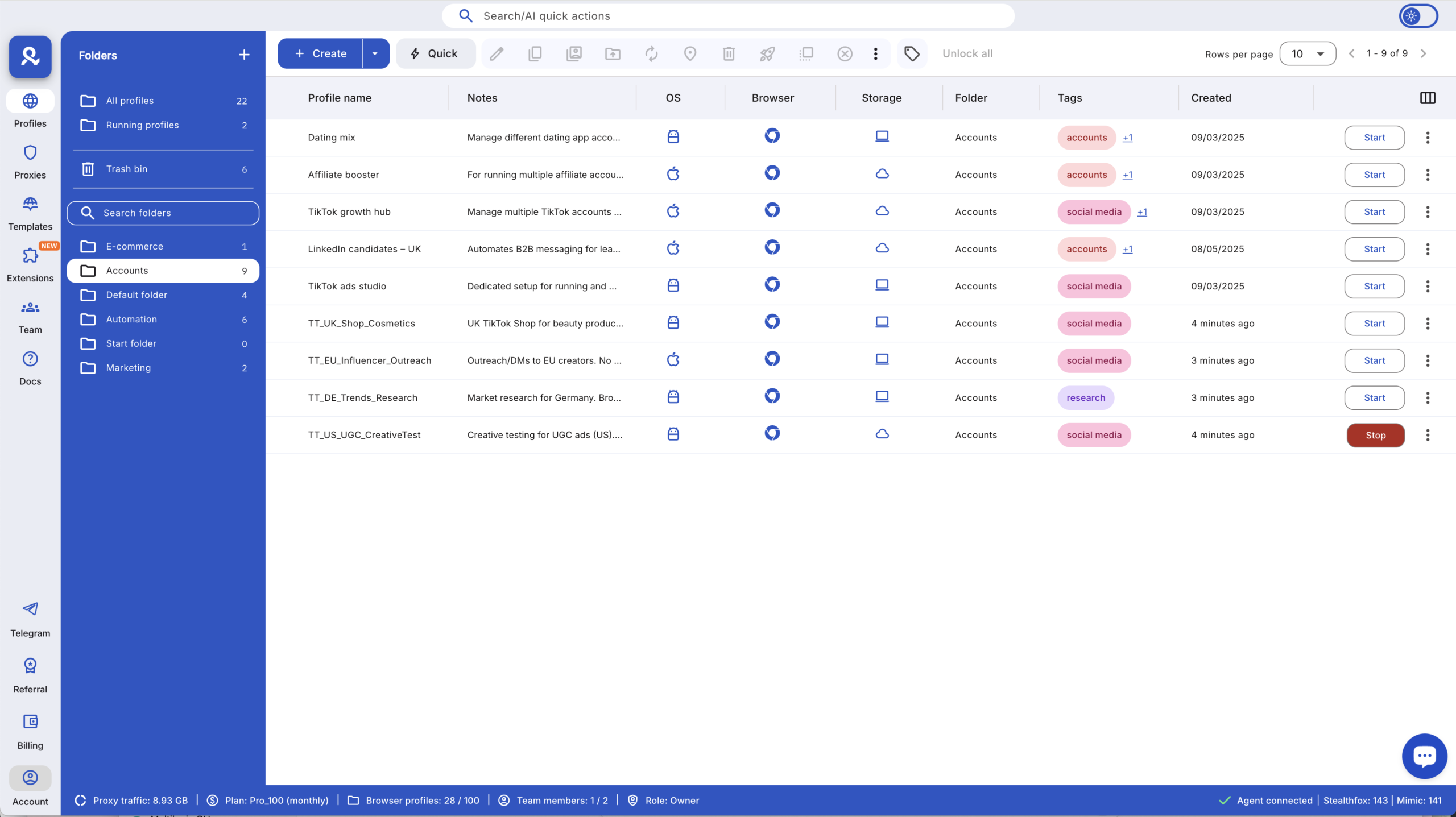
Stable browser fingerprints
Venmo looks for consistency. Multilogin keeps browser signals steady across logins using its fingerprint engine, rather than constantly changing values that raise flags. Each account behaves like one real person using one real device, not a setup trying to hide.

Built-in proxy support
Browser protection breaks if the network doesn’t match. Multilogin aligns browser fingerprints with built-in proxy support so location and device signals make sense together. You’re not stitching tools together or guessing if something conflicts. Everything runs as one system.
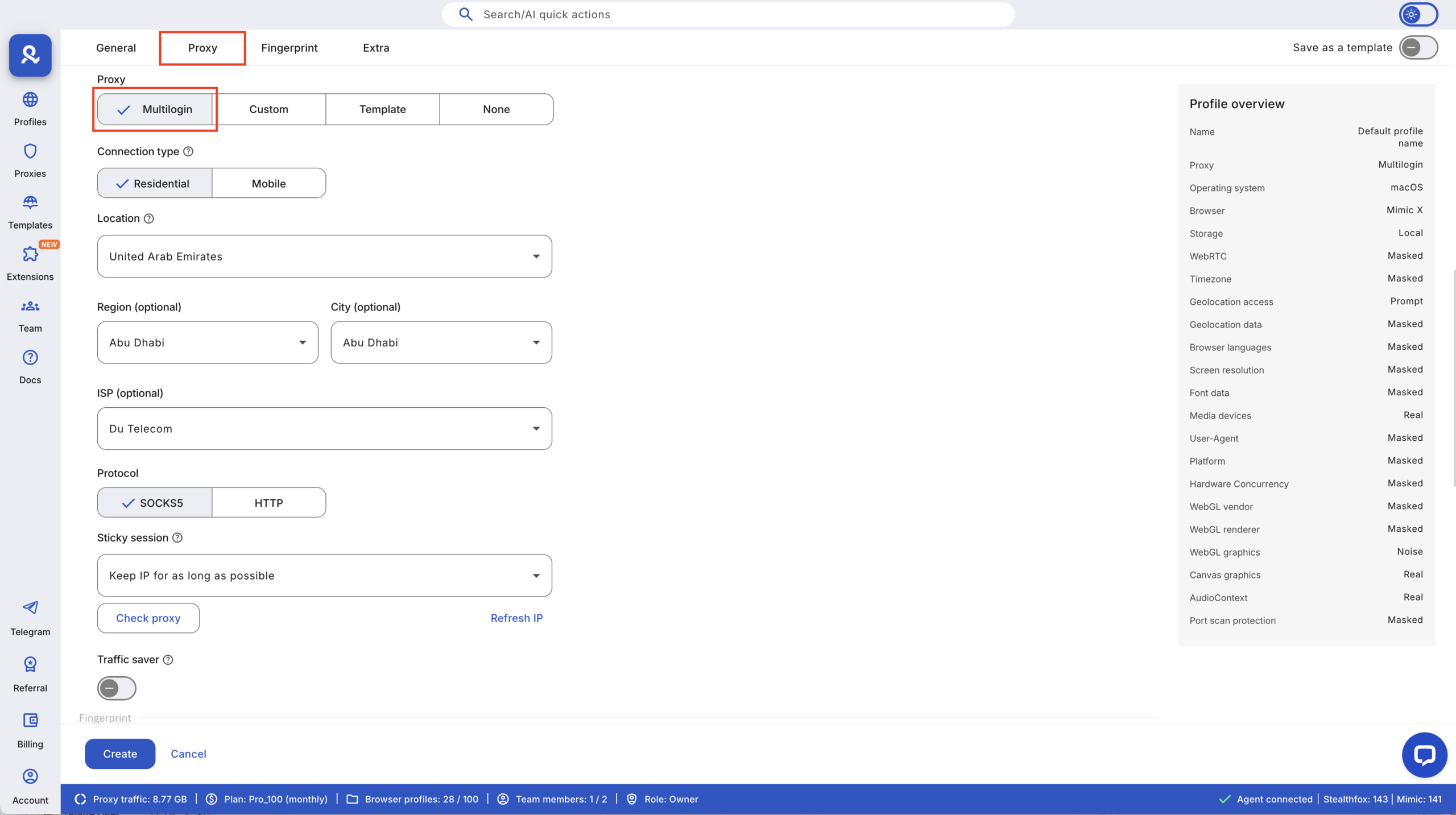
Multilogin X app (desktop)
Managing multiple Venmo accounts becomes easier when profiles launch cleanly and consistently. The Multilogin X desktop app runs profiles through a built-in launcher, so sessions start faster and stay stable during daily use. You’re not reconnecting agents or reloading environments — each profile opens exactly as it was last used.
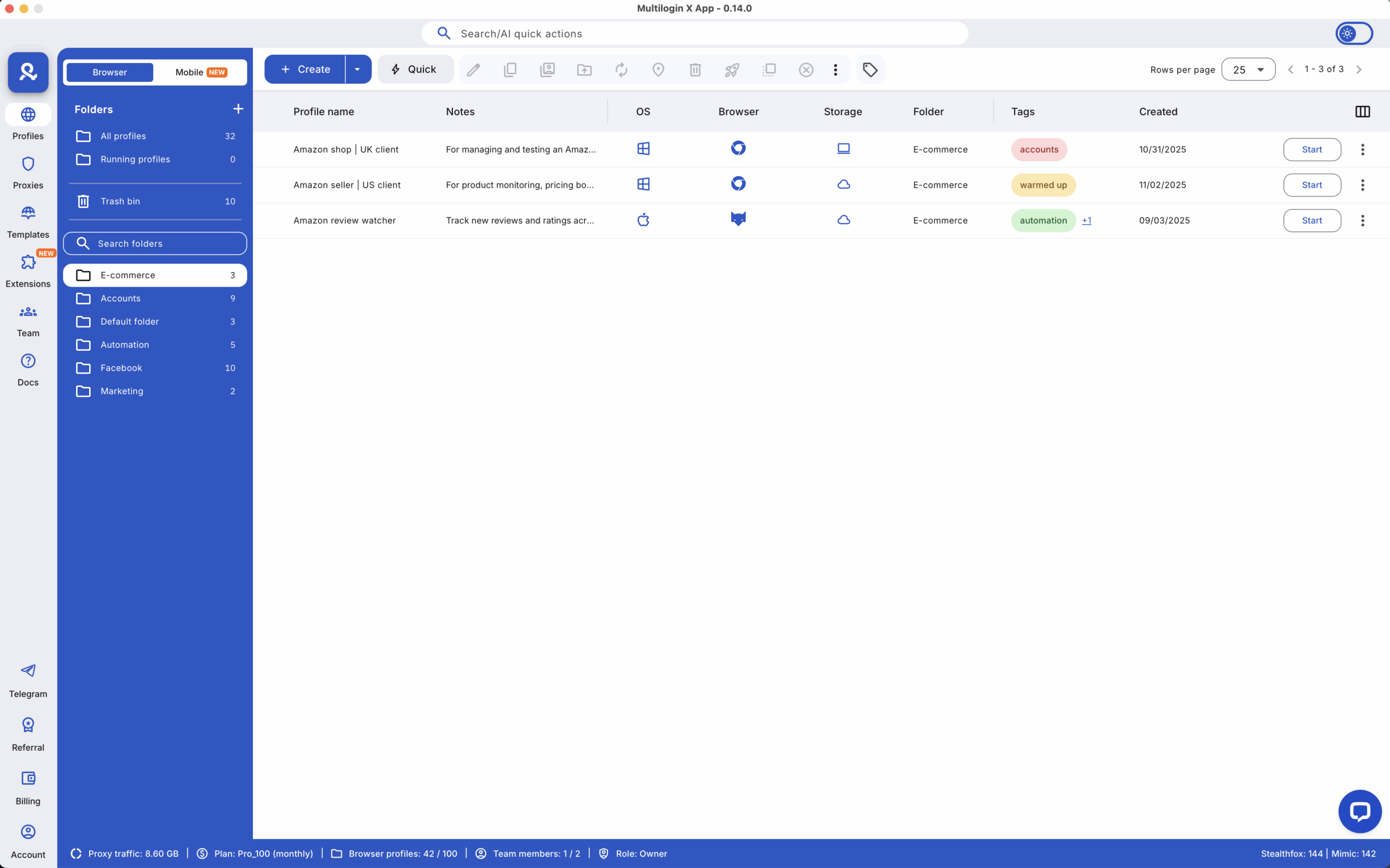
This setup doesn’t try to outsmart Venmo. It removes the overlap that causes problems in the first place. When accounts are isolated, fingerprints stay stable, and access is consistent, managing multiple Venmo accounts becomes predictable instead of stressful.